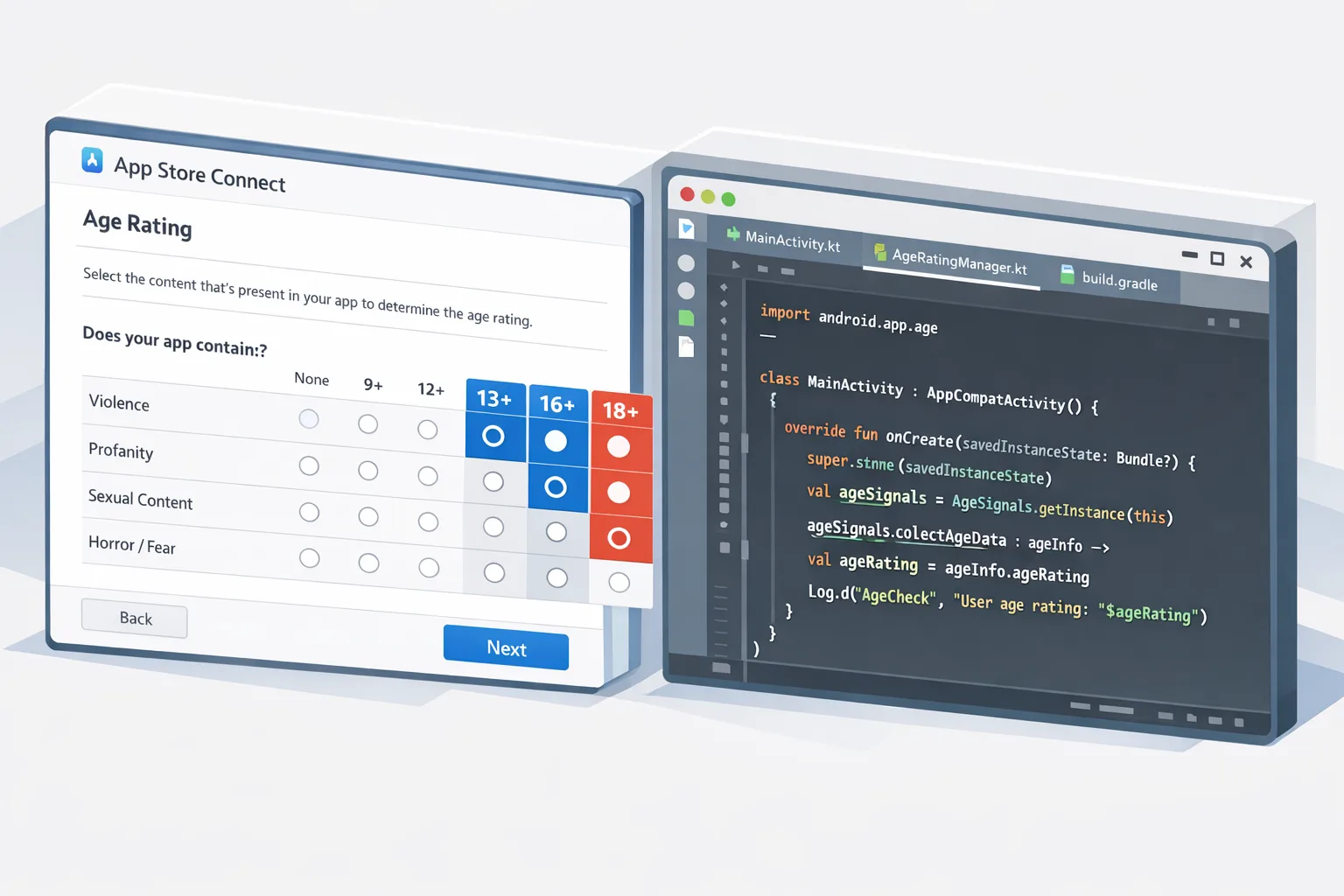
App Store Age Rating Update: 2026 Shipping Guide
Apple’s App Store age rating update is live with a hard date: you must complete the new age rating questions in App Store Connect by January 31, 2026, or your updates will be blocked until you do. The revision adds more granular tiers and syncs to OS releases across the Apple platforms. Meanwhile on Android, Google’s Play Age Signals API starts to shape how you build age-appropriate experiences. Let’s cut the noise and ship what matters this month. (developer.apple.com)
What exactly changed on Apple’s side?
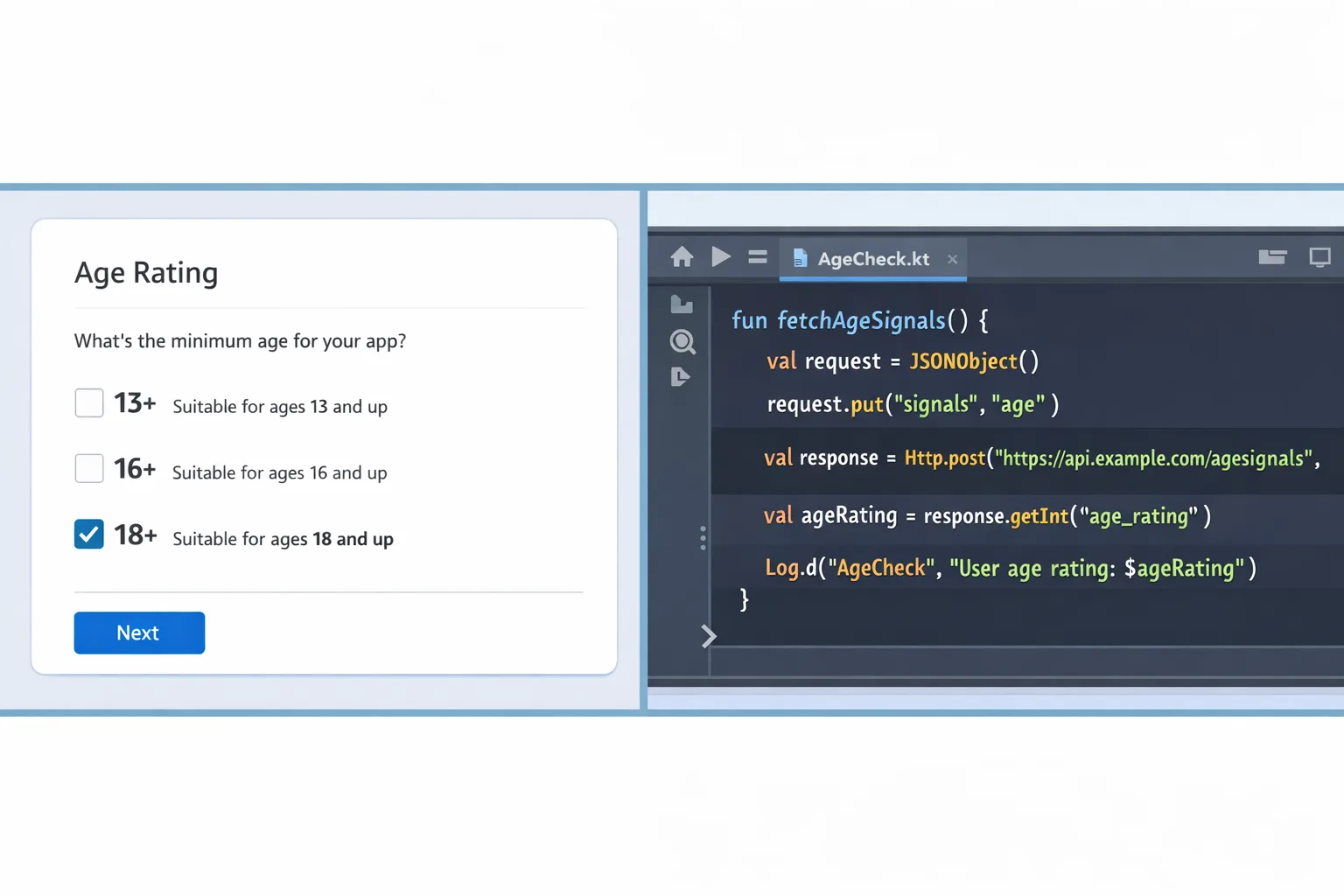
Two big shifts: a more detailed rating ladder and a mandatory questionnaire refresh. Apple added 13+, 16+, and 18+ tiers (removing 12+ and 17+). All existing apps were auto-mapped to the new system, and developers must answer updated questions covering in‑app controls, capabilities, medical/wellness content, and violent themes. If you don’t respond by January 31, 2026, App Store Connect will block new updates until you do. (macrumors.com)
These ratings already surface in current betas and roll to the public with the 2026 OS family (iOS 26, iPadOS 26, macOS Tahoe 26, tvOS 26, visionOS 26, and watchOS 26). The deadline and OS mapping are spelled out on Apple’s official “Upcoming Requirements” page. Add a calendar reminder; this one’s enforced. (developer.apple.com)
Why this matters beyond a checkbox
Ratings aren’t cosmetic. They gate discoverability and parental approvals, and they influence whether your app appears in curated surfaces for child or teen accounts. Apple’s broader child-safety push also includes developer-facing guidance and APIs that align your UX with declared age ranges. If your rating bumps up, expect fewer impressions in kid-facing discovery tabs and more friction at request-to-download time. (techcrunch.com)
How does Android fit in? The Play Age Signals angle
On Android, the Play Age Signals API (currently labeled beta) returns a user’s status and an age range to help you tailor experiences. Defaults are 0–12, 13–15, 16–17, and 18+, with regional variations. Integration requires a lightweight client library, works on Android 6.0+, and supports custom age ranges you define once a year in Play Console. Treat these as signals—not absolutes—and design fallbacks when status is unknown. (developer.android.com)
One policy nuance: starting January 1, 2026, Google says you may only use Age Signals data to provide age‑appropriate experiences in the app that receives that data. Don’t pipe it to other properties or your CDP as audience enrichment; keep it scoped. Audit your analytics routes accordingly. (developer.android.com)
Primary keyword in focus: App Store age rating update
Here’s the thing: the App Store age rating update isn’t just an Apple paperwork sprint; it’s your opportunity to align iOS and Android into a single, defendable policy. Treat App Store Connect’s new tiers and Play’s age ranges as two views of the same compliance fabric. Build a shared layer in your app and backend that reads the runtime environment, applies age rules, and logs decisions for audits.
People also ask: Do I have to change my app if it’s already 4+?
Probably not functionally—but you still need to answer the new questions so Apple can recalculate under the updated system. If your app features user-generated content, social graphs, or ads, revisit your disclosures. App updates can be halted until you complete the questionnaire, so don’t assume “no change” equals “no work.” (developer.apple.com)
People also ask: What happens if I miss January 31?
Nothing explodes, but App Store Connect blocks new submissions until you complete the form. If your team ships weekly, that’s a real cost. You also risk mismatches with Family Sharing and teen accounts if your rating sits in limbo while your app’s features evolve. (developer.apple.com)
Designing one policy that works across Apple and Google
Unify your “age policy adapter” with three responsibilities: runtime evaluation, UI enforcement, and server-side recordkeeping. On iOS, rely on the declared App Store rating and your own parental controls, not on collecting birthdays. On Android, call Play Age Signals when available and degrade gracefully when it returns UNKNOWN or null.
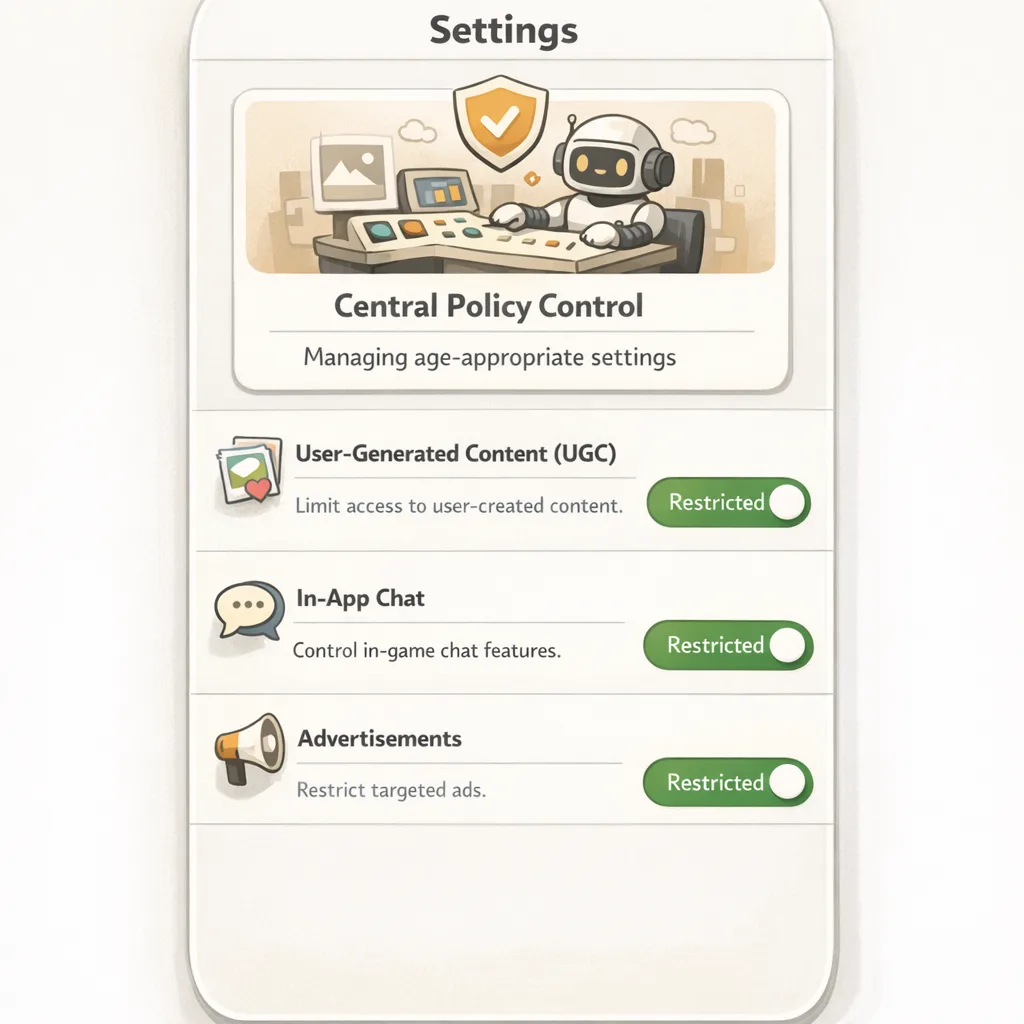
Keep your content flags (UGC on/off, chat enabled, personalized ads allowed, peer-to-peer payments visible, etc.) behind a single feature matrix keyed by age range buckets. When Apple’s rating is 13+ and Google reports 13–15, that maps cleanly to your “teen” configuration. Avoid hard-coding either platform’s labels in product logic.
The compliance sprint checklist (copy/paste to your tracker)
Apple: App Store Connect
- Open App Information → Ratings and answer all new questions for each app bundle ID. Confirm your regional variants if applicable. (developer.apple.com)
- Re-check marketing copy, screenshots, and in-app parental controls referenced in your answers.
- Run a TestFlight build where features behind age gates (e.g., UGC posting, chat, creator tools) are disabled for younger ranges.
- Document your internal interpretation of Apple’s definitions—product, legal, and support should be aligned.
Google Play: Age Signals API
- Add dependency
com.google.android.play:age-signals:0.0.2and integrateAgeSignalsManagerwith structured error handling. (developer.android.com) - Consider providing custom age ranges in Play Console (up to three minimum ages, changeable once per year). (developer.android.com)
- Scope usage: ensure analytics and logging don’t export age signals beyond the receiving app. Update your privacy policy accordingly. (developer.android.com)
- Implement a “no signal” path that defaults to the safest feature set until the user’s status is resolved.
Shared
- Centralize age gating in a single service/module. Add feature flags to flip experiences without a rebuild.
- Write user-facing copy that explains why a feature is unavailable and how to request parental approval (without dark patterns).
- Log decisions with timestamp, platform, app version, and rule ID for audits.
About those Google Play external links and deadlines
If you serve U.S. users and link to an external site for digital offers or off‑Play downloads, Google has formalized programs—External Content Links and expanded Alternative Billing—with a U.S. compliance date of January 28, 2026. If you intend to keep linking out or presenting a non‑Play payment option, you must enroll and integrate the required APIs and UX. Build now; it’s not just a policy toggle. (support.google.com)
Google has also signaled a fee framework tied to Play-originated links: think per‑install fees for external downloads attributed within 24 hours and commissions on external purchases (numbers currently floated: $2.85 per app install, $3.65 per game install; 20% for most purchases, 10% for subscriptions). A court hearing on January 22, 2026, could determine what sticks. Model with these numbers, but keep pricing behind flags until final. (theverge.com)
If you’re mapping strategy here, we’ve broken down the engineering and financial tradeoffs in our deep dives on the engineering plan for Google Play external links and the fees, flows, and ROI scenarios. For near-term execution, see our what to ship by January 28 brief.
Implementation blueprint: shipping in one sprint
Week 1: Answer, wire, test
On Apple, finish the questionnaire across all SKUs and SKU variants. Create a QA matrix of age tiers × critical features. On Android, integrate Age Signals behind an interface (AgePolicyProvider) and stub a fake provider for unit tests. Wire UI states: “feature hidden,” “ask a parent,” and “learn more.”
Week 2: Harden and measure
Add telemetry on every age decision including policy version and platform. For Android, add Play Integrity checks around your Age Signals calls to reduce spoofing. For iOS, ensure that content moderation toggles honor your declared rating (e.g., UGC visibility) and that your support team has macros ready for “Why can’t I post?” tickets. (developer.android.com)
Week 3: Localize and document
Localize age-related copy with plain language. Update your privacy policy to reflect age-signal handling. Add a runbook for escalations (e.g., false positives, supervised accounts stuck pending approval, or rating disputes).
Edge cases and gotchas we’ve seen
Supervised accounts in flux: Play may report SUPERVISED_APPROVAL_PENDING while a parent reviews a “significant change” (for example, enabling chat). Your app should freeze the riskier feature and provide a clear status message. Google’s docs describe a 2–8 week update window when a supervised user ages into a new range; don’t assume real-time precision. (developer.android.com)
Unknown status: Age Signals can return UNKNOWN or null; that doesn’t prove adulthood. Default to your safest configuration and offer a path to verify in Play without collecting birthdays yourself. (developer.android.com)
Regional nuance: Age ranges and enforcement differ by jurisdiction. Keep your rules data-driven so legal can tune ranges without a rebuild. Apple ratings can vary by region as well; avoid assuming a single global mapping. (9to5mac.com)
How to explain this to your CFO
Two numbers matter this quarter: the cost of delaying releases if you miss January 31 and the potential fees attached to U.S. external links if you monetize off‑Play. The first is deterministic (you’ll be blocked until you file). The second is probabilistic but real enough to model. Keep a short deck updated weekly through January: what’s shipped, what’s gated by policy, and which revenue lines are exposed if the fee schedule lands. (developer.apple.com)
What to do next (developers and product leads)
- Finish the App Store Connect questionnaire this week; treat it like a P0 dependency for all February releases. (developer.apple.com)
- Ship a minimal Age Signals integration on Android with safe defaults and strong logging; revisit UX polish later. (developer.android.com)
- For any app linking out in the U.S., enroll in Google’s programs and build the required flows now so you’re not sprinting against a court calendar. (support.google.com)
- Run a tabletop exercise with legal and support: “A parent contacts us about blocked features—what do we see in logs, and what do we say?”
- Document your data handling for age signals and update privacy copy. If you need a partner, see what we do for mobile compliance engineering and reach out via contacts.
Zooming out
Platforms are converging on the same principle: build experiences appropriate for the person holding the device without surveilling their birthdate. Apple pushes clarity via ratings and policy; Google offers runtime signals plus strict scoping. The path forward is the same on both sides—codify your policy, make enforcement a first‑class feature, and keep the release train moving.
If you want deep dives and migration playbooks, our blog has you covered: start with the ship the App Store age rating update by January 31 explainer, pair it with the Play Age Signals API ship guide, and keep an eye on our Google Play external links series as U.S. terms finalize. Or, if you’d rather focus on product while we sweat the details, talk to us about a two‑week compliance sprint.






Comments
Be the first to comment.