
Xcode 26 Requirement: Your April 28 Game Plan
The Xcode 26 requirement is now official: beginning April 28, 2026, new builds uploaded to App Store Connect must be compiled with Xcode 26 or later using the iOS/iPadOS 26, tvOS 26, watchOS 26, or visionOS 26 SDKs. This is a build-time mandate, not a forced drop of older OS support—but it will touch your tooling, QA, and submission workflow. If you plan releases around that week, treat this as a hard gate, not a soft nudge. (developer.apple.com)
What the Xcode 26 requirement actually means
Starting April 28, 2026, App Store Connect will accept only builds produced with Xcode 26+ and the 26-series SDKs. You can still set your deployment target to older OS versions—this is common practice to maintain wide install bases—yet your binaries must be built against the new SDK. Expect App Store Connect to warn on older SDKs in the run-up, and to enforce the cutoff on the date. Plan your change window accordingly. (developer.apple.com)
Practically, it means:
- Update your local and CI Xcode to 26.x and ensure the matching command line tools are selected.
- Rebuild with the 26 SDKs and address any new build settings, deprecations, or permission prompt changes.
- Re-run your full release checklist: unit/integration/UI tests, TestFlight distribution, and store metadata prep.
Timeline you can trust (with dates)
Here are the anchor dates that should drive your cutover plan:
- February 3, 2026: App Store Connect began accepting apps built with Xcode 26.3 Release Candidate using the 26.2 SDKs for the App Store and TestFlight. That’s your green light to switch pipelines now rather than waiting for the stable IDE tag. (developer.apple.com)
- January 31, 2026: App Store age ratings were automatically updated to align with Apple’s new system. If you haven’t reviewed the updated questions, do it before your next submission window. (developer.apple.com)
- December 15, 2025: App Store Connect added app mappings for OS data transfer, enabling cross‑platform data migration (when set up on both Apple and Google sides). If cross‑platform growth is on your roadmap, integrate this while you’re already touching release operations. (developer.apple.com)
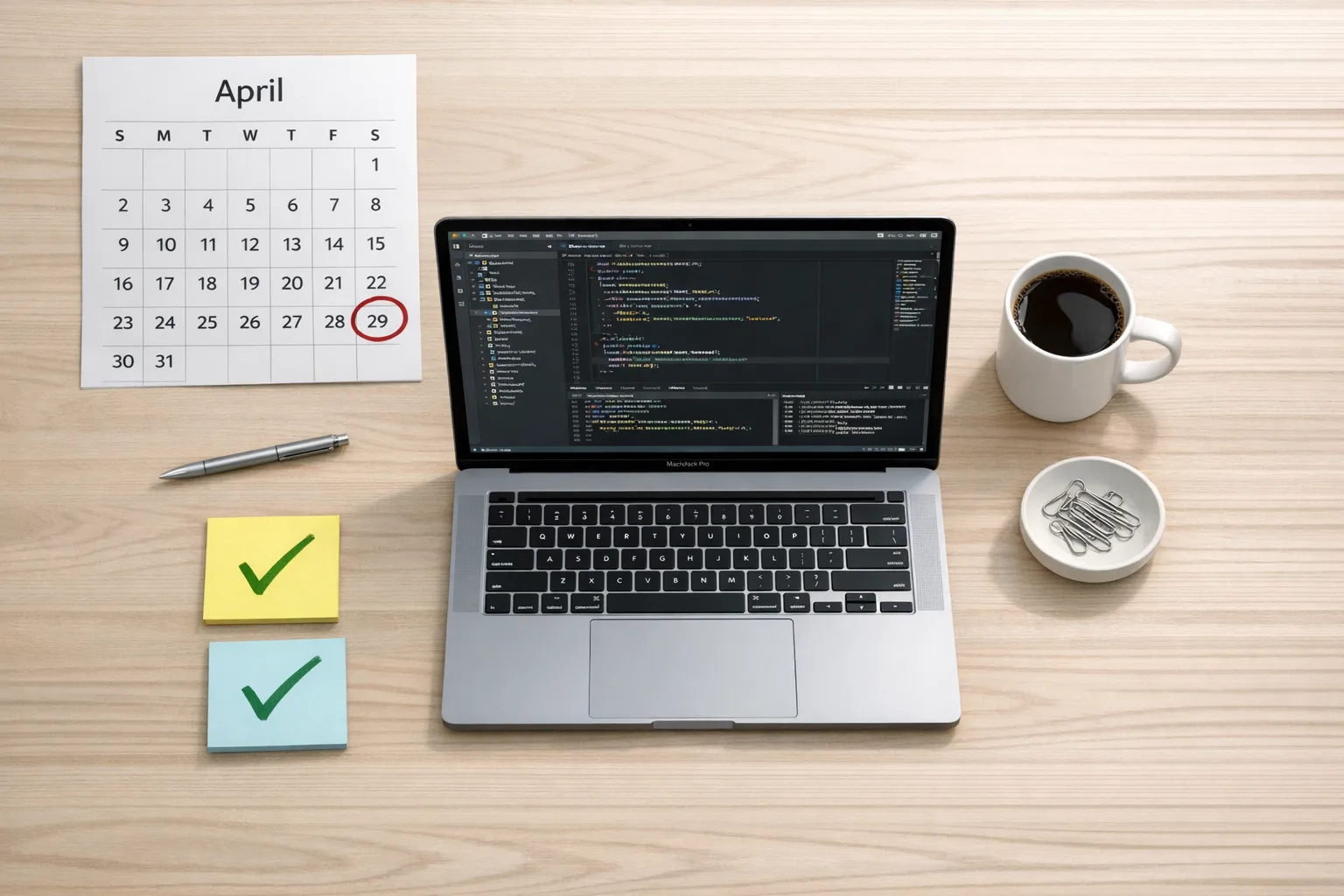
- April 28, 2026: Enforcement begins. Builds must be Xcode 26+ with 26-series SDKs to pass submission. Put it on the team’s shared calendar and your CI change log. (developer.apple.com)
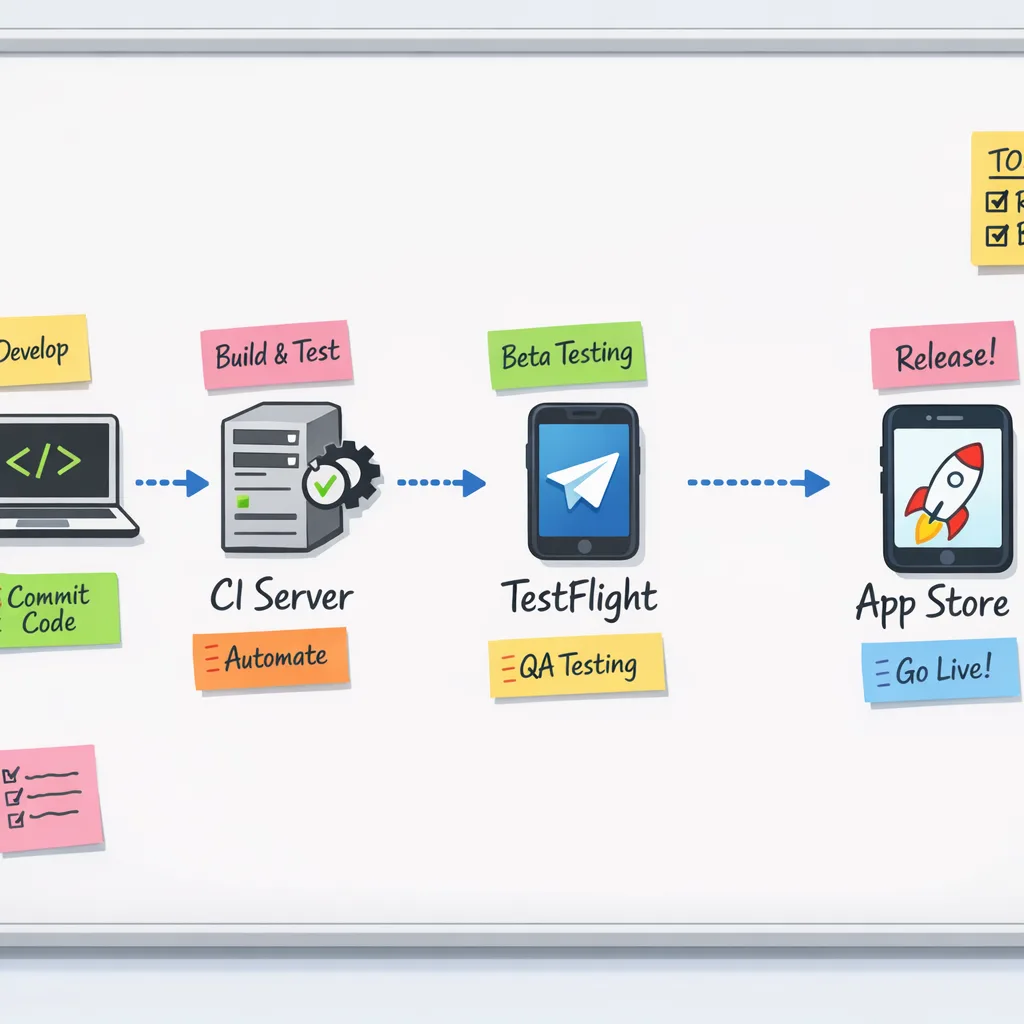
Use these milestones to stage work: move CI first, then internal TestFlight, then external testing, then store submissions. The earlier you convert, the milder the last-week surprises.
People Also Ask: Do I have to drop older iOS versions?
No. You can keep broad deployment targets while building with the latest SDK. The requirement is about the build toolchain (Xcode 26 and 26-series SDKs), not the minimum OS your app supports. You’ll still want to regression-test older devices because SDK defaults sometimes surface behavior shifts in layout, push auth flows, or background task timing.
A battle-tested migration checklist
Here’s the pragmatic punch list we use with client teams when a toolchain cutoff is looming:
1) Lock a code freeze window and a rollback plan
Pick a 24–48 hour window this month to switch your default Xcode on CI and local dev machines. Document a rollback command (for example, xcode-select back to the previous path) and keep a cache of the prior runner image for a week in case signing or simulator issues surface.
2) Standardize the Xcode 26 toolchain
On CI, pin the exact Xcode version (e.g., 26.3 RC now, stable later). Confirm matching Command Line Tools. Reinstall simulators you actually test against and prune old ones to avoid path confusion. For self-hosted runners, validate Spotlight indexing on the new Xcode.app before the first build to reduce strange cache misses.
3) Refresh signing and capabilities
Re-download provisioning profiles after the Xcode switch. Validate push and background modes still compile cleanly. If you use new capabilities added post‑26.0, ensure they’re whitelisted in your entitlements and that associated services are configured in the Apple Developer account.
4) Update third‑party dependencies
Run a full dependency audit: CocoaPods, Swift Package Manager, and any binary frameworks. Prioritize libraries that interact with networking, camera, Bluetooth, notifications, or WebKit—they’re the most likely to encounter SDK‑level behavioral changes. Archive a bill of materials for reproducibility.
5) Address build setting drift
Open your project in Xcode 26 and review “Update to recommended settings.” Don’t blindly accept everything—note any changes to warning levels, Swift language version, and linker flags. Run a clean build locally and on CI, compare warnings, and set any new critical warnings to fail the build.
6) Tighten crash- and perf‑guardrails
Turn on high‑signal runtime checks in debug builds (Main Thread Checker, Address Sanitizer where feasible). For release candidates, ensure your crash reporter is initialized as early as legally and technically possible in app launch so you can see SDK‑related regressions immediately after TestFlight rolls out.
7) Reverify privacy prompts and review items
New SDKs can tweak default permission copy or timings. Re‑exercise camera, microphone, photo library, location, Bluetooth, and notification consent flows. Align your What’s New and screenshots with any UX changes. While you’re here, review your age rating answers given Apple’s January 31 update. (developer.apple.com)
8) Exercise TestFlight at scale
Ship one internal and one external TestFlight build under Xcode 26.x. Stagger rollouts to cohorts across device classes and OS versions, then mine analytics and crash reports by device family. Don’t compress this step into a weekend—it’s your early warning system.
9) Ship a “compatibility hotfix” branch
Keep a small, focused branch that contains only the toolchain migration, dependency bumps, and minimal patches you’d be comfortable submitting alone. If a feature branch runs long, you can still meet the April 28 cutoff without dragging every in‑progress change across the line.
10) Document the new baseline
Once stable, update your README, onboarding scripts, Fastlane lanes, and CI images to make Xcode 26.x the project’s ground truth. Create a short internal postmortem of anything that surprised you so the next cutoff goes even smoother.
CI/CD pitfalls (and how to avoid them)
Most last‑minute blockers happen in the pipeline, not the code. Three common traps:
- Image drift: Your runners point to Xcode 26, but the Command Line Tools still reference the previous version. Fix with explicit
xcode-selectand verify withxcodebuild -versionin logs. - Old simulators: UITests targeting stale runtimes stall or crash. Pin supported runtimes and purge the rest. Keep the smallest set that represents your device matrix.
- Network allowlists: If your runners sit behind strict egress rules, double‑check any updated IP ranges or domains used by Apple services and your artifact storage. If you depend on Xcode Cloud, review any networking changes in your environment before cutover; see our guidance on keeping cloud CI green during infra updates. Update IP allowlists when cloud CI ranges change.
If you’d rather not wrangle this yourself, our team has standardized migration playbooks for mobile orgs with weekly or daily releases. See how we approach release engineering in our delivery model and explore relevant client stories in the portfolio.
What about Android? Plan the handoff too
Cross‑platform teams should make one more checklist item: Android 17 Beta (API level 37) removes the opt‑out for orientation, aspect ratio, and resizability restrictions on large screens (sw ≥ 600dp). When you target SDK 37, those manifest and runtime restrictions are ignored on tablets, foldables, and desktop windowing. Large‑screen UX debt that was hidden behind manifest flags will surface. (android-developers.googleblog.com)
Why include this here? Because Apple’s April deadline often triggers parallel Android work. Coordinate big‑screen test plans, navigation refactors, and window‑size class audits while you’re already running a full regression cycle for iOS. It’s cheaper to batch the pain than to revisit the matrix two weeks later.
People Also Ask: Will Apple reject me if I submit with Xcode 25 in March?
No immediate rejection—yet. In the lead‑up to enforcement dates, Apple typically accepts older SDKs while issuing warnings. The actual cutoff arrives on April 28, 2026, after which submissions must be built with Xcode 26 and the 26‑series SDKs. Don’t count on grace; finish your cutover early. (developer.apple.com)
Risk ledger: where teams still get bitten
Even veteran shops trip over the same edges:
- Out‑of‑date marketing assets: New device frames or UI tweaked by the SDK make screenshots look inconsistent. Schedule a mini sprint with design to refresh core visuals.
- Analytics/consent drift: Prompt timing and copy changes can skew funnel metrics. Flag your dashboards for expected step‑changes after the migration build goes live.
- Background work timing: Subtle runtime scheduling shifts can starve background uploads or refreshes. Add extra logging and watchdog alerts for these jobs in your first 72 hours post‑release.
- Enterprise profiles and internal apps: Your MDM or enterprise distribution also needs fresh profiles and renewed certificates post‑Xcode change.
The Xcode 26 requirement: how to message it internally
Executives and PMs don’t want a toolchain lecture; they need a date, a risk summary, and confidence you’ll hit it. Use this one‑slide script:
- Date: “Apple enforces Xcode 26 builds starting April 28.” (developer.apple.com)
- Status: “Our CI is on 26.3 RC; TestFlight builds are live to pilot cohorts.” (developer.apple.com)
- Risk: “Dependencies updated; we’re watching push, background tasks, and large‑screen layouts.”
- Decision needed: “Approve a 48‑hour code freeze during the cutover window.”
A lightweight framework for safe cutover
When stakes are high and time is short, I lean on a simple 4‑P framework:
1) People
Assign a cutover lead, a CI owner, and a rollback owner. In fast‑moving teams, roles blur; putting names on each function prevents “someone else had it.”
2) Pipelines
Version‑pin Xcode, simulators, Fastlane, and runners. Add a toolchain‑only lane in Fastlane that archives a small sample app so you can validate the environment without waiting on your full codebase.
3) Product
Define a minimal verification matrix: devices, OS versions, and features that must pass before you flip external TestFlight on. Write it down and time‑box it.
4) Policy
Confirm your age rating answers and any regional policy changes that might affect your app type. The compliance friction of a last‑minute policy mismatch is real—and fully avoidable. (developer.apple.com)
People Also Ask: Can I wait for the non‑RC Xcode 26.3?
You could, but there’s no operational reason to. App Store Connect already accepts Xcode 26.3 RC builds with the 26.2 SDKs for both the store and TestFlight. Early adoption spreads the risk over weeks instead of hours. (developer.apple.com)
What to do next (this week)
- Switch CI to Xcode 26.3 RC; cut a build and verify store uploads and TestFlight distribution. (developer.apple.com)
- Audit and update dependencies; re‑run sample flows for privacy prompts, push, and background tasks.
- Publish an internal schedule with your freeze, go/no‑go, and rollback plans.
- Review age rating responses ahead of your next submission and flag any required marketing asset updates. (developer.apple.com)
- If you have Android parity goals, schedule large‑screen tests in light of Android 17’s SDK 37 changes. (android-developers.googleblog.com)
If you want a partner who lives and breathes these transitions, we’re here. Explore our approach on the services page, skim recent shipping guidance in the blog, and tap our contact form to book a quick migration audit. For deeper App Store Connect operational tips tied to this cycle, see our field notes: the ship‑ready playbook and the 10‑week plan.
Final thought
The Xcode 26 requirement isn’t dramatic—unless you treat it like a Friday surprise. Flip your pipelines now, get one clean external TestFlight out the door, and you’ll glide through April 28 while others are wrestling the submission portal. That confidence compounds into faster features, calmer launches, and better sleep for your on‑call engineer.






Comments
Be the first to comment.