
Xcode 26 Requirement: Your April 28 Survival Guide
On April 28, 2026, Apple will enforce the Xcode 26 requirement for App Store uploads. That means any new app or update you submit to App Store Connect must be built with Xcode 26 (or later) using the iOS 26 SDK—and the 26-line SDKs for iPadOS, tvOS, visionOS, and watchOS. Miss the date, and your upload pipeline stops at the gate. If your roadmap includes spring features, bug fixes, or a seasonal promotion, the clock is already ticking.

What exactly changes on April 28, 2026?
Apple’s submission backend will begin declining binaries that aren’t built with Xcode 26+ and the corresponding platform SDKs. Practically, this affects new uploads to App Store Connect and, by extension, your ability to push updates on your regular release train. Existing live versions won’t be pulled; they’ll keep serving customers. But any hotfix or feature after April 28 must compile against the 26 SDK stack.
There’s more to watch operationally. Apple updated age ratings at scale on January 31, 2026, and teams that didn’t answer the new questions in App Store Connect found submissions blocked until those responses were completed. Combine that administrative gate with the Xcode 26 cutoff, and it’s easy to lose a sprint or two if you’re not ready.
The Xcode 26 requirement checklist
Here’s a fast, no-drama checklist you can use to baseline your project today. Assign an owner for each item and track to closure.
- Workstation and builder OS: Verify every developer Mac and CI runner meets Xcode 26’s minimum macOS version. Pin an image (or AMI) so your fleet is consistent.
- Toolchain alignment: Confirm your Swift toolchain and language mode settings. Xcode 26 ships newer compilers; mismatched per-target Swift settings can create brittle builds.
- Third-party dependencies: Update SwiftPM and CocoaPods dependencies to versions explicitly tested on iOS 26 SDK. Audit closed-source SDKs (ads, analytics, payments) for Xcode 26 support notes.
- Build settings hygiene: Remove deprecated flags, obsolete post-build scripts, and legacy Bitcode-era settings still lingering in pbxproj files.
- Entitlements and signing: Regenerate provisioning profiles where needed; ensure signing certificates and keychain access work on clean CI nodes.
- Privacy manifests and API reasons: Double-check your privacy manifest and “required reasons” declarations for sensitive APIs. Missing or outdated justifications will block uploads even if the build compiles.
- Test matrix: Expand your device matrix to include at least one iPhone, iPad, Apple Watch, Apple TV, and visionOS Simulator run with the 26 SDK to catch entitlement and UI contract changes.
- Release management: Validate App Store Connect settings—age rating responses, availability dates, phased release toggles, pre-order flags—so approvals don’t stall at the final click.
Need a fuller playbook to sanity-check App Store Connect settings? We’ve documented high-friction edges in our ship-ready walkthrough: App Store Connect update guide.
Let’s get practical: a 10-week cutover plan
Since the cutoff is April 28, most teams have roughly ten weeks to land the migration, stabilize, and ship. Use this template and adapt the calendar to your sprint cadence.
Phase 1: Baseline and unblock (Weeks 1–2)
• Lock the macOS and Xcode versions for dev and CI. Archive both locally and on your build farm.
• Run an initial compile on Xcode 26 and collect errors and warnings across targets and schemes.
• Update privacy manifests and required API reasons where the tooling flags them.
• Get dependency owners to upgrade or replace SDKs with missing iOS 26 support notes.
Phase 2: Green builds and core flows (Weeks 3–4)
• Aim for 100% green local and CI builds with unit tests passing on the 26 SDK.
• Execute manual smoke tests for sign-in, purchase flows, notifications, deep links, camera/mic permissions, and background modes.
• For apps with watchOS/tvOS/visionOS companions, make sure their targets build and install cleanly with modern entitlements.
Phase 3: Full regression and performance (Weeks 5–6)
• Run a full regression on a device matrix that mirrors your production audience: small and Pro iPhones, at least one current iPad, one Apple TV, a watch with current watchOS, and a visionOS Simulator route.
• Profile cold start, frame pacing around scroll-heavy screens, and memory spikes after media or camera sessions. Fix any regressions introduced by SDK changes or dependency updates.
Phase 4: Store-readiness and operational rehearsals (Weeks 7–8)
• Complete App Store metadata updates and confirm age rating responses are present under the new system.
• Dry-run an internal TestFlight submission on Xcode 26.
• Verify review notes, sign-in test accounts, and in-app purchase testability.
• If you depend on IP-allowlisted CI, revisit your allowlist—cloud vendors (including Apple’s own services) occasionally rotate ranges. See our quick audit pointers in this note on Xcode Cloud IP ranges.
Phase 5: Final cutover and buffer (Weeks 9–10)
• Ship the last non-critical update built on the old toolchain before the cutoff (if absolutely needed), then freeze legacy builds.
• Land the primary Xcode 26 release with a short, controlled phased rollout.
• Keep a 48–72 hour buffer ahead of April 28 for a hotfix built and submitted on Xcode 26.
If you prefer a calendar-first version of this plan, we’ve outlined a scenario-based schedule here: 10‑week ship plan.
Where teams stumble (and how to sidestep it)
Here’s the thing: the “compile on Xcode 26” part tends to go smoothly; the time sinks are usually adjacent.
• Stale macOS images on CI: Your local Mac is fine, but runners use an older macOS that can’t install the latest Xcode. Pin and verify images upfront.
• Private SDKs lagging Xcode support: Ads, A/B testing, or payments frameworks sometimes publish Xcode-compatibility notes weeks after Apple’s enforcement dates. Maintain a mitigation plan: alternate provider, feature flag, or a temporary code path.
• Privacy manifest drift: A single undeclared API reason can hard-stop your upload. Treat this like a compile error—block the merge until it’s resolved.
• App Store Connect toggles: It’s surprisingly easy to “approve” a build that never goes live because the release is set to manual or the app is unrated under the new system. Do a preflight checklist in the portal alongside your technical release checklist.
Do you need to rebuild every binary dependency?
Dynamic and static frameworks that ship only headers and a compiled binary may technically link when you move your app target to the 26 SDK, but you’re taking on risk. If the framework author hasn’t validated on the new SDK or updated privacy manifests, you can hit runtime issues or upload rejections. Whenever you control the source, rebuild under Xcode 26; where you don’t, pressure vendors for a supported build or swap them out.
QA strategy that actually catches SDK-26 bugs
Modern Apple platforms aggressively enforce entitlement and privacy rules at runtime. That’s why your test matrix matters as much as code coverage. Add tests that explicitly exercise:
• Permission prompts and denial paths for camera, microphone, photos, contacts, calendars, local network, and Bluetooth.
• Background fetch, push notifications (including provisional), and critical-alert flows if you use them.
• Purchase flows including offer codes and restores. Apple has been iterating StoreKit behaviors and developer tooling—make sure your offer logic still matches your marketing plan.

People also ask
Will Apple remove my app if I miss the date?
No. Existing live versions remain available. The enforcement blocks new uploads and submissions starting April 28, 2026. Your ability to ship updates and hotfixes is what’s at stake.
Does the rule apply to all platforms equally?
Apple’s stated enforcement covers uploads built with Xcode 26 for iOS, iPadOS, tvOS, visionOS, and watchOS. Mac App Store policies may track separately. Always verify current language in App Store Connect before you cut a release.
What about TestFlight?
While TestFlight and App Store pipelines both run through App Store Connect, treat the April 28 shift as applicable to any distribution path that requires an upload. Run a TestFlight dress rehearsal on Xcode 26 to confirm you’re unblocked.
Can we stick with our current Swift version?
Usually, yes—so long as your project compiles under Xcode 26. But teams often discover that language mode differences or stricter checks produce warnings that should be fixed. Avoid suppressing warnings wholesale; they tend to become tomorrow’s hard errors.
Migration playbook by role
For engineering managers
• Publish a two-page migration plan: scope, owners, dates, exit criteria.
• Add “Xcode 26 build green on CI” as a merge gate for main.
• Reserve capacity for dependency churn—budget time to replace a lagging SDK.
• Track two risks weekly: privacy manifest status and App Store Connect admin readiness.
For iOS leads
• Create a one-time script to normalize per-target Swift settings and enable strict module checking.
• Run Instruments on critical screens to catch regressions introduced by compiler or SDK behavior changes.
• Verify entitlements for background modes, CarPlay, and HealthKit after upgrading.
For release managers
• Audit App Store Connect: age rating responses present, release type set correctly (automatic vs manual), correct phased release configuration, and country availability unchanged.
• Lock a calendar buffer the week before April 28 for emergency submissions built with Xcode 26.
Operational guardrails that save releases
• Golden runner image: Bake an immutable CI image with the approved macOS and Xcode 26.x build, plus your dependency caches. Rebuild it only via change control.
• Upload canary: Ship a harmless internal build weekly through the full path (archive → notarize if needed → upload → submit) to surface portal changes early.
• Dual-track hotfix: Keep a hotfix branch that compiles cleanly on Xcode 26 so you can cut an emergency submission without re-merging feature branches.
Data points and dates worth taping to your monitor
• April 28, 2026: Enforcement begins for Xcode 26 and the 26 SDKs on new uploads to App Store Connect.
• January 31, 2026: Apple completed a broad age-rating update across the store; unanswered rating questions in App Store Connect can block submissions.
• If you’re using offer codes in promos, note Apple’s continuing changes to StoreKit promo mechanics and timelines—review your marketing plan so it lines up with current App Store Connect behavior.
What to do next
1) Today: Install Xcode 26 on at least one developer Mac and your staging CI. Archive a first build and list all compile-time blockers.
2) This week: Update privacy manifests, required API reasons, and third-party SDKs. Green your unit tests on the 26 SDK.
3) Next week: Run a TestFlight rehearsal fully on Xcode 26. Make sure the build moves through App Store Connect with no age-rating or metadata blockers.
4) This quarter: Ship your first 26-based update with a short phased rollout, and keep a time buffer ahead of April 28 for one contingency submission.
If you’d like help turning this into a concrete project plan, our team ships mobile releases on tight, high-stakes timelines. See how we work on our delivery approach, browse recent outcomes in the portfolio, and use our April 28 ship plan as a companion to this guide.
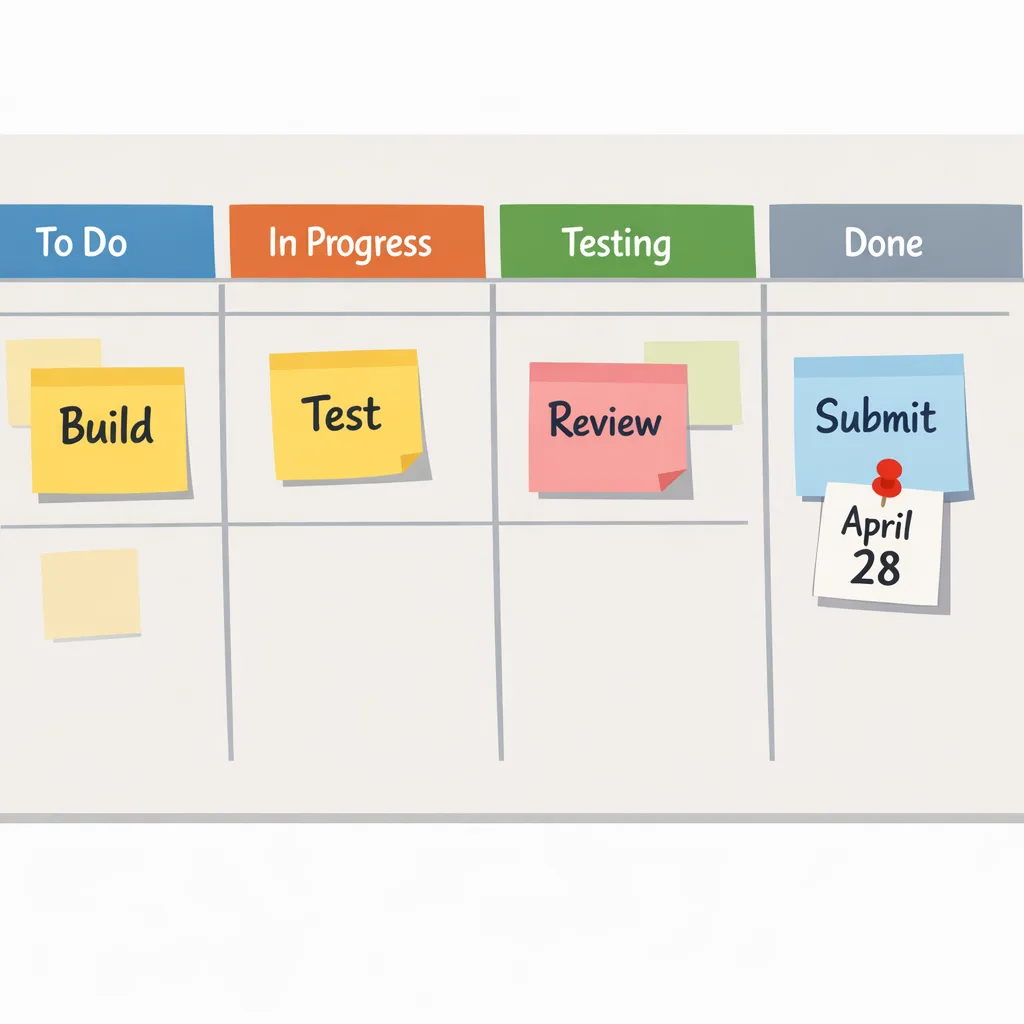
Zooming out
Apple’s enforcement cadence is predictable: tighten privacy and platform rules, then require the latest SDK to push the ecosystem forward. That’s good for users and, long-term, for developers. But in the short term, shipping smoothly is about discipline—pin your environment, fix the small warnings, practice the portal flow, and keep a buffer. Do that, and April 28 becomes just another clean handoff on your release train.





Comments
Be the first to comment.