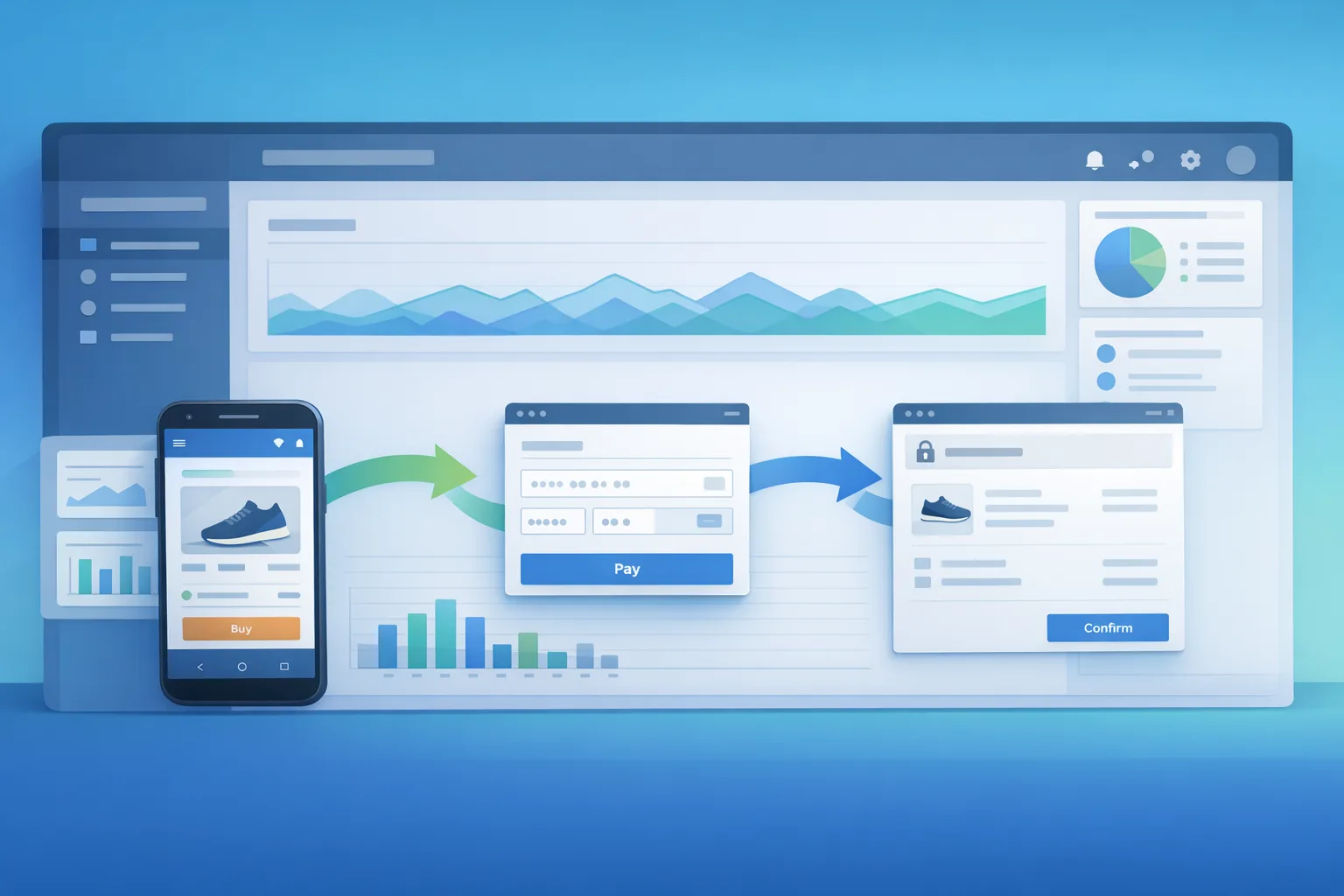
Google Play External Links: The Engineering Plan
Google Play external links just moved from “maybe” to “must‑ship.” If you plan to direct U.S. users from your Play‑distributed app to a web purchase flow or an out‑of‑Play app download, you need to enroll and integrate the right APIs by January 28, 2026. The catch isn’t policy text—it’s engineering: Play Billing Library updates, information screens, a new token handoff, and server‑side reporting that will be audited. If you treat this as a copy tweak, you’ll miss the deadline. Treat it as a feature with a clear owner, scope, and roll‑out plan. (support.google.com)
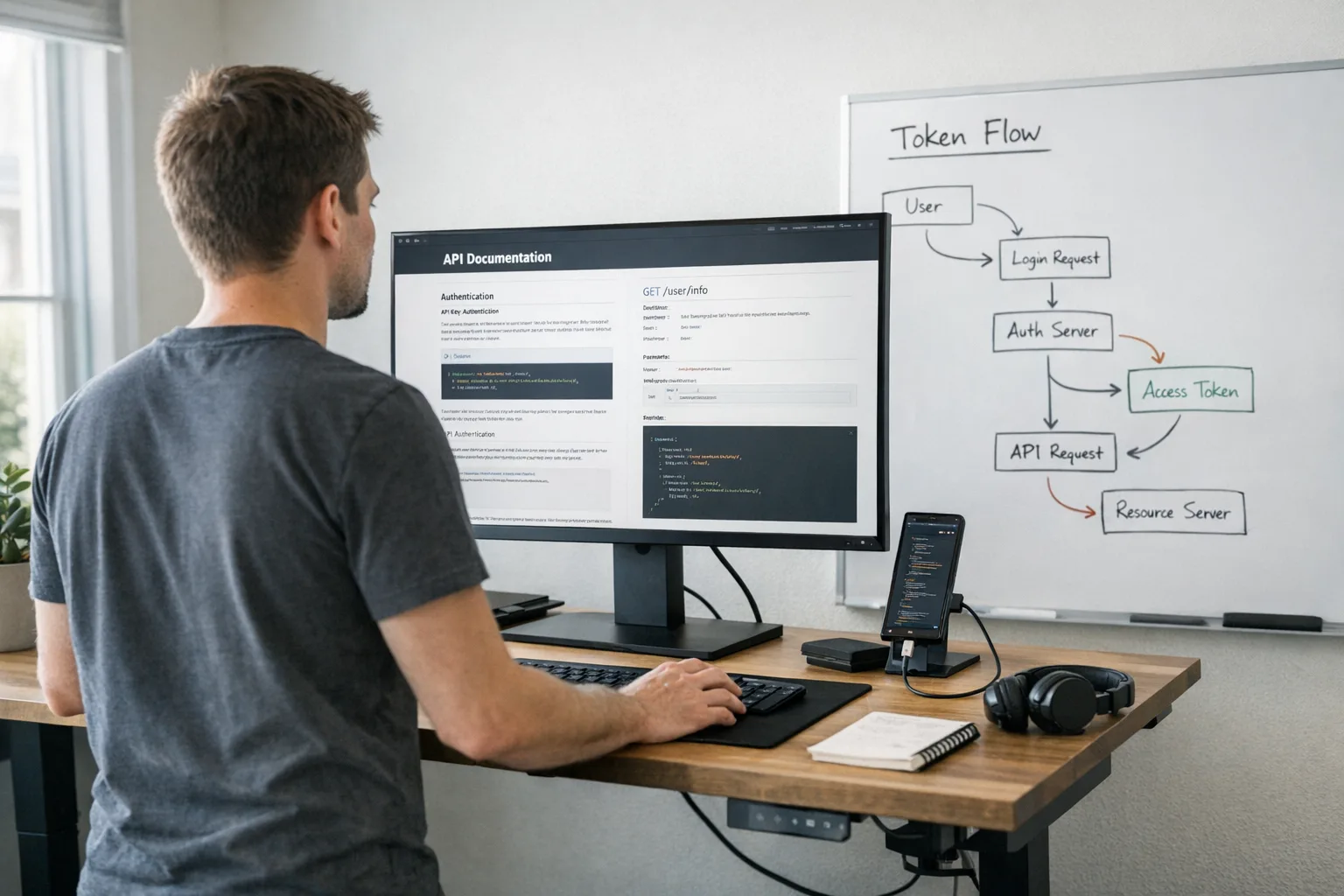
What changed—and what’s still TBD
On December 9, 2025, Google published policy updates and Play Console guidance for the U.S. that formalize two tracks: External Content Links (ECL) and Alternative Billing (AB). If you link users to a web purchase or an out‑of‑Play download—or offer your own billing alongside Play—you must enroll and implement the prescribed flows. Compliance is required by January 28, 2026. (support.google.com)
For External Content Links, Google’s developer docs are explicit: integrate Play Billing Library (PBL) 8.2.1 or higher, register destinations in Play Console, and show an information screen before leaving your app. That information screen isn’t optional, and the API handles rendering it. (developer.android.com)
Fees and revenue share are the part that’s still moving. Google has outlined proposed program fees in the U.S.—including per‑install fees when a user installs within 24 hours of clicking a Play‑origin link ($2.85 for apps, $3.65 for games) and external transaction commissions (20% for most purchases, 10% for subscriptions). A settlement hearing on January 22, 2026 will influence the final shape. Build the plumbing now; keep pricing switches behind feature flags. (theverge.com)
What counts as Google Play external links?
“External links” cover two core actions from a Play‑distributed app for U.S. users: linking to a web purchase of digital content, or linking to download an app outside of Play. Both require you to present Google’s information screen and to manage an external transaction token for qualifying events. If you only link to a help article with no purchase path, you’re typically outside scope—but many “support” pages hide a store. If there’s any path to purchase or app download, treat it as in‑scope and implement ECL. (developer.android.com)
The engineering plan for Google Play external links
Here’s the build I’ve been shipping with teams who have to hit the January date without breaking existing funnels.
1) Pick your track deliberately: ECL vs. AB
External Content Links (ECL) are for taking users to web checkout or an external app download. You’ll integrate PBL 8.2.1+, call the APIs to show the information screen, and pass an external transaction token to your web flow. Alternative Billing (AB) is for taking payment inside your app using your own processor, alongside—or in some program variants, instead of—Google Play Billing. AB has its own API surface and version requirements (Google’s docs reference 5.2+ and 6.2.1+ across variants; confirm per your chosen track and country list). If your current cart is web‑first, ECL is usually the lower‑risk start. If your conversion hinges on in‑app payment UX, AB may be worth the lift. (developer.android.com)
2) Build the token handoff like it’s a payment instrument
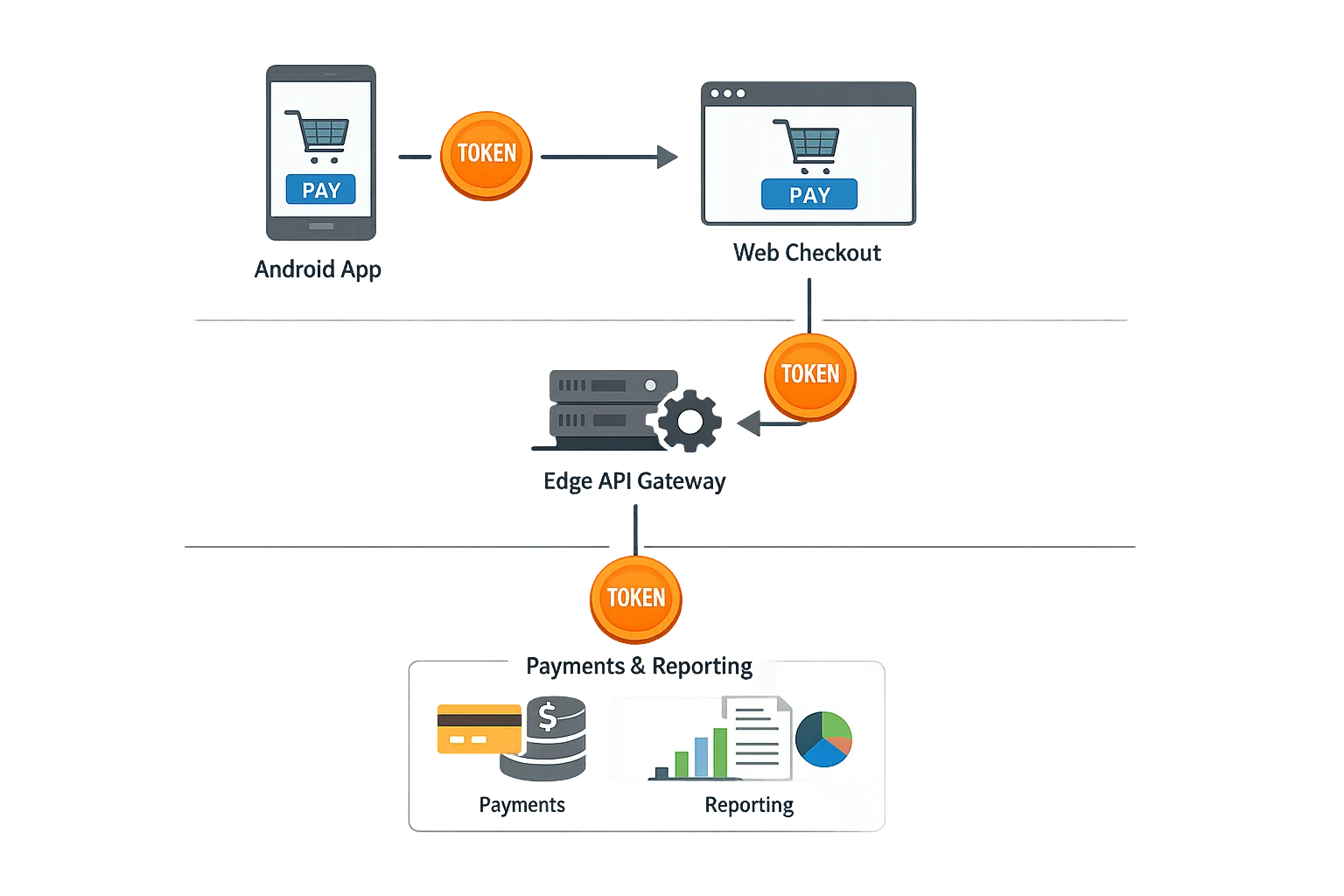
The external transaction token you get from the Play Billing Library is not a nice‑to‑have—it’s how Google attributes eligible external transactions back to the app session. The flow is straightforward: request program reporting details, cache the token client‑side, append it to your link parameters, and then have the web checkout echo it back to your server and on to Google’s reporting endpoint. Treat it with the same rigor as a payment token: sign it, time‑limit it, and bind it to a user/session. (developer.android.com)
For app downloads outside Play, the token must still travel so Google can attribute an install that occurs after a link click. Keep in mind that installs attributed within 24 hours of a Play‑origin click are the ones Google’s proposal would charge for; expect that lookback window to be scrutinized after the hearing. (theverge.com)
3) UX that passes review
The information screen appears before any external jump. You don’t reinvent it; the API handles rendering consistent copy and affordances. Your job is making sure your call‑to‑action is clear, labels aren’t misleading, and you don’t hide pricing until after the jump. Dark patterns will get flagged, and your approval is tied to the exact registered destination URLs in Play Console—so keep a tidy registry and avoid “link rot.” (developer.android.com)
4) Versioning and rollout
Pin the minimum client version that introduces ECL so you can gate the feature with a server flag. If you have a large DAU base on older builds, plan a forced upgrade campaign on your high‑intent segments so they aren’t stuck without your outbound paths. Stage rollout to 5%, then 25%, watching two metrics: information‑screen abandonment and web checkout completion. If abandonment spikes, your pre‑screen messaging likely isn’t setting expectations. (developer.android.com)
Architecture blueprint: keep your options open
The smartest move right now is to isolate all Play‑program logic in a monetization gateway service so you can swap fee rules and even flip between ECL and AB without shipping a new client. Here’s a pragmatic design I recommend.
Core components
Client layer (Android): integrates PBL 8.2.1+ for ECL, requests the external transaction token, shows the information screen, and transmits token + signed session to your edge. Web checkout: validates the token, renders pricing that already reflects your current fee model, and posts back the transaction with token + your external transaction ID. Monetization gateway: enforces program eligibility, signs tokens, reports qualifying external transactions to Google, and computes internal fees for finance. A feature flag service controls fees, discounts, and which experiences are allowed by region and user type. (developer.android.com)
Data model
Persist four IDs per event: user ID, session ID, external transaction token, and your external transaction ID. Store a signed bundle (kid, issued_at, expires_at) so you can trace decisions during audit. Add a “play_origin” boolean and “click_ts” to support lookback logic. If the hearing tightens attribution windows, you won’t have to rework storage. (theverge.com)
Fees and economics (model this now)
While the court could nudge terms, you need working unit economics today. Model the proposed per‑install fee for external app downloads ($2.85 for apps, $3.65 for games) and commissions on external transactions (20% for most purchases, 10% for subscriptions). Add them as variable inputs in your pricing service so promotions and bundles can absorb the delta without redeploying the client. If you’re running both Play Billing and an external path, keep low‑AOV consumables on Play and steer high‑AOV annuals to the web where appropriate. (theverge.com)
If you also ship in the Apple ecosystem, note the EU’s ongoing shift from a per‑install Core Technology Fee to a 5% Core Technology Commission on alternative terms by January 1, 2026. Different market, different math—but the direction is similar: platform value fees follow the user, not just the store. Factor that into your cross‑platform pricing. (9to5mac.com)
Compliance pitfalls and edge cases
Unregistered links: if your destination adds a secondary app download link (e.g., a “get the beta” button), that’s a separate destination and needs to be registered. Children/enterprise profiles: test on restricted profiles; some flows are blocked or render different warnings, and your abandonment will look artificially high if you don’t segment. Caching tokens: don’t reuse tokens across users or time; treat them as single‑use with a short TTL. Reporting drift: reconcile daily between your checkout, the monetization gateway, and Play’s program reports. (developer.android.com)
People also ask
Do I need Google Play external links if I only send users to a help page?
If the page has no route to purchase digital content and no app download, you’re generally outside the program. But if that help page embeds a shop or links to one, you’re back in scope. Play it safe: inventory links and register anything that can convert. (developer.android.com)
What Play Billing Library version should I use?
For ECL, use PBL 8.2.1 or higher. For Alternative Billing, Google’s docs reference 5.2+ and 6.2.1+ across variants; confirm the requirement for your specific program and market before you cut the branch. (developer.android.com)
Can I skip Google’s information screen?
No. The information screen is part of the user protection model and is shown before the jump out of the app. The API renders it for you. Don’t try to “replicate” it yourself. (developer.android.com)
What happens if I don’t enroll by January 28, 2026?
You can keep a standard Play‑only app. But if you link out or use alternative billing without enrollment and the required UX, you’re at risk for rejection or removal. (support.google.com)
The 14–21 day checklist (copy this into your tracker)
Here’s a realistic plan that teams of five to eight can ship in three sprints without heroics.
- Week 1: Decide on ECL vs. AB per SKU mix. Enroll in the relevant program(s). Upgrade to PBL 8.2.1+ (and the AB‑required version if applicable). Create your destination registry in Play Console and set up a feature flag for fees and eligibility. (developer.android.com)
- Week 1–2: Implement the token flow: request program reporting details, persist the external transaction token, append it to the outbound link, and verify server‑side. Add signatures, TTLs, and replay protection. Build the information screen invocation via API and validate copy/locale. (developer.android.com)
- Week 2: Wire backend reporting to Google’s endpoints. Add daily reconciliation and alerts for drift. Segment analytics to track information‑screen abandonment and web conversion. (developer.android.com)
- Week 2–3: QA on low‑end devices, child accounts, and enterprise profiles. Stage rollout (5% → 25% → 50%) with flags. Prepare support macros for off‑Play subscriptions and refunds. Model the proposed fee schedule in your pricing service. (theverge.com)
Scenarios: when to link out vs. keep Play Billing
If your business is subscription‑heavy and users already manage accounts on the web, linking out often reduces friction post‑information screen. For micro‑transactions in games or consumables with low AOV, Play Billing still wins on conversion—especially if an extra hop costs you double‑digit abandonment. The hybrid play is common: keep Play for consumables and let annuals or bundles route to the web, while ensuring your attribution and fees are configured per program rules. (theverge.com)
Where this fits in your broader store strategy
Store policies are converging on transparency: clear disclosure screens, traceable tokens, and platform‑value fees that travel with the user. We’ve been guiding teams through similar shifts on the Apple side in the EU—and the lesson is the same: ship the plumbing early, then negotiate economics with flags instead of rewrites. For a cross‑store planning guide, see our 60‑day plan for App Store changes. (9to5mac.com)
If you want a granular program walkthrough, our Jan 28 Playbook covers console setup, link registration, and QA recipes, and our companion brief on shipping by Jan 28 outlines how to stage rollout without nuking conversion. If you’d like help implementing or auditing your flow, our team’s mobile services page explains how we engage.
What to do next
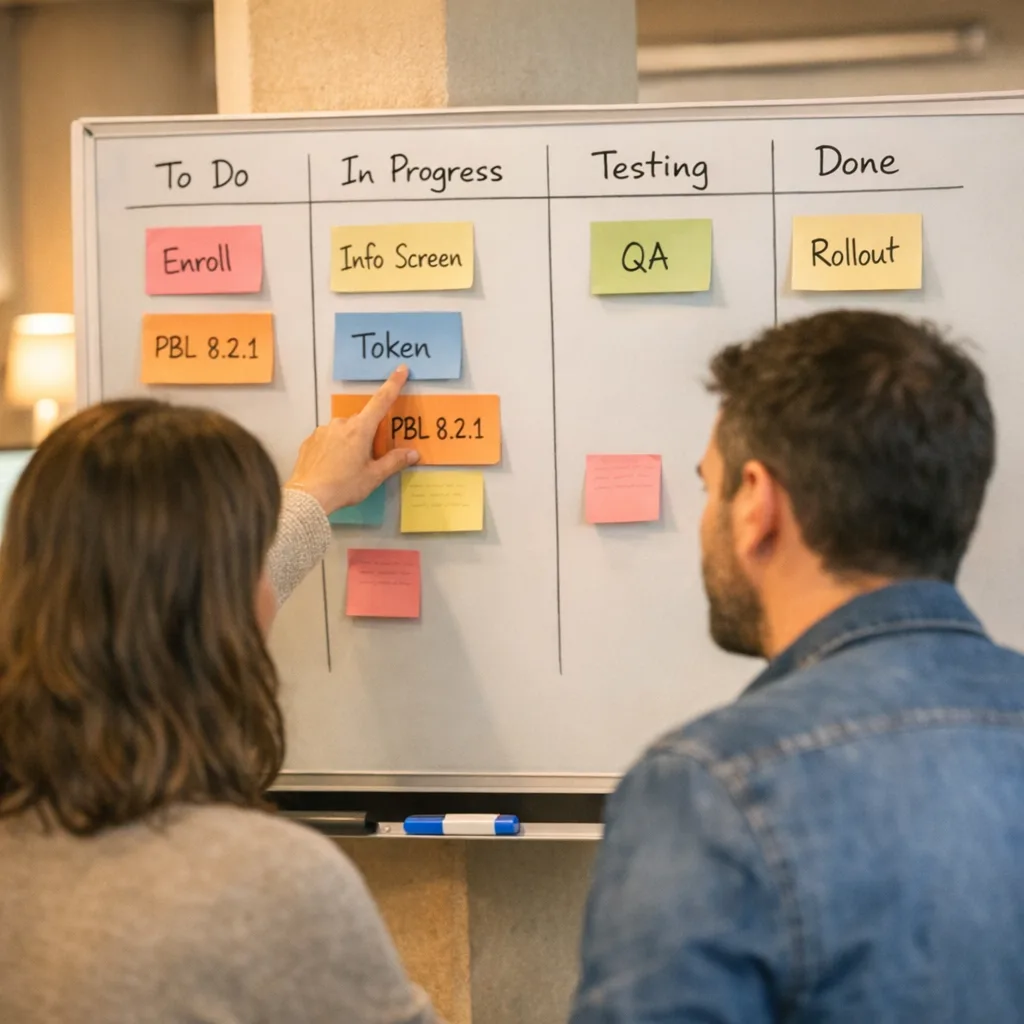
Make one person the DRI for Play programs. Enroll today—approvals take time. Upgrade Play Billing Library and pin versions. Implement the token flow and the information screen invocation. Register every destination you can possibly reach from your outbound path. Stand up server‑side reporting and daily reconciliation. Stage rollout with flags and set dashboards for abandonment and conversion. Model the proposed fees and keep toggles ready for January 22. You’ll sleep better—and you won’t be scrambling when the court papers land. (support.google.com)
If you need an outside perspective, our team has shipped these integrations across consumer subscriptions and games. Browse a few relevant builds in our recent work, then reach out on our contact page. Let’s get you compliant—and keep your funnel healthy.





Comments
Be the first to comment.