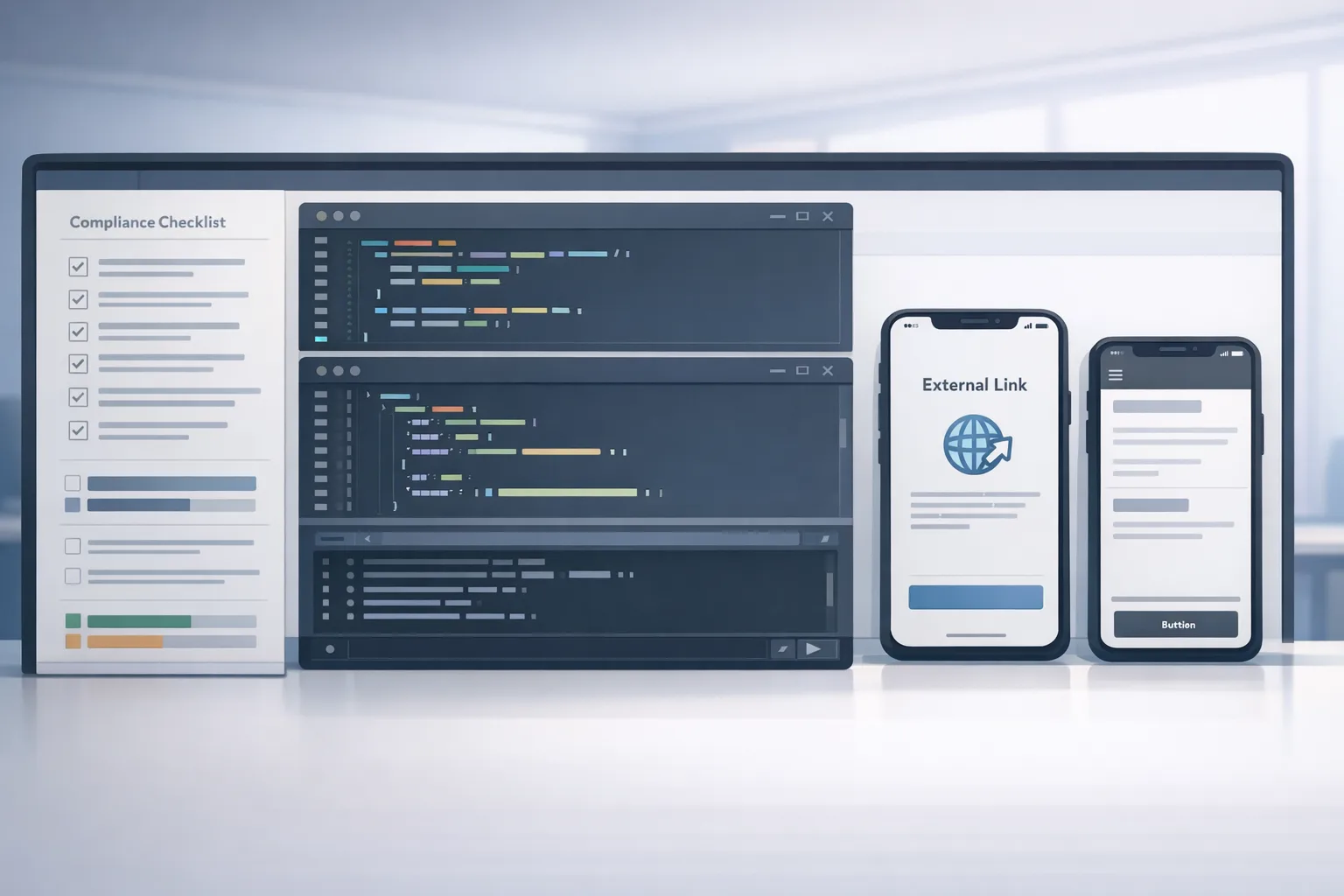
Google Play External Links: The Jan 28 Playbook
If you rely on Google Play external links to send users to a webshop—or you offer an alternative billing option—you have a firm deadline: January 28, 2026. Between now and then, you need to enroll in the right program, update your SDKs, add Play’s information screen flows, and wire up reporting. This is the practical, ship-ready guide we’re giving clients to make that date without drama.
What changed—and why it matters now
Google has expanded two U.S. programs that change how you can move users outside your app and how you can take payments:
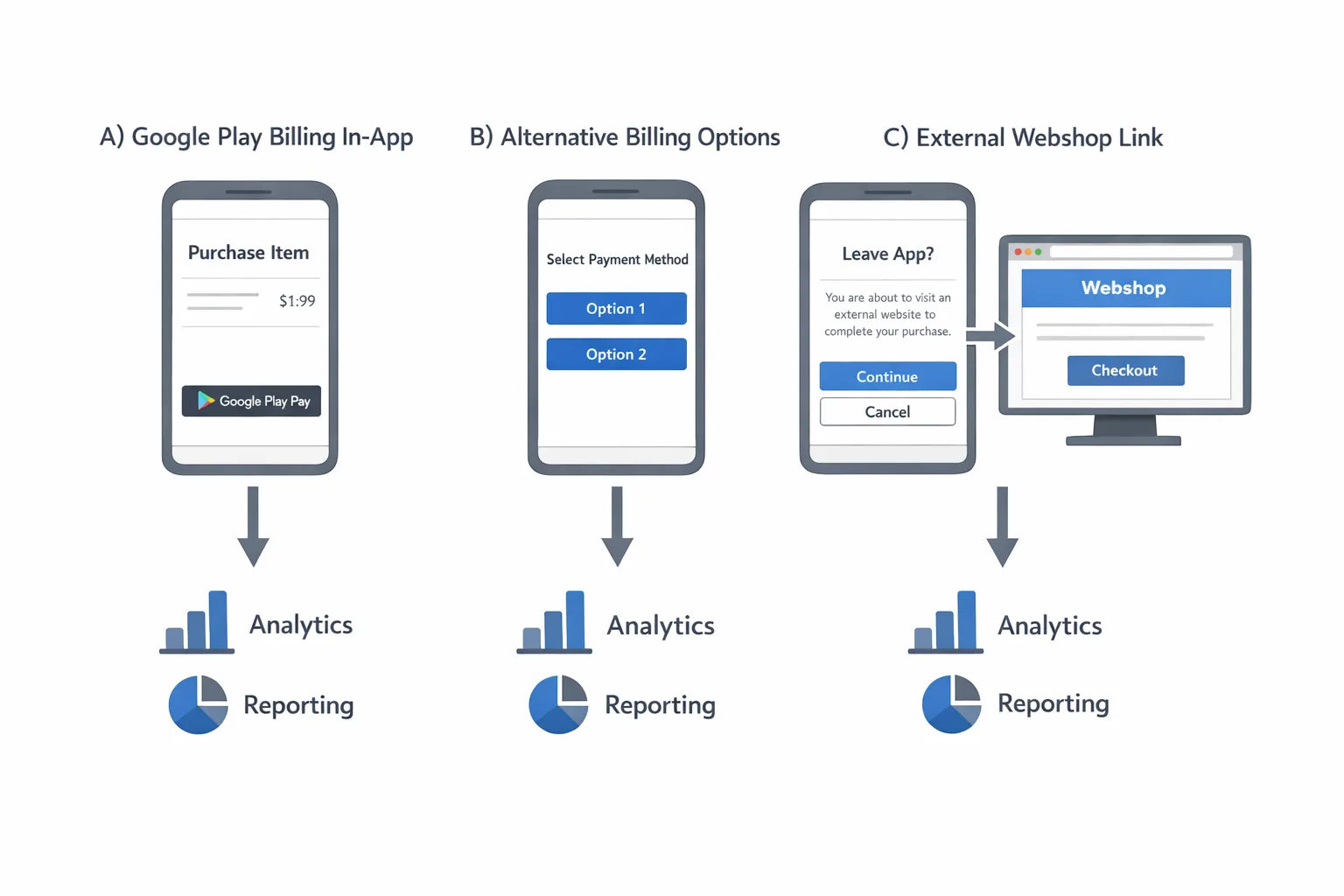
• External content links: lets you link users in your Play-distributed app to an external website for digital content offers or to download another app.
• Alternative billing (User Choice Billing in the U.S.): lets you present a non‑Play payment option inside the app alongside Google Play Billing.
The catch: you must enroll and implement specific Play Billing Library (PBL) APIs. Google set January 28, 2026 as the compliance date if you want to keep linking out or offering alternative billing to U.S. users.
Primary keyword: Google Play external links—what’s required?
There are three buckets of work for external links:
1) Program enrollment and console setup. You’ll register your link destinations in Play Console and wait for approval before shipping.
2) Client integration. Your app must integrate the external content links APIs in Play Billing Library 8.2.1 or higher and show Google’s pre‑leave information screen before opening the external site.
3) Reporting and UX correctness. You need to generate tokens for qualifying external transactions and follow the UX policies (clear labels, no dark patterns, no misleading redirects).
Developers also ask: “Do I need this if I only open a support page?” If you’re not linking to an external purchase or download flow, you’re generally outside the program’s scope. But many “support” pages quietly embed shops. If there’s any path to purchase or download, assume you need the program and integrate.
Will Google charge fees for links and non‑Play payments?
Short answer: yes, but timing differs by program. For alternative billing in the U.S., the service fee is 25% for most in‑app digital purchases and 10% for auto‑renewing subscriptions, with a 10% rate on the first $1M in annual developer earnings for eligible developers. For external content links in the U.S., Google currently says it intends to apply a fee in the future; as of January 3, 2026, it is not yet assessing those fees. When assessed, Google states the fee will be 20% for most in‑app digital purchases via external links and 10% for auto‑renewing subscriptions (again with a 10% rate on the first $1M for eligible developers). There’s also a fixed per‑install fee if a user downloads an external app within 24 hours of clicking your link: $3.65 for games and $2.85 for apps.
That fee language matters for financial modeling. You must build the APIs now to stay compliant by the deadline, even if Google defers charging for external link transactions at first. The moment those fees activate, you’ll want reporting in place so you’re not estimating.
How to decide: stay on Play Billing, add alternative billing, or link out?
Here’s the thing: this isn’t just “comply.” It’s a pricing and funnel decision. Three common patterns:
• Keep Google Play Billing only. Lowest engineering lift. You get Play’s subscriber management and family‑safe flows, but you pay standard service fees and live inside Play’s UX constraints.
• Offer alternative billing alongside Play Billing. Gives motivated users choice, keeps you eligible for some fee relief, and preserves in‑app conversion. Requires API integration, support readiness, and clear customer care pipelines.
• Use external content links to a webshop. Maximizes page flexibility and ownership of the checkout stack. You’ll handle info screens, reporting, and the potential future fees for transactions and app installs traced to those links.
If you sell durable or high‑margin digital goods (SaaS plans, education, business tools), alternative billing often pencils out because renewal management is in your stack. For games, external links to a web shop can work well if your CRM is tight and you can move whales to the web without wrecking trust or violating UX rules.
People also ask: Do I have to enroll if I don’t link or take payments?
No. If you never link to an external purchase or download, and you don’t present a non‑Play payment option, you don’t need these programs. But audit every outbound link and every in‑app message. Marketing banners, seasonal promos, even “learn more” often route to a site with a buy button. If there’s a path to pay, enroll.
People also ask: What counts as an “external transaction”?
Google considers a transaction an external one if it completes on your website (or your payment app) after the user taps your in‑app external link, generally within a defined time window. For external app downloads, installs completed within 24 hours of the user clicking your link are in scope for the fixed per‑install fee once applied. Keep your attribution clean—do not frame or auto‑redirect, and don’t obscure the destination.
Integration details most teams miss
• Play Billing Library version: implement external content links with PBL 8.2.1 or higher. If you’re still on 5.x or 6.x due to legacy code, jump now—there’s no supported shortcut.
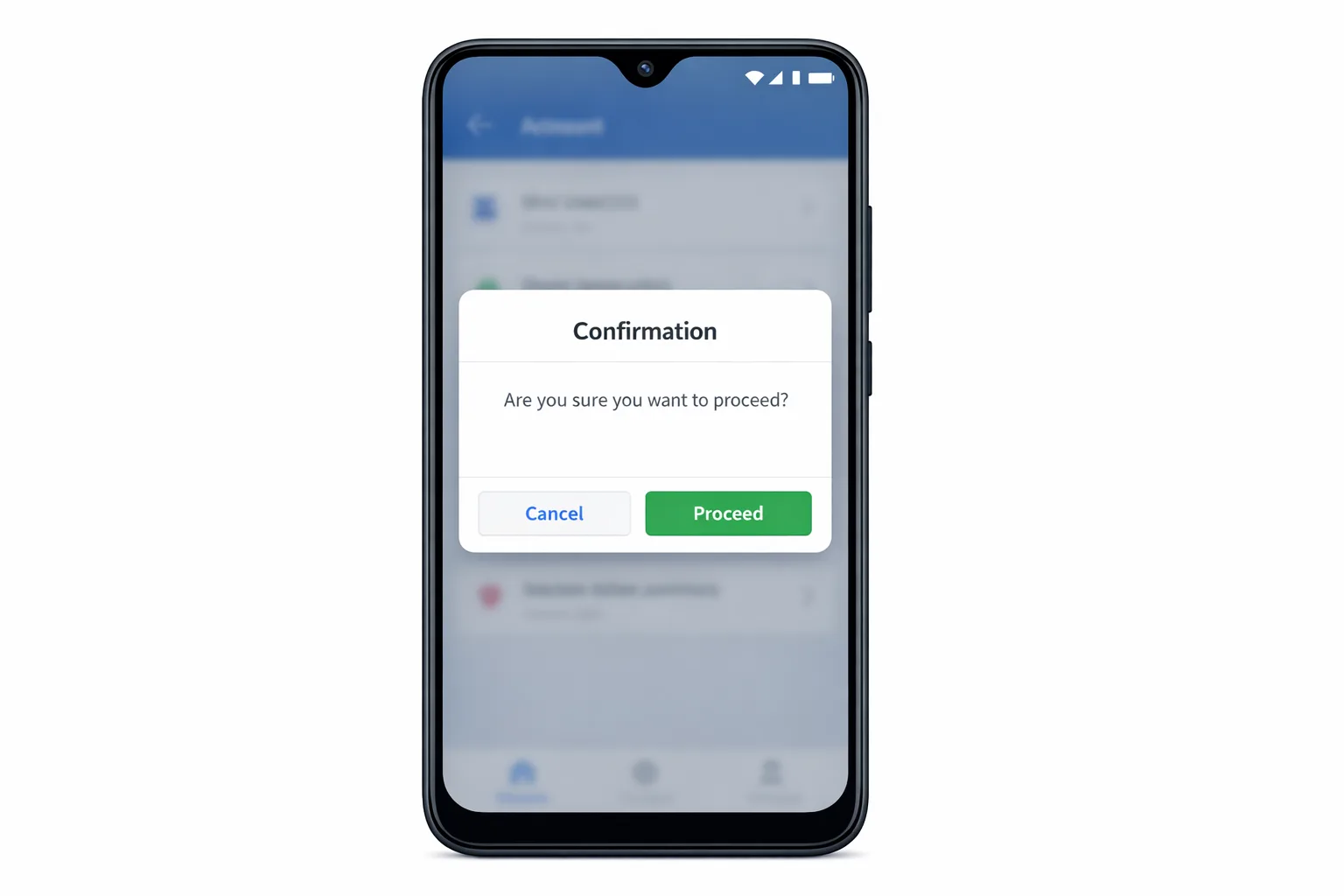
• The information screen is mandatory. Users must see the Play‑provided interstitial before leaving your app. Don’t try to re‑skin or skip it.
• Register every destination URL in Play Console. Links to external app downloads and any landing pages listing downloadable apps must be pre‑approved.
• Error handling: code for FEATURE_NOT_SUPPORTED and BILLING_UNAVAILABLE. Your app shouldn’t dead‑end if the device or store version can’t show the program flows.
• Reporting tokens: for qualifying external purchases, generate and send the external transaction token. For alternative billing, wire up the APIs that enable the one‑time info screen, parental controls, and transaction reporting.
Security and user trust: don’t lose the room
Just because you can send users out doesn’t mean you should do it abruptly. Keep the copy on your pre‑leave screens and landing pages simple, specific, and non‑scary. Use HSTS and modern TLS, require re‑auth on sensitive actions, and align prices with in‑app offers to avoid sticker shock. We’ve seen conversion lift when teams keep the same entitlements naming (e.g., “Gold Annual”) across in‑app and web. For families, ensure your web checkout respects parental controls and age gating. If you’re in doubt, default to the stricter path.
A 10‑step, 72‑hour compliance sprint
Day 1
1) Enroll in the appropriate program(s) in Play Console: External Content Links and/or Alternative Billing for U.S. users.
2) Inventory every outbound link and in‑app promo. Flag anything that reaches a purchase or app download path.
3) Upgrade to Play Billing Library 8.2.1+ in a dedicated branch. Confirm no regressions in existing purchase flows.
Day 2
4) Implement the info screen flow for external links; stub reporting token creation in code.
5) For alternative billing, add the APIs that surface Google’s one‑time information screen and parental controls, and wire basic transaction reporting.
6) Register and submit your destination URLs in Play Console for approval. Include app metadata for any external download pages.
Day 3
7) Add robust error handling for FEATURE_NOT_SUPPORTED, BILLING_UNAVAILABLE, and USER_CANCELED.
8) QA on recent Play Store versions and on older devices; verify fallbacks to Google Play Billing are stable.
9) Update your help center and refund policy pages to reflect new purchase paths.
10) Ship to a limited track, monitor crashes and exit rates from the info screen, then roll wider.
Model the economics before you commit
Run two scenarios for 2026:
• Alternative billing at steady state: estimate your mix between subscriptions versus other IAP, then apply 10% for auto‑renewing subscriptions and 25% for the rest (with the 10% small‑developer rate on the first $1M if you qualify). Include realistic payment processing and fraud costs, then compare to staying fully on Play Billing.
• External links with future fees: start with your current web conversion rate from in‑app traffic. Layer in the stated 20%/10% external transaction fees when they’re applied and the $2.85/$3.65 per‑install fee for externally linked app downloads. If your model survives those deductions and still outperforms Play Billing net, you have a green light.
What about games versus apps?
Games face the additional fixed per‑install fee if a user downloads from your link within 24 hours, which is higher than for non‑game apps. If your strategy involves driving players to install a companion title via external links, those costs add up quickly. For most game teams, it’s smarter to use external links for web shops (skins, passes, currency) and keep cross‑title installs inside Play where possible—or shift installs to owned channels outside the app itself.
Edge cases and pitfalls to avoid
• “Soft” links that later reveal a buy button. If there’s any path to purchase, treat it as in‑scope.
• Redirect chains and tracking parameters that obscure where users land. Keep links clean and consistent with what you disclose in‑app.
• Static text “links.” Don’t try to skirt the program with plain text URLs; that’s a short road to policy headaches.
• Half‑implemented alternative billing. If you offer a non‑Play payment option, you must keep Play Billing available in a consistent, reliable way and meet customer support expectations.
Related platform moves you should watch
The U.S. programs are moving in tandem with other policy shifts. In the EEA, Google documents external offers fees with tiers and fixed per‑install rates denominated in euros. And on iOS, regulators are opening up external links and alternative payment paths in more markets. If you operate cross‑platform, harmonize your logic for information screens, parental controls, refund policies, and off‑store attribution. We maintain a single configuration that toggles platform‑specific UX and reporting so product teams don’t duplicate work.
Let’s get practical: the bowu decision matrix
Use this three‑question check for each SKU:
1) Is in‑app conversion essential to your North Star metric? If yes, consider alternative billing first; avoid sending users out mid‑flow.
2) Can you run high‑trust web checkout (SSO, saved methods, tax, support) without harming completion rates? If yes, test external links on lower‑stakes SKUs and move up the stack.
3) Do future fees break the model? If a 20% external fee plus processor costs still beats Play Billing and you can absorb the fixed install charge for any linked downloads, move web‑first. If not, stay in‑app.
What to ship in your next sprint
• Upgrade to PBL 8.2.1+ and add external content links APIs.
• Enroll in External Content Links and, if relevant, Alternative Billing for U.S. users.
• Implement Google’s information screen and error handling.
• Register all destination URLs in Play Console; get approvals started.
• Wire transaction tokens and basic reporting—even if external link fees aren’t live yet.
• Update support docs and refund flows; train CX on new payment paths.
• A/B test copy on the pre‑leave screen; measure exit rates and downstream conversion.
Where we can help
If you want a partner to pressure‑test your plan, our team ships storefronts and purchase flows for mobile teams under tight timelines. See how we’ve delivered policy‑sensitive releases in our client portfolio, learn more about what we do for mobile commerce teams, or reach out via contacts for a quick architecture review. For deeper background on policy shifts and tactics, bookmark our pieces on shipping Google Play external links by Jan 28 and this explainer on link fees and iOS Brazil changes.
FAQ for product owners and engineers
Do I need to keep Google Play Billing if I add alternative billing?
Yes. The program expects you to offer Play Billing in a consistent, reliable way. Treat alternative billing as an additional option, not a replacement.
Can I use a web shop link without adding any SDKs?
No. External content links require PBL integration to surface the pre‑leave information screen, plus registration of destination URLs in Play Console.
Are fees already being charged for external links?
As of January 3, 2026, Google says it intends to charge fees for external link transactions and per‑install events in the future; the APIs and program enrollment are required now. Alternative billing fees apply when that option is used in your app.
What about minors and parental controls?
The program’s APIs integrate with parental controls; keep your own web checkout aligned. Don’t create a weaker flow outside the app than you had in Play.
Zooming out: don’t let compliance drive your funnel
It’s tempting to treat January 28 as a checkbox. But the bigger win is owning more of your purchase surface without tanking trust. Integrate the APIs, yes—but also write the copy, design the pages, and build the measurement so you can prove where each dollar performs best. The teams that treat this as a monetization experiment, not just a compliance task, will come out ahead.





Comments
Be the first to comment.