App Store Age Rating 2026: What Changed and What to Ship
As of February 7, 2026, Apple’s App Store age rating 2026 system is live across Apple platforms, and the submission gate has tightened. If you haven’t answered the new age‑rating questions in App Store Connect or re‑checked your in‑app controls, your next update could be held. The upside: done right, the new model reduces friction for families and makes your store page more truthful, which can actually lift conversion in the right cohorts. Let’s get practical.
Why the App Store age rating 2026 rollout matters now
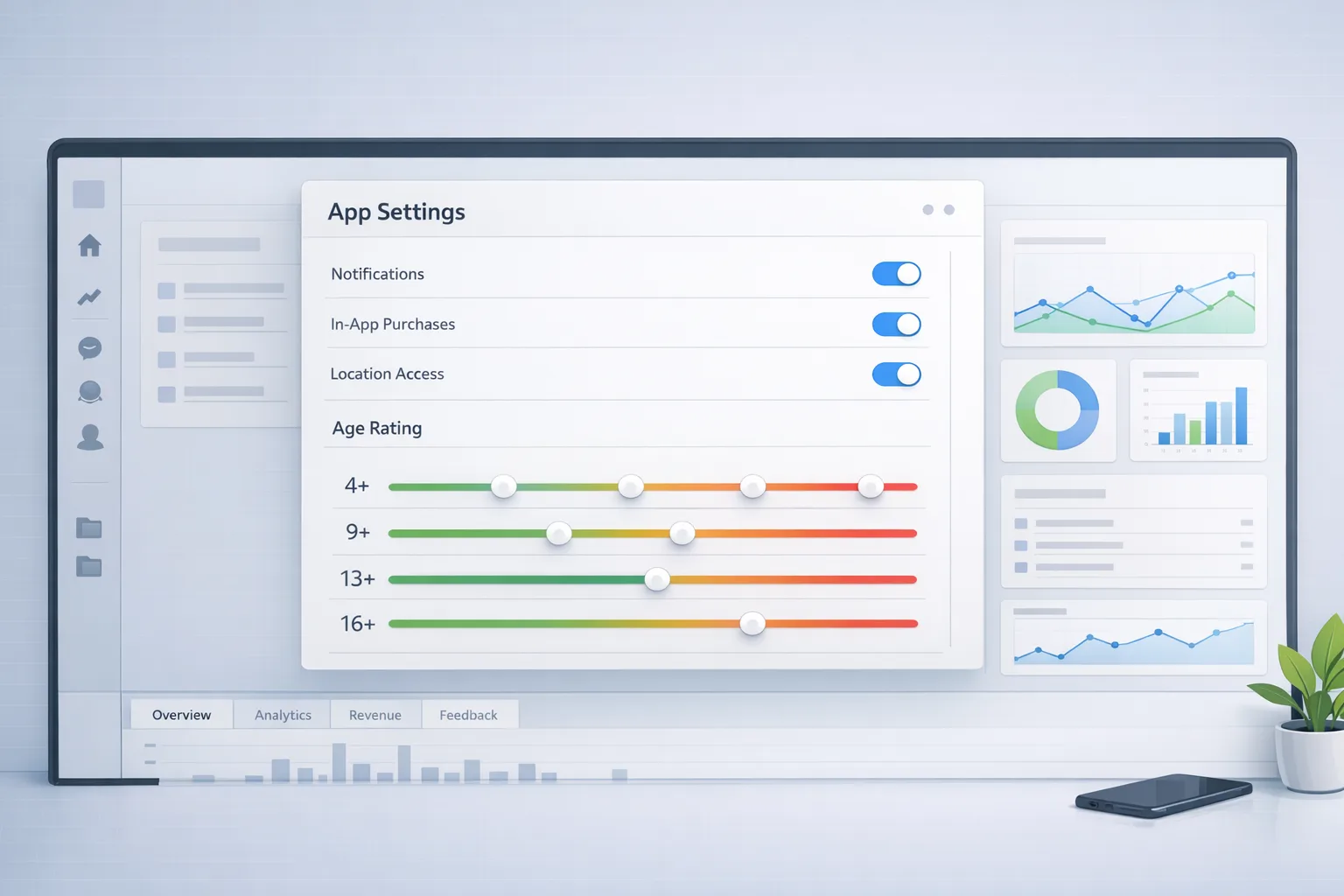
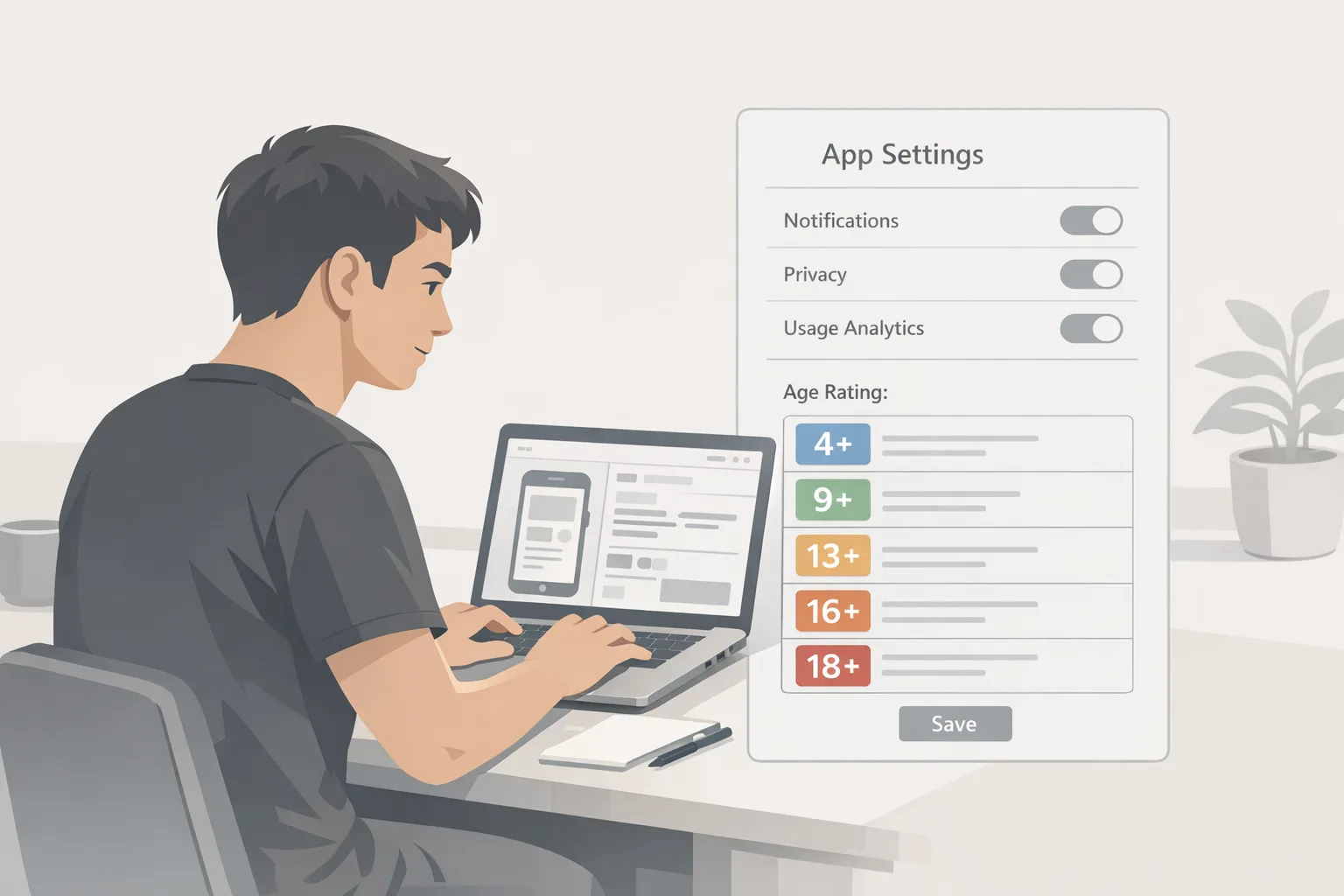
On January 31, 2026, Apple’s updated rating questionnaire became a hard requirement for shipping updates. Apple also expanded the visible age tiers—adding 13+, 16+, and 18+—and reclassified many apps based on previous answers. These ratings now show on devices running the latest OS lines (iOS 26 and friends), and Apple surfaces more disclosures on product pages (for example, whether your app includes user‑generated content, messaging, ads, or in‑app controls like parental settings).
That means two immediate impacts. First, if your answers are missing or inconsistent, updates pause until you fix them. Second, your app’s visibility can shift for accounts with content restrictions, because Apple now hides age‑inappropriate apps in editorial modules when parental limits are set. If you count on discovery in Today, Games, or Apps tabs, that matters.
What exactly changed in the ratings?
Apple split the old teen bucket into more granular ranges: 13+, 16+, and 18+. The goal is sharper alignment with regional standards and clearer guidance for parents. Under the new system, Apple re‑applies ratings based on your questionnaire responses and new required questions that cover in‑app controls, app capabilities, medical/wellness content, and violent themes. If your automatic reclassification feels off, you can correct it—but only if your questionnaire data is solid.
Here’s the thing: Apple also expects you to account for all features—yes, including AI assistants, LLM‑based chat, and UGC moderation tools—when you evaluate frequency and intensity of sensitive content. Don’t assume your 2024 answers still fit your app in 2026 if you’ve added generative features or creator tools.
Timeline and enforcement: dates that matter
Use these near‑term dates as your operating calendar:
• January 31, 2026: Updated questionnaire due. Submissions can be blocked if incomplete.
• February 2026: Ratings and disclosures are visible on new OS baselines; editorial modules respect child account restrictions more aggressively.
• Spring–Summer 2026: Expect iterative refinements as Apple tunes editorial eligibility and family workflows. Treat this quarter as your learning loop.
Note the regional context: several U.S. states are pushing app‑store‑level age assurance and parental consent. Apple has tightened account flows for minors and is pushing developer‑visible disclosures. Even if you never touch identity verification, your compliance posture now influences distribution and monetization.
Who is most affected?
• Social and community apps with DMs, comments, or feeds.
• Games with UGC, chat, loot boxes, or realistic violence.
• Health, wellness, or medical‑adjacent apps (including AI symptom checkers).
• Any app that added AI chat or content generation since your last questionnaire pass.
• Apps monetizing via ads that target teens.
If that’s you, your product page now tells a more explicit story—and your app could be hidden from certain minors by default.
The 30‑Day Remediation Plan (ship without drama)
When a policy flips from “coming soon” to “blocking submissions,” you don’t argue—you sequence. Here’s a four‑week plan I’ve used with teams to get compliant fast while protecting MAU and revenue.
Week 1 — Inventory and truth pass
• Pull a feature inventory: messaging, UGC types, AI generation, ad networks, and parental/age controls.
• Map every feature to the new questionnaire dimensions: content type, frequency, intensity, and controls.
• Run a “truth pass” on your App Store Connect answers. Assume Apple reviews metadata if signals clash with your app behavior.
• If your app changed a lot in 2025–2026, reset your mental model. Re‑score as if you’re new to the store.
Week 2 — Control points and UX adjustments
• Add or tighten in‑app controls: toggle chat visibility, restrict UGC uploads for under‑16, safe‑search defaults on, profanity filters on by default.
• For AI features, set conservative defaults (safety filters high for minors) and document them in‑app.
• Add a simple age‑aware onboarding step that respects Apple’s parental settings. Don’t collect IDs unless you’re in a regulated vertical; lean on account age where possible.
• Update your store screenshots to reflect the real experience for different ages if your flows diverge.
Week 3 — Moderation and logging
• Tighten UGC moderation SLAs for minor accounts. If you use vendor AI filters, validate with fresh samples—don’t trust 2024 thresholds.
• Log control changes (e.g., teen‑mode on/off) and filter hits. You’re building an evidence trail if Apple asks questions later.
• For ads, ensure placements and categories exclude prohibited segments for under‑18 audiences. Document your switches.
Week 4 — Store metadata, QA, and submission
• Update privacy labels and disclosures that mention UGC, messaging, ads, and parental controls. Keep wording clear and verifiable.
• Complete the age‑rating questionnaire carefully—screenshare with PM/legal so the answers match design and logs.
• QA child/teen scenarios on iOS 26 (or the latest your team has). Verify that editorial surfaces hide your app when they should.
• Submit, then monitor discovery and conversion slice by slice (families vs. general audience) for two weeks.
The App Store age rating 2026 checklist (print this)
Use this quick checklist before you hit Submit:
• Questionnaire complete with 1:1 mapping to actual features.
• UGC and messaging disclosures turned on if present.
• In‑app parental/age controls exist, are on by default for minors, and are visible in Settings.
• AI chat/generation safety filters documented and tested for teen flows.
• Ads restricted appropriately; teen‑sensitive categories excluded.
• Store screenshots and description mirror age‑aware UX, not just the adult path.
• QA on a supervised minor account to verify hiding/visibility behavior across tabs.
Want a deeper, role‑based version? Start with our shipping guide in App Store Age Ratings 2026: The Shipping Checklist, then layer in your vertical compliance needs.
What this does to growth, conversion, and editorial
Short term, some apps will see a dip in impressions from editorial placements for younger accounts. That’s expected. The fix isn’t to water down your product—it’s to ensure the version of the app that minors see is truly age‑appropriate and documented as such. When that’s done, you’ll find two upsides: parents with Ask to Buy are more likely to approve an app that clearly states its controls, and adult users see a cleaner, more confident story on the product page.
Also expect review velocity to vary while reviewers calibrate. If your app straddles categories (say, creative AI plus chat plus community), preempt confusion in your notes to reviewer. Spell out defaults for minors, your moderation approach, and how the app behaves when parental restrictions are active.
Edge cases and traps I’m seeing
• “Silent” UGC: If you import third‑party content (stickers, filters, prompts), that’s still UGC. Disclose and rate accordingly.
• AI prompts that unlock mature themes: If a minor can trigger risky outputs via creative prompts, your defaults are too loose. Raise safety tiers and consider keyword blocks for teen accounts.
• Off‑platform links: Linking out to communities or webviews with comments still counts toward your overall posture. Treat those as UGC/messaging surfaces for rating purposes.
• Regional drift: Ratings can vary by region. Don’t assume one size fits all; check how your disclosures render in your top three markets.
Do I need to resubmit my app if I already answered the questions?
If your answers are complete and your product still reflects them, you’re fine. But if your feature set changed—especially with AI chat, new ad placements, or expanded messaging—update the questionnaire and your store assets. Triage by risk: anything that affects minors’ experience takes priority.
Does Apple require ID-based age verification now?
For most apps, no. Apple has strengthened account‑level age flows, parental controls, and store visibility rules. Unless you’re in a regulated vertical (e.g., gambling, certain health contexts, age‑restricted commerce), you shouldn’t build your own ID checks. If you do operate in those spaces, coordinate with counsel and keep the user burden minimal while honoring local law.
Will my rating change my ad monetization?
Potentially. If you depend on teen traffic, certain categories and networks may compress yield as you exclude sensitive segments. Mitigate by diversifying ad sources, testing age‑aware waterfalls, and improving in‑app conversion for older cohorts who still see your placements.
What about Google Play?
Google maintains its own policies around families and age signals. If you’re cross‑platform, align your content controls and disclosures so your team isn’t juggling two mental models. We break down the differences and migration paths here: App Store Age Rating 2026 vs. Play Age Signals.
Implementation framework: RATE‑Up
Here’s a lightweight framework you can hand to a PM and engineer today:
• Rate: Re‑score features against the new tiers, including AI and imported content.
• Adjust: Turn on stricter defaults for minors; expose toggles where appropriate.
• Telemetry: Log control states, moderation hits, and age‑aware branches for auditability.
• Explain: Update product pages and in‑app help so parents understand controls.
• Uplevel: Iterate on safety filters monthly; review moderation vendors quarterly.
Five steps, one owner per step, and a weekly review until you re‑submit.
Real‑world scenario: a creative AI app with chat
A mid‑market creative app added AI image generation and a helper chat in 2025. Their last age‑rating pass said “no messaging, limited UGC.” Under the 2026 system, that’s inaccurate. We paired conservative defaults for minors (safe‑search high, chat content filters strict), exposed a parent‑visible toggle in Settings, and added a content reporting flow. We also updated store disclosures for UGC, messaging, and controls. Result: the app kept its teen‑friendly positioning and avoided a submission block. Two weeks later, approval rates under Ask to Buy improved because the controls were discoverable and specific.
Instrument for outcomes, not just compliance
Don’t stop at “we passed review.” Instrument the flows that matter to families: request‑to‑install, Ask to Buy approval time, first‑session retention for minors vs. adults, and the number of parental control discoveries in the first 7 days. If those metrics move in the right direction, you’ll know your disclosures aren’t just legal cover—they’re product value.
What to do next
• Book a 60‑minute working session to finish your questionnaire and map features to controls.
• Run a teen‑mode QA pass this sprint; fix any toggle discoverability issues.
• Refresh store screenshots and copy to reflect age‑aware UX.
• Monitor cohort metrics post‑release and revisit filters in two weeks.
• If you need a deeper blueprint, start with our post‑deadline playbook and how to build age‑aware apps. If you want a partner to ship it, see our mobile compliance services or contact our team.
FAQ: quick answers for busy teams
Will my app disappear for minors?
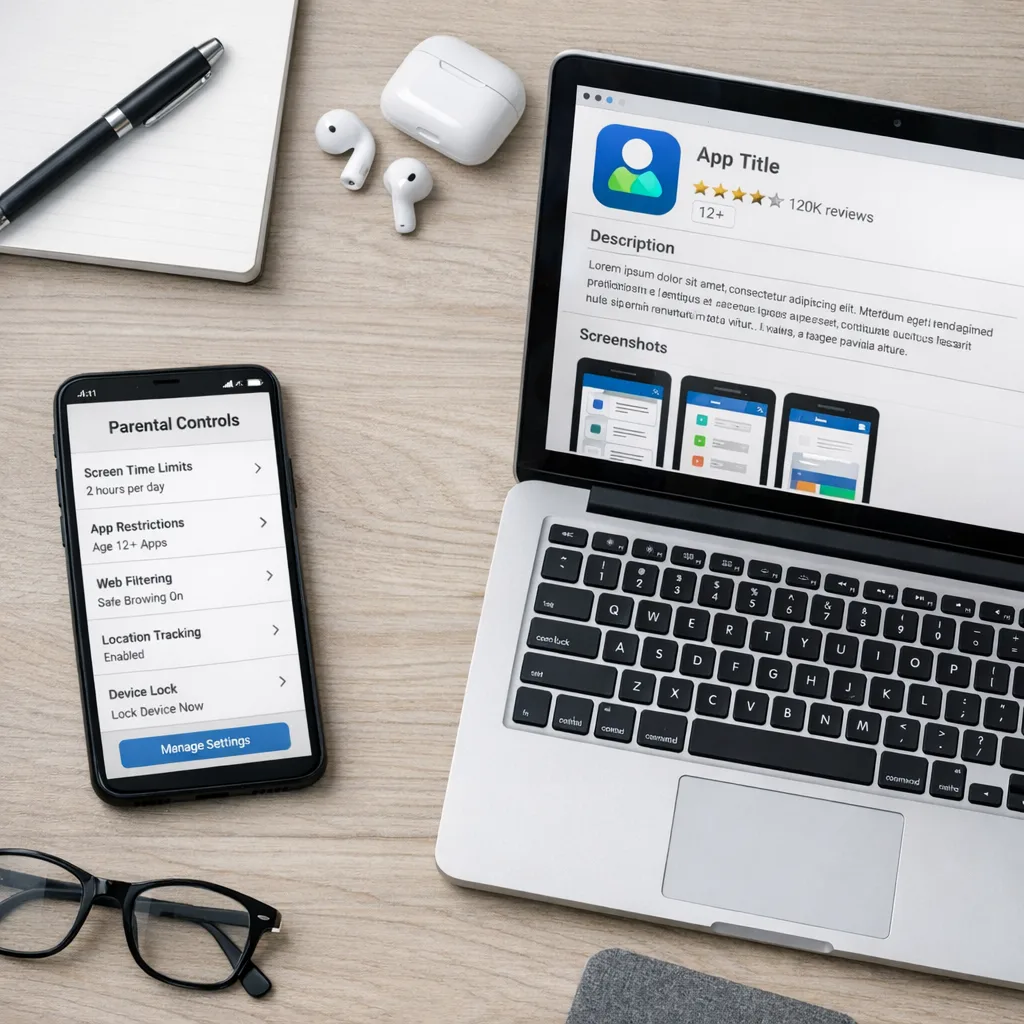
Your product page remains accessible via direct link, but editorial placements and tab surfaces may hide it when parental restrictions are set beyond your rating. That’s by design. Confirm the behavior with a supervised minor account in your QA matrix.
Do I need different screenshots for minors?
Not required, but recommended if the experience diverges meaningfully. Showing a safe‑search badge, stricter chat filters, or a parental controls screen can increase approval under Ask to Buy without scaring off adults—if you balance it with mainstream shots.
Will stricter defaults hurt engagement?
Maybe for edge cases, but most teams see a wash or slight improvement. Teens who stay convert better when the app makes safety obvious and low‑friction. Track first‑session completion and feature discovery to be sure.
What if automatic reclassification was too strict?
Double‑check your answers and submit a clarification in App Store Connect. Provide reviewer notes that explain your controls and defaults for minors. If your product truly fits a lower tier, clean up UX evidence and re‑apply.
Zooming out: build for families by default
The new system nudges the ecosystem toward safer defaults, clearer disclosures, and honest screenshots. Treat it as product strategy, not paperwork. Teams that internalize age‑aware design will ship faster this year, field fewer review escalations, and win parent trust. If you want a tactical walkthrough, our deep dive on building compliant experiences is a good next read: App Store Age Rating 2026: Your Compliance Playbook. Then use the checklist above, push a clean build, and measure what moves.





Comments
Be the first to comment.