App Store Age Rating 2026: Your Compliance Playbook
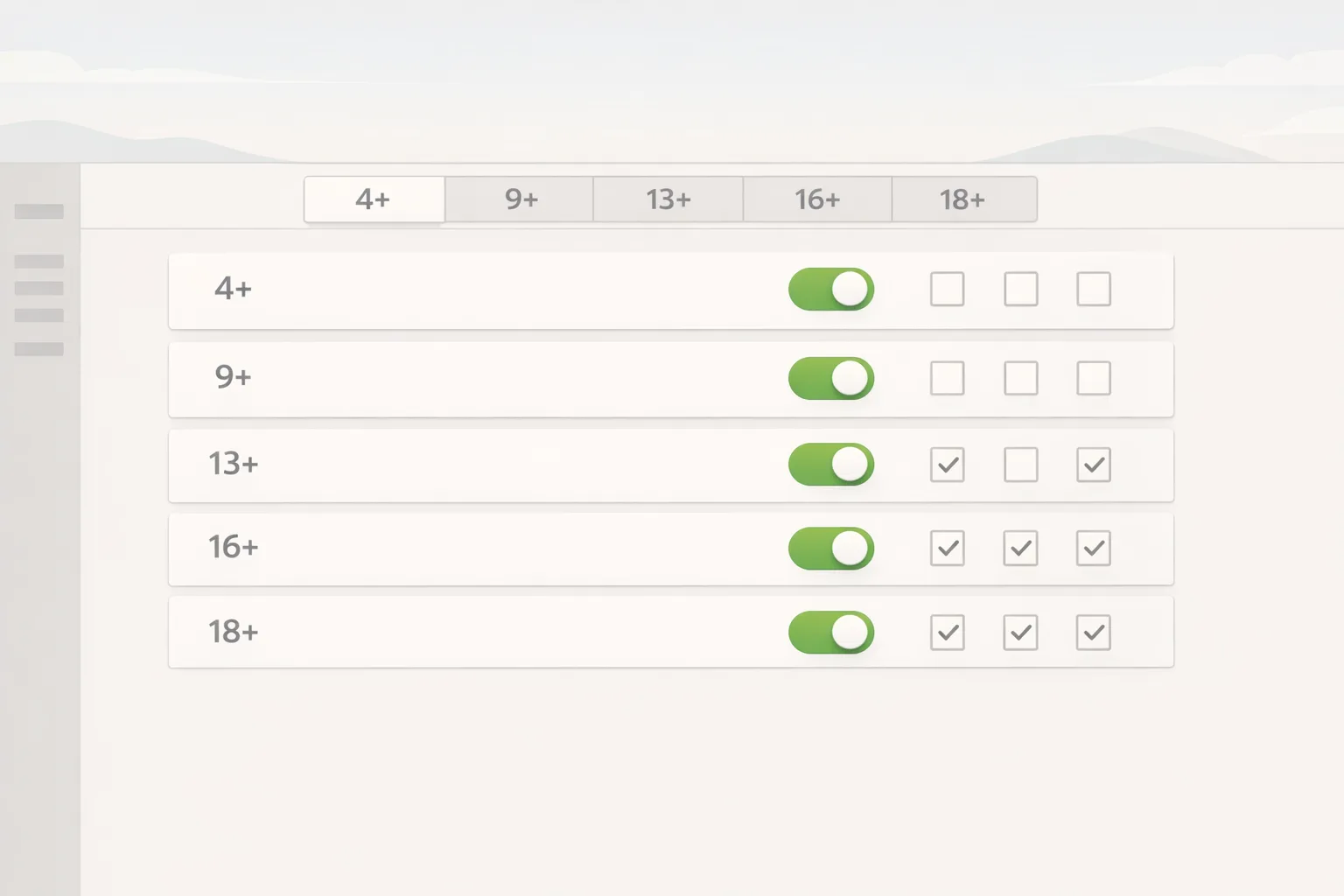
Apple’s App Store age rating 2026 update is more than a label change. As of January 31, 2026, Apple added 13+, 16+, and 18+ ratings (retiring 12+ and 17+) and requires developers to complete new age-rating questions in App Store Connect. If you haven’t answered them, your next update will be blocked until you do. The practical takeaway: product, legal, and engineering must align on content signals and in‑app controls now—then encode those decisions into release and support processes.
What exactly changed—and why it matters to your roadmap
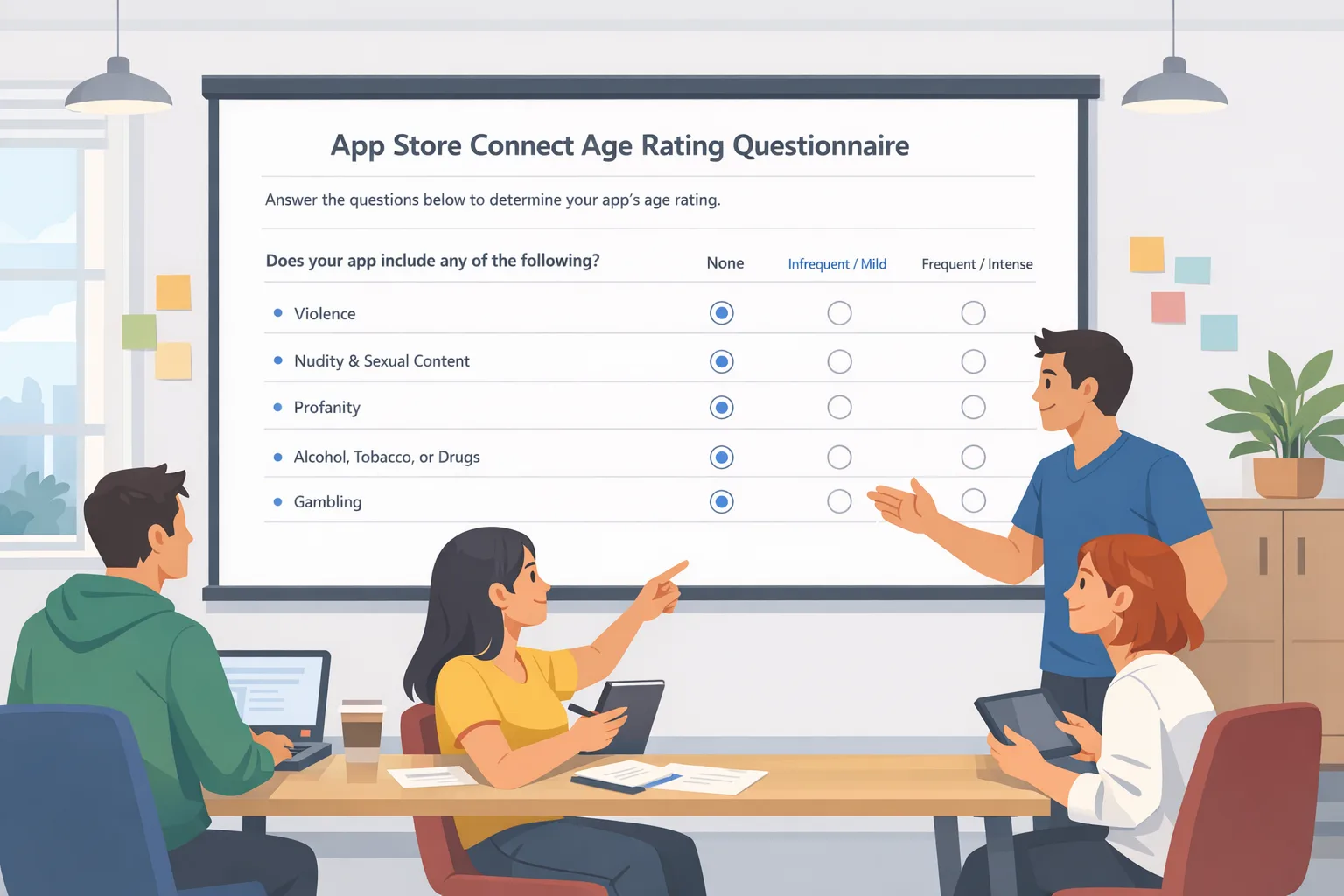
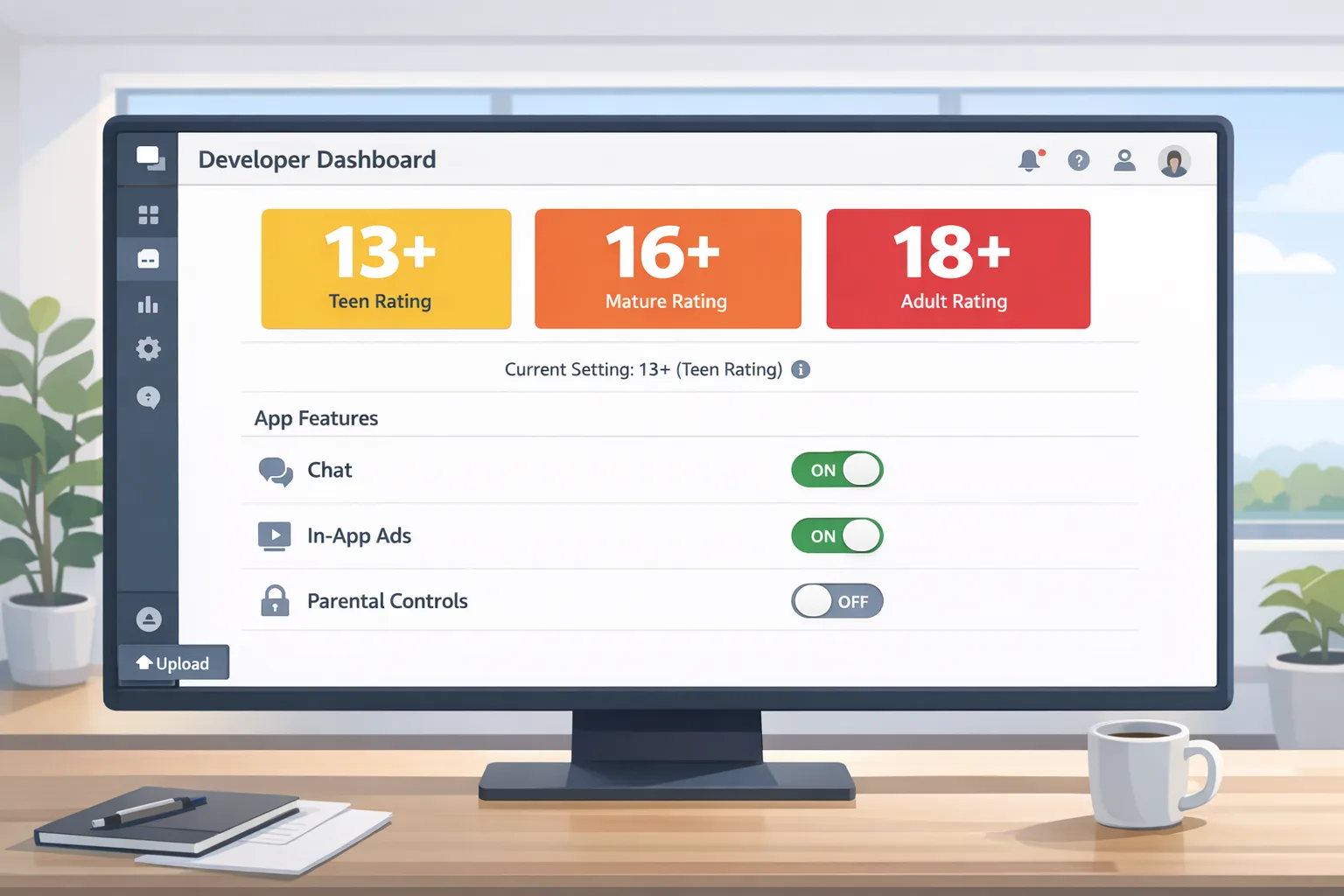
Apple broadened age ratings to five tiers: 4+, 9+, 13+, 16+, and 18+. Alongside the new tiers, the App Store Connect questionnaire now asks more granular questions about in‑app controls, app capabilities, medical and wellness content, violent themes, user-generated content, messaging, and advertising. Apple recalculates your rating from these answers and applies it storewide. Ratings tie directly into parental features like Screen Time and Ask to Buy, which means your visibility and conversion with family accounts can shift overnight.
Two operational consequences deserve emphasis. First, if your questionnaire isn’t completed, App Store Connect can halt updates until you finish it. Second, your rating may affect discovery for adolescent accounts, so product and growth teams should forecast how changes to 13+ and 16+ eligibility might influence onboarding funnels and ad spend. Treat the rating as a growth lever, not just a compliance check.
Use the new scale to your advantage
The additional 13+ and 16+ tiers can actually help you reach the right audience with less friction. Many apps previously stuck between 12+ and 17+ can now right-size to 13+ or 16+ with accurate disclosures. If your content cluster is primarily community, light fantasy violence, or wellness guidance, 13+ may reduce false negatives where families previously erred on the side of skipping your app.
Conversely, if you legitimately belong at 18+, own it early. Being precise stabilizes reviews, reduces parental refunds, and keeps your growth team from pushing spend into segments that will be filtered anyway.
App Store age rating 2026: the minimum you must do in App Store Connect
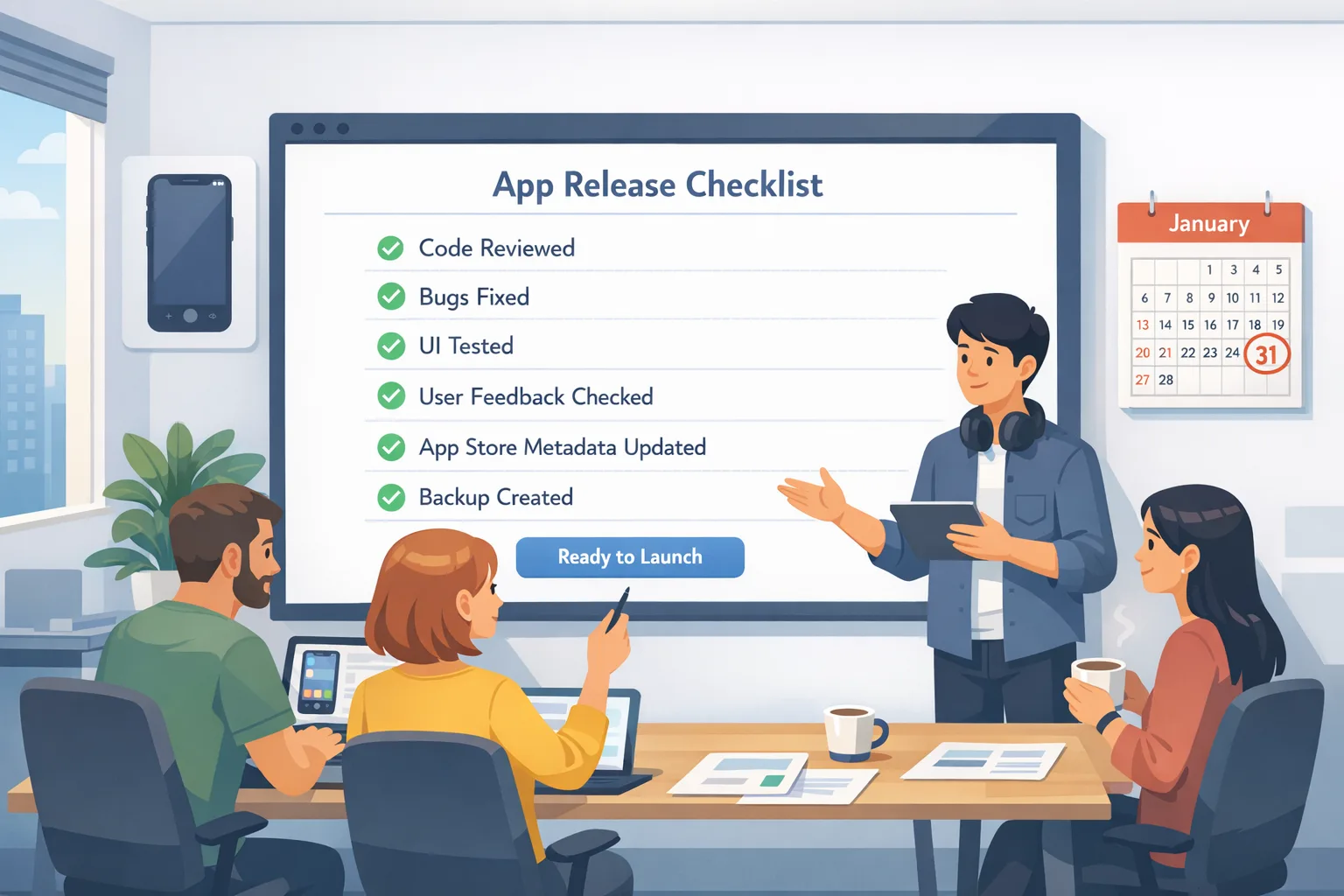
Here’s a quick pass you can finish today to reopen your release pipeline:
- Open App Store Connect → Your App → App Information → Age Rating. Complete the updated questionnaire end‑to‑end; don’t skip AI/chatbot and UGC disclosures.
- Attach a brief internal note mapping each answer to a product spec or moderation control. This becomes your audit trail.
- Confirm your computed rating and, if appropriate, choose a stricter rating. Document why.
- Notify marketing and support of the rating change so screenshots, store copy, and support macros aren’t out of sync.
If you operate multiple SKUs or regions, create a change template and blast it across apps. A 45‑minute investment per app now will save days of back‑and‑forth later.
Do I need “age verification” in the app now?
Age rating and age verification are related but distinct. Apple’s rating rules dictate how your app is labeled and surfaced in the store and on devices. Age verification (or “age assurance”) is about checking a user’s age in‑app to gate features or content, and it’s often driven by policy choices, platform features, and regional laws. Many apps won’t need new identity checks, but you may need age‑aware UX—for example:
- Hiding social discovery, chat, or mature content for under‑16 or under‑18 accounts.
- Enabling stricter default moderation, link sharing restrictions, or DMs for younger profiles.
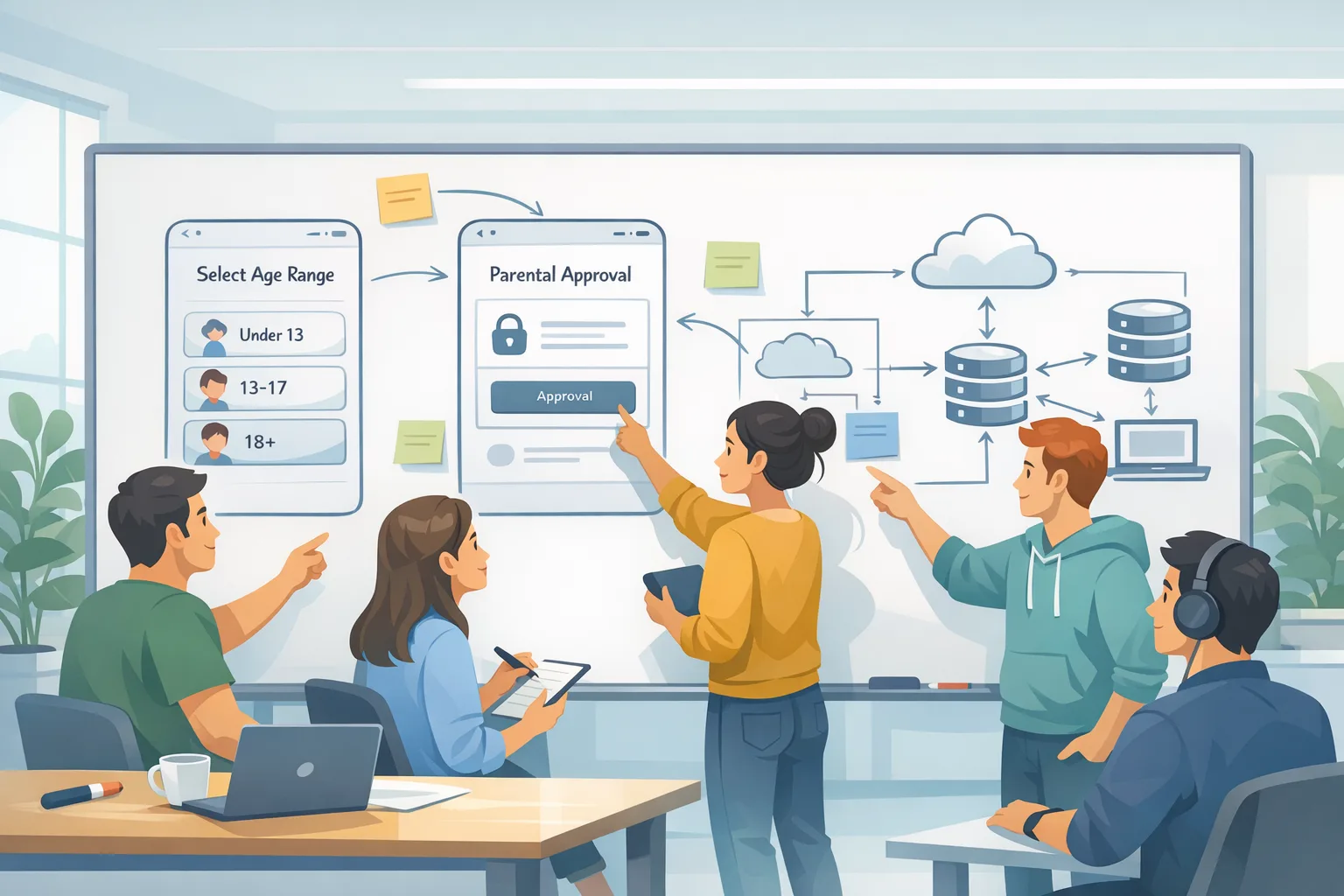
- Triggering parent approvals for new contacts or feature unlocks when applicable.
Apple has highlighted stronger parental tooling (Screen Time, Ask to Buy) and new developer-side hooks for requesting parent approvals in third‑party apps. If your experience allows following, friending, or messaging, plan a pathway to integrate those approval flows as they roll out. The goal is simple: let the OS do the heavy lifting where possible, and avoid building a duplicative identity pipeline.
Designing age‑aware flows without wrecking UX
Age gating can be blunt and frustrating if you treat it like a modal checklist. A better pattern is progressive disclosure: personalize the first‑run journey and settings surfaces based on declared age or parental settings already present on the device. Offer clear, human language: “Some features are limited for younger accounts to keep people safe. Here’s what’s different and how to request access.” Pair that with a help article and a one‑tap path that routes to the appropriate parent approval surface when available.
For content-heavy apps, treat “mature” as a label pipeline, not a boolean. Use server‑side flags attached to content IDs—mature, borderline, safe—and default the feed or discovery engine appropriately for younger users. You’ll preserve product cohesion while meeting policy goals.
The rapid compliance checklist we use with clients
When teams call us the week a rule lands, we run this three‑track plan in parallel:
Track A — App Store Connect (Owner: PM or Release Manager)
- Complete the new questionnaire. Screenshot every section and file in your compliance repo.
- Export the computed rating and circulate to marketing, CS, ads, and partnerships.
- Set a calendar reminder to re‑review answers before each major feature launch.
Track B — Product & Moderation (Owner: PM + Trust & Safety)
- Inventory features touching UGC, chat, ads, and AI content. Mark which require age‑aware states.
- Define defaults by age band (Under 13, 13–15, 16–17, 18+). Keep the rules short enough to test.
- Draft a content labeling spec for creators/moderators: what triggers 16+ vs 18+.
Track C — Engineering (Owner: Tech Lead)
- Implement a server flag for
age_bandand drive feature toggles from it. - Add remote config for region‑specific rules so you can react without a hotfix.
- Instrument analytics:
age_band,feature_block,parent_approval_request, andapproval_resultevents.
This structure lets you ship a compliant state in a sprint, then iterate on nuance.
Edge cases that trip teams up
AI and generative features. If users can generate images or text, disclose it and consider stricter defaults for minors: blocked external links, filtered prompts, and opt‑in sharing. Document your filters and vendor models in your risk register.
Embedded browsers and ad tech. Ads and webviews can surface content outside your control. If you monetize with programmatic ads, ensure your partners respect the age band and do not expose mature creatives to minors. Ask your ad partners for controls that map to 13+/16+/18+ categories.
Creator marketplaces. If you let creators publish, enforce content labels at upload and provide a simple appeal workflow. For under‑18 users, consider limiting live streaming or in‑app tipping without parent approval.
What happens if you missed the January 31 deadline?
You can’t submit new updates until the questionnaire is done. Triage like this:
- Today: Complete the questions, confirm the rating, and run a metadata‑only resubmission if you’re mid‑release.
- This week: Update help center content, support macros, and your onboarding copy. Notify ad networks if your rating changed.
- This month: Bake age‑aware toggles into your feature flags and add pre‑release checks to your Definition of Done.
Once you’re unblocked, protect your velocity by making the age questionnaire review part of your cut‑release checklist.
How it interacts with parental controls and approvals
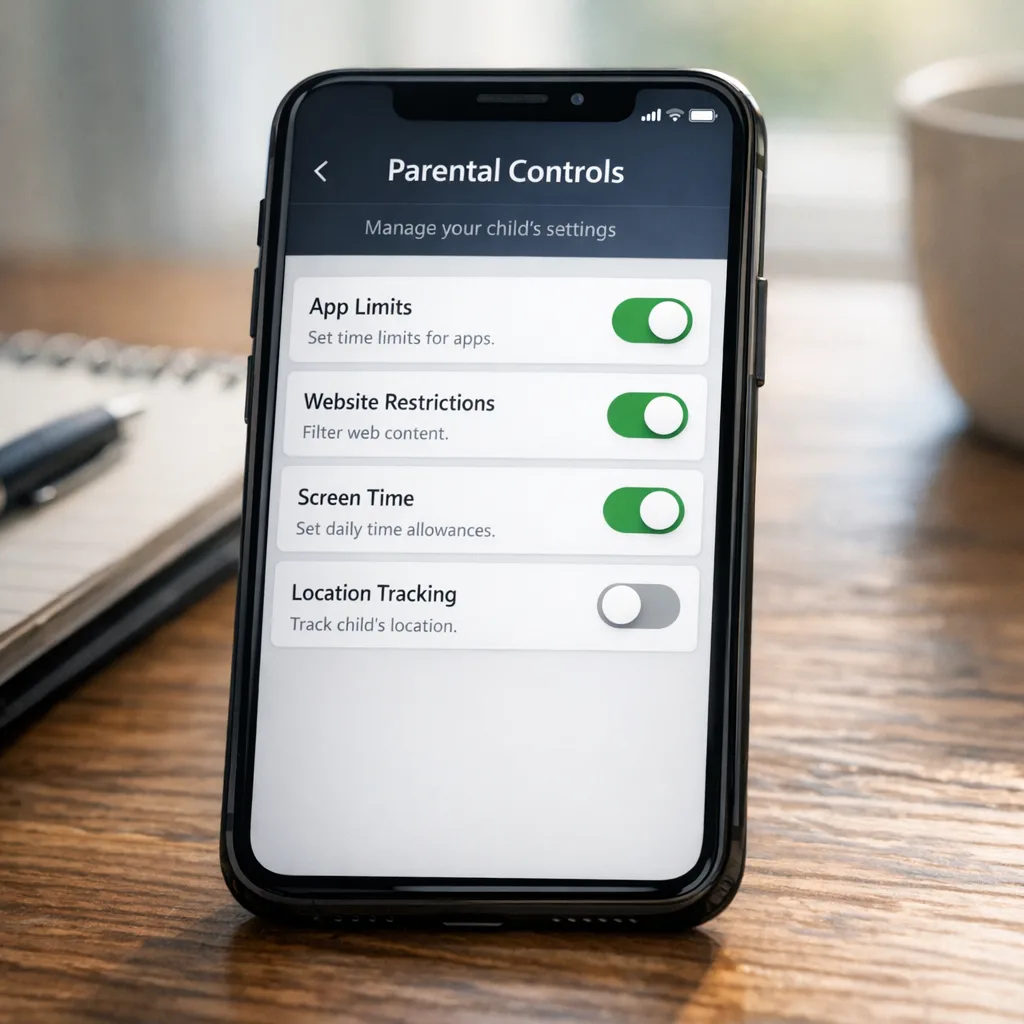
Apple’s parental ecosystem—Screen Time, Ask to Buy, communication limits—now benefits from more granular app ratings. For apps with following or messaging, plan for parent approvals to be requested within your product (instead of sending users to email or a slow support flow). Use a single, dedicated settings screen for families: show current age band, which features are limited, and a one‑tap path to request access where the OS supports it.
Two practical tips: cache nothing about age on the client that could be spoofed, and don’t write your own age proof or ID capture unless policy requires it. Lean on device/OS‑level signals and only persist what you truly need.
Privacy first: collect less data, not more
You don’t need birthdates for most apps. If you only need to show or hide features by age band, store a coarse age_band derived from platform signals or declared age—and avoid keeping raw dates of birth. If a regulator or platform change later requires stronger assurance, design your pipeline to request elevated proof only for affected cohorts and only when necessary.
People also ask
Will choosing 18+ hurt my rankings?
It narrows your reachable audience on family-managed devices and may limit visibility for adolescent accounts. If your app truly requires 18+, pick it and focus your growth plan on adult segments rather than fighting the filter. Accuracy beats churn and refunds.
Can I stick with 12+ or 17+?
No—the scale has moved to 4+, 9+, 13+, 16+, and 18+. Complete the updated questions and accept the recalculated rating. If in doubt, choose a stricter rating and iterate on your content and controls to expand later.
Do I have to build my own parent-approval flow?
Prefer platform‑provided approval paths where available so families recognize the flow and you reduce fraud and support overhead. Inside your app, provide context and a clear handoff rather than inventing a separate identity check unless policy mandates it.
The A-G-E framework: ship age-aware features without slowing down
We guide teams with a simple model:
- Assess: Map features that touch UGC, chat, ads, or wellness. Decide defaults for each age band and document why.
- Gate: Implement server‑driven toggles and per‑region configs. Don’t hardcode age logic in the client.
- Explain: Tell users and parents what’s limited and why. Offer a one‑tap route for requests or approvals where supported.
This keeps product velocity high while reducing risk and support load.
Testing and rollout strategy
Before shipping, run a feature‑flagged test enabling age‑aware states for internal beta testers across age bands. Verify discovery surfaces, sharing, and notifications behave correctly. Run “shadow” analytics to ensure you’re not silently blocking monetization flows (e.g., ads, IAP) for eligible users. Finally, prepare a rollback plan per flag and a hotfix contact tree so you can respond within hours if metrics drift after release.
Communicate the change
Don’t let a store label surprise your community. Post a brief changelog note: “We updated our App Store rating to align with Apple’s new system and added clearer controls for families.” Link to your help article and support form. Your CS team will thank you.
Where we’ve seen teams stumble
Three patterns crop up in post‑mortems: mismatched store answers vs. reality (moderation isn’t as strong as claimed), region‑specific rules hardcoded in client builds (causing hotfixes), and ad partners not respecting age controls. All three are avoidable with the checklist above and a quarterly audit.
What to do next
- Finish the App Store Connect questionnaire today and reopen your release lane.
- Instrument server‑side
age_bandand feature flags; remove any hardcoded gating. - Draft and ship a family settings screen with clear explanations and approval paths.
- Audit ad networks, UGC pipelines, and AI features for age‑aware defaults.
- Schedule a quarterly compliance review tied to major feature launches.
If you want a deeper technical walkthrough of age‑aware gating and release process hardening, our developer playbook for age verification breaks down the integration details. If you were racing the policy earlier, revisit our guidance on how to beat the deadline and avoid being blocked in App Store Connect. For broader release discipline under pressure, see our security release playbooks starting with Ship Safe. And if you need help assessing risk and shipping a fix without derailing your roadmap, talk to our team.
Zooming out
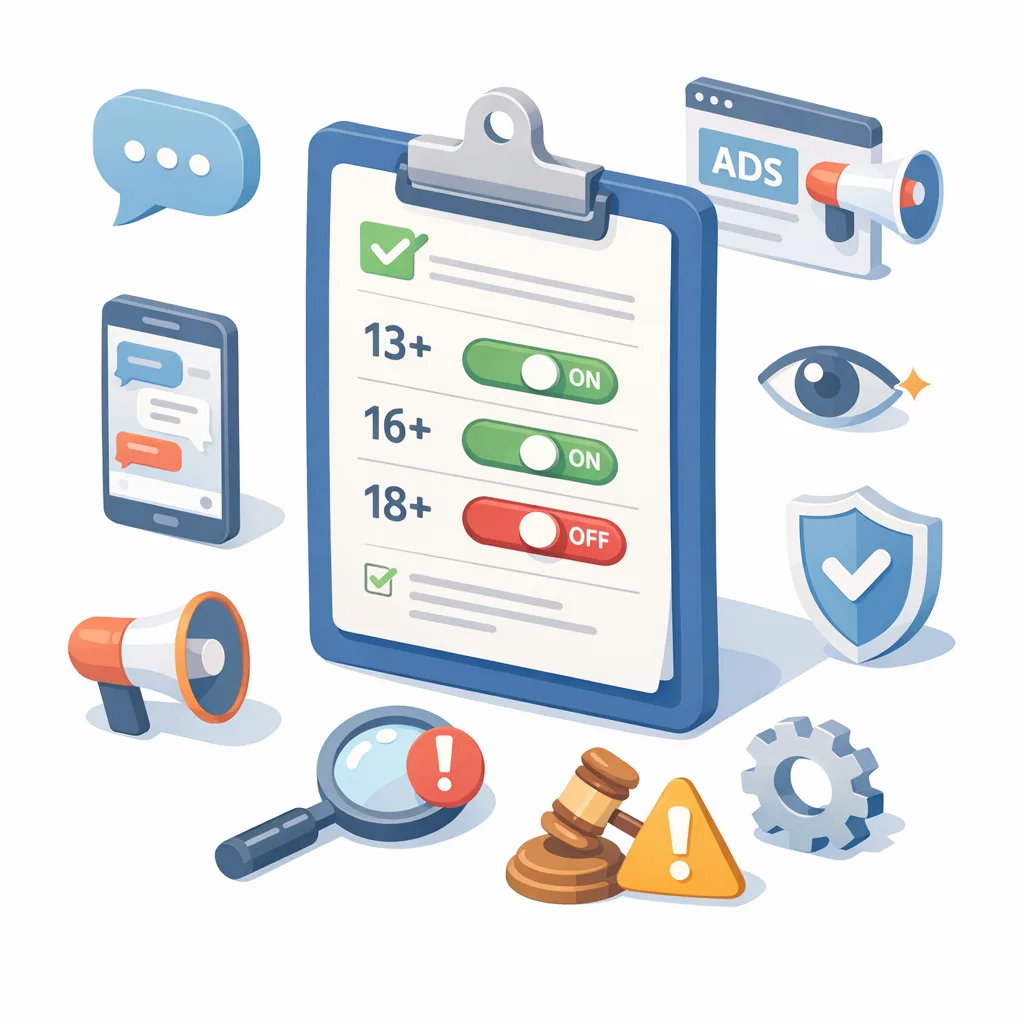
This change won’t be the last. Expect more granular controls and clearer parent experiences, plus periodic questionnaire updates as new content patterns (AI, live audio/video, mixed reality) evolve. Teams that treat ratings and parental controls as a living part of their product system—complete with flags, analytics, audit notes, and release gates—will move faster and fight fewer fires.
Build once, adjust with config, explain clearly. That’s how you stay compliant and keep shipping.


Comments
Be the first to comment.