Beat the App Store Age Rating 2026 Deadline
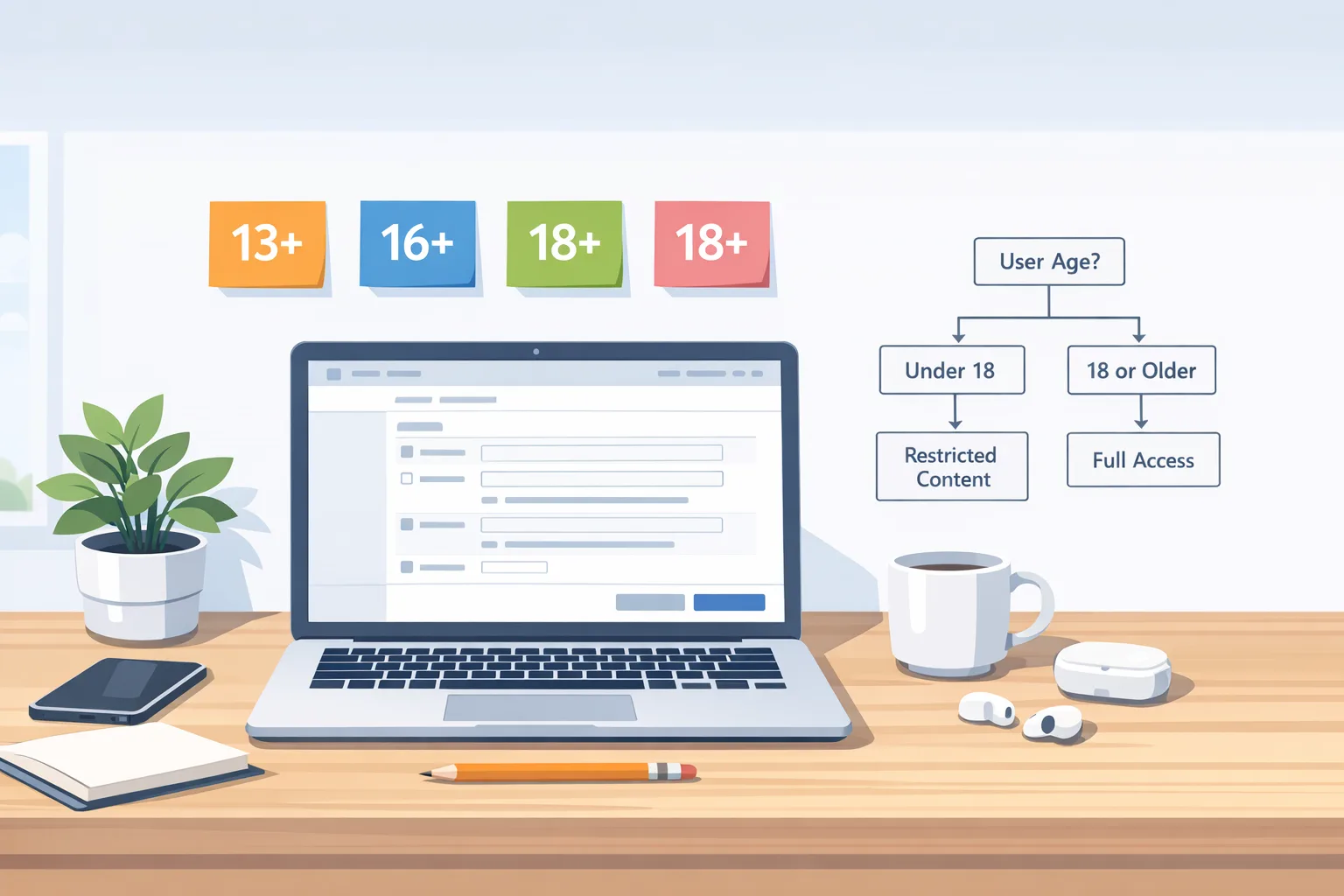
Apple’s App Store age rating 2026 overhaul lands today. If you haven’t answered the new App Store Connect questionnaire by January 31, 2026, your team risks blocked submissions. The change adds three new tiers (13+, 16+, 18+), removes 12+ and 17+, and recalculates ratings for every app. Let’s cut through the noise and ship what matters—fast.

What changed—and why January 31, 2026 matters
Apple expanded ratings to 4+, 9+, 13+, 16+, and 18+. All apps were automatically re-assigned based on your prior responses, but you must complete the updated questions in App Store Connect by January 31, 2026 to keep shipping updates. The new system also better aligns to regional standards, so your visible rating can vary by country, and Apple’s newer OS releases show the refined categories.
Here’s the thing: this isn’t just a label swap. The questionnaire digs deeper into what your app actually does—think user-generated content, AI or chatbot behavior, wellness/medical features, in-app controls, violence themes, and access to the open web. Your answers drive the public rating and how your app is discoverable for families. Miss the deadline and your release train idles until you comply.
Who’s affected—and how much work is this?
If you build social, community, or commerce features, expect a meaningful review. If your app is a utility or B2B tool with limited content exposure, it’s still a 30–45 minute task. Games, creators, fitness/wellness, and any app with AI chat or unfiltered links need extra attention. Teams with regional variants should plan QA to validate that the new rating aligns with local expectations.
Fast triage: a 30‑minute age rating check
Pull in product, a PM, and one engineer. Open App Store Connect > App Information > Age Rating and walk this decision tree:
- Does your app include user-generated content (posts, images, chat, profiles)? If yes, do you have in-app controls (report, block, filter) and active moderation?
- Do you have an AI assistant or chatbot? Can it surface mature themes or links? What guardrails exist?
- Any medical or wellness topics, guidance, or tracking? How frequent/intense?
- Any violence themes (including stylized/cartoon vs. realistic)? Frequency and intensity?
- Is there unrestricted web access (embedded browser), external links, or simulated/real gambling?
- What parental controls or teen-safe modes do you ship today?
Answer honestly, match the questionnaire prompts, and preview the assigned rating before you hit Save. If the recalculated number surprises you, adjust features or add controls now (see the implementation section below) and re-answer.
How to complete the new questions in App Store Connect
You’ll find the changes in App Store Connect under App Information > Age Rating. Expect prompts across these areas: in-app controls, app capabilities, wellness/medical topics, and violent themes. For apps with UGC or AI chat, document your moderation and safety features. Keep your answers consistent with your product page and privacy disclosures.
Pro tip: capture a one-pager in your repo summarizing the exact answers and the rationale. When your app evolves, you’ll update this doc first, then App Store Connect. It keeps product, legal, and engineering aligned and prevents last-minute release blocks.
What rating fits my app now?
Apple’s new tiers create more nuance. A few common patterns we’ve seen with clients:
- 13+: Light social features with strong filters and reporting; basic AI assistants that avoid adult themes; mild medical or treatment references; no unfiltered web browsing.
- 16+: Teen communities with more open discovery; frequent or intense mature themes; unrestricted web access; content that’s harder to pre‑filter.
- 18+: Explicit content, realistic violence, or gambling. If you’re here, you also need age gating in the app UX.
These are not official thresholds—your questionnaire answers govern the final rating. But this mapping helps product leads anticipate where the line might be drawn and what feature toggles you need to stay accessible to teens.
Implement age‑appropriate UX without rewriting your app
Let’s get practical. You can respect the new ratings and still ship new features next sprint by layering in three patterns.
1) Feature flags by age band
Introduce a single policy function that maps a user into buckets: under 13, 13–15, 16–17, and 18+. With that decision, you can turn on/off discovery, search breadth, DM initiation, profile visibility, or link posting. Keep the policy table in a remote config so you can tweak rules without an app update.
2) Use Apple’s Declared Age Range API when available
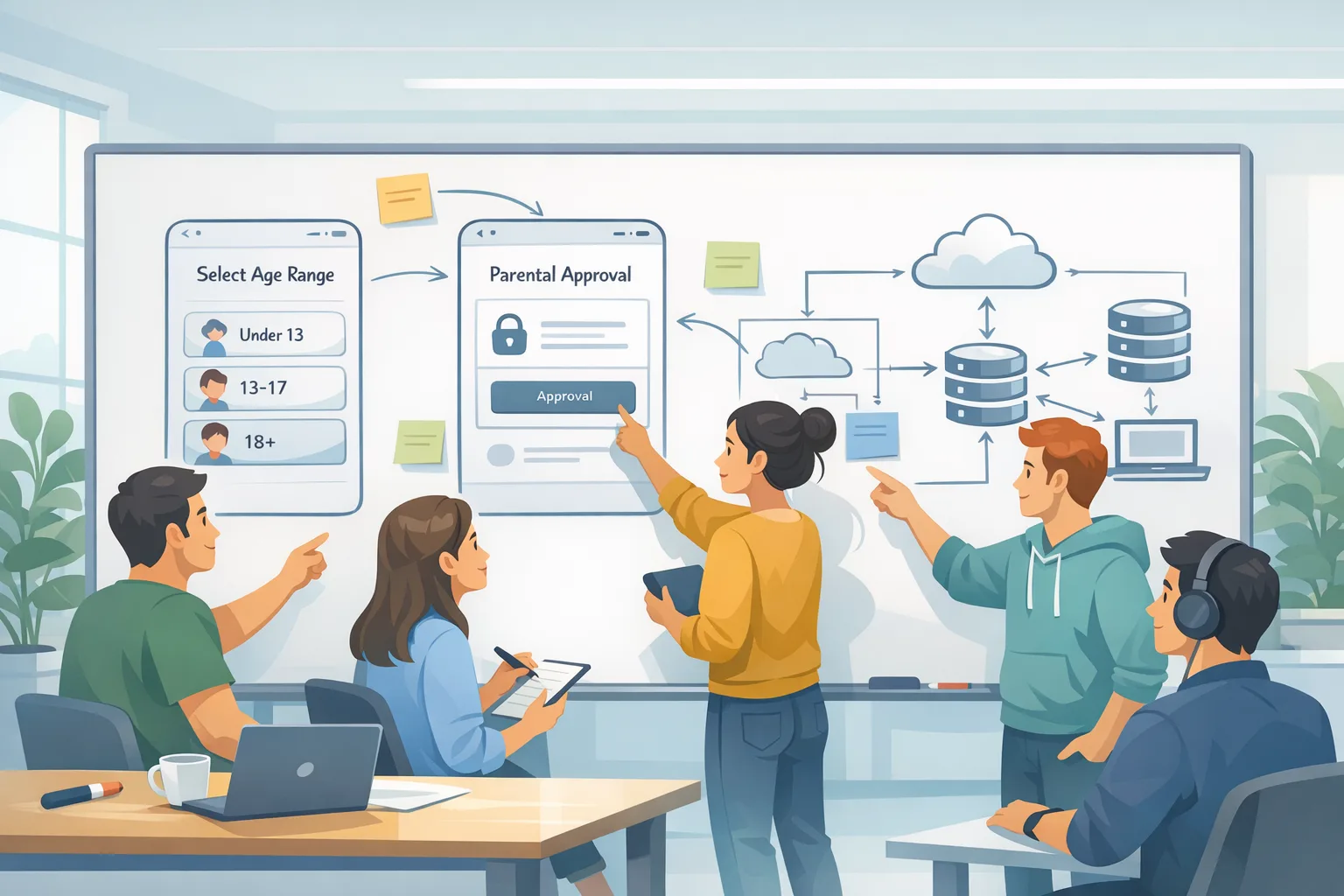
On devices that support it, request a system-provided age range so you never handle birthdates. If the call isn’t available (older OS, desktop web, or the user declined), fall back to a neutral experience that errs on the side of safety. Don’t block use if you can provide a compliant tier (for example, suppress mature feeds and external links by default until age range is shared).
3) Build a “teen mode” you’re proud to show parents
Bundle default-on settings for DM approvals, limited search, hidden precise location, and gentler notifications. Expose a single “Safe Controls” panel that’s easy to audit during app review. The more transparent your controls, the easier your questionnaire answers—and the less friction with re-reviews.
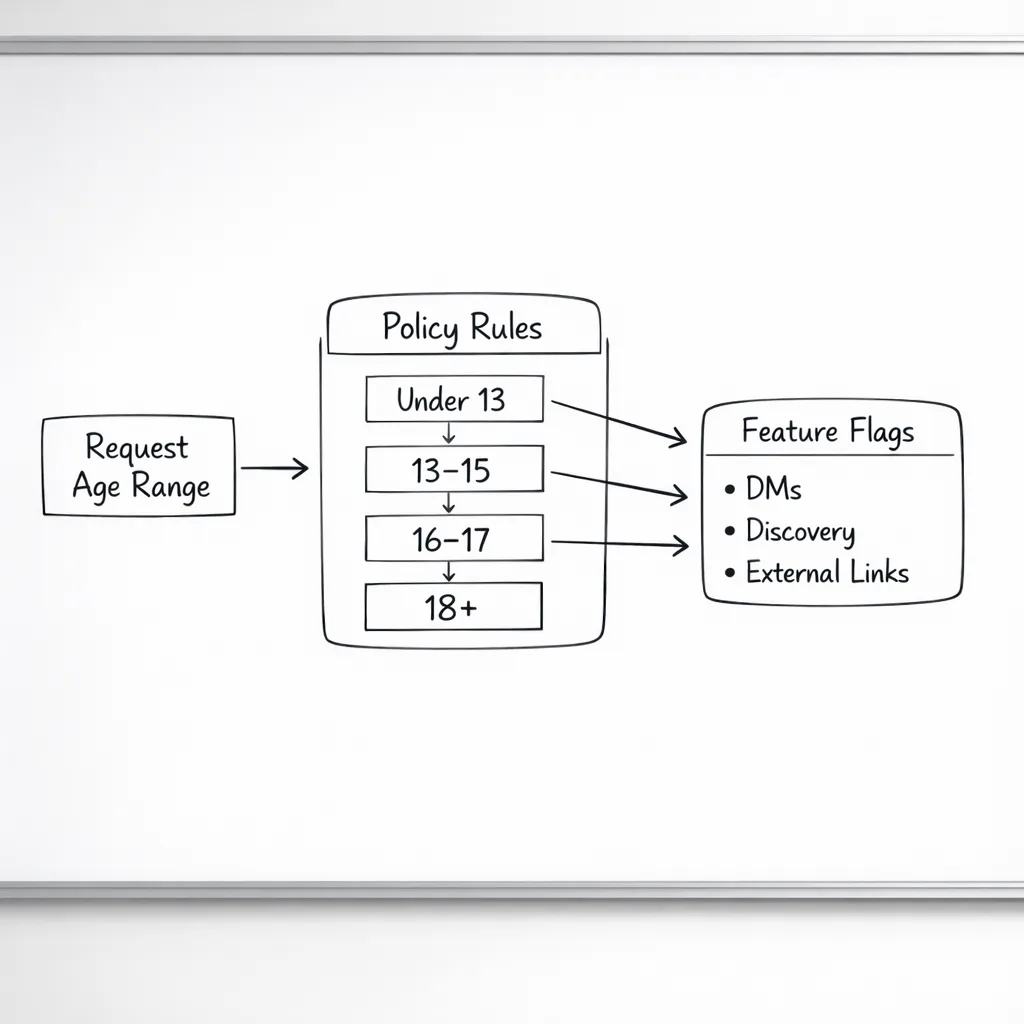
Code‑level sketch: gating features by declared age range
You don’t need to reinvent auth. Wrap the system call to request an age range (where supported), cache the result with a short TTL, and feed it into your policy switch. On platforms without the API, default to conservative rules and let a parent opt into more features later.
Implementation notes your team can apply this week:
- Request age range at a natural moment (first personalization screen), not on cold start. Always provide a “Continue with limited features” option.
- Design idempotent UI states: if the user’s tier changes later (for example, a parent adjusts controls), your feature flags should immediately adapt.
- Decouple content fetching from UI. Ask your API for a policy‑aware feed (“teen-safe=true”), don’t fetch everything and filter client-side.
People also ask: do I need full age verification?
No, not for Apple’s rating questionnaire. You’re declaring your app’s content profile, not verifying a specific user’s identity. Where laws require additional steps (for example, state rules around parental consent), Apple exposes system‑level tools and APIs so you aren’t collecting sensitive data yourself. Use those first.
What about Texas and state laws in 2026?
Starting in early 2026, Apple introduced OS‑level flows and APIs to help developers meet parental consent and “significant change” requirements in certain jurisdictions. If you operate at scale in the U.S., plan to: a) gate risky changes behind a consent flow for teen accounts, and b) receive signals when consent is revoked so you can restrict access without data gymnastics. The safest posture is to architect your policy engine once and let local rules drive the inputs.
Will this change my conversion or LTV?
Possibly—in both directions. In the short term, stricter defaults for teens can reduce DM initiations or open-web clicks. But a clear teen mode often improves trust and retention with families, and your editorial placements are less likely to be throttled if your rating and controls align with Apple’s guidance. Apps that keep mature content behind well‑designed gates usually see healthier store visibility and fewer review setbacks.
Risks, limitations, and edge cases
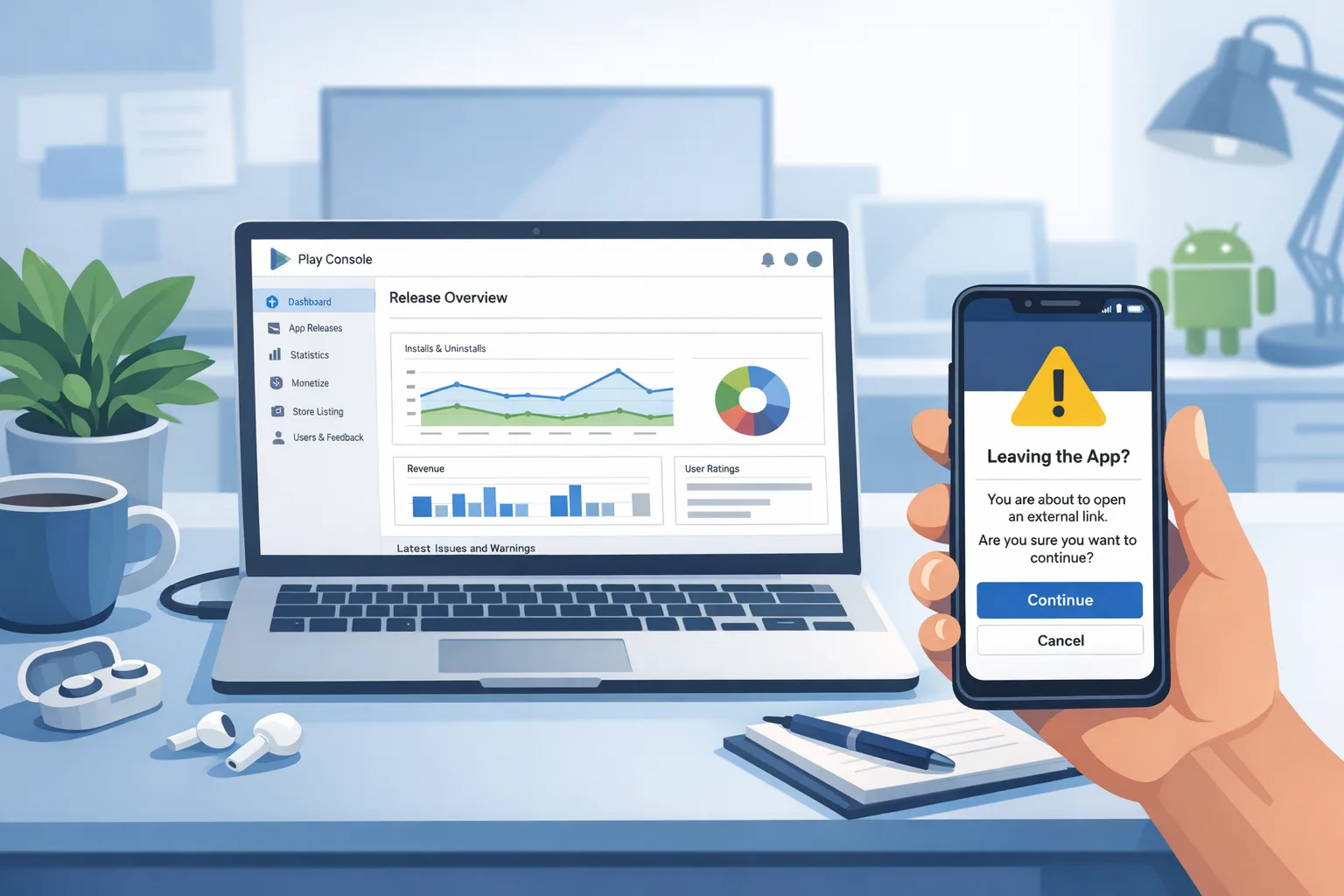
There’s a catch with “unrestricted web access.” If your embedded browser or outbound links routinely jump to content you don’t control, that can push you into a higher tier. Either add filters, interceptors, and domain allowlists—or present those flows only to 18+ users. Similarly, generative AI tools that summarize or search the web can surface adult themes. Treat them as link‑like features with conservative defaults for teens.
UGC moderation isn’t a checkbox. Document your enforcement process (automated + human), what happens on reports, and the typical SLAs. If you say you have controls and your reviews show otherwise, you’ll invite rejections and potential rating adjustments. Lastly, keep a clear story for medical/wellness features—be precise about claims and avoid implying diagnosis or treatment if you don’t deliver it.
Pragmatic checklist to finish today
- Open App Store Connect > App Information > Age Rating and complete the new questions for every active app.
- Document your answers internally and align product, legal, and support on the rationale.
- Ship a small config update: feature flags for teen and adult tiers, and conservative defaults when age range is unavailable.
- Validate your onboarding: one moment to request age range (optional), a clear “limited features” path, and visible safety controls.
- Review your in‑app browsing and links. Add allowlists or blocklists for teen modes.
- QA regional variants and ensure your support team can explain the new rating in plain language.
What to do next if you’re a startup founder
Schedule two hours post‑deadline for metrics sanity checks: new-user activation, DM starts, link clicks, and retention for under‑18 cohorts. If you see drops, tweak policy flags before rewriting flows. Then pre‑brief investors or partners if your headline rating changed; frame it as a trust signal with families and schools. Finally, add a quarterly compliance review to your roadmap so policy shifts don’t steal sprint time.
What to do next if you’re an engineering leader
Assign one owner for “policy ops” across iOS and server. Their job: maintain the policy table, wire OS‑level age range signals, track consent revocation webhooks where applicable, and keep App Store Connect answers in sync with product reality. Create a small battery of policy unit tests so that a feature toggle can’t silently violate a tier. And keep a sandbox plan to simulate teen vs. adult states in CI.
Helpful resources from our team
We’ve published guidance for leaders who need to move fast without breaking safety:
• Read our urgent primer on App Store age rating updates for 2026 if you’re racing the clock.
• If you operate at scale or across markets, bookmark our App Store age verification developer playbook for deeper policy patterns.
• Need help turning policy into code and QA? See what we do for mobile platforms and get in touch via our contact page.
FAQ: quick answers for busy teams
What happens if I miss January 31, 2026?
Your updates can be blocked until you complete the new questionnaire. You won’t necessarily be pulled from sale, but your release cadence stops—costly during live ops or peak campaigns.
Do I need to change my age rating text on the store page manually?
Apple already recalculated a rating from your prior answers, but you should review it. If the automatic result doesn’t reflect your intended audience, update your features, controls, or answers accordingly.
Do I have to collect IDs or birthdays?
No. Favor system‑level age range signals and parental controls. If your business requires stronger assurance, isolate that flow and store the bare minimum—ideally via a vetted third‑party and only where legally required.
Can I keep one build for everyone?
Yes—if your policy engine cleanly toggles features by age tier. Many teams ship a single binary with gated discovery, messaging, and linking behavior.
Zooming out: the strategy angle
Policy shifts rarely reverse; they compound. Teams that treat age and safety as first‑class product surfaces—rather than checkboxes—gain resilience. They ship faster after each policy swing, avoid public store scuffles, and earn editorial love. This 2026 overhaul is your chance to harden that muscle: one policy engine, one internal rubric, and customer‑visible controls you’re proud to showcase. That’s how you keep shipping week after week.




Comments
Be the first to comment.