
App Store Age Verification 2026: Developer Playbook
App Store age verification isn’t theoretical anymore—it’s shipping reality in 2026. Between Apple’s new 13+/16+/18+ age ratings, App Store Connect questionnaire changes due by January 31, 2026, and state-level requirements like Texas’ age verification rules taking effect in 2026, you need an implementation that’s private by design, review-proof, and easy to adapt as policies evolve.
This guide translates the moving pieces into an actionable plan. We’ll cover how Apple’s age signals and parental consent fit together, what your app should (and should not) collect, and a sprint-ready checklist you can hand to engineering and product today.
What changed, and when?
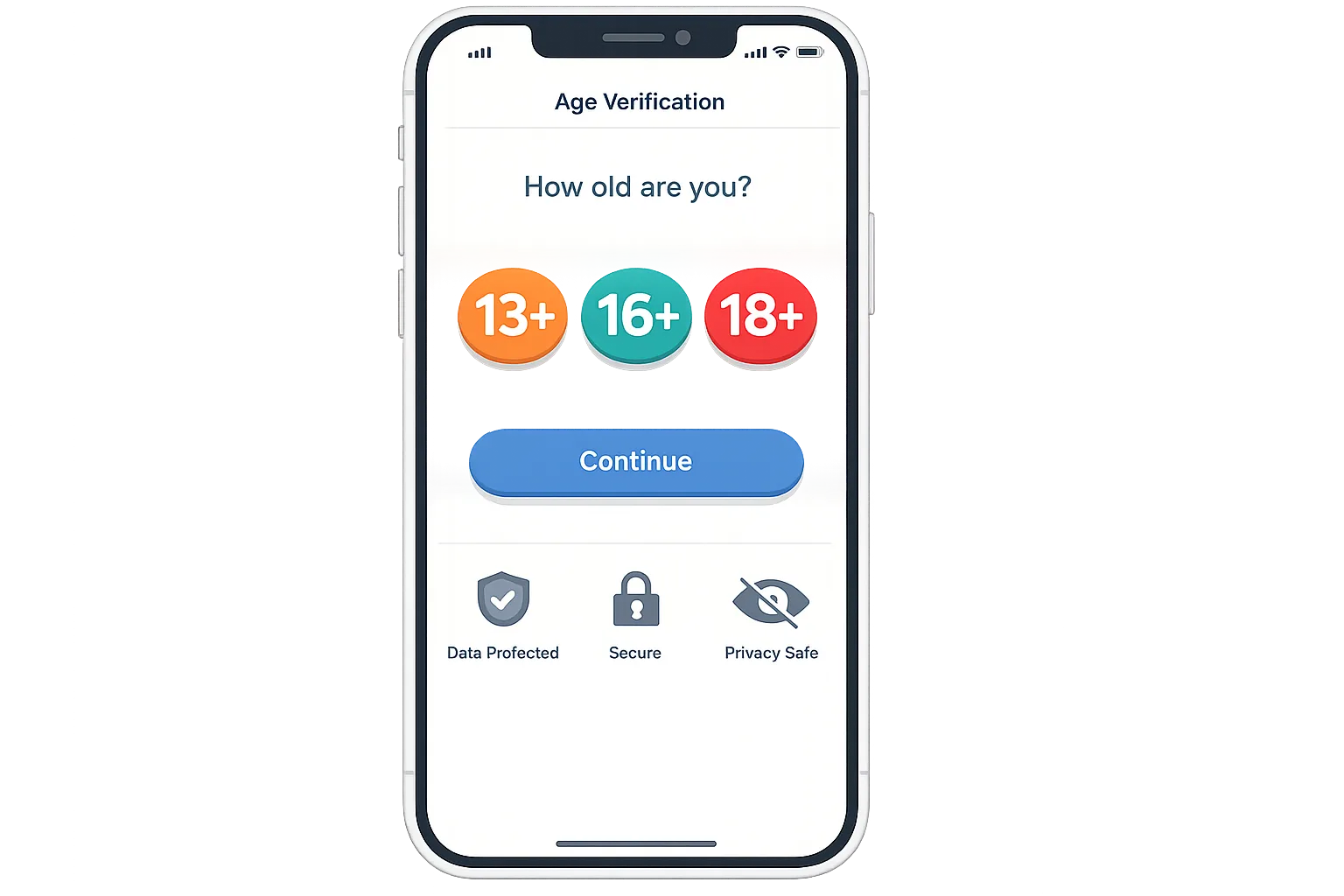
Here’s the thing: the platform work has been underway for months, but the enforcement moments are clustered around late January 2026 and beyond. Apple requires developers to respond to the updated App Store age rating questionnaire by January 31, 2026. Those responses drive the new, more granular ratings—13+, 16+, and 18+—which will surface across Apple platforms and tie into parental controls.
Separately, state-level laws in the U.S. are pushing app stores and developers to verify ages and secure parental consent for minors. For Texas, new account flows and developer-facing signals begin in 2026. Expect other states to follow with similar mechanics and timelines, plus regional wrinkles in wording and enforcement.
Bottom line: if your app has user-generated content, social features, messaging, dating, payments, or ads, treat January 31, 2026 as the “no more procrastination” date. You don’t need to rebuild your onboarding, but you do need the right signals, policies, and toggles.
How App Store age verification actually works in practice
Let’s zoom in on the moving parts you’ll actually touch in code and configuration:
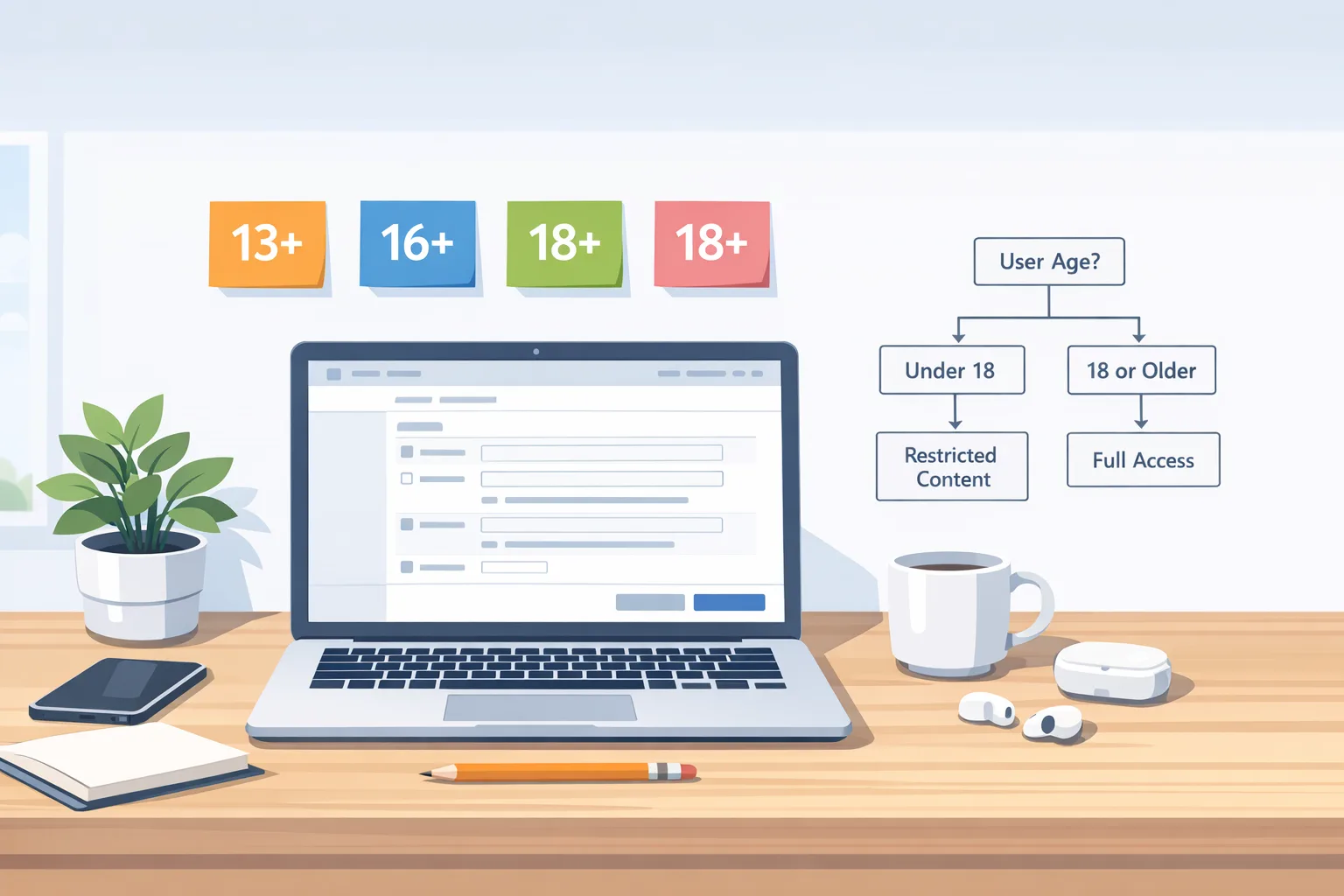
1) App Store age ratings: Your rating (now one of 4+, 9+, 13+, 16+, 18+) is calculated from your App Store Connect responses. It gates discoverability for kids’ devices, informs parental controls like Screen Time, and signals what in-app experiences should adjust by age.
2) Declared Age Range signal: Apple provides a way for parents to share a child’s age range with apps without exposing the birth date. You request the age range, get a coarse bucket (for example, under 13, 13–15, 16–17, 18+), and gate features accordingly. This is privacy-preserving compared with collecting IDs or dates of birth yourself.
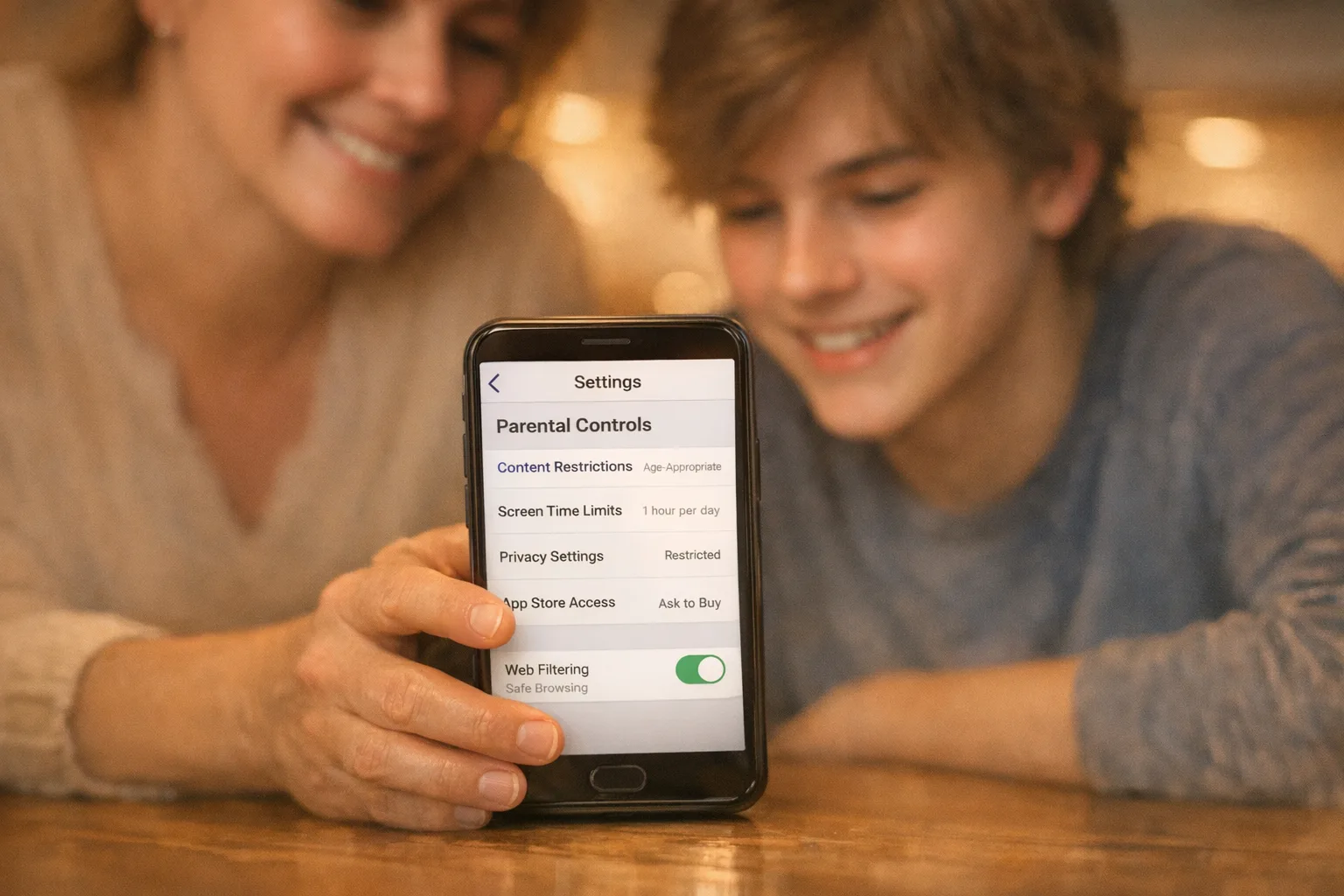
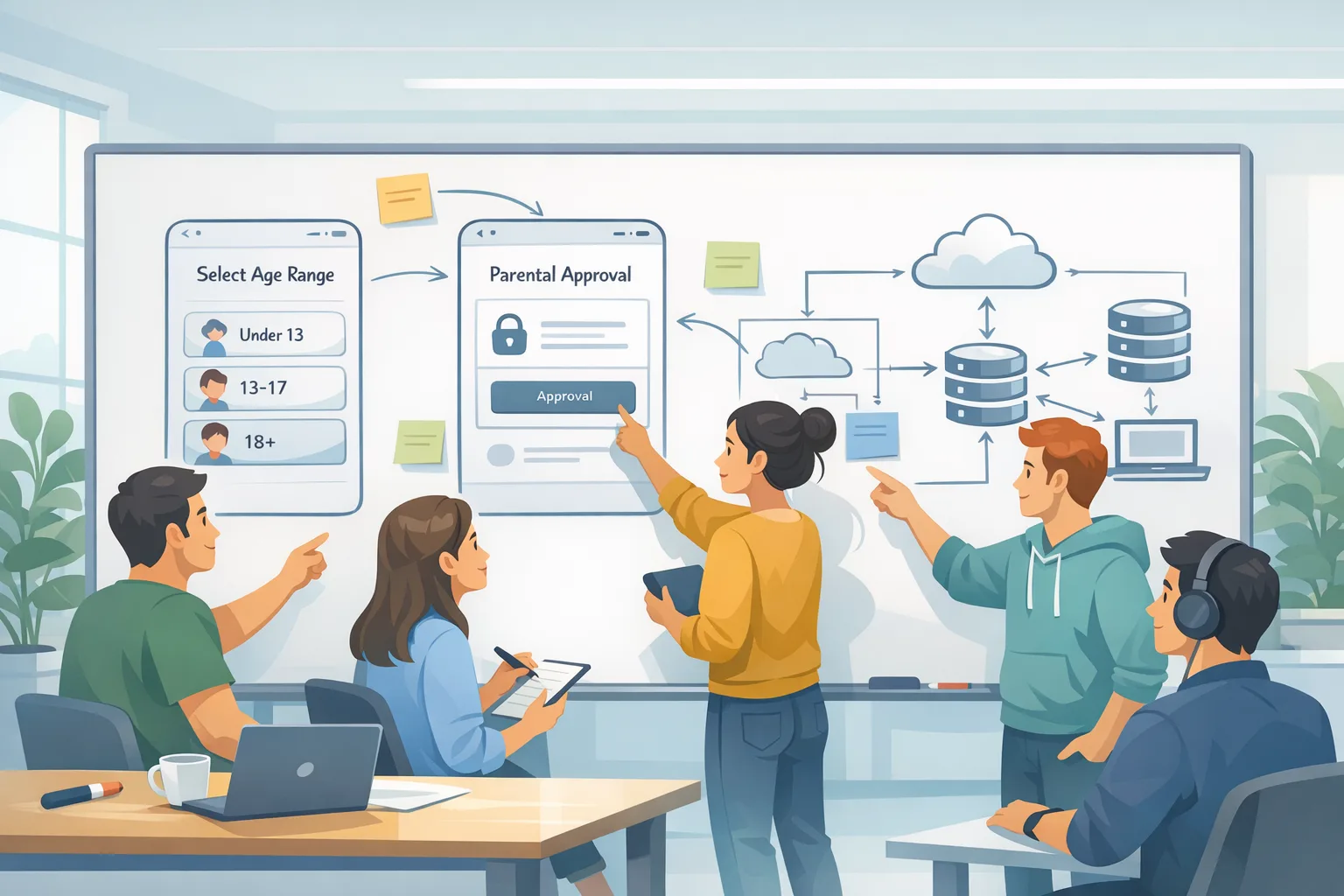
3) Family Sharing and consent: For minors, App Store purchase and download consent flows are handled at the OS/App Store level. Your app may still need to request in-app guardian approvals when enabling sensitive capabilities—think direct messaging, location sharing, or public profiles. Design your app’s “ask a parent” moments to layer on top of the OS-level guardrails.
4) Regional compliance toggles: Start with Texas in 2026, but don’t hard-code for a single state. You want server-driven configuration, backed by a policy matrix (region × feature × age bracket), so you can adapt wording and thresholds without resubmitting.
App Store age verification without collecting more data than you need
Use the platform signals first. Ask only for what’s essential to make an experience safe and lawful. Resist the temptation to roll your own document checks or selfies. For most apps, relying on the App Store account type, the declared age range, and parental consent hooks is enough.
When apps over-collect, two bad things happen. First, your review risk spikes: reviewers scrutinize why you need dates of birth or ID scans when the platform provides a safer signal. Second, you inherit breach liability you didn’t need. A coarse, platform-delivered age range can unlock 95% of your gating logic.
Implementation plan: the 7-day ship sprint
If you’re coming in hot before the January 31, 2026 questionnaire deadline, organize work like this. Most teams can ship a solid baseline in a week:
Day 1: Inventory & map. List all features potentially impacted by under-18 or under-16 users—messaging, public comments, livestreams, friend requests, ads targeting, payments, location sharing, camera/mic access. For each, define “off,” “limited,” and “full” modes by age bracket.
Day 2: Server-driven policy. Implement a “policy config” endpoint keyed by region and age bucket. Example shape: { region: "US-TX", age: "13-15", features: { dm: "limited", profile: "private-default", ads: "contextual-only" } }. Add feature flags for sensitive capabilities.
Day 3: Fetch age signals. Wire your request for the declared age range where appropriate, cache it securely, and treat it as ephemeral (refresh on app relaunch or account changes). Do not store birth dates and do not transmit age data to third-party analytics.
Day 4: UX and copy. Add a short, plain-English explainer during onboarding: “We adjust features based on age to keep our community safe. We don’t store your birthday.” Provide a parent-facing page explaining requests and controls. Include a delete request path.
Day 5: Consent hooks. Add a “request guardian approval” interstitial before enabling risky features. Queue the request if the guardian isn’t present; let teens continue using the app in a limited mode while approval is pending.
Day 6: Observability. Log policy decisions (“US-TX: ads contextual-only for 13–15”), refused/accepted guardian approvals, and fallback rates when age is unknown. Keep logs devoid of PII. Build a simple dashboard for product and compliance.
Day 7: Review pack. Update App Store Connect questionnaire, draft your review notes explaining age gating, and record a quick screencast of flows for reviewers. Document your policy matrix in a lightweight README.
Pro tip: design from the “unknown age” state
Don’t assume you’ll always have a valid age range. Networks fail, parental settings can be strict, and some users may never share. Default to your safest “limited” mode when the signal is missing, and make the upgrade path clear and reversible.
People also ask: do we need ID checks or selfies?
No, not by default. For most iOS apps, App Store age verification and parental consent patterns are sufficient. Government ID or selfie liveness checks add friction, increase privacy risk, and are more likely to trigger review questions. Only pursue them if your category is high-risk (e.g., regulated financial services) and your legal team concurs.
How do we handle Texas-only enforcement?
Keep all “what changes by region” logic in your server config. Detect region via billing address, device locale plus IP geolocation, or a user-provided state selector at onboarding. Then switch copy and thresholds accordingly—without shipping separate binaries. If Texas requires stricter gating at account creation, route Texans through the tighter flow while the rest of the U.S. follows your standard age-aware onboarding.
What if our app targets adults only?
Adults-only doesn’t mean you can ignore this work. You’ll still complete the questionnaire by January 31, 2026, reflect 18+ in your metadata, and ensure your onboarding nudges away minors. Add a single-purpose age confirmation screen that’s explicit without collecting birth dates. If your app’s theme can attract teens (fitness, chat, creator tools), guard messaging and profile exposure until you’ve got a strong adult signal.
Engineering patterns that scale with policy changes
Here’s how we’ve implemented this for clients and kept cost low:
Server-driven policy tables: Keep a simple policy DSL in JSON, editable by operations. Map policies to feature flags in code. Version the policy document, and expose a dry-run endpoint so QA can simulate any region and age bucket.
Multi-layer gates: Check age and consent in three places: server authorizers, client UI guards, and content submission validators. Assume a malicious client can flip toggles; the server should still reject an under-16 user trying to post public content.
Test matrix: Snapshot tests for policy permutations (US-TX 13–15, US-CA 16–17, EU 13–15) plus live testing with mocked responses. For App Store review, a dedicated test account with sample flows cuts a week of back-and-forth.
Metrics that matter: Track “unknown-age rate,” “guardian approval SLA,” and “blocked action attempts.” These tell you where UX is breaking and where bad actors probe.
Copy that passes review (steal this)
Onboarding line for teens: “We limit some features for people under 16. A parent can enable more when they think it’s right.”
Guardian request: “This feature lets your teen share messages with others. Approve now or keep it off. You can change this later in Settings.”
Privacy line: “We use an age range signal from Apple. We don’t store birthdays or IDs.”
Store listing disclosure: “Includes messaging and user-generated content with in-app content controls.” If your app has ads, clarify whether they’re contextual for minors.
Risks and edge cases you should plan for
Cross-device drift: A teen set up on a parent-managed device may install your app on an unmanaged device later. Treat the declared age range as the source of truth when available and fall back conservatively when it isn’t.
Third-party SDKs: Analytics and ads SDKs love data. Audit them. Disable interest-based ad profiling and age-agnostic lookalike features for minors. Your policy config should be able to switch SDK modes at runtime.
Appeals: Teens age up. Let them request a re-check gracefully and explain what changes unlock at 16 or 18. If parents revoke permission, revert immediately and explain why features disappeared.
In-app purchases: Even with Ask to Buy, treat high-risk purchases (loot boxes, consumables) carefully. Age-based nudges and spending controls reduce chargebacks and support tickets.
Data you should not store
Resist collecting government IDs, dates of birth, or school info unless a specialist lawyer says you must. If you cache the age range, encrypt it at rest and attach a short TTL. Do not forward age data to external analytics or crash tools. An audit log can record that “age = 13–15” informed a decision without persisting PII.
Review strategy that saves you days
App Store review moves faster when you show your work. In your “Notes for Review,” list the features that change by age, how you request the age range, and what happens if age is unknown. Upload a brief screencast: onboarding as an adult, as a 16–17 teen, and as under 13. Include a link to your support article describing parental controls.
De-risk your ad stack
For minors, move to contextual ads only. Disable personalized targeting, frequency capping by cross-app IDs, and granular interest categories. Ask your network for a “minor-safe mode.” If they can’t provide it, use a different network for teen traffic. Your policy config should be able to route ad requests accordingly.

The privacy-first AGE SAFE framework
Use this mnemonic to keep your team aligned:
A – Ask only for coarse age signals the platform provides.
G – Gate sensitive features with server and client checks.
E – Explain decisions in plain language, visible in-app.
S – Segment policies by region with server-driven config.
A – Audit SDKs and logs; strip minors’ data exhaust.
F – Fail safe: unknown age equals limited mode.
E – Evolve: review metrics monthly and update the policy table.
What your product manager needs to know
Age gating isn’t just compliance—it’s retention and trust. Teens will stick around if the limited mode still feels useful. Make sure default experiences are worthwhile: read-only views, curated follows, and safe discovery. Then, when a parent approves, the step-up feels meaningful, not punitive.
What your counsel will ask (and how to answer)
Where does age data live? Answer: in-memory on device, optionally cached briefly, never shared with third parties, and not persisted server-side beyond a coarse, non-PII bucket for policy decisions.
How do we prove compliance? Answer: policy versions, server logs of policy decisions without PII, an internal runbook, and reproducible test scenarios per region and age group.
What happens when policies change? Answer: server-driven toggles, a rollback plan, and release notes. No app update required for copy or thresholds.
Helpful resources from our team
If you need a fast primer on what’s changing in iOS review, use our detailed age‑verification policy overview. For the App Store questionnaire crunch, follow our 7‑day ship plan for age ratings. Planning Android work too? Our guidance on Google Play external link changes can help you budget and stage across platforms.
Want hands-on help? See what we do for mobile clients and how we stage safe rollouts without slowing your roadmap.
What to do next
- Submit your updated App Store age questionnaire by January 31, 2026.
- Implement the server-driven policy table and unknown-age safe defaults.
- Wire the declared age range request; strip PII from logs and analytics.
- Add concise parent and teen copy; record a review screencast.
- Switch minors to contextual ads only; verify SDK settings.
- Create Texas (and future state) overrides in policy config.
- Schedule a monthly policy review with PM, engineering, and counsel.
Zooming out
App store age verification will keep evolving, but the core pattern is stable: use coarse platform signals, gate risk, keep data minimal, and adapt via configuration. Build this scaffolding now and you won’t be redoing the work every quarter. You’ll ship faster, pass review with fewer surprises, and—most importantly—make your app safer for real people.


Comments
Be the first to comment.