
Google Play External Links 2026: Build and Budget Now
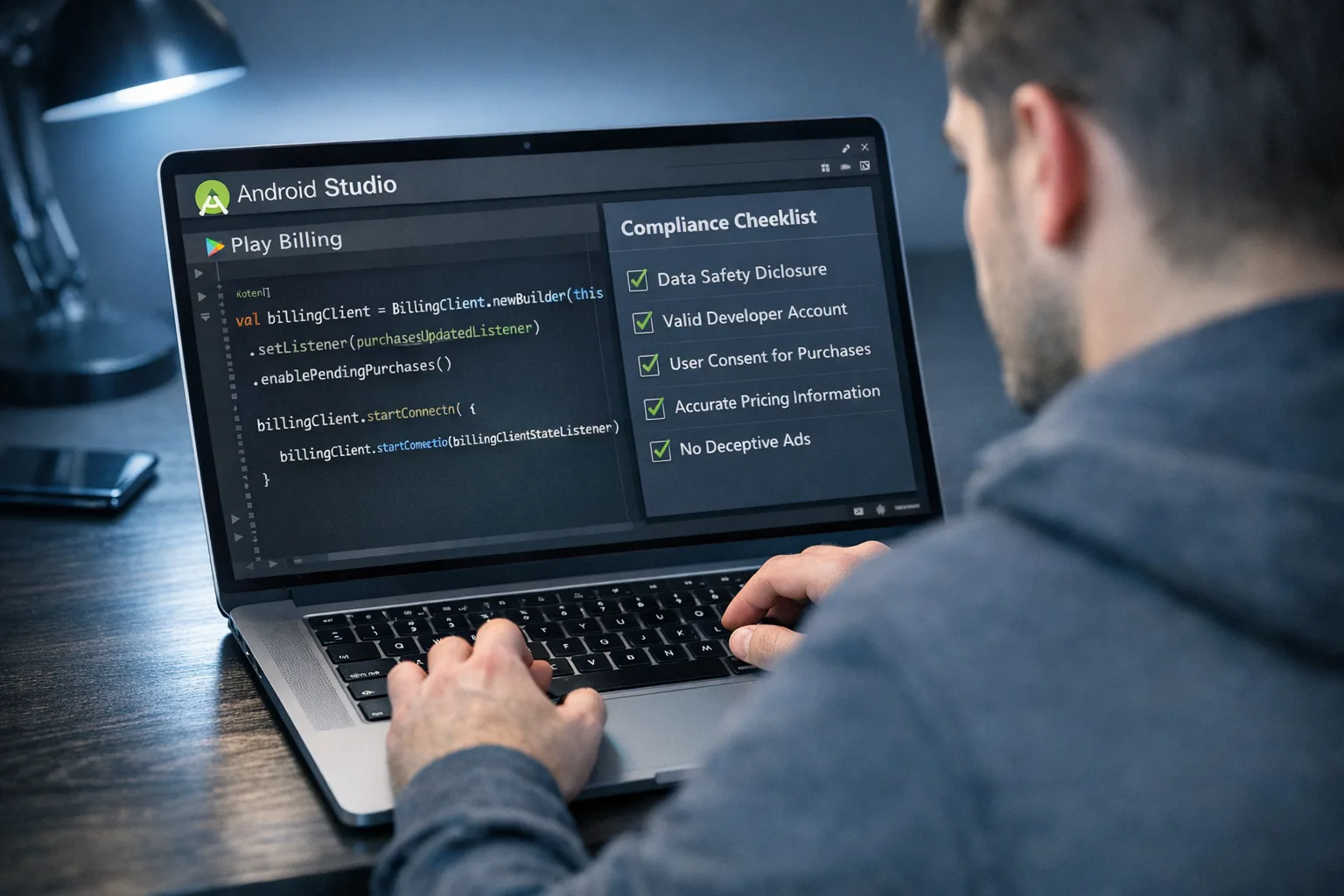
Google Play external links are no longer a thought experiment—they’re a program with documented APIs, compliance gates, and a fee model that can help or hurt depending on how you implement. After the January 22, 2026 hearing in San Francisco, the proposed Epic–Google settlement remains under scrutiny, but the current injunction and Google’s December program rollout still govern how you ship. That means Android teams should finalize enrollment, upgrade Play Billing, and lock a fee-aware growth plan this month.
What actually changed on January 22—and what didn’t
At the January 22, 2026 hearing, the judge questioned elements of the proposed settlement and highlighted a parallel commercial arrangement reportedly worth around $800 million between the parties. Approval wasn’t granted from the bench; instead, the court asked for more clarity before deciding. Practically for builders: the previously ordered Play policy adjustments and Google’s December program requirements are still your operating baseline.
Two dates that matter for your roadmap: Google published U.S. program changes on December 9, 2025 with a compliance date of January 28, 2026 for apps that want to continue linking out or offering alternative billing. If you intend to use those capabilities, you need to be enrolled and on the right client versions now.
Google Play external links: how the fees stack
Think in layers. Google’s developer materials and regional rate cards describe three pieces that can apply when you steer users outside your Play-distributed app:
- Initial Acquisition Fee: typically 3% of qualifying off-Play transactions for the first six months after a Play-managed app install, then 0% afterward.
- Ongoing Service Fee: for external web purchases made by users of your Play-listed app, expect 10% on subscriptions and around 20% on other digital purchases when the program is active.
- Per-install fixed fee for external downloads: if you link to an app download outside Play and the user installs shortly after tapping your link, Google applies a fixed amount that varies by country and app category. In U.S. planning models, many teams are using ~$2.85 per app install and ~$3.65 per game install when the install occurs within 24 hours.
Alternative billing inside your app (user choice) follows a different knob: a modest discount against the standard Play service fee—commonly referenced as roughly a 5% reduction—plus your own processor’s take. In other words, if you typically pay 30% for certain transactions, alternative billing can land near ~25% before processor costs.
Here’s the thing: the math only works if your conversion gains and payments economics beat the new fee stack. Treat external-download links like paid acquisition. Treat web checkout links like blended platform service fees plus PSP costs. Model both with ±20% sensitivity until final U.S. rate cards are posted.
Which Play Billing versions do you actually need?
Google’s documentation ties features to specific Play Billing Library (PBL) versions:
- External content links (linking to web offers or app downloads): integrate PBL 8.2.1 or higher.
- External payment links (in-app flow that hands off to your web checkout): integrate PBL 8.3.0 or higher.
Upgrade paths matter because 6 and 7 are on deprecation clocks, and the new APIs consolidate program enablement, eligibility checks, and reporting tokens. In practical terms, standardize new builds on 8.3.0+ even if you “only” plan to do content links. It reduces rework and aligns your code with how Google wants tokens, information screens, and conversions reported.
Recommended dependency block
Add the billing dependency once and keep versions centralized in your build:
Groovy example:
dependencies {
def billing_version = "8.3.0"
implementation "com.android.billingclient:billing:$billing_version"
implementation "com.android.billingclient:billing-ktx:$billing_version"
}
Google Play external links: should you steer to a webshop or an APK?
There are two very different use cases hiding under the same umbrella term.
Linking to a webshop (no external download)
You avoid the per-install fixed fee. You still owe the ongoing service component on qualifying transactions (10% for subs, ~20% for other digital purchases when the program is fully active), possibly the initial acquisition fee within the first six months of a Play-managed install, and your payment processor’s fee. This path is attractive for products with strong direct-to-consumer funnels, durable subscriber LTV, and low PSP rates.
Linking to an external download (APK or another store)
You add a fixed per-install fee if the install completes shortly after the click (teams are modeling ~$2.85 apps / ~$3.65 games in the U.S.). That fee behaves like CPI spend. It can still make sense if you gain distribution flexibility, reduce long-term platform take on transactions, or expand into product SKUs that monetize outside Play’s scope.
A simple modeling frame
Start with cohort LTV and work backward. If a $25 first-purchase ARPPU is typical, a 3% initial acquisition cut ($0.75), a 20% ongoing service fee ($5.00), and a 4% PSP rate ($1.00) put your first-purchase economics near $18.25 gross margin before COGS. If your alternative billing flow bumps conversion by 15–20% and improves chargeback rates, you might net more even with platform fees. If not, keep high-velocity purchases in Play Billing where it’s cheaper—and steer only certain offers to the web.
How to implement without burning margin
Let’s get practical. This is the minimum viable blueprint I’ve used to ship compliant, measurable flows:
- Enroll correctly. In Play Console, complete program enrollment for External Content Links and, if applicable, Alternative Billing. Populate required disclosures and register every link destination you plan to use.
- Upgrade clients. Target PBL 8.3.0+ across your app. Use the program enablement APIs and the new information screen for link-outs.
- Gate with eligibility checks. Call the billing client’s availability APIs to determine whether the user is eligible for external flows. Fall back gracefully to Play Billing when they’re not.
- Create and persist tokens. Generate external transaction tokens before you hand off to the browser. Persist them server-side so you can reconcile conversions and notify Google as required.
- Implement the information screen. Don’t try to bypass it; the UX is required and reviewed.
- Instrument postbacks. On successful off-Play purchase, send the required signals back to Google using the provided token. For external installs, register your destinations so Play can attribute installs correctly.
- Separate offers by jurisdiction. Feature flag plans and price points; a U.S. user’s flow can differ from EEA or JP. Keep a single code path, but swap configurations by region.
- Server receipts and risk. Treat your web checkout as a first-class payments surface. Deploy anti-fraud, strong customer authentication where needed, and a durable receipt store.
- Finance telemetry. Log cost components (initial acquisition, ongoing service, fixed install fees, PSP). Your data warehouse needs these fields to compare LTV/CAC by channel.
- QA for policy content. Run a content sweep: information screen copy, external pages free of prohibited claims, and visible customer support routes. Expect Play review questions; answer with screenshots and test accounts.
If the above reads like a lot, that’s because it is—but it’s shippable. If you want more depth, our shipping playbook for external links walks through the API calls and review artifacts we use.
People also ask
Do I still owe Google if I process payments on the web?
Yes, if the transaction qualifies under the program’s scope. Expect an ongoing service component (10% for subscriptions; around 20% for other eligible purchases when active), and an initial acquisition slice on transactions within six months of a Play-managed app install. Your PSP fee is in addition to these, not instead of them.
Can I skip Google Play Billing entirely now?
You can present alternative billing or link users out in eligible contexts if you’re enrolled and integrated. But skipping Play Billing everywhere can be a net loss if your costs rise and conversion falls. Most teams end up with a hybrid: Play Billing for certain SKUs and cohorts, web flows for others.
What if the court rejects the proposed settlement?
Then Google’s fee design or timelines could shift again. That’s why you should feature-flag economics and keep your flows tokenized and compliant. The engineering you do—enrollment, PBL upgrades, reporting—is durable regardless of the final rate card.
Policy, versions, and review gotchas
- Version alignment: external links require 8.2.1+; external payments require 8.3.0+. Standardize on 8.3.0 now to avoid double work.
- Information screens: these are mandatory pre-handoffs and part of review. Treat them as a UX step, not a modal you can mimic.
- Token reporting: if you don’t report conversions correctly, you risk policy issues and misattribution. Build retries and idempotency into your server calls.
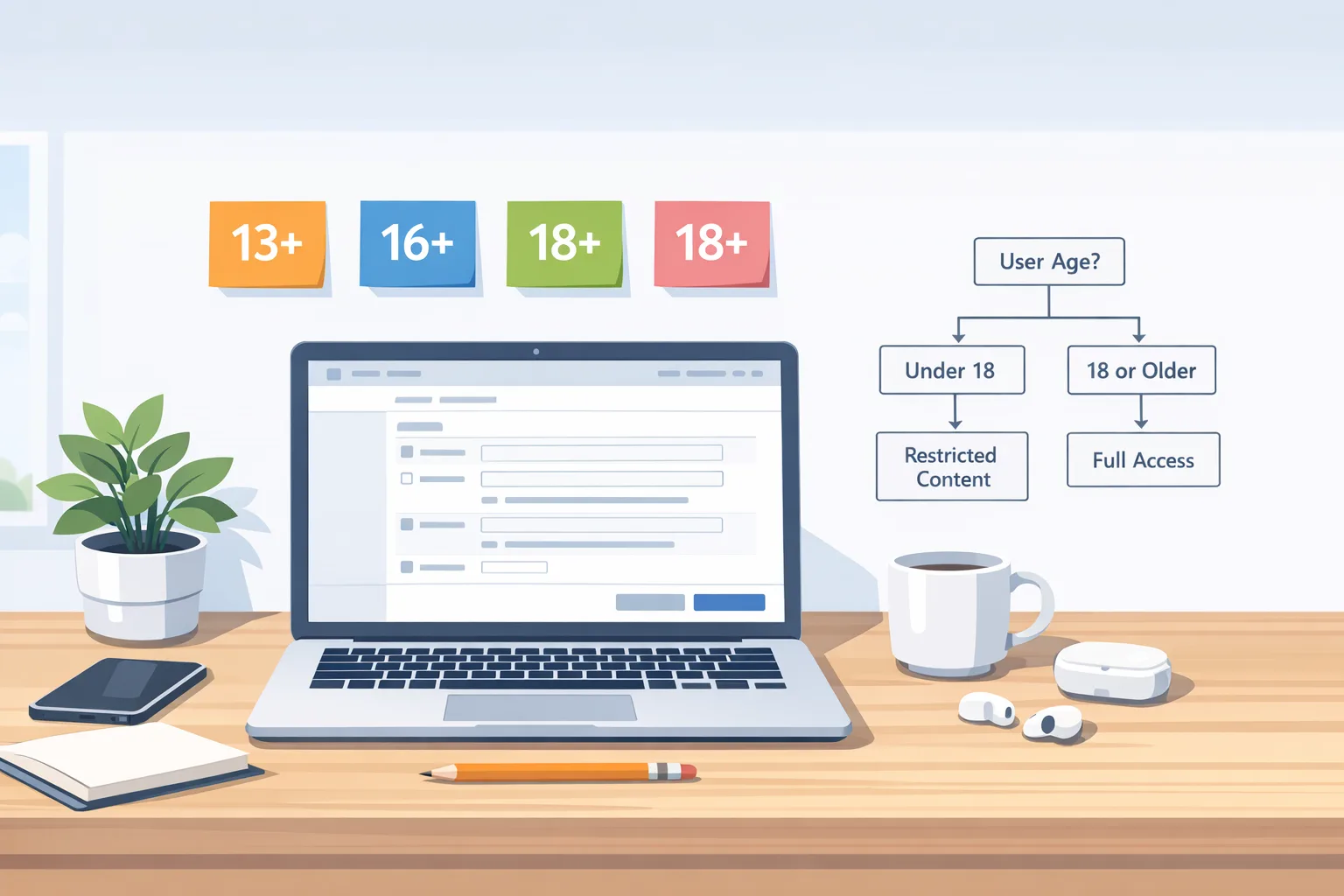
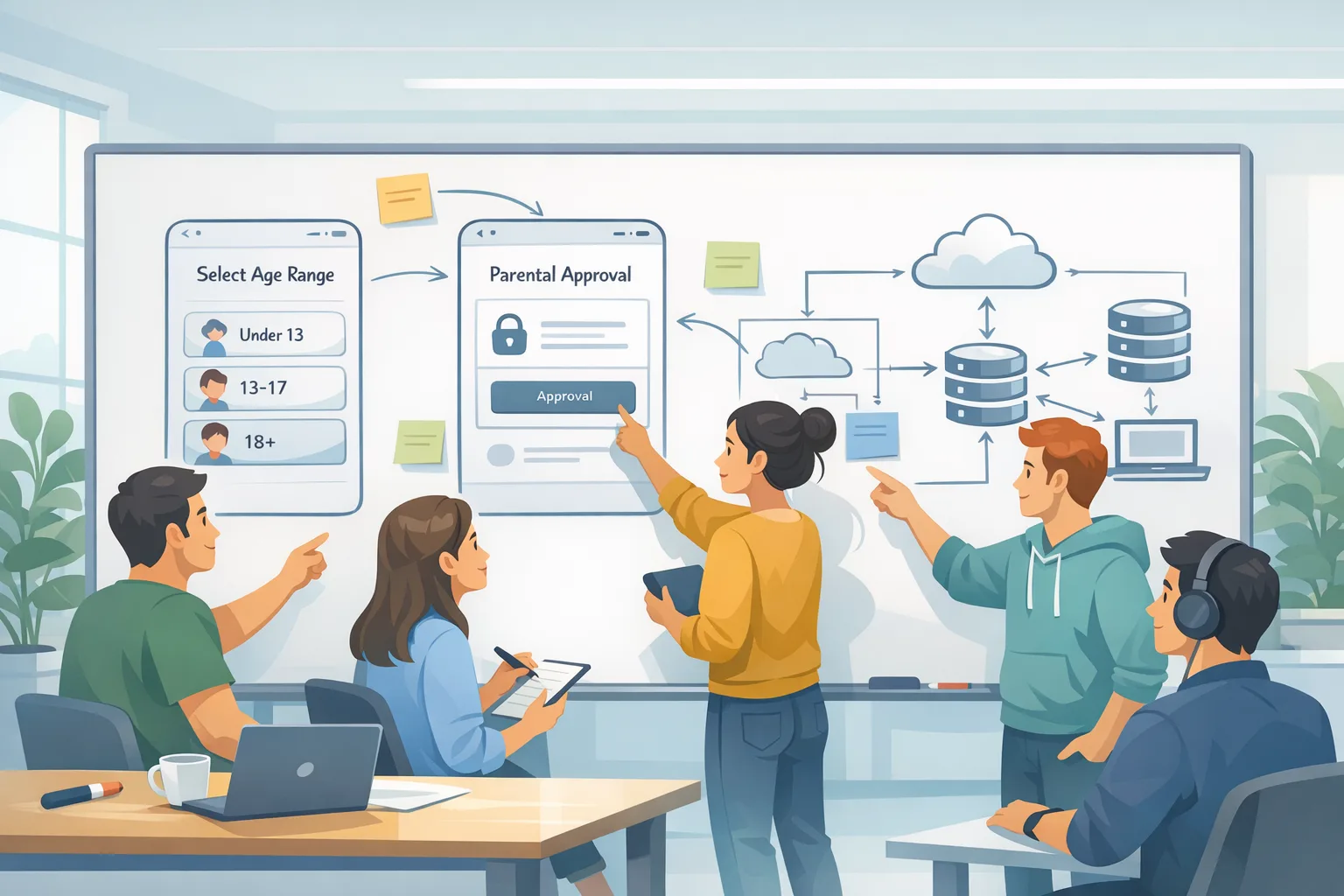
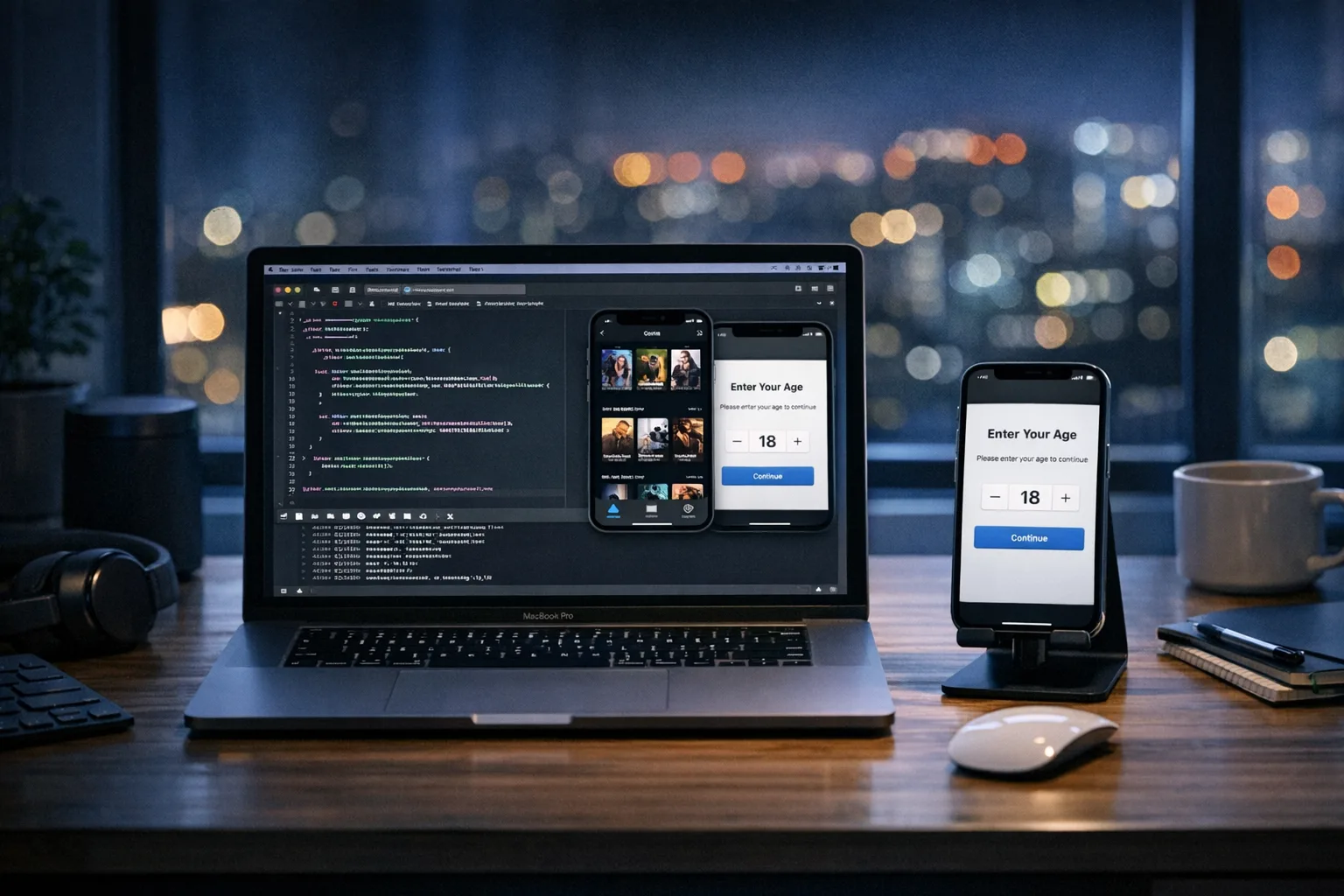
- Kids and families: if you’re in a child-directed or mixed-audience category, scrutinize age flows, consent, and disclosures. Many teams should keep those SKUs in Play Billing only.
- Review timing: assume multiple review cycles. Keep a staging app with the external flows always on for reviewer access, along with a document that maps test paths.
Need a deeper explainer on the fee math? Our fees and APIs planning note includes modeling templates teams use to sanity-check net margin before flipping the switch.
The 4D rollout model (Decide → Design → Deliver → Document)
1) Decide
Pick where external links fit. Examples: steer only to annual plans (subs with lower churn), high-AOV bundles, or web-only add-ons; keep low-AOV/impulse purchases in Play Billing. On the distribution side, use external downloads for regional storefront launches or for partners that need their own channel.
2) Design
Map a single purchase UI with a configuration layer that swaps in Play Billing, alternative billing, or external linkouts by region, SKU, and cohort. Add metering so you can attribute outcomes to the initiating surface.
3) Deliver
Ship PBL 8.3.0+, build the eligibility checks, wire the token flows, and back it with server reporting, fraud controls, and an LTV/CAC dashboard segmented by flow. Use canary builds to validate the information screen in production.
4) Document
Maintain a living compliance doc: enrollment IDs, screenshots of information screens, sample tokens, and a contact path for support. You’ll reuse this in every review.
Data points and dates to pencil on the wall
- December 9, 2025: Google’s U.S. policy update launched External Content Links and expanded alternative billing; apps using these must meet requirements by January 28, 2026.
- Play Billing Library: 8.2.1 introduced core external links APIs in December; 8.3.0 added external payments APIs on December 23, 2025.
- January 22, 2026: Hearing held; the court asked for more detail instead of approving the proposed settlement immediately. The existing injunction and program mechanics remain your working constraints today.
- U.S. planning figures widely modeled: ~$2.85 per app install and ~$3.65 per game install within 24 hours of a link-out to an external download, plus ongoing service/initial acquisition components for qualifying transactions.
If you’re shipping at scale, also bookmark our broader compliance notes on store requirements and identity checks: Android Developer Verification 2026: Pass and Ship.
Common failure patterns I keep seeing
- Hard-coding prices and flow choices, then discovering half your users aren’t eligible for external links yet.
- Skipping token reporting. It “works” until it doesn’t, and then you’re in policy purgatory.
- Building separate UIs for every jurisdiction. You’ll drown in QA. Centralize UI, swap configs.
- Assuming alternative billing always saves money. In many stacks, it doesn’t—until you improve conversion or renegotiate PSP rates.
What to do next
For engineering leads
- Upgrade to PBL 8.3.0 and add the external links/payment APIs behind feature flags.
- Implement availability checks, information screens, and token reporting end to end.
- Stand up server endpoints for conversion postbacks with retries and idempotency.
- Ship canary builds to verify review acceptance of the information screen and flows.
For product and growth
- Define which SKUs and cohorts go to web vs Play Billing. Start with high-AOV annual plans.
- Model fee scenarios: baseline, +20% fees, −15% conversion, and show the break-even.
- Design copy and onboarding that explains the handoff cleanly and preserves trust.
For finance and ops
- Add ledger fields for initial acquisition, ongoing service, fixed install fees, and PSP.
- Report weekly LTV/CAC by flow type and jurisdiction, not just channel.
- Stage a policy review packet with screenshots and test accounts to cut review time.
Want a deeper primer before you implement? Start with our concise field guide to Google Play external links and then jump to the fees & APIs plan for implementation details.
Zooming out
No matter how the court ultimately rules on the proposed settlement, the message to developers is clear: ship with flexibility. External links and alternative billing are now first-class options in Android. If you keep your flows modular, your reporting accurate, and your pricing responsive, you can adopt these programs without setting your margins on fire—and you’ll be ready to pivot if the rate card changes.
If you’d like help setting up the flows, modeling economics, or getting through review, our team at Bybowu has shipped these patterns for consumer apps and games across multiple regions. Reach out via our contact page and we’ll get your integration on track fast.


Comments
Be the first to comment.