2026 App Store Age Verification: What Devs Must Ship
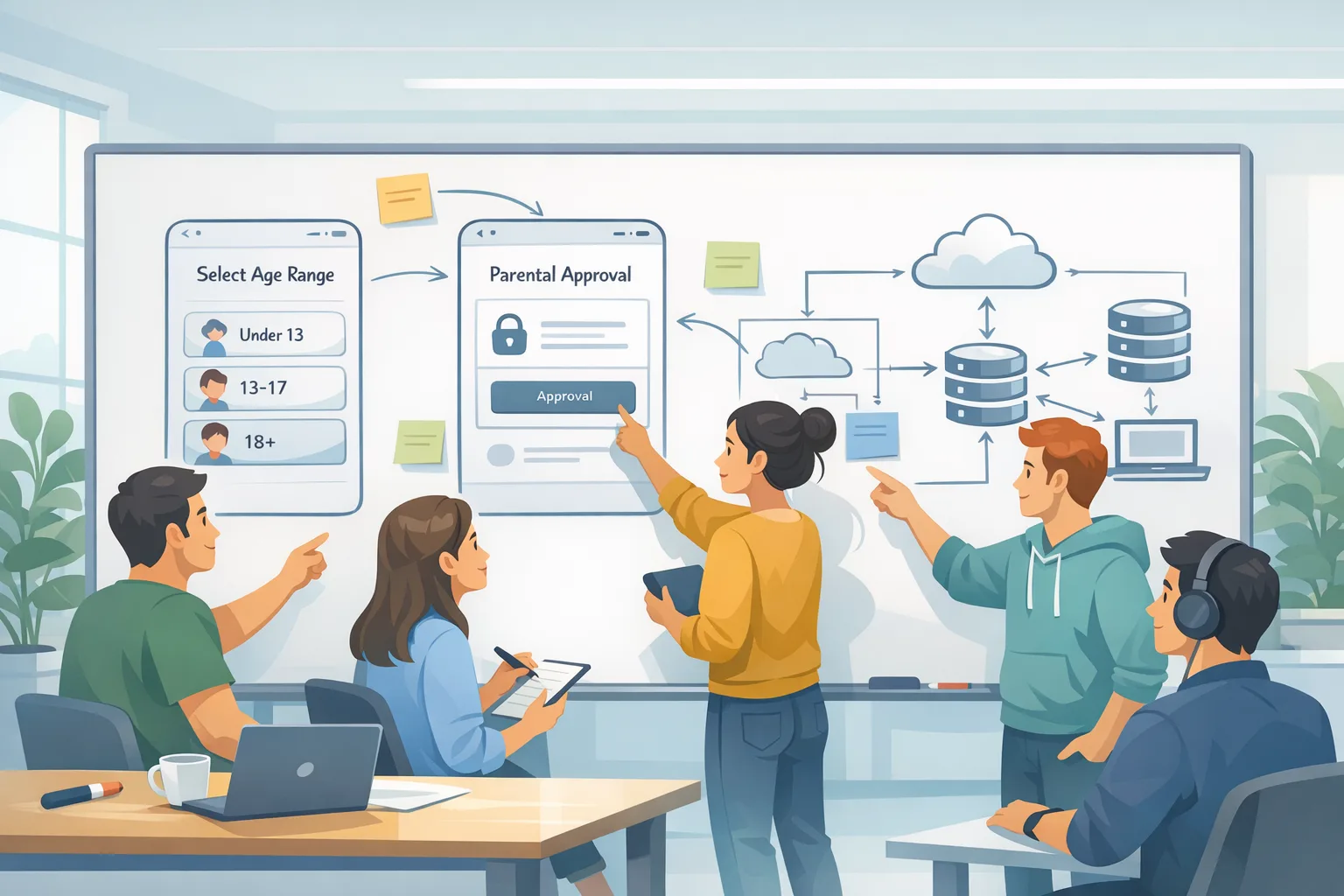
App Store age verification just moved from theory to backlog. Apple expanded age ratings, set a January 31, 2026 cutoff to finish the new questionnaire in App Store Connect, and shipped a privacy‑preserving way for apps to request a user’s age range. If you publish on iOS, you need a concrete plan to implement App Store age verification and to handle parental consent signals without storing birthdates or building your own ID checks. (developer.apple.com)
What actually changed in 2026 (and what didn’t)
Two big things are real right now: Apple’s new, more granular age ratings (4+, 9+, 13+, 16+, 18+), and the requirement that every developer answer the updated age rating questions by January 31, 2026 or lose the ability to submit updates until you do. These ratings display on devices running the “26” OS family and flow into editorial placement, search, and parental controls. (developer.apple.com)
Legally, the landscape is messy. Utah passed the first U.S. law requiring app stores to verify user ages and get parental consent for minors; that sparked a wave of copycats and counter‑arguments from platform vendors and developers. (apnews.com)
Texas’ SB 2420—which would have required age checks and parental consent statewide—was blocked by a federal judge on December 23, 2025. Apple paused Texas‑specific App Store changes but kept testing tools and APIs available. Translation: you should design for age‑aware experiences, but your app’s exact enforcement logic may need to be configurable by region. (macrumors.com)
This month, Alabama lawmakers advanced an app store age verification bill with strong backing and equally strong developer pushback—a reminder that requirements may spread even if courts keep swatting down overbroad versions. Build with toggles. (axios.com)
How App Store age verification works technically
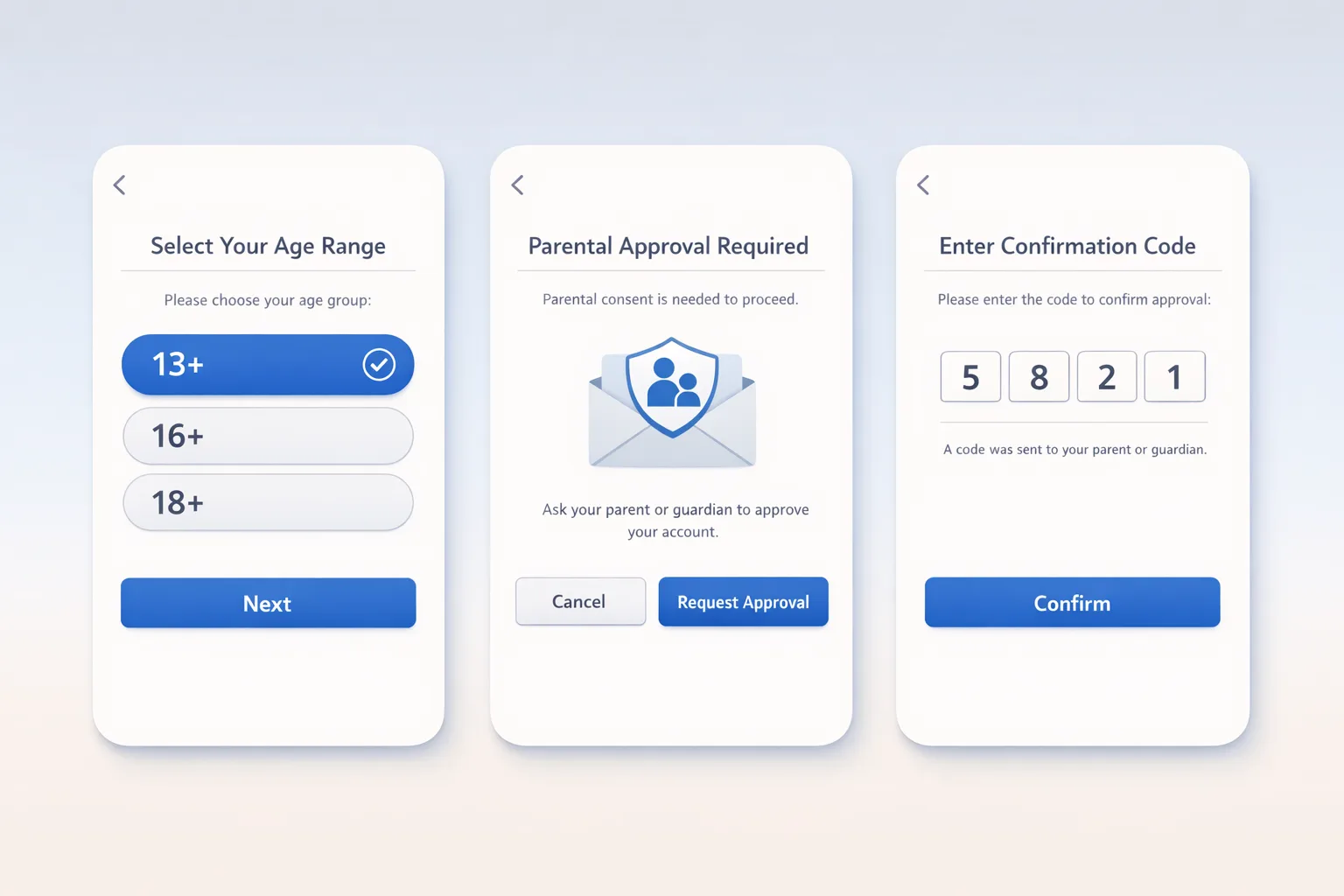
Apple’s Declared Age Range framework lets you request an age band—not a birthdate—through a system UI. You can pass gates like 13, 16, and 18, and the API returns a range (for example, 13–15) along with limited metadata about how the age was declared. Parents can control whether a child shares this info with apps. That gives you enough signal to gate features, ads, or social interactions without collecting sensitive personal data. (developer.apple.com)
On the engineering side, you’ll use an async call (for example, AgeRangeService.shared.requestAgeRange(ageGates: 13, 16, 18)) from a UIViewController or NSWindow context. The response includes lower and upper bounds and flags indicating parental controls. Your UI should gracefully handle declines or unavailability and offer a baseline experience that’s safe for unknown ages. (developer.apple.com)
Apple has also surfaced sandboxable flows in iOS 26.2 so teams can test consent prompts and revocation signals before shipping. In parallel, Apple’s App Store Connect questionnaire is the enforcement backbone: the answers you provide generate the rating that cascades into distribution and discovery. (macrumors.com)
App Store age verification: do you have to build it now?
Short answer: you must complete Apple’s new age rating questionnaire by January 31, 2026 to keep shipping updates. And you should implement age‑aware gating now so you’re not scrambling if/when a law in your main market flips on. The code is straightforward, and the product wins (better teen experiences, fewer accidental policy hits) show up immediately. (developer.apple.com)
If you operate in states experimenting with stricter app store accountability, you’ll want a regional feature flag to turn on extra checks (for example, re‑consent after a significant change) without a new binary. Apple’s tooling for “significant change” and consent revocation is testable today, even as legal outcomes remain fluid. (macrumors.com)
The 7‑step build plan I give teams
1) Model age and consent as first‑class signals
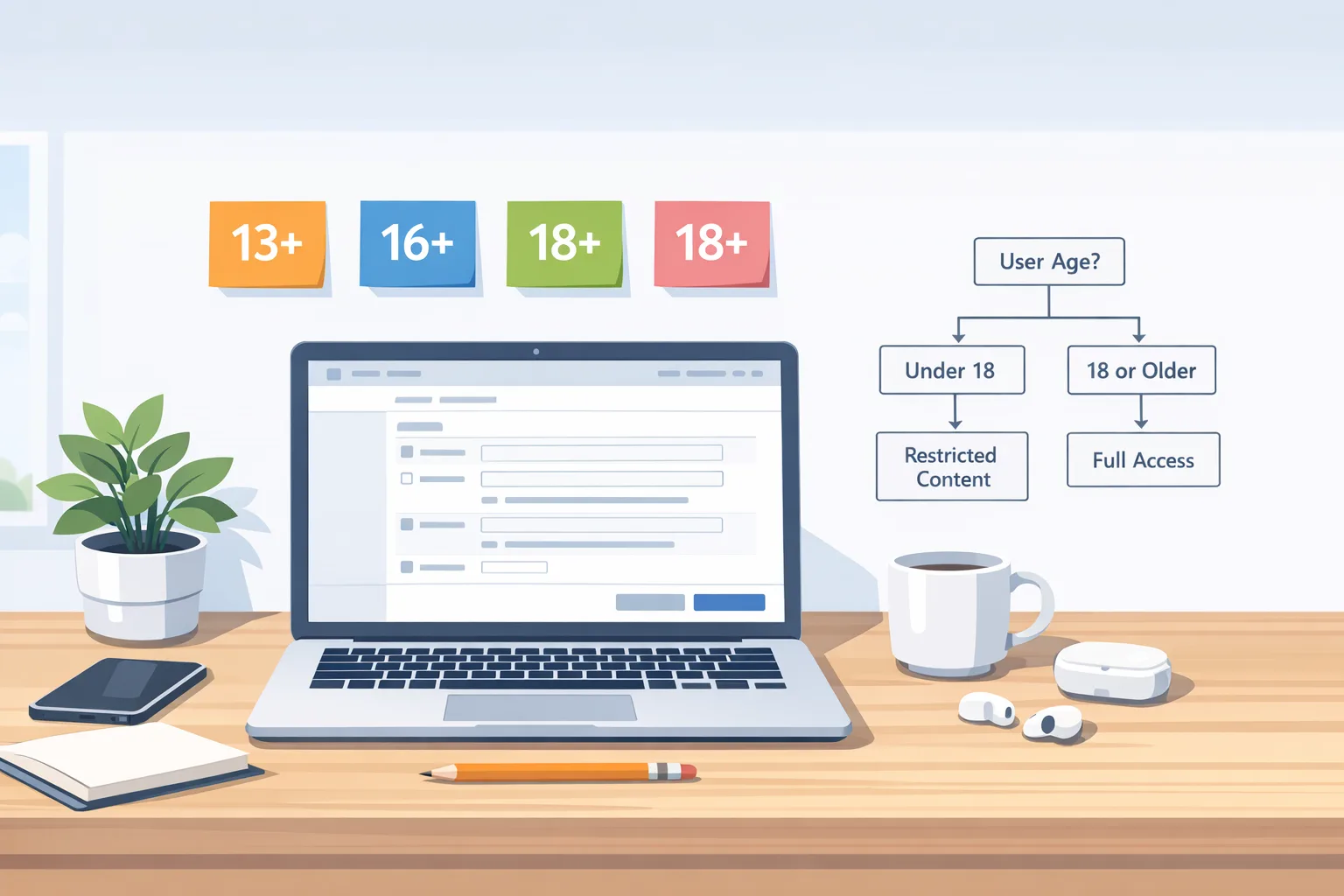
Add fields to your user profile: age_category (enum: unknown, child, teen13_15, teen16_17, adult18plus), age_source (declared_age_range, user_self_report, none), parental_consent_state (unknown, granted, revoked, not_required), consent_scope (download, purchases, messaging, UGC), consent_updated_at. Keep the model neutral so you can ingest Apple and, later, Google Play signals without refactors. Where local law applies, receipt of a store signal may constitute “actual knowledge,” which can flip your obligations for minors. (loeb.com)
2) Call Declared Age Range at a natural moment
Don’t pop a modal on first launch unless the experience truly changes with age. Trigger the request when a user enters a gated flow: enabling DMs, joining a community, viewing alcohol content, or turning on targeted ads. If they decline, fall back to a conservative default. The API gives you only what you need; don’t replicate age checks with your own KYC.
3) Gate features, not just entry
Map age categories to capabilities: UGC visibility, search breadth, profile discoverability, in‑app links out to the web, and the ability to receive or send DMs. Keep the gates server‑driven so you can adjust per region and evidence. Add observability: metric per gate, per market.
4) Wire consent revocation and re‑consent
When a parent revokes consent through Apple’s flows, your app should immediately restrict access—even if the device is offline. Cache the last known state and verify at next launch. For material changes (pricing model, data uses, messaging exposure), trigger a re‑consent flow and block gated features until confirmed. Apple has APIs and server notifications to help here; test them in 26.2 sandbox. (macrumors.com)
5) Silo and minimize data
Store only the age category and consent state; never store birthdates from your own prompts if you don’t absolutely need them. Log access to age signals, restrict them to an allow‑list of services, and redact the field in analytics exports.
6) Build a regional policy switchboard
Create a configuration service keyed by ISO country or U.S. state that controls: whether re‑consent is required after a “significant change,” whether in‑app purchases are visible to teens, whether messaging is opt‑in for minors, and whether to surface enhanced parental controls. With laws under litigation (Texas) or under consideration (Alabama), you’ll ship faster if the rules live in config, not code. (macrumors.com)
7) Document the user journey
Write down your end‑to‑end flow for minors: first run, attempting a gated action, parental approval wait states, and revocation. Document customer support macros: “how to request consent again,” “what happens after revocation,” “how to correct an age mistake.” Your support volume will thank you.
People also ask: Do I need to change my age rating today?
If your content or capabilities haven’t changed, you still need to complete Apple’s updated questionnaire by January 31, 2026. Apple reassigned ratings using your prior answers, but you must confirm in App Store Connect to keep shipping. If you’ve introduced messaging, user‑generated content, medical topics, or gambling simulations, expect your rating to update. (developer.apple.com)
How does this affect Google Play?
Expect a similar pattern: the store becomes a source of age and consent signals you must honor. Legal analysts tracking these laws say both app stores intend to share a parent‑approved signal via APIs; developers will need processes for revocation and scope of consent. That means planning for multi‑store ingestion, even if you start with iOS. (loeb.com)
Risk, reality, and why this helps product teams
Even where laws are blocked or delayed, age‑aware UX reduces risk and churn. Teen users get clearer guardrails; parents understand what they’re approving; your moderation burden drops because discoverability, messaging, and UGC are tuned to the right audience by default. The App Store age ratings also reduce whiplash in editorial and paid UA: if your content and controls are accurately represented, you’re less likely to get an unexpected rejection or downrank. (apple.com)
Edge cases you should design for
Older OS versions
On devices not running the 26‑series OS, users may see legacy labels, and the Declared Age Range API may be unavailable. Your app should degrade gracefully: use conservative defaults, avoid blocking the entire app, and clearly explain why certain features are hidden today. (apple.com)
Family Sharing absent or misconfigured
If a teen’s device isn’t in a Family Sharing group, you may not get a valid age range or consent signal. Offer a help path to set up Family Sharing and a contact method for parents to learn what’s needed without forcing identity uploads to your servers.
Re‑consent triggers
You decide what’s “significant,” but make the rule simple enough to audit: price model changes, adding DMs, exposing external links, or widening content scope. Log every re‑consent prompt and result in a tamper‑evident store for audit and support. (macrumors.com)
Ads and analytics
Segregate ad requests for minors, prefer contextual ads, and audit SDKs so none read age fields they shouldn’t. If your ad partner can’t honor an “under 18” signal, don’t send the request. For analytics, zero out age fields in exports used for experiments unless the dataset is explicitly scoped to compliance.
The Compliance Sprint: 10‑day checklist
Use this to get from zero to shippable with minimal thrash:
- Day 1–2: Finish the App Store Connect questionnaire; document your rating deltas and distribution impact. (developer.apple.com)
- Day 2–3: Add the
age_categorymodel and server flags; stub the Declared Age Range call behind a feature toggle. - Day 4–5: Implement gates for DMs, UGC visibility, external links, and IAPs; default to conservative when unknown.
- Day 6: Wire consent revocation and re‑consent handlers; add offline blocks for minors with revoked consent. (macrumors.com)
- Day 7: Build a regional config for U.S. states; preconfigure Texas and Utah profiles even if inactive. (macrumors.com)
- Day 8: QA on iOS 26.2 sandbox; simulate declines, timeouts, and parental changes.
- Day 9: Update your privacy policy and in‑app disclosures to clarify what you store (age category only) and how parents can revoke.
- Day 10: Train support and marketing; publish a release note explaining teen safeguards.
What to do next
- Finish the age rating update in App Store Connect today; calendar the next audit for any feature that touches UGC, messaging, or payments. (developer.apple.com)
- Ship the Declared Age Range request behind a toggle; collect analytics on declines and completion to tune placement. (developer.apple.com)
- Stand up a regional policy switch so you can respond quickly if a state law flips on—or is blocked again. (macrumors.com)
- Review your ad stack for teen‑safe defaults; plan a contextual fallback.
- Brief your legal and trust teams on how you’ll treat store signals as “actual knowledge” for minors and how you’ll honor revocations across systems. (loeb.com)
Want a deeper playbook?
If you’re juggling policy work and feature shipping, we’ve published tactical guides you can adapt in a week. Start with our focused plan for App Store age verification in 2026, pair it with the 7‑day checklist in App Store age ratings: 7‑day ship plan, and budget for parallel store work using Google Play: build and budget now. If you’d like help designing an age‑aware UX that won’t crater retention, our team can partner with your PMs and engineers—see what we do or contact us.
Here’s the thing: you can wait for the courts—or you can ship an age‑aware baseline that earns trust with parents, protects teens, and keeps your roadmap out of legal whiplash. The APIs are here, the deadline is immediate, and the business upside is real.



Comments
Be the first to comment.