App Store Age Ratings 2026: Your 7‑Day Ship Plan
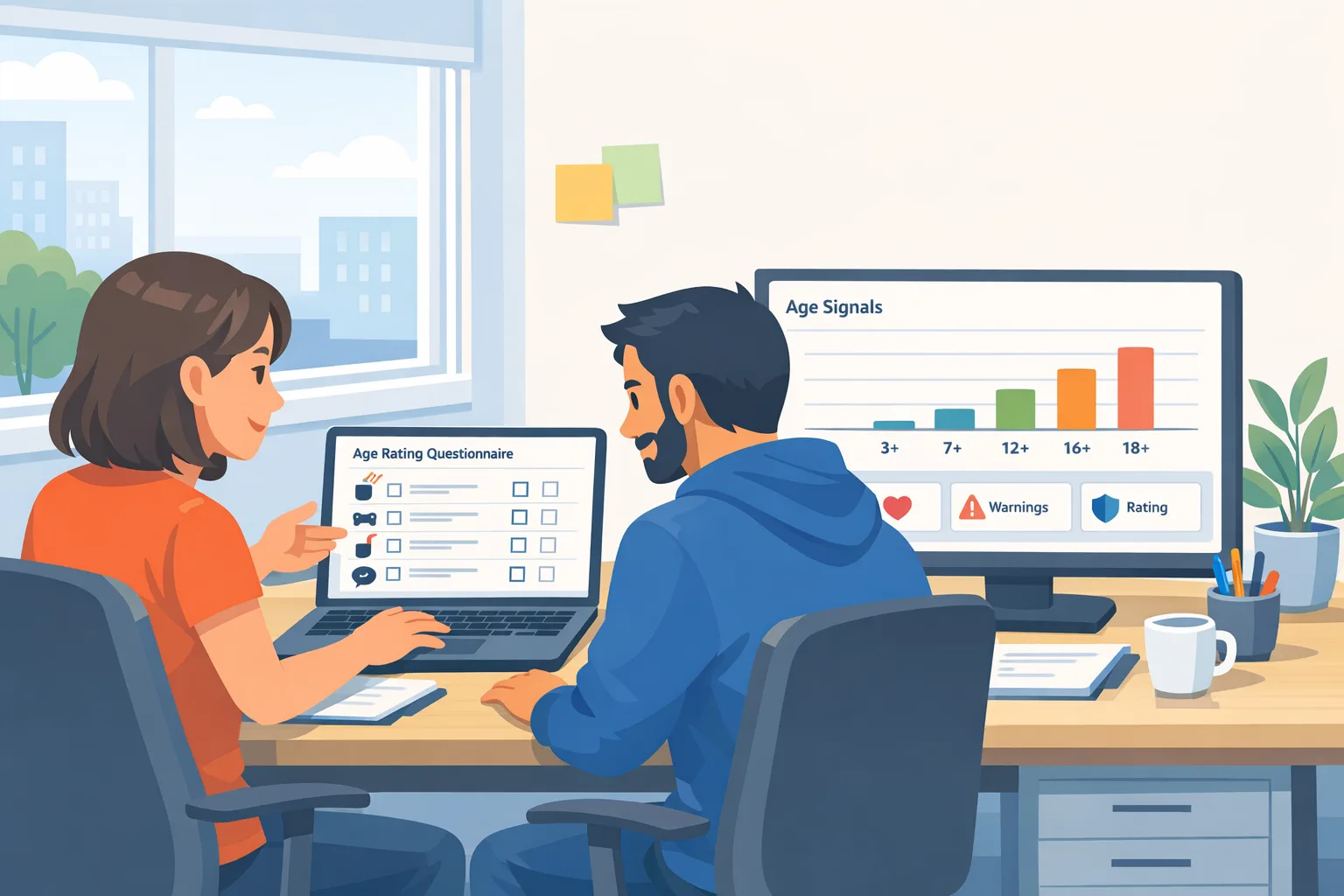
The App Store age rating 2026 update isn’t theoretical—it’s dated. Apple says you must respond to the updated age rating questions in App Store Connect by January 31, 2026 to avoid interruptions when submitting updates. Ratings are already aligned to a new system and surface on devices running iOS 26, iPadOS 26, macOS Tahoe 26, tvOS 26, visionOS 26, and watchOS 26. (developer.apple.com)
On Android, Google’s Play policy now restricts how you use Age Signals data starting January 1, 2026: you can only apply it to provide age‑appropriate experiences in the app that receives the data. If you’ve been piping those signals into analytics or cross‑product flows, that needs a rethink. (support.google.com)
What exactly changed in Apple’s age ratings?
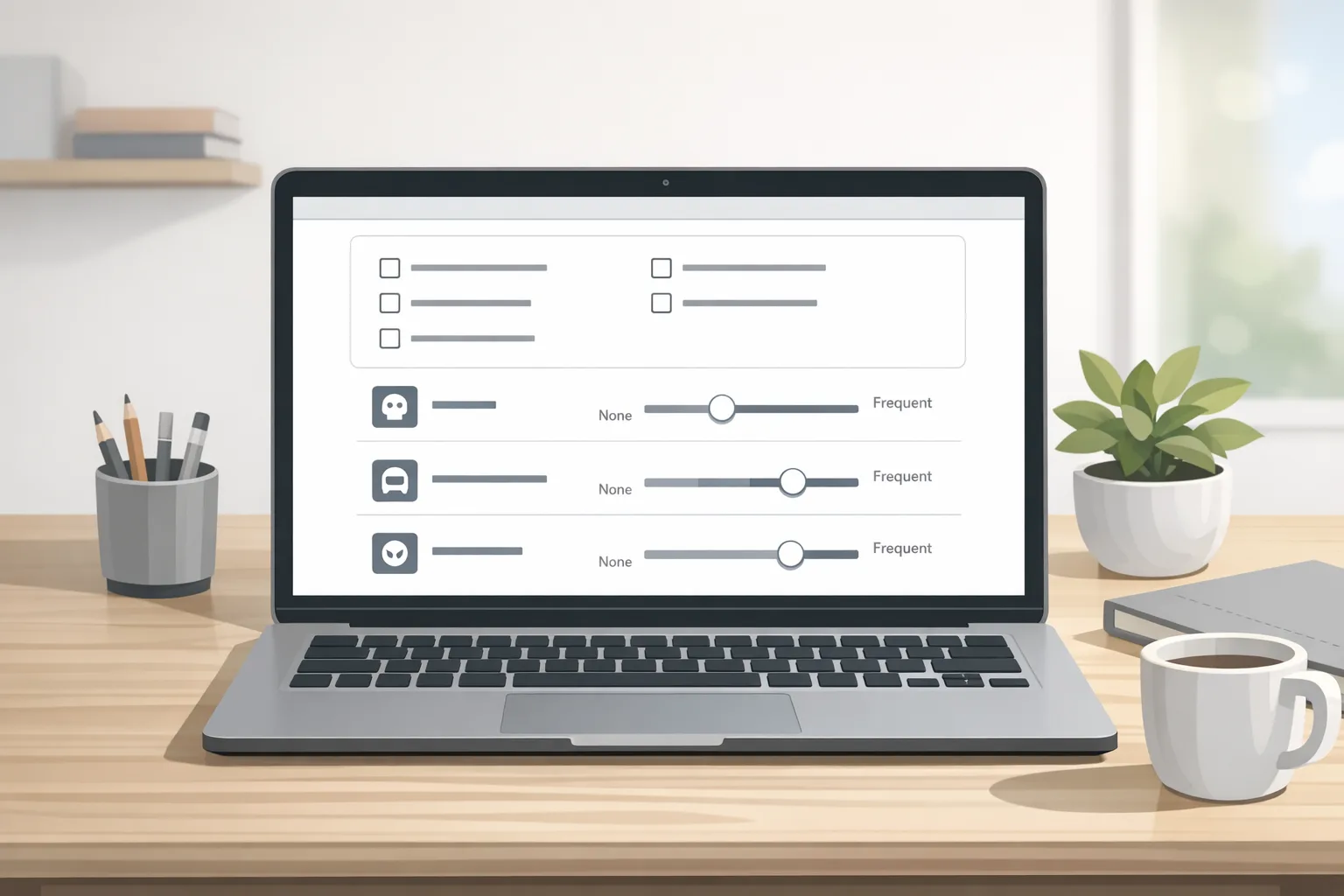
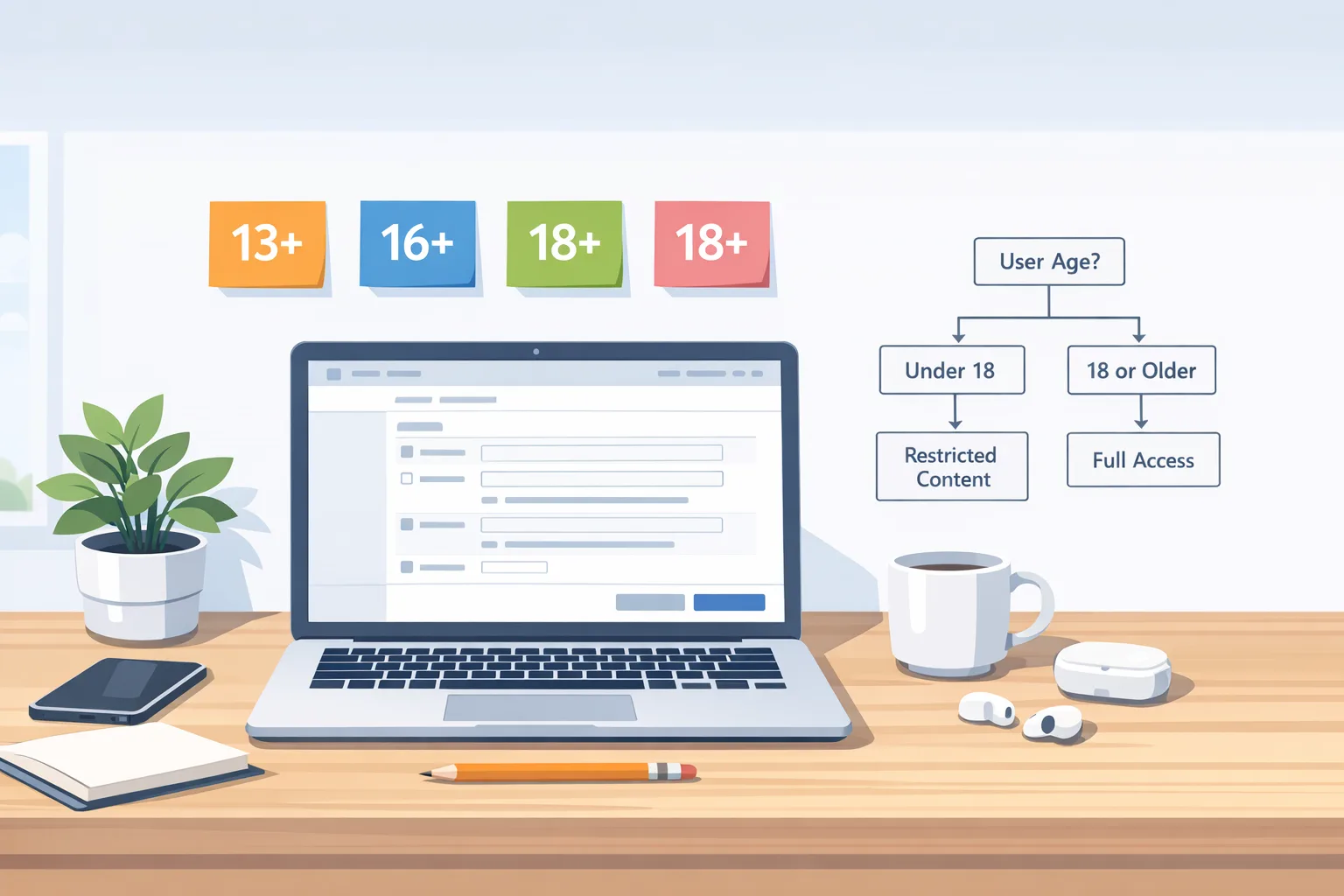
Apple expanded global age ratings to add adolescent tiers—13+, 16+, and 18+—beyond 4+ and 9+. These more granular labels are integrated with Screen Time and Ask to Buy, and they’re supported by an updated rating workflow in App Store Connect that asks about in‑app controls (for example, parental controls and age assurance) and capabilities like user‑generated content, messaging, or advertising. (apple.com)
Apple’s Upcoming Requirements confirm the deadline: complete the new questionnaire by January 31, 2026, or you’ll hit an interruption when submitting an update. The new ratings appear on OS version 26 and later across Apple platforms. (developer.apple.com)
Need the nitty‑gritty? Apple’s reference details how ratings can vary by region (Australia, Brazil, Korea) and how OS version can affect what users see. That means you might display 13+ on iOS 26, while earlier OS versions still show legacy labels to those users. Plan your marketing and support docs accordingly. (developer.apple.com)
Primary keyword check-in: App Store age rating 2026 requirements
From a practical standpoint, App Store age rating 2026 requirements boil down to a one‑time but mandatory questionnaire update, plus ongoing diligence: keep your answers in sync with your shipped features and content. Any change in chatting, UGC, ads, web access, or simulated gambling can bump the rating—and yes, your parental controls and age‑assurance UX matter in that scoring. (developer.apple.com)
Does Texas change anything on January 1, 2026?
Here’s the thing: Texas’s App Store Accountability Act (SB 2420) was scheduled for January 1, 2026—but a federal judge granted a preliminary injunction on December 23, 2025, blocking enforcement for now. So you shouldn’t see Texas‑specific enforcement live today, but the case could move. Keep one eye on the docket. (macrumors.com)
Zooming out, Utah’s App Store Accountability Act took effect in part on May 7, 2025, with obligations on app stores and developers beginning May 6, 2026. Louisiana’s law takes effect July 1, 2026. If you have users in those states, you need a plan to ingest age range and parental approval signals and adjust experiences accordingly. (insideprivacy.com)
Google Play: where the rules got tighter first
Google’s Play Console policy update states that, starting January 1, 2026, you may only use Age Signals data to provide age‑appropriate experiences in the receiving app. Treat it like PII: isolate it, minimize retention, and do not reuse across properties. (support.google.com)
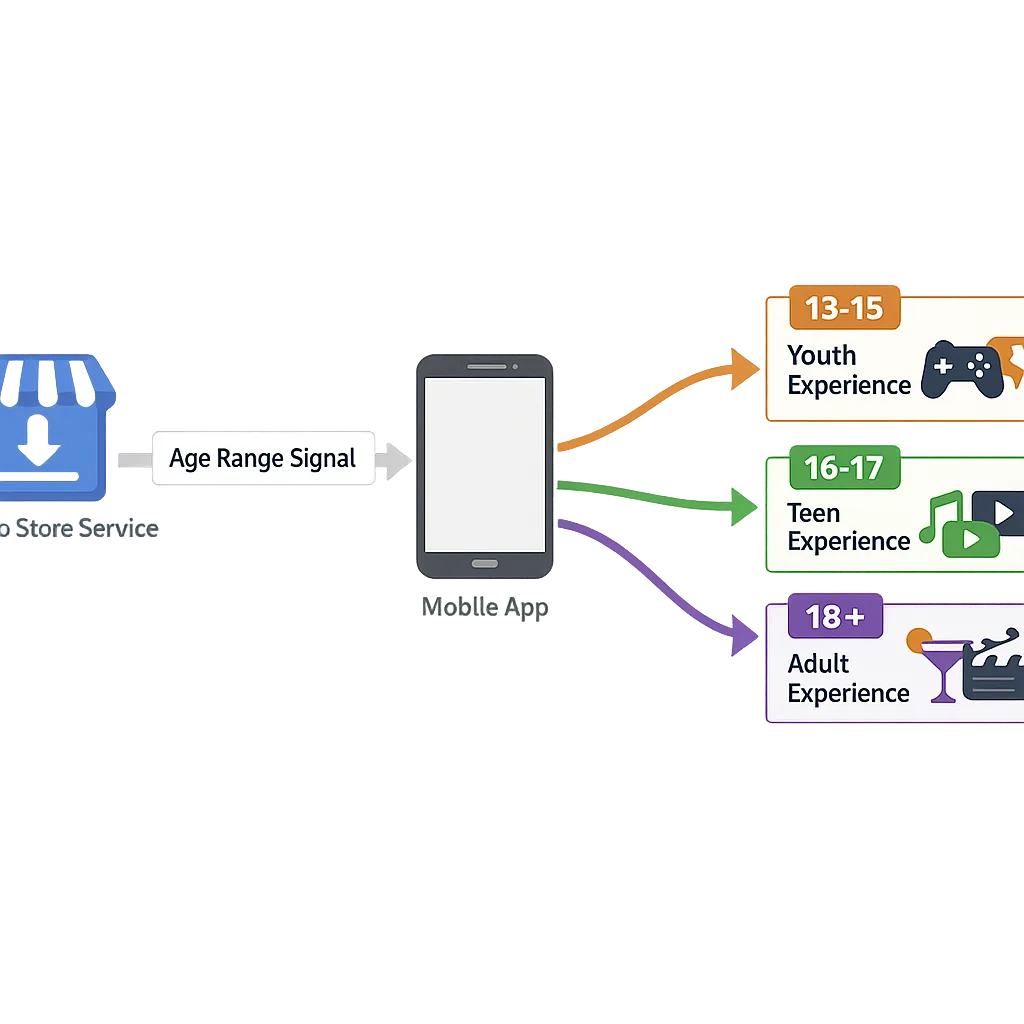
The Android Developers page for the Play Age Signals API explains the shape of those signals—ageLower/ageUpper defining a bracket, userStatus states (supervised, verified, unknown), mostRecentApprovalDate for “significant changes,” and an installID used for revoked approvals. Build your flows to be resilient to UNKNOWN and null states and to re‑check when users resolve status in Play. (developer.android.com)
People also ask: Will my iOS submission be rejected if I miss the deadline?
Apple says your submissions will be interrupted until you answer the new questions. Translation: you’ll lose velocity if you wait—especially painful for teams with hotfix cadences. Knock it out now. (developer.apple.com)
Do I need to gate features by age on iOS today?
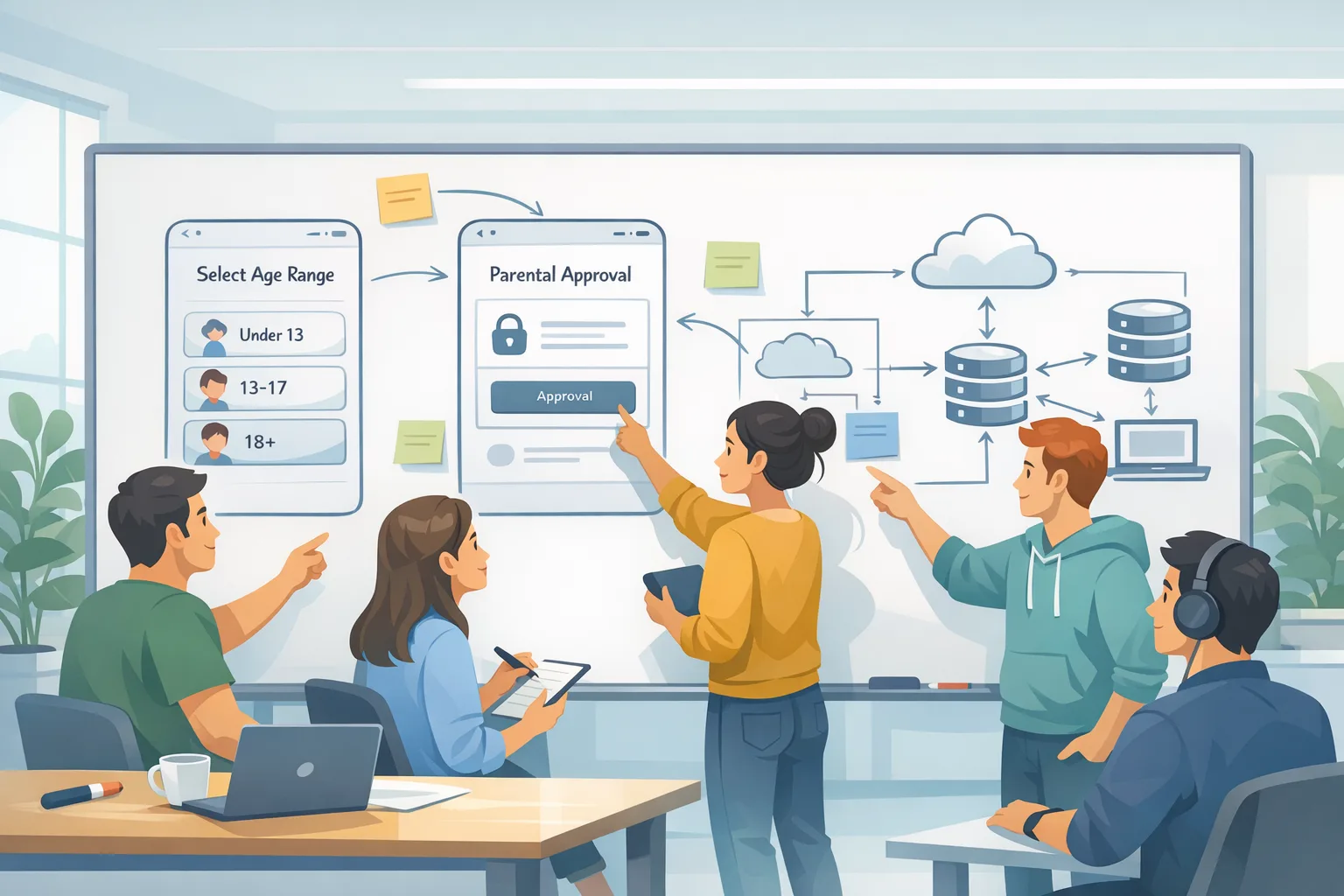
Short answer: start by being rating‑accurate. Apple’s Declared Age Range API is designed to let parents share a child’s age range and help apps adapt content without collecting birthdates. Combine that with your own toggles (e.g., hiding UGC or in‑app ads for under‑13s). If/when state laws enforce parental re‑consent for “significant changes,” have a plan to pause access until consent is re‑obtained. (apple.com)
How do regional ratings work?
Australia, Brazil, and Korea add regional overlays. For example, certain gambling or loot box disclosures in Australia and GRAC‑specific ratings in Korea can alter what users see—even if your global rating says 13+. Keep a per‑storefront view of your product page. (developer.apple.com)
The 90‑minute compliance sprint (works this week)
Set a 90‑minute block with your PM, iOS and Android leads, and a privacy owner. Use this exact checklist:
- Open App Store Connect → App Information → Age Rating. Walk the new questionnaire end‑to‑end. Be explicit about: user‑generated content, messaging/chat, ads, web access, simulated gambling, medical/wellness content, and parental controls/age assurance. Save, generate the new rating, and screenshot for release notes. (developer.apple.com)
- Document feature flags by age bracket. Decide what changes by 4+/9+/13+/16+/18+ (content visibility, chat, UGC upload, ad targeting, purchase flows).
- Android: review Play’s Age Signals API integration plan. Define when you fetch (cold start vs. post‑login), what you cache, and how you handle UNKNOWN or revoked approval. Verify you aren’t using signals outside the receiving app (per policy). (support.google.com)
- Update privacy and in‑app disclosures. State that you receive age range/approval status from app stores and use it only to provide appropriate experiences—no cross‑product reuse. This aligns with Play policy and positions you well for Utah/Louisiana. (support.google.com)
- QA on OS boundaries. Validate that OS 26+ surfaces the new labels and earlier OS versions show the legacy variant. Confirm parental controls/Ask to Buy behavior with a family test setup. (developer.apple.com)
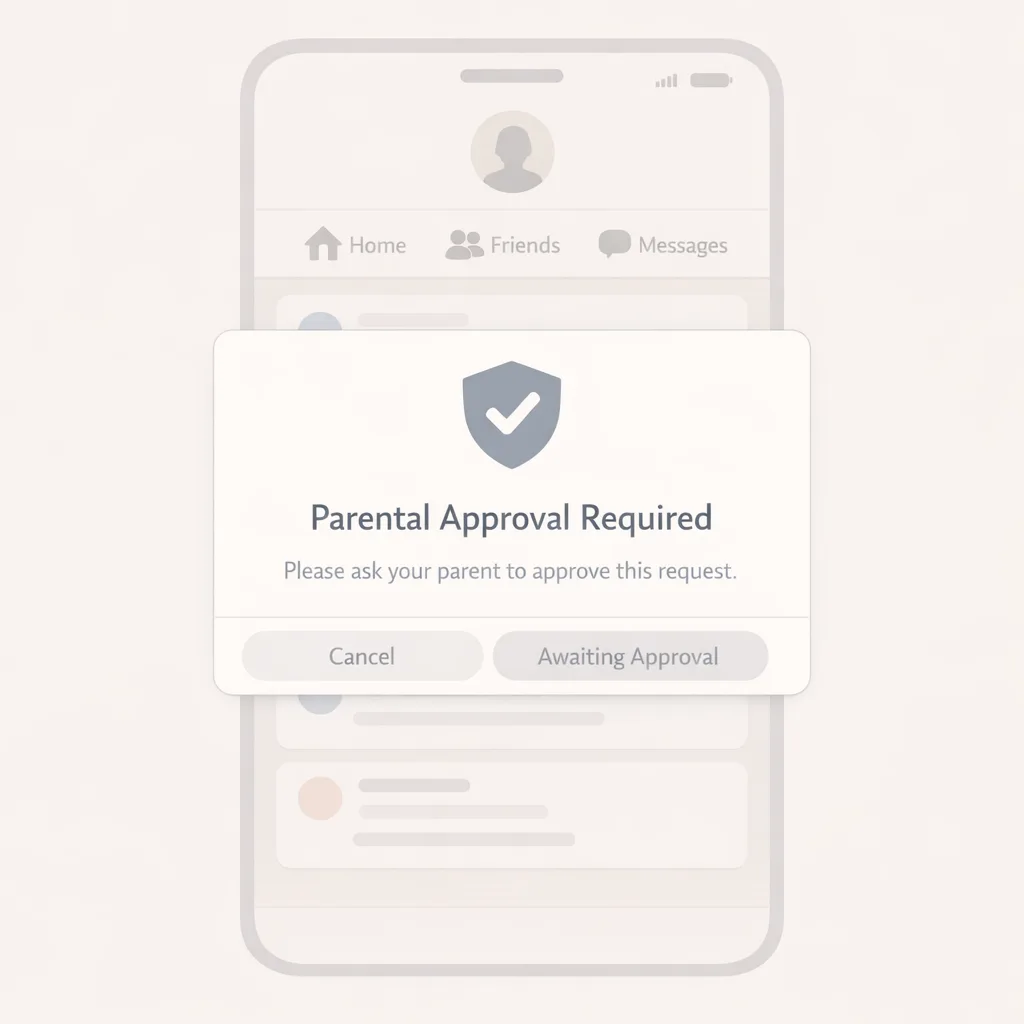
- Prep engineering toggles for “significant change” consent flows. Even if Texas is enjoined, Utah/Louisiana timelines keep moving. Design a pause‑until‑approved state and idempotent re‑entry. (insideprivacy.com)
Data hygiene: treat age signals as sensitive
Play’s January 1 policy is explicit: use Age Signals only to adapt the experience in the receiving app. No export to ad targeting, no user profiling in a data lake. If you must log, segregate events from general analytics and scrub after use. (support.google.com)
Legal commentary has flagged similar constraints in state laws: silo the data, use it only for age‑assurance, and be ready to delete upon completion of verification in some jurisdictions. Even where litigation is ongoing, this is the safe baseline. (loeb.com)
Engineering patterns that won’t paint you into a corner
On iOS, avoid assuming you’ll always have a declared age range. Build a content policy that defaults to safest‑reasonable until the user’s context is known, then elevate experience with a clear in‑app notice (“We’ve enabled community features because your account is 16–17”). The newsroom posts outline Apple’s stance: share age range in a privacy‑preserving way; don’t collect birthdates if you don’t have to. (apple.com)
On Android, treat userStatus and the ageLower/ageUpper bracket as truthy only for the session you fetched. Set a short TTL and re‑query on “significant change” events (policy, features, data‑collection shifts). If userStatus is UNKNOWN, prompt the user to visit Play to resolve. Build for revocation using installID so you can disable access if approval is withdrawn. (developer.android.com)
State laws in 2026: what’s real today and what’s next
As of January 25, 2026: Texas SB 2420 is blocked by a preliminary injunction issued December 23, 2025; watch for appeals and hearings. Utah’s developer obligations begin May 6, 2026; Louisiana’s law takes effect July 1, 2026. Your roadmap should assume more states may join; build once, parameterize by jurisdiction, and keep your policy copy modular. (macrumors.com)
Common pitfalls I’m seeing this month
• Teams “answer and forget” the Apple questionnaire, then ship a feature that flips their rating. Fix: tie rating review to your release checklist.
• Using Play age data in a shared user profile. Fix: keep age signals local to the app; if you have multiple apps, treat each app’s signals separately. (support.google.com)
• No fallback when parental approval is revoked. Fix: define a neutral state (read‑only, account locked) and surface a clear, non‑blaming message with a re‑request flow. (developer.android.com)
What to do next (this week)
- Update your App Store Connect age rating answers for every live app; archive screenshots for audit. (developer.apple.com)
- Decide and document per‑age‑bracket feature toggles; wire easy wins first (UGC posting, DMs, ad personalization).
- Implement Play Age Signals with strict scoping; run a chaos test for UNKNOWN and revoked statuses. (developer.android.com)
- Refresh privacy policy and in‑app disclosures to explain age‑range processing and retention limits. (support.google.com)
- Set a quarterly review of ratings vs. shipped functionality; make it a release gate.
Need a partner to move faster?
If you want hands‑on help, our team ships this work every week. See how we approach shipping under policy deadlines on our What we do page, or skim a deeper walkthrough in our earlier piece App Store Age Ratings 2026: Ship Without Blockers. If your pipeline also runs through Play, pair this with our Android policy work—start with Android Developer Verification 2026: Pass and Ship. When you’re ready, talk to us.
Final word: don’t overcomplicate it. Answer Apple’s new questionnaire accurately, treat age signals as sensitive, design reversible consent flows, and ship. Your future self—and your release train—will thank you. (developer.apple.com)



Comments
Be the first to comment.