App Store Age Ratings 2026: Ship Without Blockers
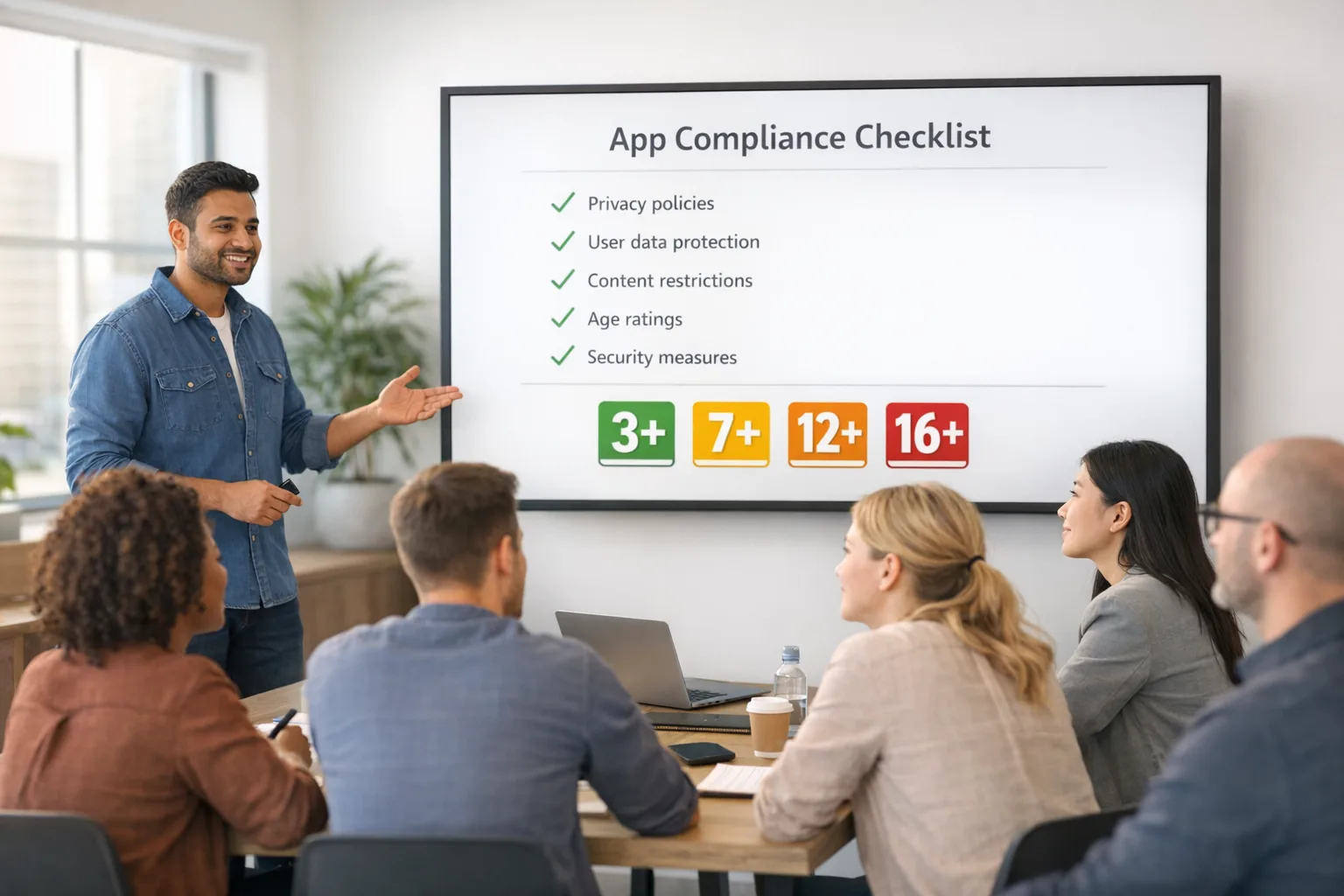
App Store age ratings just got more granular, and the changes matter to every developer who ships updates in January 2026 and beyond. Apple now uses five tiers — 4+, 9+, 13+, 16+, and 18+ — and requires updated answers in App Store Connect by January 31, 2026. If you miss the questionnaire, your update workflow can be blocked. Here’s what changed, what Apple looks for, and a practical playbook to ship with confidence.
What changed in App Store age ratings in 2026?
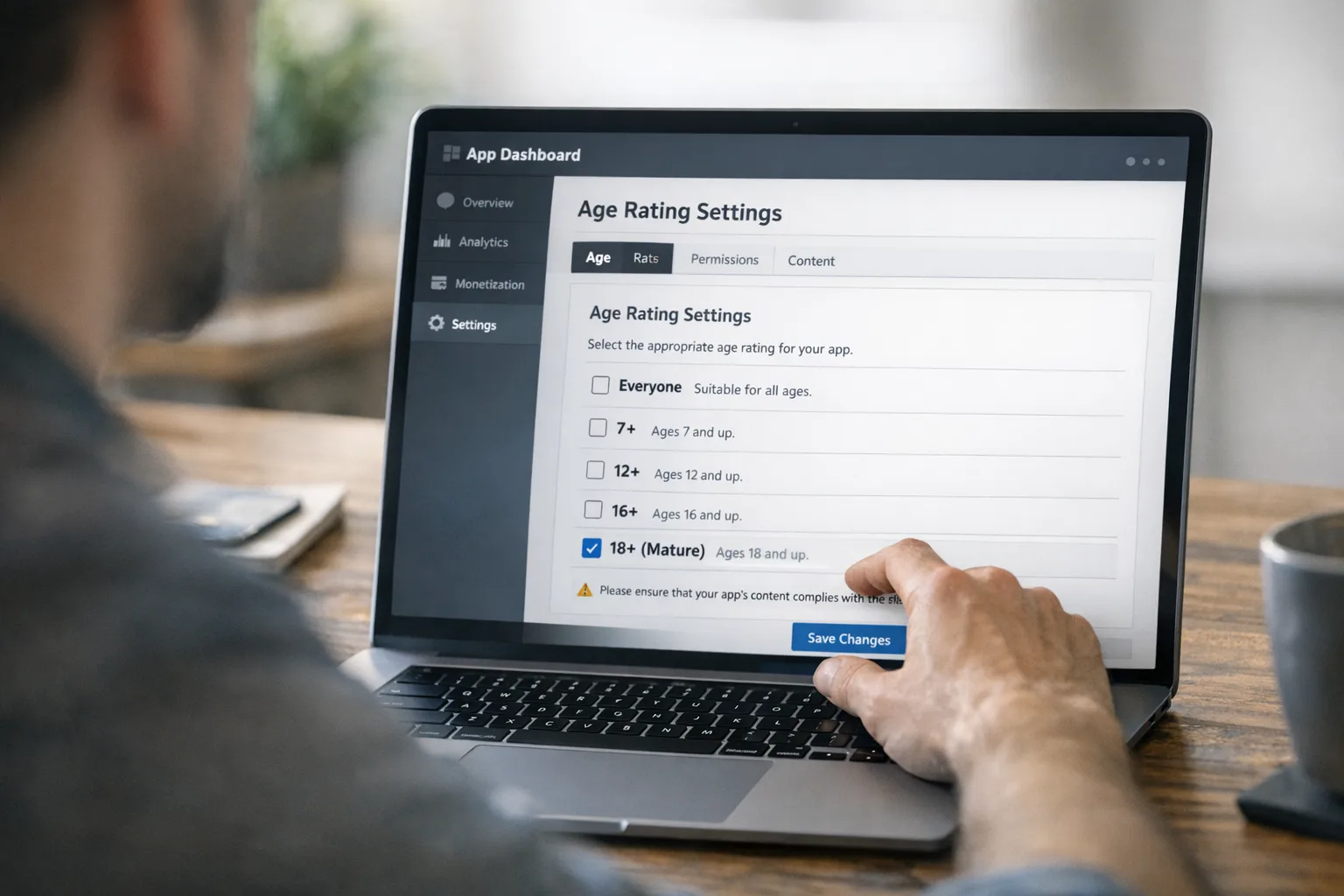
The headline is simple: teens are no longer one big bucket. The App Store now distinguishes 13+, 16+, and 18+, replacing the previous 12+ and 17+ tiers. That shift affects parental controls, on-device discovery, and whether minors can download or even see certain apps. Apple also added new required questions about in‑app controls, capabilities, wellness/medical content, and violent themes. Those answers drive your assigned rating per country or region.
There’s also a practical enforcement angle: devices running current Apple OS releases (iOS 26, iPadOS 26, macOS Tahoe 26, tvOS 26, visionOS 26, watchOS 26) respect the rating at the OS level. If a parent sets restrictions for a child, the App Store won’t surface ineligible apps in editorial modules, and kids can’t install them. That means you don’t just need the right label — your in‑app experience has to align with the label, too.
Why Apple is doing this now
Two forces collided: policy and product. On the policy side, regulators and U.S. states keep pushing for stronger age verification and clearer controls. On the product side, Apple’s family features (Screen Time, Communication Safety, Ask to Buy) work better with precise age ranges. More granularity reduces false positives that used to penalize teen‑appropriate experiences and better separates mature themes from general‑audience.
For developers, the upside is clarity. The downside is work. You’ll need to audit flows, content, and settings, not just answer a form. If you’ve shipped AI chat features, UGC, or social sharing, expect extra scrutiny. Apple wants evidence that you’ve built guardrails, not just promises in the description.
The Jan 31 deadline: what actually happens if you miss it?
Apple has been explicit: if you don’t answer the new questions by January 31, 2026, App Store Connect can block your ability to submit updates until you do. Your live app won’t disappear overnight, but you’ll be stuck with whatever bugs or compliance issues are already in production. Treat this like an operational dependency, not a soft guideline.
Use this playbook to ship on time
Here’s the thing: most teams underestimate how many screens and features touch age‑relevant content. Use this step‑by‑step sequence to avoid late surprises.
1) Inventory content and capabilities
Start with a one‑hour whiteboard session. List every area that can affect your rating:
- User‑generated content (text, images, video, live streams)
- Communication and social features (DMs, comments, follows, friend requests)
- Discovery and feeds (does the app surface community content by default?)
- Purchases and advertising (ads, IAP, third‑party ad networks)
- Wellness/medical topics (symptom checkers, mood tracking, health advice)
- Violence, mature themes, gambling simulations (even infrequent)
- AI assistants and chatbots (prompting risk, safety filters, jailbreak resistance)
Mark each item with the likely tier (13+, 16+, 18+) and whether you have in‑app controls to soften exposure for younger users.
2) Implement in‑app controls that actually work
Apple’s questionnaire asks whether you provide controls. That’s not a checkbox exercise. Add real guardrails:
- Age‑aware defaults: if a user’s device indicates they’re under 16, default to stricter content filters and disable social discovery until a parent approves.
- Parental toggles: an in‑app control center where a guardian can lock content types, comments, and DM permissions.
- Moderation modes: tiered settings for UGC (no media uploads, text‑only, full), tied to age ranges.
- Report and block: one‑tap reporting, immediate hide, and server‑side enforcement.
Document how these controls map to your content taxonomy. If App Review asks, you should be able to show which toggle affects which surfaces.
3) Align with Apple’s Declared Age Range signals
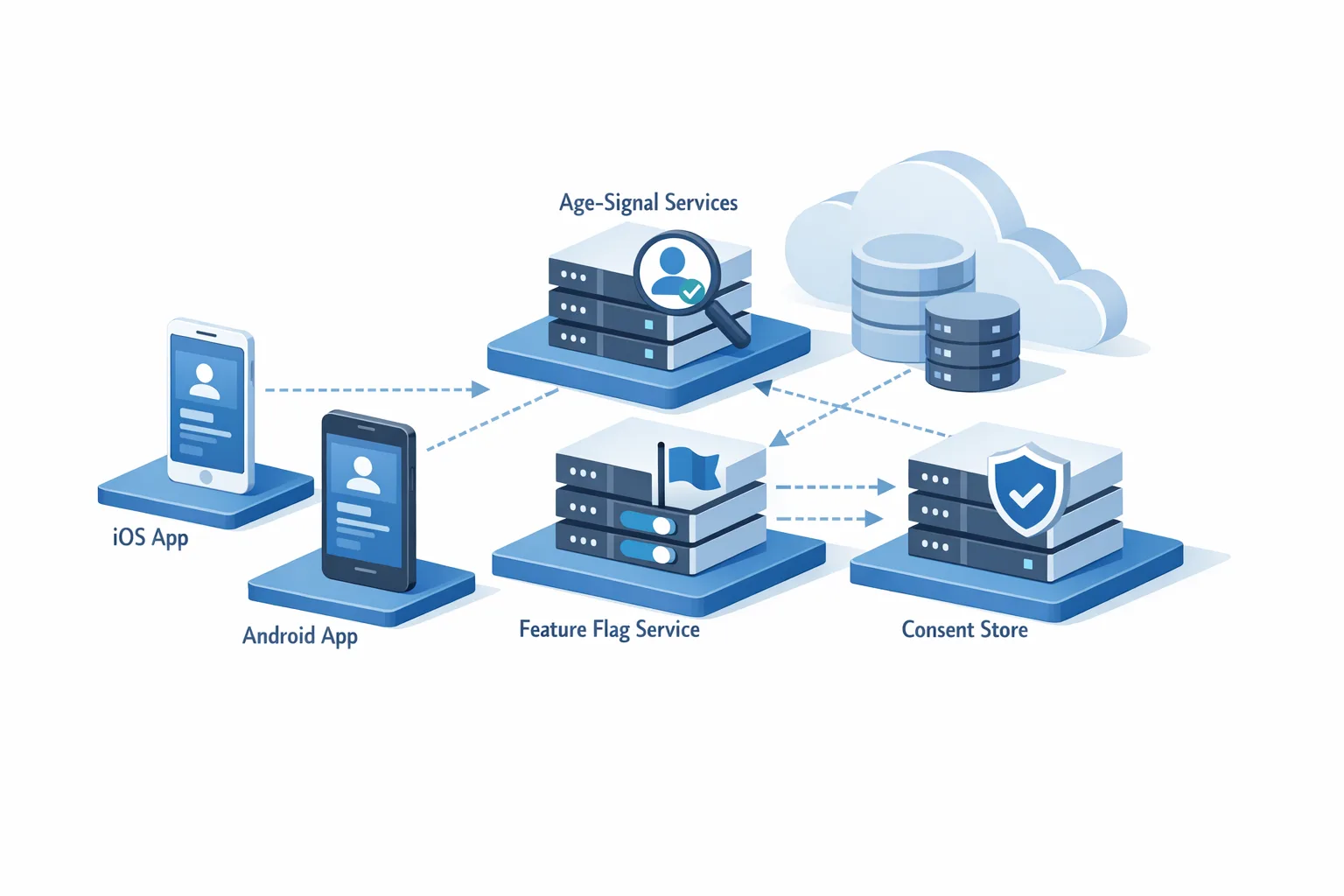
When available on the user’s device, Apple’s declared age range can inform your defaults. Don’t ask for birthdays if you don’t need them. Use the OS‑level hints to set conservative defaults and provide an upgrade path via parental consent if appropriate. Less data collected, fewer privacy risks.
4) Update your App Store Connect answers
Open App Information, answer the new required questions, and then validate the assigned rating per region. If you believe a stricter rating is safer for your audience, set it. Nothing kills growth like getting delisted in a critical geography because a nuance in local standards wasn’t respected.
5) Run an age‑aware QA pass
Test your app as if you were three different users — 13, 16, and 18. Use a simple matrix:
- 13+: UGC hidden by default, messaging disabled or limited, stricter feed filters, limited profile visibility.
- 16+: UGC allowed with filters on, messaging opt‑in with prompts, explicit content suppressed.
- 18+: Full features, with the ability to disable safety controls (but keep reporting tools).
On device, confirm that editorial surfacing and search behave as expected for a restricted account. If your app relies on being featured in discovery modules, this is non‑negotiable.
6) Harden AI and moderation
If you ship AI chat or image features, embed safety filters and rate limiting. Provide a user‑visible explanation when content is blocked and a way to appeal false positives. From a review standpoint, describing your abuse prevention can turn a borderline rating into an approved one.
7) Document and submit
Before you hit Submit for Review, capture a short screencast of your in‑app controls and a one‑page moderation outline. If App Review follows up, you’ll answer in hours, not days.
People also ask: Do I need to resubmit for every app?
Yes, you need to answer the new questions for each app. Apple may auto‑migrate some fields, but the new questionnaire is per‑app and your assigned rating can differ by region. If you maintain multiple bundles (e.g., iOS and visionOS) under separate records, each needs an update.
Will ratings differ by country or region?
They can. Apple applies region‑specific suitability standards. If your app skirts the line in a stricter market, a single content toggle (e.g., disabling public content by default) may preserve eligibility without creating a separate binary.
What happens if I miss January 31, 2026?
Your existing app remains live, but App Store Connect can prevent you from submitting updates until you answer the new questions. If you have a paid promotion, seasonal content, or a compliance fix queued up, that delay can cost real revenue. Treat January 31 like a hard gate in your release calendar.
How do App Store age ratings interact with AI features?
AI increases both capability and risk. A general‑audience app with an AI chatbot can drift into 16+ or 18+ if the model frequently produces mature or violent content. You’ll need robust filtering, prompt controls, and sensible defaults for minors. Log and tune interventions; App Review responds well when you can show real‑world effectiveness.
Design patterns that help you stay 13+ and 16+
If your product depends on teen adoption, design with a lighter footprint:
- Reduce the default audience: private by default, public sharing unlocked later.
- Disable unsolicited DMs until the user follows back, or a parent approves.
- Filter feeds by safety scores; let older users opt into more permissive modes.
- Label simulated gambling clearly and gate it behind 18+ or remove it for younger tiers.
These patterns are cheap to implement and make a material difference in rating outcomes.
Data, dates, versions: the facts you should know
Here’s the concrete bit many teams gloss over:
- New App Store age ratings: 4+, 9+, 13+, 16+, 18+.
- Developer action: answer the updated App Store Connect questions by January 31, 2026 to avoid update blocks.
- OS enforcement: devices on iOS 26, iPadOS 26, macOS Tahoe 26, tvOS 26, visionOS 26, and watchOS 26 observe these ratings across Store discovery and installs for restricted accounts.
- SDK floor: uploads require modern SDKs; confirm your project meets current Xcode and SDK baselines before release day.
- State momentum: multiple U.S. states have introduced app‑age verification requirements; Apple’s declared age range and related APIs are designed to help developers adapt without over‑collecting personal data.
Cross‑platform heads‑up: Google Play and sideloading policies
If you ship cross‑platform, plan for Android policy shifts as well. Google is rolling out expanded developer verification and continues to tighten safety signals for apps that target younger users. Treat your iOS audit as the template for Android: align parental controls, UGC policies, and age‑aware defaults so your compliance story is consistent across stores and markets.
For deeper Android policy prep, our guide on Android developer verification in 2026 breaks down the rollout and what to prepare now.
Where teams stumble (and how to avoid it)
After shipping dozens of releases through review cycles, the repeat offenders look familiar:
- “Promised, not implemented” controls: the App Store description mentions parental controls that don’t exist or aren’t discoverable. Fix: add a visible in‑app Safety & Controls screen and link to it from onboarding.
- Feature drift: an AI update increases content risk, but no one revisits the age rating. Fix: tie your rating review to any feature touching UGC or generative models.
- Regional blind spots: a meme or topic that’s tame in one market is a red flag in another. Fix: localize filters and review queues based on region metadata.
- WebView loopholes: external links or embedded web content bypass in‑app filters. Fix: enforce the same policies on web surfaces; block unmoderated embeds for younger tiers.
A simple compliance checklist you can run today
Copy this into your issue tracker and assign owners:
- Content map complete and tagged by risk (13+/16+/18+).
- In‑app controls implemented and discoverable in Settings > Safety.
- Default states respect age range; parental overrides logged.
- UGC moderation SLAs defined; reporting flow tested on device.
- AI safety filters tested against a risky‑prompt suite; rate limits in place.
- App Store Connect questionnaire answered; regional ratings reviewed.
- Release QA: 13/16/18 matrix tested on current OS versions.
- Help Center article and privacy policy updated to match reality.
People also ask: Can I choose a stricter rating than Apple assigns?
Yes. If you want to reduce compliance risk or simplify moderation, opt for a stricter rating. You’ll trade reach for predictability, which, for some categories (forums, creative tools), is the smarter call.
How should I message changes to existing users?
Ship a brief in‑app notice: “We’ve updated content controls to match new App Store age ratings.” Link to your Safety & Controls screen, and for teen‑heavy apps, show a parent‑facing guide. Friction is fine if you explain the “why.”
Make it part of your standard release flow
Operationally, treat the new App Store age ratings like compliance debt you pay each sprint. Add a checklist to your release template. Put an owner on in‑app controls. Review your rating after any feature that affects content, discovery, or social graphs. It’s cheaper to adjust early than to get bounced in review the night before launch.
Helpful resources from our team
If you want hands‑on support, we’ve published detailed walkthroughs and shipping playbooks:
- Our Ship‑Ready checklist for the new Apple ratings covers forms, wording, and screenshots App Review likes to see.
- For teams juggling monetization changes at the same time, read our guidance on shipping external link flows by late January without tripping store policies.
- Broader privacy and ad‑tech strategy? Start with why third‑party cookies aren’t dead and how to diversify measurement safely.
What to do next (this week)
Let’s get practical. Here’s a tight, five‑day plan you can run with a small team:
- Day 1: Audit content and capabilities; draft your rating rationale.
- Day 2: Implement or surface in‑app controls; set conservative defaults for minors.
- Day 3: Tune AI/UGC filters; wire reporting and block flows.
- Day 4: Complete the App Store Connect questionnaire; review regional outcomes.
- Day 5: Run 13/16/18 device tests on current OS versions; cut a short screencast for App Review; submit.
If you’re blocked by design or moderation gaps, pause nonessential features and ship a safe build. You can iterate once you’ve preserved your release window.
Zooming out
This shift isn’t a one‑off compliance fire drill. Age‑aware defaults, verifiable in‑app controls, and region‑specific content handling are now table stakes for consumer apps. Teams that bake these patterns into product and QA will ship faster with fewer late‑night reversals from App Review. Teams that don’t will waste cycles arguing interpretations while competitors pass them in the rankings.
If you want a second set of eyes on your plan, our team has shipped ratings updates for social, fitness, education, and creator tools across iOS and Android. Check our services overview and reach out — we’ll help you make the right trade‑offs and get your release approved on time.

Comments
Be the first to comment.