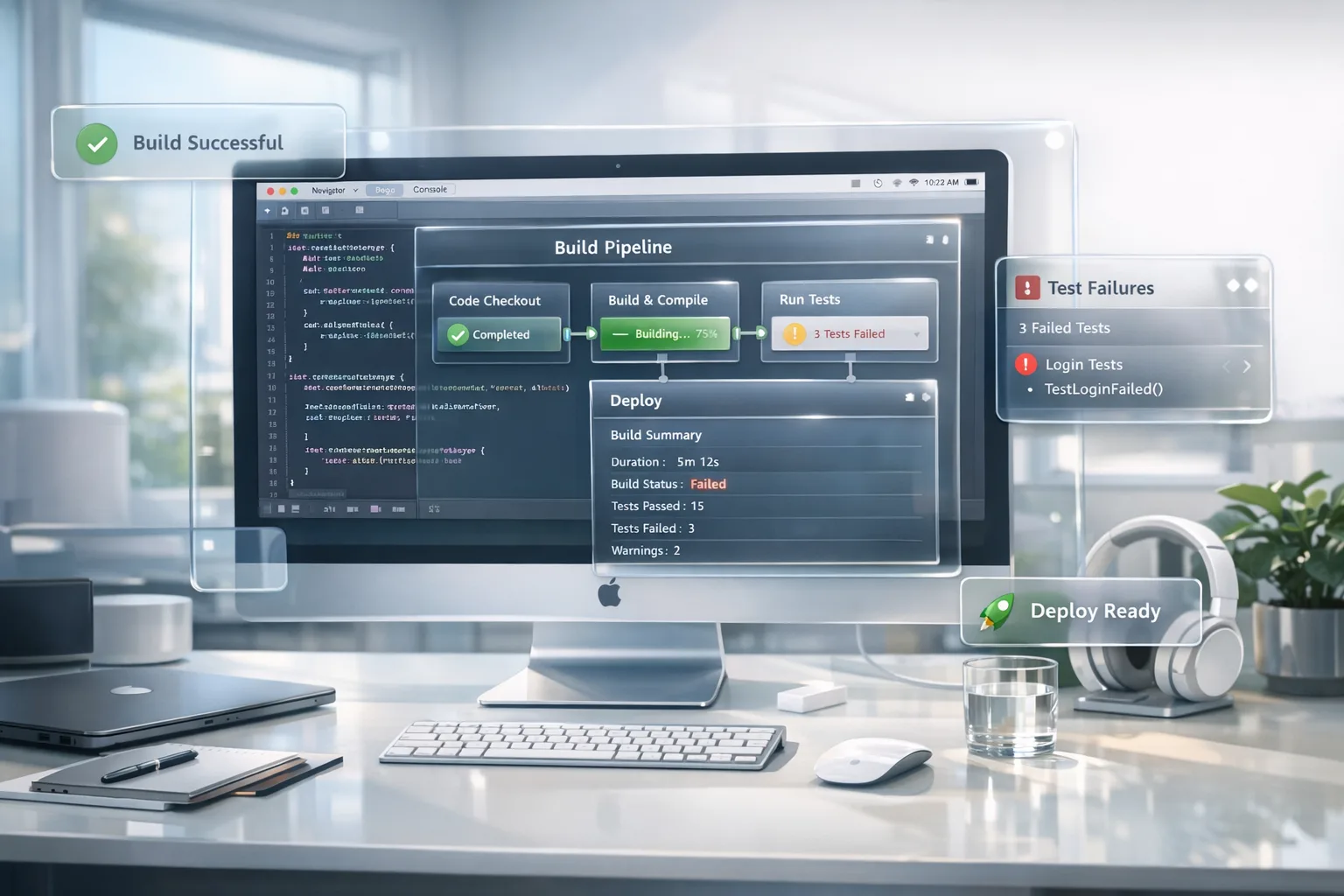
Beat the Xcode 26 Requirement: A 60‑Day Plan
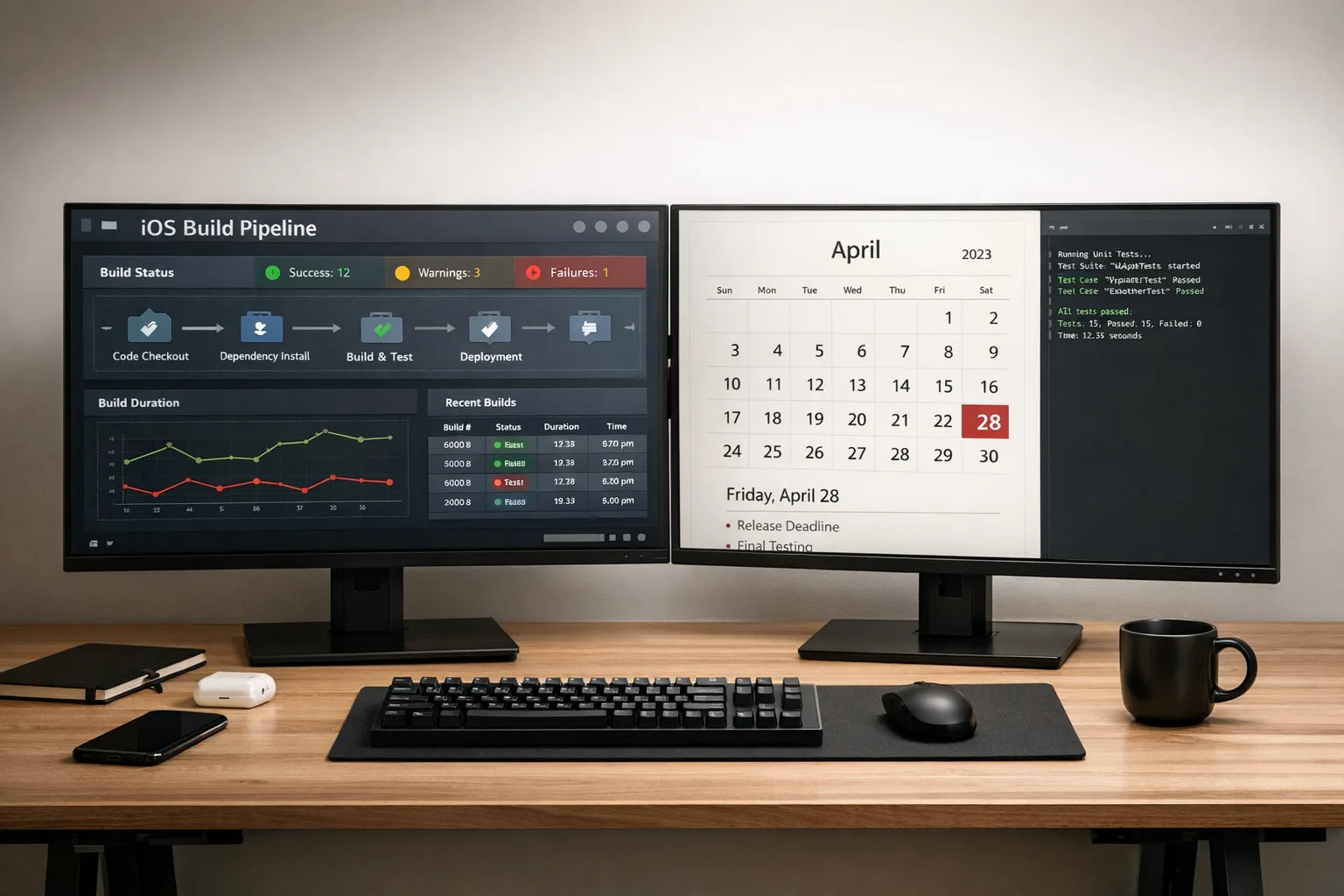
Apple’s Xcode 26 requirement lands on April 28, 2026. On that date, any iOS, iPadOS, tvOS, visionOS, or watchOS app you upload to App Store Connect must be built with Xcode 26 (or later) using the corresponding 26‑series SDKs. This isn’t a soft nudge; it’s a gate. If your CI is pinned to an older toolchain, your binary won’t make it past submission.
Here’s the thing: teams don’t fail this kind of deadline because Xcode won’t install. They fail because the build “almost” works until a last‑mile dependency, entitlements change, or test flake turns your release train into a parking lot. The antidote is a tight, time‑boxed plan that aligns engineering, QA, release, and product—without blowing up your roadmap.
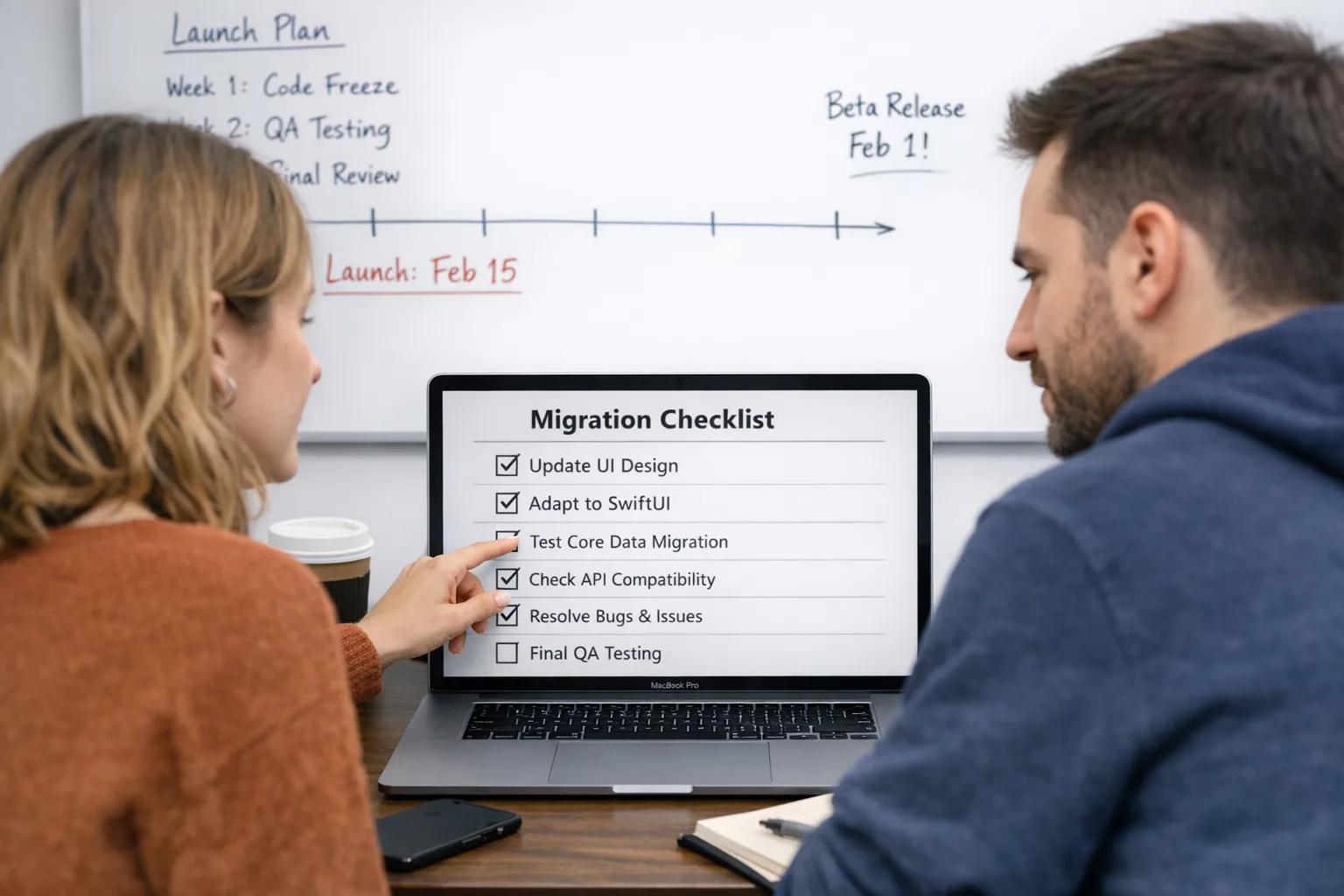
What the Xcode 26 requirement actually means
Apple’s wording is specific: for submissions beginning April 28, 2026, your app must be compiled in Xcode 26 or later and target the 26‑series SDK for each platform you ship. Your minimum deployment targets can remain what your product supports, but the build environment must be 26‑series. Practically, that triggers a few ripple effects you need to plan for.
First, a full toolchain bump: Xcode, the platform SDKs, simulators, and often your macOS build images. Second, an ecosystem bump: analytics, ads, payments, auth, push, and any third‑party SDKs that shim system frameworks. Third, policy alignment: Apple’s updated age‑rating questionnaire (due January 31, 2026) and emerging age‑assurance rules in certain regions affect your App Store metadata and, in limited cases, runtime behavior.
Zooming out, April 28 is just the visible deadline. The unseen one is your team’s testing capacity: do you have enough devices on iOS 26, watchOS 26, etc., enough automated coverage, and enough parallelization in CI to run the extra matrix without starving feature work?
Your 60‑day plan to meet the Xcode 26 requirement
You’ve got two months. Treat this like a migration sprint series, not a side quest. Below is a plan that has worked for real teams shipping consumer and enterprise apps with complex SDK stacks and regulated release processes.
Days 0–7: Prove the build
Objective: produce a green, signed build with Xcode 26 in a disposable branch. Do this before debating refactors.
- Install Xcode 26 on a dedicated build host; don’t disrupt your stable lane yet.
- Clone your app, update build settings, provisioning, and signing to 26‑series SDKs. Resolve basic warnings without tackling architectural changes.
- Pin tool versions in CI (fastlane, CocoaPods/Carthage/SPM, Node/Yarn if you have scripts). Update your macOS runner image accordingly.
- Smoke test on simulators and at least two physical devices on the 26‑series OS. Capture crash logs early.
Deliverable: an ad‑hoc signed build that launches cleanly on iOS 26 with core flows intact.
Days 8–14: Unblock dependencies
Objective: lift your third‑party stack to versions verified against the 26‑series SDKs.
- Inventory every SDK: analytics, attribution, ads, payments, social login, maps, push, in‑app updates, feature flags. Mark which have 26‑compatible releases.
- Update and test each in isolation. Watch for new privacy manifests, additional permissions, or changed initialization order.
- If an SDK lags, contact the vendor today. Park them behind feature flags or compile‑time switches so you can ship without them if needed.
- Re‑generate entitlements and capabilities if the vendor changed them (common with payments and push).
Deliverable: dependency lockfile committed, release notes linked in your internal doc, and a green build with the updated stack.
Days 15–30: Expand test coverage and fix breakage
Objective: get your tests to earn their keep on 26. This is where most teams underestimate the work.
- Run your full UI and integration suite on 26 simulators. Expect flakiness where timing and animation curves changed.
- Audit push notifications, background fetch, and deep links. System changes can alter background execution timing and notification presentation.
- Profile startup, launch time, and memory. New SDKs and app‑tracking prompts can shift cold‑start performance.
- Re‑test any WebView or SFSafariViewController flows; cookie/storage or CSP differences can bite auth and checkout.
Deliverable: a tracked list of 26‑specific regressions with owners and ETAs, and a performance baseline captured on at least two device classes.
Days 31–45: Parallelize the release train
Objective: move the Xcode 26 lane alongside current production so product teams keep shipping.
- Stand up a dedicated “26‑lane” in CI with its own fastlane lanes, TestFlight track, and crash reporting channel.
- Backport critical fixes both ways. Keep a strict cutoff: features targeting the next release ride the 26‑lane by default now.
- Run one full canary release to 5–10% of TestFlight users on 26 before flipping your mainline.
- Update your release checklist and App Store Connect templates for the new age‑rating fields if your team missed the January 31 deadline.
Deliverable: a 26‑built candidate in TestFlight with canary feedback and updated App Store metadata.
Days 46–60: Cutover and harden
Objective: make 26 your default, freeze risk, and ship submission‑ready builds.
- Promote the 26‑lane to default in CI. Archive one emergency rollback path that can still produce a 26‑built hotfix.
- Run final device sweeps on low‑memory hardware. Watch for camera, Bluetooth, and location edge cases.
- Address store compliance in affected regions (see below) and re‑confirm your app’s age rating matches new questionnaire answers.
- Ship. Validate binary acceptance in App Store Connect ahead of April 28 to avoid a day‑of surprise.
Deliverable: a production release built with Xcode 26, with a rehearsed hotfix path and clean compliance status.
Policy checkpoint: age ratings and age assurance
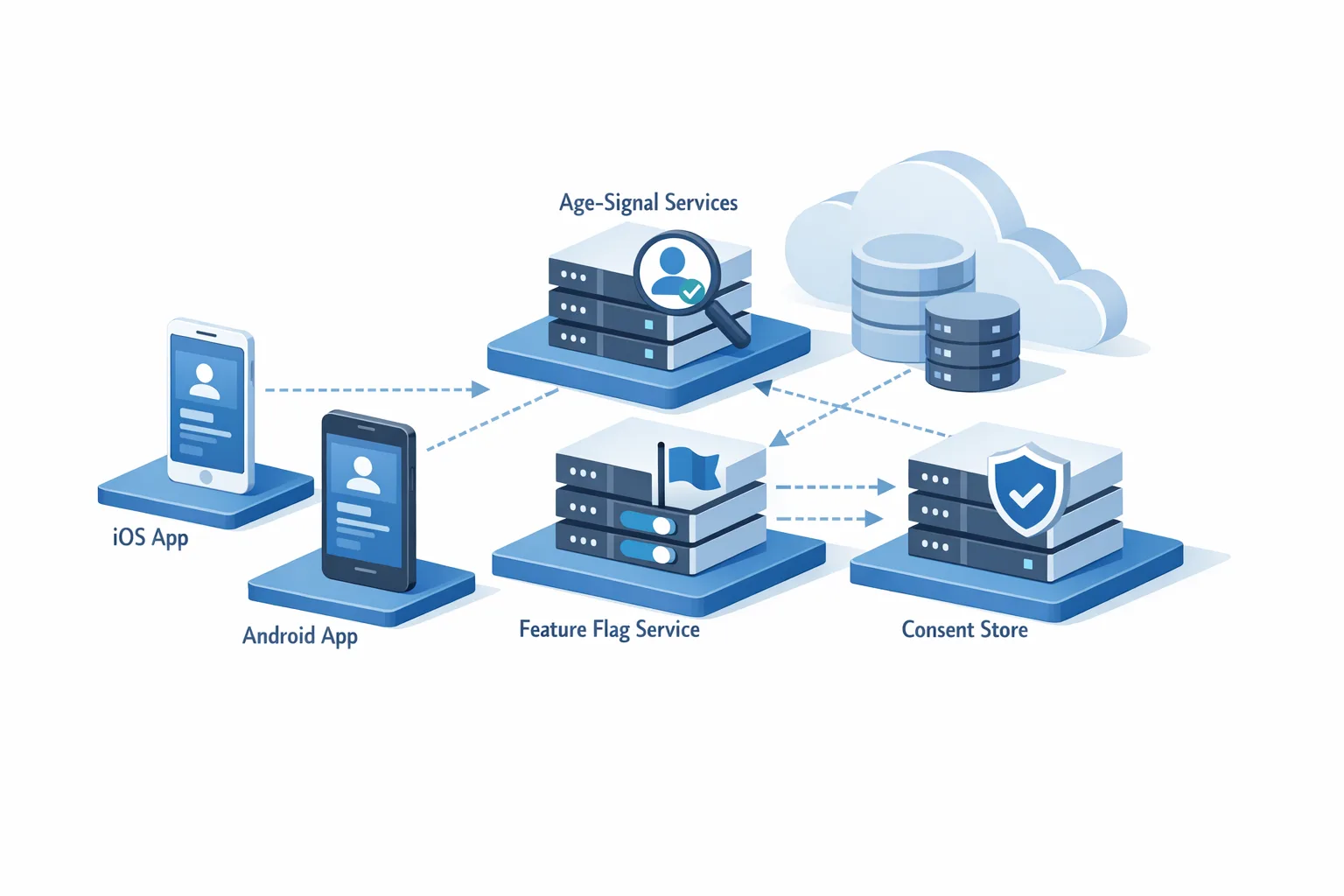
Two policy shifts intersect your April plan. First, Apple’s updated age‑rating questionnaire—required by January 31, 2026—recalculated ratings across all platforms. Teams that skipped this found themselves blocked at submission until the answers were completed. Second, Apple has begun enforcing stricter age‑assurance in certain storefronts (for example, downloads of 18+ apps in Australia, Brazil, and Singapore now require adult confirmation). If you ship mature content or loot box mechanics in those regions, factor this into your QA and support playbooks.
Not sure where to start? Our breakdown of the new developer responsibilities and APIs is here: read App Store Age Verification: A 2026 Dev Playbook for concrete implementation steps and org‑level risk controls.
Risks, regressions, and gotchas we’re seeing
Here are issues real teams have encountered while moving to Xcode 26. Use them as a pre‑mortem.
- Minimum OS mismatches. Some SDK vendors quietly raise their minimum deployment target (e.g., to iOS 16.6 or 17). If you still support earlier minors, your app may compile but crash when invoking the vendor’s APIs. Solution: pin a vendor version proven against your minimum OS, or raise your minimum OS with a clear comms plan.
- Background execution changes. Task schedulers and background refresh timing can shift enough to break assumptions. If your app syncs data or processes media in the background, add telemetry to confirm runs on 26.
- Auth and WebView drift. Updated WebKit and ATS defaults may alter cookie, storage, and redirect behavior. Re‑test third‑party auth providers (especially enterprise SSO) on fresh devices and simulators.
- Notification formatting. New notification styles or summary behaviors can hide critical actions. Verify deep‑link params and custom actions still surface as expected.
- Permissions copy and defaults. System copy can change just enough to confuse onboarding. Verify your pre‑permission screens set expectations that match 26‑series prompts.
- CI image churn. Cloud runners roll macOS updates that silently deprecate simulators. Pin images and simulators; don’t rely on “latest.”
One more: don’t assume your analytics, ads, or attribution SDKs are operational just because they compile. Validate event counts, attribution windows, and SKAdNetwork/Privacy Manifest behaviors in production‑like canaries.
People also ask
Does the Xcode 26 requirement force Swift 6?
No. The rule governs the toolchain and SDK you use to compile, not the language version you write. That said, newer Swift compilers may surface additional warnings or behavior changes. Treat “warnings as errors” selectively during migration, then ratchet back up.
Will my app stop working on older devices after April 28?
Existing installs keep working. The requirement applies to new builds you upload. Your minimum deployment target remains your choice, but test thoroughly on the lowest OS you still support—especially if vendor SDKs have raised their own minimums.
Do I need to change my entitlements or privacy manifests?
Maybe. Some vendors add new capabilities or privacy disclosures with their 26‑compatible versions. Re‑generate entitlements if prompted and review privacy manifests so the App Store’s automated checks don’t flag you on submission day.
What about TestFlight?
TestFlight accepts 26‑built builds today. Use it to validate the whole pipeline—build, upload, symbolication, and crash reporting—before April 28. Treat a successful TestFlight cycle as your dress rehearsal.
Data and dates you can bank on
Let’s anchor the plan to hard dates so stakeholders stop arguing over “soon.”
- January 31, 2026: deadline to complete Apple’s updated age‑rating questionnaire for each app. Teams that missed it are prompted in App Store Connect before they can submit updates.
- February 24, 2026: Apple begins blocking downloads of 18+ apps in Australia, Brazil, and Singapore unless the user passes adult age confirmation via the App Store. Developers with mature content should ensure support paths and the Declared Age Range integration are ready in those regions.
- April 28, 2026: submissions must be built with Xcode 26 or later using 26‑series SDKs (iOS, iPadOS, tvOS, visionOS, watchOS). Mark this on your wall calendar and in your CI.
Share those dates with leadership, support, legal, and marketing. Everyone owns a piece of this change, not just engineering.
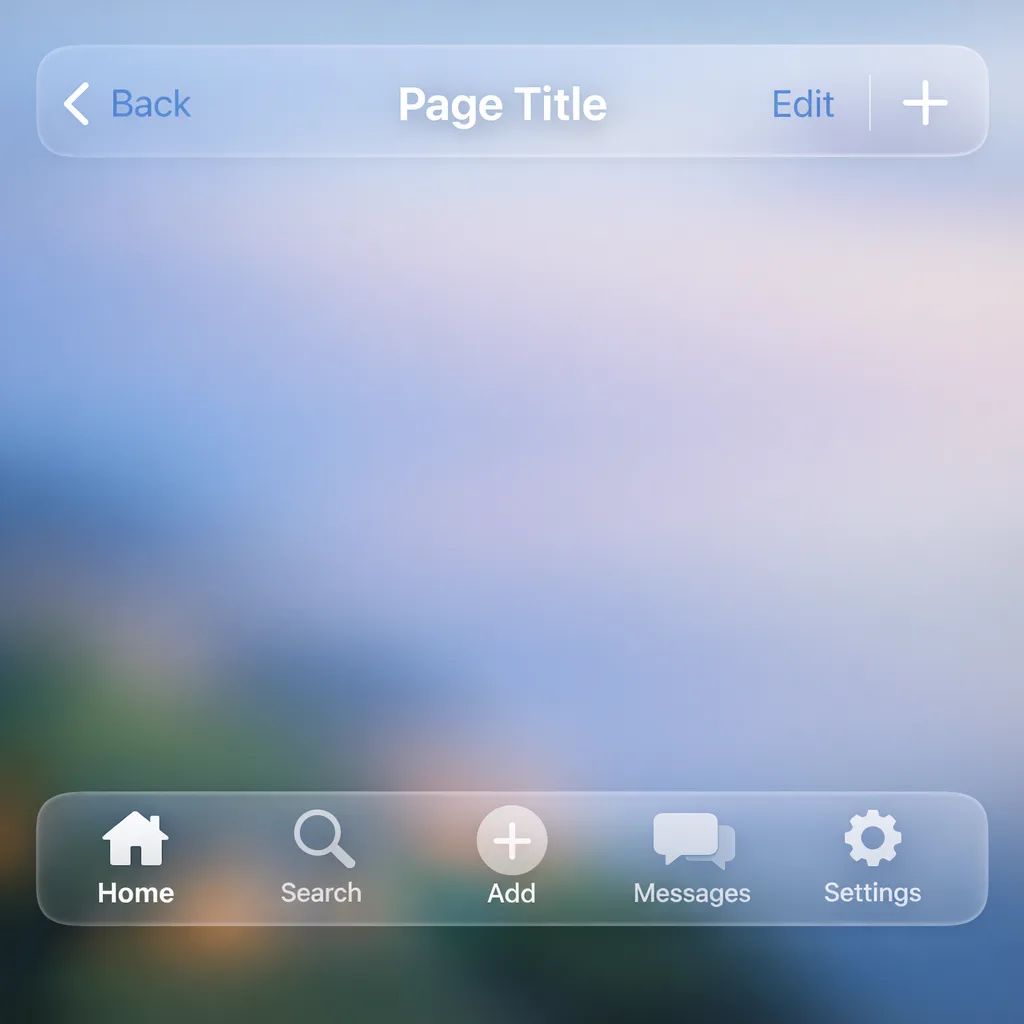
The practical checklist
Use this as your one‑page migration checklist. Tape it next to your stand‑up board.
- Pin Xcode 26 across local dev and CI. Document exact versions of command‑line tools, simulators, and runner images.
- Inventory third‑party SDKs; upgrade to 26‑compatible versions; record min OS and new permissions.
- Re‑sign, rebuild, and smoke test on 26 devices and simulators; verify push, deep links, and WebView flows.
- Expand automated tests to include 26 in the matrix; fix timing‑related flakes first.
- Stand up a dedicated 26‑lane to canary with 5–10% of TestFlight users; add runtime telemetry for background tasks.
- Update App Store metadata, including the new age‑rating responses and any regional disclosures.
- Brief support on regional age‑assurance behavior changes and expected customer questions.
- Run a submission dress rehearsal to App Store Connect to catch entitlement or privacy‑manifest issues early.
Team tactics that keep the roadmap intact
Successful migrations look boring from the outside. Here’s how to keep it that way.
Split work by failure domain. Create small PRs: toolchain bump, SDK updates, entitlement changes, and test fixes. Ship behind flags. If a piece backfires, roll it back without unwinding the whole migration.
Freeze smart, not hard. Instead of a weeks‑long code freeze, implement a short “stability window” for the cutover week—bug fixes only, feature flags closed by default. Keep the team delivering on parallel tracks.
Pre‑agree on what you’ll drop. If an SDK won’t make the date, decide now whether you’ll remove the feature temporarily, geofence it, or raise the minimum OS. Surprises cost more than scope cuts.
Instrument what matters. Add lightweight app metrics (crash‑free rate, cold‑start, background task success, paywall conversion) that update daily during the 26 canary. Make migration health visible to execs.
Where this collides with Android work
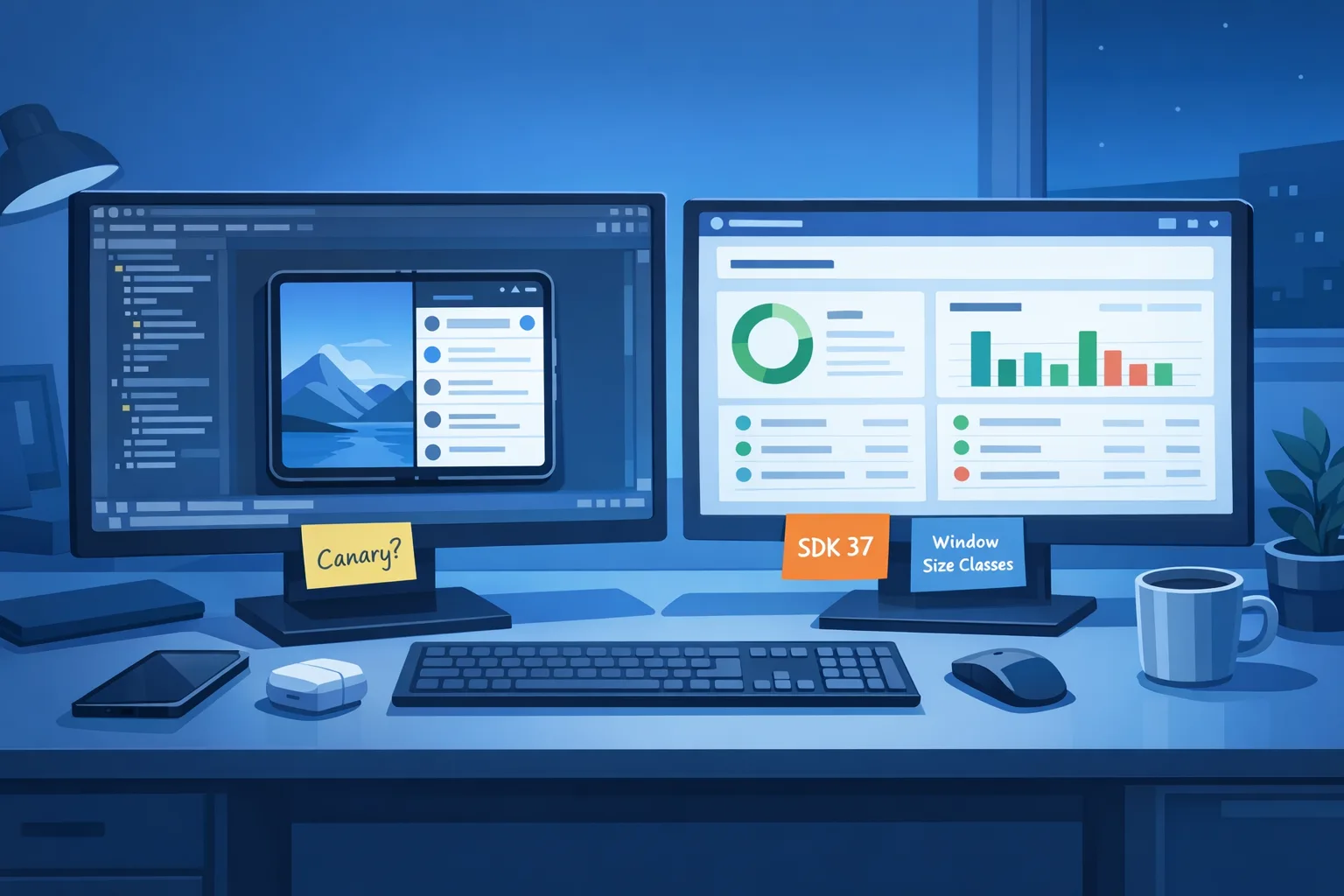
Android teams aren’t on vacation. With the Android 17 Beta cycle moving to an always‑on Canary model, mobile orgs are juggling two platform shifts at once. If you maintain a shared product backlog, anchor platform work to explicit gate dates and put both trains on the calendar so PMs can slot features realistically. For a tactical Android plan under the new cadence, see our take in Android 17 Beta: The Canary Era, Fix It Now.
Want a second set of hands?
If you’d rather not gamble April revenue on a last‑minute scramble, we can help. Our team has run these migrations for venture‑backed startups and Fortune 500s with complex compliance needs. Explore how we structure engagements on our What We Do page, or reach out via Contacts to schedule a quick readiness review. If you’re already mid‑upgrade and a dependency just slipped, we’ll triage and unblock fast.
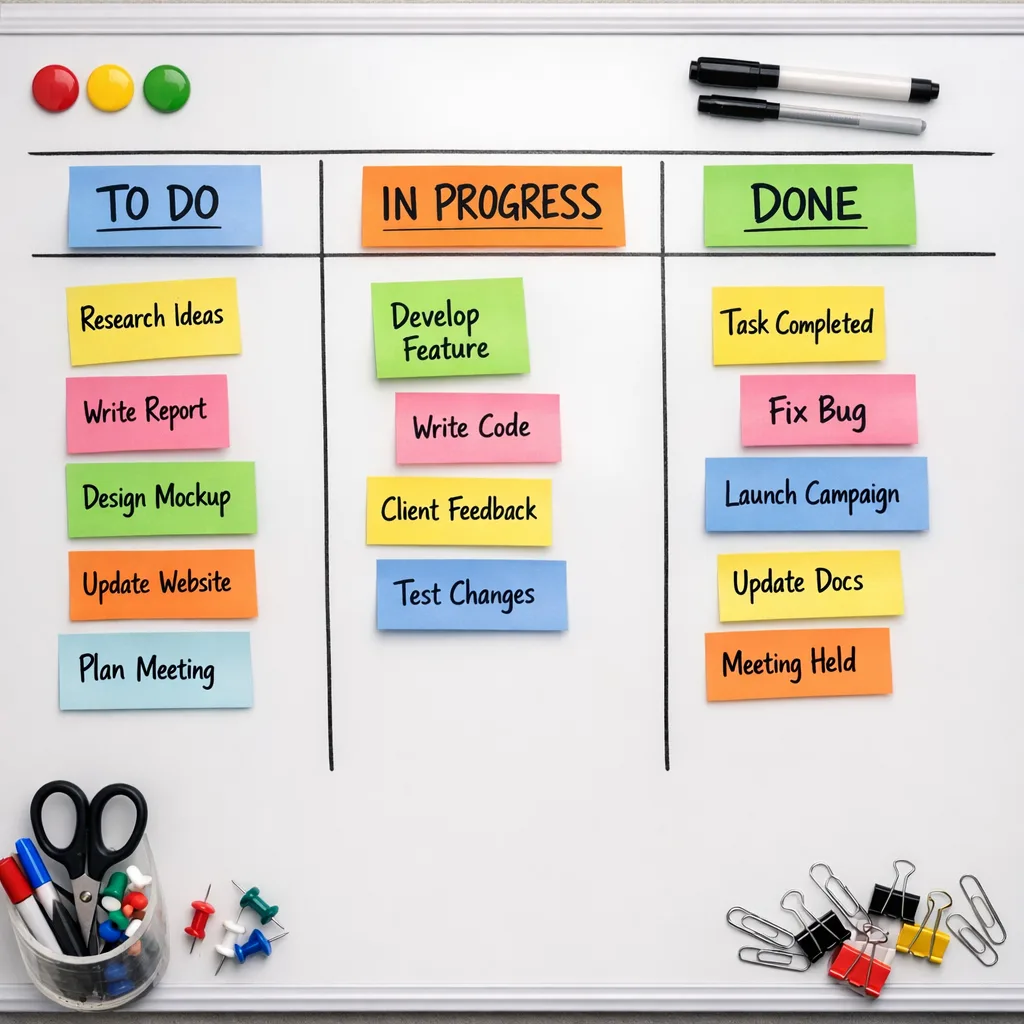
What to do next (this week)
Here’s a tight, no‑drama action list you can run immediately:
- Install Xcode 26 on a non‑critical machine and produce a green ad‑hoc build today.
- Snapshot your dependency graph; upgrade the obvious laggards and open vendor tickets for the rest.
- Add iOS 26 simulators to CI; run your slowest end‑to‑end tests overnight and triage flakes tomorrow.
- Confirm your team completed Apple’s updated age‑rating answers and that your App Store metadata reflects them.
- Book device time on at least one older, low‑memory iPhone and your newest model to bracket performance and feature parity.
Deadlines concentrate the mind. April 28, 2026 isn’t negotiable, but the pain level is. Make the migration a project with owners, milestones, and clear exit criteria—not a TODO at the end of your sprint. Do that, and the Xcode 26 gate becomes a non‑event.
If you want a deeper dive on release engineering patterns we use—feature flags, staged rollouts, and zero‑downtime platform bumps—our blog has plenty of battle‑tested playbooks, including our earlier series on Apple’s tooling changes and a mobile CI hardening guide. For organizations that need a customized runbook, we offer fixed‑fee engagements with clear timelines on our Services page.
Ship early on 26, validate the pipeline, and give back your weekends. That’s the win.


Comments
Be the first to comment.