
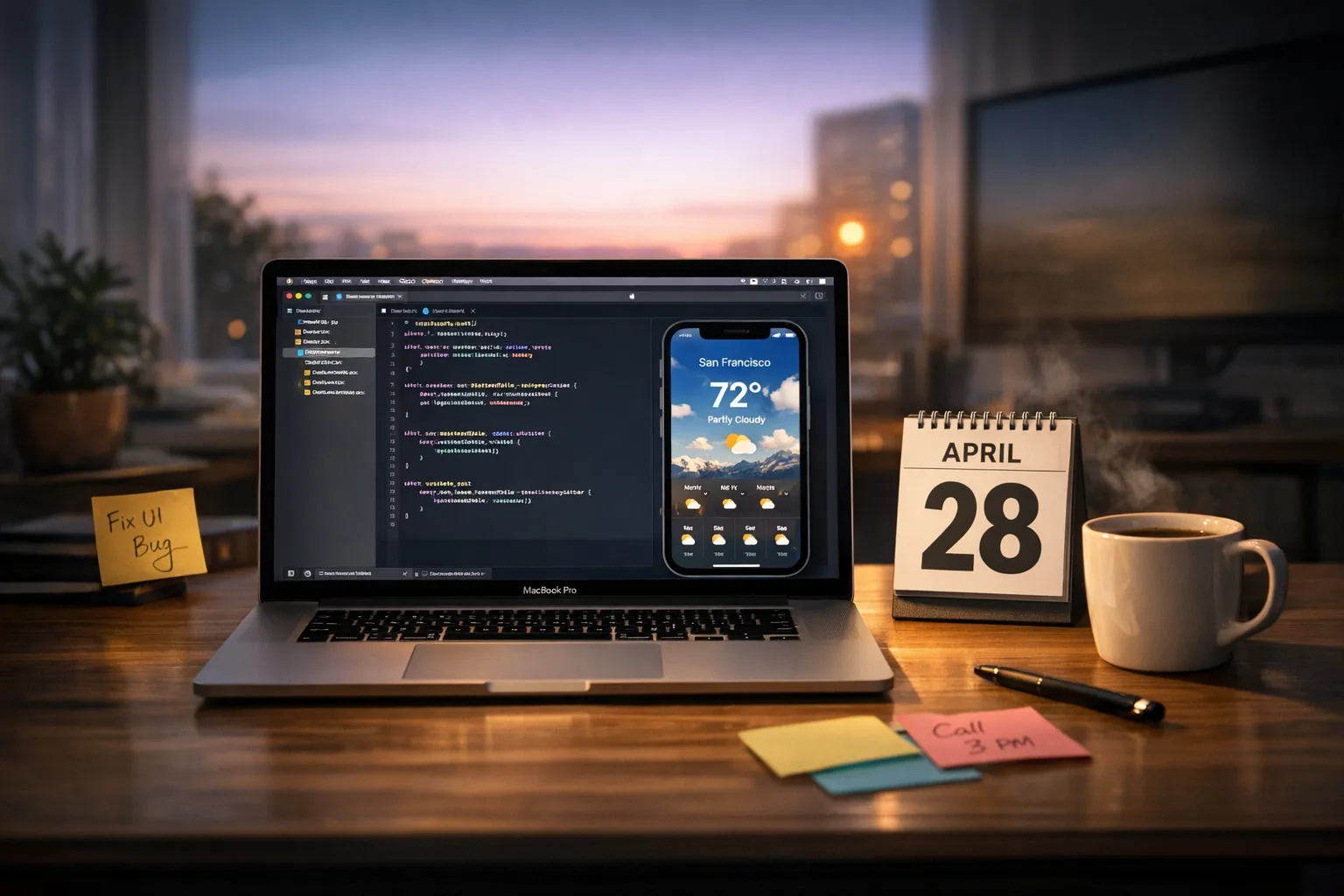
Xcode 26 Requirement: The Practical April 28 Plan
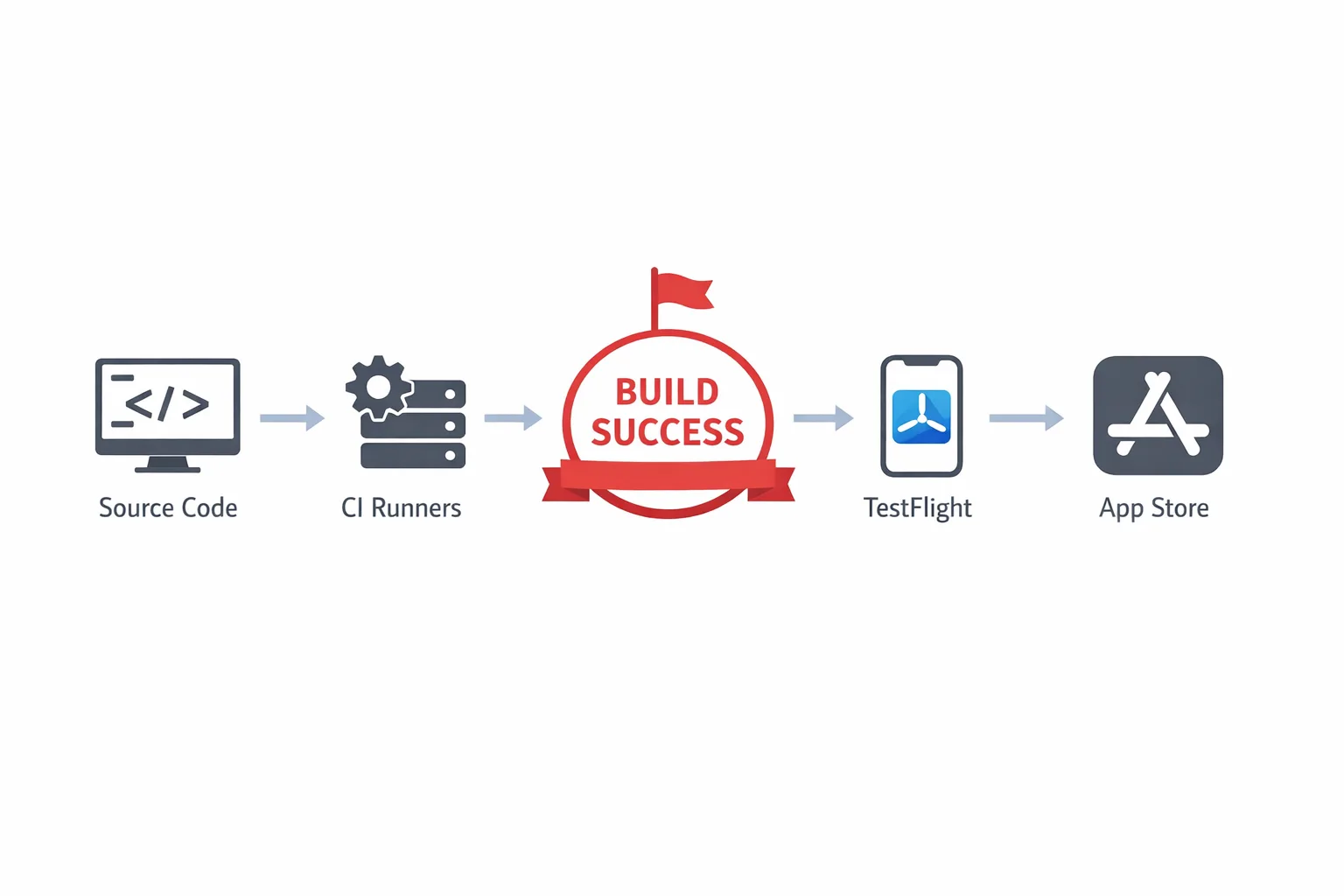
The clock is real: on April 28, 2026, Apple enforces the Xcode 26 requirement for all new uploads to App Store Connect. Practically, your next submission must be compiled with Xcode 26 (or later) and the iOS/iPadOS, tvOS, watchOS, or visionOS 26 SDKs. Your live version won’t vanish on that date, but any new build that isn’t on the 26‑series SDKs will be blocked. If you lead releases, own CI, or manage budgets, now’s the time to lock an upgrade plan that won’t burn a sprint—or your launch window.
What exactly changes on April 28, 2026?
Starting April 28, Apple will reject uploads not built with the 26‑series SDKs inside Xcode 26 or later. That’s it—no forced change to your deployment targets, no automatic end‑of‑life for your existing live app. But there are ripple effects:
- You must have Xcode 26 (26.0 or newer) available on dev machines and CI runners.
- Your project must compile against iOS/iPadOS 26 SDK (and equivalent SDK 26 for tvOS, watchOS, visionOS).
- Some third‑party SDKs and MDM/MAM wrappers enforce their own Xcode 26‑compatible versions—miss those and your app may crash, hang at launch, or fail app protection checks.
- Swift toolchains step forward; Xcode 26.x ships with Swift 6.2.x, so older packages can surface warnings or errors you’ve never seen before.
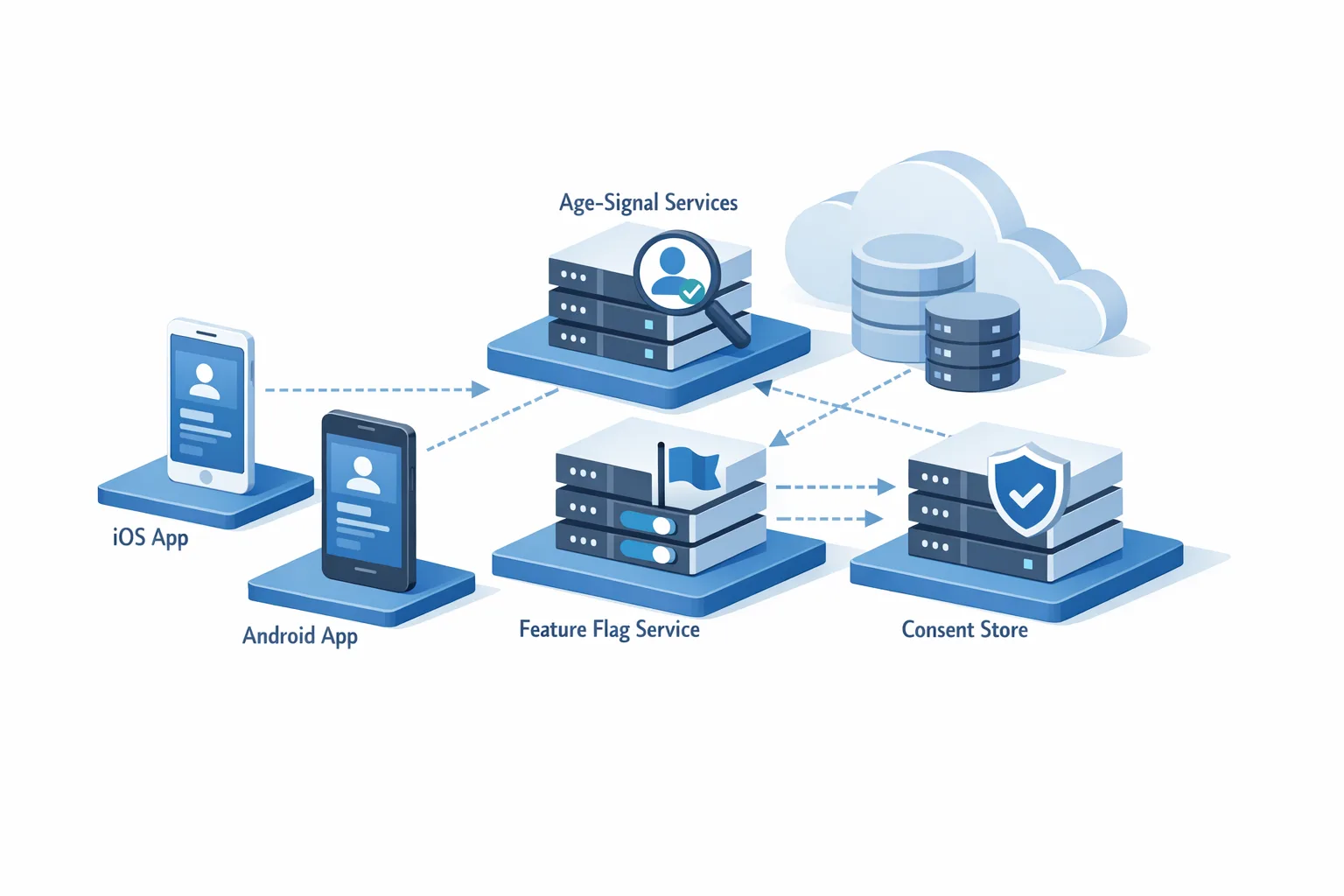
One more adjacent change many teams forget: Apple’s updated age‑rating system took effect January 31, 2026. If you didn’t answer the new questions, your updates can be interrupted. Fix that now so you don’t discover it on release day.
Why teams stumble (and how to avoid it)
Here’s the thing: most upgrade pain isn’t the code. It’s the pipeline and the calendar. These are the five failure patterns we keep seeing, plus the fixes that actually ship.
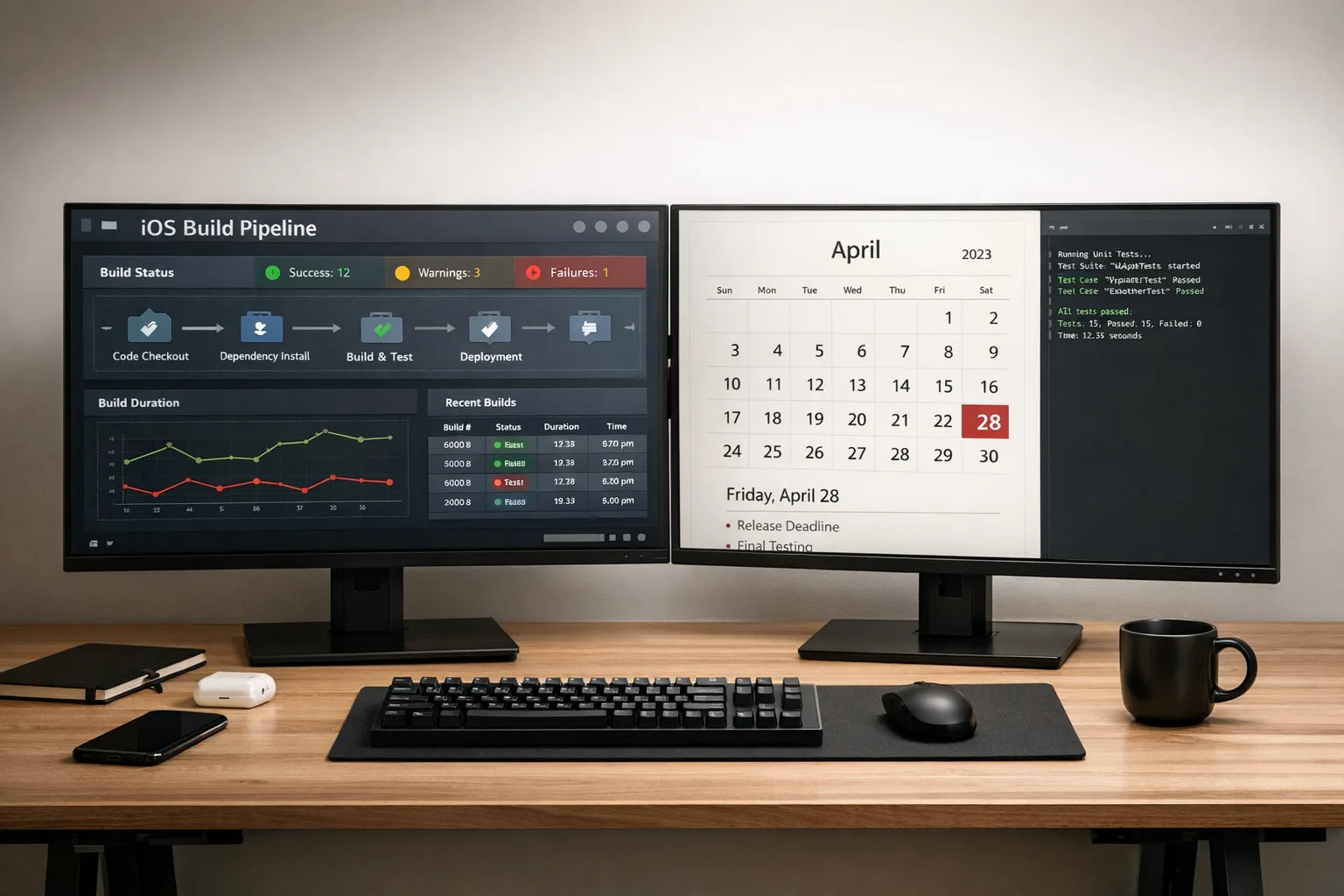
- CI image drift. Local builds are on 26.x; CI still pulls an older Xcode image. Your archive succeeds locally and silently fails later. Fix: pin the exact Xcode 26.x image in your CI config and validate with a full clean archive plus notarized export.
- Unpinned transitive dependencies. SPM updates a minor version that flips a Swift language mode or enables a new warning as error. Fix: snapshot your Package.resolved before and after; upgrade intentionally; set per‑target Swift language mode where needed.
- Breaking changes in management SDKs. Security, MDM, analytics, and crash reporters often require a specific Xcode‑compatible build. Fix: check vendor matrices for Xcode 26 support and cut a dedicated branch to validate those frameworks in isolation.
- UI drift and accessibility papercuts. New SDK defaults can alter spacing, colors, and hit targets. Fix: re‑record key UI tests and run an a11y pass (contrast, Dynamic Type, VoiceOver focus order) on smaller devices.
- TestFlight lag and review fallout. Late‑cycle fixes collide with TestFlight processing times and App Review Q&A. Fix: reserve a buffer day for processing, and pre‑write reviewer notes for any permission or background mode that triggers scrutiny.
The Xcode 26 requirement, made practical: a three‑lane plan
Don’t treat this as one monolithic “upgrade task.” Split it into three concurrent lanes—Code, Pipeline, People—and move them in parallel. That’s how you maintain delivery speed while reducing blast radius.
Lane 1: Code (7–10 days of focused work)
Objective: compile cleanly with Xcode 26, pass unit/UI tests, and eliminate runtime regressions on a mix of OS versions.
- Baseline: Archive the app in Xcode 26. Capture warnings and Swift language mode changes. Turn on “Treat warnings as errors” in CI only after you’ve captured a clean baseline.
- Swift and SPM: Align your Swift tools to 6 or 5 as appropriate, but don’t switch language mode globally if it explodes your risk. It’s fine to set Swift 6 for modules that are ready and keep Swift 5 for others; migrate intentionally.
- Third‑party SDKs: Inventory everything: analytics, crash, attribution, APM, payments, login, feature flags, MDM/MAM, maps, SSO. For each, note the minimum Xcode supported version and the specific library release that adds 26 support. Update one at a time.
- Entitlements and Info.plist: Re‑verify usage descriptions for protected APIs. If you’ve added new background modes, camera/mic, or location behaviors recently, refresh your reviewer notes now.
- UI sanity checks: Run a quick, manual regression on critical flows with Dynamic Type set to Extra Large and with dark mode enabled. Many “tiny” visual shifts surface only under those toggles.
Lane 2: Pipeline (2–3 days to stabilize)
Objective: guarantee that your automated builds use Xcode 26 and produce the same artifact locally and in CI.
- Pin Xcode: On GitHub Actions, select the runner with Xcode 26.x and confirm with
xcodebuild -version. On Bitrise, set the stack and the Xcode version. On self‑hosted macOS, install Xcode 26.x and setxcode-selectto the right path. - Fastlane and tooling: Update Fastlane, CocoaPods (if still used), and any notarization/export scripts. Clear derived data between major Xcode jumps.
- Signing: Refresh your signing certificates and profiles on a dedicated branch. If you rotate a team or company certificate, propagate changes to all environments at once.
- Automated tests: Re‑record brittle XCUITests that depend on system elements whose identifiers or order shifted. Add a targeted smoke suite that runs on every PR.
Lane 3: People (same week, minimal meetings)
Objective: set expectations and defend the calendar.
- Publish dates: Share two dates today—your TestFlight cutover to Xcode 26 and your App Store submission goal. Put April 28 on the roadmap so no one books a launch the day before.
- QA path: Commit to a short freeze window (24–48 hours) around the first 26‑based release. That window is your buffer, not a blocker.
- Stakeholder notes: Explain in one paragraph what’s changing, the risk areas, and how you’ll measure success (e.g., crash‑free sessions, review response time, CI green on main).
Field checklist: pass review on the first try
Use this quick, proven pass.
- Local archive on Xcode 26 with zero critical warnings.
- CI archive on a pinned Xcode 26 image; artifact size and signing match local.
- App launches cleanly on iOS 15/16/17 and iOS 26 devices you support; smoke tests pass.
- Third‑party SDKs verified against their Xcode 26 compatibility notes.
- Age‑rating questionnaire updated; reviewer notes prepped for sensitive entitlements.
- TestFlight processing confirmed with at least one external group.
- Release notes set; support team briefed on known changes and mitigations.
People also ask: the fast answers
Do we have to raise the minimum iOS deployment target?
No. The Xcode 26 requirement is about the SDK used to compile, not your deployment target. You can still support older OS versions within the ranges that Xcode 26 allows. Choose your floor based on real user share and maintenance cost, not the SDK enforcement date.
Will our current App Store version stop working on April 28?
No. Your existing live app will continue to run. The enforcement only blocks new uploads that aren’t built with the 26‑series SDKs in Xcode 26 or later.
Does TestFlight accept non‑26 builds after the deadline?
No. Treat TestFlight as part of “uploads.” Move your TestFlight pipelines to Xcode 26 early so you’re not learning under deadline pressure.
Which Xcode 26.x should we choose?
Use the latest stable Xcode 26.x available to your team. It typically includes the newest 26‑series SDKs and Swift toolchain patches. Lock it per branch to avoid “surprise” toolchain upgrades mid‑sprint.
What about third‑party MDM/MAM, analytics, or wrappers?
Many vendors require a specific library version for Xcode 26 builds. Check their release notes and upgrade matrices. Build one integration branch solely to validate app protection flows, login, and background behaviors before merging to main.

A realistic timeline from today to enforcement
Today is February 25, 2026. If you start now, this is a sane, low‑stress path.
Week 1 (Feb 25–Mar 2): Install Xcode 26.x everywhere. Create an “x26‑cutover” branch. Update age‑rating answers in App Store Connect. Run a clean archive locally and in CI. Inventory third‑party SDKs and verify version requirements.
Week 2 (Mar 3–Mar 9): Resolve compile issues, warnings, and Swift mode settings. Update SPM/CocoaPods deliberately. Re‑record fragile UI tests. Complete a smoke suite that launches, signs in, and completes one core flow.
Week 3 (Mar 10–Mar 16): Validate analytics, crash, attribution, and any management/wrapper SDKs on real devices. Run targeted a11y checks and visual scans on small screens. Prepare reviewer notes for entitlements.
Week 4 (Mar 17–Mar 23): Cut a TestFlight beta from CI with Xcode 26. Trial on an external group (100–200 users if you have them). Monitor crash‑free sessions and performance.
Week 5 (Mar 24–Mar 30): Triage feedback; fix only must‑ship issues. Publish internal docs: exact Xcode version, CI image, and the package versions you landed on.
Week 6 (Mar 31–Apr 6): Freeze window for the first 26‑based production submission. Submit; be ready to answer Review within 24 hours.
Week 7–8 (Apr 7–Apr 20): Stabilize, then unfreeze. Plan a small follow‑up release to tidy remaining warnings or library bumps.
Buffer (Apr 21–Apr 27): Keep this clear. If Apple asks a question or a vendor library needs one more bump, you have oxygen.
Practical tips that save a day each
- Archive size check: Compare XCArchive sizes before/after. A 20–30% jump often means duplicate architectures or a stray debug symbol bundle sneaking into release builds.
- SPM mirrors: If your CI rate‑limits Git, set up an internal SPM mirror or cache to avoid flaky fetches that masquerade as “Xcode bugs.”
- Crash symbolication dry run: Drop a test dSYM into your crash tooling before you ship so post‑release crashes are readable on day one.
- Feature flags: Wrap risky UI tweaks behind a remote flag. If a new default component behavior causes friction, you can turn it off without an emergency patch.
Where this fits in your broader mobile roadmap
Zooming out, this enforcement is part of a yearly cadence that also includes new review questions and management APIs. The teams that win treat SDK cutovers as a product hygiene ritual: the codebase stays modern, CI is boring, and the release calendar is predictable. If you manage both iOS and Android, align your iOS 26 upgrade window with Android’s API‑level rollups so QA can batch cross‑platform regression passes. For Android specifics, we’ve documented large‑screen rules that tend to surface late in schedules—worth a read if your app spans tablets and foldables.
If you’d like a deeper, battle‑tested playbook, we’ve published step‑by‑step guides tailored to different timelines, plus migration checklists your team can copy straight into your tracker.
Related guidance from us:
- Our April 28 upgrade playbook if you need an end‑to‑end template.
- A no‑drama 60‑day plan for teams balancing features and compliance.
- A rapid 30‑day migration plan for those under hard deadlines.
- Cross‑platform notes in Android large‑screen rules that stick if your roadmap spans both stores.
What to do next
- Today: Pin Xcode 26.x in CI and confirm with a clean archive.
- This week: Finish your third‑party SDK audit and update the age‑rating questionnaire.
- Next week: Cut a TestFlight build from the pinned CI image and put 100–200 users on it.
- Before April 14: Ship your first 26‑based production release so you’re not learning under review pressure.
- Ongoing: Document the exact Xcode/SDK/Swift and package versions in your repo so future upgrades are repeatable.
If you want a partner to tune your pipeline, triage risk, or shoulder the release, our team can help—from dependency audits to CI hardening to reviewer comms. You can explore how we work and see examples of shipped upgrades on our site.
April 28 isn’t a surprise; it’s a forcing function. Treat it as an opportunity to make your iOS pipeline boringly reliable again. Lock the Xcode 26 requirement into your workflow this week, and your next release will feel like any other Wednesday—which is exactly the point.
Want help or a second set of eyes? Reach out via our services page or browse our portfolio for recent upgrade projects.

Comments
Be the first to comment.