
Xcode 26 Requirement: The April 28 Upgrade Playbook
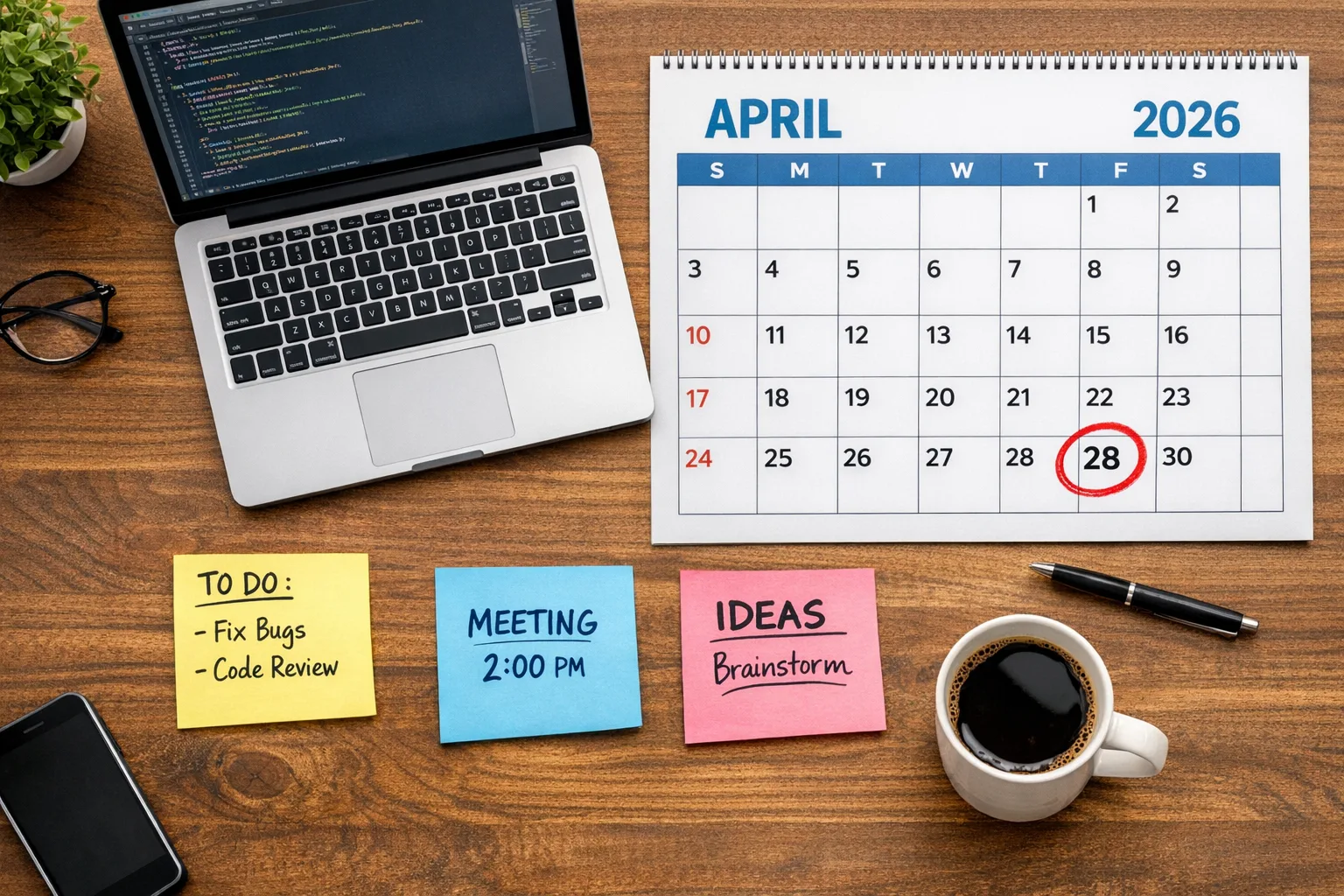
On April 28, 2026, the Xcode 26 requirement becomes real: new uploads to App Store Connect must be built with Xcode 26 (or later) and use the SDKs for iOS 26, iPadOS 26, tvOS 26, visionOS 26, or watchOS 26. If your pipeline is still pinned to an older toolchain, submissions will bounce. The window to adjust is short, but with a focused plan you can make the cutover without derailing your roadmap.
What actually changes on April 28—and what doesn’t
Apple’s rules are crisp: builds must come from Xcode 26 or newer, targeting the 26‑series SDKs. That’s an App Store submission gate, not a forced change to your minimum deployment targets. You can still support older OS versions if you need them; you just compile with the new SDK and ship universal binaries built by Xcode 26.
Two more dates matter for teams triaging risk and scope. First, the age‑rating system updates that took effect on January 31, 2026: make sure your App Information answers in App Store Connect reflect the new questions, or you’ll hit friction during review. Second, if your release calendar overlaps multiple platforms (iPad, watch, tvOS, or visionOS), the same Xcode 26 gate applies there too. Treat this as a unified toolchain upgrade, not a one‑off fix.
Why the Xcode 26 requirement is bigger than “just update Xcode”
Upgrading Xcode touches everything: Swift and Clang toolchains, SDK headers, code signing, provisioning, fastlane shells, CI images, and third‑party SDKs. Here’s the thing—most breakage isn’t in your code, it’s at the seams: SPM pins that fetch incompatible transitive dependencies, a CI runner image that lacks the new CLT, or a prebuilt vendor framework compiled with old linker flags.
If you’ve already adopted a modern dependency strategy—SPM where possible, clear version ranges, and explicit minimum iOS targets—you’re ahead. If not, your first day on Xcode 26 will flush out hidden assumptions fast.
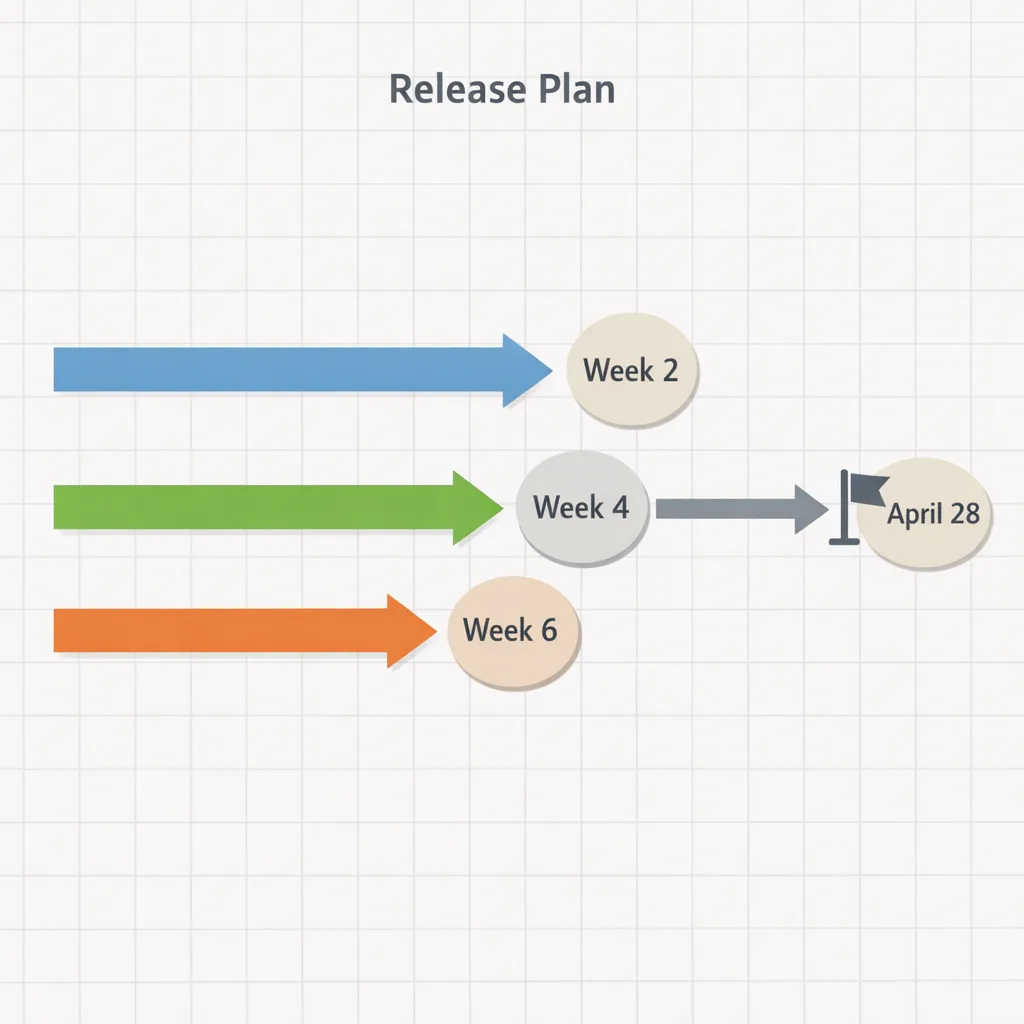
The 3‑week no‑drama upgrade plan
Below is the tight, realistic plan I run with teams when a submission gate is inside a month. Adjust the cadence for your team size, but resist doing everything at once. You want fast feedback and a safe rollback at every stage.
Week 1: Prove the build, isolate risk
Goal: produce a clean, reproducible archive with Xcode 26 on a developer machine—no CI yet.
- Install Xcode 26 alongside your current version. Do not delete the old toolchain until you’ve shipped.
- Update Xcode command line tools and ensure
xcodebuild -versionandswift --versionreport the new toolchain when invoked from your terminal or fastlane context. - Resolve dependencies:
• For Swift Package Manager: bump version ranges to include SDK‑compatible releases and remove stale binary artifacts in DerivedData.
• For CocoaPods: run gem update cocoapods, then pod repo update and pod install. Watch for pods pinned to obsolete iOS targets or static frameworks that clash with SPM modules.
• For vendored binaries: ask providers for Xcode 26‑built frameworks. If they’re lagging, isolate them behind module interfaces so you can stub for tests.
Fix compile errors with availability annotations and feature gates: prefer @available(iOS 26, *) checks and wrap newer SDK calls behind shim functions. Keep the diff small; new features can wait until after the gate.
Week 2: Move to CI, validate signing and uploads
Goal: produce release archives in CI and push them to TestFlight.
- Upgrade your CI image to Xcode 26. If you’re on Xcode Cloud, select the latest 26 image in your workflow. For self‑hosted runners, install Xcode 26 and CLT, accept licenses, and point
DEVELOPER_DIRaccordingly. - Refresh certificates and profiles. Regenerate provisioning profiles if your bundle settings changed; remove expired profiles from your runners to avoid ghost signing errors.
- Run your fastlane pipeline end‑to‑end, including symbol uploads and dSYM processing. If your pipeline relies on legacy
altoolcalls, replace them withxcrun notarytoolwhere appropriate and App Store Connect API keys for uploads.
By the end of week two, you should have a signed, installable TestFlight build compiled with Xcode 26 and verified on physical devices, including at least one low‑memory iPhone and one recent iPad.
Week 3: Stabilize, regressions first
Goal: certify the new toolchain doesn’t regress performance, startup, or critical user flows.
- Performance smoke: compare cold launch, first paint, and frame pacing in your heaviest screens. Record metrics with Instruments and an automated run on your test farm.
- Privacy and permissions: re‑confirm camera, microphone, photo picker, and local network prompts. SDK header nits can subtly shift behavior, and you don’t want surprises during review.
- Edge devices: test split view and Stage Manager on iPad, reduced motion, dynamic type at XL, and background fetch intervals. SDK semantics sometimes shift around multitasking and backgrounding.
Lock the release branch as soon as you have a green TestFlight. Every day closer to April 28, treat scope creep as a risk, not an opportunity.
“People also ask” (and what I tell teams)
Do we have to raise our minimum iOS version?
No. The Xcode 26 requirement is about the toolchain and SDK you build with, not the minimum OS you support. You can keep your deployment target where it is—just test those older devices thoroughly after the rebuild.
Will our old hotfix branch still be allowed to ship after April 28?
You can ship hotfixes—but they must be compiled with Xcode 26 or later starting April 28. Keep a spare branch that merges the minimum upgrade changes (dependency bumps, availability guards) so you’re not scrambling when a critical bug crops up in May.
Does TestFlight enforce this?
Yes, because TestFlight uploads flow through the same App Store Connect pipeline. If you’re still on an older Xcode, your uploads will be rejected at or after the deadline. Make sure your QA can install a 26‑built build before you reach the gate.
What about non‑iPhone platforms?
The rule covers iPadOS, watchOS, tvOS, and visionOS too. If your app targets multiple platforms, plan one coordinated upgrade of the workspace and shared packages. It’s faster and safer than staggering platform by platform.
The risk register: where releases slip (and how to avoid it)
From audits across dozens of pipelines, four issues cause 80% of delays:
- Binary SDK drift. Vendors who lag on new Xcode builds. Mitigation: ask for Xcode 26 builds now; where you can’t, wrap them behind shims and keep them off your hot code paths.
- CI image mismatch. Local builds succeed; CI fails because the runner points at an old CLT or lacks the new Simulator runtimes. Mitigation: pin your CI to a known Xcode 26 image and
xcrun simctlpre‑installs. - Signing entropy. Stale profiles and multiple Apple accounts leave your runner signing with the wrong team. Mitigation: use App Store Connect API keys with explicit roles; purge machine keychains before runs.
- Unbounded dependency ranges. A
from: 1.0.0SPM spec pulls a breaking 2.x the day you clear DerivedData. Mitigation: adopt caret or exact pins for the upgrade window; revisit after you ship.
SDK shifts you’ll feel in day‑to‑day code
You’ll notice a few patterns after the jump to the 26 SDK family:
- Availability nudges. Newer APIs expand
@MainActormarkings and refine option sets. Expect a small wave of async boundaries you have to respect. - Privacy surface changes. Dialog copy, settings deep links, and entitlement documentation evolve. Auditors expect accurate purpose strings and dead‑code removal around unused capabilities.
- UI nits on iPad and visionOS. Windowing and size class behaviors continue to mature. If you hard‑coded assumptions around compact/regular or scene counts, now’s the time to revisit.
Keep the delta focused. This is a logistics milestone; you can schedule feature work that truly needs 26‑only APIs in a follow‑on release.
A lightweight QA checklist for April 28
Teams ask for a one‑pager they can copy into their tracker. Here’s the version that tends to catch the big stuff fast:
- Cold launch under realistic network conditions on a low‑end iPhone and a current iPhone.
- Deep link from web and push; confirm the right scene opens on iPad multiwindow.
- Login, subscriptions, and restore purchase flows with sandbox accounts.
- Camera, photo picker, microphone, and local network permission prompts.
- Push notifications on foreground, background, and device reboot; verify device token stability.
- Share sheet targets and file import/export across common formats.
- Accessibility passes: Dynamic Type at XL, VoiceOver on primary flows, reduced motion.
- Energy: 10‑minute scroll test with FPS and thermal state observation on a mid‑range iPhone.
- Crash‑free session smoke on TestFlight across at least three OS generations you support.
Zooming out: Android teams are on a timer too
If you ship cross‑platform, your Android side also has a near‑term platform shift. Android 17’s first beta is out with a hard stance on large screens: when you target the Android 17 SDK, the platform ignores your attempts to force orientation or opt out of resizability on tablet‑class devices. That means fewer excuses and more adaptive layouts—think window‑aware UIs, posture changes, and split‑screen cohabitation as table stakes.
If you need a primer, our explainer on the new large‑screen rules and upgrade checklist is a solid place to start: read the Android 17 large‑screen rules, explained. The through‑line with Apple’s deadline is the same: platform owners are pushing maturity, and the safest path is to modernize your foundations before you’re forced.
Architecture choices that make this—and the next—deadline easier
Modernizing your release engineering isn’t glamorous, but it pays for itself every deadline:
- Prefer SPM over legacy dependency managers. You’ll get faster resolution, fewer Ruby gem surprises, and simpler module graphs. Keep pods only where you must and budget time to migrate them.
- Codify availability and feature gates. Wrap SDK‑specific calls in a single module with
@availablechecks and tests. Your app code shouldn’t know which OS it’s running; your façade should. - One CI to rule them all. Use a single workflow that parameterizes scheme, configuration, and platform. Bake in Xcode image pinning, API‑key based App Store Connect auth, and build‑cache hygiene.
- Release calendars, not vibes. Treat dates like April 28 as immovable anchors. Map feature scope backward from the milestone. Your burndown will thank you.
The “S4” framework: a simple way to run upgrades
When timelines are tight, a memorable framework helps keep teams aligned. I use S4:
- Scope. Identify the minimum changes to meet the gate: Xcode 26 install, dependency bumps, CI image, availability shims, and QA list. Defer everything else.
- Spike. Prove the archive locally within 48 hours. Document what broke and why.
- Stabilize. Move the build to CI, fix signing, and hit TestFlight. Freeze scope.
- Safeguard. Add canary metrics, performance baselines, and a hotfix branch with the minimal upgrade diff so you can patch quickly post‑deadline.
What to do next (this week)
Here’s a pragmatic to‑do list you can knock out in days, not weeks:
- Install Xcode 26 side‑by‑side and capture your first clean archive.
- Freeze dependency versions for the upgrade window; request Xcode 26 builds from critical vendors.
- Pin your CI to a known Xcode 26 image; rotate App Store Connect API keys.
- Upload a TestFlight build compiled with Xcode 26 and smoke it on three OS generations.
- Confirm App Store Connect age‑rating answers reflect the January 31 updates.
If you want a deeper step‑through, we’ve published focused shipping guides you can hand to your leads: start with our no‑panic Xcode 26 plan and this practical April 28 ship playbook. If your Android org is moving in parallel, I’d pair that with our Android 17 developer checklist so both sides land cleanly.
Need a hand?
If your team is staring down multiple deadlines or vendor drift, it can be faster to bring in a partner to harden the pipeline and run the cutover. Our team has done this across startups and Fortune‑500s; we’ll scope, spike, stabilize, and safeguard with you. See what we deliver on our services overview and reach out via the contact form.
Appendix: a cut‑and‑paste upgrade checklist
Drop this into your tracker and check items off as you go:
- Workstation: Xcode 26 installed; CLT updated; license accepted; simulator runtimes refreshed.
- Project: deployment targets unchanged; 26 SDK imported; availability guards added where needed.
- Dependencies: SPM ranges updated; CocoaPods repos refreshed; vendored frameworks recompiled or shimmed.
- Signing: API key auth configured; provisioning profiles regenerated and installed cleanly.
- CI: runner pinned to Xcode 26; caches purged; derived data isolated per branch.
- Artifacts: archive reproducible; dSYM and symbol uploads verified; App Store Connect upload green.
- QA: performance smoke on low‑end and high‑end devices; accessibility checks; permissions verified.
- Docs: age‑rating answers reviewed; release notes reflect SDK/permissions changes.

Final thought
April 28 is a logistics deadline, not a creativity tax. Use it to pay down the tech debt that slows every release—dependency drift, ambiguous signing, and CI that surprises you at 2 a.m. Ship the smallest possible change that clears the gate, keep your users happy, and then take advantage of what the 26 SDKs unlock on your schedule, not the platform’s.
If you’re curious how we approach deadlines like this across platforms, you can explore our work and thinking on the ByBowu blog and our portfolio. When you’re ready to move, we’re here.



Comments
Be the first to comment.