
Android 17 Beta: What Changed, What Breaks
Android 17 Beta is out, and it’s not just another preview drop. Google replaced the old Developer Preview with a continuous Canary channel, pushed meaningful performance work into the runtime, and removed the last easy escape hatches for large‑screen support. Platform Stability is targeted for March, which means your window to test behavior changes is tight. If you build for tablets, foldables, or desktop windowing, read on. (android-developers.googleblog.com)
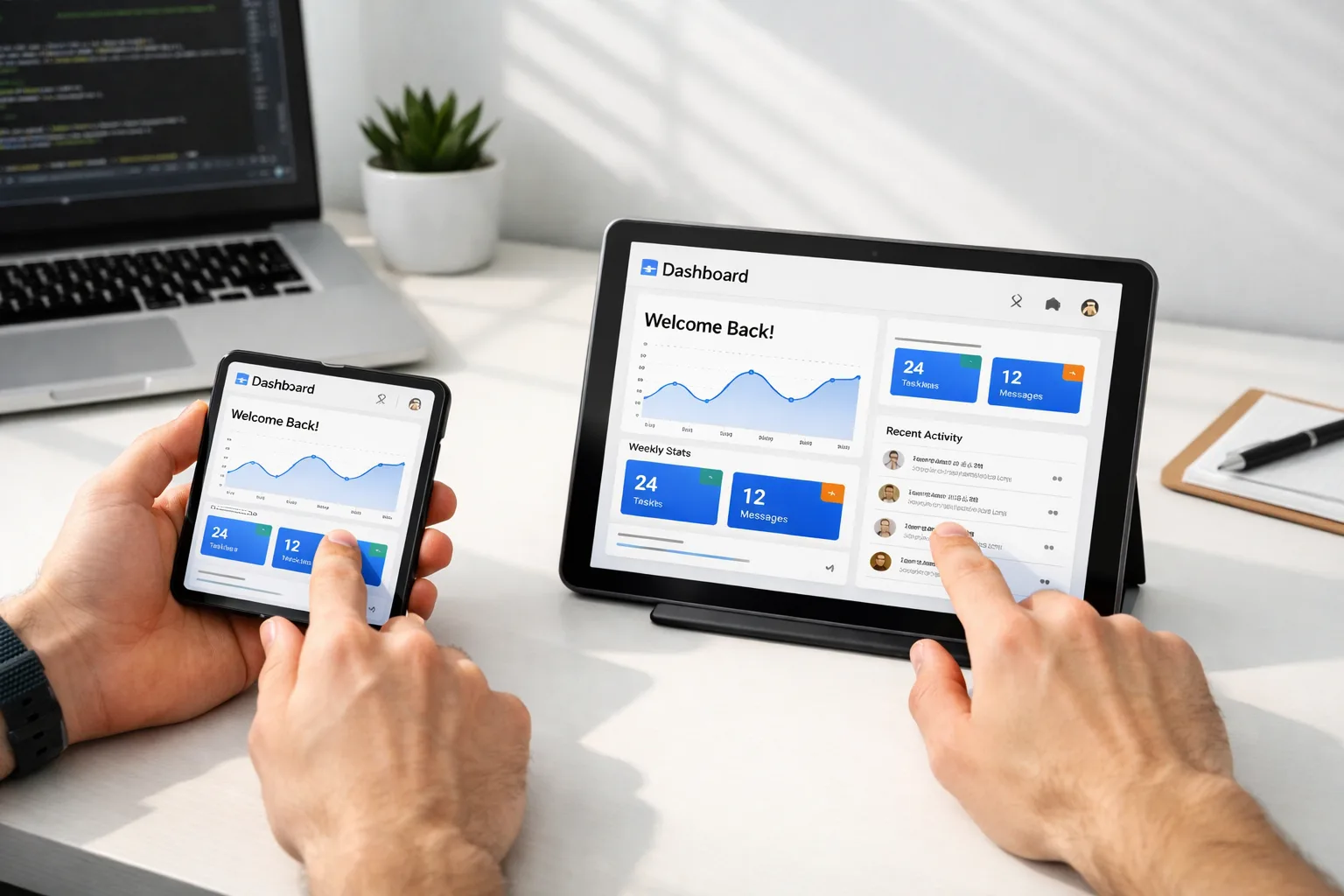
Why Android 17 Beta matters now
Here’s the thing: Google’s move to a Canary channel changes how features land and how fast they stabilize. Instead of punctuated, quarterly drops, teams can track changes continuously, then pick up a Beta that’s closer to final. Android 17’s Platform Stability is “targeted for March,” followed by quarterly releases this year, with only the Q2 update carrying planned app‑breaking behavior changes. That compressed runway is why you need a plan today. (android-developers.googleblog.com)
Primary change: large‑screen opt‑outs are over
The long‑signaled adaptive UI push becomes real enforcement when you target API level 37 (Android 17). On large screens (smallest width ≥ 600dp), the system now ignores attempts to lock orientation or constrain aspect ratios. That means manifest attributes and APIs, including screenOrientation, setRequestedOrientation(), resizeableActivity, minAspectRatio, and maxAspectRatio, won’t save you anymore. Games (when flagged via android:appCategory) remain exempt, and users can still override certain behavior in system aspect ratio settings. (android-developers.googleblog.com)
What if you defer your target SDK bump? You can for a while, but there’s a clock: Google Play will require new apps and updates to target API level 37 in August 2027. Waiting only compresses your eventual rework into a riskier cycle. (android-developers.googleblog.com)
Do I have to support landscape on tablets now?
Yes, practically speaking. With orientation locks ignored on sw≥600dp, your app must present usable layouts in portrait and landscape and behave in resizable windows and multi‑window modes. If you’ve relied on portrait‑only designs, expect broken previews, stretched components, or hidden buttons until you refactor. (android-developers.googleblog.com)
Performance work you can’t ignore
Android 17 ships several runtime and framework changes that can improve frame stability — and surface sneaky regressions if you’ve taken unsupported shortcuts.
First, the MessageQueue is now lock‑free for apps targeting SDK 37+. It reduces contention and missed frames, but if you reflect into private fields or methods on MessageQueue, expect failures. Clean that up now. (android-developers.googleblog.com)
Second, ART gains generational garbage collection in its Concurrent Mark‑Compact collector. You get more frequent, shorter young‑gen collections plus full‑heap cycles, lowering CPU cost and GC pause duration. Bonus: via Google Play system updates, ART improvements reach millions of devices running Android 12+ — so optimization work pays off beyond Android 17. (android-developers.googleblog.com)
Third, static final fields are truly final. Attempts to modify them (including via deep reflection) throw IllegalAccessException; JNI SetStaticField hacks can now crash the app outright. If you’ve ever “tuned” constants at runtime, it’s time to re‑architect. (android-developers.googleblog.com)
What about custom notifications?
Android 17 restricts the size of custom notification views to close a loophole that let apps dodge existing limits using URIs. It’s target‑SDK gated, so you’ll hit it when you adopt API 37. Keep custom layouts lean and test on low‑RAM devices. (android-developers.googleblog.com)
Media, camera, and audio: real DX upgrades (with footguns)
Camera apps get dynamic session updates: you can attach/detach output surfaces without tearing down the entire session, which reduces startup memory spikes and removes janky transitions between photo/video or multi‑lens modes. Logical multi‑camera metadata also improves; you can request capture‑time data from all active physical sensors — handy during zoom or lens switches. (android-developers.googleblog.com)
On the encoding side, Android 17 adds Versatile Video Coding (VVC) support where hardware decode exists, and exposes constant‑quality (CQ) controls in MediaRecorder via setVideoEncodingQuality() for more predictable bitrate/quality trade‑offs. If you stream or record high‑motion scenes, CQ is worth testing. (android-developers.googleblog.com)
But there’s a catch: background audio hardening tightens lifecycle enforcement around audio playback, audio focus, and volume APIs. Call them from the wrong lifecycle state and you’ll see silent failures (and explicit AUDIOFOCUS_REQUEST_FAILED for focus). If your audio service logic assumed “best effort,” you’ll need clearer foreground signals and user intent gating. (developer.android.com)
Networking and security: plan ahead
Google is signaling the eventual deprecation of usesCleartextTraffic. The guidance is simple: move your cleartext allow‑lists into a Network Security Configuration and scope them to domains. If you still support minSdk below 24, keep usesCleartextTraffic=true and ship a security config; otherwise, use only the config file. This isn’t a hard cutoff in Android 17, but you don’t want to scramble later. (developer.android.com)
Migration playbook: 4 sprints to API 37
I’ve run this upgrade with teams that ship at scale. Here’s a pragmatic sequence that balances risk and velocity.
Sprint 1 (Week 1–2): Prove you’re adaptive
Target a branch to SDK preview (targetSdkPreview="CinnamonBun") and turn on the UNIVERSAL_RESIZABLE_BY_DEFAULT flag on Android 16 devices to smoke‑test layout assumptions. In Compose, audit with UI Check; add widthIn() to cap control stretch and ensure verticalScroll where actions can drop below the fold. Fix the camera preview by moving to CameraX PreviewView or CameraViewfinder; if you’re stuck on Camera2, compute transforms from sensor orientation and window metrics, not screen size. (android-developers.googleblog.com)
- Deliverable: Screenshots for phone, tablet portrait/landscape, and a desktop‑sized window showing functional flows without distortion.
- Risk watch: rotated or cropped previews, lost form state on resize/rotate, inaccessible buttons at extreme widths.
Sprint 2 (Week 3–4): Performance and lifecycle
Remove all reflection into MessageQueue. Add trigger‑based profiling (cold start, OOM, excessive CPU) via ProfilingManager and capture traces before/after to verify wins from lock‑free queues and generational GC. For background audio, centralize lifecycle checks and assert foreground state before playback or volume calls. (android-developers.googleblog.com)
- Deliverable: Perf report with frame time distributions, GC stats, and traces for top three flows.
- Risk watch: IllegalAccessException or crashes from constant mutation, silent audio failures due to missing foreground assertions.
Sprint 3 (Week 5–6): Media polish and crash‑proofing
Adopt dynamic camera session updates to eliminate mode‑switch jank. Test VVC decode paths on devices that support it; fall back gracefully when hardware isn’t available. Re‑size custom notifications under new limits and validate on low‑end hardware. Exercise the new CQ video setting with fast‑action content and compare artifacts against fixed bitrate. (android-developers.googleblog.com)
- Deliverable: Side‑by‑side video quality comparisons and device matrix results for VVC/CQ.
- Risk watch: Out‑of‑memory on legacy code that still pre‑allocates every output surface.
Sprint 4 (Week 7–8): Security and rollout
Add a Network Security Configuration; remove any lingering cleartext allowances unless a domain is explicitly required. Run a staged rollout behind a feature flag to catch OEM quirks early. Document behavior differences for support: for example, “audio controls require foreground.” (developer.android.com)
People also ask
When will Android 17 APIs be final?
Google targets Platform Stability for March 2026. That’s when final SDK/NDK APIs and most app‑facing behaviors lock, giving you a few months before the public release to finish testing. (android-developers.googleblog.com)
Do I need to move to Canary?
No, but you should at least track it. Canary now delivers features continuously and supports OTA and CI‑friendly workflows, which helps you find breakage earlier while ending the surprise factor of quarterly drops. (android-developers.googleblog.com)
When does Google Play require API level 37?
August 2027 for new apps and updates. Don’t wait until summer 2027 — you’ll collide with other quarterly changes and vendor deadlines. Tackle layout and lifecycle now while the Beta is fresh. (android-developers.googleblog.com)
Cross‑platform scheduling reality check
If you also ship iOS, circle April 28, 2026: Apple begins enforcing that all binaries uploaded to App Store Connect are built with Xcode 26+ and the iOS 26 family SDKs. Your spring capacity will be pulled into that work regardless, so front‑load your Android 17 adoption before April. (developer.apple.com)
We’ve published detailed Apple‑side plans you can use alongside this Android checklist — see our no‑drama and survival guides for that deadline. For a concise rundown, start with Xcode 26 Requirement: Your April 28 Game Plan and the complementary April 28 Survival Guide.
A lightweight “ship‑ready” rubric
Before you bump targetSdk to 37 on main, grade yourself on these five statements. If you can’t answer “yes” to all, you’re not ready.
- Layouts adapt on sw≥600dp in portrait/landscape without distortion and key actions remain visible.
- No reflection into MessageQueue or private Android internals; constants aren’t mutated at runtime.
- Background audio behavior is lifecycle‑sound; playback and volume changes are user‑initiated.
- Camera mode switches don’t glitch; output surfaces are attached/detached dynamically; CQ options are validated on target devices.
- Network Security Configuration exists; cleartext allowances are domain‑scoped and documented.
Need a second opinion? Our team has helped clients move through similar platform shifts quickly. Browse real app outcomes in our portfolio and let us know where you’re stuck via a quick intro note.
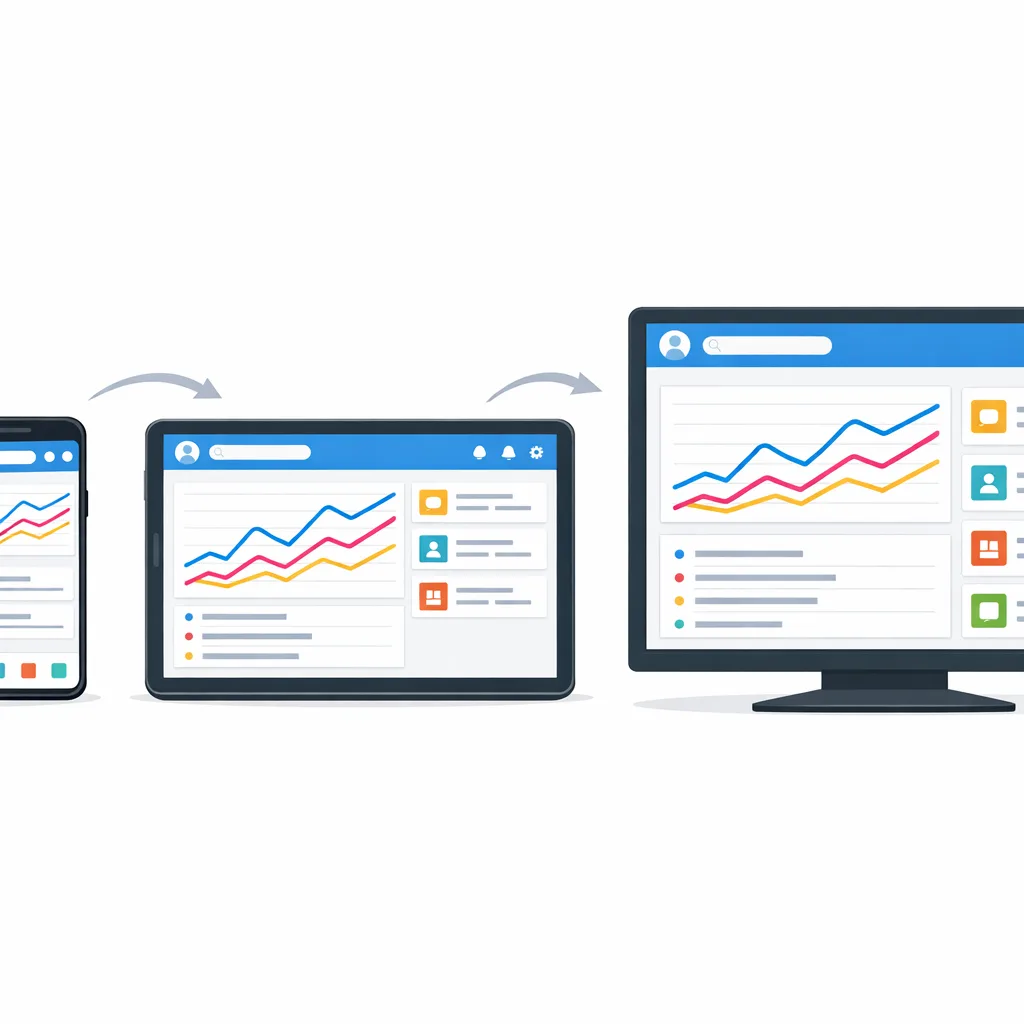
Gotchas we’re seeing in code reviews
Here are the recurring mistakes that waste sprints.
- Orientation math tied to screen size, not window metrics. On desktop‑sized windows or external displays, this breaks instantly. Use window size classes and metrics APIs.
- Compose components with fillMaxWidth everywhere but no widthIn caps, causing unreadable, stretched forms on tablets.
- Camera2 previews locked to assumed sensor/device orientation; switch to PreviewView or calculate transforms per configuration event.
- Audio services running “headless” in the background. After hardening, silent failures look like “no sound” bugs. Wire foreground services and user intent.
- Late profiling. Add cold‑start, OOM, and excessive‑CPU triggers now so you can prove regressions — or wins — after you adopt API 37. (android-developers.googleblog.com)
What to do next (this week)
Let’s get practical.
- Pull Android 17 Beta 1 images in Android Studio and set targetSdkPreview on a branch. Smoke‑test with Pixel Tablet and Fold emulators.
- Turn on the UNIVERSAL_RESIZABLE_BY_DEFAULT flag on Android 16 devices to widen test coverage without changing your target yet. (android-developers.googleblog.com)
- Run Compose UI Check; fix width caps and scrolling. Move camera previews to PreviewView.
- Delete any reflection into MessageQueue; add ProfilingManager triggers and capture baseline traces. (android-developers.googleblog.com)
- Add a Network Security Configuration and remove generic cleartext allowances. (developer.android.com)
Want a ready‑made checklist? Use our focused primer at Android 17 Beta: The Developer Checklist That Matters, and if you’re working on tablet/foldable usability, keep our explainer handy: The New Large‑Screen Rules, Explained. If you’d like a partner to pressure‑test your plan or accelerate CI/OTA coverage, here’s what we do for mobile teams.
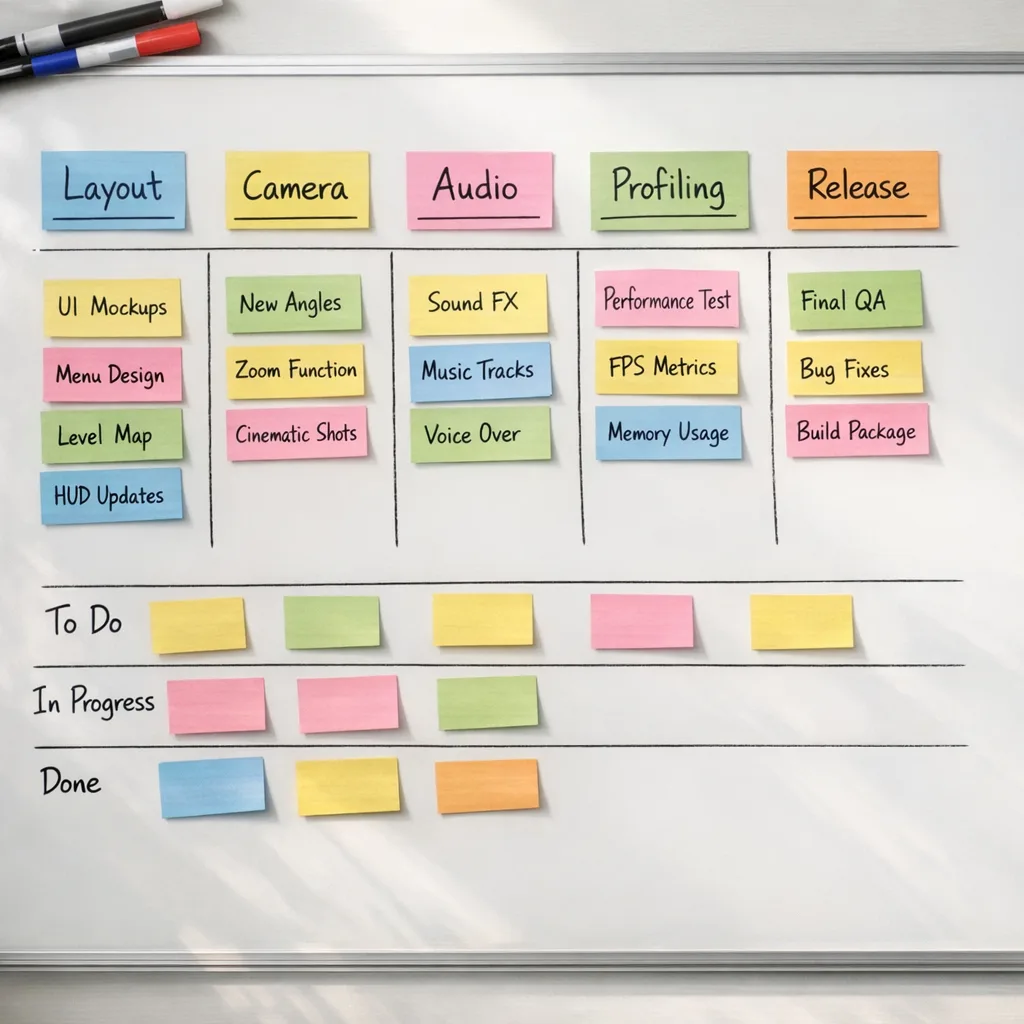
Zooming out
Android 17 Beta forces overdue choices. You can either keep shipping phone‑only UX into a world of tablets, foldables, and desktop windows — or you can make the adaptive leap while the APIs, guidance, and enforcement are finally aligned. Thanks to the Canary cadence and a March stability target, there’s enough time left to do this well, but not enough to procrastinate.
Make the Beta your friend, turn on the flags, and fix the rough edges where they actually show up: resizing, camera transforms, lifecycle guardrails, and networking policy. Get that right and you’ll feel the upside — smoother frames, fewer GC hiccups, cleaner media transitions — long before API level 37 becomes a Play requirement in August 2027. That’s the kind of payoff your users notice, and your ops metrics will prove.



Comments
Be the first to comment.