Android 17 Beta: What Changed, What Breaks, What Wins
Android 17 Beta is here, and it’s the first build in years that forces real behavior change instead of just nudging best practices. The headline: apps targeting API level 37 must handle resizable windows and can’t hide behind orientation locks. Combine that with generational garbage collection, camera and media upgrades (hello, VVC), and a quiet privacy nudge that deprecates android:usesCleartextTraffic, and you’ve got a release that touches UI, performance, and security all at once.
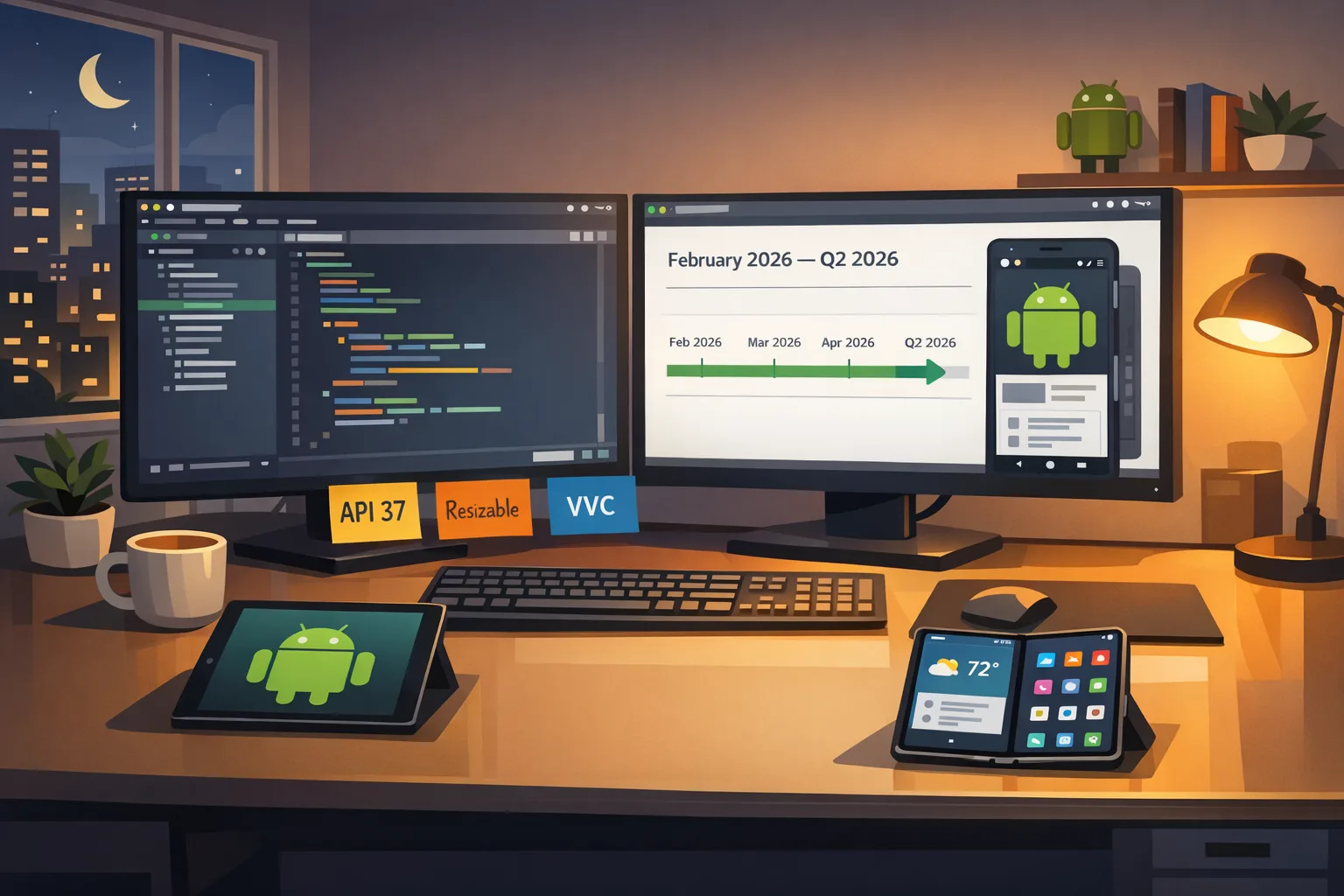
If you’re shipping to tablets, foldables, or desktop‑class experiences, treat Android 17 Beta like a contract negotiation, not a curiosity. Beta 1 arrived on February 13, 2026, after a short delay from the initial target earlier that week, with Google signaling platform stability in March and a full release in Q2. That’s a short runway to fix layouts, upgrade camera pipelines, and modernize your network configuration.
Here’s the thing: the biggest risk this cycle isn’t a flashy new API—it’s your existing assumptions. I’ll walk through the changes, the traps I’ve seen in audits, and a fast, two‑week readiness sprint you can run to stay on schedule.
Android 17 Beta timeline: what’s actually shipping
Let’s lock down the dates and scope so planning is rooted in reality. Beta 1 shipped on February 13, 2026 for Pixel 6 and newer through the public Android Beta Program. Google is aiming for platform stability in March 2026, which is when breaking API changes should be done. The general release is planned for Q2 2026, with OEM rollouts following their usual cadence.
Key scope points developers should care about:
- Target level: API 37 (Android 17). Apps that target it must support resizing and windowed multitasking; orientation lock exceptions are dramatically narrower.
- Performance: ART adds generational garbage collection; MessageQueue is reworked to be lock‑free for targets that opt in. Expect fewer missed frames—unless you rely on unsupported reflection.
- Media: Platform support for VVC (H.266), new constant‑quality options, and smoother camera session transitions.
- Privacy/Security: usesCleartextTraffic is deprecated, nudging you to Network Security Configuration; hybrid public‑key (HPKE) SPI lands for modern crypto use cases.
If large screens are your pain point, we’ve covered the policy background and design implications in our take on the Android 17 large‑screen rules. What follows focuses on what you need to change this sprint.
The enforcement is real: resizable by default, no more dodge
Google’s adaptive app roadmap is no longer optional. If you target Android 17:
- Your app must render correctly in split‑screen and freeform/windowed modes—on tablets, foldables, and desktop‑class shells.
- Hard orientation locks that mask layout issues are likely to be rejected or filtered by distribution policy pressure. Assume review and ranking consequences for ignoring this.
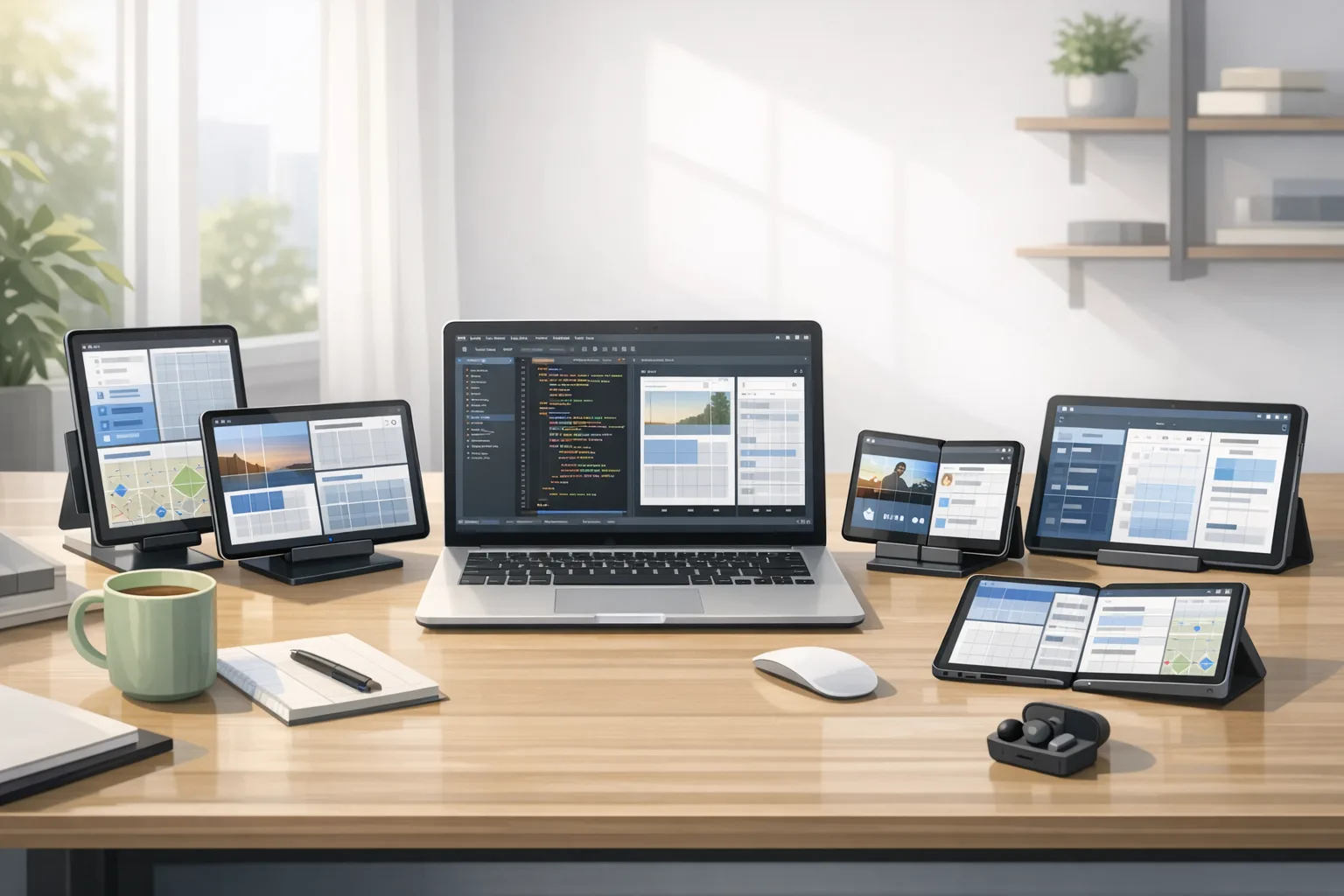
Let’s get practical. If your app uses phone‑first assumptions (one column, tall lists, full‑bleed media), treat large screens as an explicit design surface. I recommend a three‑tier layout strategy: single‑pane (phones), dual‑pane (portrait tablets and small foldables), and tri‑pane (landscape tablets and desktop windows). Don’t overcomplicate it—map features to panes, not pixels.
Large‑screen readiness checklist (ship this week)
- Adopt responsive containers: SlidingPaneLayout or NavigationRail + NavigationDrawer for dual‑/tri‑pane layouts.
- Use size classes: map Compact/Medium/Expanded to pane counts; test with min‑width breakpoints (600dp, 840dp) as guardrails, not rigid rules.
- Make all surfaces resizable: dialogs, bottom sheets, and media viewers must scale without clipping; watch for “wrap_content” traps.
- Handle input diversity: keyboard, mouse, and stylus. Ensure focus order and hover states exist; verify keyboard shortcuts on desktop shells.
- Test fold states: inner/outer display continuity and hinge thresholds; verify continuity when switching between phone and tablet postures.
- Revisit navigation: persistent side rail for wide; tabs or bottom nav for compact; one route map, multiple shells.
Need a deeper walkthrough? Pair this with our ship‑ready guide to large screens for patterns and anti‑patterns we’ve battle‑tested on client work.
Performance wins—with sharp edges
Generational GC in ART is the invisible upgrade most users will feel. More frequent, cheaper young‑gen collections reduce jank under bursty allocations (think messaging or feed renders). The lock‑free MessageQueue reduces scheduler contention, which helps animation pipelines and IO‑bound UIs. But there’s a catch: if your app (or a transitive dependency) reaches into MessageQueue internals via reflection, expect crashes or weird timing bugs when targeting API 37.
How to capitalize (and not get cut)
- Turn on frame metrics: track JankyFrames and MissedVsync during scroll and transition tests; compare Android 16 vs 17 runs.
- Audit reflection: grep for android.os.MessageQueue reflection; replace with public APIs or coroutine/Handler patterns.
- Clean up allocators: large temporary arrays and image decoding spikes are now more obvious; batch work, pool buffers, and pre‑scale bitmaps.
- Profile cold start: use the new ProfilingManager triggers (cold start, OOM) to catch regressions tied to GC heuristics.
Bottom line: you’ll likely get smoother UIs for free—but only if you stop fighting the runtime.
Media and camera: VVC, constant quality, and glitch‑free switches
Android 17 adds platform support for VVC (H.266). If your app records or streams video, VVC can cut bitrate for similar quality compared to HEVC, which means lower CDN bills and happier users on spotty networks. There are caveats: device hardware support and licensing posture vary, so implement codec fallback (VVC → HEVC → AVC) and capture real‑world stats before flipping defaults.
Camera pipelines get practical love: you can update output configurations on an active session, which prevents the freeze you used to see when hopping from photo to video or switching lenses. MediaRecorder also gains constant‑quality options—useful when you’d rather cap artifacts than file size during action scenes or sports.
Quick wins for media teams
- Probe codecs on launch and cache capability maps; choose VVC opportunistically, not dogmatically.
- Adopt session updates: refactor your state machine to switch use cases without tearing down the session.
- Normalize loudness: validate that audio consistency rules don’t surprise your app’s background playback or focus requests; fix lifecycle gaps now.
Privacy and security: cleartext is on its way out
The android:usesCleartextTraffic attribute is deprecated in Android 17. If you target API 37 and rely on that attribute set to true, the system will default to blocking cleartext unless you define a proper Network Security Configuration. This is the right kind of breaking change: it protects users and forces teams to document exceptions. Expect third‑party SDKs to be the slowest to comply.
Practical migration plan
- Create a baseline Network Security Config that allows HTTPS everywhere and explicitly whitelists legacy hosts (QA boxes, LAN devices) in debug only.
- Quarantine exceptions: if production needs cleartext (industrial controllers, captive portals), scope by domain and path; set a deprecation date.
- Scan dependencies: run a dynamic proxy (Charles/mitmproxy) in QA to catch accidental HTTP calls; fix or replace offending libs.
- Evaluate HPKE use: if you own secure messaging or key exchange code, review the new HPKE SPI for simplification and future agility.
Do not kick this can. Nothing tanks a release like a sudden network hard‑fail because one SDK called http:// behind your back.
QA strategy that matches 2026 reality
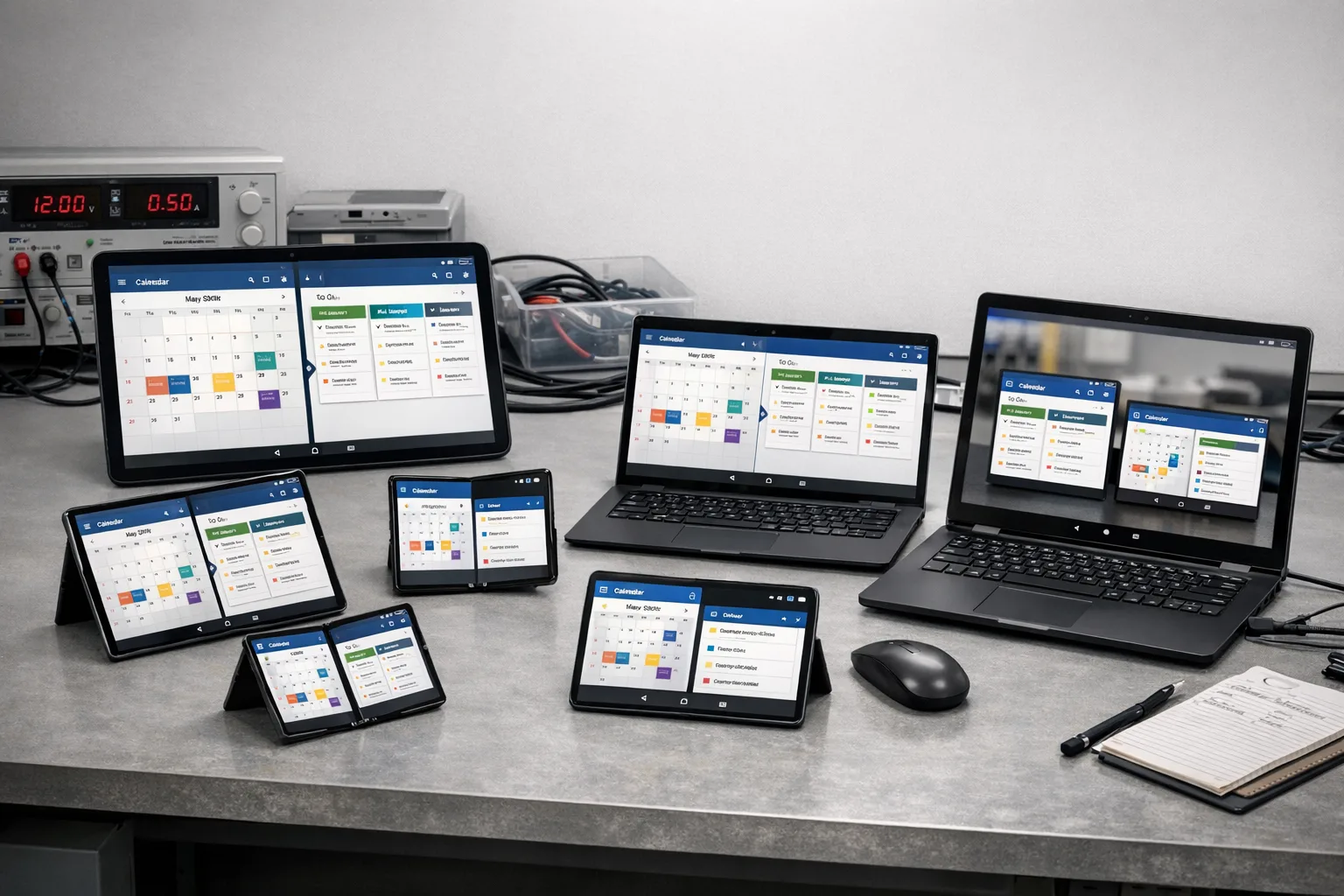
Traditional device matrices overemphasize phone diversity and underplay posture and window states. Update your test plan:
- Postures: phone portrait/landscape, tablet portrait/landscape, foldable tabletop, and book mode.
- Windows: full, half, and floating where supported.
- Inputs: keyboard navigation, pointer hover and right‑click, stylus pressure.
- Media: camera session switch stress test; record/stop loops at varying bitrates and lenses.
- Network: mixed TLS/cleartext experiments under loss and jitter; verify config‑based blocks are surfaced as user‑friendly errors.
If you need a partner for this kind of readiness push, our mobile app modernization services are built for exactly this sprint cadence.
People also ask
Do I have to support resizing in Android 17?
If you target API level 37, yes. Your app is expected to behave correctly in split‑screen and windowed modes, across tablets, foldables, and desktop shells. This isn’t a suggestion—it’s policy backed by distribution pressure.
What’s the Android 17 release timeline?
Beta 1 shipped on February 13, 2026. Google is targeting platform stability in March 2026 and a general release in Q2 2026. Plan your cut‑offs accordingly.
Will cleartext traffic still work?
Not by default when targeting API 37. You need a Network Security Configuration to allow specific cleartext domains—ideally only in debug or as narrowly scoped production exceptions with an expiration plan.
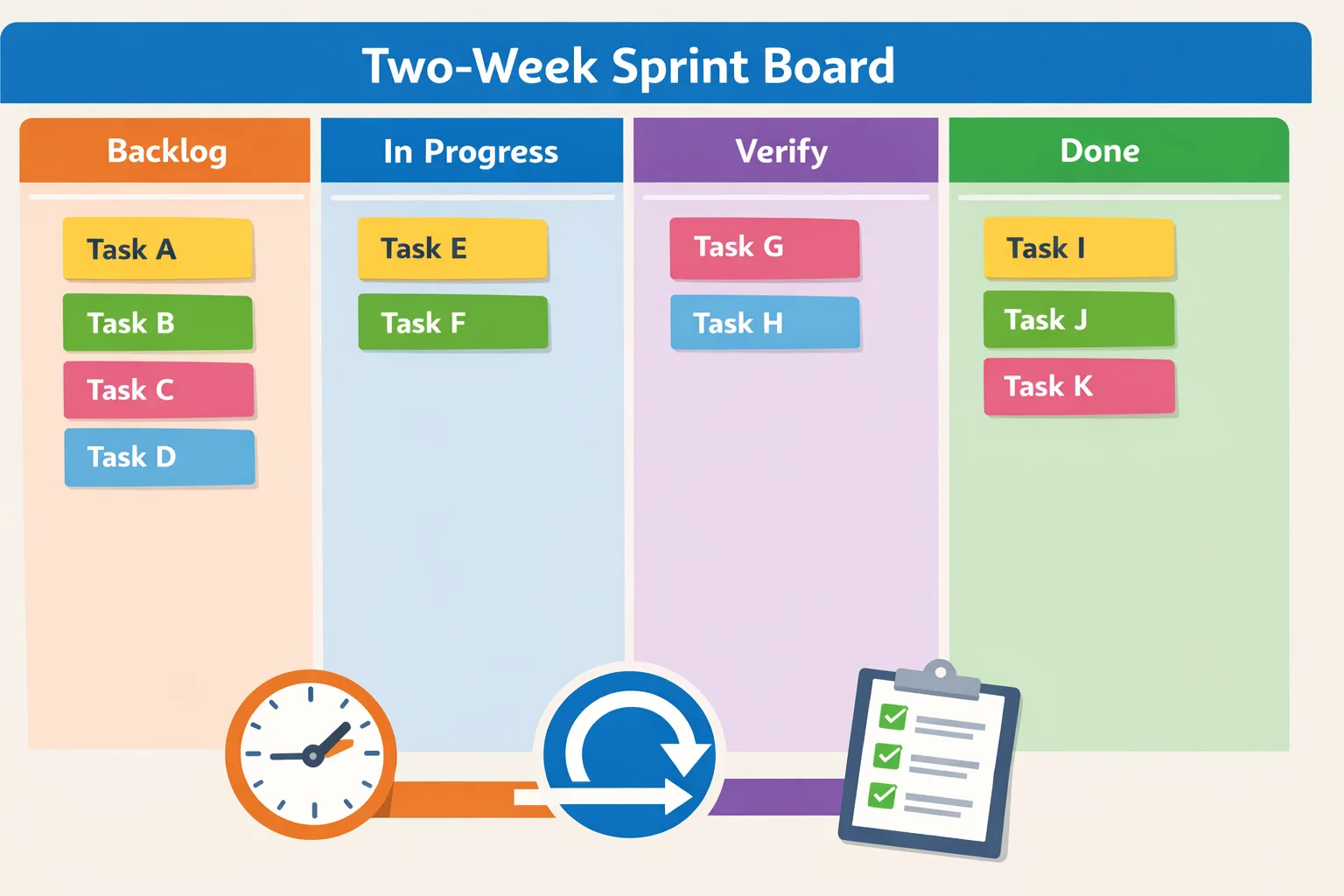
A two‑week Android 17 readiness sprint
Here’s a time‑boxed plan we’ve used with product teams to get from “we skimmed the notes” to “we can ship.” Tweak the order to fit your team size and codebase.
Week 1: stabilize the foundation
- Day 1–2: Audit targetSdk bump blockers. Inventory reflection (MessageQueue), custom Notification views, orientation locks, and bottom sheets that assume full‑height.
- Day 3: Add Network Security Config. Default‑deny cleartext; create a debug‑only whitelist. Instrument a proxy to catch leaks.
- Day 4: Introduce size classes and pane strategy. Pick dual‑pane targets; add NavigationRail where it improves density.
- Day 5: Media check. Probe codecs; add VVC fallback logic; refactor camera session switching to use in‑place updates.
Week 2: prove it under stress
- Day 6–7: Performance pass. Enable frame metrics; compare Android 16 vs 17 on scrolling hotspots; remove allocator spikes.
- Day 8: Posture and window matrix. Run through split‑screen and freeform flows; fix clipping, focus traps, and pointer hover gaps.
- Day 9: Audio and background behavior. Validate lifecycle‑correct playback and focus changes; normalize loudness across activities.
- Day 10: Beta store build. Package with API 37 target and internal distribution notes; schedule daily bug triage.
If you want a broader pre‑mortem before you lock scope, our developer checklist for Android 17 pairs nicely with this sprint. And if leadership needs timing realism across iOS and Android, flag the Xcode 26 deadline plan—April 28, 2026 is closer than it looks.
Risks, edge cases, and my blunt advice
Legacy orientation locks will cause review and UX headaches. Rip them out and fix layouts; don’t try to bury the problem. Custom notification layouts that exceed new size expectations will look broken or be truncated in unpredictable ways. Re‑design them to be data‑light and typography‑first.
VVC is enticing but don’t assume universal decode support. If your user base includes older mid‑range hardware, bias towards HEVC with an in‑app toggle for “higher efficiency” that flips to VVC only on capable devices. And if your analytics burn rate is heavy, move event flushes off the main thread; Android 17’s smoother scheduling makes main‑thread abuse more glaring.
Finally, if any part of your network stack still sneaks in HTTP calls in production, quarantine that risk right now. Draw a line: exceptions must be justified, logged, and scheduled for removal.
What to do next
- Decide today whether your next release will target API 37. If yes, start the two‑week sprint above; if no, create a deprecation plan anyway to avoid Play distribution filters later.
- Ship a Network Security Config in your next build—even before you bump the target. Catch cleartext leaks early.
- Adopt size classes and a two‑ or three‑pane strategy. Pick one screen where you’ll win—settings, inbox, or content detail—and land it this cycle.
- Refactor camera to use configuration updates; add codec probing and VVC fallback.
- Set up a posture/window QA matrix and make it part of your regression suite.
If you’d like a senior partner to own the upgrade with you, review our what we do page and get in touch. We’ve shepherded multiple teams through API‑level jumps; the trick is shipping the minimum that unlocks momentum while de‑risking the code you’ll live with for the next year.
Zooming out: Android 17 Beta rewards teams that embrace constraints. Resizable windows force more thoughtful information architecture. Generational GC rewards cleaner lifecycles. VVC and camera session updates let you deliver higher quality with fewer glitches. This is the kind of release where doing the work early pays compounding dividends at launch—and saves you from a scramble when policy turns from nudge to mandate.


Comments
Be the first to comment.