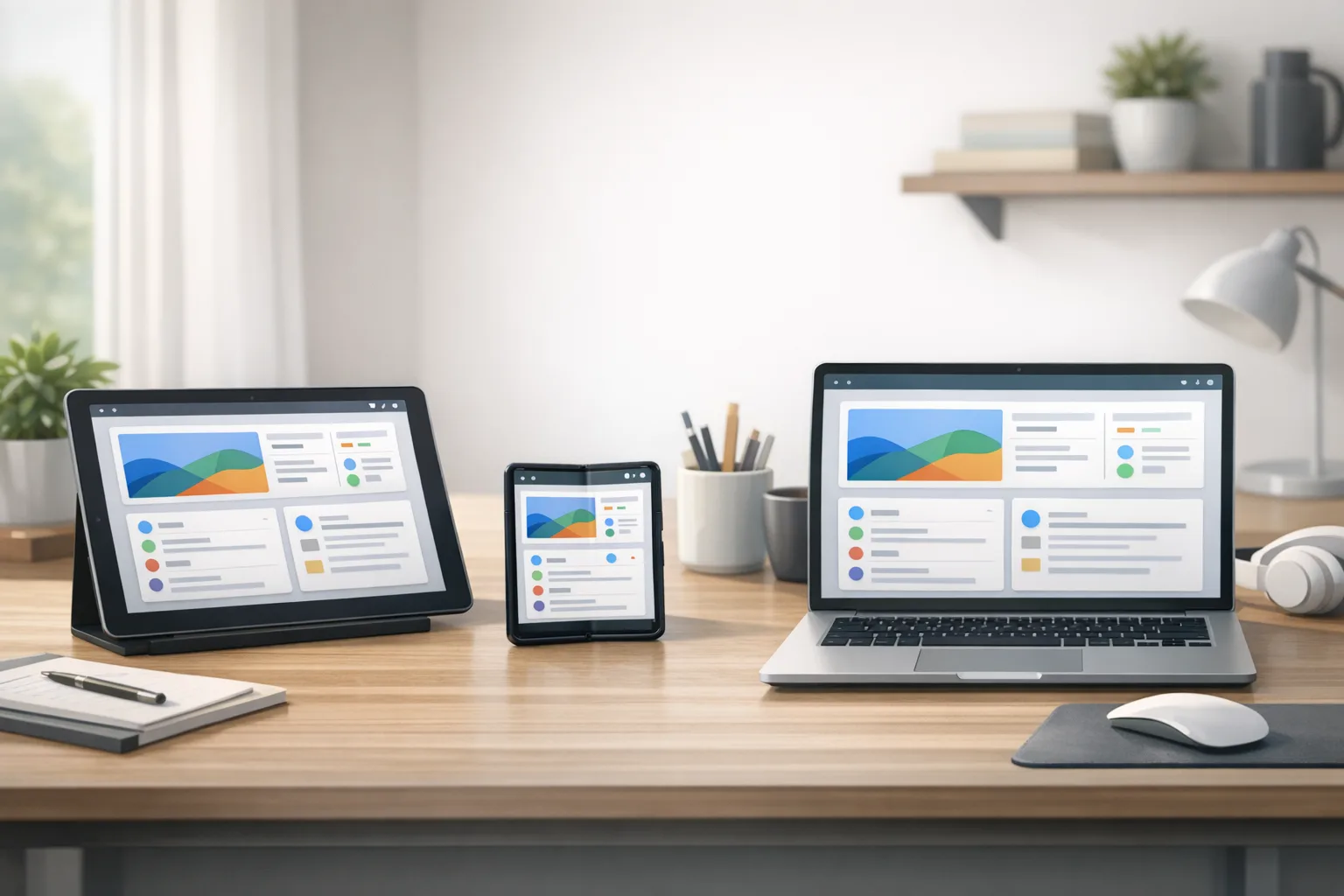
Android 17 Beta: Ship‑Ready Guide to Large Screens
Android 17 Beta isn’t just another preview—it’s a mandate to modernize. Google flipped to an always‑on Canary channel for faster API drops, targeted Platform Stability for March 2026, and, most notably, removed the opt‑out for orientation and resizability on large screens when you target API level 37. If you’ve been postponing tablet and foldable work, this is the sprint that decides your Play Store ratings and retention.

Android 17 Beta: what actually changed—and why it matters
Two shifts rewire how teams build and ship. First, the Android Canary channel replaces the old Developer Preview rhythm. That means new APIs and behavior changes appear continuously once they clear internal tests, and you get OTA updates you can wire into CI instead of manual flashing. Second, Android 17 Beta starts enforcing the next phase of the adaptive UI roadmap: apps targeting API 37 must behave well on large screens. Your manifest flags and old workarounds won’t save you.
Timeline-wise, Google is moving quickly: Platform Stability is targeted for March 2026 so final SDK/NDK APIs and app-facing behaviors are largely set. The Q2 release is planned to carry the only app‑breaking behavior changes this year, with a minor SDK drop in Q4 for additional APIs. For product leaders, translate that to this: you have weeks—not quarters—to test and lock down your layout, input, and lifecycle assumptions.
The big one: large‑screen rules you can’t ignore
On tablets, foldables, and desktop windowing (generally sw ≥ 600dp), Android 17 (API 37) removes the developer opt‑out for orientation and resizability. When you target Android 17, the system ignores several familiar levers on large screens:
- screenOrientation values like portrait, landscape, and their variants
- setRequestedOrientation() calls that try to force posture
- resizeableActivity, minAspectRatio, and maxAspectRatio
Two nuances matter. First, this scope is large screens—traditional phones under sw600dp aren’t affected by these ignores. Second, games (declared via android:appCategory) are exempt. Users still keep some control through system aspect‑ratio settings, but your default behavior must be adaptive.
“Do I need to rebuild my layouts from scratch?”
Probably not—but you do need to prove your UI adapts. At minimum, support multi‑window, splits, and freeform resizing; ensure panes reflow; and handle posture changes (unfolding, rotating, docking) without jank or state loss. If your app relies on a single‑pane phone layout that stretches poorly, introduce responsive breakpoints and content priorities now.
“What about configuration restarts?”
Android 17 tweaks defaults to reduce unnecessary Activity restarts for several configuration changes (e.g., keyboard, navigation, certain UI mode transitions). If you previously counted on a full restart to reload resources, opt in deliberately with the new android:recreateOnConfigChanges and list the config keys you truly need. This tightens lifecycle correctness and helps video, input, and session continuity.
“Are games off the hook?”
Games are exempt from the large‑screen orientation/resizability enforcement, but only if correctly declared as games. If you’re a mixed‑media app with embedded game views, don’t assume exemption applies globally—test both paths.
Performance and platform behavior: wins and gotchas
Under the hood, Android 17 brings changes that can make your app feel instantly smoother—if you avoid a few traps.
Lock‑free MessageQueue
Apps targeting API 37 get a lock‑free MessageQueue implementation. It trims contention and reduces missed frames, especially under UI pressure. The catch: reflection hacks into private MessageQueue fields will break. If you’re using legacy libraries or custom schedulers that reach into internals, replace them. Measure before/after with frame metrics; you should see fewer long frames in scroll and gesture hotspots.
Generational garbage collection in ART
Android 17 adds generational GC to ART’s concurrent collector. Expect shorter, more frequent young‑gen collections and fewer long pauses. That helps feed responsiveness in feed views, carousels, and camera UIs. You still need discipline: reuse objects in hot paths, avoid oversized bitmaps, and prefer immutable data where allocation churn is high.
“Static final” is truly final
With Android 17 targets, modifying static final fields via reflection now throws, and JNI set‑static calls crash immediately. This unblocks optimizer wins but breaks brittle code. Audit for reflection libraries that flip flags at runtime, feature‑toggle through constants, or patch SDK internals in tests. Move to dependency‑injected flags or BuildConfig‑driven variants instead.
Background audio hardening
The audio framework now blocks background audio starts, focus requests, and volume changes when your app isn’t in a valid lifecycle. Silent failures are intentional to protect users. If you queue “surprise” playback from services, refactor: show a foreground notification with clear affordances and wire focus changes to user actions.
Media and camera upgrades
You get smoother camera mode switches with dynamic output configuration updates—no more tearing down entire sessions just to add a surface. Video adds Versatile Video Coding (VVC/H.266) plumbing and a constant‑quality mode for finer control. Treat VVC as opportunistic: enable when hardware decode is present and test fallbacks to HEVC/AV1 to avoid battery pain on older devices.
Privacy nudge: cleartext defaults tighten
The usesCleartextTraffic attribute is deprecated. If you rely on it without a network security config when you target Android 17, cleartext will default to disallow. Create a Network Security Configuration and scope cleartext only where strictly needed (e.g., internal dev hosts).
Policy dates you can’t ignore in 2026
Beyond platform behavior, two policy timelines should be on your radar:
- Google Play has enforced 16KB memory page‑size compatibility for apps updating on devices running Android 15+ since late 2025. If you haven’t rebuilt native code with compatible toolchains and libraries, do it now.
- Samsung Galaxy Store begins requiring 16KB page‑size support for new and updated apps on July 1, 2026. If you publish there, verify your APKs and AABs pass 16KB checks across all ABIs you ship.
Why this matters: a single stale .so in your bundle can block store updates. Align NDK versions across modules, refresh prebuilt third‑party binaries, and run automated checks in CI.
The ADAPT playbook for large‑screen readiness
Use this lightweight framework to catch 80% of issues fast:
A — Areas and breakpoints
Define breakpoints for common widths (e.g., 480dp/600dp/840dp). For each, decide pane count, navigation pattern (bottom bar vs. rail), and density scaling. Jetpack WindowManager and SlidingPaneLayout are your friends.
D — Declarative layouts
If you’re still juggling nested LinearLayouts, migrate hot screens to Compose or at least ConstraintLayout. Compose makes responsive UIs simpler with modifiers, BoxWithConstraints, and dynamic grids. Keep phone and tablet composables in the same module to avoid divergence.
A — Adaptive navigation
Switch from bottom navigation to a navigation rail or permanent drawer when width allows. Preserve back‑stack state across panes so users don’t “lose their place” when resizing or unfolding.
P — Posture and windows
Test app behavior across posture changes (fold, half‑open, desk) and freeform windows. Don’t assume full‑screen. Verify focus handling with keyboards, mice, and styluses in desktop modes.
T — Transitions and lifecycle
With fewer default restarts, your state management must be bulletproof. Centralize UI state, persist critical bits in ViewModels/SavedStateHandle, and gate media and sensor sessions on lifecycle events.
A practical test matrix you can run this week
- Window sizes: 16:9 phone, 3:2 tablet, ultrawide desktop; snap to halves/thirds.
- Orientation: portrait/landscape with quick successions; fold/unfold mid‑task.
- Input: touch, trackpad/mouse, keyboard shortcuts for search and navigation.
- Multimedia: start/stop camera and audio while resizing; verify no dropped frames or silent failures.
- State: edit flows across panes; confirm drafts survive posture changes.
Emulators: use Pixel Tablet and Pixel Fold with targetSdkPreview="CinnamonBun." On Android 16 devices, toggle the app compatibility framework flag that forces universal resizability to expose layout bugs early.
Performance quick wins you can bank
- Eliminate reflection against MessageQueue and other android.* internals.
- Profile GC under scroll: if allocations spike, pool small objects and prefer immutable data classes to trim churn.
- Adopt Paging 3 with placeholders to reduce list jank on large canvases.
- Use the new ProfilingManager triggers (cold start, OOM, excessive CPU) in automated runs; fail the build when thresholds regress.
- Gate VVC to devices with hardware decode; default to HEVC/AV1 elsewhere.
NDK and 16KB page‑size checklist
If you ship native code, run this before your next release cut:
- Rebuild with the latest stable NDK and LLVM toolchain; enable 16KB page‑size compatibility.
- Audit third‑party .so files—replace any without 16KB‑safe variants.
- Run abi‑diff and size checks; watch for surprising regressions on arm64‑v8a and x86_64.
- Exercise media, ML, and crypto paths under stress; memory faults show up there first.
People also ask
Will Android 17 force my app into landscape on tablets?
No. It forces your app to adapt rather than locking it to a single orientation or aspect ratio on large screens. Your UI should fill the space and remain functional in both orientations.
Can I keep my phone‑only layout?
You can for phones under sw600dp, but it’s risky to ignore tablets and foldables. Even if your audience is “mostly phones,” desktop modes and foldables are growing. Prioritize top revenue screens for two‑pane layouts first.
What breaks if I target API 37 tomorrow?
Reflection hacks on MessageQueue and static finals, background audio calls from invalid lifecycle states, and any code assuming a full Activity restart on minor config changes. Fix those before beta rollout.
How to stage your rollout without pain
Here’s a pragmatic 30/60/90‑day plan you can drop into your roadmap.
Days 0–30: discovery and prototypes
- Target SDK preview in a branch and enable universal resizability on Android 16 devices to flush layout bugs.
- Prototype tablet/foldable panes for your top three revenue or retention screens.
- Audit reflection, JNI, and background audio paths; remove brittle code.
- Set up CI on the Android Canary channel with nightly emulator suites.
Days 31–60: hardening
- Implement recreateOnConfigChanges where you truly need restarts.
- Wire ProfilingManager triggers and budget: cold start, frame time, OOM guardrails.
- Gate VVC, validate media fallbacks, and test camera transitions on real hardware.
- Rebuild all native modules and third‑party .so files for 16KB page size; add a CI gate.
Days 61–90: release readiness
- Beta to 5–10% on large‑screen cohorts; measure crash‑free sessions and jank deltas.
- Run usability passes on keyboard/mouse and window snapping.
- Lock targetSdk to 37 in a release branch; freeze risky refactors.
- Prepare Play and Galaxy Store notes explaining adaptive behavior improvements.
When to invest beyond “good enough”
Not every screen needs a bespoke tablet design. But your primary workflows—creation, browse‑and‑compare, dashboards—benefit from two‑pane or multi‑pane layouts and keyboard affordances. Add shortcut hints, focus rings, and hover states. Treat desktop mode as a first‑class experience where your users multitask with docs, chats, and a browser side‑by‑side.
Team tips from the trenches
Three habits separate smooth Android 17 upgrades from death‑marches:
- Decide breakpoints and stick to them. Thrash kills velocity.
- Make performance a contract. Add per‑screen budgets (e.g., <16ms average frame, <250ms TTI for cached starts) and enforce with CI.
- Ship prototypes early to real tablet and foldable users. Paper designs miss posture and windowing quirks you only see live.
What to do next
- Create a feature branch targeting API 37 and toggle universal resizability on test devices.
- Refactor layouts for two target breakpoints (600dp and 840dp) and ship to an internal beta.
- Remove reflection hacks; add ProfilingManager triggers to CI.
- Rebuild native modules for 16KB page size and verify store‑readiness.
- Plan a staged rollout aligned to the Q2 platform drop, with a minor follow‑up in Q4.
If you want a deeper walkthrough of the large‑screen changes and performance gains, read our take in Android 17 Beta: New Rules for Large Screens, Faster Apps. If you’re staring at a tight deadline, our mobile app development services team can help you triage layouts, upgrade your toolchain, and wire tests into CI. Curious how we approach complex, multi‑device projects? Browse a few examples in our portfolio, then contact us to compare notes on timelines and scope.
Here’s the thing: Android 17 Beta rewards teams that design for variability. The new rules don’t punish creativity—they punish fragility. Build for space, posture, and input diversity, and you’ll ship an app that feels instantly at home on tablets, foldables, and desktop windows. That’s a competitive edge your users will notice the first time they resize a window and nothing skips a beat.
If you’re cross‑platform and juggling iOS release planning too, our blueprint for Apple’s spring updates can save a week of guesswork—start with our App Store Connect 2026 ship‑ready playbook and keep both trains running on time.





Comments
Be the first to comment.