
Xcode 26 Requirement: A No‑Panic Ship Plan
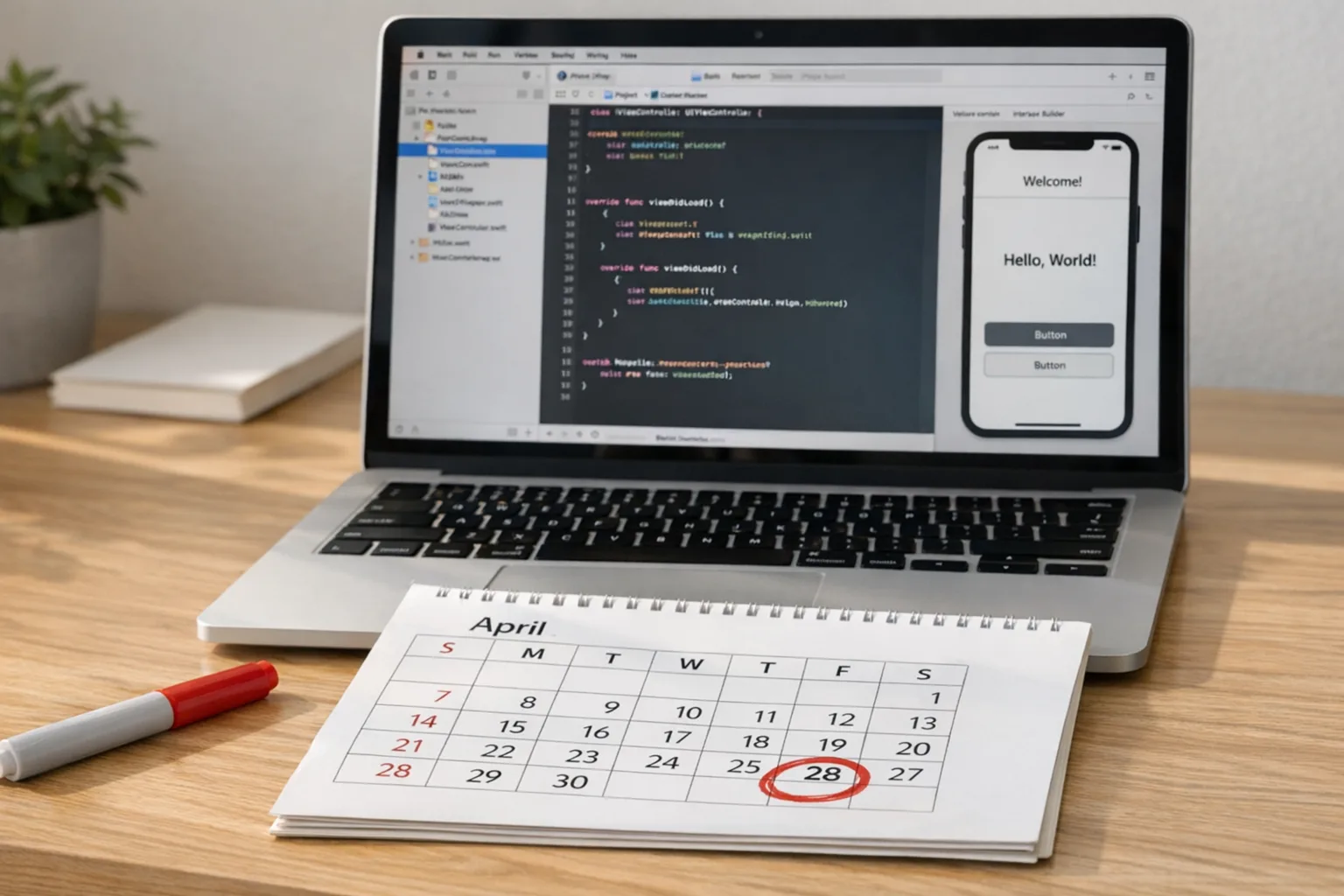
The Xcode 26 requirement becomes real on April 28, 2026. That’s the day App Store Connect starts insisting your builds come from Xcode 26 (or later) using the iOS 26, iPadOS 26, tvOS 26, visionOS 26, or watchOS 26 SDKs. If you’re reading this on February 17, 2026, you’ve got roughly ten weeks. That’s enough time to ship cleanly—if you’re deliberate. Here’s a field-tested approach to meet the date without firefighting.
What exactly changes with the Xcode 26 requirement?
Let’s get crisp. Starting April 28, 2026, App Store uploads must be built with Xcode 26 or newer. The associated SDKs (iOS 26, iPadOS 26, tvOS 26, visionOS 26, watchOS 26) become the baseline for submissions. You can still target older OS versions as your minimum deployment (that’s a product decision), but the compile-time SDK needs to be 26. If you’ve been holding onto Xcode 25 for stability, that runway ends.
Two more changes are riding shotgun with this deadline:
• App age ratings were updated across the store on January 31, 2026. If you haven’t answered the new age-rating questions in App Store Connect, expect friction during submission.
• Apple’s ongoing “approved reasons” for certain sensitive APIs still applies at upload time. If your app or any third‑party SDK touches these APIs, your reasons must be declared and accurate.
Bottom line: this isn’t just a toolchain bump. It’s a submission contract update—tooling, metadata, and policy working together.
Who’s most impacted?
• Teams stuck on older pipelines: If your CI runners or Xcode Cloud workflows don’t have 26 images enabled, your queue will fail late.
• Apps heavy on third‑party SDKs: Any pod, SwiftPM package, or binary framework not built for SDK 26 can trigger warnings, deprecations, or crashes.
• Cross‑platform stacks: Flutter, React Native, Unity, Unreal, Kotlin Multiplatform—these all need updated toolchain bridges and plugins to build clean with Xcode 26.
• Regulated apps: If you maintain custom receipt validation, notification trust stores, or specialized privacy manifests, plan extra time for compliance and regression testing.
Xcode 26 requirement: the “T‑10” ship plan
Here’s a pragmatic ten‑week schedule teams can start today. Adjust to your sprint cadence, but resist compressing the early discovery steps.
Week T‑10 (Feb 17–23): Proof‑of‑build and risk mapping
• Install Xcode 26 side‑by‑side with your current version; archive a clean build locally.
• Create a throwaway App Store Connect build from Xcode 26 to validate signing, profiles, and notary steps.
• Inventory all dependencies: SwiftPM pins, CocoaPods pods, binary frameworks, build scripts, and any Carthage holdovers.
• Flag owners for each dependency and note update paths (patch vs. major). Create a red/yellow/green risk map.
Week T‑9: CI/CD alignment
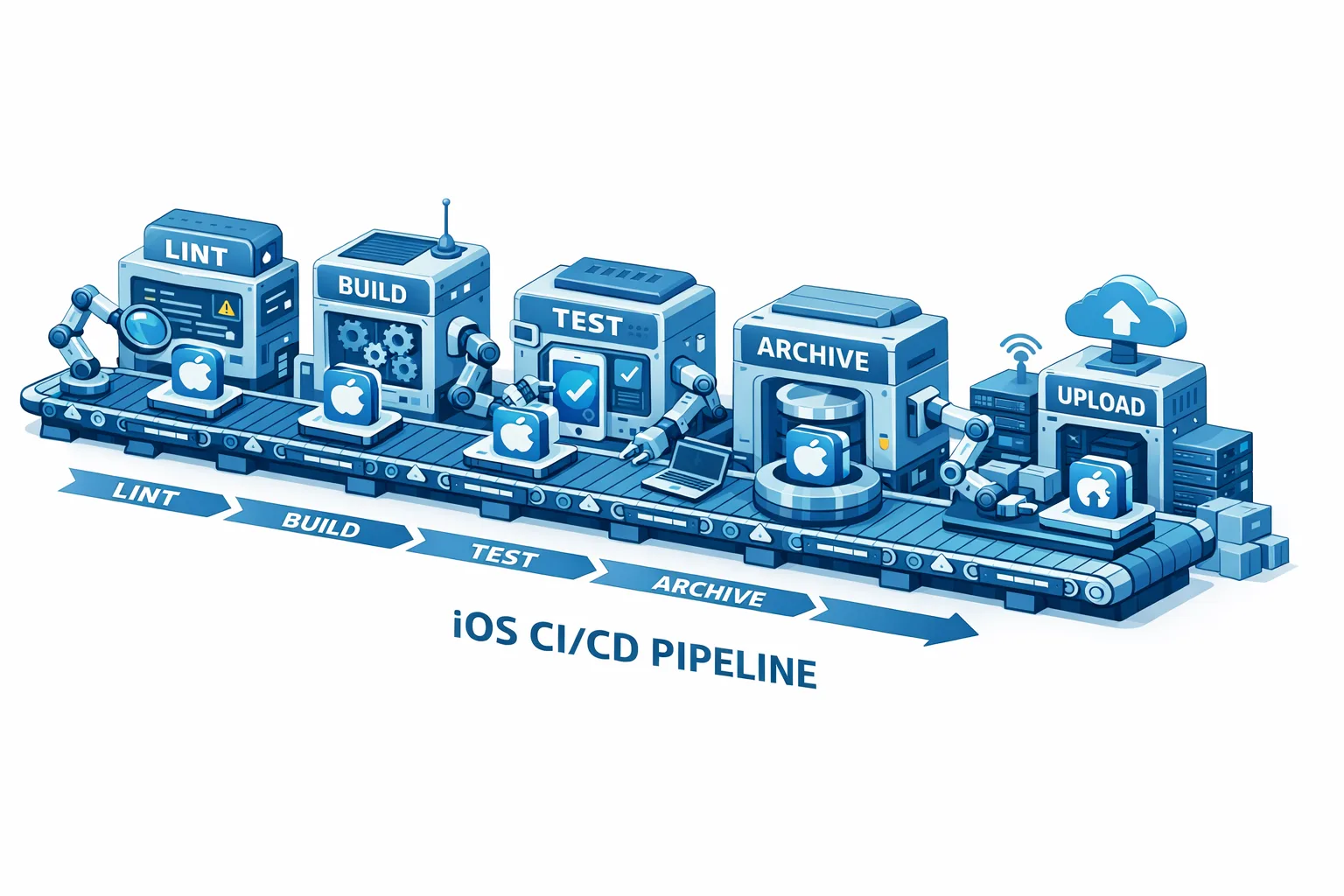
• Update your CI images to Xcode 26. Clear derived data and caches to avoid stale module maps.
• If you use Xcode Cloud, ensure your workflows target the 26 image and your network rules are current (we’ve seen jobs fail after IP range updates). For help hardening Xcode Cloud setups, see our walkthrough in this IP allowlist guide.
• Lock provisioning: rotate any expiring certificates, and verify automatic signing for all targets (watch, widgets, extensions).
Week T‑8: Dependency upgrades and ABI sanity checks
• Bump SwiftPM/CocoaPods to SDK‑26‑compatible versions. Prefer packages with active maintenance over one‑off forks.
• Validate module stability: if you ship precompiled binaries, rebuild them against SDK 26 to avoid symbol mismatches.
• Run a full clean build from CI and produce a TestFlight build. Check for new warnings you’ve ignored in the past—they often become tomorrow’s errors.
Week T‑7: Platform deltas and entitlements
• Review new SDK behaviors: scene lifecycle, background modes, and any entitlement changes for widgets, Live Activities, or visionOS features.
• Audit Info.plist and privacy manifests. Confirm you’ve documented “approved reasons” for sensitive APIs used directly or via SDKs.
• If you support watchOS, confirm extension targets compile and run against watchOS 26; test handoff and background delivery reliability.
Week T‑6: UX and performance sweeps
• Validate dynamic type, VoiceOver, and pointer/keyboard support on iPad. Accessibility regressions often surface after SDK bumps.
• Measure launch time and scroll jank on a low‑end device and the newest flagship. Look for shader or image decoding regressions.
• Capture baseline metrics in your analytics/telemetry so you can prove “no harm” after rollout.
Week T‑5: App Store Connect readiness
• Complete the new age‑rating questionnaire and verify category metadata.
• Preload your release notes, promotional text, and in‑app events.
• Confirm pricing and schedule if you’re coordinating a paid feature launch.
• If you need a deeper ASC workflow refresh, check our App Store Connect 2026 playbook.
Week T‑4: Feature freeze and defensive testing
• Institute a soft freeze on risky changes; keep the branch open only for bug fixes and copy.
• Expand TestFlight groups; aim for device coverage across iOS 15 through iOS 26 if that’s your support range.
• Run install/upgrade/uninstall cycles to catch data migration or keychain continuity issues.
Week T‑3: Release candidate 1 (RC1)
• Cut RC1 and submit for review under Xcode 26 to shake out submission blockers early.
• Dry‑run rollback: prepare a fast‑follow hotfix template with versioning and changelog, just in case.
Week T‑2: Localization, screenshots, and compliance
• Update screenshots and preview videos if visual changes occurred with the new SDK.
• Double‑check third‑party SDK licenses and privacy declarations for accuracy.
• Re‑verify push notification trust configuration and any on‑device receipt validation.
Week T‑1: Final RC, release gating, and rollout plan
• Cut RC2, submit, and schedule phased release (or staged country rollout).
• Monitor pre‑release crash logs; set alerting thresholds and owner rotation for launch week.
• Publish customer‑facing release notes and internal runbooks.
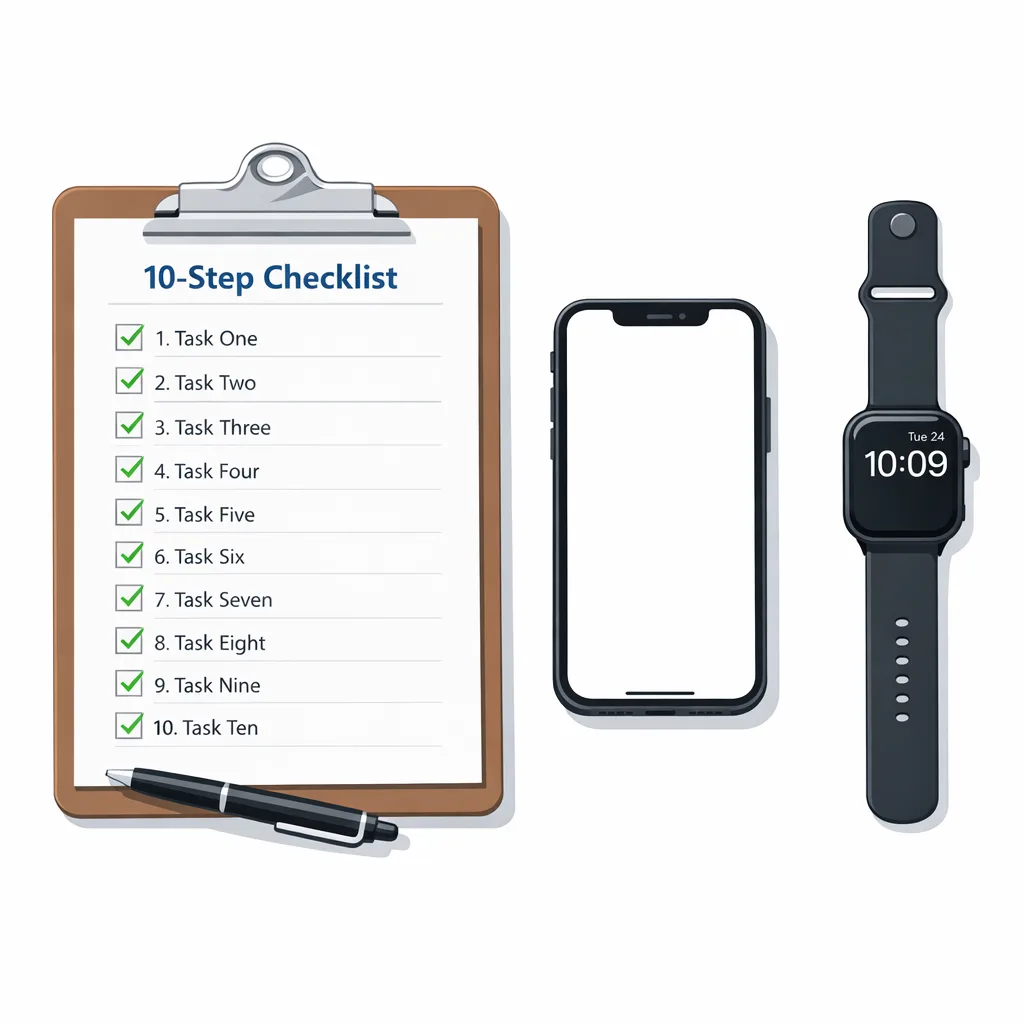
The technical checklist (print this)
Use this as your “no drama” pre‑submit gate:
• Xcode 26 installed, command line tools set, clean archive produced.
• All dependencies updated and rebuilt against SDK 26 (no local hacks).
• CI/CD images pinned to Xcode 26; caches purged; parallel builds green.
• Build settings: modern Swift version, correct deployment targets, bitcode off (it’s long gone), dead‑code stripping on for release.
• Info.plist and privacy manifests updated; “approved reasons” populated where required.
• Entitlements reviewed for widgets, extensions, and watchOS; provisioning profiles valid.
• App Store Connect: age‑rating questionnaire complete; metadata ready; in‑app events scheduled if needed.
• TestFlight coverage across device classes and OS versions; analytics baselines captured.
• Rollback plan prepared; hotfix path tested.
People also ask: fast answers
Do I have to raise my minimum iOS version to meet the Xcode 26 requirement?
No. Building with the iOS 26 SDK doesn’t force you to raise your minimum supported OS. You can keep the same deployment target if it’s still a good business call. That said, test thoroughly on your lowest‑supported OS after the SDK bump—subtle API availability and layout changes can regress older devices.
Can we keep shipping from Xcode 25 until our next big release?
Not after April 28, 2026. App Store Connect will block uploads built with earlier Xcode versions. If you absolutely must patch something post‑deadline, your only practical path is to make Xcode 26 your default now and ship the fix from there.
Will this break our CI pipelines?
It can—usually due to mismatched Xcode images, stale caches, or brittle build scripts that reference toolchain paths. Rotate to Xcode 26 on CI first, clear derived data, and rebuild all binaries. If you use Xcode Cloud behind strict firewalls, make sure your allowlist rules are current. Our network rules guide for Xcode Cloud covers the common snags.
What about visionOS and watchOS targets?
They’re part of the same requirement. Confirm entitlements, background modes, and pairing flows are intact. visionOS simulators won’t surface every performance nuance, so lean on real hardware for interaction tests where possible.
The hidden work: dependencies and privacy
Every major Xcode jump exposes two fragile layers—your dependency tree and your privacy surface area.
Dependencies first. SwiftPM has made life easier, but private forks and binary blobs still lurk. Replace one‑off forks with maintained upstream packages. Recompile any vendored frameworks against the new SDK to avoid undefined symbols at runtime. For CocoaPods holdouts, this might be your moment to migrate a few pods to SwiftPM and simplify the graph.
On privacy, the “approved reasons” policy isn’t new, but enforcement happens at upload time. Audit your Info.plist, privacy manifests, and any SDK‑injected usage strings. If a vendor can’t explain why they need a sensitive API or can’t ship a compliant build in time, find an alternative. You don’t want App Review discovering this for you the night before launch.
Testing that actually catches problems
Run small, targeted tests that map to real user risk:
• Cold start after update: open from push, deep link, and widget tap.
• Permissions journey: request, deny, re‑request, background behavior, and revocation from Settings.
• UI scale factors: Dynamic Type extremes, iPad pointer interactions, and external display modes.
• Offline/online transitions: airplane mode, captive portal, and flaky Wi‑Fi recovery.
• Purchase flows: new subscription, upgrade/downgrade, receipt validation, and server‑side entitlements.
Automate what you can, but don’t skip a focused, hands‑on pass on a low‑end device. That’s where jank hides.
Release strategy for April 28, 2026
Here’s the thing: deadlines concentrate risk. A lot of teams will push the same week. Reduce your blast radius by submitting earlier, enabling phased release, and starting with a smaller country set if your audience allows it. Keep your SLOs realistic for the first 72 hours and staff support accordingly. If you use feature flags, shape traffic to isolate regressions quickly.
When to ask for help
If you’re deep in the red on your dependency map or your CI is flaking under Xcode 26, bring in extra hands. Our team has moved dozens of pipelines and codebases through Apple cutovers without the late‑night scramble. Start with a quick discovery call and we’ll tell you, plainly, whether you’re on track or not. Browse our recent mobile launches, see how we partner on delivery, or tap the contact form to book time this week.
Data points and dates that matter
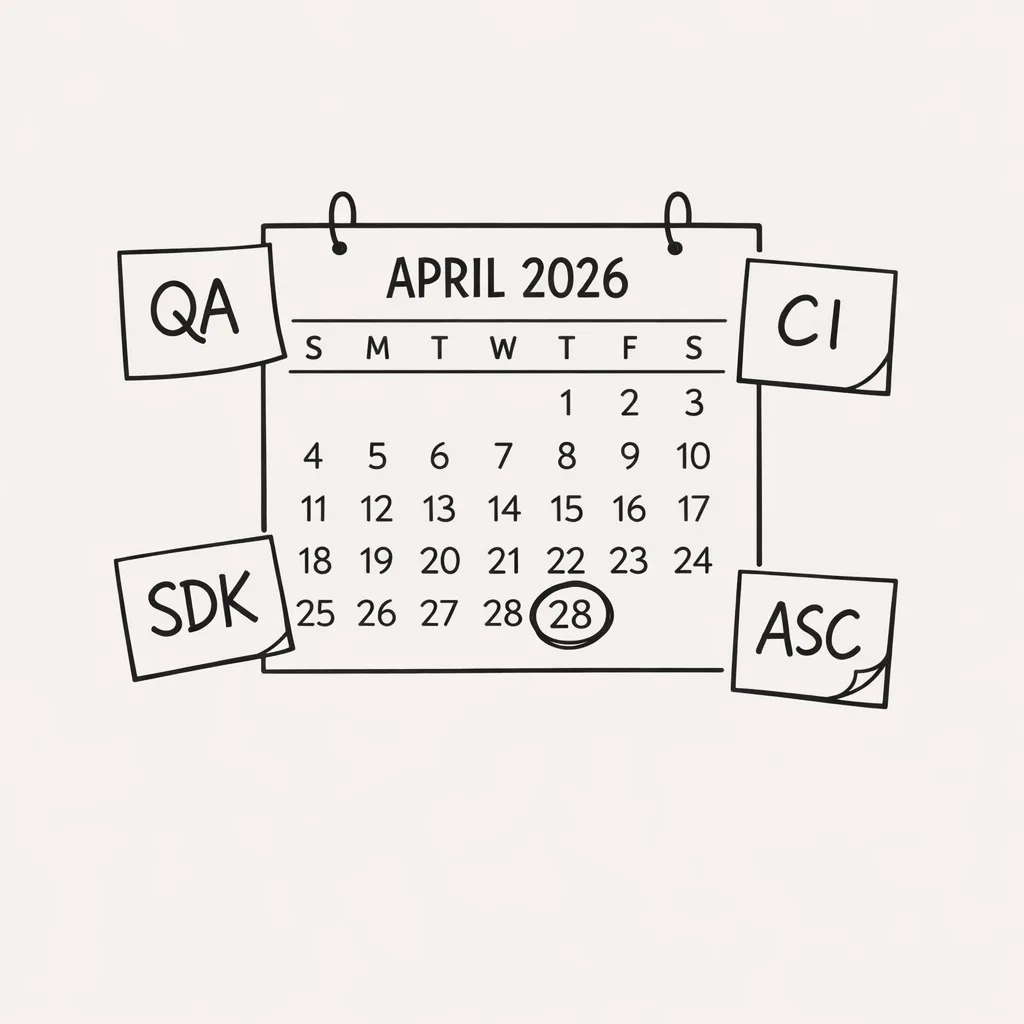
• April 28, 2026: App Store submissions require Xcode 26+ and SDK 26 builds.
• January 31, 2026: App age ratings updated; new questions live in App Store Connect.
• April 24, 2025 onward: Previous Xcode 16 baseline (useful for context if you’re mid‑migration from very old stacks).
• Ongoing: Upload checks for sensitive APIs and declared reasons.
What to do next (this week)
• Cut a throwaway TestFlight build from Xcode 26 today—prove your toolchain end to end.
• Flip your CI image to Xcode 26 and purge caches; open a ticket for any red builds.
• Audit third‑party SDKs; demand SDK‑26‑ready versions or plan replacements.
• Complete the age‑rating questionnaire in App Store Connect.
• Build your T‑10 plan and assign owners. No owner, no task.
Want a deeper template?
If you prefer a more granular, calendar‑driven plan, we published a longer breakdown here: Your 10‑Week Ship Plan. And if you’re cutting it close, our guide to shipping before April 28 covers shortcuts that won’t wreck quality (like trimming scope and locking your localization set).
Zooming out
Apple uses these annual toolchain cutovers to push the ecosystem forward: tighter privacy rules, more consistent UI behavior, and cleaner APIs. You don’t have to love the timing to benefit from the outcome. Teams that practice predictable upgrade muscle—clean dependency graphs, pinned CI images, and routine SDK smoke tests—ship faster all year, not just at cutover time.
If you need a sanity check on scope, we can help pressure‑test your plan and own a slice of the work. Start with the what we do overview and drop us a note from there.
Final word
Deadlines aren’t the enemy; uncertainty is. The Xcode 26 requirement is a clear constraint with a clear date. Prove a 26 build this week, align CI next week, and treat the rest as controlled, bite‑size risks. Ship earlier than you think you need to, and you won’t be racing the clock on April 28, 2026.





Comments
Be the first to comment.