
Xcode 26 Requirement: Ship Before April 28
Apple’s Xcode 26 requirement becomes the gate for App Store submissions on April 28, 2026. From that date, every new app and update you upload must be built with Xcode 26 or later against the iOS/iPadOS/tvOS/watchOS/visionOS 26 SDKs. Miss it, and your binary won’t get past App Store Connect. (developer.apple.com)
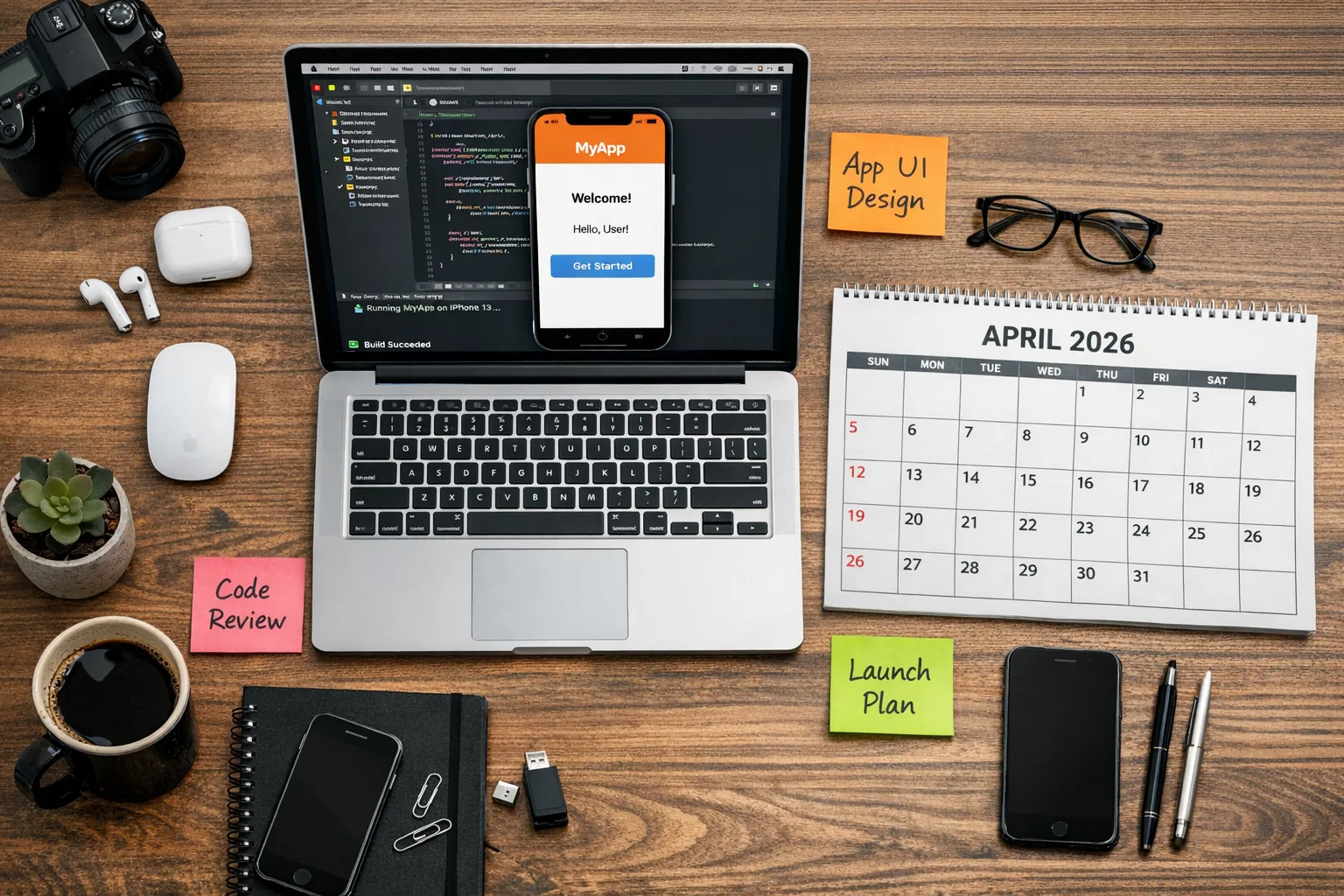
Here’s the thing: this is more than a toolchain bump. It’s a deadline that forces clarity on your CI build images, third‑party SDK compatibility, and the compliance chores many teams postpone. The fastest movers treat it like a regular release train—short sprints, crisp scope, no heroics.
What’s changing on April 28, 2026
Apple’s official “Upcoming Requirements” page states that, beginning April 28, 2026, apps uploaded to App Store Connect must be built with Xcode 26 using SDK 26 across Apple platforms. (developer.apple.com)
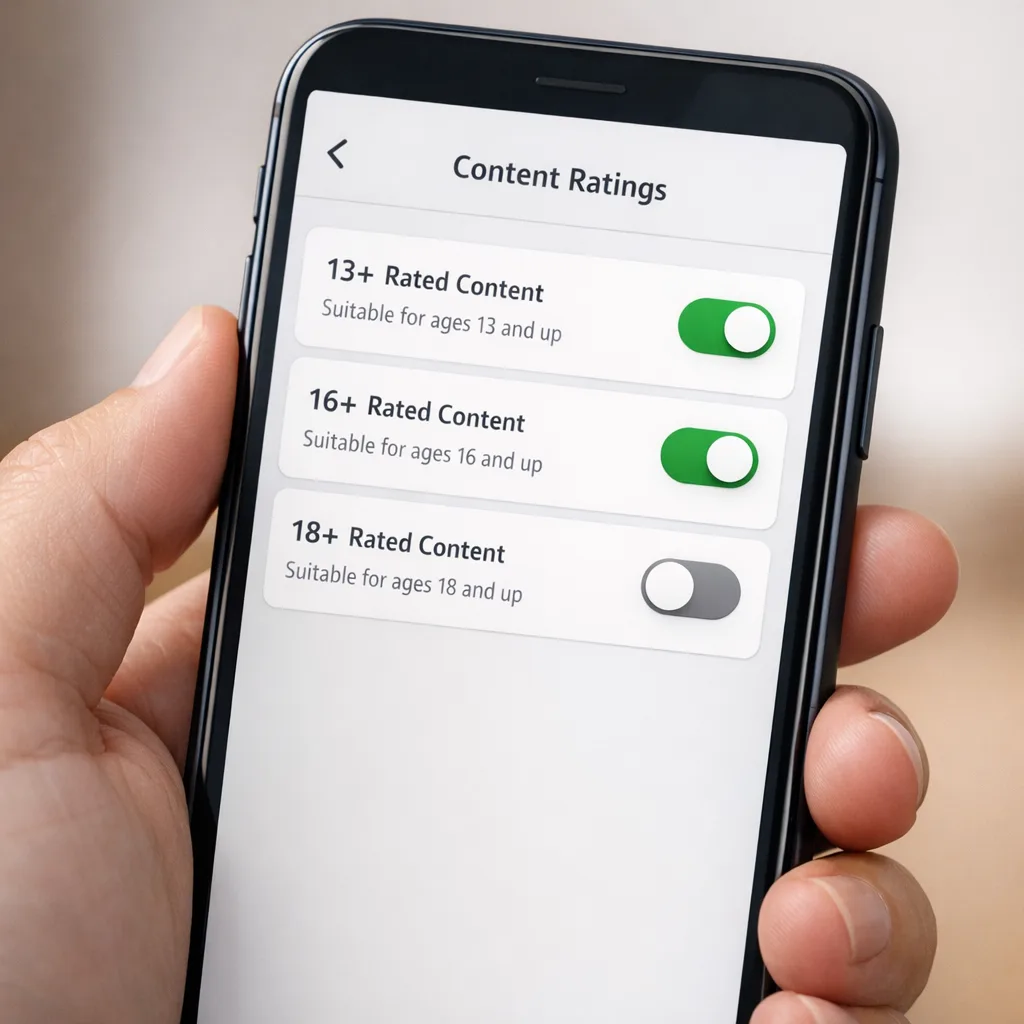
If you haven’t updated your app’s age rating responses yet, you’re already late. Apple auto‑updated ratings on January 31, 2026 to align with the new system and required developers to answer the refreshed questionnaire to avoid submission interruptions. Those values now display on devices running iOS/iPadOS 26, macOS “Tahoe” 26, tvOS 26, visionOS 26, and watchOS 26. (developer.apple.com)
For context, Apple ran a similar toolchain enforcement last year (April 24, 2025 required Xcode 16+ with then‑current SDKs), so yes—these cutovers are predictable, enforced, and binary‑blocking. Plan accordingly. (developer.apple.com)
Why the Xcode 26 requirement matters for teams
Deadlines like this surface hidden coupling in your stack. You’ll discover a test runner pinned to an older sim runtime, a build step that calls a deprecated tool, or a third‑party framework that hasn’t shipped a 26‑ready build. The fix is rarely a single PR; it’s usually three or four small ones that touch CI, dependencies, and a few brittle tests.
I’ve seen teams lose a week because a private package didn’t have an arm64 slice for the latest simulator, or because a post‑build script used an environment variable that moved in the new Xcode. None of this is rocket science—but it is schedule science. The earlier you shake out the basics, the calmer your release.
The T‑60 Plan: a two‑sprint migration playbook
If you’re under time pressure, borrow this plan. Treat it like a production‑grade change, not a side quest.
Sprint 1 (Days 1–10): establish a clean build and test baseline
- Upgrade local Xcode to 26 and pull the 26 simulator runtimes. Validate a clean archive on a developer machine.
- Pin the toolchain in CI using Xcode 26 images (or custom runners). Prove you can build, test, archive, and notarize without human intervention.
- Update Fastlane or equivalent: match the new Xcode path, gym/xcodebuild arguments, export options, and any hardened runtime flags.
- Audit third‑party SDKs: confirm 26‑compatible versions for analytics, crash, A/B, ads, payments, sign‑in, maps, and rendering engines. If a vendor lags, sandbox a fallback or feature flag.
- Run UI tests on the iOS 26 simulator and the oldest deployment target you still support to catch API availability regressions.
Sprint 2 (Days 11–20): deprecations, performance, and polish
- Compile with the new warnings as errors. Fix API deprecations or wrap them with availability checks to avoid runtime crashes.
- Re‑baseline performance: cold start, first render, and scroll/jank metrics. Some Swift and UIKit/SwiftUI changes affect layout or animation timings.
- Refresh entitlements and capabilities if any identifiers or signing settings changed with Xcode 26.
- Harden telemetry: ensure your analytics and logging still fire under the new privacy defaults and on iOS 26 background policies.
- Prepare release notes and support FAQs about OS 26 behaviors users might notice (notifications grouping, permission prompts ordering, etc.).
Release week (Days 21–28): lock scope and submit early
- Cut a release branch that’s already compiling on Xcode 26. No new features, only bug fixes.
- Create two App Store submissions: a canary rollout and the main rollout. If you’re using phased release, stage them 24 hours apart.
- Book space for hotfix capacity. Keep a clean backout plan and a hotfix branch template ready.
Need a deeper timeline? We’ve published a companion plan with work‑back dates: see a 60‑day ship plan tailored to Xcode 26 and the April 28 SDK cutover details.
CI/CD and build farm readiness for Xcode 26
Most of the risk lives in your build pipeline. I suggest a short “pipeline hardening” checklist that a senior dev and a release engineer can complete in a day.
- Images: If you’re on a hosted CI, select the Xcode 26 image explicitly. For self‑hosted runners, install 26 alongside your current version and switch via DEVELOPER_DIR. Verify simctl and xcrun paths.
- Signing: Clear derived data, refresh profiles, and run a clean archive. Stale provisioning profiles and outdated Xcode caches are responsible for a disproportionate share of last‑minute failures.
- Transport: If you upload with Transporter or the App Store Connect API, rotate any brittle scripts that assume an older Transporter path. Do a dry run to TestFlight.
- Determinism: Cache Carthage/CocoaPods/Swift Package Manager artifacts by Xcode version. A surprise re‑resolve on a Friday afternoon is not a vibe.
Common gotchas and quick fixes
- Missing slices: Third‑party frameworks compiled without the right simulator slice will crash tests. Rebuild or switch to an XCFramework that includes simulator and device variants.
- Hardcoded tool paths: Scripts that look up xcodebuild by absolute path will fail after you install 26. Use xcode‑select or DEVELOPER_DIR.
- Swift and ABI edges: If the Swift compiler tightens checks, expect a small wave of generics/type‑inference errors. Tackle them early while context is fresh.
- UI test timing: New OS animations can break waits. Use explicit expectations, not sleeps.
Age rating and policy checks you can finish in an hour
The age rating questionnaire changed and Apple auto‑applied new ratings on January 31, 2026. If you didn’t revisit the form, do it now; unanswered items can block submissions. (developer.apple.com)
Open App Store Connect → App Information → Age Rating. Apple’s help docs walk through the questionnaire and how ratings vary by region and OS version 26. If your app offers unrestricted web access, user‑to‑user communication, simulated gambling, or age assurance flows, answer carefully; those toggles move you across rating bands. (developer.apple.com)
Need practical guidance on gating experiences for teens vs. adults? We’ve put together patterns and UX guardrails in Age Gating That Works on the 2026 ratings. If you’re tackling broader compliance (e.g., UK or EU commitments), our explainer on CMA app store commitments outlines developer‑impacting changes.
People also ask: quick answers
What happens if I submit with Xcode 25 after April 28?
Your build will be rejected at upload time. The gate is enforced in App Store Connect against the toolchain and SDK version—there’s no manual override. (developer.apple.com)
Does TestFlight also need Xcode 26?
Yes, because TestFlight builds pass through App Store Connect’s upload checks. If your CI is still on an older Xcode, TestFlight uploads will fail the same way production submissions do. (developer.apple.com)
Do I need to redo my age rating if I already answered in January?
Not if your app’s content and capabilities haven’t changed. But if you add features like user‑to‑user messaging, web views, or age assurance, revisit the questionnaire before your next submission to avoid review delays. (developer.apple.com)
Will users on older OS versions still run my app if I build with SDK 26?
Generally yes, as long as your deployment target supports those OS versions and you guard new APIs appropriately. Building with a newer SDK doesn’t force users to upgrade, but you must test carefully on the oldest OS you claim to support.
Risk register: what could slip—and how to de‑risk it
Third‑party lag: One analytics or ads SDK that doesn’t ship a 26‑ready binary can hold your release hostage. Track vendor readiness explicitly and keep a plan B (toggle off a non‑critical integration for a week rather than missing the cutover).
Integration sprawl: Many apps have quiet dependencies—internal packages, visualization libs, PDF renderers. Inventory them. If you can’t list every binary framework and its minimum supported SDK off the top of your head, assume there’s risk.
CI drift: If different pipelines build with different Xcode versions, you’ll get “works on my runner” bugs. Standardize now. A single pinned image per branch line is clean and auditable.
Manual steps: If someone has to click anything to produce a release, you will cut it close. Automate the upload, export options, and notarization. Humans review; robots ship.
Let’s get practical: a one‑page checklist you can copy
- Pin Xcode 26 locally and in CI; verify DEVELOPER_DIR and xcrun return 26.
- Clean archive to a signed .ipa/.xcarchive; dry‑run a TestFlight upload.
- Update package dependencies; confirm all XCFrameworks include device + simulator slices.
- Run unit and UI tests on iOS 26 simulator and your lowest supported deployment target.
- Resolve new compiler warnings; wrap 26‑only APIs with availability checks.
- Review entitlements and capabilities after the toolchain update.
- Revisit App Store age rating questionnaire; verify region‑specific flags. (developer.apple.com)
- Prepare release notes and a reversible phased rollout plan.
- Book time for a hotfix window post‑launch.
A note on cadence and culture
Cutovers like this are good discipline. They force you to pay down release debt and keep the stack current. The teams that ship calmly don’t sprint harder—they start earlier, slice scope tighter, and automate the boring parts. They also test like a user, on the devices and OS versions their customers actually run.
If you want a partner to audit your pipeline or pressure‑test your migration plan, our mobile engineering services team does this work week in, week out. You can also browse relevant client results in our portfolio of shipped apps.
What to do next (this week)
- Schedule an hour today to install Xcode 26 and compile your main branch. Prove it builds.
- Tomorrow, switch CI to the Xcode 26 image and run the full pipeline; fix one break at a time.
- By mid‑week, dry‑run a TestFlight upload and smoke test on iOS 26 + your oldest supported OS.
- Before Friday, complete the age rating questionnaire in App Store Connect—screenshots for audit. (developer.apple.com)
- Lock scope for the April release and document a hotfix path.
Zooming out, this is a short, sharp migration. Done right, you’ll not only meet the gate—you’ll end up with a sturdier pipeline and fewer release‑night surprises. And that’s a habit worth keeping long after April 28. For ongoing deadlines and playbooks, keep an eye on our engineering blog and our breakdown of what matters in App Store Connect this year.




Comments
Be the first to comment.