
Xcode 26 Requirement: Your 60‑Day Ship Plan
On April 28, 2026, Apple begins enforcing the Xcode 26 requirement for App Store submissions. If your build isn’t compiled with Xcode 26 (and the iOS 26 SDK family), your upload will be rejected at the gate. That enforcement lands weeks after the January 31 age‑ratings cutoff that already blocks updates until you answer Apple’s new questionnaire. Treat these as a single release risk: toolchain plus policy. Below is a battle‑tested 60‑day plan to migrate without blowing up your roadmap, including the engineering changes, QA matrix, and compliance traps to watch.
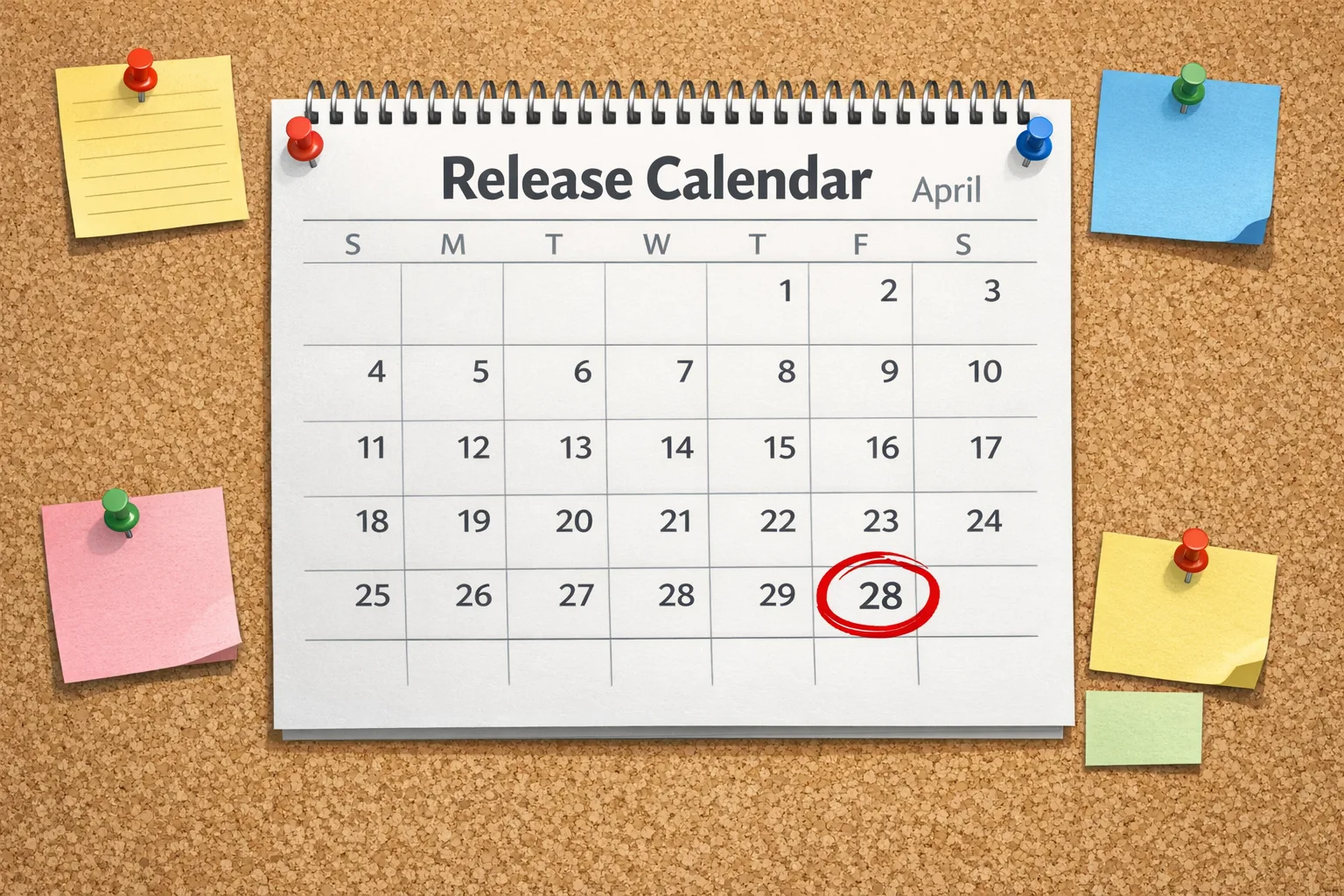
What exactly changes on April 28, 2026?
Apple’s server-side checks in App Store Connect will require builds created with Xcode 26 or later. Practically, that means your CI runners, local developer machines, and any prebuilt third‑party frameworks must align with Xcode 26. You can still set a lower deployment target for older OS versions, but the binary must be produced with the new toolchain and SDKs for iOS 26, iPadOS 26, tvOS 26, watchOS 26, and visionOS 26.
On the policy side, Apple’s updated age‑ratings system took effect January 31, 2026. If you didn’t complete the new questions in App Store Connect, you’ll find submissions blocked before you even hit the build validation step. Don’t let a metadata form be the reason your hotfix misses the window.
Here’s the thing: these two requirements interact. If your age rating ratchets up (say, to 16+ because of UGC or AI output) and you haven’t tuned your in‑app controls or parental settings, Product may ask for more UX changes—right when Engineering is busy with the toolchain jump. Plan for both together.
The Xcode 26 requirement, in context
Apple does this every year: it sets a minimum Xcode and SDK for new uploads. But the 2026 transition has three wrinkles you should account for:
First, Swift 6 is now mainstream in Xcode 26, and strict concurrency checks can surface latent threading issues as errors if you opt into the Swift 6 language mode. You can stage the migration (module by module) and keep some targets on Swift 5 mode while you harden correctness in high‑risk areas.
Second, privacy and platform compliance continue to tighten. You still need approved reasons for certain APIs and clear disclosures around capabilities like user‑generated content and messaging. Don’t wait for App Review to tell you what you missed—bake these checks into your PR template.
Third, dependency rot is real. Prebuilt SDKs compiled against older Xcodes may link but later fail on device due to symbol or entitlement drift. Audit everything early.
Ship on time: a 60‑day migration plan
You’ve got roughly two sprints to do this right. Here’s the plan I run with teams when the clock is ticking.
Week 1: Inventory and freeze the surface area
Start with a tight, written scope. List app modules, third‑party SDKs, build scripts, and custom build phases. Call out anything touching networking, crypto, notifications, app extensions, StoreKit, and in‑app browsers. In parallel, create an Xcode‑26 branch off main and lock main to critical bug fixes only for two weeks. If your app uses ad networks or embeds web views, pull their SDK version matrix and minimum Xcode support now.
- Output: a one‑pager with owners for each risk area and the dependency versions you’ll target.
- Bonus: stand up a throwaway CI job that installs Xcode 26 and compiles the current main. Expect red on day one; that’s the point.
Week 2: First green build and CI parity
Migrate local devs and CI runners to Xcode 26. Fix compile errors, update Swift tools versions, and resolve package checksum issues in SPM. If you rely on CocoaPods, expect a pod update dance—test transitive changes carefully. Aim for a fully signed build that launches on iOS 26 and your lowest supported OS.
- Output: a signed, installable build that boots on physical devices across two OS generations without crashing.
Week 3: Concurrency and binary interfaces
Turn on concurrency warnings where it matters. For targets you can move, enable Swift 6 language mode and address high‑signal diagnostics: actor isolation, Sendable, and main‑actor correctness. For legacy areas, wall them off: keep them in Swift 5 mode, or isolate them behind Facades so the rest of your codebase can advance.
- Output: a documented plan for any modules staying in Swift 5 mode, plus tickets mapped to future sprints to migrate them safely.
Week 4: Dependency settlement and feature flag review
Lock final versions of analytics, ads, sign‑in, and payment SDKs. Verify entitlements after updates; subtle changes can break builds only at upload time. Review all feature flags toggled since last major release. Remove dead flags that complicate test coverage.
- Output: a frozen lockfile for SPM/CocoaPods and a signed off entitlement list per target.
Week 5: Full regression and App Store Connect dry run
Run your complete test matrix (see below), then do a dry submission to App Store Connect. Address any warnings, privacy questionnaire gaps, and age‑rating mismatches before you get stuck in the “Waiting for Review” purgatory. If your rating increased to 16+ or 18+, make sure your product pages and screenshots aren’t promising kid‑safe experiences.
- Output: a validated build in App Store Connect with clean metadata, completed age‑ratings answers, and zero policy blockers.
Week 6: Release readiness and rollback
Create a rollback strategy using phased release or staged rollout. Prepare a hotfix branch using the same Xcode 26 setup so you can respond quickly without re‑breaking CI. Coordinate customer‑facing comms if the age rating changed and might affect discoverability.
- Output: a go/no‑go checklist signed by Engineering, QA, and Product, plus a documented rollback plan.
People also ask: common migration questions
Do I have to raise my minimum iOS version?
No. The Xcode 26 requirement governs the toolchain used to build, not your deployment target. You can continue to support older OS versions as long as Xcode 26 and your SDKs can produce a compatible binary. That said, watch for runtime feature checks that may behave differently under the new SDK.
Can I keep third‑party SDKs compiled with older Xcode?
Sometimes, but it’s risky. Prebuilt binaries may carry assumptions about SDK symbols or entitlements that don’t hold in Xcode 26. Whenever possible, pull source via Swift Package Manager and rebuild. If you’re stuck with a vendor binary, demand an Xcode 26‑validated drop and test on real devices.
Will strict concurrency break my build?
Only if you opt into Swift 6 language mode or enable complete checks. That’s a good thing; it surfaces bugs. Use a hybrid approach: move leaf modules first, keep core legacy code in Swift 5 mode temporarily, and fix issues incrementally. Treat each error as a real race waiting to happen in production, not a compiler nuisance.
Does this affect screenshots, ASO, or pricing?
Not directly. But the January 31 age‑ratings update can change the audience your app surfaces to. If your rating increased, audit your product page and messaging. See our breakdown of the new ratings and what to change in your UI and prompts in App Store Age Ratings 2026: What Devs Must Change Now.
Test like it’s production: the 2026 QA matrix
Don’t rely on simulators alone. Create a small but surgical device matrix:
- Latest iOS 26.x on a recent device (reference platform for new SDK behavior).
- Your lowest supported iOS major version on at least one older device (to catch deployment‑target regressions).
- One device with constrained resources (low storage, backgrounded frequently) to surface lifecycle bugs under the new SDK.
- At least one device enrolled in your Remote Notifications path to validate APNs, notification actions, and deep links.
Exercise app extensions (widgets, Share extensions, notification content) and any entitlement‑sensitive flows like Sign in with Apple, HealthKit, or CarPlay. Upload a TestFlight build early, because server‑side validations in App Store Connect sometimes catch issues your local signing didn’t.
Compliance intersections you can’t ignore
Age ratings aren’t just labels anymore; they’re tied to real platform behavior. If you declare messaging, UGC, or advertising capabilities, users may see guardrails or controls reflected across iOS, and your product page will signal those capabilities. Treat the age‑rating questionnaire as a product requirement document: if you say you have in‑app controls, make sure they’re discoverable and on by default for teens.
If you distribute in the EU, confirm your trader status is verified to avoid update blocks. Teams that sell subscriptions or digital goods should sanity‑check their purchase flows and receipts as part of this migration. When you touch build settings, also re‑verify push certificates, receipt validation paths, and any server trust stores in case your tooling refresh replaced intermediate certs.
For a deeper dive on shipping after policy deadlines and how to de‑risk post‑cutoff updates, read our practical note: App Store Connect Update Feb 2026: Ship After Deadline.
The Minimum Viable Migration (MVM) checklist
Use this one‑pager to keep the team aligned. Print it. Mark it up. Hold people to it.
- Tooling: Xcode 26 installed locally and on CI. Command line tools set. Cache warmed.
- Source of truth: SwiftPM resolves are reproducible. Pods updated or eliminated.
- Signing: All targets sign and archive; entitlements reviewed; App Groups and Keychain Sharing intact.
- Concurrency: Swift 6 mode enabled for low‑risk modules; high‑risk modules gated; warnings triaged.
- Privacy & APIs: Approved reasons declared for sensitive APIs; privacy manifest reviewed; age‑rating questionnaire completed.
- SDKs: Ads/analytics/UGC/messaging SDKs at Xcode 26‑ready versions; web views tested for policy‑sensitive content.
- QA: Device matrix green; TestFlight smoke tests pass; background/foreground and low‑storage scenarios exercised.
- App Store Connect: Dry run validated; metadata and screenshots reflect new rating; phased release plan ready.
Architecture notes from the trenches
Two patterns speed this transition. First, establish a thin anti‑corruption layer around legacy concurrency code. Use protocol adapters to keep actor‑isolated, Sendable‑correct modules on one side and older code on the other. This lets you enable Swift 6 checks without refactoring the entire app.
Second, align your dependency injection with feature flags. When you lock SDK versions for the Xcode 26 requirement, create a build‑time flag set that can disable noncritical subsystems (e.g., experimental AI features or beta ad formats). If a third‑party SDK drifts late in QA, you can still ship by flipping a flag rather than cutting a new dependency version under deadline pressure.
How this impacts product and growth
Expect a short‑term velocity dip as you upgrade, then a stability lift. Strict concurrency checks catch bugs that frustrate users but rarely show in crash logs. Age‑rating clarity can improve store trust and reduce avoidable support tickets. However, if your rating increased, plan for audience shifts. Coordinate campaigns around updated targeting and consider localized messaging where ratings differ by region.
What to do next
- Book a 90‑minute swarm this week to complete the age‑ratings questionnaire and close any metadata gaps.
- Cut an Xcode‑26 branch, light up Xcode 26 on CI, and fix the first wave of compile errors.
- Pick two modules to move to Swift 6 language mode and address top concurrency diagnostics.
- Lock third‑party SDK versions and get written confirmation of Xcode 26 support from vendors.
- Run a TestFlight build through App Store Connect to flush out server‑side warnings now.
- Draft a phased rollout plan and a rollback path using the same toolchain.
Want a second set of eyes?
If you need help prioritizing risk or unblocking CI, our team has shipped through these cutoffs many times. See what we do on our services page, browse recent mobile launches in the portfolio, and grab a slot via Contact. For a longer playbook specific to the April cutoff, start with our internal brief: Your April 2026 Ship Plan.

Final thought
Deadlines are only scary if you discover them late. The Xcode 26 requirement is a forcing function to modernize your pipeline and harden correctness. Pair it with the new age‑ratings reality, be honest about your concurrency debt, and you’ll ship a cleaner, more resilient app. And when the next cutoff arrives, you’ll be upgrading from a stronger foundation—on your schedule, not the calendar’s.





Comments
Be the first to comment.