
App Store Age Ratings 2026: What Devs Must Change Now
App Store age ratings 2026 isn’t a cosmetic relabel; it’s a workflow change that ripples through design, data, and release. Apple introduced new 13+, 16+, and 18+ tiers, tightened the developer questionnaire, and started wiring ratings more deeply into parental controls and discovery. Pair that with Google’s Play Age Signals (beta) and tougher age‑assurance rules across the UK and EU, and you’ve got a clear message: build age‑aware experiences by default, or ship delays and compliance headaches will find you.
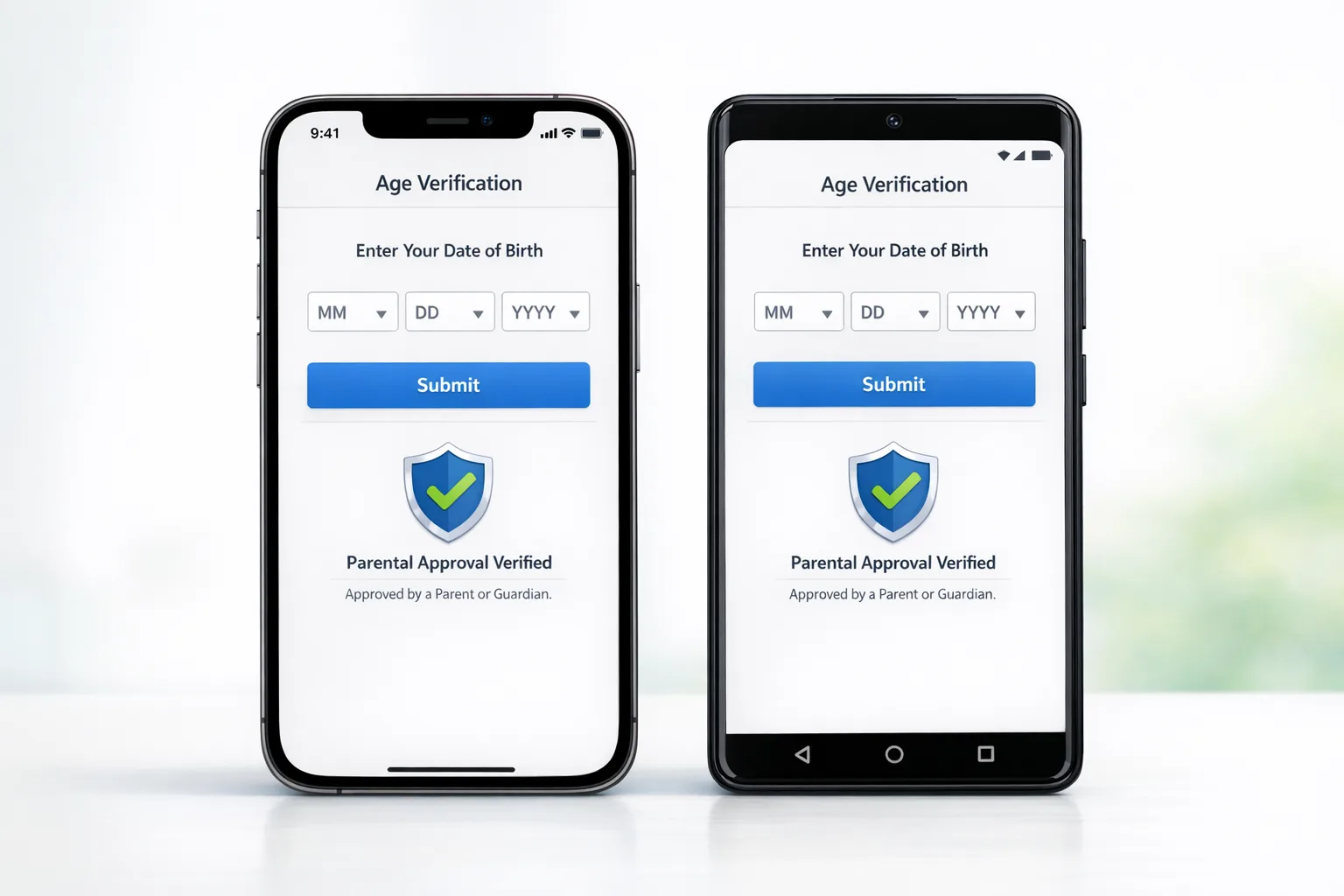
What actually changed in Apple’s model?
Here’s the thing: Apple didn’t just add new labels. The company created a more granular ladder—4+, 9+, 13+, 16+, 18+—and recalculated many apps automatically based on your prior questionnaire answers. Developers must complete an updated App Store Connect questionnaire that now probes for user‑generated content, messaging/ads, wellness or medical claims, violent themes, and in‑app controls. Apple set a late‑January 2026 cutoff for updates if you haven’t completed it, and the new tiers are embedded in parental controls and editorial surfaces. If your rating outstrips a child’s family settings, your app vanishes from key placements for that user. That’s both a safety feature and a growth constraint you must design around.
Two implications most teams underestimate: first, your privacy policy and in‑app disclosures need to match your questionnaire responses exactly; second, any new capability that affects the rating (for example, opening up comments or enabling AI chat that can surface mature content) must be reflected before you submit an update. Treat the questionnaire as a living artifact in your release checklist, not a one‑off form you filed last summer.
How Google Play fits: signals, not just settings
On Android, Google’s Play Age Signals provides a privacy‑scoped way for apps to adapt UX for minors without rolling their own ID checks. It’s designed for one purpose: to help you deliver age‑appropriate experiences and enforce your own policy promises—not for ads or profiling. Practically, that means you can:
- Gate or disable risky features (UGC posting, open DMs, links) for likely minors.
- Default to “privacy‑max” settings and gentle content for teen cohorts.
- Enforce your terms where you already promised age‑restricted access.
Combine that with Android’s broader push on developer identity verification for app distribution and you’re looking at a steadily tightening baseline. Even if your primary market is iOS, shipping a single, coherent age‑aware architecture across both stacks will save you from inconsistent moderation logic and support escalations later.
App Store age ratings 2026: how it changes discovery and retention
Let’s get practical. The new tiers tighten three levers that affect growth:
- Visibility controls: When family settings restrict to, say, 13+, your 16+/18+ app won’t show in promo modules or browse tabs for that user. Your store listing could be perfect and it still won’t be seen by a huge slice of under‑18 traffic if your rating is overscoped.
- Friction at download: If your feature set drives a higher age tier, you’ll see more soft bounces from families and teens who can’t complete the download. That’s not recoverable by tweaking screenshots.
- Ongoing access: If you ship a feature that nudges your rating up post‑install, expect support churn the moment parental controls hide your app for existing teen users. Plan explicit in‑app comms and fallbacks.
Translation: align your product spec with your intended age floor and keep it aligned. One unreviewed toggle—like turning on public profiles—can quietly reclassify your app.
Zooming out: why regulators care right now
2025–2026 made something obvious: platform policies and law are converging on the same goals. The UK regulator accelerated age‑gating for adult and other high‑risk content, while EU enforcement moved from abstract guidance to concrete rulings on addictive design patterns. Even if your app isn’t in those crosshairs, the standard of care is shifting toward “proactive, age‑appropriate defaults.” That pressure flows down into App Store Connect questions and Play policy text—the stuff that blocks your submissions when you’re sloppy.
Do I need to build my own ID check?
Usually, no. Unless your category explicitly requires a hard proof‑of‑age (for example, regulated goods or adult services in certain regions), using store‑level signals, age‑appropriate defaults, and clear parental‑control interoperability is the safer and simpler path. Where the law mandates strict verification, prefer third‑party providers that support document‑free or document‑light flows, minimize data retention, and offer regional routing so you’re not exporting IDs where you shouldn’t. Treat any stored artifacts (even hashes) as regulated personal data.
The AGE-FIRST framework: ship an age‑aware app without over‑collecting
Use this eight‑step framework to translate policy into product work. I’ve run versions of this on consumer and edtech apps without crushing growth:
A — Audience floor
Decide your true minimum audience: 4+, 9+, 13+, 16+, or 18+. Pressure‑test with your top features. If you can’t deliver a safe 13+ experience without heavy moderation cost, don’t target 13+ just for TAM. Own 16+ and design decisively.
G — Gates and guardrails
List every capability that can expose users to other people’s content or contact—comments, DMs, live chat, link sharing, public profiles, invites. Implement runtime gates so minors get safer defaults: private by default, no external links, rate‑limited messaging, small audience reach, and tiered unlocks with explicit consent.
E — Editorial surfaces
Assume your app could be hidden on browse or Today‑style tabs for some cohorts. Diversify acquisition to search, referral, and owned channels. Test creative that speaks to parents’ trust signals (safety, privacy, time‑well‑spent).
F — Family interoperability
Respect parental controls. If a feature or rating change restricts access after install, display an in‑app banner explaining what changed and how to request parental approval if allowed. Don’t nag; provide one clear path.
I — Instrumentation
Track where minors bounce: store detail view, download attempt, onboarding screens, first share attempt, first DM attempt. Use event names that don’t encode age data (avoid storing inferred ages). You’re optimizing flows, not building a dossier.
R — Review and re-rate
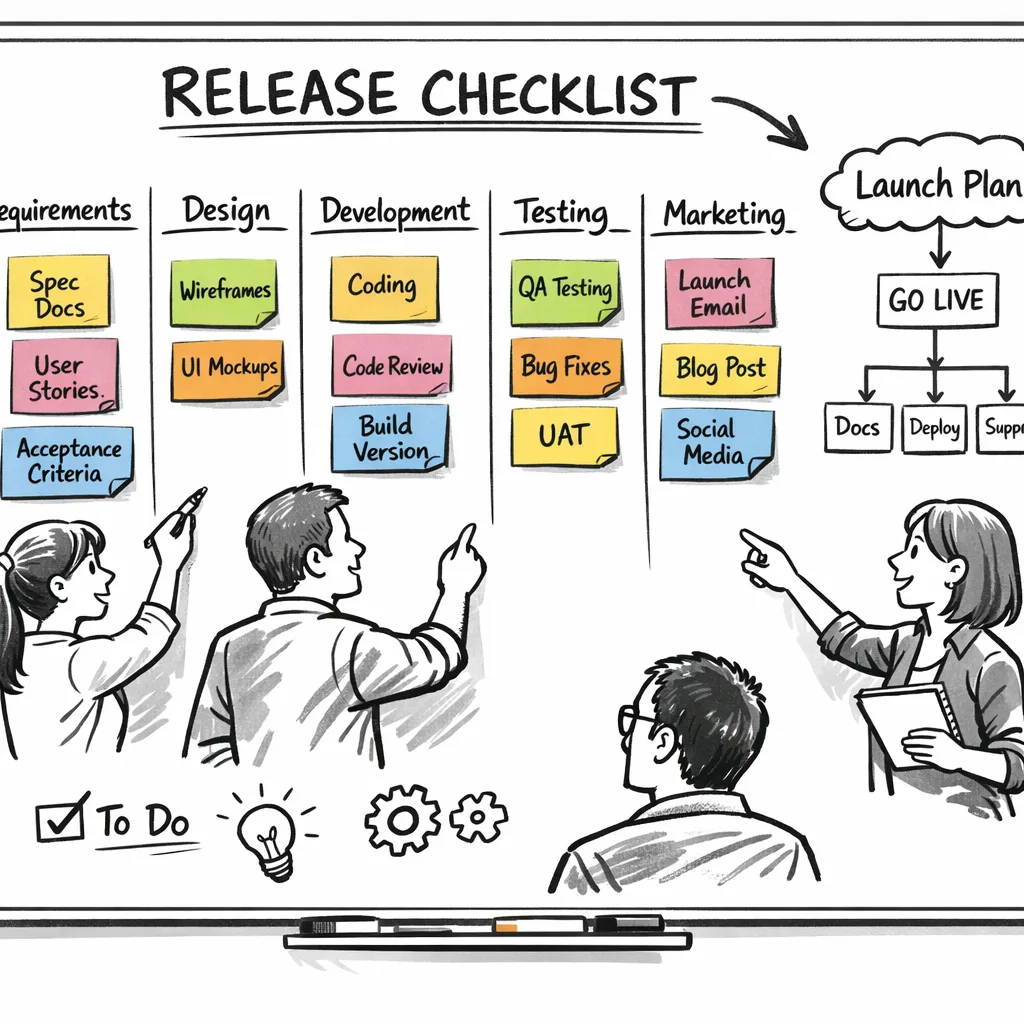
Before each release, re‑answer the age questionnaire and re‑score your app internally. Add a “rating delta” check in your PR template and CI pipeline. If a feature lifts your tier, plan comms and adjust screenshots and copy.
S — Support playbooks
Give your CX team macro replies for “Why can’t I find the app?” and “Why did my teen lose access?” Point to parental settings and provide a single help doc. Confusion costs stars; clarity preserves them.
T — Tidy data
Never repurpose age‑related signals for ads, growth experiments, or analytics segmentation. Apply short TTLs and delete on revocation. If you integrate a verifier, isolate its data store and rotate keys frequently.
People also ask: what bumps an app to 16+ or 18+?
Common triggers include realistic violence, sexual content or nudity (including AI‑generated), simulated gambling, unrestricted chat with strangers, public profiles, or linking out to mature spaces. Another sneaky one: letting users upload images or links without effective filters and reporting tools. If you can’t moderate it at your current scale, you can’t responsibly ship it to younger teens.
How do App Store ratings map to Google Play?
They don’t map 1:1. Apple’s tiers are simple age floors. Google uses IARC content ratings plus policy programs like Families and the Play Age Signals runtime hint. Your job is to design one coherent set of gates and defaults that responds to each store’s signal correctly. Build an adapter layer so your feature flags resolve to equivalent user experiences across both ecosystems.
What happens if I ignore the questionnaire?
Expect blocked updates and review delays. More importantly, you risk a mismatch between what your listing claims and what your app does. That’s how you collect policy strikes, get featured in the wrong places, or disappear entirely for certain families. Treat this as part of release engineering, not a “legal thing” to do at the end.
Design patterns that work for teens without wrecking growth
Here are patterns we’ve shipped that hit safety, compliance, and retention:
- Tiered sharing: New young users start with private or “friends of friends” reach. Public posting unlocks only after clear education, time‑in‑app, and a guardian approval flow where appropriate.
- DM request queue: Unknown senders land in a separate queue with content blurring and rate limits. No links or media until mutual acceptance.
- Time‑aware nudges: Contextual pauses after long sessions, with skip available for adults but defaults stronger for teens. Keep language neutral and non‑shaming.
- Report‑first UI: Every UGC surface puts “report” and “block” in single‑tap reach. Auto‑acknowledge with clear timelines.
None of these require you to know someone’s exact age; they adapt to store or system signals and parental settings.
Policy dates and timelines you should build around
Anchor your planning to real milestones:
- Late January 2026: Apple’s updated App Store Connect questionnaire became mandatory for ongoing updates. Many apps were auto‑reassigned to new tiers.
- Fall OS cycle (2025 → 2026): New ratings visible system‑wide and tied into Screen Time and editorial placements.
- Mid‑2025 onward (UK): Tougher enforcement of age‑gating for adult and other high‑risk content, with escalations continuing into 2026.
- Early February 2026 (UK): Several major adult services began actively restricting unverified users, showing regulators will pressure distribution, not just content hosts.
- February 2026 (EU): The Commission signaled it’s willing to challenge addictive design patterns that harm minors, including infinite scroll without effective breaks.
The upshot: even when laws vary by region or face legal challenges, platforms are harmonizing guardrails. Build once for the strictest reasonable standard and scale it down where allowed, rather than the other way around.
Let’s get practical: your 30‑day shipping checklist
Here’s a concrete list I give teams when a release train is already rolling:
- Re‑answer the Apple questionnaire against your current build. Fix any mismatches in your privacy policy and product page disclosures.
- Implement an age‑aware adapter on both platforms. On Android, read Play Age Signals if available; on iOS, respect parental controls and your stated age floor.
- Gate the riskiest features (public posts, open DMs, link sharing) behind runtime flags that default to off for minors.
- Ship safer defaults for teens: private profiles, limited discoverability, restricted external links, and clearer reporting tools.
- Add a “rating delta” step to your PR template and CI. If the feature lifts your tier, trigger a release‑management checklist: comms, screenshots, support macros.
- Minimize data: do not repurpose any age signal for ads, growth, or analytics segmentation. Short TTLs, revoke on request.
- Instrument the funnel to spot bounces tied to age restrictions and store surfaces. Use non‑identifying cohort flags.
- Prepare CX and docs: one canonical help page that explains family controls and age‑gated features, plus macros for common tickets.
Edge cases and gotchas
AI features: If your chatbot can generate or surface sensitive content, assume a higher tier unless you have robust filters, auditing, and opt‑outs—then prove it in the questionnaire. Third‑party SDKs: Ad or analytics SDKs that don’t support teen‑safe modes will undermine your attestations. Link‑outs: If you deep‑link into public profiles or external sites with mature content, that can affect your tier even if your own app is clean. Post‑install changes: Any feature shipped via remote config that modifies content exposure should be considered in scope for rating changes; log and review accordingly.
What to do next
- Book a working session between product, legal, and release engineering to walk through the questionnaire line‑by‑line.
- Build the adapter layer for age‑aware flags this sprint; wire it to store/system signals and parental settings.
- Run a “teen walkthrough” of your app and write down every place a user can be contacted or can reach others; gate those paths.
- Update your help center and store copy so parents understand what’s allowed and why.
- Set an internal policy: never use age signals for advertising or LTV modeling—period.
If you need a partner to implement this without derailing your roadmap, our team has shipped these flows for social, fintech, and education clients. Explore our mobile product and compliance services, browse relevant case notes in our portfolio, and, if you’re on deadline, skim our focused guide on how to ship a compliant UX now. For a deeper compliance primer, start with our App Store age‑rating playbook.
Final thought
This isn’t about appeasing reviewers. The industry is aligning around a shared expectation: apps adapt to a user’s age with safer defaults, limited reach, and less manipulative friction. If you treat that as a first‑class product requirement—baked into your architecture, content policy, and release process—you’ll not only stay unblocked; you’ll build something families actually trust.





Comments
Be the first to comment.