
App Store Age Rating 2026: The Post‑Deadline Plan
The App Store age rating 2026 update is no longer a heads‑up—it’s production reality. Apple’s expanded ratings and required questionnaire responses are gating updates, while U.S. state laws have kicked off app‑store‑level age verification that now flows down to your runtime. If you publish to iOS and Android, this is the moment to turn policy into code and ship age‑aware experiences without breaking growth, analytics, or trust.
What changed on January 31, 2026?
Apple’s updated system adds 13+, 16+, and 18+ to the long‑standing 4+ and 9+ tiers. Existing apps were automatically re‑mapped based on your prior declarations, and developers were required to answer a new, mandatory set of questions in App Store Connect by January 31, 2026. Missed it? You can’t ship updates until those responses are in. The ratings display across iOS 26 (and sibling OS releases) and feed parental controls like Screen Time and Ask to Buy.
Functionally, this means your app’s store metadata now carries more precise expectations for adolescent users. Editorial placement and discovery respect those settings, and parents can enforce them at the device level. If your content or capabilities moved you up a tier—think unrestricted web access, user‑generated content, or certain medical, violent, or sexual themes—your audience and funnel may shift overnight.
App Store age rating 2026: what it really means for the build
The headline is ratings, but the leverage is in the questionnaire. Apple now asks about in‑app controls, capabilities, medical or wellness topics, and violent themes. Your answers not only drive the global age rating but also region‑specific overlays. If your app sits on the fence—say, social features with moderation toggles—your internal controls and their defaults directly influence the calculated rating.
Two implications developers miss: first, ratings can vary by OS version, so QA your display on earlier OSes. Second, “Unrated” is not limbo—it’s non‑publishable on the App Store. If you’re exploring alternate distribution in the EU or the web for edge cases, plan the operational overhead. For a deeper walkthrough of designing flows, see our guide on building an age‑aware onboarding and parental consent UX.
State laws that bite in 2026 (and how they change your runtime)
Three states set the immediate tone for app‑store age assurance in the U.S. this year. In Texas, requirements took effect on January 1, 2026. Utah is set to enforce on May 7, 2026. Louisiana follows on July 1, 2026. The unifying pattern: app stores verify a user’s age category, propagate signals to apps, and require parental consent signals for minors when “significant changes” occur. The granularity varies by law, but one developer‑critical outcome is consistent—you now receive age category and parental approval status as data.
That matters for two big reasons. One, “actual knowledge” that a user is under 13 may trigger federal COPPA obligations even if you never targeted kids. If you don’t need to serve children, consider a hard gate to exclude them, or put a compliant verifiable parental consent (VPC) flow in place before you collect any personal data. Two, you must treat age and consent as live, revocable states; if a parent withdraws approval or a user ages into a new band, your app needs to adapt immediately.
Google Play: Age Signals at runtime—and how it differs from Apple
On Android, the Play Age Signals API exposes the user’s age range and status at runtime in regions where laws require it (for example, the 0–12, 13–15, 16–17, 18+ bands). You’ll see statuses like VERIFIED (adult via a commercially reasonable method), SUPERVISED (parent‑managed account with an age range), or approval states that inform whether you should allow sensitive actions. Design for nulls and UNKNOWN—your app must degrade gracefully if Play can’t provide a signal yet. Also, expect caching windows when a user ages into a new band, so implement periodic rechecks.
Key build notes: call the API from a trusted context and pair it with Play Integrity to reduce spoofing. Store only what you’re permitted for the narrow purpose of age‑appropriate experiences; don’t repurpose age or consent states for targeting or analytics. And remember, on iOS you won’t get a first‑party runtime API from Apple. Instead, your device‑level enforcement comes from Screen Time and Ask to Buy, while your app’s obligations flow from your declared rating and any state‑mandated signals the store passes through partner channels. If you need a side‑by‑side view of the platform split, read how Apple’s ratings differ from Play’s Age Signals.

Let’s get practical: a 10‑step compliance blueprint
I use this checklist with teams that need results in days, not quarters. Adapt it to your risk profile and product surface area.
- Map your surfaces. List every feature that could change the rating: UGC, chat, webviews, linking out, payments, location, medical content, violent themes, ads, and data sharing.
- Lock your declarations. Complete Apple’s questionnaire for each app and locale. Align descriptors with actual toggles in the app so you can prove intent and control.
- Instrument age and consent states. On Android, integrate Play Age Signals and model states like VERIFIED, SUPERVISED, and SUPERVISED_APPROVAL_DENIED. On iOS, track store‑provided age signals if present and your internal policy flags.
- Gate sensitive actions, not just entry. Think payments, messaging, profile visibility, external links, and ad personalization. Use policy‑driven guards that can flip via remote config.
- Build parent escalation. Provide a non‑friction path to request or re‑request parental approval when the store indicates a “significant change.” Respect denials immediately.
- Design for revocation and aging. If consent is revoked, disable the affected features and purge related personal data where required. Schedule periodic checks so users who age into new bands unlock the right defaults.
- Minimize data. Store only what’s necessary to enforce age‑appropriate experiences. Don’t log raw signals into analytics streams; aggregate or tag events with non‑identifying policy states.
- Test by jurisdiction. Use feature flags for Texas, Utah, and Louisiana behaviors. Run device labs and network mocks to validate nulls, stale caches, and throttled signals.
- Close the help loop. Update FAQs and in‑app education so parents understand what’s changing and why. Link to parental controls and your data practices in plain language.
- Document and audit. Keep a living playbook of your declarations, toggles, and tests. It’s your defense when support, app review, or a regulator asks for evidence.
If you need a deeper operational template, our developer blueprint packages the steps into a two‑sprint plan you can copy into your backlog.
People also ask: common edge cases
Do I need an age gate if my app is rated 4+?
Usually, no. A 4+ rating suggests your content and capabilities are appropriate for all ages, and device‑level parental controls handle most enforcement. But if you add features that could bump your rating—like web access, UGC, or account‑to‑account messaging—treat that feature path as sensitive and require policy checks before first use. Don’t ship a surprise capability that invalidates your current rating.
What if my analytics pipeline “learns” a user is under 13?
That’s the trap. Age category data can create actual knowledge. If your analytics or CRM receives an under‑13 flag, you must ensure you’re not collecting personal information from that user absent verifiable parental consent. Safer pattern: tag sessions with policy states inside your app only, suppress user‑level identifiers for children, and roll up reporting at an aggregate level.
How does App Store age rating 2026 affect my existing users?
If your rating increased, expect discovery changes and stricter device‑level filtering for families. Existing installs keep running, but updates and feature unlocks may require new parental approvals in states where store‑level age assurance is active. Communicate release notes in plain English and build one‑tap paths for parents to approve or decline sensitive changes.
Risk radar: legal, UX, and engineering gotchas
Legal: your privacy notice and in‑app disclosures must match the reality of age‑based experiences. If you’re excluding children under 13, say so. If you’re supporting them, detail what requires parental consent and how to revoke it. Treat state‑specific rights as addenda, not fine print.
UX: don’t punish teens with dead ends. Offer read‑only modes, local‑only drafts, or safer defaults instead of hard walls where possible. Keep dialogs short, explain why, and make re‑attempts predictable after a parent approves.
Engineering: trust boundaries matter. Validate signals server‑side, but don’t mirror sensitive data unnecessarily. Build replay protection around approval tokens, stash policy in a dedicated service, and log decisions with minimal identifiers for audit. Expect caches to lie sometimes; re‑check on app foreground and before sensitive actions.
Team playbook: who owns what
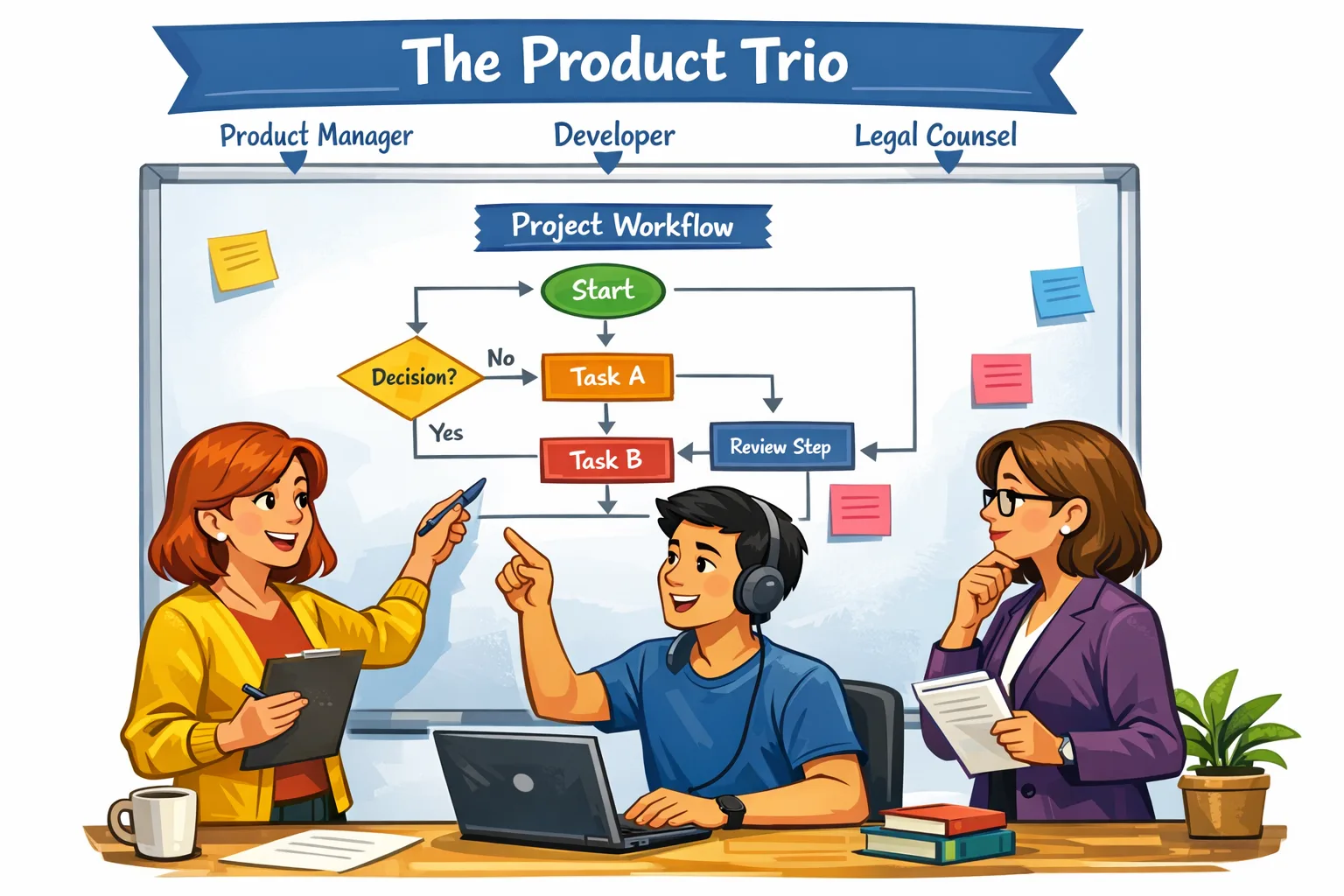
Product defines the policy grid: which features require adult, which are teen‑safe with guardrails, which are off for children. Design builds the microcopy, progressive disclosure, and parent flows. Mobile engineers wire the gates and signals. Backend adds policy services, token checks, and data minimization. Security reviews spoofing and abuse paths. Legal signs the declarations and COPPA posture. Support gets macros and escalation paths for “why is my child blocked?” tickets.

A simple model you can implement this week
Use three objects: UserAgeState (adult, teen‑older, teen‑younger, child, unknown), ParentalApprovalState (approved, pending, denied, not‑required), and PolicyRule (feature → minimum age state + consent needed). At app launch and on foreground, refresh signals and derive a SessionPolicy. When a user taps a sensitive action, re‑check the current rules and short‑circuit if anything changed. Keep a single source of truth in a small policy module so all screens behave consistently.
On Android, wrap the Play Age Signals call with retries and Play Integrity. On iOS, push as much as you can into App Store Connect declarations and device‑level controls; where you must enforce inside the app (UGC, payments, outbound links), use your policy module and remote config to flip defaults by jurisdiction.
What to do next
- Finish Apple’s questionnaire and validate your displayed rating on device.
- Integrate Play Age Signals where required and gate sensitive actions, not the whole app.
- Add parent escalation and revocation handling; test by state with feature flags.
- Update privacy notices and support docs to reflect age‑aware behavior.
- Set up quarterly audits: declarations, toggles, COPPA posture, and test plans.
If you want a partner to pressure‑test your plan, work with our team on implementation and reviews. Need UX patterns you can lift and ship? We collected them in our compliant UX playbook for 2026. And if you’re catching up from the deadline, start with the core compliance playbook and ship the baseline this week.





Comments
Be the first to comment.