App Store Age Rating 2026 vs. Play Age Signals
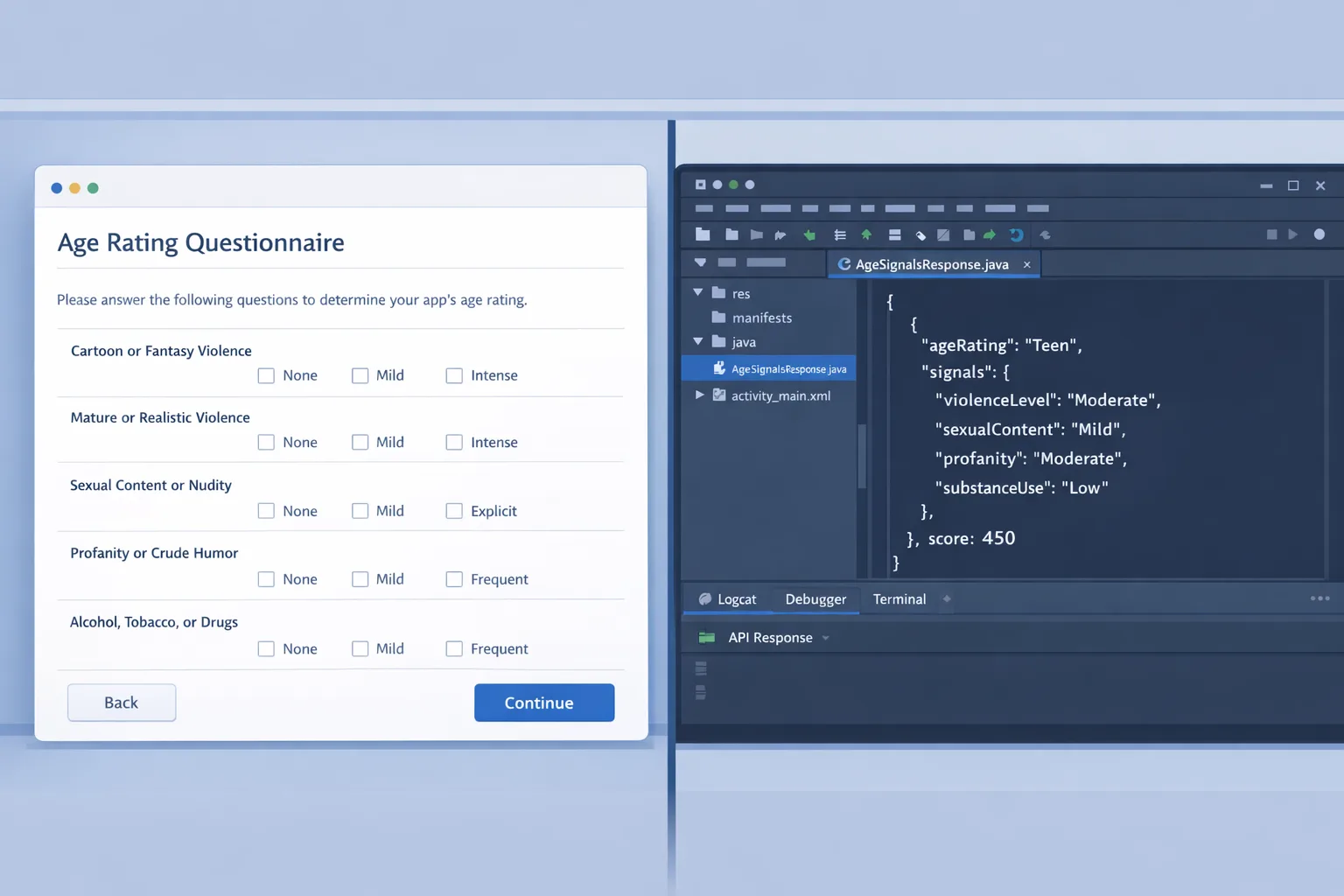
The App Store age rating 2026 deadline and Google Play’s new Age Signals rules arrived almost back-to-back, and they change the mechanics of how you ship for teens. Apple now requires teams to answer an expanded age rating questionnaire or risk getting blocked from submitting updates, while Google restricts how you can use age data and formalizes parent-approval workflows for significant changes. If your release train depends on iOS and Android parity, you can’t treat these as policy footnotes anymore—they’re product requirements. (developer.apple.com)
What changed on Apple: the App Store age rating 2026 updates
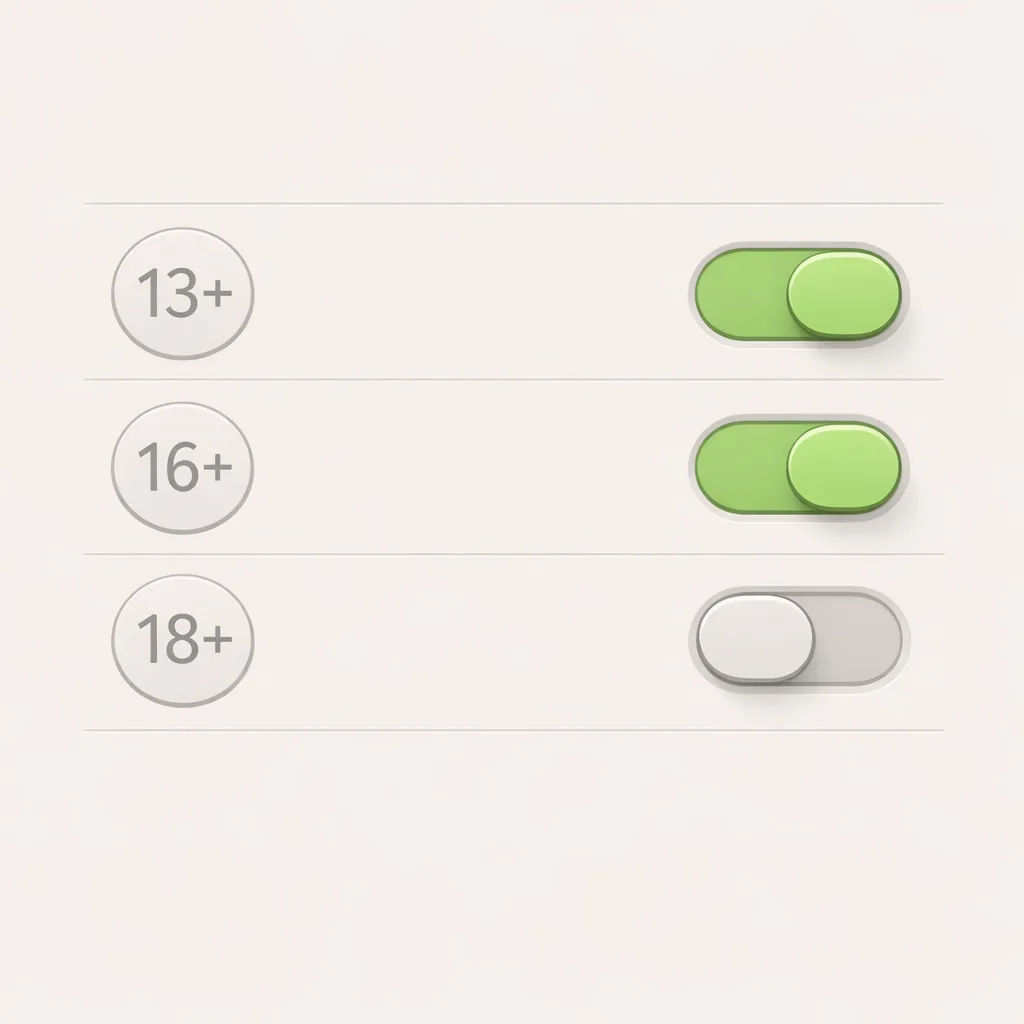
Apple overhauled its ratings with more granular tiers—13+, 16+, and 18+—and added required questions in App Store Connect covering in‑app controls, capabilities like user‑generated content, medical or wellness topics, and violent themes. These responses drive your displayed age rating and feed into parental controls across Apple platforms. (apple.com)
Here’s the thing: Apple isn’t asking politely. If you don’t complete the updated age rating questionnaire by January 31, 2026, App Store Connect can block your next update submission until you do. Teams that assumed “we’ll do it later” are already feeling the pinch. (developer.apple.com)
These ratings show up system‑wide on devices running iOS 26, iPadOS 26, macOS Tahoe 26, tvOS 26, visionOS 26, and watchOS 26, and they hook into Screen Time and Ask to Buy. Apple’s position is simple: the rating must reflect not just content you create, but content your features enable—browser views, AI chat, ads networks, and UGC. Assume reviewers will look at real usage paths, not just your marketing copy. (developer.apple.com)
Do I need Apple’s Declared Age Range API too?
Many teams conflate the questionnaire with runtime age signals. Different layers. The questionnaire sets the store rating; the Declared Age Range API is a separate mechanism you can use (when available) to tailor experiences by age band without knowing a user’s exact birthdate. It’s designed to be privacy‑preserving and aligns with Apple’s broader child‑safety posture. (apple.com)
What changed on Google Play: the Age Signals API rules
On January 1, 2026, Google began limiting how developers may use the Play Age Signals API. You can only use age signals to provide age‑appropriate experiences in the app that receives the data—no advertising, marketing, analytics, or cross‑app profiling. If your design doc suggests otherwise, rip it up now. (support.google.com)
The Play Age Signals API (beta) returns a verified over‑18 flag or a supervised status with an age range (for example, 13–15), plus fields like an install ID and the most recent parent approval date. Google supports Android 6.0+ and recommends pairing calls with Play Integrity to reduce spoofing. Age ranges and jurisdictional coverage can vary, so code defensively. (developer.android.com)
There’s also a workflow for “significant changes” that triggers parent approvals for supervised accounts. You predeclare the change and effective date in Play Console; from that date, supervised users will show pending or denied status until a parent approves. Treat this like a migration flag. (developer.android.com)
Timeline at a glance (January–February 2026)
• January 1, 2026: Google Play policy restricts use of Age Signals data to age‑appropriate experiences within the requesting app.
• January 28, 2026: Additional Play Console forms for crypto exchange and wallet apps go live in certain regions; some apps must demonstrate age restrictions and compliance workflows.
• January 31, 2026: Apple’s deadline to complete the updated App Store age rating questionnaire before updates can be blocked. (support.google.com)
Zooming out: a Texas law that would have forced store‑level age verification and parental consent statewide was blocked by a federal judge on December 23, 2025. That injunction bought platforms time, but it didn’t stop Apple and Google from rolling out their own age‑assurance tooling and policies—and other states could still legislate. Bake flexibility into your architecture. (macrumors.com)
Engineering playbook: ship minimum viable compliance in 10 days
If you’ve got a release train to protect, use this fast path. It’s not perfect, but it’s shippable and auditable.
1) Lock the store metadata (Day 1–2)
• App Store Connect: complete the updated age rating questionnaire for each SKU. Align answers with product reality (UGC modules, embedded browsers, AI chat, ads, and links to external content). Keep screenshots and a diff of what changed as compliance evidence.
• Google Play Console: review your target age ranges and update app details that influence policy review. Document how you plan to use Age Signals strictly for age‑appropriate experiences in the requesting app. (developer.apple.com)
2) Gate risky features by age range (Day 2–6)
• iOS: if you serve teens differently, plan for the Declared Age Range API when available on your min OS versions, but don’t block release on it. Use server‑side flags tied to store rating and user‑asserted age until the API is available to your cohort.
• Android: integrate the Play Age Signals SDK and design your code to treat the API as advisory but authoritative where provided. If status is VERIFIED, treat the user as adult. If SUPERVISED, honor the provided ageLower/ageUpper. If UNKNOWN, fall back to a conservative default for sensitive features. (apple.com)
3) Wire up significant changes on Play (Day 4–7)
• In Play Console, predeclare significant changes (for example, enabling public chat DMs or opening UGC posting) with a clear parent‑friendly description and a future effective date. Update your app to respect SUPERVISED_APPROVAL_PENDING and SUPERVISED_APPROVAL_DENIED statuses for those features until approval lands.
• Build a telemetry hook to see the mostRecentApprovalDate move; use it to retry unlocking features for supervised accounts. (developer.android.com)
4) Harden against abuse (Day 6–8)
• Pair Age Signals with Play Integrity to reduce spoofing. Cache short‑lived results and back off on repeated API errors.
• On iOS, avoid any design that infers age from analytics. Keep age handling separate from ads and tracking; don’t let SDKs read your age gates. (developer.android.com)
5) Prove it (Day 8–10)
• Write a one‑pager: what signals you use, where you store them, how long you retain them (ideally not at all), and how you test supervised flows.
• Record a video of a supervised Android account hitting your feature gates and approvals flow. For iOS, capture screenshots showing your rating and any parental control interactions you expect users to see.
Product and UX implications you should plan for
Age gating is not just a pop‑up. If your retention depends on social graph growth, gating DMs or live voice for teens can dent growth curves. Build teen‑friendly alternatives: restricted discovery, whitelisted content feeds, or time‑boxed features that parents can approve. Apple’s system‑level protections for teens will amplify these expectations. (apple.com)
On Android, expect lag between birthdays and updated age bands—Google notes a 2–8 week window for automatic updates in supervised accounts. If your monetization hinges on age‑based unlocks, treat age as eventually consistent and reconcile on next session. (developer.android.com)
How this impacts analytics, ads, and A/B testing
Google is explicit: you may not use Age Signals for advertising, marketing, user profiling, or analytics. Don’t funnel these fields into your data warehouse. Create a separate, non‑exported runtime context for age gates, and do not log raw responses. If auditors ask, you want to show a clean separation of concerns. (developer.android.com)
On Apple platforms, design like a privacy reviewer is reading your logs. If you later adopt Declared Age Range, treat it as a just‑in‑time decision input, not a user attribute you persist. That stance will align with both Apple’s direction and emerging state laws—even though one high‑profile law in Texas is currently enjoined. (apple.com)
People also ask
Do we have to collect government IDs from users?
No. Neither Apple’s questionnaire nor Google’s policy requires your app to collect IDs. Apple’s ratings come from your App Store Connect answers; Apple may provide age range via its API. Google’s verification and supervision happen at the account/store level, with your app consuming a scoped signal. Avoid building your own ID flows unless absolutely necessary. (developer.apple.com)
What if our app is 18+—does this still matter?
Yes. A clear 18+ rating can simplify gating, but it raises your moderation and abuse risk. On Play, you still must respect supervised statuses for any regional cohorts that receive signals. On iOS, you still must keep your questionnaire accurate and ensure features don’t contradict your declared rating. (developer.android.com)
Does this affect web apps?
Progressive Web Apps aren’t directly covered by the App Store questionnaire, but if you distribute via the stores, their product pages and metadata matter. On Android, if you ship a Trusted Web Activity or hybrid shell, you’re still bound by Play policies for age signals in that app. (developer.android.com)
Risks, edge cases, and gotchas
• Status UNKNOWN on Play: treat as conservative, but don’t brick the app. Guide users to resolve status in Play Store when appropriate.
• Birthday drift: supervised users’ age bands can update weeks after the date; avoid “hard” birthday unlocks.
• Store mismatch: don’t assume the same teen can access the same feature set on iOS and Android on the same day; jurisdiction coverage differs.
• Reviewer scrutiny: if your product has embedded webviews, AI assistants, or UGC, expect deeper questions during review. (developer.android.com)
A lightweight compliance architecture
Keep it boring and inspectable:
• Policy layer: a tiny module that evaluates inputs (store rating, platform, age signal status) and returns allowed features. No network calls, no PII persistence.
• Feature flags: one flag per potentially sensitive feature (DMs, public posting, real‑time voice, payments). Flags read the policy result at app open and on relevant lifecycle events.
• Audit logging: store only boolean decisions (allowed/blocked) with coarse age band labels if necessary; never log raw API payloads or IDs.
• Kill switch: a remote toggle to globally disable sensitive features during a policy shift or review.
What to do next
• Today: finish Apple’s questionnaire for every SKU. Capture evidence. Read our guide to Apple’s 2026 age rating updates if you need a quick walkthrough. (developer.apple.com)
• This week: integrate Play Age Signals, scope usage to in‑app age gating only, and wire the significant change workflow. Pair with Play Integrity and test supervised flows. (developer.android.com)
• Next sprint: design teen‑friendly alternatives for gated features. Draft a one‑pager on data handling and retention (ideally: don’t retain). Consider adopting Apple’s age range API when your user base is on supported OS versions. (apple.com)
• Ongoing: review state‑by‑state developments. The Texas injunction on December 23, 2025 may change on appeal; plan for flux rather than fixed rules. (macrumors.com)
Need a hand?
If you want a partner to pressure‑test your approach, our team ships for privacy‑sensitive products and regulated categories. See how we build and harden releases on our What We Do page, explore our portfolio, or talk to us about mobile compliance engineering services. If you have quick questions, our FAQ is a helpful starting point.
Ship quickly, not recklessly. The teams that separate policy from product, treat age signals as runtime inputs, and keep their data handling lean will move faster—and get fewer questions from reviewers—than teams that bolt ad hoc prompts onto already‑fragile flows. You’ve got the dates, the APIs, and a plan. It’s time to execute.





Comments
Be the first to comment.