
App Store Age Rating Updates 2026: Ship Now
The App Store age rating updates 2026 deadline lands on January 31. Apple has already reclassified existing apps and will surface the new system on devices running iOS 26, iPadOS 26, macOS Tahoe 26, tvOS 26, visionOS 26, and watchOS 26. If you haven’t answered the revised questionnaire in App Store Connect, you’re at risk of a submission block and mismatched labels between storefront and device. The fix isn’t “just paperwork.” It touches copy, controls, and in some cases code.
What changed on January 31, 2026?
Apple has aligned age ratings and descriptors with a refreshed framework that’s more explicit about in‑app controls and capabilities. App Store product pages and editorial surfaces will reflect these changes for users on OS 26. Behind the scenes, Apple recalculated many ratings based on your previous answers but now expects you to complete the updated questionnaire by January 31, 2026 to keep submitting updates without interruption. Expect tighter mapping between your disclosures—like whether you host user‑generated content or open web views—and the label users see.
Two practical consequences stand out. First, apps with messaging, UGC, or unrestricted web access are more likely to shift into higher teen bands on OS 26 devices. Second, “in‑app controls” and “age assurance” are now first‑class descriptors; if you provide robust parental controls or age gating, your answers can influence the final rating. That means you should review not only content but also safety features you’ve already built.
App Store age rating updates 2026: the practical impact
Let’s talk impact, not theory. Ratings drive discovery, friction, and conversion. Editorial placement and search modules on the App Store increasingly factor the label. If your teen rating rises while your screenshots and copy still pitch “for all ages,” you’ll see elevated bounce and App Review questions. On the flip side, accurately disclosing in‑app controls can keep you from being over‑classified and may broaden visibility to younger cohorts with device‑level restrictions.
There’s also a regional dimension. Apple’s system harmonizes with local regulators and standards, which can result in different visible labels on different OS versions or storefronts. Plan your release notes and support docs to explain what customers see, especially if you run family plans or education pricing. Consistency matters; the wrong label on a help center page can turn a simple support email into a refund request.
Let’s get practical: a 90‑minute compliance sprint
This is the fastest clean pass we’ve used with teams this week. Block 90 minutes and do it end‑to‑end.
- Inventory what you ship today (10 minutes). Note whether your app includes: unrestricted web access, embedded browser, messaging/chat, UGC distribution, external links, ad placements, simulated gambling, medical or wellness content, or any mature themes. List the in‑app controls you offer: parental controls, content filters, report/block tools, age gating, purchase restrictions.
- Open App Store Connect > App Information (10 minutes). Start the revised age rating questionnaire. Answer conservatively and accurately. When in doubt, align your answers with what an unsupervised teen can do in the app, not what you intend them to do.
- Fill in in‑app controls in detail (15 minutes). If you’ve got parental controls, explain how they work. If you can disable chat or UGC for teen accounts, say so. If you support age assurance, note it. This can materially affect the rating outcome.
- Check regional toggles and OS 26 notes (10 minutes). Expect that labels may differ on earlier OS versions. Document the mapping in your release checklist so your support team is ready.
- Update product page copy (15 minutes). If the rating moves up or down, adjust your first screenshot caption and short description so expectations match. Remove phrases like “for all ages” unless they remain true under the new label.
- Run the submission dry‑run (10 minutes). Attempt a tiny metadata update to confirm you can submit. If you hit a block, resolve it now rather than at 6 p.m. on release day.
- Notify support and marketing (10 minutes). Ship a two‑line internal heads‑up: “Our App Store rating now appears as X on OS 26. You may see questions from parents. Here’s our support macro and updated FAQ.”
Do I need code changes for the new ratings?
Maybe. The questionnaire doesn’t require new code by itself, but your answers might. If you disclose messaging or UGC and your moderation tools aren’t adequate, you’ll either accept a higher rating or implement stronger in‑app controls that justify a lower one. Similarly, if you say you provide parental controls, make sure those controls are reachable, discoverable, and on by default when appropriate.
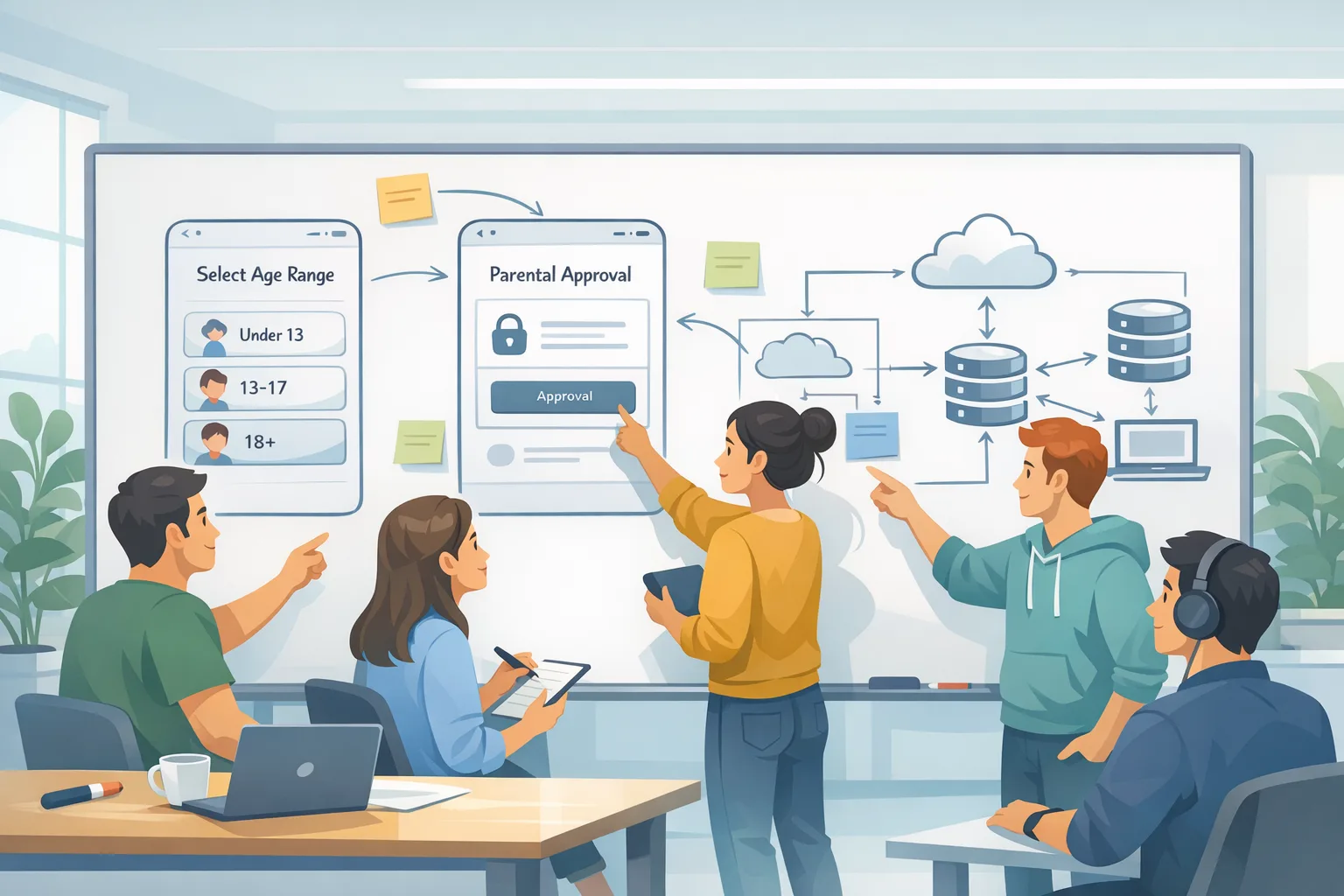
Think about age assurance flows. Some teams gate features like public posting, DMs, or community access behind a declared age range plus parental controls. Others add gentle friction: a prompt to enable content filters on first launch, or automatic disabling of external browser hand‑off for teen accounts. If you adopt these patterns, wire them cleanly into onboarding and settings—not as a last‑minute modal that frustrates everyone.
How U.S. state age‑verification rules intersect
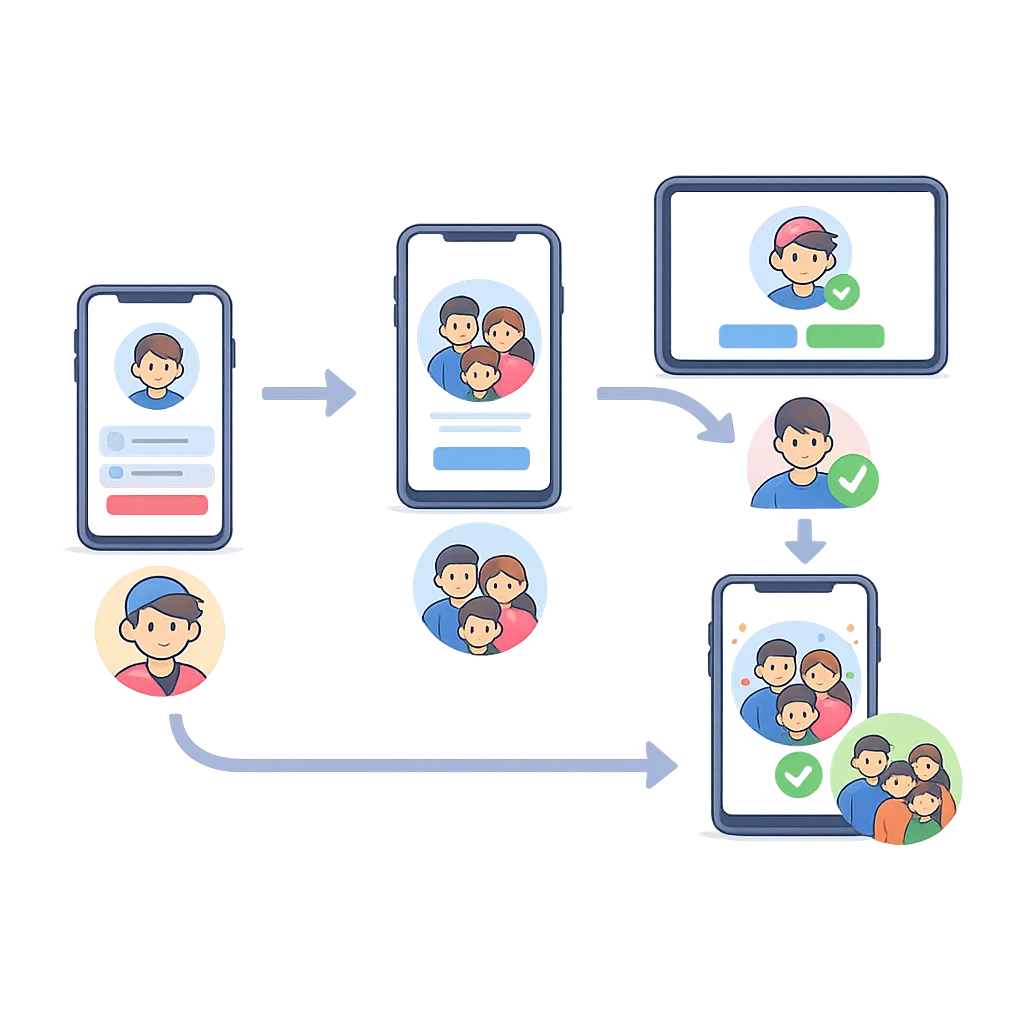
Here’s the thing: platform policy isn’t the only driver. As of January 1, 2026, new state‑level laws—Texas is the most visible—push Apple and Google to enforce clearer age verification and parental consent for minors. Practically, that means minors are channeled into Family Sharing, and “Ask to Buy” becomes the default path for downloads and purchases. If you rely on one‑tap upgrades, expect more flows to pause for guardian approval. Plan for abandoned carts and educate your users with in‑app copy when a request is pending.
Zooming out, more states are likely to follow with variations on the same theme throughout 2026. Your best move is to architect your app so that consent and age‑appropriate settings are declarative and easy to refresh—no brittle branching across fifty slightly different regimes. Keep your privacy posture strong; collect the minimum you need, and make the data you do collect transparent to families.
QA it like you mean it: a small but mighty test matrix
You don’t need a sprawling device farm to get confident. Run this lean matrix:
- One device on iOS 26 (or the latest OS 26 build) to validate the new rating display, editorial surfaces, and any age‑gated features.
- One device on iOS 25 or earlier to confirm the fallback label still aligns with your support docs and marketing copy.
- One family setup (real or sandbox) to test download approvals, in‑app purchases, and parental controls. Verify copy clarity when requests are pending.
- One region switch to observe storefront differences if you advertise to families or schools across markets.
Document screenshots from each run and stash them in your release checklist. Your support and legal stakeholders will thank you on Monday.
People also ask
What happens if I ignore the January 31 deadline?
You can be blocked from submitting updates in App Store Connect until you complete the questionnaire. Even if you sneak in a binary, the mismatch between your disclosures and what OS 26 shows can trigger App Review questions and user confusion. It’s not worth the gamble.
Will the new rating change my conversion?
It can. A stricter label might reduce visibility in family‑filtered storefronts and raise friction for minors. On the other hand, if your controls are strong and disclosures are precise, you may improve trust and keep your rating within a range that matches your actual audience. Run a pre/post cohort analysis for family segments to see what moved.
Do I need legal review?
If you operate in teen‑heavy categories—social, UGC, education, wellness—loop in counsel on your parental controls, data collection, and disclosures. The App Store age rating updates 2026 touch product, policy, and messaging. Clear documentation now beats rework later.
What about Google Play this week?
While your iOS team is heads‑down, your Android team shouldn’t drift. Google’s external content links and alternative billing programs for U.S. users have a January 28, 2026 compliance checkpoint. If you link out for content purchases or use alternative billing, confirm your enrollment and in‑app disclosures. We pulled a detailed checklist together in our Google Play external links program guide. Knock this out in parallel so both stores are clean heading into February.
Framework: the “SAFE” model for kid‑safe app UX
Use this four‑part framework to align design and engineering with your new disclosures:
- Settings by default: Teen‑appropriate defaults at first run. For example, UGC view‑only, DMs off, strict content filters on.
- Approval loops: Clear, interruptible flows for purchases, upgrades, and community unlocks with caregiver approval hooks.
- Features gated: High‑risk features (public posting, live video, external browsing) require explicit age confirmation and parental controls enabled.
- Explain it: Plain‑English copy that sets expectations—why we ask, what we store, how to change it—plus a link to your privacy and family FAQs.
Apply SAFE to onboarding, settings, and your help center. Then reflect those choices accurately in the App Store Connect questionnaire. The less daylight between your product and your disclosures, the fewer surprises you’ll see.
Risks, edge cases, and gotchas
Assuming your rating won’t move because your content didn’t change is a mistake. The descriptors did. If you’ve added an embedded browser, toggled on community posting, or launched a new ad format since your last rating pass, assume the outcome can shift. Another common miss: in‑app controls that exist but are buried. If parents or teens can’t find them, App Review might not consider them effective.
Watch for storefront inconsistencies near launch. A user on OS 26 might see a new rating while your landing page mentions the previous label. Keep your product page copy skeptical of absolutes and avoid phrases that will age poorly. Finally, if you operate in regulated niches (finance, health, education), scrutinize any auto‑play media, external links, and data prompts that might look benign but elevate the rating due to context.
How we’re handling this with clients
Our playbook is simple: time box, document, ship. We start with the 90‑minute sprint above, align UX choices to SAFE, then run the lean test matrix. If the final rating climbs, we either accept it (and update positioning) or make minimal, targeted changes—usually surfacing controls and tightening default settings—then re‑submit the questionnaire. If you don’t have the cycles, our team can jump in on short notice through mobile compliance and release engineering services.
Related deep dives, if you want more examples
If you need a fast tactical plan, we already mapped one: see our 7‑day shipping plan for age ratings. If your bigger pain is state‑level rules and parental consent flows, our state age verification playbook has UI copy blocks and event tracking you can lift. These pair well with the SAFE model and will keep your triage week focused.
What to do next (this week)
- Complete the App Store Connect questionnaire for every live app by January 31, 2026. Don’t wait for your next binary.
- Audit onboarding and settings for teen defaults. If you claim parental controls, make them obvious and tested.
- Align copy. Update your App Store short description and first screenshot caption to reflect the new label.
- Test with one OS 26 device and one earlier OS device. Screenshot both. Brief support on what users will see.
- For Android, verify your enrollment and disclosures for external content links and alternative billing if you serve U.S. users.
The compliance finish line isn’t mysterious—and it’s not optional. Answer the new questions, reflect reality in your UX, and you’ll keep shipping without drama as OS 26 rolls out and state rules tighten. The teams that move this week will spend February working on features, not appeals.


Comments
Be the first to comment.