Google Play External Links in 2026: Ship, Track, Profit
Google Play external links are here for U.S. users—and they come with real engineering work, fee math, and policy traps. As of late December 2025, Google published the official programs and APIs. By January 28, 2026, teams linking out or testing alternative billing were expected to be enrolled and compliant. If you paused because the fee schedule seemed murky, that’s understandable. But the integration work, the reporting contracts, and the release sequencing are stable enough to ship now.
Here’s the thing: Google Play external links don’t mean “free outside the store.” You’re opting into a new set of programs that let you link to web checkout or external app downloads—and you’ll still owe Google service and attribution-based fees in many cases. The upside is control over UX, pricing experiments, and possibly higher conversion for subscriptions. The catch is you must plan reporting, receipting, and customer support like an adult app business, not a weekend growth hack.
What changed—and when (with the dates that matter)
Let’s anchor the timeline developers and PMs should have on the wall.
• December 9, 2025: Google posts a U.S. policy announcement that formalizes two key programs: Alternative Billing and the External Content Links program. The announcement set a compliance date of January 28, 2026 if you wish to keep linking out or keep using non‑Play billing for U.S. users.
• December 15, 2025: Play Billing Library (PBL) 8.2.1 lands to stabilize external links/offer APIs introduced in 8.2.0. Teams implementing external links should target 8.2.1 or newer.
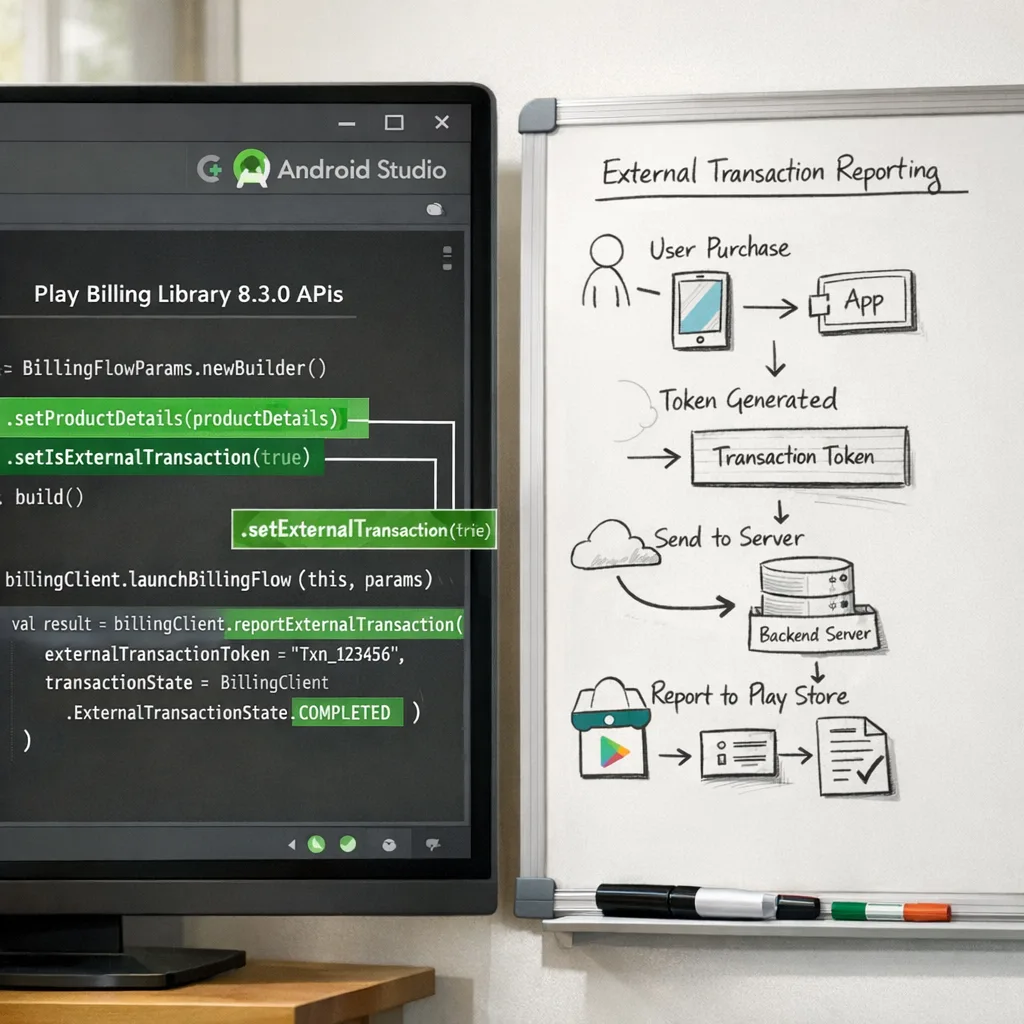
• December 23, 2025: PBL 8.3.0 ships with explicit external payments APIs. If you plan to support developer-provided billing options in-app, 8.3.0 is the trackable baseline.
• January 28, 2026: Compliance date for enrollment and configuration of External Content Links and Alternative Billing programs to continue those behaviors in the U.S.
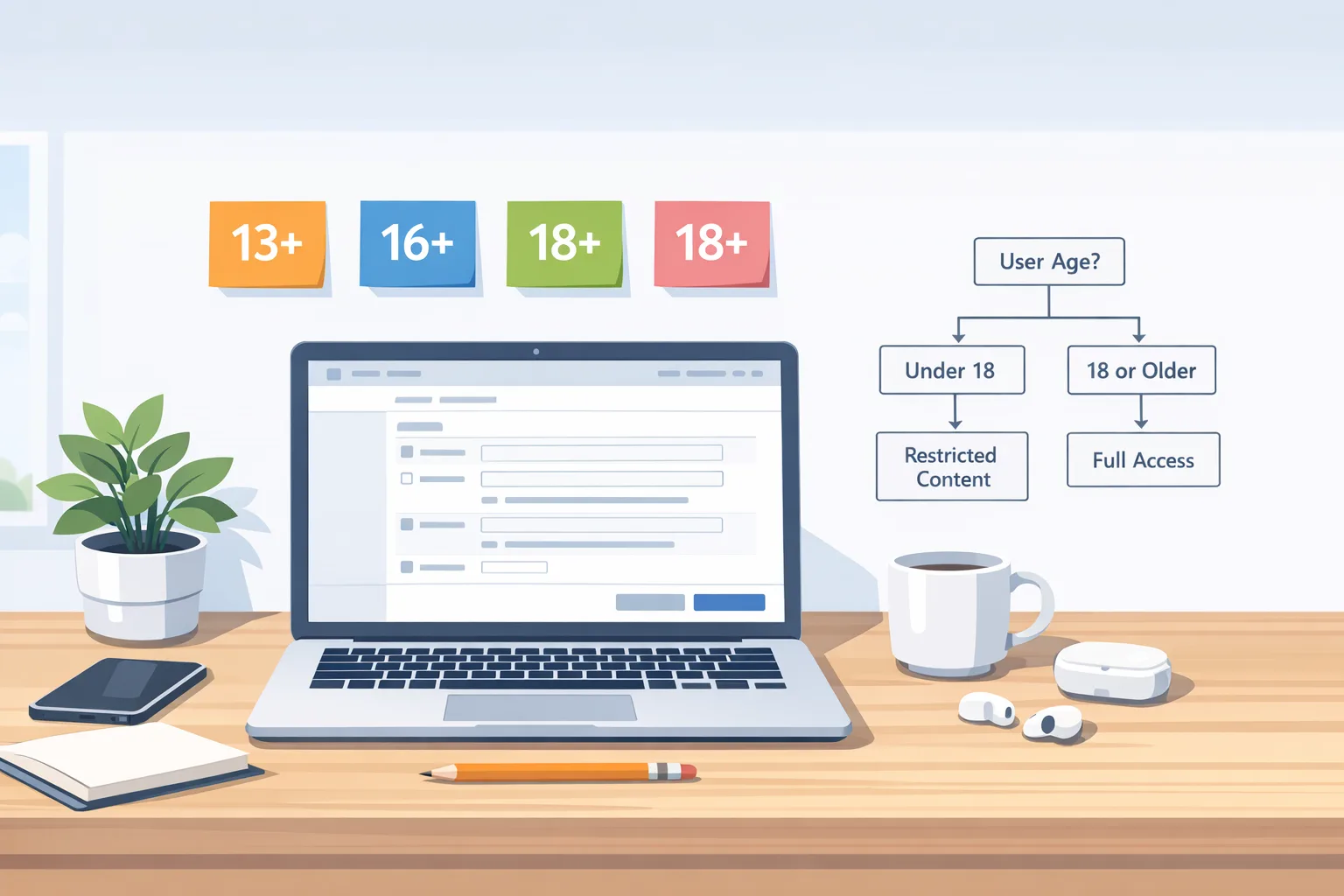
Adjacent but relevant: Apple’s updated age-rating questionnaire deadline hits January 31, 2026. If your Android app also targets iOS or teen audiences, your release planning and parental controls workstreams will overlap. Our breakdown on Apple’s update is here: how to handle the App Store age ratings change.
Google Play external links: what users actually see
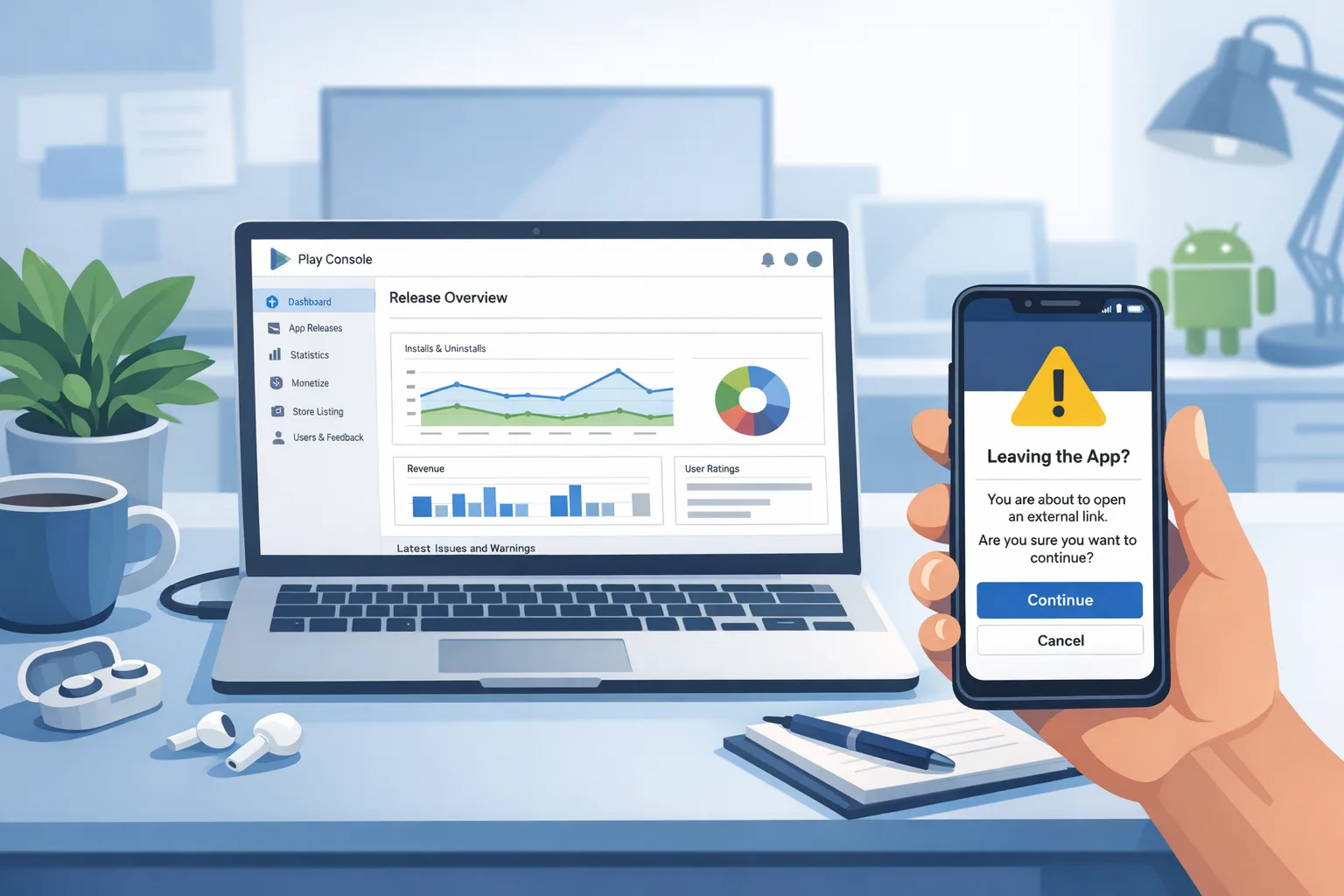
When your app launches an approved external link, Play shows an information screen first. This pre-flight page clarifies that the user is leaving the app to purchase digital content or download an app outside Google Play. After confirmation, the user goes to your web checkout or to your landing page for an external download. The Play Billing APIs provide a token for reporting the outcome so Google can reconcile qualified transactions and installs.
Three flows are typical:
1) In-app link to web checkout for a one-time digital item. User confirms the info screen, completes payment on your site, and you report the external transaction with the provided token.
2) In-app link to a subscription signup page. Same pattern, but you’ll reconcile subscription status server-to-server and honor Google’s reporting expectations on renewals and trials.
3) In-app link to download an app outside Play. You register the external download destination in Play Console. If the user installs within a short window after the click, that can be a billable install under the program’s rules.
Fees: model before you code
Budget for two buckets in the External Content Links program, plus a third if you drive external downloads:
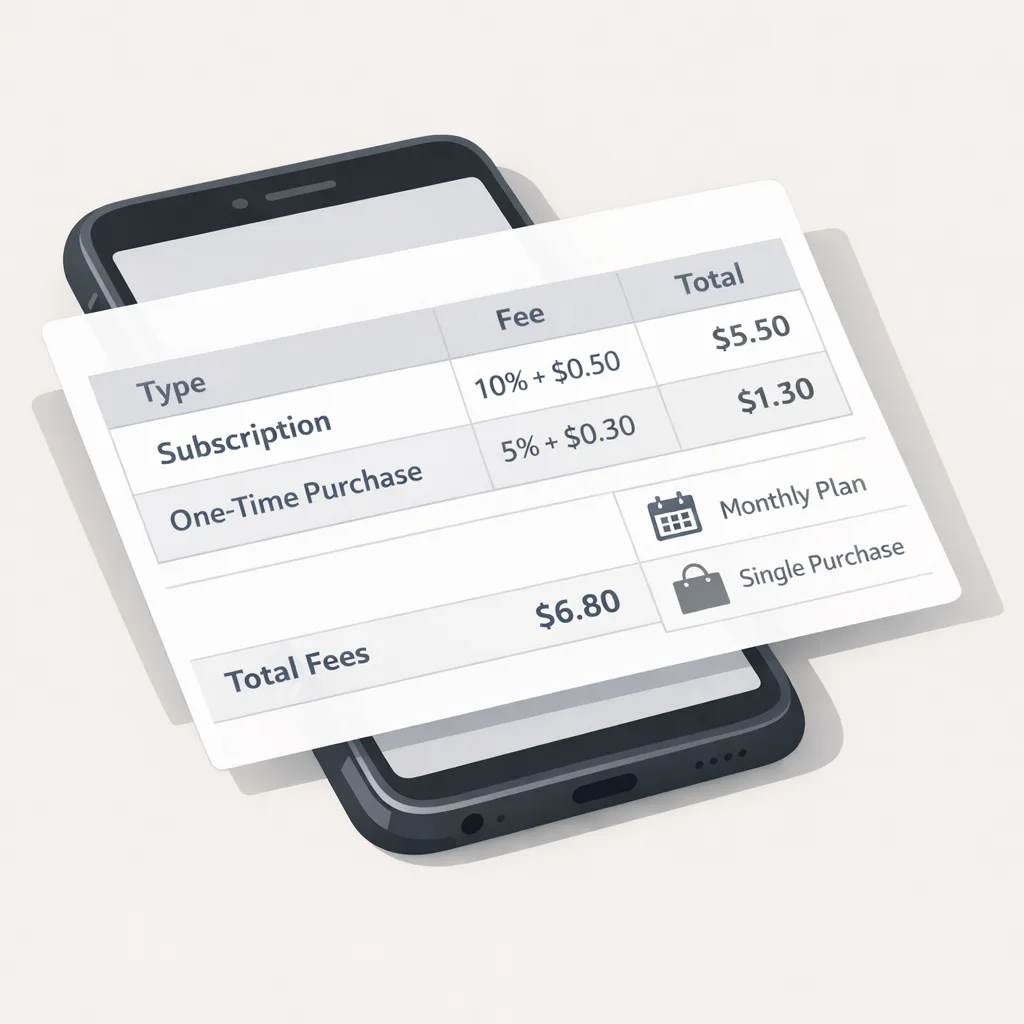
• Initial acquisition fee: often framed as ~3% on qualifying transactions that occur within six months of a user’s Play-managed install of your app. After six months, this component typically drops to 0%.
• Ongoing service fee: typically ~10% on off‑Play subscription renewals and a higher rate on non‑subscription digital purchases (public reporting has indicated ~20% under consideration for the U.S.).
• Per‑install fee for external downloads: for users who install an app within a short time window after clicking your in‑app link to an external download. Reporting has referenced U.S. figures in the neighborhood of $2.85 per app install and $3.65 per game install when completed within 24 hours. Treat those as planning numbers unless and until Google posts a definitive U.S. rate card.
Two quick scenarios to sanity-check your spreadsheet:
• $50 one-time purchase triggered from your web checkout three months after the user installed from Play: 3% initial acquisition + ongoing service (model ~20%) = ~23% to Google before your processor fee. If your own payment processor averages 2.9% + $0.30, your blended take is roughly $38–$39 on that $50. If you can lift average order value or reduce refund rates via your own funnel, it may still be a win.
• $9.99 subscription purchased on your web checkout after month seven: initial acquisition drops to 0%, ongoing service for subscriptions (~10%) applies. With processor fees, your effective store share can be comparable to Play’s standard subscription tiers—sometimes lower depending on churn and upgrade paths.
Caveat: the exact U.S. numbers are subject to program documentation and court oversight. Ship with feature-flagged economics and keep your rate tables server-driven so you can adjust without an app update.
Engineering blueprint: how to ship external links and alternative billing safely
1) Pick your library version and targets
If you only need external links, integrate Play Billing Library 8.2.1 or later. If you plan to test developer-provided billing inside your app, standardize on 8.3.0 for the new external payments APIs. Keep your min supported PBL version aligned with Play’s deprecation schedule to avoid update blocks later this year.
2) Enroll and register links
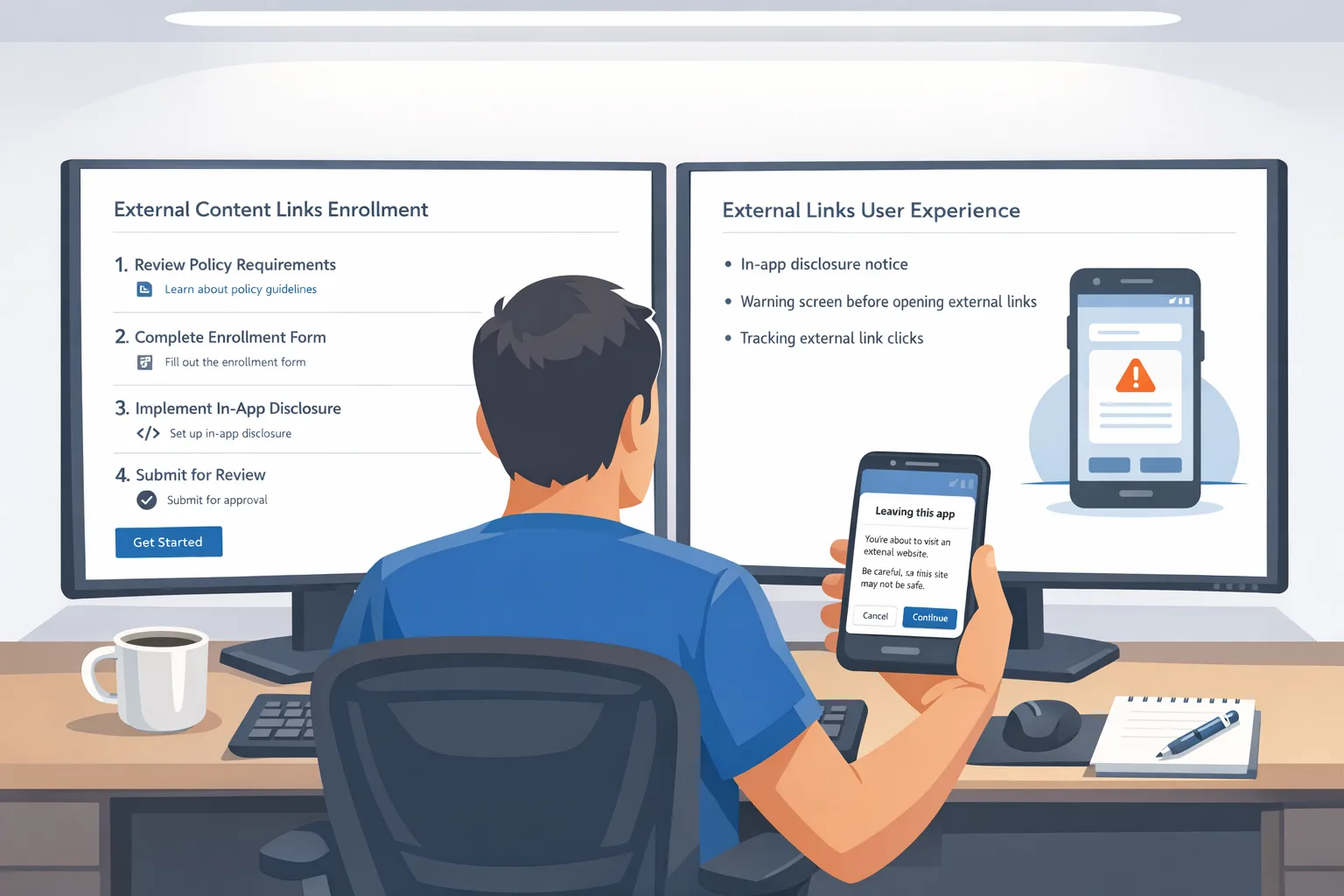
In Play Console, enroll in External Content Links and/or Alternative Billing for your package name. Register every external link destination you’ll use—both web checkout endpoints and external download landing pages. Google will review these, and unregistered links can be blocked.
3) Implement the Play info screen and launch flow
Use the provided APIs to show Play’s information screen before sending the user to the external URL. Launch flows return a token for attribution and reporting—store it securely with the user’s session or order context.
4) Report transactions and installs
For qualified external purchases, report the transaction using the token. For subscriptions, ensure your server reconciles trial starts, renewals, and cancellations. For external downloads, wire up server-side event collection so you can prove install timing windows if there’s a dispute.
5) Harden identity, fraud, and receipts
External links push more risk to you. Add SCA-ready payment methods, rate limit checkout endpoints, and double down on receipt verification. Your customer support team will need a refund matrix that differentiates web-processed payments from Play‑processed payments.
6) Keep UI honest
Don’t bury prices or hide taxes. Use clear CTA copy and neutral styling on the path out of your app. Dark patterns invite policy reviews you don’t want. If you market lower prices off‑Play, be prepared to honor those consistently.
7) Feature-flag the economics
Ship flags for: showing external links, pricing deltas on web vs in‑app, subscription coupons, and install-attribution windows for external downloads. Keep the behavior on a server-configurable switch.
People also ask: do I still owe Google if I process payments on the web?
Yes, if the purchase qualifies under the program rules while your app continues to benefit from Play services. That’s why modeling matters. Many teams still win with subscriptions and long-lived cohorts where 10% ongoing service plus your processor rate beats the friction and share of standard in‑app billing.
People also ask: should I link to external downloads or only to web checkout?
Most consumer apps avoid external downloads initially because the per-install fee can erase gains unless your CAC and retention are exceptional. Games can make external downloads work if the downstream LTV is high and you’re disciplined about targeting. For everyone else, start with web checkout for subscriptions and perpetually-owned premium features.
People also ask: what about age ratings and teen flows?
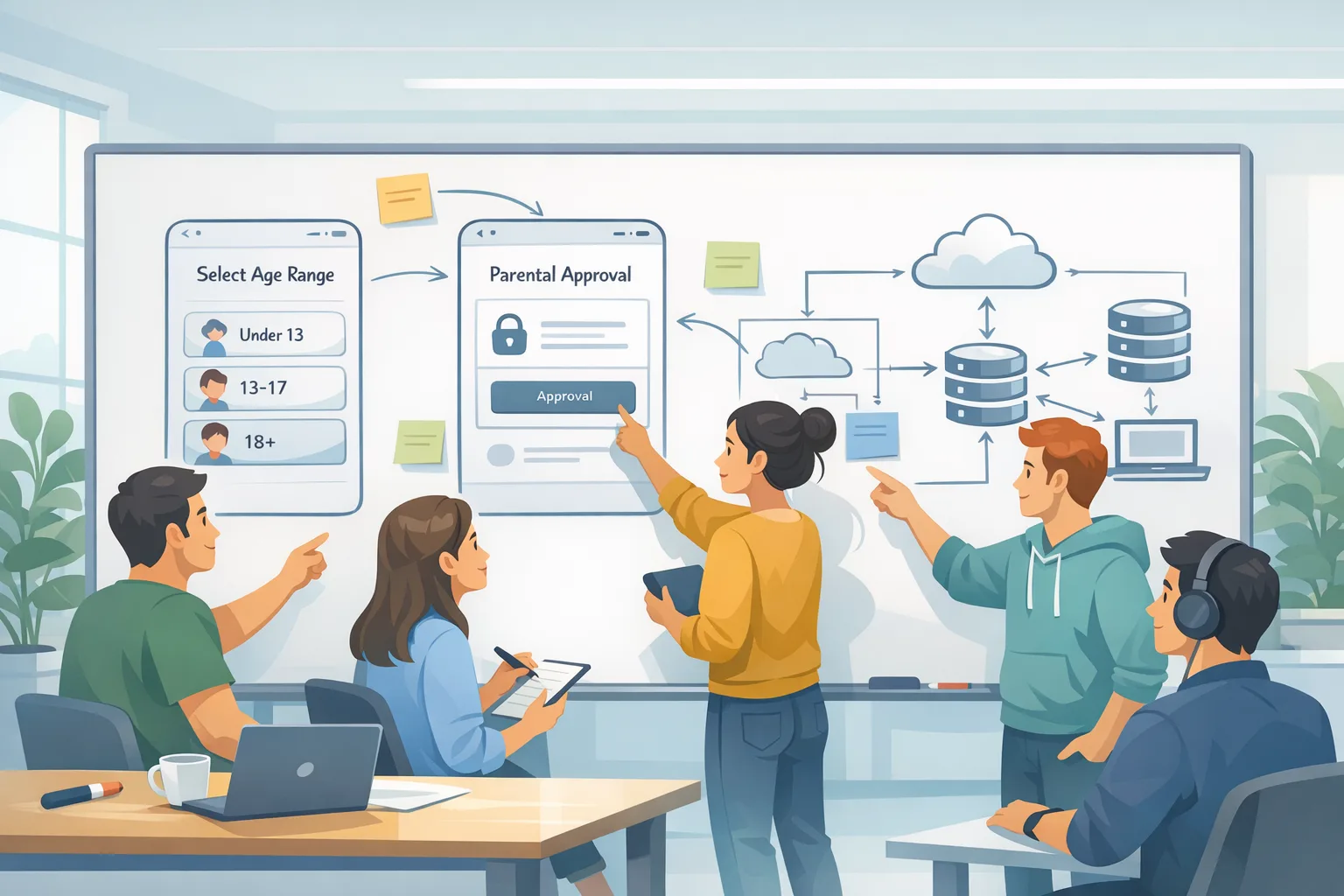
If your Android app has teen users, align your content labeling and parental controls across platforms. Apple’s age-rating updates take effect January 31, 2026 and your Product, Trust & Safety, and Legal teams should be in the same room. We’ve published a 7‑day plan for that change here: App Store age ratings: your 7‑day ship plan.
A decision framework you can run in a single meeting
Use this fast triage to decide where to start:
• If subscription LTV >= 6× first-month net revenue and churn <= 6% monthly, prioritize external web checkout for subscriptions. You’ll likely beat in-app economics over a one-year horizon even after ongoing service + processor fees.
• If one-time purchases dominate and AOV < $15, stick with in-app billing for now. The extra friction of external links and a higher non‑subscription rate can cancel gains unless you can raise AOV via bundles or tiers.
• If games drive your business, build a small external-download pilot with a strong cohort (e.g., high-value retargeting or influencer traffic) and watch the per‑install fee against 90‑day LTV. Scale only if the math stays green after refunds and chargebacks.
Compliance and UX pitfalls to avoid
• Unregistered links: If a link isn’t declared in Play Console, expect rejections or runtime blocks.
• Incomplete reporting: Failing to report external transactions tied to program tokens invites enforcement and unexpected invoices.
• Muddled receipts: When customers ask for refunds, you need a crisp split between web-processed and Play-processed orders—and staff tooling to issue the correct type without double-refunds.
• Dark patterns: Friction tricks on the way back to in‑app billing or excessive nudges away from Play will get flagged. Keep copy neutral and transparent.
• Poor fraud hygiene: Web checkout without velocity checks, reCAPTCHA/turnstile, and device risk signals is asking for losses you won’t see until month-end.
Let’s get practical: a 7‑step “ship this week” plan
1) Baseline your library: update to PBL 8.2.1+ for external links; use 8.3.0 if you’ll test developer‑provided billing in‑app. Confirm no transitive deps are pinning older versions.
2) Enroll and declare: complete program enrollment, register every external link and download target, and add a smoke-test build to internal testing in Play Console.
3) Implement the info screen launch flow: wire the dialog, handle the token, and serialize context to your server.
4) Build server-side reporting: accept transaction/install callbacks, map tokens to orders, and store audit fields (timestamps, user, SKU, country, campaign, device class).
5) Price test safely: if you’re discounting off‑Play, do it explicitly for subscriptions first. A/B test marketing copy, not just price. Monitor upgrade/restore paths.
6) Support and refunds: update macros, train agents, and expose a self‑serve portal that knows which payment rail the customer used.
7) Finance switchboard: keep fees, rates, and windows in a config document your business can change without a build. Your job is to engineer flexibility, not predict policy.
Numbers you’ll reference a lot
• Enrollment and compliance: U.S. enrollment opened December 2025, with a January 28, 2026 compliance date for external links and alternative billing.
• Library versions: PBL 8.2.1 stabilizes external links; PBL 8.3.0 introduces external payments APIs. Most modern stacks should move to 8.3.0 to avoid rework.
• Fees to model: initial acquisition (~3% within six months post‑install), ongoing service (~10% for subscriptions; higher for one-time digital items), and per-install fees for external downloads (plan figures around $2.85 for apps and $3.65 for games within a 24‑hour window after click until final U.S. tables are posted).
Edge cases and real-world gotchas
• Family and supervised accounts: If you have teen users, verify that your external checkout honors parental consent and content restrictions across platforms. We’ve covered new Apple requirements here too: age verification in 2026.
• Attribution collisions: If your marketing stack claims credit for a web purchase and so does Play’s program token, your finance team needs reconciliation logic to avoid double-counting and mis-billing.
• Trials and intro offers: Make sure your web subscription system normalizes trial starts and cancellations the same way as Play, or your churn analytics will be trash.
• External download UX: If you do link to an external installer, feature-detect unknown sources and present a clean, instructive flow. Confused users churn; churning users turn into expensive support tickets.
Where we’ve seen wins (and where we haven’t)
Wins: subscription-heavy consumer apps that pair external links with clearer web pricing, smarter bundling, and better receipt email journeys. Wins: education and productivity products with business buyers who prefer invoices and corporate cards on the web. Mixed results: impulse-driven microtransactions where the extra step kills conversion. Risky: external downloads for broad, top-of-funnel cohorts that won’t monetize within the fee window.
If you need a gut check on your case, we’ve shipped this flow for clients across multiple verticals. Browse a few of our relevant projects and approach in our portfolio and services overview, or reach out—this is what we do.
What to do next
• Product: Decide which SKUs move to web checkout first. Pick a subscription tier or a high-AOV upgrade that benefits from long-form copy.
• Engineering: Update to PBL 8.2.1+ (or 8.3.0 if testing developer billing), enroll, register links, build the info screen flow, and wire reporting.
• Growth: Launch a small cohort test (existing users via in-app message, not just new installs), measure conversion delta and refund rates, then expand.
• Support: Update macros and workflows. Give agents refund controls for both rails.
• Legal/Finance: Document fee assumptions, create a rate table with start and review dates, and schedule a quarterly policy review. Keep feature flags ready.
If you want a partner who already has the templates and instrumentation, talk to us. Our Android monetization and compliance service packages are scoped for fast, low-risk launches, and we publish playbooks regularly on the Bybowu blog.
Bottom line
Google Play external links give you more control over pricing and funnels, but not a free pass on fees. Ship a compliant baseline with strong reporting, start with subscriptions, and keep your economics on a server-side dial. The teams that win in 2026 won’t be the ones who waited for perfect clarity—they’ll be the ones who built flexible systems and iterated with real data.


Comments
Be the first to comment.