2026 App Store Age Ratings: Developer Blueprint
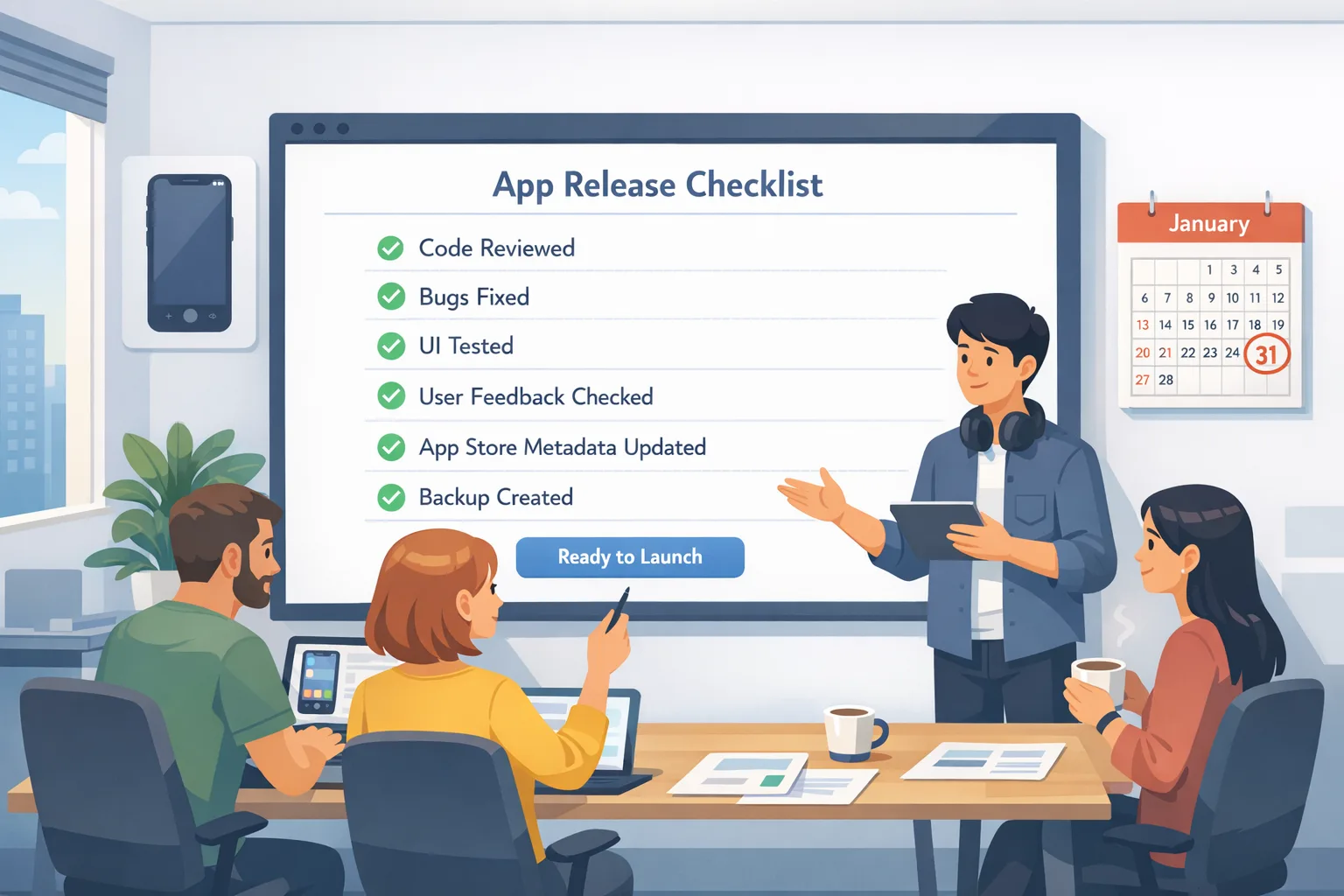
If you build for Apple platforms, App Store age rating 2026 isn’t a press release—it’s a release blocker. Apple automatically reassigned ratings for every app and added new tiers, and developers were required to answer updated questions in App Store Connect by January 31, 2026. Miss it, and your updates can be halted until you comply. The new ratings show on devices running iOS 26, iPadOS 26, macOS Tahoe 26, tvOS 26, visionOS 26, and watchOS 26. (developer.apple.com)
What actually changed with App Store age rating 2026?
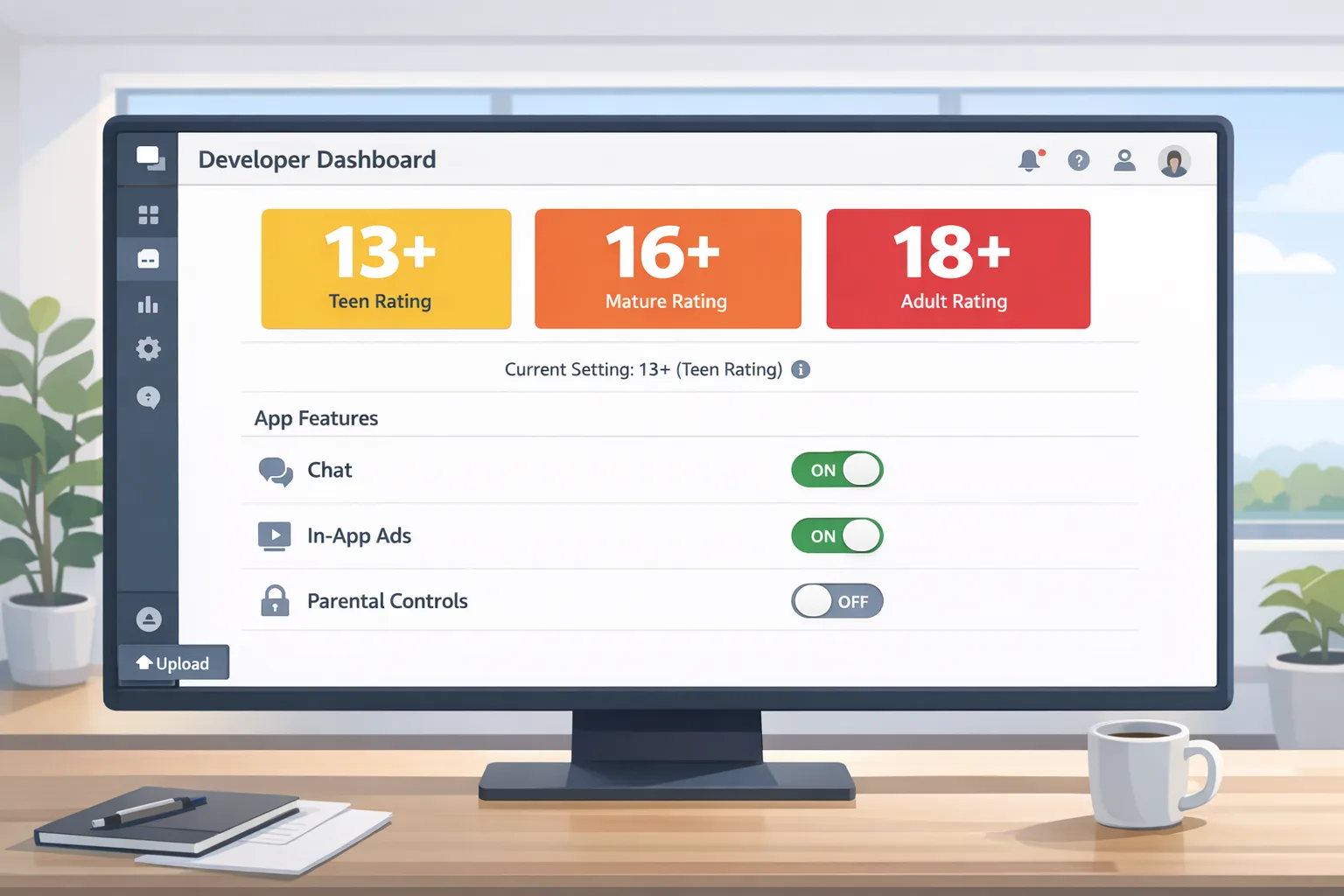
Apple replaced the teen split with more granular controls: 13+, 16+, and 18+ join the existing 4+ and 9+ tiers. Apple also pushed an updated questionnaire covering in-app controls, capabilities, wellness or medical content, and violent themes. The assignment was auto-applied, but you must confirm the new answers in App Store Connect before shipping further updates. (macrumors.com)
Here’s the thing: the update is both policy and product. It’s not just a form. Your app’s UX, content toggles, and parental tooling need to reflect the rating you claim—especially if you ship user-generated content, AI chat, or multiplayer features that can surface sensitive material.
State laws are moving targets—plan for change without over-collecting data
Texas’s App Store Accountability Act (SB 2420) was slated to require age verification and parental consent for minors starting January 1, 2026. A federal judge issued a preliminary injunction on December 23, 2025, pausing enforcement; litigation continues, and appeals are possible. Build so you can flip controls by region without hard-wiring state-specific logic. (macrumors.com)
Meanwhile, other states are testing similar waters. An Alabama bill advanced in late January 2026 would mandate app store age checks, parental consent links, and even real-time developer access to age/consent data—provisions that developers argue are overbroad. Expect more proposals and amendments through 2026; design your architecture to adapt. (axios.com)
On Apple’s side, the company has signaled privacy-preserving approaches for apps to understand user age ranges and build age-appropriate experiences, including a Declared Age Range capability announced alongside broader developer tools. If you need age-aware experiences, prefer range-based signals over collecting exact dates of birth. (apple.com)
The 14‑day compliance sprint (use this with your team)
This sprint assumes you already target Apple’s required SDKs and can ship a point release within two weeks. If you’re blocked, use this as your next iteration plan.
Day 1–2: Confirm the ground truth
- Open App Store Connect → App Information → Age Rating. Complete the new questionnaire for each SKU and platform. Document rationale for each answer.
- Snapshot prior ratings and the new assignments. Note any deltas that impact merchandising, parental controls, or ad placements.
- Align on the minimum supported OS and SDK per Apple’s requirements if you slipped during the holidays. (developer.apple.com)
Day 3–5: Product gating and UX guardrails
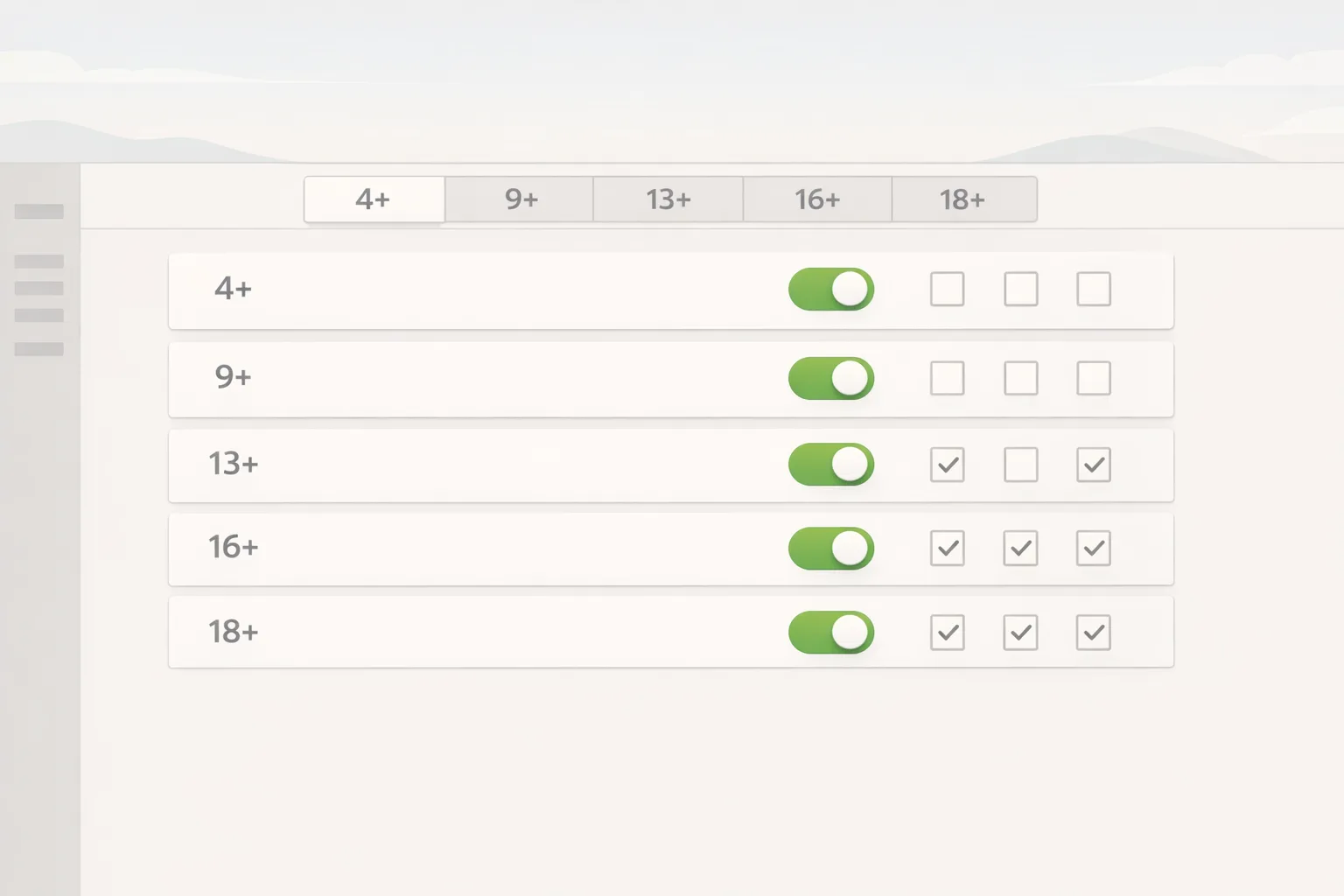
- Map features to rating tiers. For example, public chat, mature UGC topics, or realistic violence should be unavailable at 13+; some may be time-gated, opt-in, or wrapped in stronger filters at 16+.
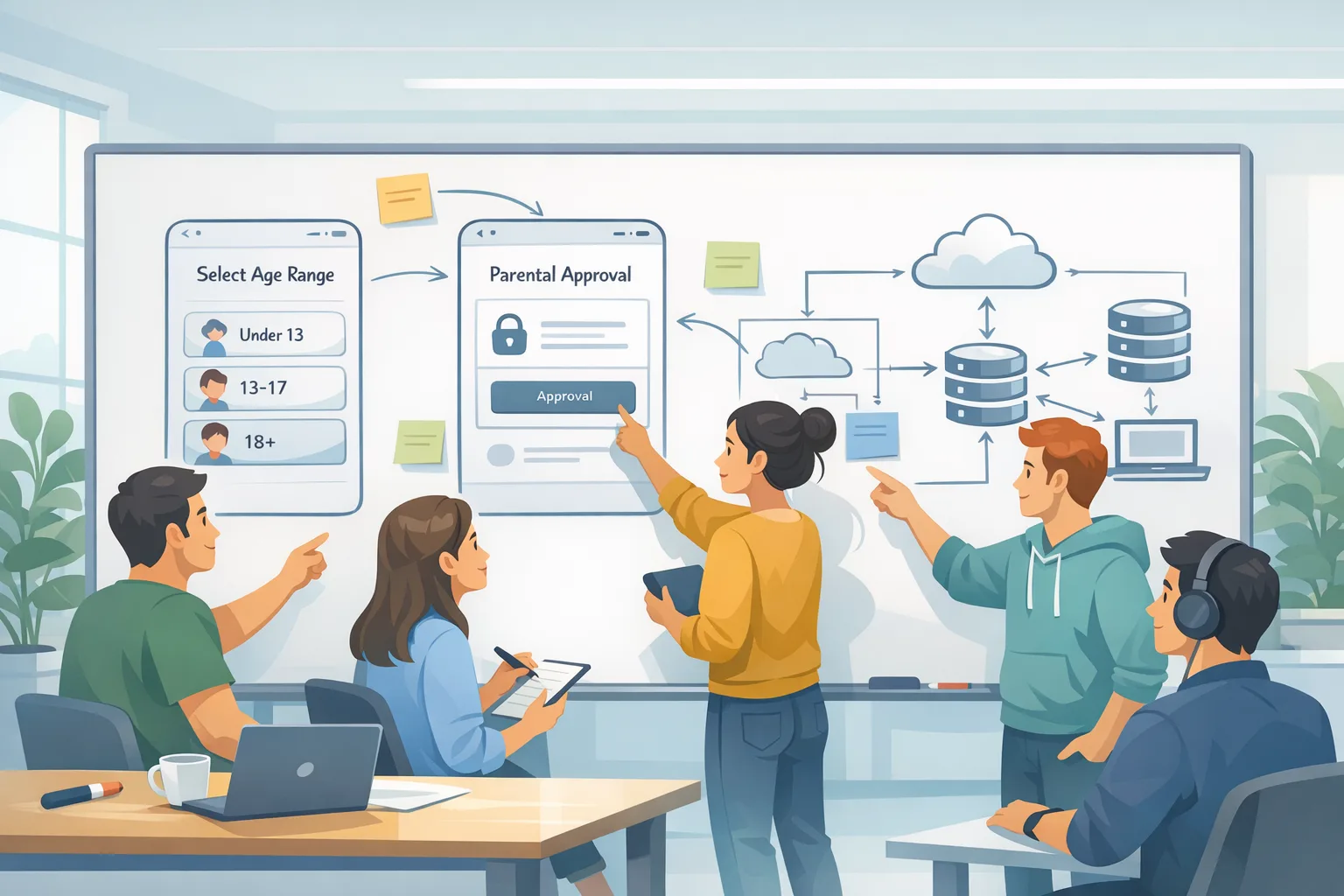
- Add an internal “ageTier” capability flag that can be fed by Apple-provided range signals if/when a parent shares them, else default to conservative UX.
- Instrument parental controls: PINs for sensitive toggles, a parent-only settings screen, and an audit trail of changes.
Day 6–8: Content and policy alignment
- Moderation: retrain classifiers and expand blocklists for the 13+ and 16+ experiences. Update escalation SOPs for child safety reports.
- Ads/commerce: ensure ad networks and in-app events align with the new rating. Disable inappropriate ad categories for under-18 flows.
- UGC: require stronger default filters for media uploads from minors; consider disabling DMs or limiting them to approved contacts at lower tiers.
Day 9–11: Engineering the toggles
- Introduce a single “Age Policy Provider” module that returns allowed capabilities based on region, parent signals, and app rating.
- Externalize policy to a remote-config service so you can react to legal changes (e.g., switch to stricter consent in a state) without a resubmission.
- Add observability: metrics for age-tier access denials, parental consent status, and attempted feature use beyond the current tier.
Day 12–14: Ship and verify
- Run a forced migration path that re-evaluates a user’s tier at next launch and shows a one-time “What changed and why” explainer.
- Pre-approve release notes with legal. Submit. If you were blocked for missing the questionnaire, completing it should unblock submission. (developer.apple.com)
“Do we need to implement age verification if our app is 4+?”
Probably not today. Apple’s global stance is rating-driven and privacy-preserving rather than mandatory ID checks for every app. Where laws mandate stricter checks, Apple has discussed age-range signals and consent tooling to reduce direct collection by developers. Keep your architecture ready to consume Apple-provided ranges, not birthdates, and gate features accordingly. (apple.com)
“What happens if we missed January 31?”
You can still complete the questionnaire now; Apple indicated updates may be blocked until you do. Once your answers are in, resubmissions proceed normally. If your new rating changes merchandising or availability in certain regions, plan a staged rollout and in-app messaging to avoid user confusion. (developer.apple.com)
“Is the Texas law in force?”
As of February 2, 2026, it’s paused by a federal court’s preliminary injunction issued December 23, 2025. That can change, so keep your remote-config and consent flows ready to tighten in affected states on short notice. (macrumors.com)
Architecture that bends without breaking
Most teams overfit to a single policy and then scramble when one state flips a switch. Build an architecture that treats policy as data:
- Region rules: a JSON document describing account creation and consent requirements by state or country.
- Age tiers: a matrix defining which features are ON/OFF at 4+, 9+, 13+, 16+, 18+.
- Signals: a provider that accepts Apple’s declared age range when available, else defaults to conservative assumptions.
- Experiments: enable opt-in UX for 16+ or 18+ features only when signals support it.
Keep these decoupled from app binaries using server-side config and integrity checks so users can’t trivially bypass gates offline.
Data minimization: collect less, prove more
Resist the instinct to prompt for birthdates. If a parent opts to share an age range, respect the scope and don’t attempt to infer exact ages. Provide a clear in-app notice: what you use the signal for, how long you retain it, and how parents can revoke it. Apple’s communications emphasize range-based signals over raw PII; your privacy posture should mirror that. (apple.com)
Test like you mean it
Run this test matrix before you push to production:
- Accounts: new minor vs. adult; upgraded child to teen; family-managed vs. unmanaged.
- Platforms: iOS 26, iPadOS 26, macOS Tahoe 26; check platform-specific UI and settings.
- Regions: baseline (no extra laws), “strict” template (simulate a state that requires parental consent for all transactions).
- Flows: new install, upgrade from older build, sign-in switch, SSO with school or employer ID.
- Edge cases: no Family Sharing available; parent revokes consent; offline mode attempts to access restricted features.
Risks you should call out in your release review
- UGC surprise: models that summarize or generate content can surface age-inappropriate text or images under fringe prompts. Clamp model temperature and filter outputs in under-18 paths.
- Dark patterns: don’t bury parental controls. Make them discoverable and auditable.
- Merchandising mismatch: if your new rating is 16+ but your store editorial slot implies 13+, you’ll get complaints and higher refund rates.
- Regional drift: keep a weekly check on policy changes (injunctions, bills advancing, agency guidance) and log when you change server-side policy files.
Ground facts to keep handy in planning docs
- New age tiers: 4+, 9+, 13+, 16+, 18+. (macrumors.com)
- Developer action: answer the updated App Store Connect age-rating questionnaire; updates may be blocked until done. (developer.apple.com)
- Platform visibility: changes are reflected on iOS 26 family OSes. (developer.apple.com)
- State law volatility: Texas SB 2420 is paused by preliminary injunction (Dec 23, 2025); other states are exploring similar laws (e.g., Alabama bill progressed Jan 29, 2026). (macrumors.com)
- Privacy-forward direction: Apple has highlighted range-based age signals to avoid collecting birthdates in apps. (apple.com)
Implementation checklist (print this)
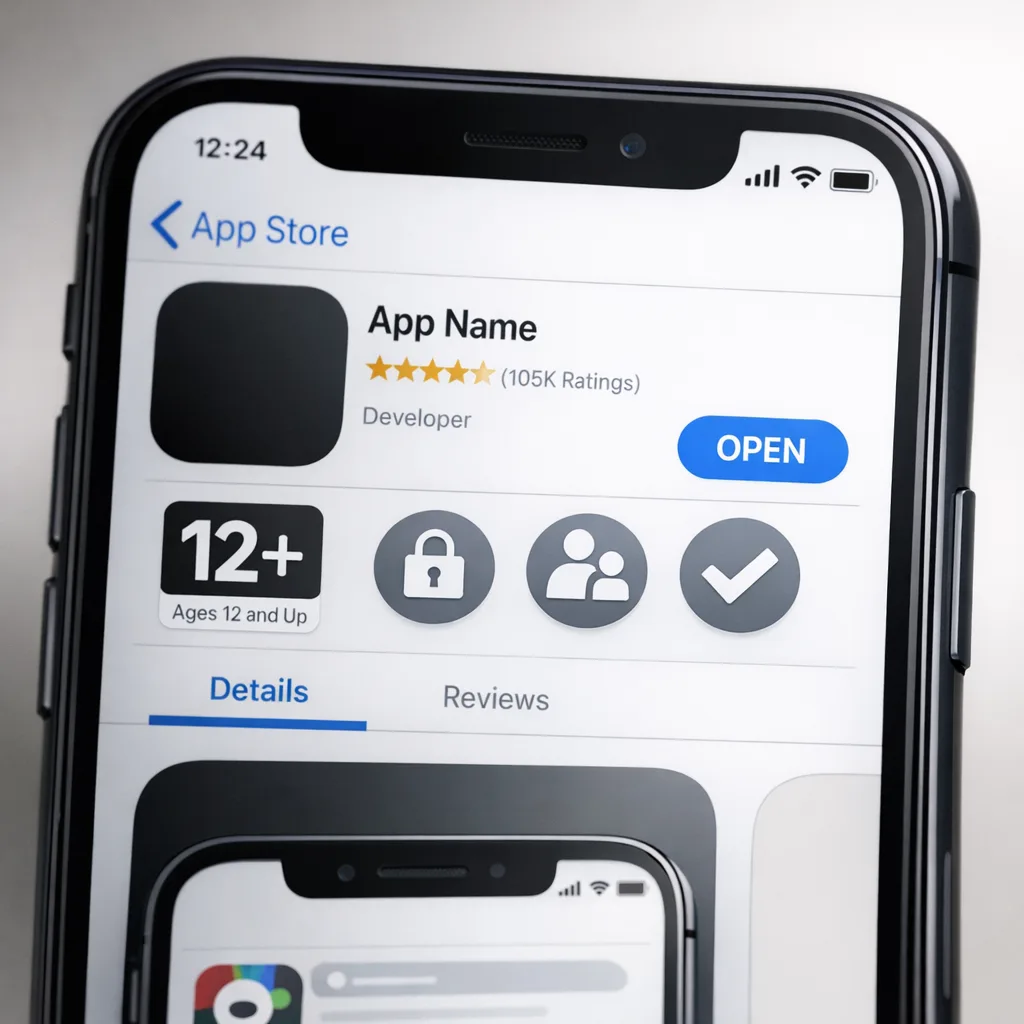
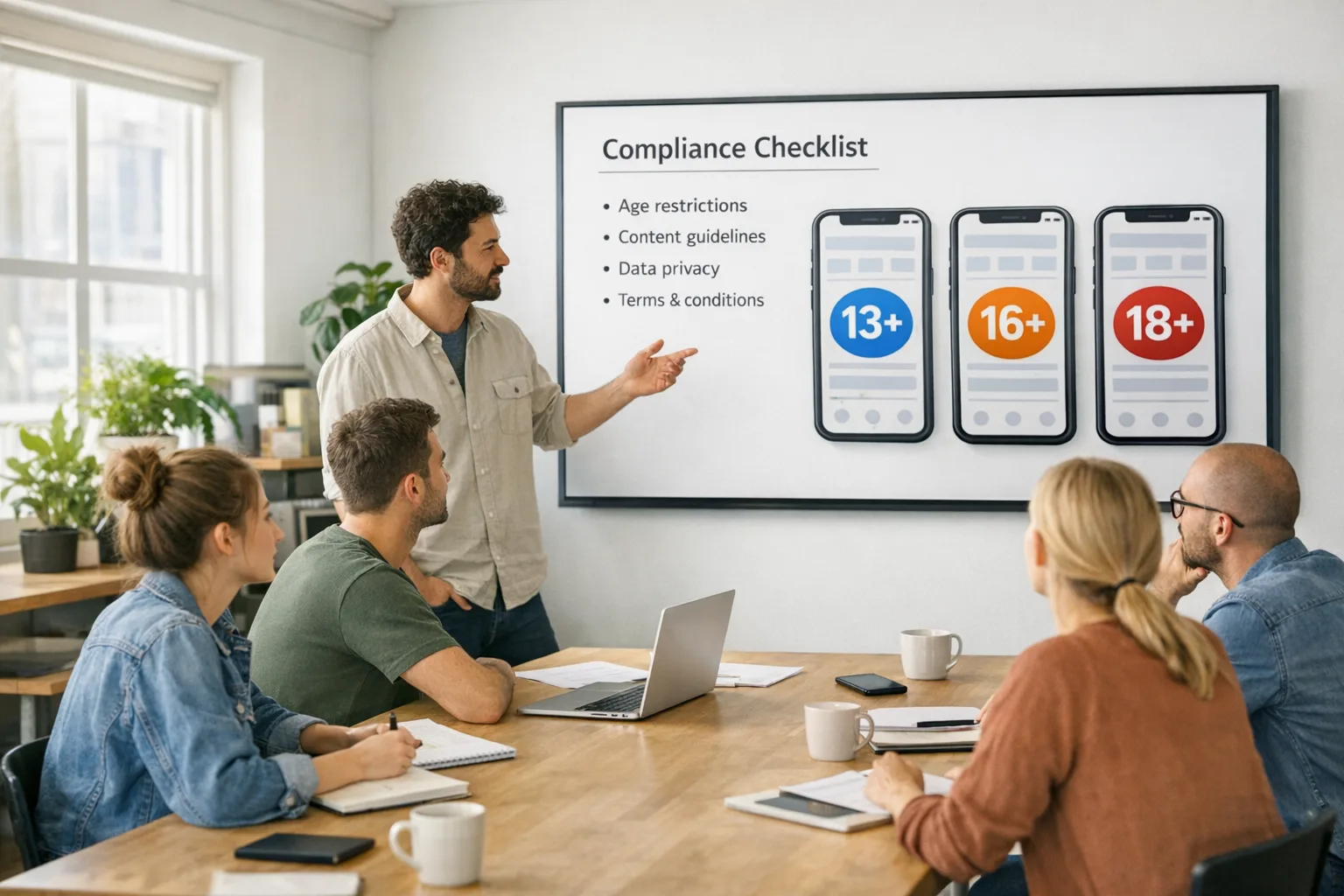
- Complete the App Store Connect questionnaire for each app and platform build target.
- Map features to age tiers; implement capability flags and UI toggles.
- Integrate a policy provider and remote-config to adjust by region without resubmission.
- Instrument observability for denials and consent states; log and alert.
- Update privacy notice and support docs; add a parent-facing FAQ inside the app.
- Run the test matrix; stage rollout; monitor crash and complaint rates by tier.
What to do next
- If you need a fast walkthrough, our age rating updates checklist covers the exact screens to click and common pitfalls.
- If you’re dealing with consent and state-by-state toggles, see our developer playbook for age verification.
- On tight timelines, bring in help. Our team has shipped age-aware experiences for regulated categories—see mobile app services and reach out via contacts.
Zooming out: this isn’t a one-off form. Treat ratings, consent, and age-aware UX as core product surfaces. If you wire them as configuration, not code, your app stays shippable when laws zigzag—and you keep your promises to parents and teens.

Comments
Be the first to comment.