
App Store Age Verification 2026: Build It Right
Apple’s App Store age verification 2026 push is no longer theoretical. As of January 31, new age rating categories and App Store Connect questions are live, and reviewers are looking for privacy-first, working age assurance—especially when your product touches user-generated content (UGC), messaging, or mature features. If you’ve been treating age as a marketing preference, it’s time to treat it like a security and compliance surface.
This guide distills what changed, what App Review expects, and a practical architecture that keeps you compliant without hoarding sensitive data you don’t want. We’ll cover Apple’s newer building blocks like the Declared Age Range API, how to gate risky features, and the traps I’ve seen teams fall into while racing to meet deadlines.
What changed on January 31, 2026?
Three shifts matter for most app teams:
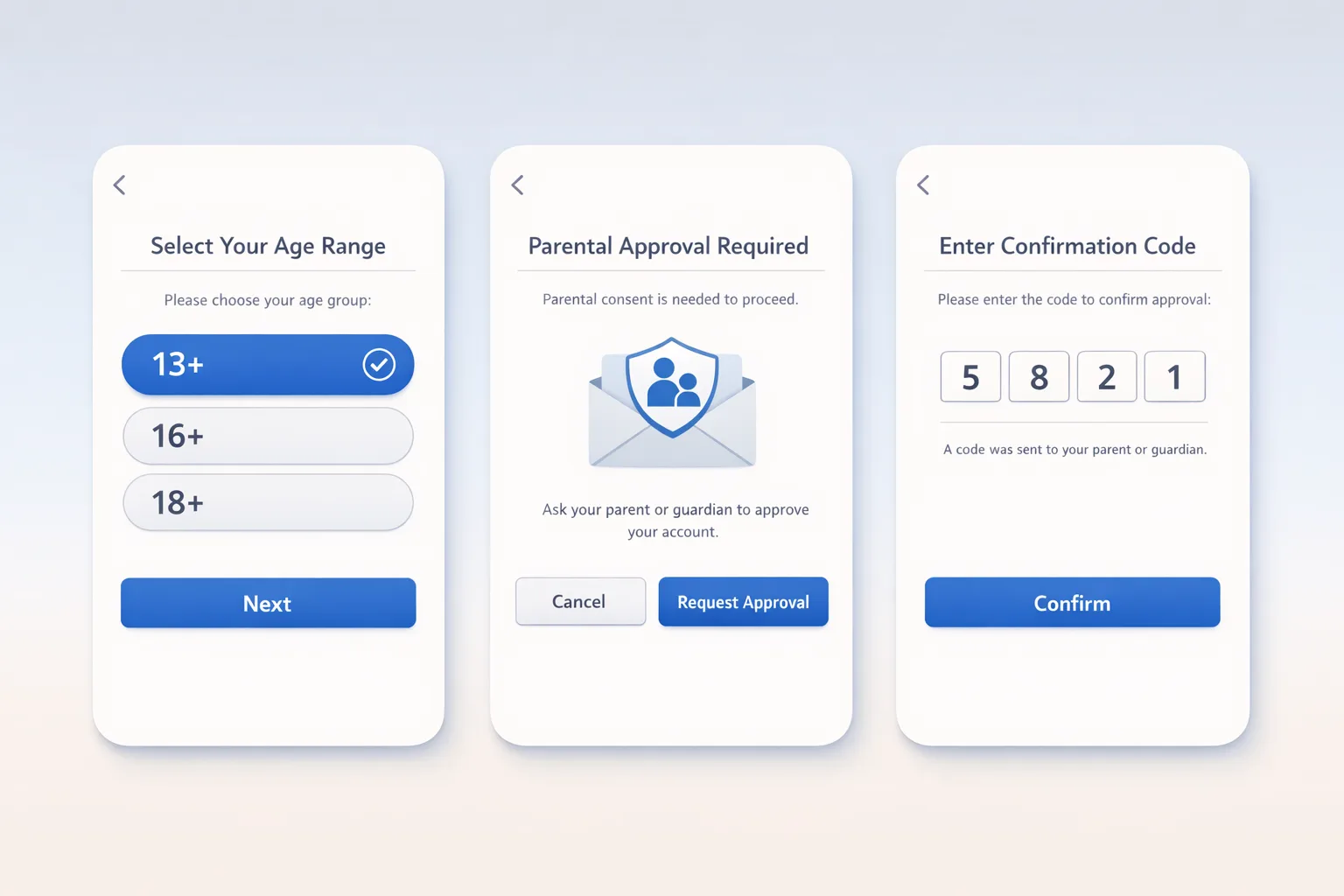
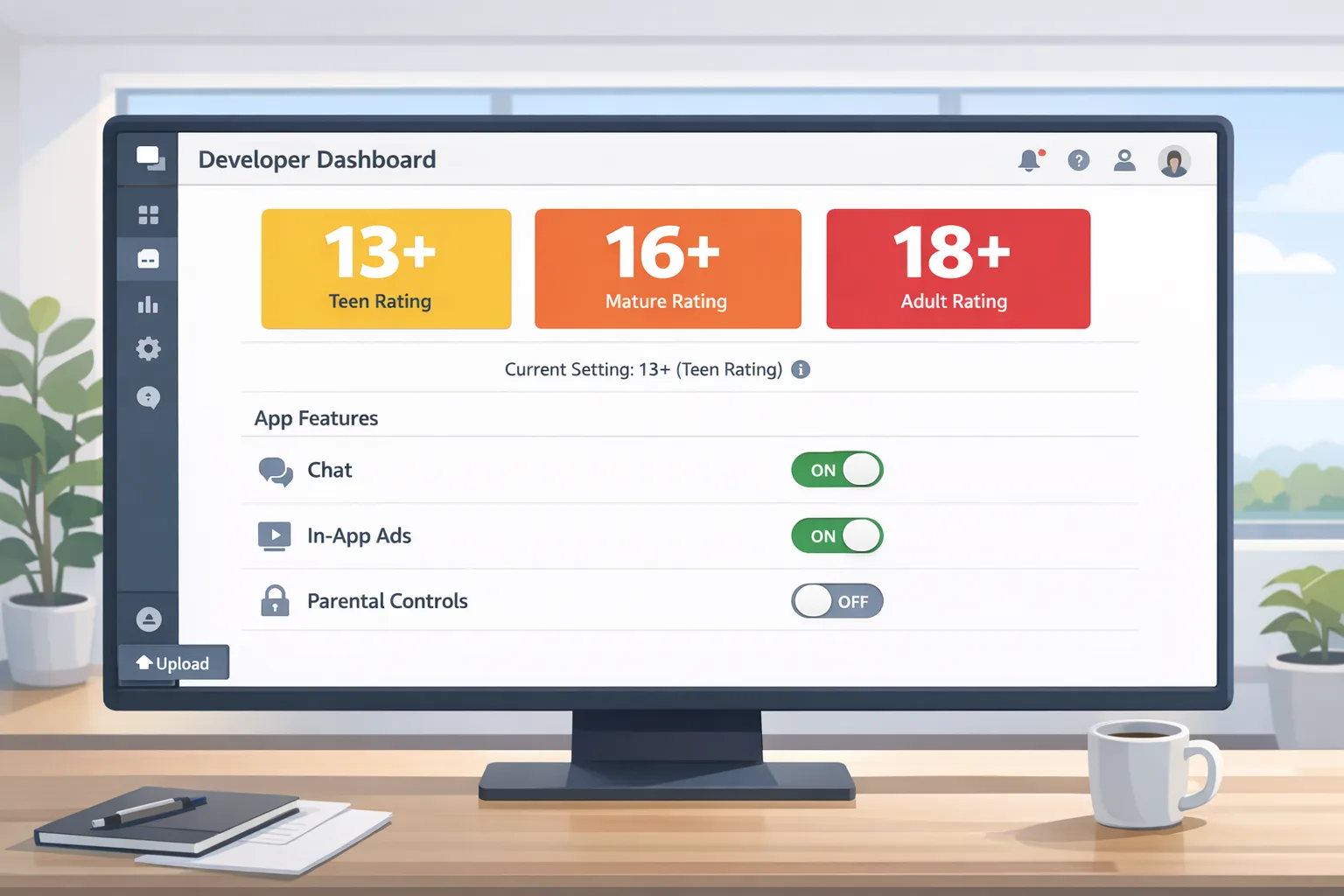
First, App Store age ratings are now more granular. Beyond “17+,” you’ll see adolescent-focused categories like 13+ and 16+ along with 18+. These ratings are integrated across Apple platforms and wired into Screen Time and parental controls. That means your listing isn’t just marketing; it informs whether your app even appears on-device for some users.
Second, Apple updated the App Store Connect questionnaire. You must answer new content and capability questions—think UGC, messaging, and ads—to keep submissions flowing. Review looks for alignment between your answers, product page disclosures, and in-app behavior. If you say “UGC with robust controls,” they’ll try to find the report button and moderation policy. If you say “no advertising,” they’ll look for SDK fingerprints and cross-promo surfaces.
Third, Apple introduced and is encouraging use of privacy-preserving signals like the Declared Age Range API. Instead of collecting birthdays, you can request an age range from the device under parental oversight for child accounts. Expect reviewers to ask how you determined eligibility for mature features and why you need anything more precise than a range.
What does App Review actually expect now?
Here’s the thing: App Review doesn’t want your users’ birthdays. They want to see that you don’t expose higher-risk features to people who shouldn’t access them and that your disclosures match what the app really does.
Concretely, for apps with UGC, messaging, or sensitive content, reviewers will expect:
- A clear entry flow that checks age in a privacy-preserving way (age range, not full DOB).
- Feature gating tied to those ranges (e.g., no open DMs for under-16, stricter UGC defaults for under-18).
- Visible safety controls: report/block, content filters, and how to escalate if something goes wrong.
- Product page disclosures that match your actual capabilities and in-app parental controls if you claim them.
If your team leans on a “we’re 17+ so we’re safe” mindset, you’ll struggle. Ratings inform eligibility, but they don’t replace in-app controls when your features create risk.
Use the Declared Age Range API before anything else
If you only adopt one change, make it this. The Declared Age Range API lets you request an age band from the user’s account, with parents in control for child accounts. You get what you need—eligibility, not identity—without storing birthdates or images. That’s a win for privacy and a win for funnel conversion because people are far more likely to share a range than a passport photo.
Design your onboarding so the age range is requested exactly when you need it to unlock riskier features. Don’t hard-block app launch unless your core experience truly requires it. Graceful degradation is a hallmark of products that pass review and retain users.
Architecture: a privacy-first age assurance blueprint
Below is a pragmatic reference design I’ve shipped with teams handling UGC and lightweight messaging. It balances compliance, safety, and performance without turning you into a data custodian of last resort.
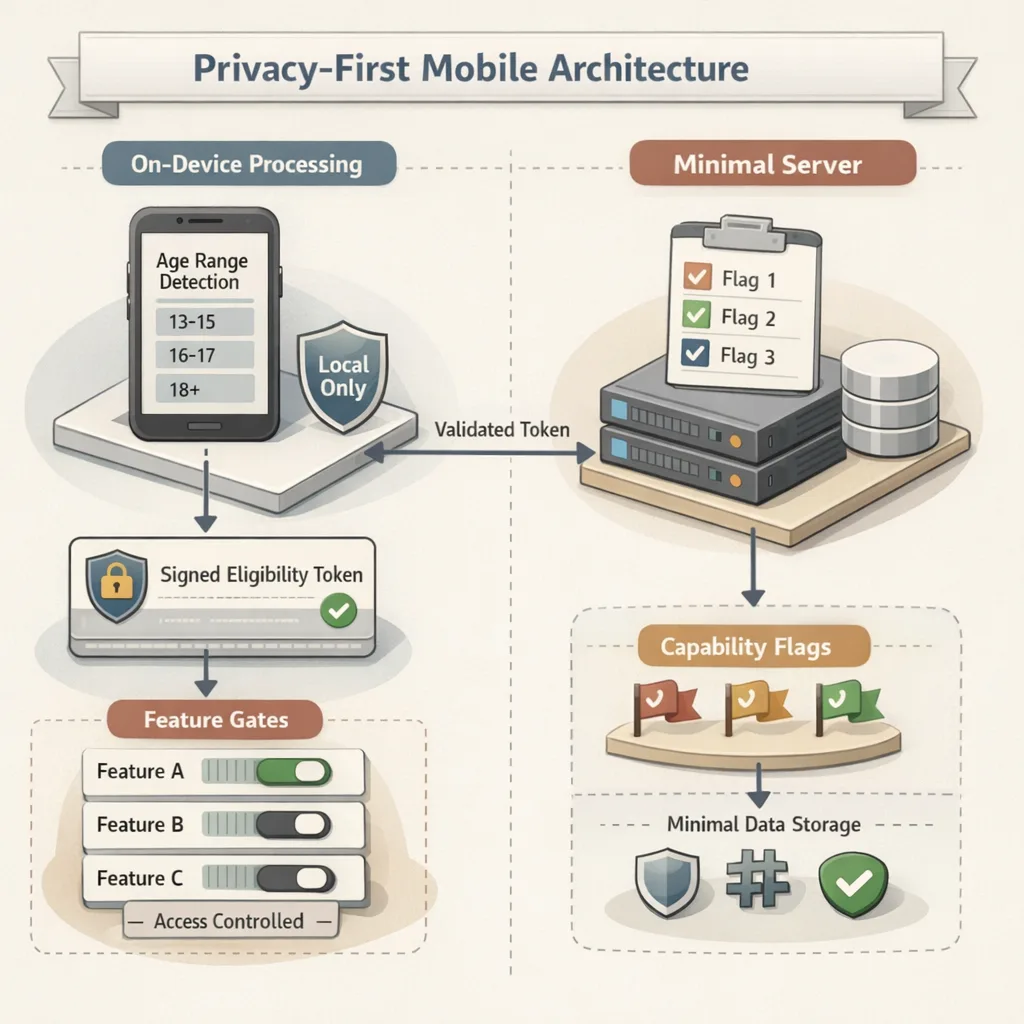
1) On-device first, server-light
Request the Declared Age Range on-device and cache a short-lived, signed eligibility token. Your server should never need a birthdate, and rarely even a persistent age band. Instead, trust-but-verify the token on each privileged action (e.g., creating a public post, initiating a new DM).
Store the minimum necessary: a boolean or enum (e.g., under-13, 13–15, 16–17, 18+) plus a timestamp and the fact that it came from an on-device declaration. If the user changes accounts or parents revoke sharing, you must gracefully downgrade privileges.
2) Feature gating, not walls
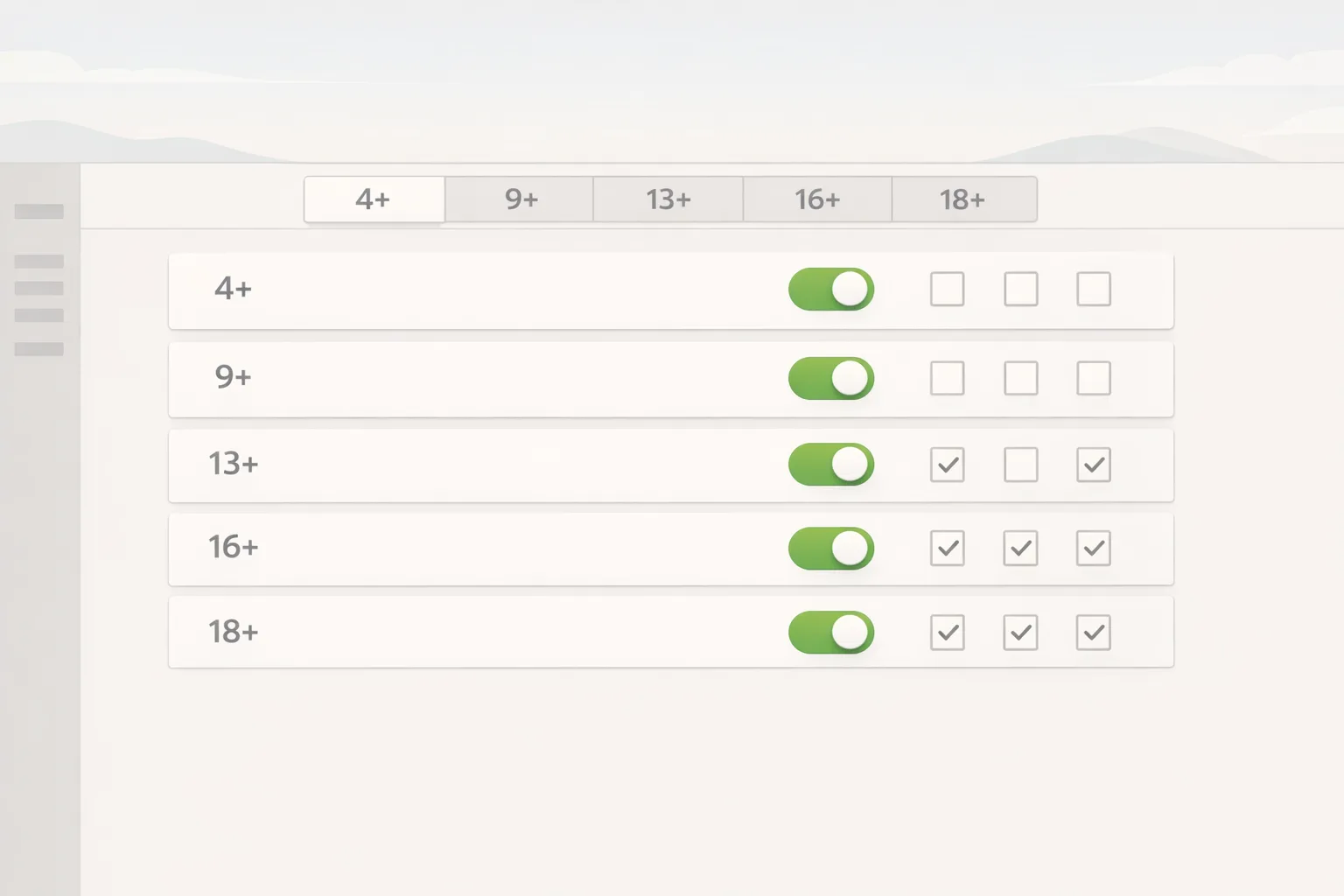
Tie capabilities to ranges:
- Under 13: disable public posting and open DMs; default to private profiles; require parental approval for follow requests if your app enables social graphs.
- 13–15: allow limited posting with heavy defaults: private by default, no link sharing, no discoverability; report and block always visible.
- 16–17: unlock more discovery with opt-in controls; warn before enabling public visibility; persistent nudges for safety.
- 18+: full feature set, but still enforce report/block and content filters. “Adult” is not “unsafe.”
Map each capability in your code to an eligibility check that uses the token, not raw age. This indirection helps you evolve logic without rewriting every call site.
3) Parental involvement where it matters
For child accounts, integrate system-level parental controls and seek lightweight, in-app confirmations instead of custom identity checks. If your feature truly requires guardian consent (say, enabling public comments), request it in-flow with clear context and a one-tap allow/deny. Avoid email-based consent loops that create review friction and user drop-off.
4) Avoid PII traps
Skip document scans unless your use case is legally regulated (e.g., licensed gambling, certain fintech). If you must use third-party age assurance, keep it off-device, store only the provider’s attestation, and make sure your privacy policy spells out retention and revocation. Most consumer apps can meet Apple’s expectations without touching IDs or face images.
5) Align product pages, SDKs, and policy
Your App Store product page now surfaces whether you have UGC, messaging, ads, or in-app content controls. If you toggle these capabilities, your app must implement them credibly. Example: if you declare “UGC with moderation,” reviewers will try to post something and then report it. If your moderation is a dead email link, expect rejection.
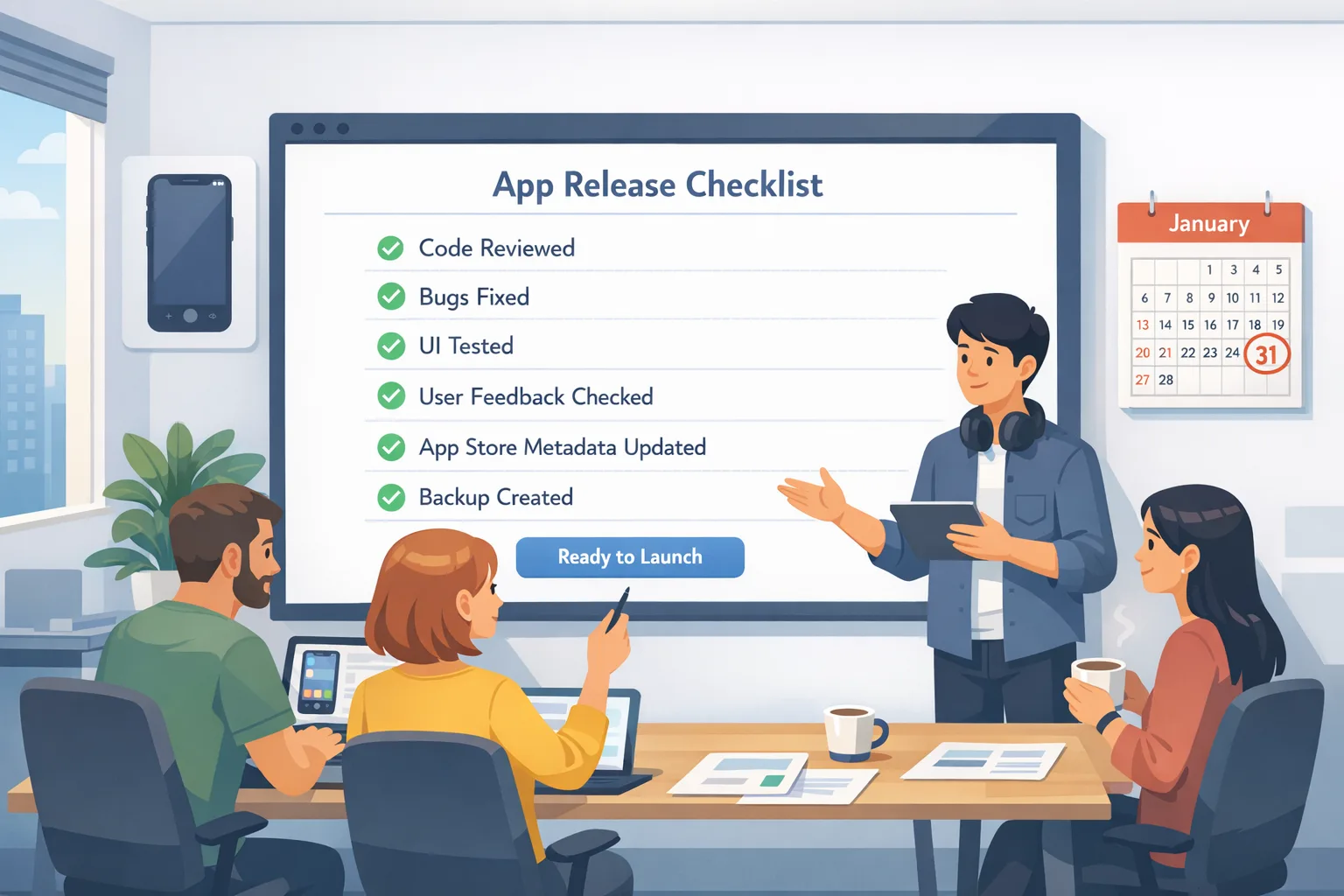
Checklist: a 10-step plan you can ship in two sprints
Here’s a blunt, practical path I give teams under deadline. Treat it as a sprint board:
- Audit features by risk. List UGC, DMs, external links, live streams, and ads. Tag each with the minimum eligible age band.
- Wire up Declared Age Range. Request it only when a user crosses into a riskier feature. Cache a signed eligibility token on-device.
- Build eligibility middleware. Centralize checks server-side and client-side. No direct calls to “isAdult”; use capability gates: canCreatePublicPost, canStartDM, canViewMature.
- Gate risky settings. Hide or disable toggles like “public profile,” “discoverable,” or “send links” until the token allows it.
- Add visible safety controls. Report/block on every profile and message thread; quick mute; context-specific nudges.
- Moderation pipeline. At minimum: keyword filters, media scanning queues, and a 24–48 hour SLA for escalations. Document this for review notes.
- Product page alignment. Update App Store Connect answers, app age rating, and disclosures (UGC, messaging, ads, parental controls).
- Privacy policy updates. Explain your age assurance approach, data minimization, and retention. Plain English, not legalese soup.
- QA matrix by age band. Test fresh installs and upgrades for under-13, 13–15, 16–17, 18+. Verify default settings, discoverability, and that downgrades work when sharing is revoked.
- App Review notes. Preempt questions: which features are gated and how, where the report button lives, and whether you store PII. Include a test account per age band if feasible.
People also ask: Do I need face scanning or IDs?
Usually no. For the vast majority of consumer apps, you can satisfy Apple using the declared age range plus solid capability gating and safety controls. Face scans and IDs introduce privacy and compliance overhead you probably don’t want—and reviewers don’t require—unless your category is regulated. Keep it minimal and explain your rationale in review notes.
How should I handle 13+, 16+, and 18+ content tiers?
Think relative risk, not absolute censorship. For 13+, default to private and restrict link sharing. For 16+, allow opt-in discovery with guardrails. For 18+, allow everything your product needs but keep moderation and reporting prominent. These tiers should match the app’s declared age rating and your product page disclosures.
What about cross-platform parity with Android?
The safest approach is to design your capability gates in a platform-agnostic way and drive them via server-configured policies. On Android, implement an equivalent age range or rely on storefront ratings plus your own in-app controls. Users should have a consistent experience: if DMs are gated at 16+ on iOS, match it elsewhere unless the local store rules force a difference.
Edge cases that trigger rejections
I see the same tripwires across teams. Avoid these and you’ll save a week of back-and-forth with App Review:
- Public sharing before eligibility. If a user can post publicly or share links before you verify an age range, expect scrutiny.
- Invisible safety controls. Hiding report/block inside a profile settings submenu is a rejection magnet. Put them where incidents happen: message threads, comments, and profiles.
- SDK surprises. Some ad or analytics SDKs reveal capabilities you said you don’t have. If you declare “no ads,” remove ad SDKs entirely from the build flavor sent to review.
- WebViews without gates. If your app launches web content that circumvents your in-app gates, you haven’t solved the problem. Apply the same eligibility checks to outbound links and embedded web content.
- Storing birthdays. Unless you’re in a regulated vertical, this is unnecessary risk. Use ranges and tokens.
Testing: a practical QA matrix
Create four deterministic profiles—under-13, 13–15, 16–17, 18+—and script the following. Fail any step and fix before submission:
- Onboarding: Can you enter the app without an immediate hard block? If not essential, request the range at the feature boundary.
- Discovery: Do search, recommendations, and profile visibility change by range? Confirm defaults and opt-in prompts.
- Messaging: Validate DM initiation rules (e.g., followers only for under-16). Confirm report/block are one tap away.
- Posting: Confirm who can post publicly, who gets private-by-default, and whether link sharing is restricted for younger ranges.
- Revocation: When parents stop sharing age range, do privileges downgrade without data loss or crashes?
- Upgrades: Test from the previous app version. Your new gates must apply to existing users too.
Align your listing with your product
Your App Store page isn’t static. If you have UGC, messaging, or ads, disclose them and describe your in-app controls. Reviewers increasingly test the claims on your page. If you say you allow parental control over messaging, show where that control lives. If you say your app avoids tracking, make sure SDK behavior and privacy nutrition labels align.
Need a deeper dive on aligning messaging, UGC, and safety systems with the new rating scheme? We covered the policy side in our guide on age rating updates shipping now and the engineering checklists in what devs must ship for 2026. If you’d like help shipping this in weeks, not months, see our services for mobile teams or reach out via contact channels.
Security and privacy posture: keep your blast radius small
Age assurance touches sensitive flows. Reduce your liability footprint:
- No raw PII. Prefer on-device signals and ephemeral tokens. If you must collect sensitive data for a regulated use case, keep it in a vendor’s neutral vault and store only attestations.
- Short retention. Time-box eligibility assertions. If a device hasn’t refreshed in 90 days—or a parent revokes sharing—downgrade capabilities.
- Explainability. Users should understand why a feature is locked and how to unlock it without sharing unnecessary data.
- Incident playbook. Build a simple moderation escalation path and document it. App Review appreciates clarity when things go wrong.
Shipping notes for product and engineering leaders
Budget actual engineering time. This isn’t a PM tweaking a form; it’s capability gating touching onboarding, profile, messaging, posting, and moderation. Assign an owner who can cut across codebases and policy. Resist “just add a checkbox” thinking—it creates debt reviewers will expose.
Also, socialize the impact on metrics. Gating DMs at 16+ might reduce day-one message sends but will improve retention, reduce abuse reports, and lower moderation cost. Share those tradeoffs with stakeholders so the team isn’t blindsided when top-of-funnel dips but cohort health improves.
What to do next
- Update your App Store Connect answers to reflect UGC, messaging, ads, and in-app controls. Ensure the app’s age rating matches your actual gating.
- Implement Declared Age Range and convert birthdays to ranges—or remove DOB entirely.
- Gate risky features using a central capability policy: posting, DMs, discovery, link sharing.
- Add visible report/block actions at every relevant surface. Document your moderation SLA.
- Revise your privacy policy to explain age assurance, data minimization, and retention.
- Prepare review notes with test accounts, steps to reach safety controls, and a one-paragraph rationale for your approach.
For a deeper playbook on packaging these changes for review, see our step-by-step guide: App Store Age Verification 2026: Developer Playbook. If you need an outside team to own the upgrade, we can help—start with what we do and get in touch.
Zooming out
Age assurance is moving from a checkbox to a product capability integrated across platform controls, ratings, and store disclosures. Teams that embrace privacy-by-design—age ranges over birthdays, capability gates over blanket blocks—will ship faster, pass review with fewer cycles, and avoid becoming custodians of data they never wanted in the first place.
Build for safety, not surveillance. Keep the data minimal, the controls visible, and the story clear. That’s how you ship age verification in 2026—and sleep at night.


Comments
Be the first to comment.