App Store Age Ratings 2026: The Shipping Checklist
Apple’s App Store age ratings 2026 overhaul is not cosmetic—it changes submission flow and how your product shows up across iOS, iPadOS, macOS, tvOS, visionOS, and watchOS. Ratings have been automatically reassessed, and developers must respond to an updated questionnaire in App Store Connect to keep updates moving. At the same time, Google Play tightened rules for using age signals. If you ship apps with chat, UGC, ads, or any hint of sensitive content, you need a plan.
What actually changed—and when?
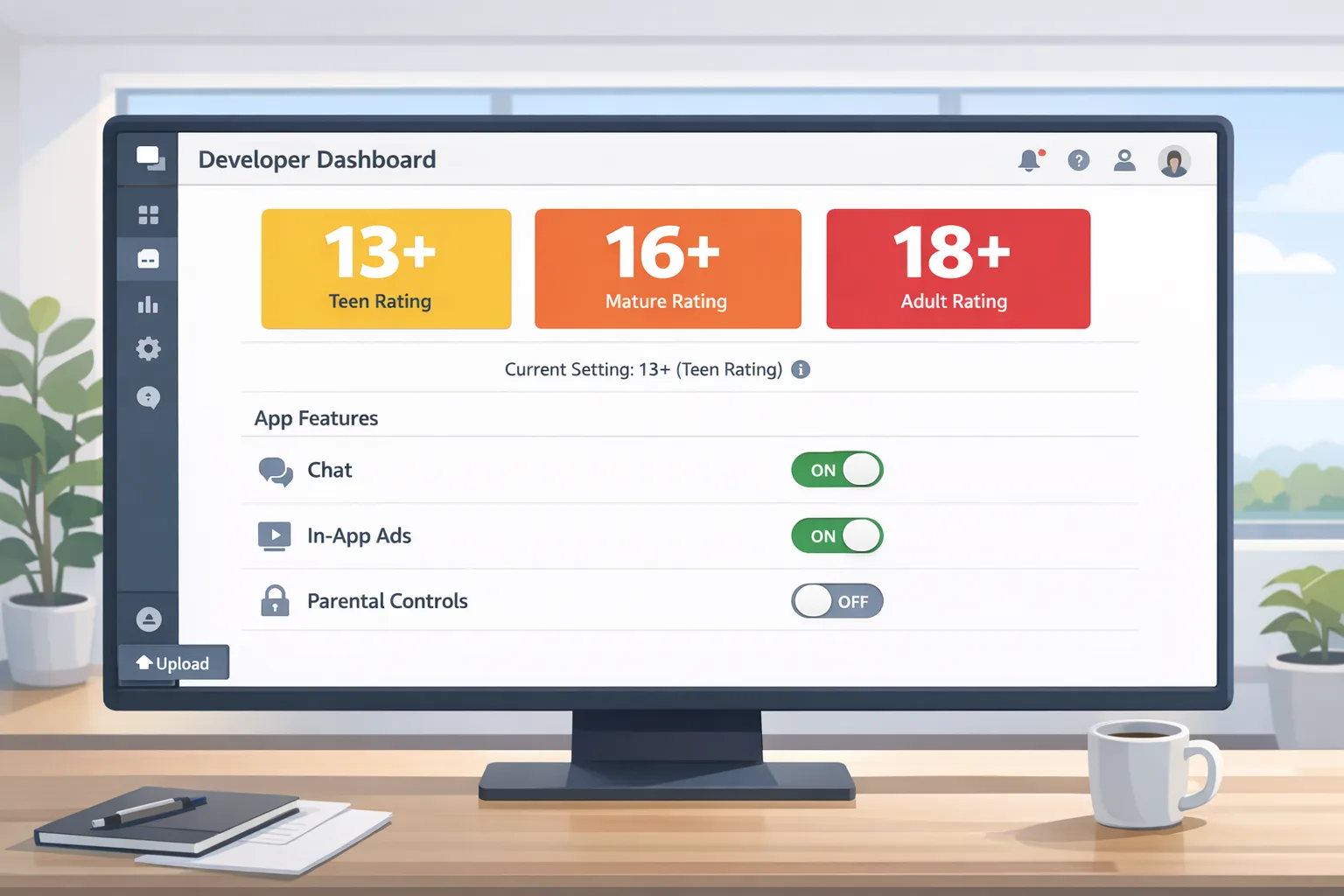
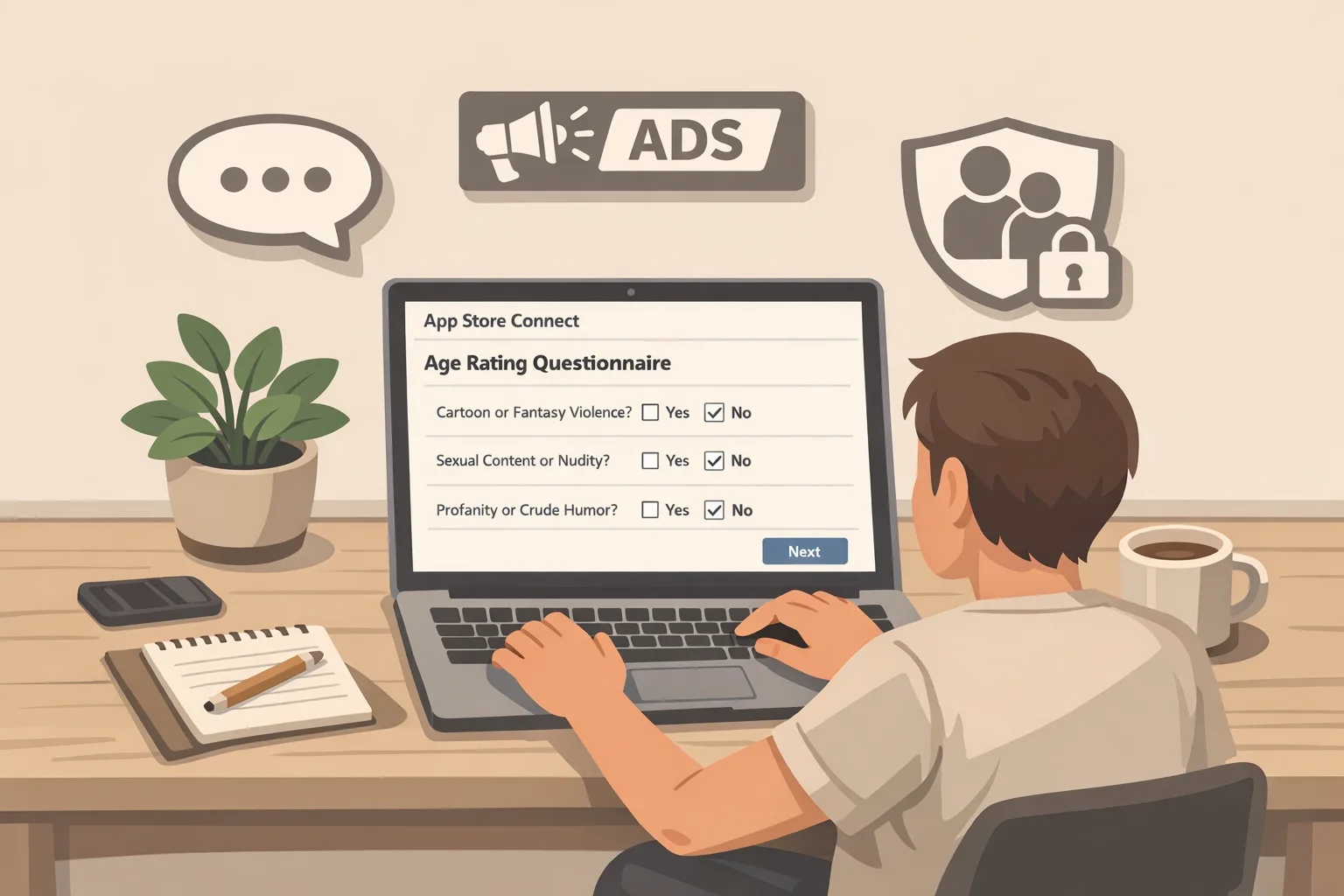
Apple reassigned ratings across the store based on the information developers had already provided, then asked teams to answer a new set of questions to reflect more granular categories, including adolescent tiers (13+, 16+, 18+). These ratings are now reflected across devices running the current OS lines. The operational impact: if you don’t complete the new questions in App Store Connect, your next submission can be interrupted until you do.
In parallel, Apple introduced tooling for privacy-preserving age handling, and expanded parental protections that rely on those finer-grained ratings. On Android, a late-2025 policy announcement took effect at the start of 2026: if you consume age signals, you can only use them to provide age-appropriate experiences in the app that received the data. No cross-app enrichment or creative repurposing.
Why this matters to product and compliance
Age-based gating isn’t just a legal checkbox. The rating presented on your product page, combined with your in-app controls and moderation, shapes eligibility for editorial placements, ad inventory, parental controls, and—in some markets—platform visibility. A mismatch between your declared capabilities and your actual UX can trigger rejections or worse, policy enforcement after you’ve already shipped.
Here’s the thing: reviewers now expect your app’s behavior to line up with your answers. If you say you have user-generated content and parental controls, those toggles need to be discoverable, functional, and sensible under family accounts. If you declare messaging, your onboarding must respect teen protections. If you say you limit mature themes, your recommendation system can’t quietly surface borderline content to new teen accounts.
Primary timelines you can’t ignore
Let’s get concrete about time:
• Apple reclassified ratings and requires updated answers in App Store Connect—submissions can be blocked until the questionnaire is complete.
• Apple’s OS-level protections and more granular ratings are now integrated across current platforms—iOS, iPadOS, macOS, tvOS, visionOS, and watchOS.
• Google Play’s Age Signals policy tightened on January 1, 2026: data from age APIs must be used solely to tailor experience in the same app receiving it.
Translation: this is not a long-term roadmap item. It’s a sprint-level task you can finish this week, so future releases aren’t surprised at review time.
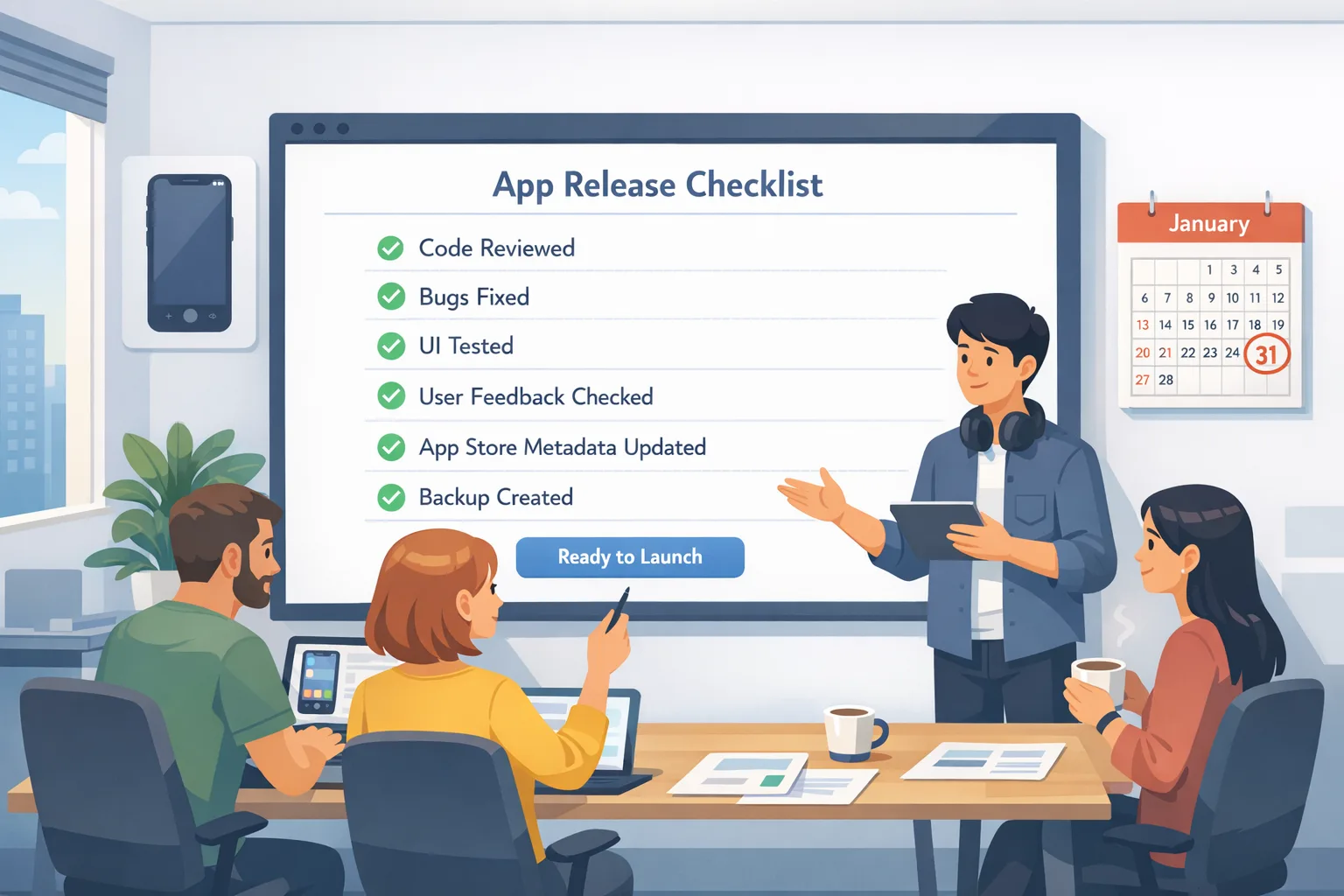
Use this shipping checklist for App Store age ratings 2026
Below is the exact pass we now run with client teams. It’s designed to be actionable in a 5–10 day window, with a bias toward shipping forward-compatible gating.
1) Map your content and capabilities to the new questionnaire
Inventory every feature that affects maturity: chat, livestreams, feed posts, comments, DMs, community links, ad placements, external links, QR scanners, gambling or simulated gambling, in-app browsers, and commerce flows. For each, identify:
• Does it expose UGC? If yes, what’s your moderation pipeline (automated + human) and latency?
• Are there in-app content controls users can set (filters, safety modes, parental codes)?
• Do you provide age-appropriate defaults for teens?
• Are there triggers for sensitive categories (violence, sexual content, substances, medical/wellness claims)?
• Do you have any off-platform surfaces (notifications, emails, web widgets) that push users into content beyond the app’s own controls?
Document this in a single-page matrix. This matrix becomes your source of truth when answering App Store Connect questions and justifying your rating during review.
2) Wire up age-aware UX with graceful degradation
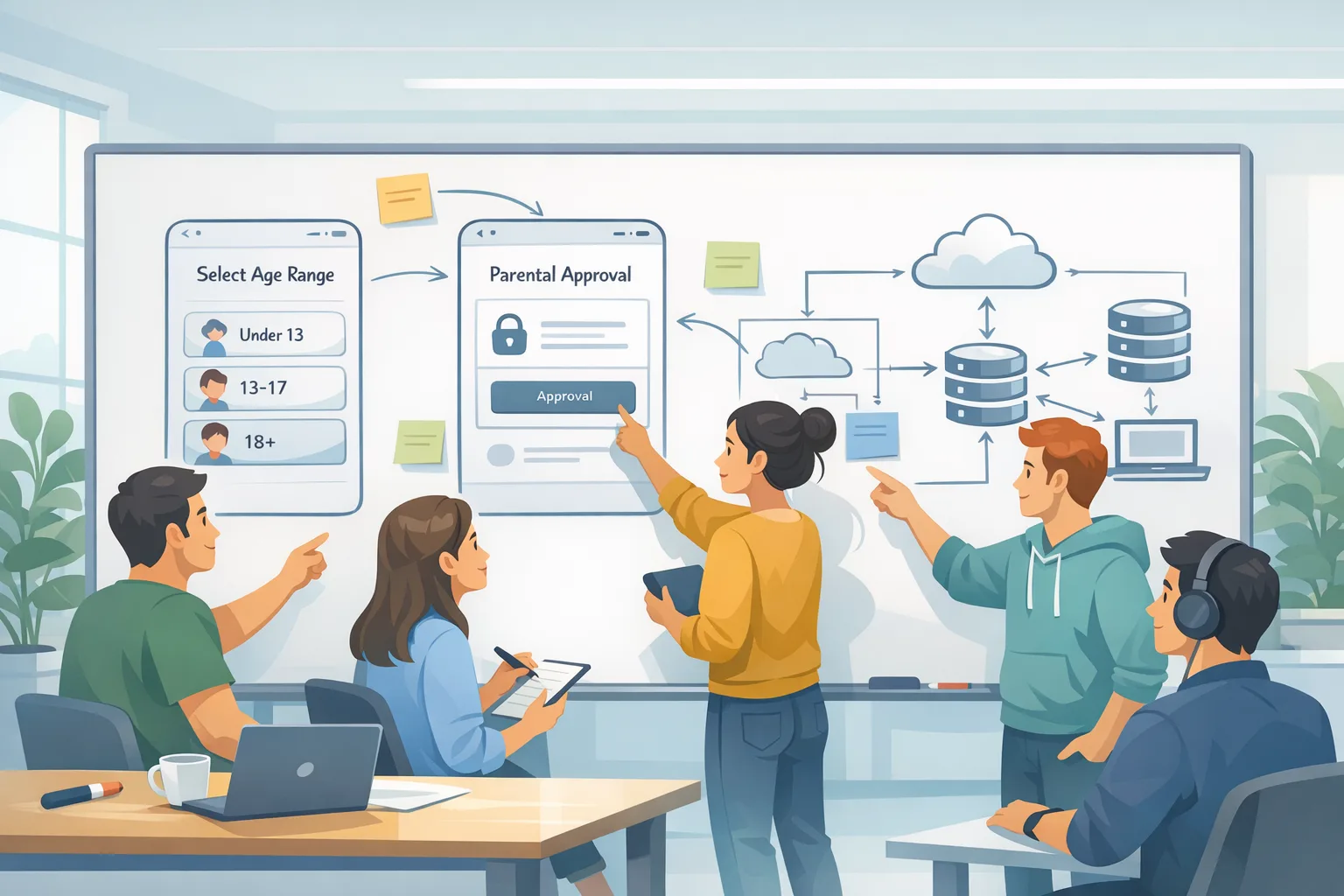
Implement feature flags keyed to age ranges. For Apple platforms, assume a privacy-preserving signal may be available (e.g., declared age range), but design your UX to work even when the signal isn’t shared. Teen defaults should be stricter even if a user opts out of sharing age range. For Android, if you consume age signals, scope their use strictly to tailoring the experience inside that app—no cross-linking or analytics enrichment.
Practical approach:
• On first run, set conservative defaults for unknown-age users (no public posting, limited discovery).
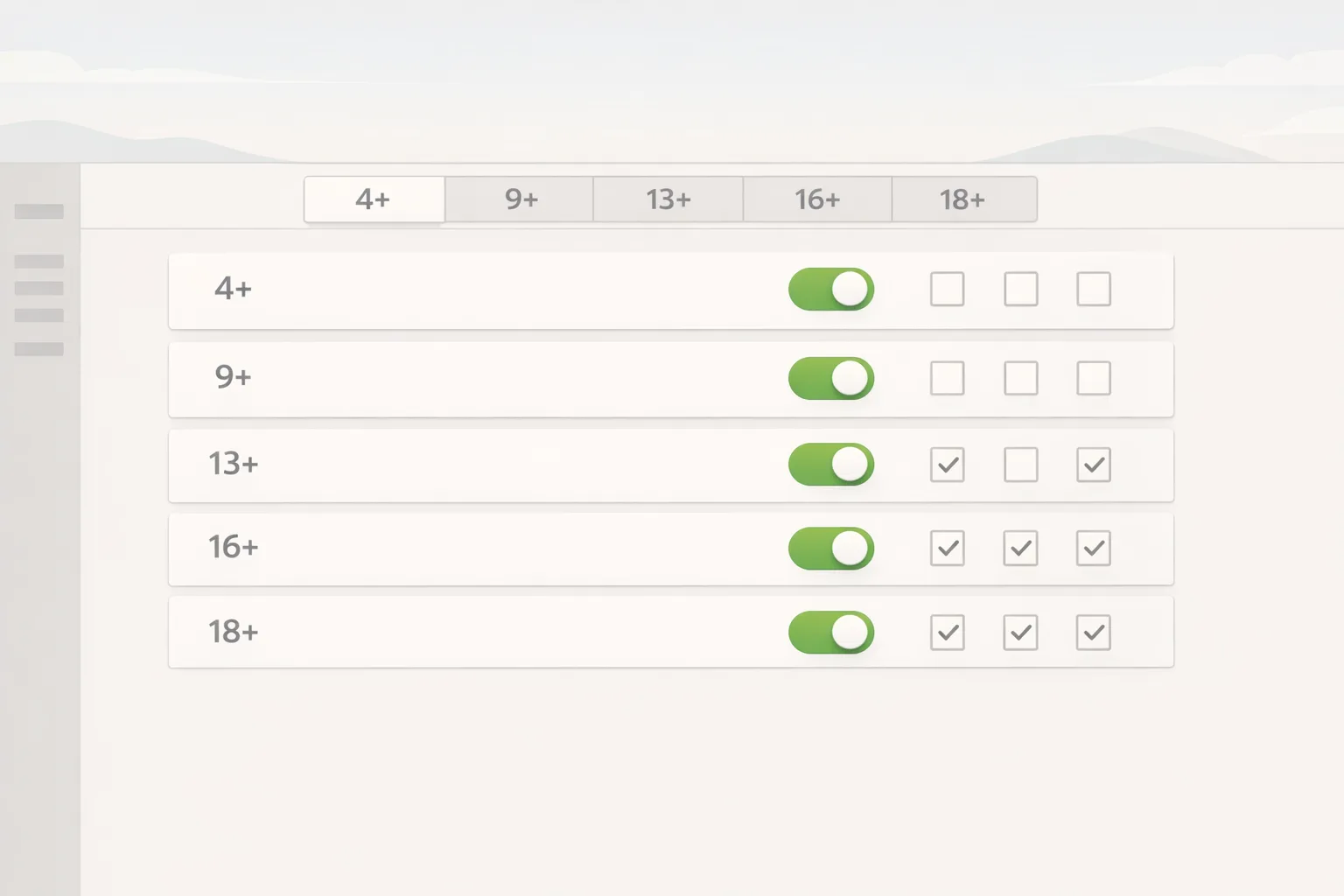
• When an age range is available, open capabilities progressively (e.g., 16+ unlocks public comments with rate limits; 18+ enables broader discovery).
• Keep a visible in-app “Content Controls” screen that reflects the rating and allows caretakers to tighten settings.
3) Align store metadata with in-app reality
Update screenshots and descriptions to reflect safety controls and any limitations for teens. If you advertise chat, show how requests get approved for younger users; if you have feeds, show filtering. Don’t bury age-related controls behind obscure menus—reviewers will look. Make sure your rating, capabilities, and screenshots form a coherent story.
4) Rehearse the review
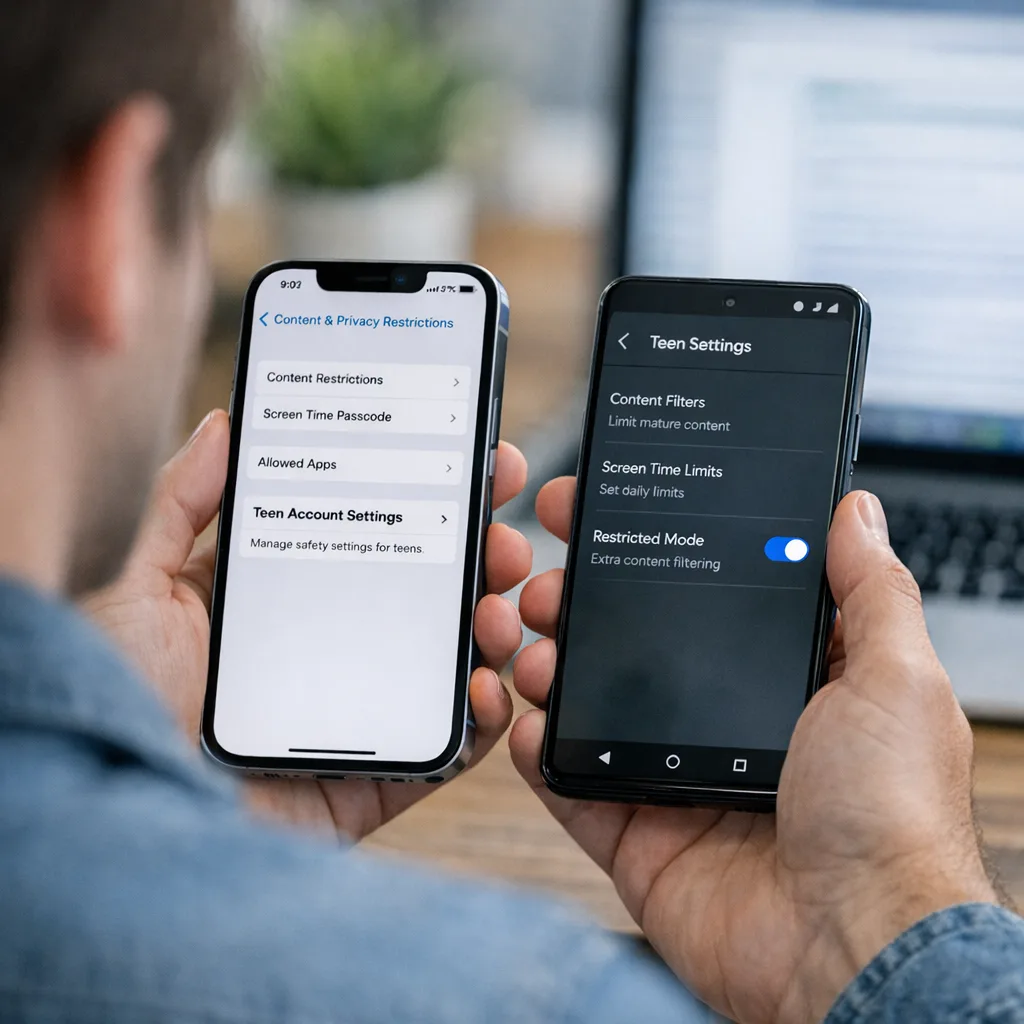
Before submitting, do a dry run with a test account that emulates teen protections and app content restrictions. On Apple platforms, test under Screen Time with content restrictions; on Android, test the app flows with the strictest age defaults. Attempt risky actions: try to access 18+ content, attempt to message new contacts, follow a public profile, click external links. Capture a screen recording showing the intended blocks or prompts. Attach this to your review notes.
5) Update your privacy documentation
Revise your privacy policy and in-app disclosures to explicitly state how you use age range or age signals. If you use any server-side gating based on inferred age (e.g., from behavior), describe the safeguards and appeal process. On Google Play, clearly limit your use of age signals to in-app experience tailoring, as policies require.
6) Create a downgrade plan
If your rating increases (say, from 12+ to 16+), some users may lose access on managed devices. Provide a migration banner explaining what changed, and where to find content controls. Offer an easy path to export data, or tune discovery so affected users can still find value without violating restrictions.
People also ask: common developer questions
Do I need age verification if my rating is 13+?
Not necessarily. Ratings guide availability and defaults; “verification” implies proving someone’s age. Most apps don’t need hard identity checks if they default to safe behavior for unknown-age users and implement appropriate controls. That said, if your features can expose mature content, you’ll want gated unlocks and stricter defaults for teens.
What happens if I don’t complete the new App Store questions?
Your next submission can be blocked until you answer them. Apple reclassified ratings already, but the updated questionnaire is now part of the submission path. Treat it as required preflight, like updated export compliance or privacy manifests.
Can I use declared age in my marketing funnels?
Don’t. Keep age signals strictly in-app for experience tailoring. Using them for ads, cross-app measurement, or enrichment invites enforcement. Build guardrails into your analytics and ETL to prevent accidental propagation to other systems.
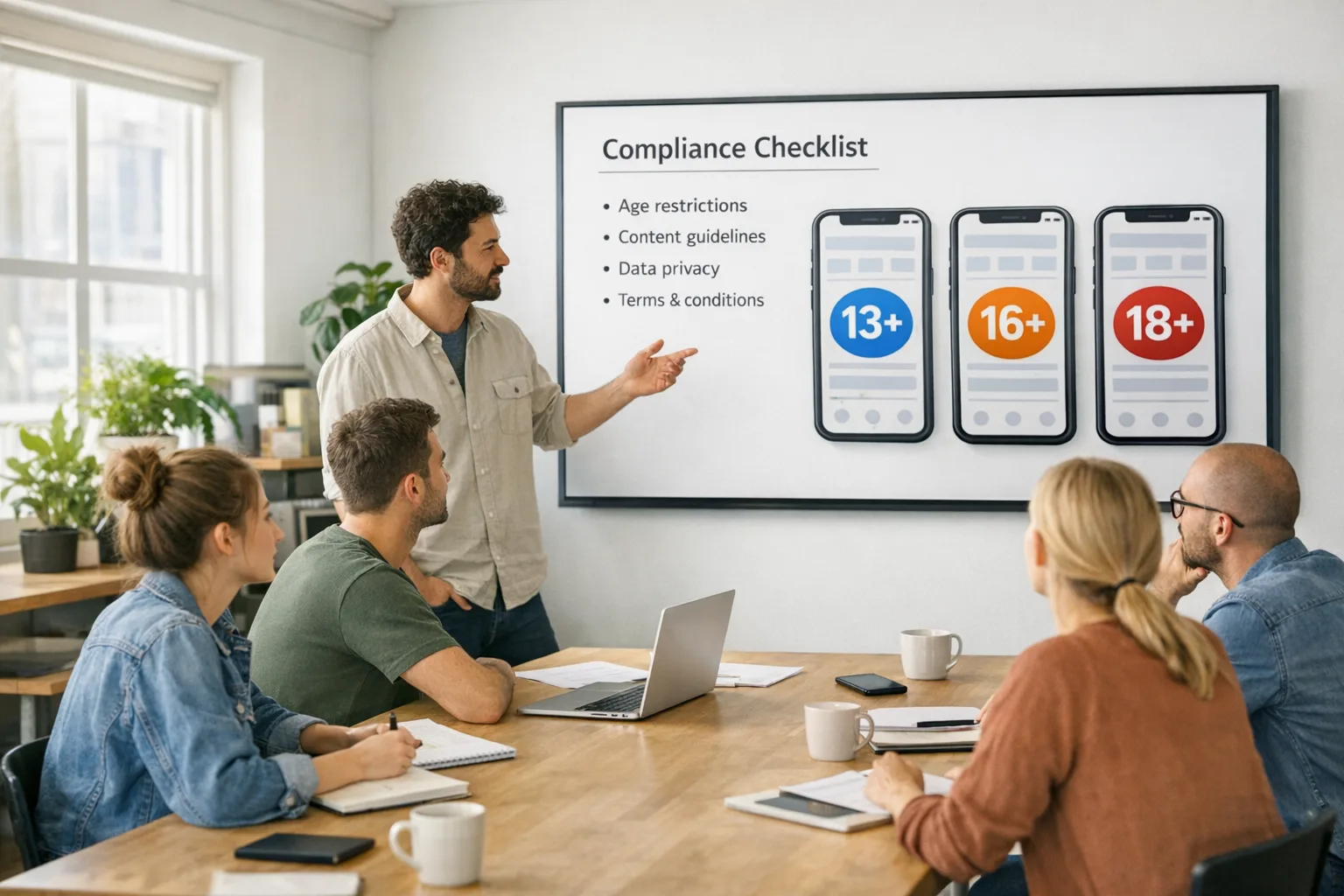
Do I need different builds for 13+, 16+, and 18+?
No. One build with runtime gating is the maintainable path. Feature flags tied to age range (or conservative defaults when unknown) keep your codebase unified while respecting policy boundaries.
A simple framework: RATE for safe-by-default design
Use RATE to translate policy into product:
• Reclassify: Complete the new App Store Connect questionnaire and audit Google Play’s content rating + age signals usage.
• Adapt: Implement age-gated feature flags and teen-safe defaults across onboarding, discovery, sharing, and messaging.
• Test: Simulate teen protections (Screen Time, strict content filters), and record proof for review notes.
• Explain: Update store pages, in-app settings, and your privacy policy to explain protections and how to appeal or request changes.
Design details that prevent rejections
• Messaging: For teens, new-contact requests should require approval. Rate-limit DMs from unknown accounts. Provide a one-tap block/report.
• UGC: Pre-moderate images for nudity and violence; auto-blur risky media until reviewed. Add a “safer content” toggle that stays on for teens.
• Search & discovery: Filter mature keywords and communities by default. Clearly label age-gated categories (16+ or 18+) and provide reasons for unavailability when blocked.
• Links: Open external links in a restricted in-app browser with content filters on teen accounts.
• Ads: Use context-only ads for teen experiences; exclude behavioral targeting that might conflict with platform policies.
Engineering gotchas and how to avoid them
• Don’t infer and forget: If you infer age to improve safeguards, re-evaluate periodically and allow users or parents to appeal. Stale inferences cause bad UX and complaints.
• Keep gates server-side and client-side: Client-only gates are easy to bypass. Apply checks on your API layer and in the app.
• Avoid ghost capabilities: Hide UI affordances entirely when a capability is disabled by age—don’t show a dead button that errors out.
• Red-team your flows: Try edge cases: deep links into private content, joining via invite links, uploading from share sheets, or dragging files into your macOS app.
Cross-store alignment: Apple and Google without the whiplash
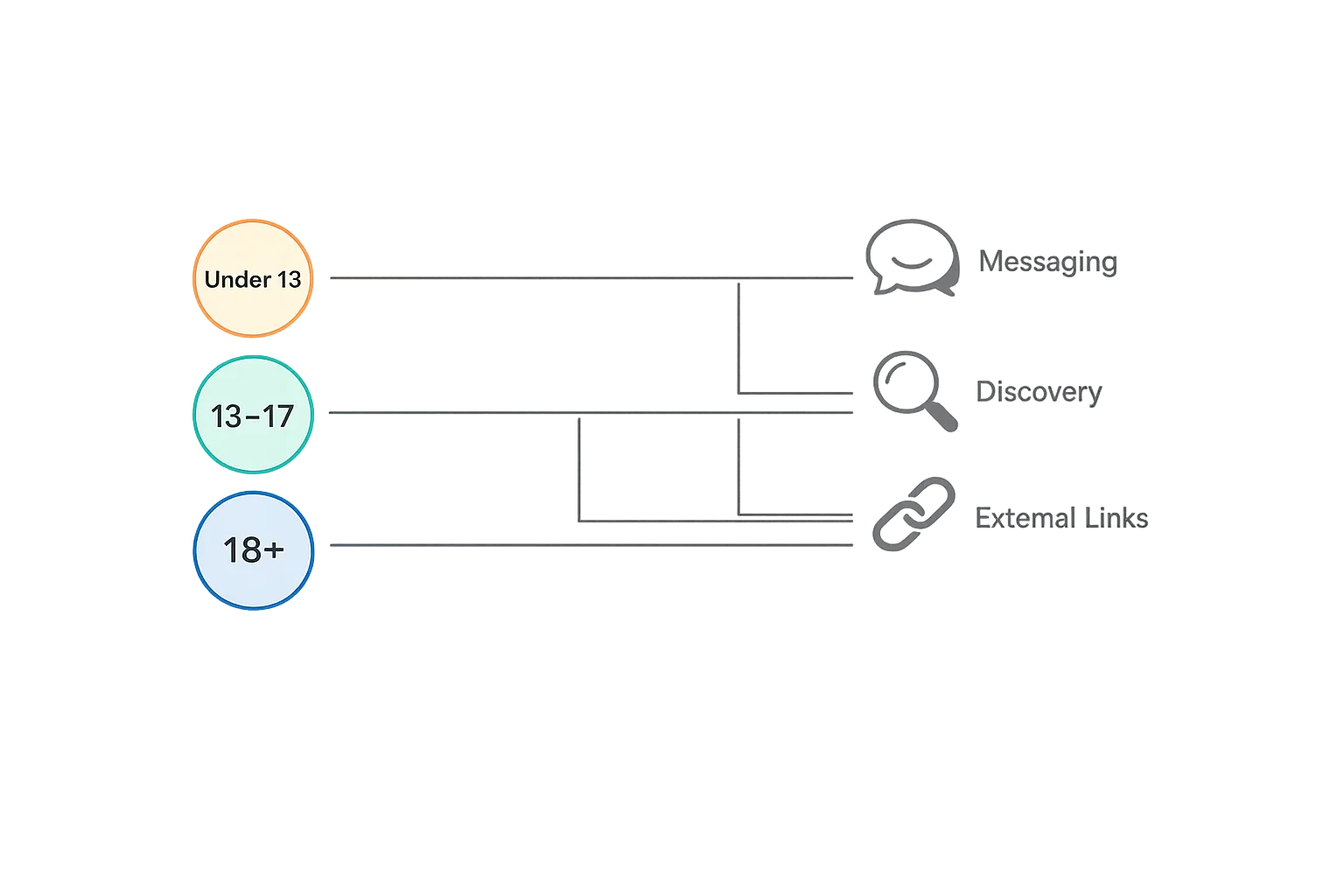
Keep one policy module that abstracts age range into three buckets (Under 13, 13–17, 18+), then map to the store-specific ratings you declare. For Apple, mirror the store rating in your in-app “Content Controls” screen to help parents understand why some features are missing. For Google Play, document precisely how age signals drive on-device toggles and ensure your analytics pipelines never export those signals.
Data you’ll want at your fingertips
• Your app’s newly assigned rating, as shown on its product page.
• A copy of your answers to the updated questionnaire in App Store Connect.
• A table of features gated by age bucket (Under 13, 13–17, 18+).
• Moderation SLAs and escalation paths for UGC.
• A diff of your privacy policy showing the new age-signal usage language.
Review note template you can adapt
“This build implements age-aware defaults. For users 13–17, messaging requires approval for new contacts; search results exclude mature topics; external links open in a restricted web view; and image uploads are scanned and blurred pending review. The ‘Content Controls’ screen explains these protections and allows caretakers to tighten defaults. We’ve updated our App Store Connect age rating questionnaire to reflect user-generated content, messaging, and parental controls.”
When to raise your rating on purpose
Sometimes, forcing 16+ or 18+ is the right business call. If a core loop depends on mature themes (dating, casino mechanics, graphic combat), fighting for a teen-compatible rating will just slow you down and frustrate your users. Move up, tune retention for the right audience, and invest in content quality and moderation to earn trust in that bracket.
What to do next (this week)
• Complete the updated App Store Connect questionnaire and capture your responses for compliance docs.
• Add a “Content Controls” screen that mirrors your declared rating and shows teen-safe defaults.
• Implement feature flags for messaging, discovery, and external links keyed to three age buckets.
• Update privacy policy copy to restrict age-signal usage appropriately (especially on Android).
• Record a demo of teen protections and include it in review notes.
• Run a mock review with a teammate unfamiliar with the app—if they can find mature content in two taps, you’re not done.
Need a second set of eyes?
If you want a fast audit and a practical ship plan, our team has been helping clients navigate this shift. Read our deeper dives on age updates and submission risk, including how to ship the App Store age rating updates, a pragmatic developer playbook for App Store age verification, and a straightforward guide to beating the 2026 rating deadline. If you’d rather not go it alone, check our mobile compliance and release services and reach out.
Zooming out: shipping without slowing down
You don’t need a separate codebase to comply. A single build with smart gating, clear controls, honest store metadata, and a tidy review note gets you through with minimal friction. This work also reduces support tickets and bad press, because users understand what’s available and why. Treat the new ratings as a forcing function to tighten your moderation loop and clarify your value for teens and adults alike.
Do the boring work once, document it, and your future releases won’t scramble every time a policy changes. That’s the goal.

Comments
Be the first to comment.