App Store Age Rating 2026: Post‑Deadline Playbook
It’s February 2026 and the App Store age rating 2026 update is no longer “coming soon.” Apple’s new rating tiers, parental controls surfacing, and App Store Connect questionnaire are now in effect. If you didn’t complete the new questions by January 31, your submissions are paused until you do. The good news: you can fix this quickly—and use the change to harden your onboarding, tighten content gating, and reduce parental friction.
What exactly changed on January 31, 2026?
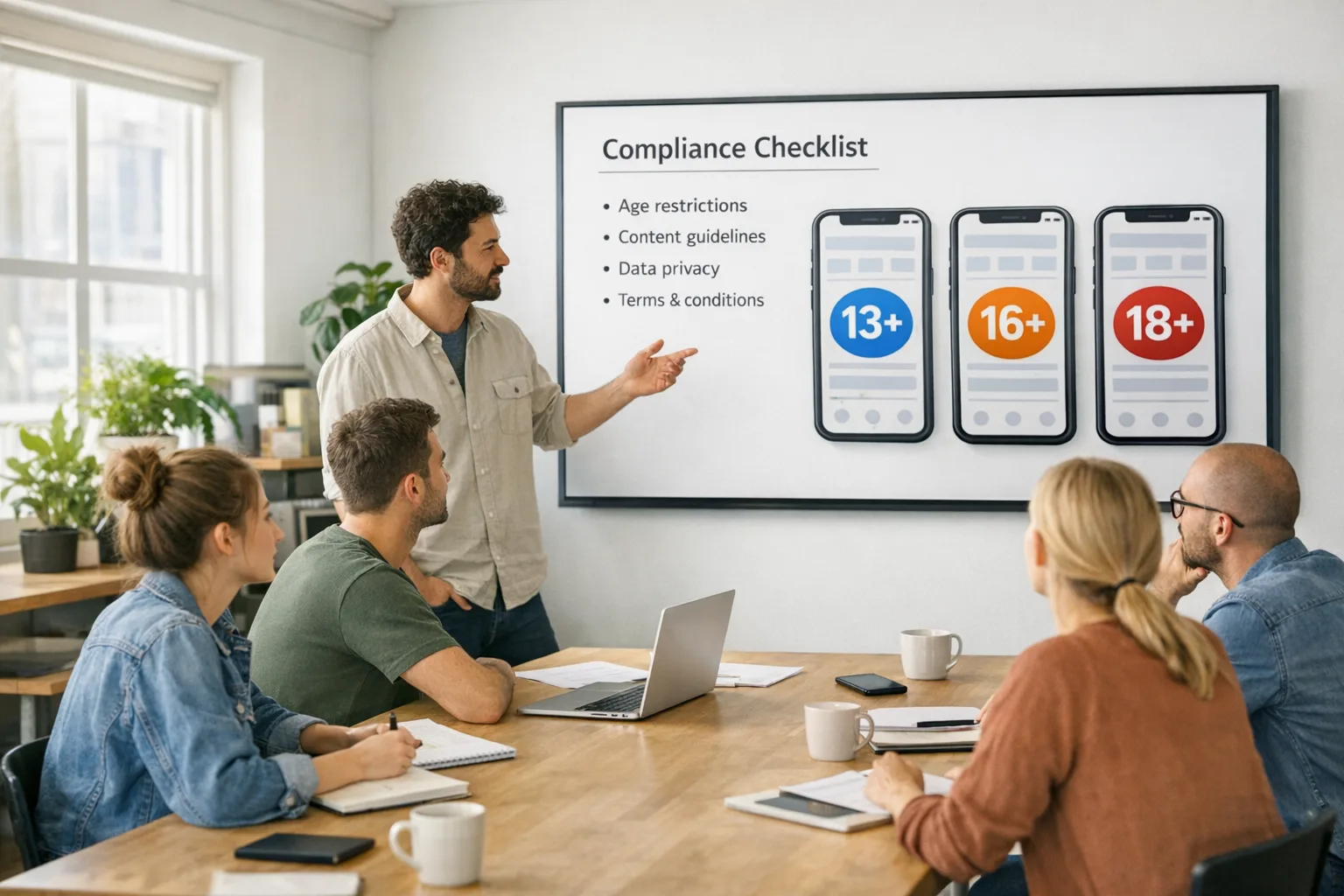
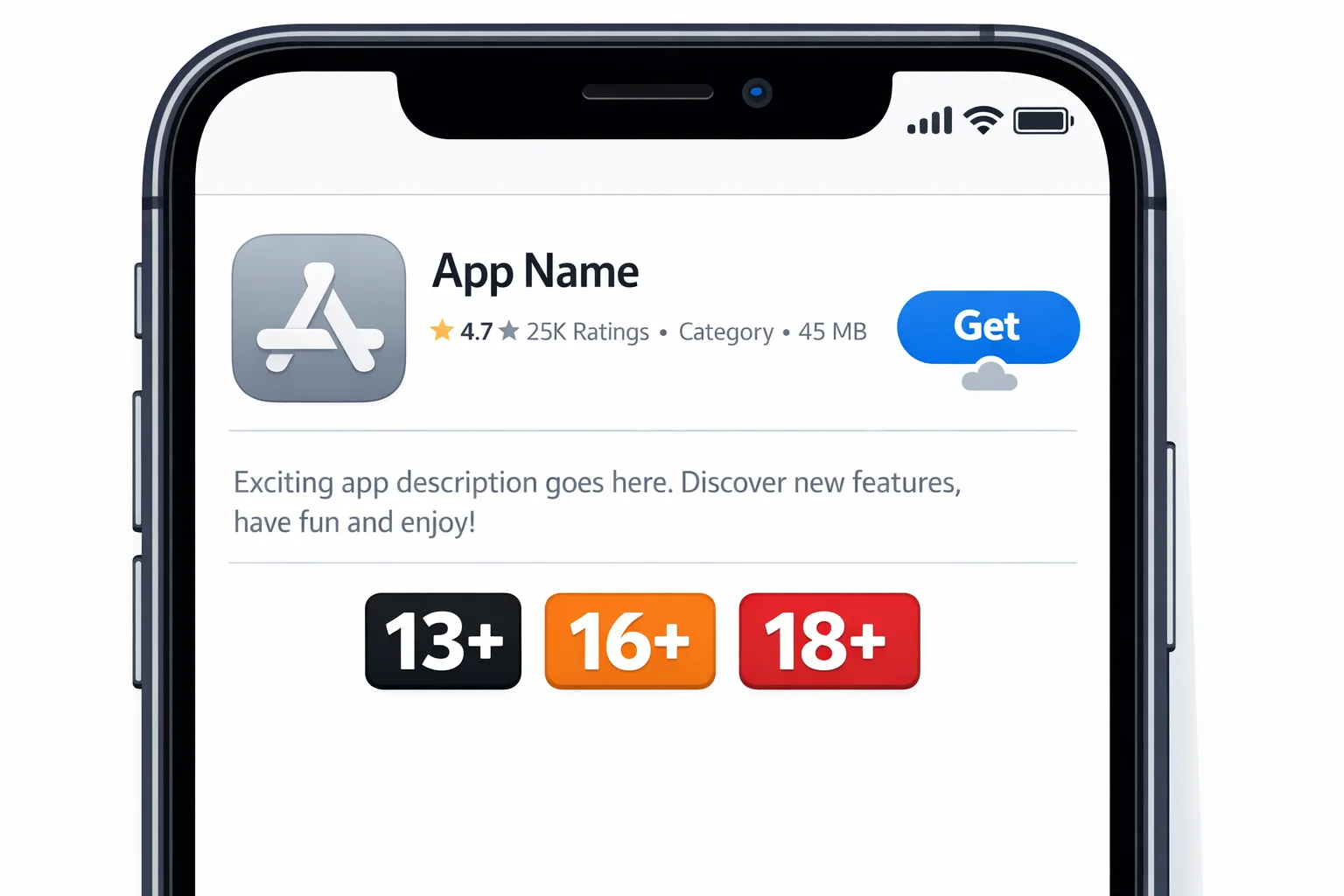
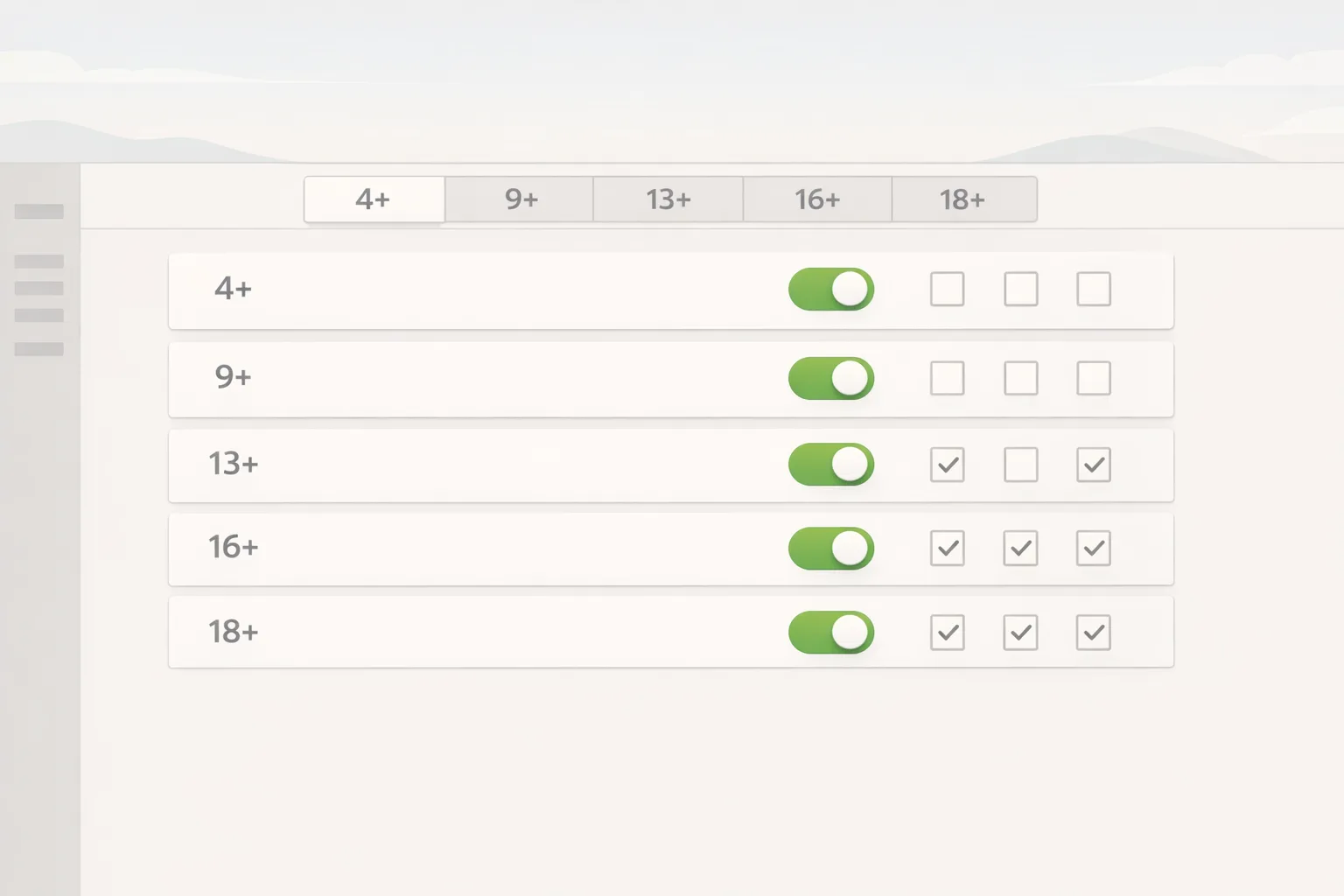
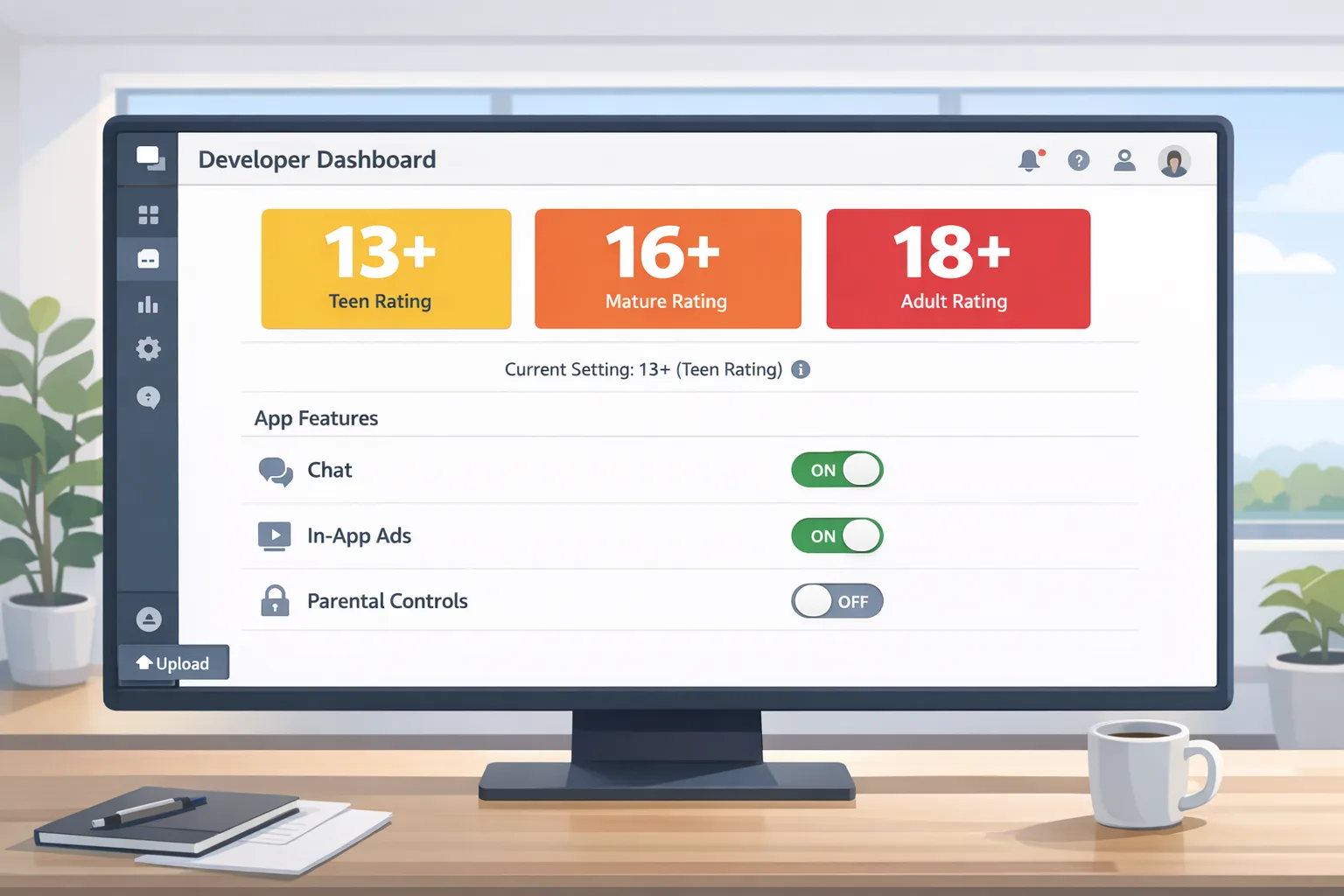
Apple introduced more granular ratings—13+, 16+, and 18+—alongside 4+ and 9+, and recalculated ratings for existing apps. App Store product pages now highlight if your app includes user‑generated content, messaging or social features, advertising, and whether you ship parental or in‑app content controls. If you haven’t answered the updated questionnaire in App Store Connect, you can’t submit updates until you do.
On the platform side, the new ratings are integrated across iOS 26, iPadOS 26, macOS Tahoe 26, tvOS 26, visionOS 26, and watchOS 26. Screen Time, Ask to Buy, and content restrictions use these ratings to hide apps from editorial surfaces when they exceed a child’s configured limits. For parents, the controls are more obvious; for developers, the margin for vague self‑classification is gone.
Does my app need age verification or just the rating update?
Two different, often confused ideas are in play:
1) Age ratings (required for everyone). You must answer the new questionnaire accurately. That’s what enables the updated 13+/16+/18+ tiers and drives parental controls. Get this wrong and you’ll see rejections, complaints, and poor visibility on child‑restricted devices.
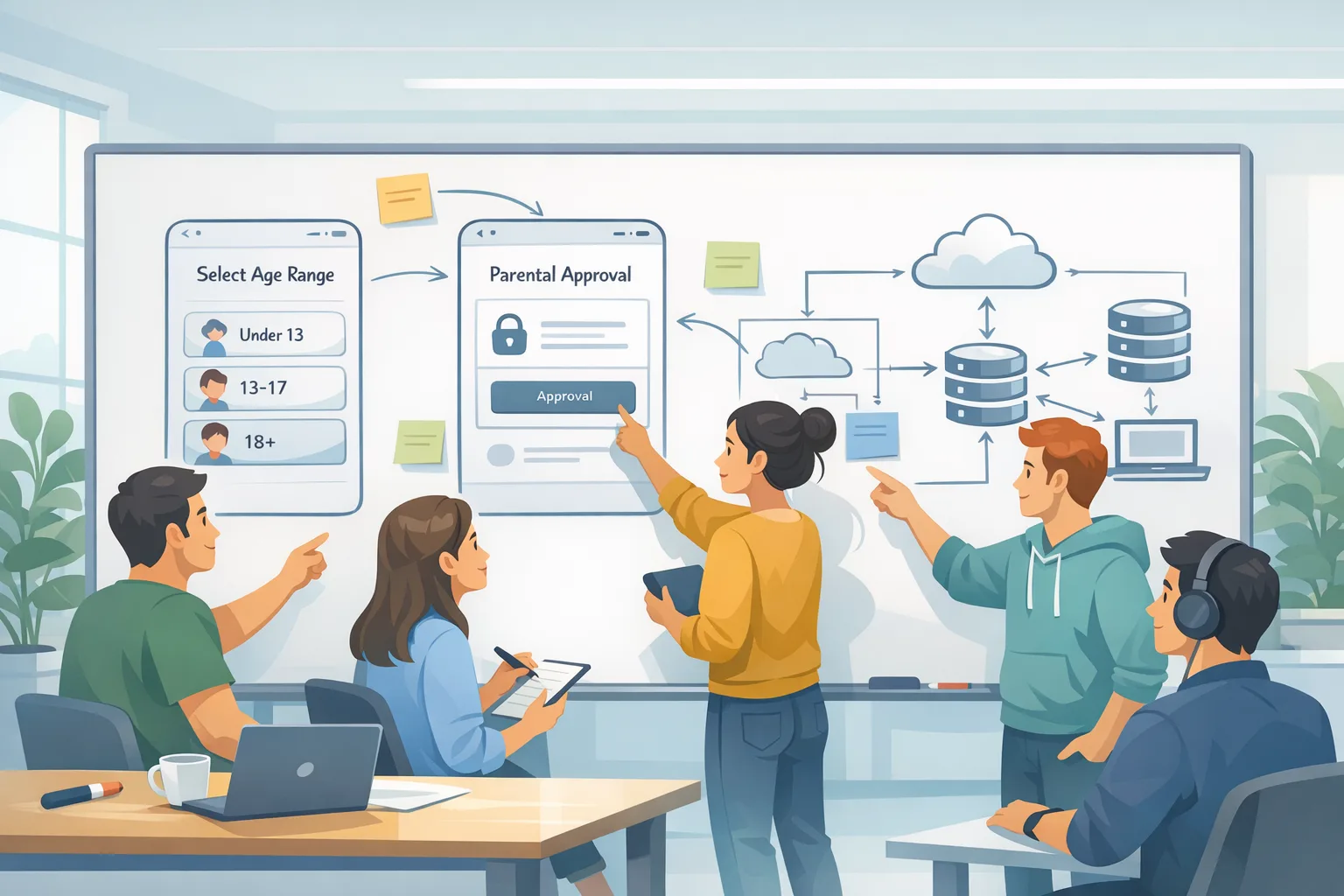
2) Age assurance / verification (jurisdictional). Some regions add extra rules. For example, in Texas, new account flows prompt users to confirm they’re 18+ and add stricter parental consent for minors. Apple provides a Declared Age Range API so apps can request age range (not DOB) and implement gating. If you serve users in those locales, you need to wire in the APIs and honor revocation and parental oversight patterns.
The 48‑hour recovery plan if you missed the cutoff
Here’s a pragmatic, time‑boxed path we’ve used with teams that were dead‑stopped on release day.
Hour 0–4: Snapshot the current state
Open App Store Connect → App Information → Age Rating. Export your prior questionnaire responses, then walk the app front to back and list everything that touches content suitability. Don’t forget edge features: feed embeds, external web views, AI chat, image generation, livestreams, link sharing, invite flows, ad placements. If a third‑party SDK can inject content, it’s in scope.
Hour 5–10: Map features to the new questions
Apple’s updated form asks about in‑app controls, capabilities, medical/wellness, and violent themes. Translate your features into these buckets. Be explicit about whether controls are on by default, whether users can report or block, and how quickly you moderate UGC. For AI assistants or bots, grade the possible outputs—not just your training data—and match them to the nearest content categories.
Hour 11–16: Implement or document gating
If your review answers hinge on in‑app content controls, make sure they’re implemented and discoverable. Add a single settings panel that centralizes: content filters, friend/follow approval, DM limits, and a switch to hide suggested accounts. Tie these to your internal policy flags, not just client‑side UI, so they persist across devices.
Hour 17–24: Update the questionnaire and metadata
Complete the questionnaire with your mapped answers. In your release notes and privacy text, document the new controls and, if relevant, age‑range behavior. Keep the language plain English; reviewers and parents both read this.
Hour 25–36: QA scenarios that trigger parental friction
Test on a child‑restricted device with Screen Time configured for different ages (13, 16, 18). Validate that the app appears in search when expected, that editorial surfaces behave as expected, and that Ask to Buy works if a parent grants an exception. If you request age range, ensure the app functions when parents choose “never share.” Fail closed gracefully with clear copy, not dead ends.
Hour 37–48: Submit, monitor, and fast‑follow
Submit as soon as QA is green. Assign one engineer to sit in App Store Connect and one to customer support for 72 hours. Pre‑write responses for the top three likely complaints: “My kid can’t see the app,” “Why is this 16+ now?,” and “I can’t message new contacts.” Ship a follow‑up build quickly if review feedback suggests your answers or disclosures were incomplete.
How to answer the new questions without shooting yourself in the foot
Don’t narrate the app you wish you had. Reviewers check what you actually ship. A few specifics:
In‑app controls. If you claim parental or content controls, they need to be visible, on by default where appropriate, and enforceable server‑side. For social features, “private by default” earns credibility—and fewer reports.
Capabilities. Messaging enables unsolicited contact risk; friend/follow systems can be gated. If you let users discover people by phone or email, call that out and consider opt‑in with rate limits.
Medical or wellness. Anything that monitors mood, diet, weight, or sleep belongs here. If you surface sensitive content, include warnings, crisis links, and region‑specific helplines. That can affect your rating tier.
Violent themes. Game studios: intensity, frequency, realism, and gore matter. If your game has cosmetics that change realism (e.g., “arcade” vs. “realistic”), default toward the stricter tier and provide a kid‑safe preset.
AI assistants and generation. If your AI can produce mature text or images, you must treat it like UGC you facilitate. Add filters, refuse prompts that target unsafe content, and be transparent about limits in your metadata. If your model is offline, say so—but content is still your responsibility.
Implement the Declared Age Range API and PermissionKit wisely
If you serve regions that demand extra age assurance, the combination of Declared Age Range and PermissionKit can save you from building heavy custom flows.
Only store what you need. Age range is enough to gate features. Don’t collect birth dates or government IDs unless the law explicitly requires it (rare). Keep your data retention short and audit access in your logs.
Gate features, not the whole app. Think “soft‑landing.” For a 13‑year‑old, disable public comments and open DMs, but keep read‑only content or curated channels. For 16‑year‑olds, allow messaging with parental approval via PermissionKit. For 18‑plus, unlock everything that complies with your policy.
Handle refusal gracefully. If the parent chooses not to share the age range, don’t block the app. Fall back to a conservative default and provide a clear way for parents to opt into richer features later.
Honor revocation. Parents can revoke access or approvals. Build a periodic capability refresh and a listener for revocation events; don’t wait for support tickets to discover a teen is still in an adult chat room.
How the new ratings affect distribution and growth
Here’s the thing: ratings aren’t just a legal checkbox; they influence discovery and conversion. On child‑restricted devices, apps that exceed configured limits won’t appear in Today, Games, or Apps tabs. If your growth loop depends on teens discovering your app in editorial surfaces, a bump from 13+ to 16+ will cut impressions on those devices. Balance the desire to ship edgy content with the reality of your target audience.
Ask to Buy now supports parent‑granted exceptions for downloads that exceed a child’s configured rating. That can boost installs for family apps and games—if your App Store page is transparent and your onboarding is parent‑friendly. Add a “For parents” card that explains controls, safe defaults, and support contact.
People also ask
What’s the penalty for ignoring the App Store age rating 2026 update?
Your app won’t be able to submit updates until you complete the new questionnaire. If you misclassify content, expect rejections or escalations from parental complaints. Repeat issues can affect review velocity and trust with App Review.
Do I need to re‑rate every regional build?
Age rating is app‑level, but local laws can require extra flows. Where jurisdictions demand added parental consent or age checks, implement the platform APIs and local disclosures without changing the global rating unless your content dictates it.
Will requesting age range hurt conversion?
When used for teens, age‑range requests are typically parent‑mediated and optional. If you ask adults globally for age range on first launch, expect friction. Use it narrowly where required or where it measurably improves safety and retention.
A practical scoring rubric for your content review
When I coach teams through classification, we use a five‑part rubric tied to the questionnaire and the new tiers. Score each item 0–3 and trend toward the stricter age tier if you hit 2+ in multiple categories.
1) Contact risk. Can strangers message or follow you? Are invites discoverable via phone/email? Do you surface people lists by default?
2) Content unpredictability. UGC or AI generation with limited moderation equals higher risk. Pre‑moderation, keyword lists, or image filters reduce it.
3) Realism and intensity. For games and media, realistic depictions and frequent exposure push you to older tiers.
4) Sensitive life domains. Health, finance, and mental wellness require safeguards and disclosures.
5) Control maturity. Parental controls, report/block tools, and server‑enforced policies allow lower tiers when content is otherwise borderline.
Document your rubric scores and map them to your questionnaire answers. If App Review asks for justification, you’ll have a neat, consistent story.
Engineering checklist: what to change in code this week
- Add a capability layer that gates messaging, UGC posting, livestreams, and profile discoverability by age range.
- Centralize moderation toggles server‑side; default to stricter settings for unknown or teen ranges.
- Integrate PermissionKit flows for parent approvals where social actions require it; build clear UX for pending/denied states.
- Implement an event to refresh capabilities when a parent revokes access or a device changes age‑range sharing preference.
- Instrument analytics for blocked actions by age range so product can tune gating without guesswork.
Product and policy checklist: what to change in copy this week
- Update your App Store page with a “For parents” section describing controls, default settings, and support.
- Show a first‑run tour for minors that explains what’s disabled and why. Offer a link to request parent approval if applicable.
- Refresh your privacy policy to state you request only age range (not birth date), and you use it solely for safety gating.
- Publish community guidelines in‑app; make report and block actions one tap, visible within UGC and profiles.
Edge cases that trip teams up
Web views and external links. If you open arbitrary URLs (support forums, creator pages), those become part of your content surface. Use an allowlist, strip tracking, and block known adult domains for teen ranges.
Ad SDKs. Some networks rotate creatives you didn’t approve. For teen ranges, lock to family‑safe inventory and monitor with test devices in teen mode. Run a night‑watch alert if an unsafe creative appears in telemetry.
Chat via third‑party plugins. If you enable chat through a partner, your app still owns the experience. Apply the same permission gating, logging, and reporting endpoints.
Livestreams. Pre‑moderation is your friend. If you can’t do that, provide a minimum follower threshold to start a stream and require parent approval for under‑16 accounts.
What to do next (this week)
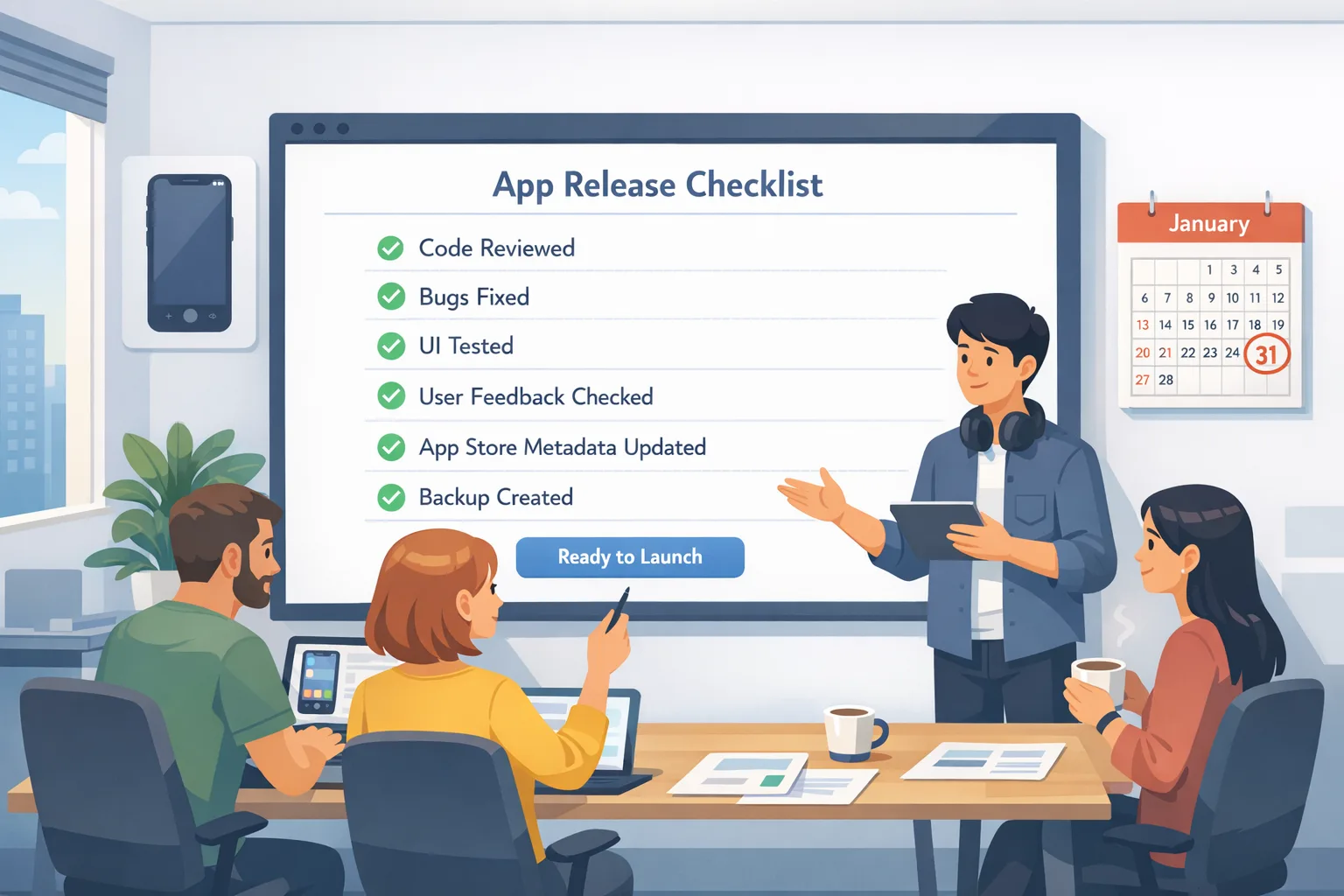
- Finish the App Store Connect questionnaire and ship a metadata update—even before code changes—so you can submit builds.
- Wire the Declared Age Range API behind a server‑controlled feature flag. Roll out to regions that require it first.
- Launch a parent‑friendly settings hub that centralizes content controls and permissions.
- Run device‑level QA with Screen Time profiles at 13, 16, and 18. Log all blocked actions for one week.
- Prepare a one‑pager for support explaining the new rating and how parents can grant exceptions via Ask to Buy.
Need a deeper partner to execute quickly? Our team has shipped these flows for consumer, education, and gaming apps. See what we build on the What We Do page, and browse real outcomes in our portfolio. If you want a turnkey checklist to move from red to green this week, read our focused guide: App Store Age Rating Updates 2026: Ship Now. For developers rolling out age assurance beyond ratings, bookmark the App Store Age Verification 2026: Developer Playbook. When you’re ready to implement, talk to us.
Zooming out: why this change will stick
Regulatory pressure isn’t going away. The safer, more honest path is to make age‑appropriate experiences a first‑class product axis. Teams that treat this as a once‑a‑year compliance chore will ship brittle features and spend the rest of the year firefighting. Teams that build a durable capability model—feature flags by age range, clear parental approvals, robust moderation—will move faster and face fewer surprises at review time.
Ship the basics this week. Then raise the bar: default to safer settings for teens, keep adults friction‑free, and document everything. That’s how you stay visible, trusted, and review‑resilient under the App Store age rating 2026 rules—and whatever comes next.

Comments
Be the first to comment.