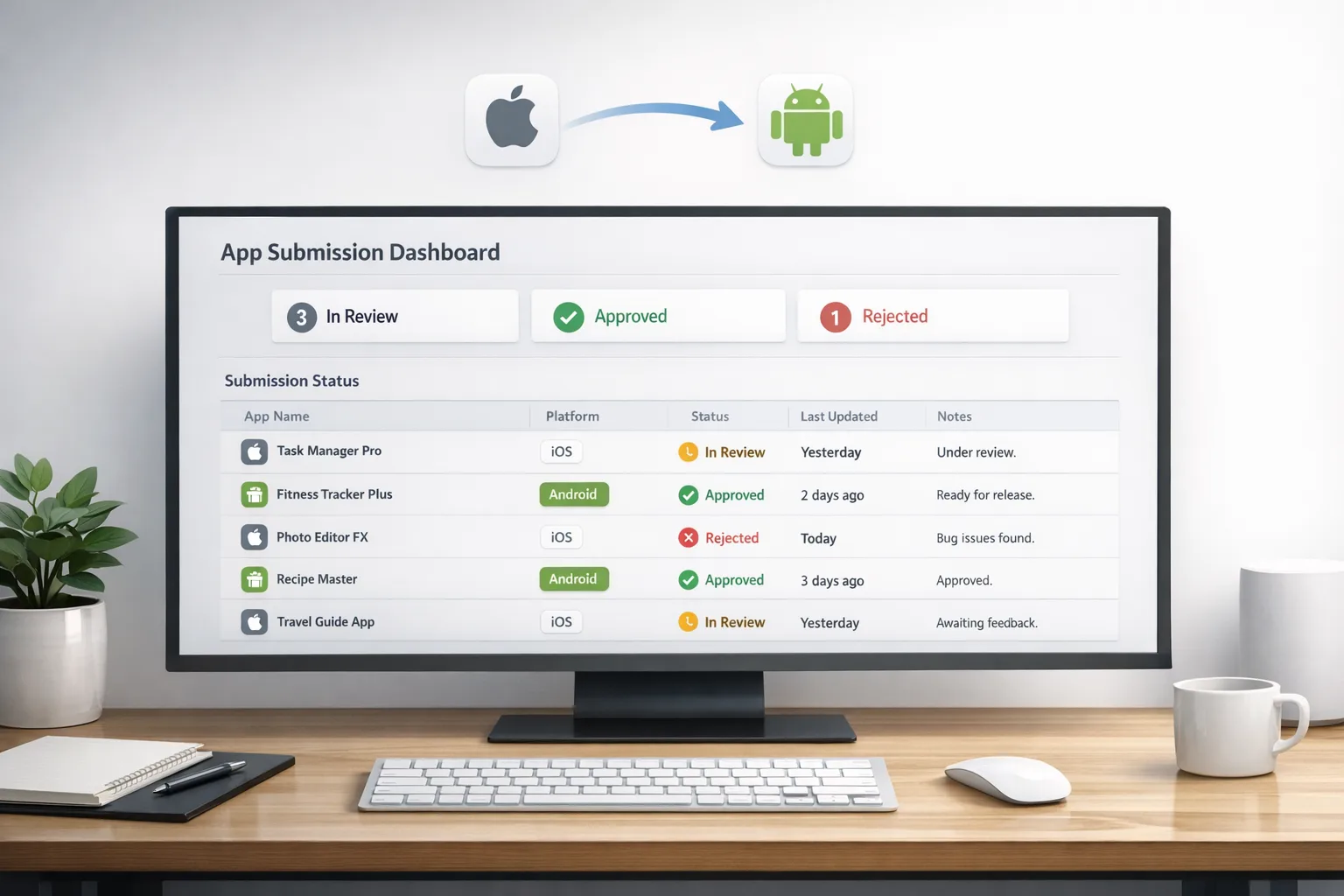
App Store Connect Update 2026: What Matters Now
The February App Store Connect update didn’t make headlines, but it should drive your next sprint. In this App Store Connect update 2026 cycle, Apple enabled submissions with Xcode 26.3 Release Candidate, clarified app transfer guidance, and—critically—cemented a pathway for OS‑to‑OS data migration that can save you users every time they switch phones. Pair that with the now‑passed January 31, 2026 age‑rating questionnaire deadline, and there’s a lot you can ship this week to reduce friction and risk.

What actually changed in early February 2026?
Here’s the thing: this isn’t a splashy feature drop; it’s the kind of plumbing work that separates tidy pipelines from release fire drills. On February 3, 2026, Apple confirmed you can upload apps built with Xcode 26.3 RC using the SDKs for iOS/iPadOS/macOS/tvOS/visionOS/watchOS 26.2 to App Store Connect and TestFlight. On February 11, 2026, Apple updated its app transfer help content to explain the transfer experience when OS data transfer is enabled. And in December 2025, Apple added OS data transfer setup in App Store Connect so you can map your iOS app to its Android counterpart.
One more date matters for mobile leads: Apple’s age‑rating questionnaire changes carried a submission block after January 31, 2026 for apps that didn’t complete the new fields. If you skipped it, that’s why your update is stuck. If you completed it, your product page is now more explicit about user‑generated content, messaging, ads, and parental controls—use that to your advantage in screenshots and copy.
OS data transfer: why it’s worth shipping now
Device switch is a silent churn machine. Users switching from Android to iPhone (or vice versa) rarely re‑create state-heavy app setups. When they don’t see their saved workouts, reading lists, or game progress on the first open, many just bounce. OS data transfer helps you meet them where they land—onboarding with their data already there.
Apple’s workflow is straightforward once you see it end‑to‑end:
- In App Store Connect, add your Android identifiers (package name and SHA‑256 signing certificate fingerprint) so iOS can match the right app during migration.
- Enable the same on the Google side; it only works if both ecosystems are configured.
- Optionally implement AppMigrationKit on iOS to assist data handoff and verification.
- Users must be on iOS 26.3+ and a supported Android build to participate.
Constraints to plan for: each iOS app can map to one Android app, and you can maintain up to five app ID mappings per iOS app (useful for historical package changes or regional variants). If your Android app changed package names or signing keys over time, that five‑entry limit is your safety net—prioritize the variants with the largest active base.
App Store Connect update 2026: the practical shipping list
Let’s get practical. If your team runs both iOS and Android, add this to your sprint board:
- Inventory your Android lineage. Collect the current package name and historical ones you still see in analytics, plus the SHA‑256 fingerprints for your current and legacy signing certificates.
- Map your app IDs in App Store Connect. Add the Android package name and certificate fingerprint for up to five mappings. Document which markets or cohorts each mapping covers.
- Mirror the setup on Google’s side. OS data transfer requires configuration in both ecosystems. Coordinate owners early to avoid a one‑sided launch.
- Implement AppMigrationKit (optional but recommended). Use it to validate payloads and smooth the first‑run path when migrated data is detected.
- Test on real hardware. Validate with iOS 26.3 and a supported Android version. Test cold‑start, mid‑session migration, and error states (e.g., partial data, signature mismatch).
- Instrument for success. Add analytics around “migrated user” segments, day‑1 activation, week‑1 retention, and time‑to‑value. Expect faster onboarding and higher early retention if you migrate the right data.
Expect some surprises. For example, a note app may need to reconcile server‑side last‑write wins if the user edited content on both devices within the migration window. A fitness app might need to verify unit settings and locale before importing historical activity so graphs don’t spike or flatten unexpectedly.
Edge cases and gotchas nobody mentions
I’ve done enough release triage to know where things break:
Package or key drift. If your Android app was re‑signed or re‑packaged over the years, ensure every live lineage gets a mapping. Miss one, and a meaningful slice of switching users won’t auto‑discover your iOS app or their data.
Binary‑free launch isn’t enough. Yes, mapping in App Store Connect is mostly metadata, but you still need runtime work if your data format or auth model changed since the original Android build. Otherwise you’ll import blobs you can’t decrypt or sessions you can’t rehydrate.
Privacy signals. If you import sensitive categories (health, precise location, contacts), your App Privacy disclosures must reflect the collection and usage in the iOS build that performs the import. Remember, you own the disclosure, not the OS wizard.
Regional forks. Some teams run a “global” package and a “regional” package for compliance. You only get five mappings—budget one for a rainy day.
What about age ratings—are we in the enforcement phase?
Short answer: yes. Apple added 13+, 16+, and 18+ to the classic 4+ and 9+ tiers and required developers to complete an updated questionnaire by January 31, 2026. If you didn’t, your updates are blocked until you do. If you did, you’ll see clearer disclosures for user‑generated content, messaging, ads, and whether your app provides in‑app content controls or age assurance.
Two tactical moves from teams doing this well:
- Make the rating work for you. If you legitimately qualify for 13+ instead of 16+, reflect that in creatives and your first three lines of description. Parents filter on this.
- Audit AI features. Apple expects you to consider assistants and chatbots when rating frequency and intensity of sensitive content. Don’t under‑report—your review queue will thank you.
If you’re shipping into states with new age verification requirements (Texas from January 1, 2026, with similar laws in a few others), align your app’s declared age range and consent flows with what the OS is enforcing at account level. This reduces duplicate prompts and support tickets about “why is my kid being asked twice?”
Xcode 26.3 RC submissions: what to align before you press Upload
This one’s simple but time‑sensitive. With Xcode 26.3 RC green‑lit for App Store Connect and TestFlight, teams should:
- Lock your toolchain. Don’t let half the team use a prior Xcode if you’re validating store upload with 26.3 RC. Release engineering chaos loves mixed toolchains.
- Run StoreKit and App Store Server Notifications smoke tests. A minor SDK delta can break price changes, win‑back offers, or server notification parsing.
- Verify visionOS and watchOS slices. If you ship multiplatform, confirm the right build variants were attached to the submission before you hit “Submit for Review.”
Pro tip: if you rely on phased release, double‑check your default channel. I’ve seen teams accidentally push to 100% after a tooling switch because their saved option was reset.
PAAs developers are asking this week
Do I need to ship a new binary to enable OS data transfer?
No for the mapping itself—it’s App Store Connect metadata. Yes if you need runtime changes to accept or transform migrated data (most apps do). I recommend a small “migration‑aware” build behind a feature flag, then flip the flag when both ecosystems are configured and QA’d.
Can one iOS app map to multiple Android packages?
You can store up to five mappings per iOS app, but each iOS app maps to one Android app identity at a time during transfer. Use the extra slots for legacy or regional variants that still represent the same product line.
What iOS version do users need?
iOS 26.3 or later. Make that explicit in your support docs and in any win‑back emails to known Android switchers.
Will app transfers break my analytics or promo codes?
Transfers are straightforward but come with behavior changes: the transferring account keeps historical Sales and Trends data but loses new transactions post‑transfer; promo codes can’t be generated during/after transfer for the old owner. Plan your campaign timing around that maintenance window.
The MOVE framework: ship OS data transfer without drama
I use this with clients who need a 2‑sprint plan and a sharp definition of done:
M — Map
Create the cross‑OS mapping in App Store Connect with your Android package name and SHA‑256 signing fingerprint. Mirror setup on Google. Document which cohorts each mapping targets and where it lives in your runbook.
O — Onboard
Implement AppMigrationKit on iOS to detect incoming data and route the user to the correct restoration path. If you use end‑to‑end encryption, design a user‑friendly “unlock” moment and clear the keychain story up front.
V — Verify
Test across three axes: integrity (checksums, signatures), identity (auth rebind vs. anonymous state), and UX (time‑to‑value under 15 seconds). Add logging at the “migrated” entry point and first server sync to isolate failures.
E — Educate
Update FAQs and release notes so users know migration exists. Call it out in your switcher emails and paid acquisition that targets device‑upgrade windows.
Release engineering hygiene checklist for February 2026
Steal this and paste it into your planning doc:
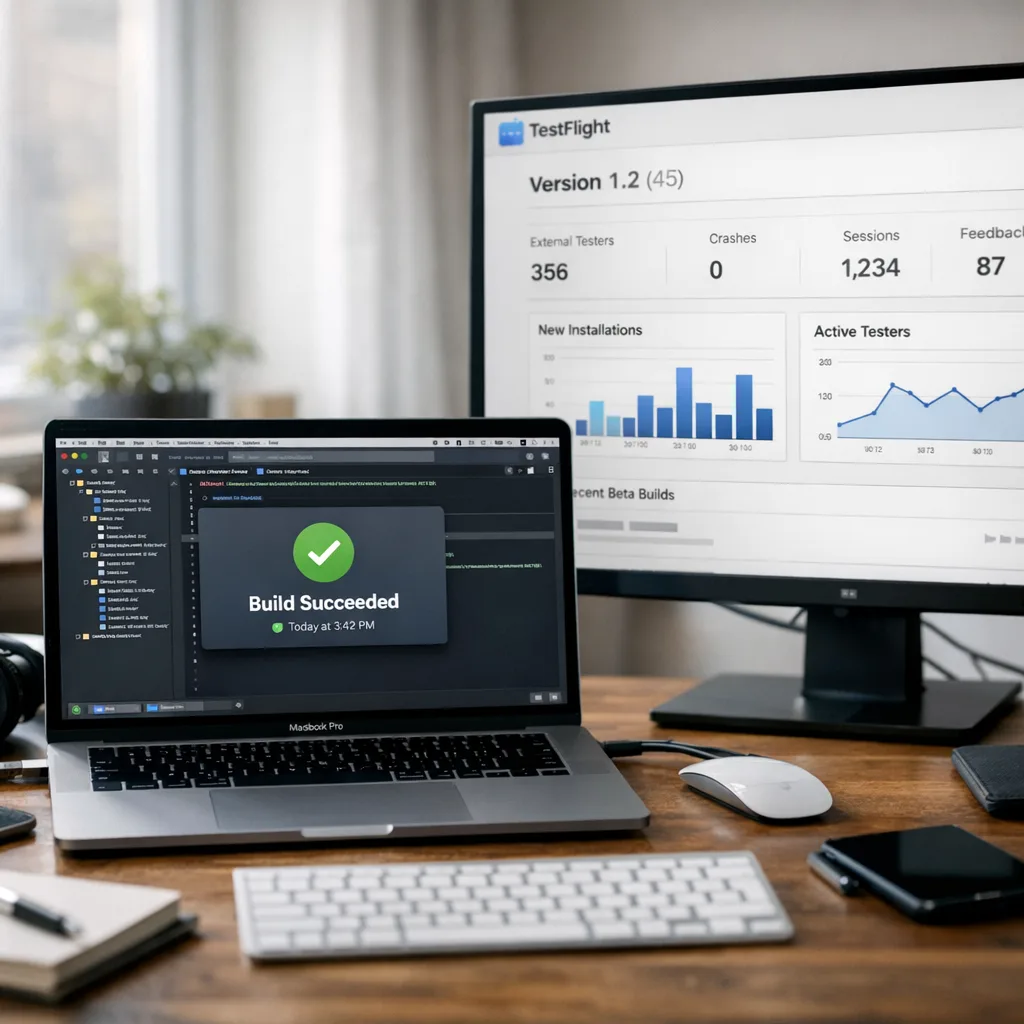
- Confirm team is on Xcode 26.3 RC; archive and upload a dry‑run build to TestFlight.
- Enable OS data transfer mappings (and AppMigrationKit) for at least your flagship app.
- Re‑run the age‑rating questionnaire and compare the public page to your internal policy; fix any drift.
- Validate App Privacy responses still match collection post‑migration.
- If you have an M&A or app transfer on deck, review Apple’s transfer steps and plan for the 48‑hour window where changes are restricted.
Zooming out: user value, not just compliance
OS data transfer isn’t a checkbox; it’s a product opportunity. When a user lands on an iPhone with your settings intact, you reduce setup time, spotlight your premium features, and increase the chance they stick through trial. Teams that nail this tend to see higher D1 and W1 retention for switchers—usually the worst‑performing cohort.
If you want a deeper dive into Apple’s policy timeline and how to avoid reviewer snags as enforcement tightens, our running coverage is a good companion read: see the architecture guidance in App Store Age Rating 2026: Architecture That Works and the step‑by‑step compliance play in What Devs Must Change Now. For a lighter, release‑ops take on this month’s tooling, bookmark February 2026 App Store Connect Update: Ship Smarter.
What to do next (this week)
You don’t need a reorg to act on this—just a crisp owner and two sprints:
- Nominate a cross‑platform owner to deliver OS data transfer E2E, including Google coordination.
- Create a migration test plan with three personas: anonymous user, signed‑in user, and lapsed subscriber.
- Ship a small, migration‑aware binary to 10% via phased release and measure activation time and first‑session depth for switchers.
- Refresh your support docs and FAQ with one clear answer: “Will my data follow me to iPhone/Android?”
- Schedule a 30‑minute audit of your age‑rating questionnaire responses with product and legal.
When to ask for help
If you’re juggling multiple SKUs, regional variants, or a live app transfer, get a second set of eyes. Our team at ByBOWU Services has implemented these pipelines across finance, fitness, and education apps; we can help you avoid the classic certificate and metadata pitfalls. Want to see how peers are shipping? Skim our portfolio highlights or ping us on the contact page.
Final word: measure, don’t guess
You’ll know OS data transfer is working when your switcher cohort’s first‑session completion rate goes up and your support queue about “lost data” goes down. Tie a simple KPI to this work—say, +8–12% D1 activation among users flagged as migrated—and keep iterating. The February changes aren’t flashy, but the compounding UX and retention gains are real if you wire them in now.





Comments
Be the first to comment.