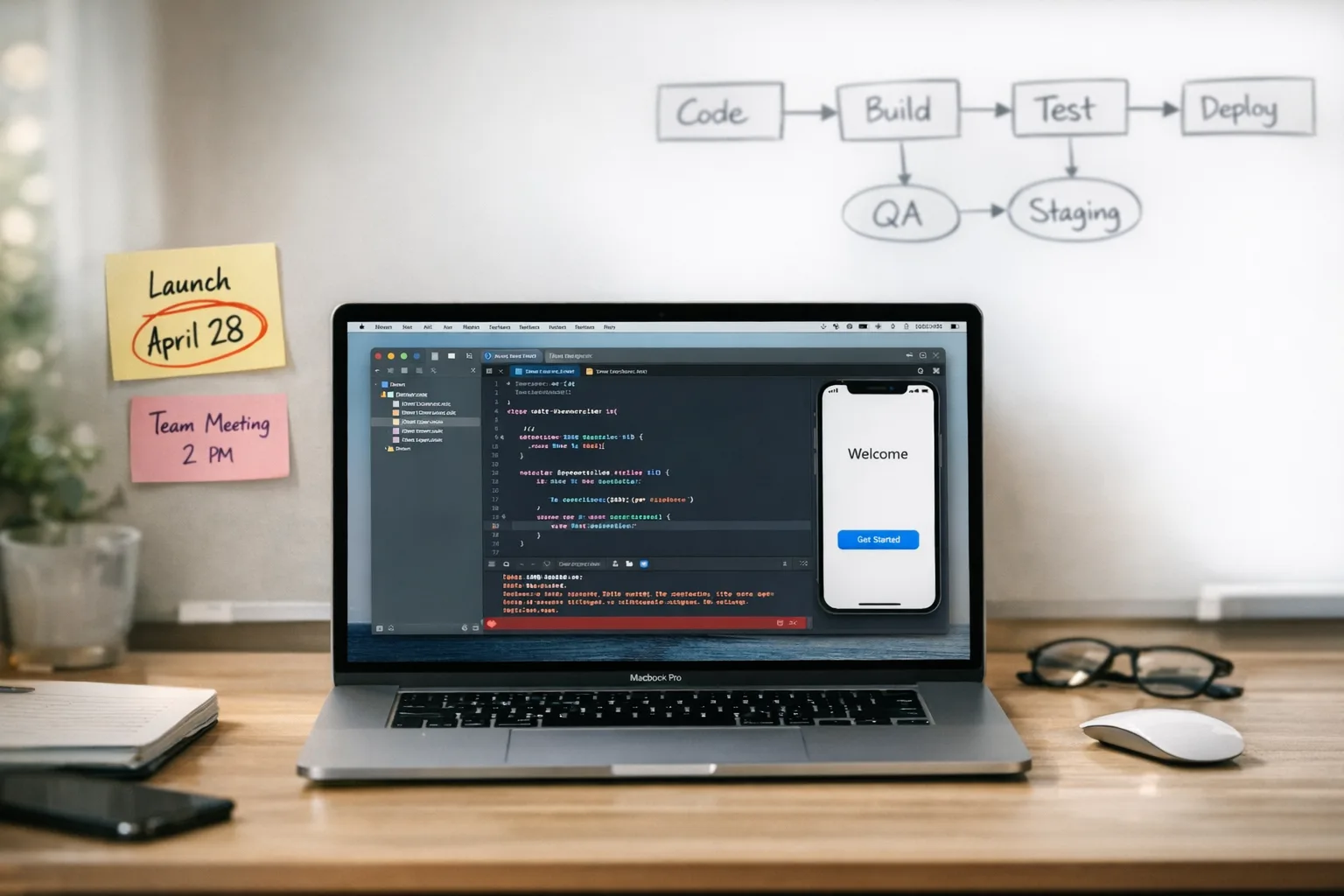
Xcode 26 Requirement: A Real‑World Upgrade Playbook
The Xcode 26 requirement is official: starting April 28, 2026, new and updated apps submitted to App Store Connect must be built with Xcode 26 or later using the iOS 26, iPadOS 26, tvOS 26, visionOS 26, or watchOS 26 SDKs. If you’re still compiling on older Xcode images or leaning on stale third‑party SDKs, the clock is ticking. This guide distills exactly what changes, the traps that stall releases, and a practical plan to get compliant without slowing feature work.
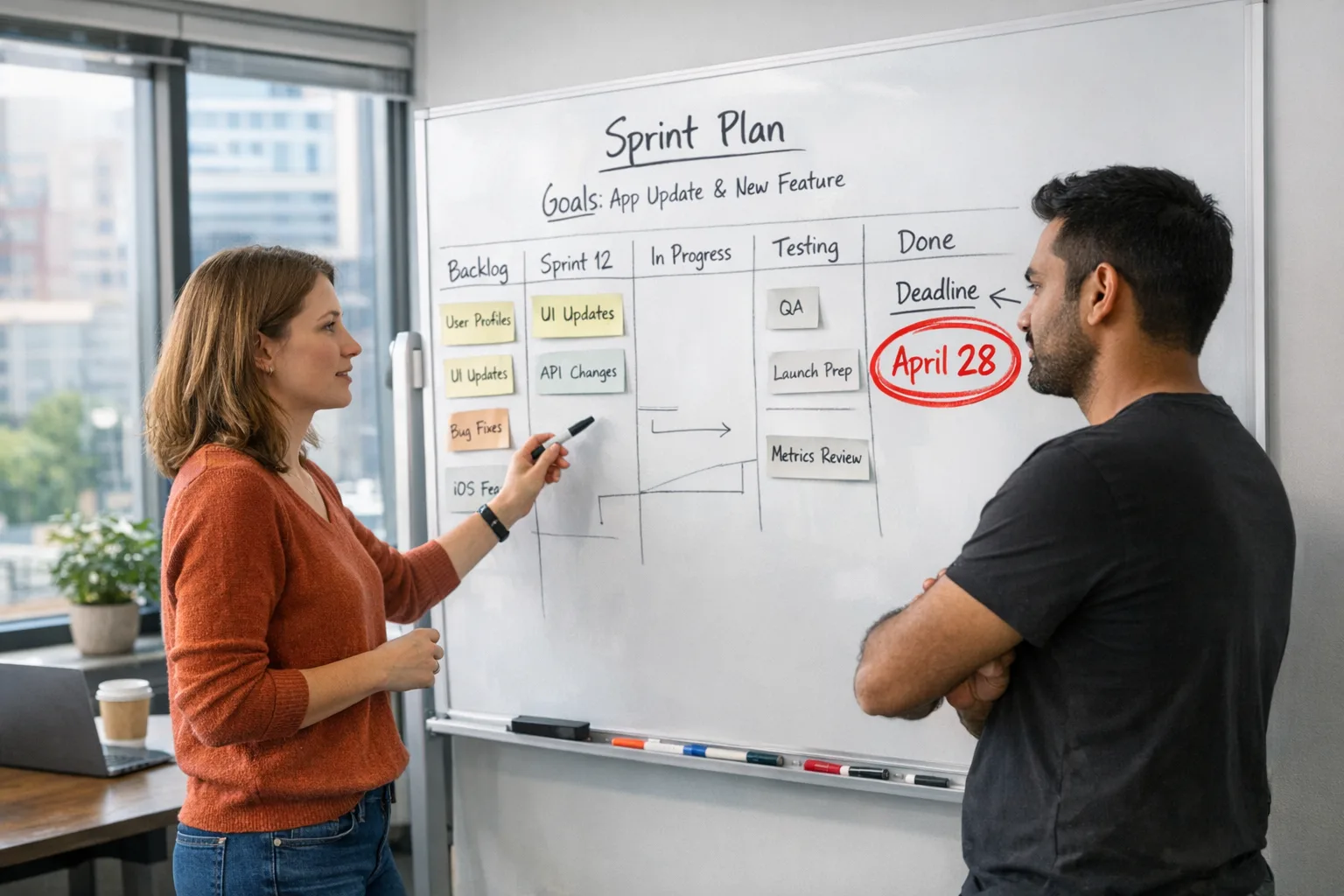
Here’s the thing: you don’t have to upend your roadmap to meet the Xcode 26 requirement. You do need a tight sequence—CI, SDKs, privacy/age rating updates, and a clean QA window. When teams skip order and try to brute‑force the Xcode bump in the last week, they discover multiple small incompatibilities that balloon into slips. Let’s not do that.
Meet the Xcode 26 requirement: what changes on April 28?
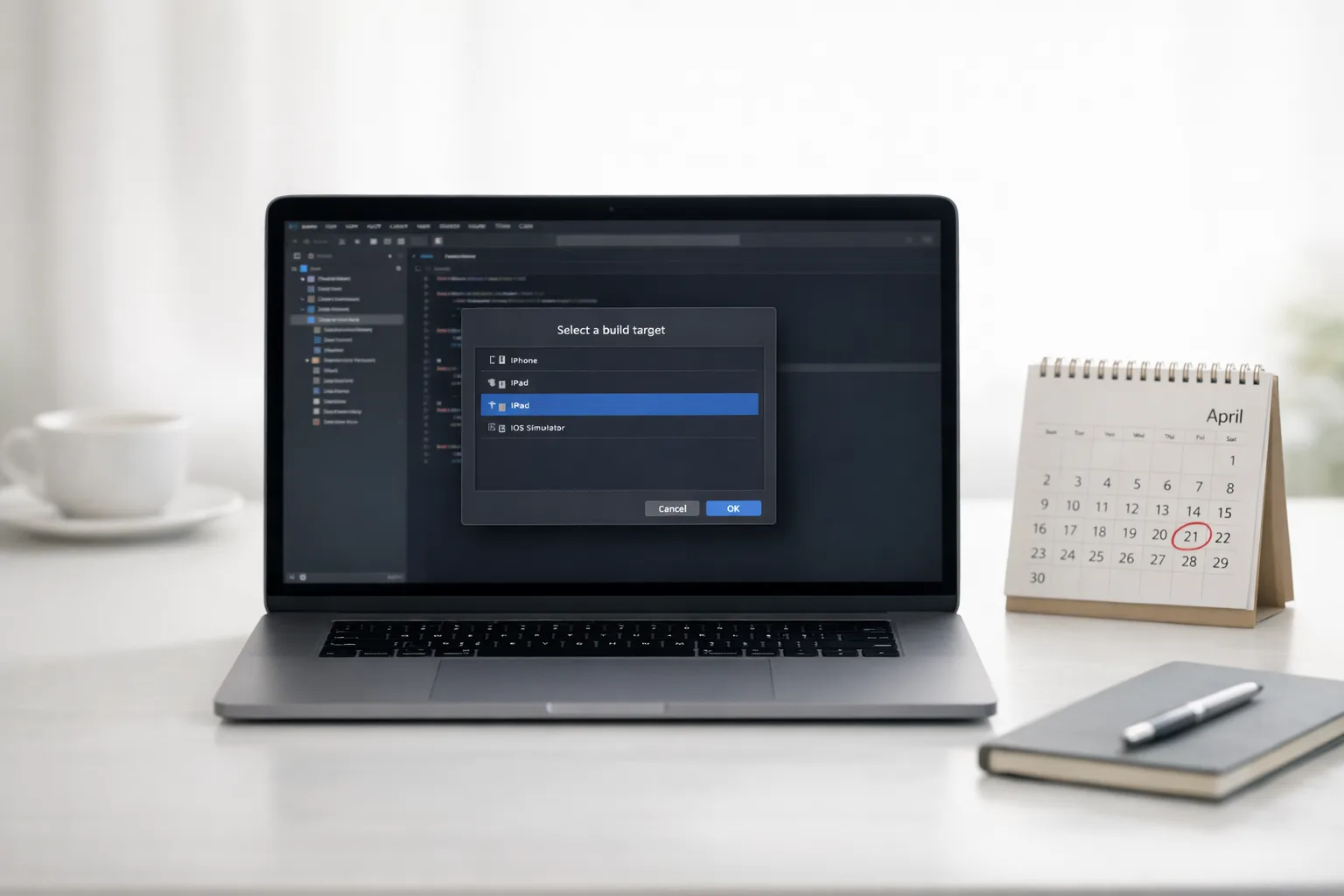
On April 28, 2026, Apple flips the gate: App Store Connect will require builds created with Xcode 26+ using the latest platform SDKs. Practically, this means your release build must originate from Xcode 26 (or later) on a machine that meets Xcode’s OS prerequisites. You can still support older OS versions as deployment targets, but the build itself must use the 26 SDKs.
Key facts to anchor your plan:
- Date: April 28, 2026—submissions built with Xcode 25.x will be rejected.
- SDKs: iOS/iPadOS/tvOS/watchOS/visionOS SDK 26 are required for the shipped app binary.
- Xcode toolchain: Xcode 26 ships with Swift 6.2. Swift 6 language mode is available but not forced; you can keep modules in Swift 5 mode and migrate incrementally.
- Age ratings: since January 31, 2026, Apple has applied its updated age rating system. Your app’s App Information answers must reflect the new categories before you submit updates.
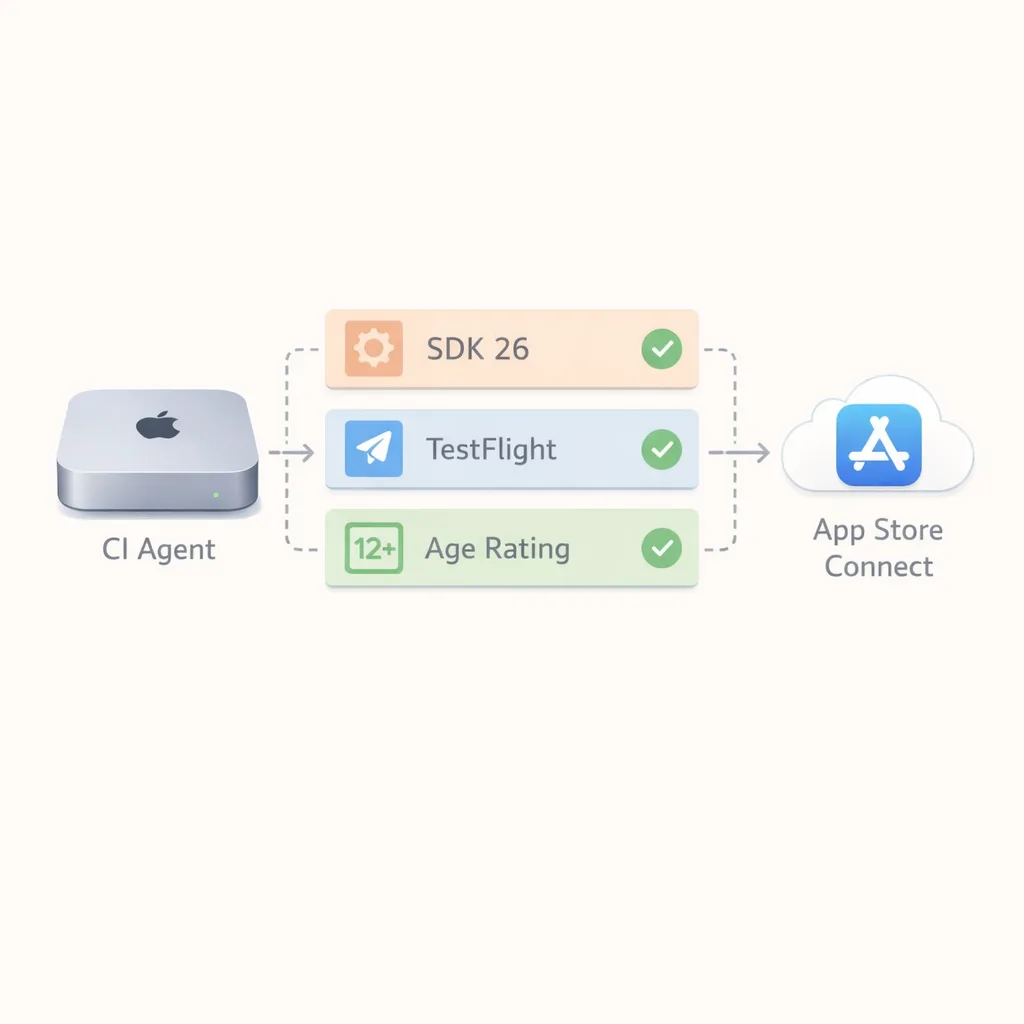
Translate this into immediate work: upgrade the CI image to Xcode 26, ensure your local dev boxes match, pin your swift-tools-version and SPM/CocoaPods targets to versions tested with SDK 26, and review your App Store Connect age rating questionnaire under the new scheme.
Who’s most at risk of missing the deadline?
From audits we’ve run this month, four patterns correlate with misses:
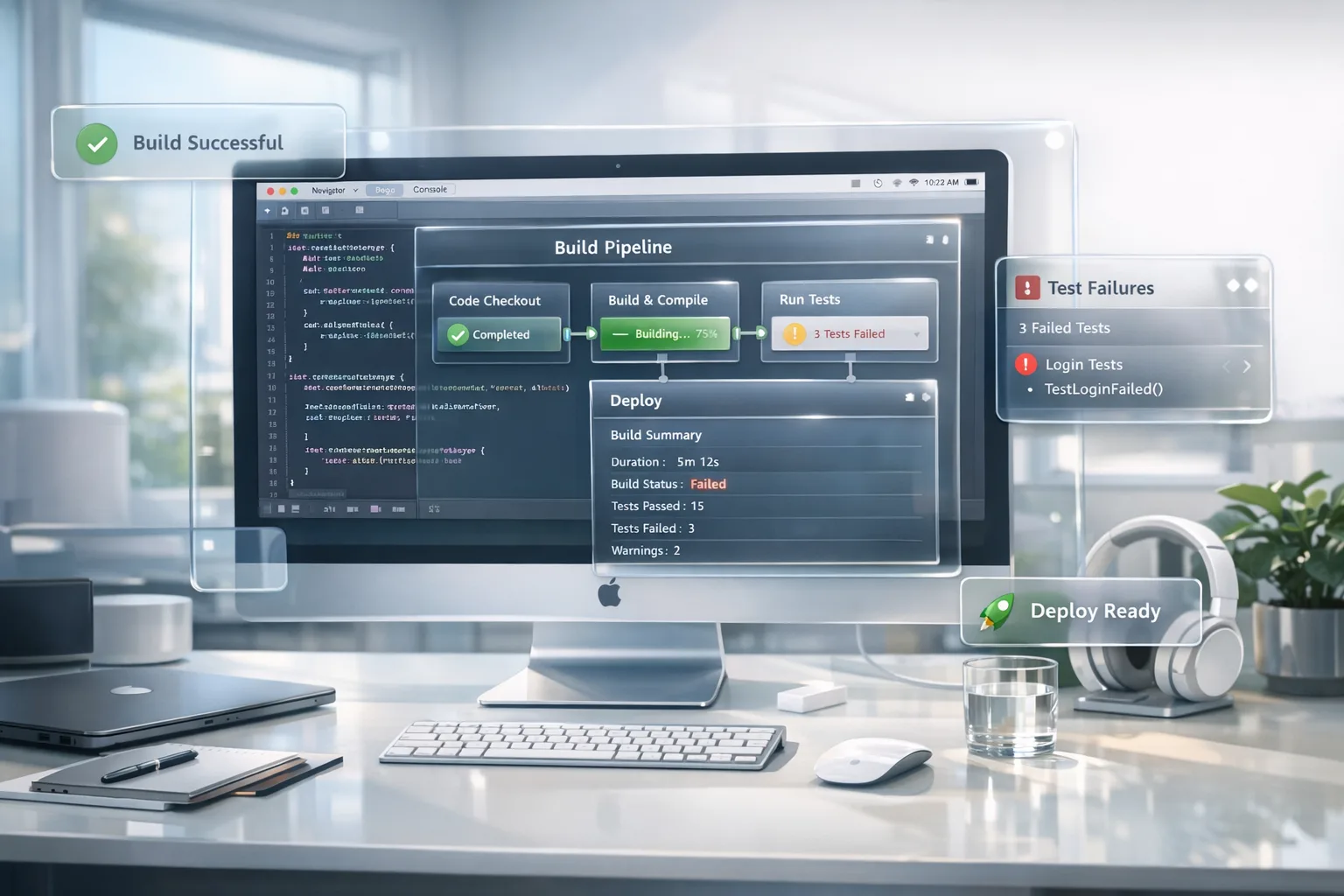
- CI drift: The macOS runner doesn’t support the Xcode 26 toolchain yet, so the build silently falls back to a cached older image. Nightly builds pass; App Store uploads fail the week of release.
- Unpinned SDKs: A single legacy analytics or ads SDK isn’t ready for SDK 26 APIs, and the app trips a build or runtime warning elevated to an error in Release.
- Package ecosystem gotchas: SPM packages specify a swift-tools-version newer than what your local Xcode 26 point release recognizes, or they enable Swift 6 by default, surfacing concurrency warnings as errors across the codebase.
- Store metadata readiness: Teams solve the build but forget the updated age rating answers, then stall in App Review ping‑pong.
If any of those feel uncomfortably familiar, pull them forward into this week’s sprint. You need calendar time for vendor SDK updates and a TestFlight soak.
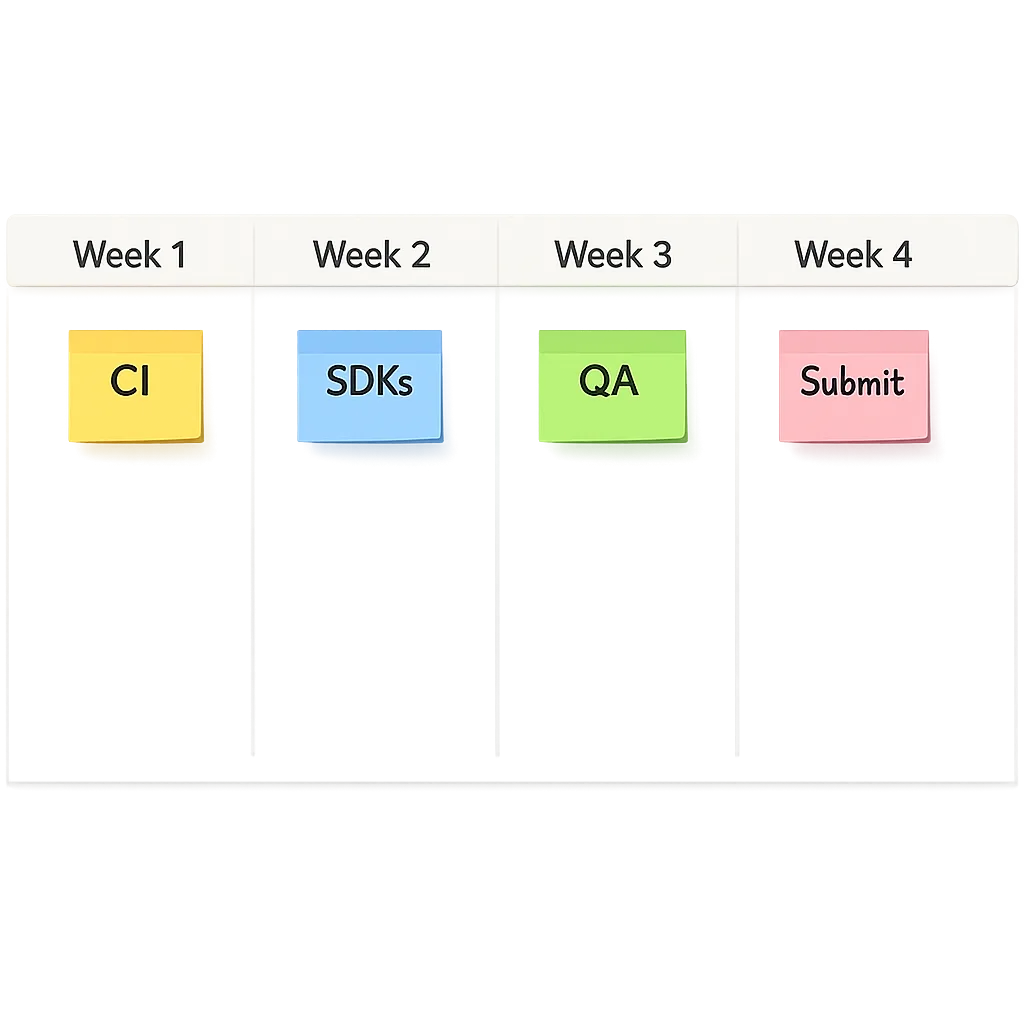
Week‑by‑week: a 30–45 day upgrade plan
Week 1: Baseline and CI first
Start with the pipeline, not local machines. Your golden truth is the CI artifact.
- Provision a fresh macOS runner that meets Xcode 26’s system requirements and install Xcode 26 (pin the exact point release).
- Lock the Xcode path in CI (e.g., xcode-select) and surface the version in build logs to prevent fallback.
- Clone your app, switch the base SDK to 26, and run a clean build for Debug and Release. Expect warnings.
- Generate a build with the new SDK, then export an .ipa and push to TestFlight. This proves end‑to‑end readiness before you touch features.
Week 2: Dependencies and language settings
Next, stabilize your dependency graph.
- Update SPM packages and pods to versions tested with SDK 26. If a vendor lags, sandbox a fork or disable the feature behind a compile flag.
- Keep Swift modules in their current language mode if you’re under time pressure. Move to Swift 6 incrementally—start with leaf modules, fix strict concurrency warnings, and promote upward.
- Turn on “Treat Warnings as Errors” in CI only for the modules you’ve verified. This lets you ship without drowning in new SDK advisory warnings.
Week 3: QA on device matrix + store metadata
Now validate real‑world behavior.
- Run a device matrix covering your lowest supported iOS version up through iOS 26, plus at least one iPad and watch device where applicable.
- Focus on permissions flows and media APIs—photo/video library and camera prompts are common friction points when SDK baselines shift.
- In App Store Connect, complete the updated age rating questions. Check for feature flags or UGC that could nudge you into a higher category unintentionally.
Week 4: Performance, crashes, and submission rehearsal
Treat this as a mini release cycle.
- Ship a TestFlight build to 50–200 external testers across your target geos. Watch cold starts and INP‑adjacent UI responsiveness (gestures, taps) on older devices.
- Run Crashlytics or your preferred crash backend; fix any top‑3 unique issues.
- Perform a dry‑run App Store submission. Verify the build is accepted server‑side and lands in “Waiting for Review.”
The Ship‑Readiness Checklist (steal this)
- Xcode 26 pinned in CI and on all dev machines.
- Base SDK set to 26; deployment targets unchanged unless you choose to raise them.
- SPM and CocoaPods dependencies updated or temporarily replaced; no unresolved binaries built with obsolete minimums.
- Feature flags for risky areas (camera, media library, Bluetooth, push notifications).
- Updated age rating answers in App Store Connect under the new categories.
- At least one TestFlight build with external testers on iOS 26 and your floor OS.
- Release notes drafted; screenshots unaffected by UI shifts from SDK 26.
Data you can plan around
Dates and versions matter when schedules get tense:
- April 28, 2026: Apple requires Xcode 26+ builds using SDK 26 for store submissions.
- January 31, 2026: App Store age ratings updated; your questionnaire answers must be current.
- Toolchain: Xcode 26 includes Swift 6.2. Teams can enable Swift 6 language mode per target as time allows.
One more planning note: make sure your CI macOS version supports your chosen Xcode 26 point release. Teams lose days wrestling with headless runner upgrades they could have scheduled earlier.
Gotchas when moving to SDK 26
Every major SDK bump has its personality. Here are the rough edges we’ve seen repeatedly:
- Photo and video permission text: if your app touches the camera roll or gallery—directly or through a scanner/vision SDK—recheck your permission copy and entitlement usage. App Review scrutinizes vague media access justifications.
- Background tasks and notifications: changes in scheduling heuristics or API deprecations can alter timing. Validate critical reminders and health‑adjacent flows across OS versions.
- SPM indices and tools version: some packages declare a swift-tools-version newer than your Xcode 26.x supports. Pin your tools version or upgrade to the corresponding Xcode 26 point release.
- Bitcode removal legacy: if you carry ancient build scripts still toggling Bitcode, clean them up to avoid spurious archive warnings.
“Do I have to raise my minimum iOS version?”
Usually, no. The Xcode 26 requirement mandates the build uses SDK 26, not that your minimum deployment jumps to iOS 26. Apple’s toolchain still supports building for older OS floors (subject to Xcode’s documented deployment targets). In practice, many teams stay on an iOS 15–17 floor while adopting SDK 26, then raise the floor later for maintenance and testing efficiency.
“Will I be forced onto Swift 6 everywhere?”
No. Xcode 26 includes Swift 6.2, and you can enable Swift 6 language mode target‑by‑target. Our guidance: flip it first on leaf modules or new code, fix strict concurrency warnings where they add safety, and only then promote core app targets. Don’t conflate the store deadline with a language migration; keep the deadline tractable.
“What about new AI features in Xcode—should I care now?”
Xcode 26 point releases expand on AI‑assisted workflows inside the IDE. Nice to have, not deadline‑critical. If you’re migrating anyway, pilot AI code suggestions on a feature branch to accelerate refactors and test writing—but don’t overload your April 28 scope. Ship first; optimize next sprint.
“Do I need to redo all my privacy answers?”
Review them. The age rating system and some permission expectations evolved. If your app handles UGC, profiles, or location, revalidate your disclosures and in‑app permission copy. When in doubt, align wording between Info.plist strings, in‑app UI, and the App Store questionnaire.
Lean governance: the RACI we use for upgrades
Fast upgrades die when accountability blurs. Use a minimal RACI for the 4‑week push:
- Responsible: Tech lead (CI pinning, dependency updates), QA lead (device matrix), PM (store metadata, timeline).
- Accountable: Engineering manager.
- Consulted: Security/Privacy owner for permissions and age ratings; Data team for analytics SDK updates.
- Informed: Stakeholders on release dates and any floor‑OS changes.
Budgeting reality: time and risk
On healthy codebases with modern dependencies, a clean Xcode 26 upgrade runs 3–5 engineer‑days plus 2–3 QA‑days, spread over the month. Add buffer if you depend on camera/vision stacks, older payment SDKs, or custom Bluetooth. The riskiest cost is a blocked release because a single vendor library lags. Ask those vendors—today—whether their February/March builds are SDK 26‑validated.
What to do next (developers)
- Pin your CI to Xcode 26 and print the version in logs.
- Switch Base SDK to 26; run a clean archive; push a TestFlight build.
- Update SPM/Pods; fork or flag lagging dependencies.
- Pilot Swift 6 mode on one leaf module; fix top concurrency warnings.
- Complete the updated age rating questions; align permission copy.
What to do next (product owners)
- Approve time for CI upgrades and a 2‑week TestFlight soak.
- Message beta testers about a focused regression window on iOS 26.
- Confirm vendors’ SDK 26 support dates in writing.
- Plan a contingency release (bug‑fix only) one week before April 28.
When to raise the floor OS
Raising the minimum supported iOS version buys you faster builds, simpler QA matrices, and access to modern APIs without polyfills. If your analytics show less than 3–5% of active users under iOS 16, consider announcing a floor bump in‑app now and executing it in May, after you’re comfortable on SDK 26.
Quality gates we automate for this upgrade
- Build gate: fail CI if Xcode version != 26.x or Base SDK != 26.
- Permissions gate: scan Info.plist for camera/photo usage descriptions; fail if missing or vague.
- Package freshness gate: warn if any SPM package targets unknown tools version.
- UI smoke gate: scripted taps for first‑run permissions on iPhone 12, iPhone 15, iPad Air, Apple Watch simulator.
Zooming out: use the deadline to pay down debt
Deadlines can be leverage. Fold in two tiny wins: remove dead pods you’ve ignored since 2023 and split your main app target into app + core framework to speed builds and isolate Swift 6 adoption. Small structural moves now make future SDK jumps cheaper.
If you’d like a partner to shoulder the upgrade while your team ships features, our mobile app engineering services include turnkey CI upgrades, dependency audits, and TestFlight management. For a deeper, scenario‑driven plan, read our internal guide: Xcode 26 Requirement: Your April 28 Game Plan. Cross‑platform shop? We also wrote a practical Android counterpart: Android 17 Beta — The Developer Checklist That Matters. And if you’re reworking messaging or chat in parallel, our RCS E2E Encryption 30‑Day Readiness Plan covers product and compliance angles.
FAQ: fast answers for busy teams
Can I build on Xcode 26 but keep my current feature schedule?
Yes. Land the CI switch and a “no‑changes” TestFlight build first. Then branch feature work. This de‑risks the deadline while your roadmap continues.
Do I need new screenshots?
Not by rule, but verify that the SDK 26 build doesn’t alter UI spacing or typography on your key store pages. If it does, refresh the affected locales only.
Will App Review be slower around the deadline?
Historically, yes—submission volume spikes near hard dates. Avoid the rush: submit a maintenance build a week early so you’ve got a compliant binary in review before April 28.
Final word
The Xcode 26 requirement is a shipping exercise, not a science project. Do CI first, dependencies second, QA third, and the store formality last. Keep Swift 6 adoption incremental. If you execute the four‑week plan above, you’ll land a stable, compliant build with time to spare—and you’ll make the next platform jump easier, too.



Comments
Be the first to comment.