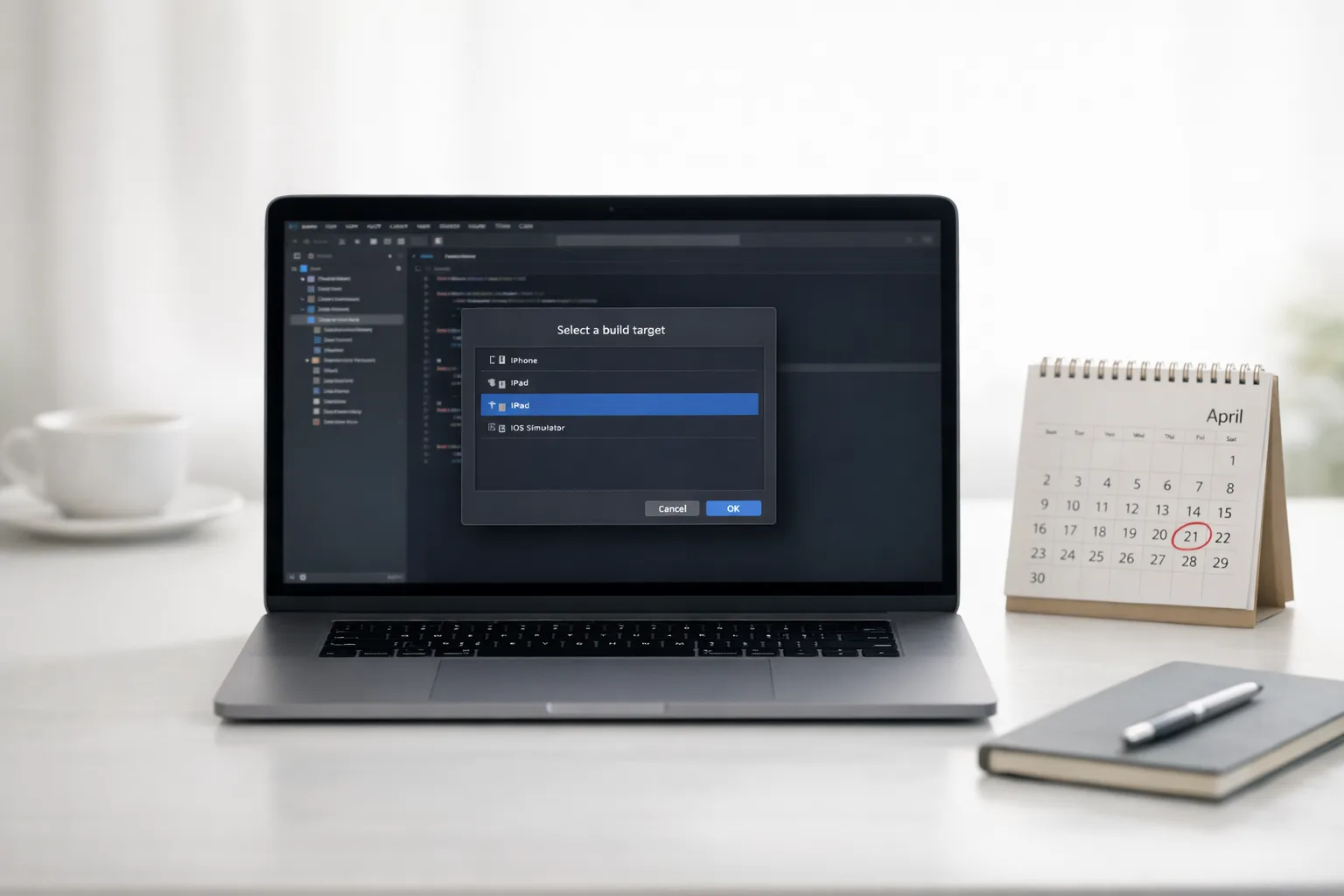
Xcode 26 Requirement: Your April 28 Ship Checklist
Apple’s Xcode 26 requirement hits on April 28, 2026: any new build you upload to App Store Connect must be compiled with Xcode 26 (or later) using the iOS/iPadOS 26, tvOS 26, visionOS 26, or watchOS 26 SDKs. Existing live versions stay up, but the first time you submit after that date, you’re on the new toolchain—no exceptions. Treat this as an engineering and release‑ops change, not just a version bump.
I’ve helped teams through multiple Apple SDK cutovers. The pattern is predictable: most apps compile in an afternoon, but subtle runtime differences, updated privacy prompts, and CI mismatches burn days. Here’s the playbook to keep velocity and avoid “approved but broken” releases.
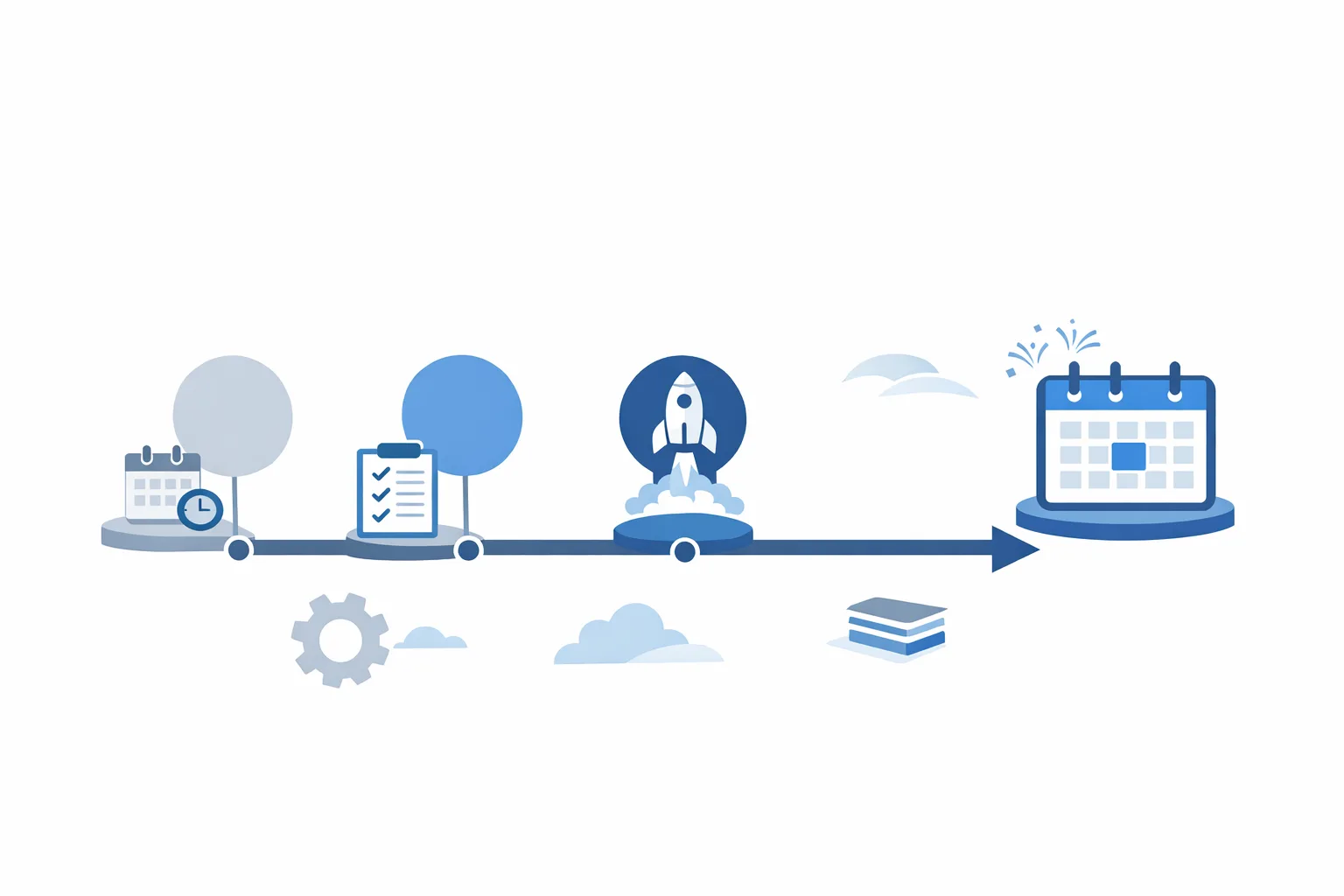
What’s actually changing on April 28?
Apple will block new submissions that aren’t built with Xcode 26+ targeting the 26‑series SDKs across platforms. Practically, that means:
- Your next upload after April 28, 2026 must be compiled with Xcode 26+ and the appropriate 26 SDK (iOS/iPadOS, tvOS, visionOS, watchOS).
- It’s a build‑time requirement—your runtime deployment target can still include older OS versions you support.
- Apple updated age ratings on January 31, 2026. If you didn’t answer the new questionnaire, you’ll hit friction at submission time.
There’s also fresh tooling context: Xcode 26.3 introduces deeper AI‑assisted workflows (“agentic coding”) and iOS 26’s visual language adds Liquid Glass. You don’t have to redesign your app to pass review, but these shifts affect how UI renders and how fast you can iterate.
“Just recompile” is how regressions ship
Moving to a new SDK toggles defaults you’ve forgotten about. Common pain we’ve seen in migration sprints:
- Permissions and prompts: Switched wording and timing can break onboarding flows or A/B test assumptions.
- Networking subtleties: Header casing, TLS ciphers, or ATS evaluation can surface different behavior under the newer SDK or simulator device profiles.
- Layout drift: Safe‑area and typography metrics shift slightly; collection views with custom layouts are usual suspects for off‑by‑one jiggles on notched devices or large screens.
- Background work: Scheduling under stricter energy policies can delay expected tasks if you’re leaning on fragile timing.
Fixing these after review costs you the week you don’t have. Bake runtime checks and visual diffs before you tag the release.
The migration plan (T‑30 to T‑0)
Here’s a focused plan we’ve used to move production apps without downtime. Adjust, but don’t overcomplicate.
T‑30 to T‑21: Toolchain and CI parity
- Pin Xcode 26.x locally and in CI (self‑hosted runners or Xcode Cloud). Ensure the same minor version on both; mismatched Swift/SDK point releases create non‑reproducible builds.
- Update dependency managers: Swift Package Manager resolves fine in most cases, but bump pinned versions and audit binary targets. If you still use CocoaPods, ensure the Ruby toolchain and pods integrate under Xcode 26 without stale build settings.
- Archive a dry‑run build with Release configuration and symbolication enabled. Verify bitcode expectations (if applicable to your stack), dSYM uploads, and crash symbol mapping in your observability tool.
T‑21 to T‑14: Targeted QA on SDK deltas
- Enumerate sensitive paths: onboarding, sign‑in, purchase flows, push registration, camera/photos access, background uploads. Run these on iOS 26 simulators and on real devices across your supported range.
- Snapshot critical screens at the same logical points on your current live build and the Xcode 26 build. Compare font weights, spacing, safe‑area insets, and translucency effects. Capture and track differences explicitly—don’t rely on memory.
- Exercise notifications: permission prompts, provisional auth, deep links, and action buttons. Confirm device tokens, environment selection, and push payload parsing haven’t changed.
T‑14 to T‑7: Release readiness
- Formalize your backout: keep a hotfix branch on your current toolchain in case a late SDK defect appears. Document the revert path in your runbook.
- Age ratings: update now. If your App Information screen still shows unanswered questions from the January 31 update, fix it before you press Submit.
- Re‑baseline performance: profile startup time and memory under Xcode 26 builds. Track any cold‑start regressions above 5%.
T‑7 to T‑0: Submit with guardrails
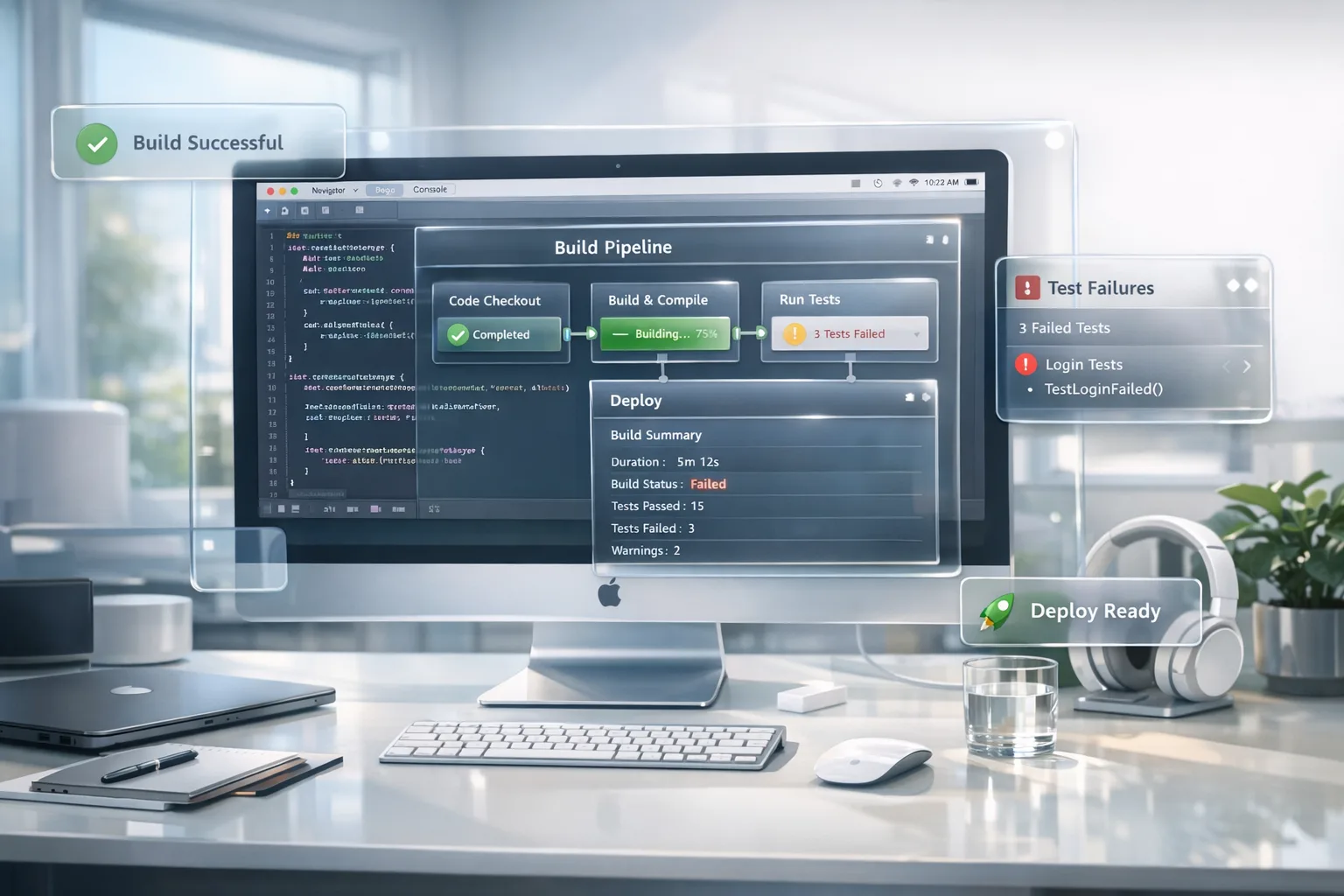
- Stage rollout: don’t go 100% at once—use phased release. Watch crash‑free sessions, ANR/termination metrics, and purchase conversion.
- Set up shadow monitoring: custom logs for permission outcomes, notification registration results, and SKU purchase attempts. Keep dashboards visible for the entire rollout window.
- Hold engineers on deck for the first 48 hours after approval. Most SDK‑related production issues surface immediately.

Where apps actually break under Xcode 26
Not exhaustive, but these are the real‑world hotspots I keep seeing:
- Custom layout math: If you hand‑rolled grid or paging logic, subtle changes in safe‑area insets and typography scale can push content under bars. Add assertions to detect overlapping frames or truncated labels in key screens.
- Photo and camera permissions: If you bifurcate between limited and full photo access, revalidate copy and timing. Ensure your Info.plist strings are concise and specific; generic text drives denial.
- URLSession assumptions: Retry logic that wasn’t truly idempotent may now produce duplicate writes when background reconnection behaves slightly differently.
- StoreKit surface area: If you migrated piecemeal to StoreKit 2, re‑test edge cases: interrupted purchases, refunds, family sharing. Don’t ship a revenue regression because of a subtle listener change.
One defensive tactic: log any OS‑provided prompt outcomes and critical system callbacks with a build‑ID tag. If metrics wobble after rollout, you’ll correlate shifts to the exact SDK build.
Do I need to drop old iOS versions?
No. The Xcode 26 requirement is about the toolchain and SDK used to compile. You can continue supporting older OS versions that still run your app. Just ensure testing covers at least one real device on the minimum OS you claim.
Is “Liquid Glass” mandatory to pass review?
It isn’t required to ship, but iOS 26’s visual language introduces Liquid Glass materials and refined iconography. If your app uses translucency, blur, or layered backgrounds, check contrast and readability. A few teams have discovered that their custom blur + vibrancy combos look muddier under the new rendering defaults.
What about AI features in Xcode 26.3—are they worth it?
Used well, yes. Xcode 26.3’s agentic coding can offload rote refactors, generate targeted tests, and even tweak project settings. My rule: let agents propose and draft; humans review and merge. The best ROI I’ve seen is in writing snapshot tests for complex UI components and batch‑fixing outdated build settings across multiple targets.
Compliance extras teams miss
Two non‑negotiables to verify before you submit:
- Age rating updates took effect January 31, 2026. If you haven’t answered the updated questions in App Information, fix that now or your submission can stall.
- Privacy copy in Info.plist must be accurate and specific—camera, microphone, photos, Bluetooth, and tracking rationale should match actual use. Review screens and feature flags against the copy; reviewers reject mismatches fast.
If you maintain a cross‑platform roadmap, line this work up with Android changes too. Our Android 17 developer checklist outlines large‑screen rules you may need to align with if you’re doing synchronized releases.
A zero‑drama readiness scorecard
Use this to gauge confidence. If you can answer “yes” across the board, you’re good to submit.
- Tooling parity: Is your local Xcode 26.x identical to your CI image? Do your build scripts detect and fail on mismatches?
- Dependencies green: Have all SPM packages and any pods been rebuilt and archived under Xcode 26 with no custom build‑setting overrides required?
- Critical flows validated: Have you recorded and compared snapshots for sign‑in, paywall, purchase, and post‑purchase?
- Telemetry in place: Will you see permission outcomes, notification registration, and purchase attempts per build ID within minutes of rollout?
- Submission data clean: Are age ratings updated and privacy strings accurate for what the binary actually does?
Let’s get practical: a 30‑day sprint plan
If you’re starting today, this is the minimum viable path:
- Day 1–2: Install Xcode 26.x, pin in CI, archive a Release build. Document environment versions.
- Day 3–5: Upgrade dependencies, fix compile warnings, run smoke tests on iOS 26 simulators and min‑OS devices.
- Day 6–10: Snapshot and compare critical UI. Patch layout drift and permission timing issues.
- Day 11–14: Exercise notifications and purchase flows end‑to‑end in sandbox; verify receipts and webhooks.
- Day 15–18: Performance passes (startup, memory). Create dashboards and alerting by build ID.
- Day 19–22: Finalize release notes, update age ratings and App Store metadata.
- Day 23–24: Submit to TestFlight, gather external feedback.
- Day 25–27: Fix last‑mile issues; prepare staged rollout toggles.
- Day 28–30: Submit for review; keep engineers on deck for 48 hours after approval.

People also ask
Will Apple reject updates compiled before April 28 but submitted after?
Yes—if the binary you upload after April 28 wasn’t built with Xcode 26 and the 26‑series SDK, it won’t clear the requirement. Rebuild with the new toolchain.
Do I have to rework every screen for iOS 26 design?
No. But audit any custom translucency, blur, and layered materials. Ensure text contrast and legibility remain strong with Liquid Glass in the environment.
Can I keep my current minimum iOS version?
Generally yes, as long as devices can still run your app. The requirement is about the SDK used to compile, not your deployment target. Always test on at least one real device at your minimum OS.
Use agents, keep ownership
Try Xcode 26.3’s agentic features for tedious work: migrate build settings, generate unit and snapshot tests for complex views, and stage refactors that you’ll review. Keep human control over architecture and product choices. In our experience, agents shine when they have a tight brief and a small, auditable diff.
Related deep dives and help
If you want more focused playbooks, we’ve published tactical guides: an April 28 game plan for teams with multiple targets, and a ship‑ready playbook that zeroes in on CI, signing, and staged rollout. If you’d like hands‑on support, our mobile release management services page outlines how we structure fast migrations. Ready to talk? Drop us a note via Bybowu contacts.
What to do next
- Today: Install and pin Xcode 26.x locally and in CI; archive a signed Release build.
- This week: Update dependencies; run targeted QA on permissions, notifications, and purchase flows; snapshot critical UI.
- Within two weeks: Fix layout drift; update age ratings and privacy copy; set up staged rollout and dashboards keyed to build IDs.
- Before April 28: Submit with guardrails; keep engineers on call for 48 hours post‑approval.
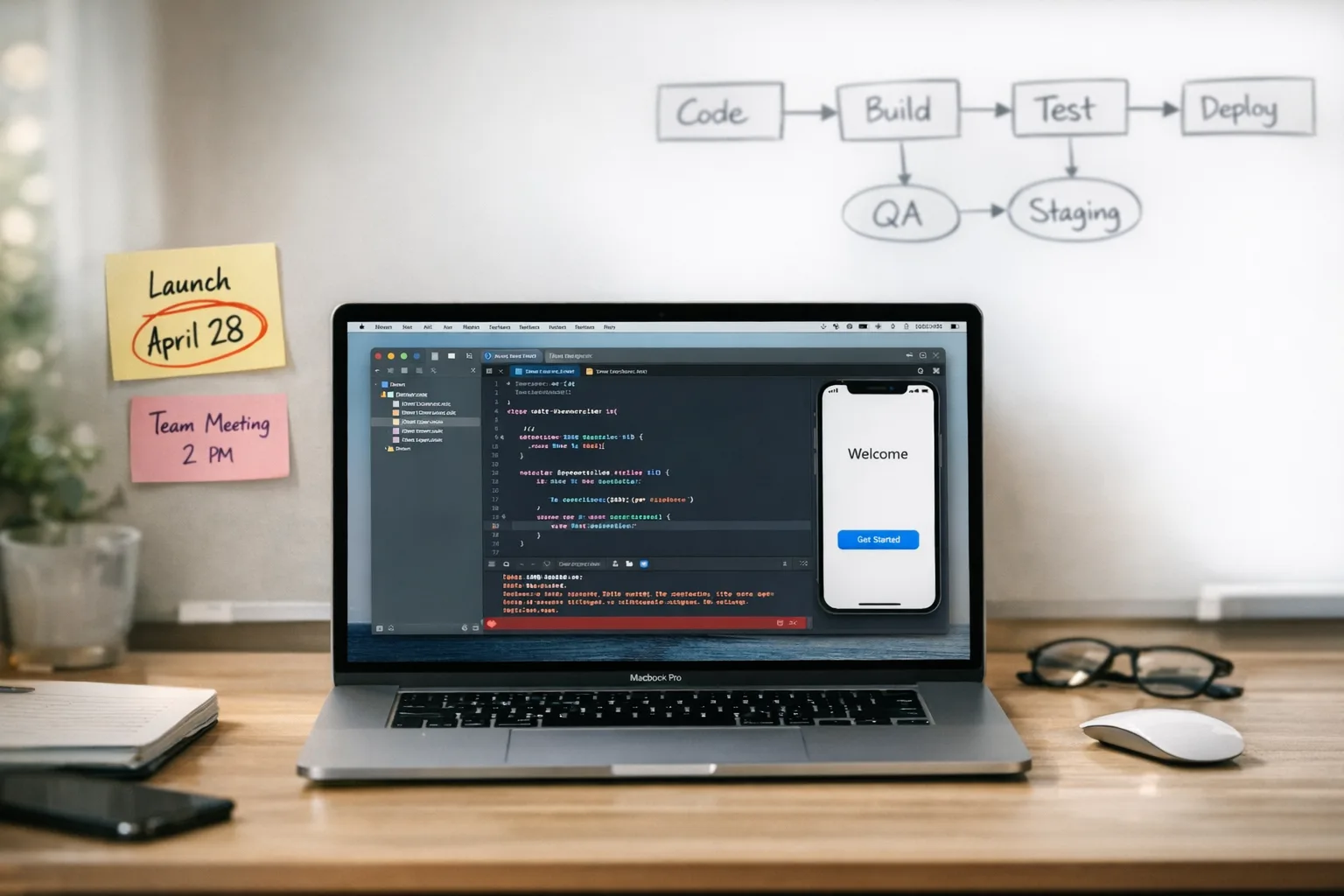
You don’t need heroics to clear this deadline—you need boring reliability. Pin the toolchain, test where it matters, and treat submission metadata with the same rigor as code. Do that, and April 28 becomes a non‑event for your users and your business.



Comments
Be the first to comment.