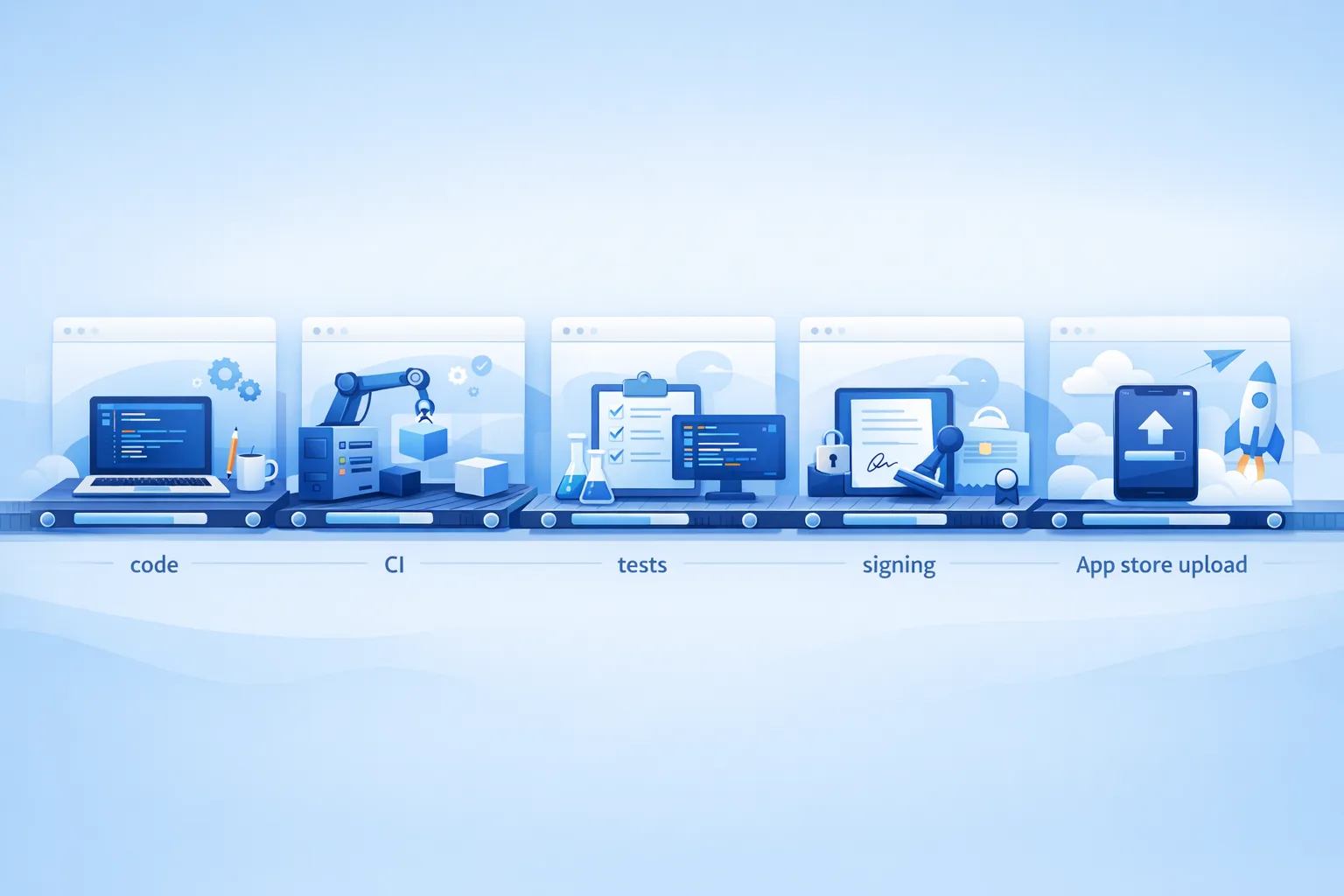
Xcode 26 Requirement: The April 28 Ship Playbook
The Xcode 26 requirement lands on April 28, 2026. After that date, App Store Connect will reject uploads that aren’t built with Xcode 26 or later targeting the 26‑series SDKs. It’s a build‑time rule, not a mandate to drop older OS support, but it touches every part of your pipeline—from developer machines to CI runners, signing, crash symbolication, and even subtle runtime behavior. Here’s how to make the cutover with minimal risk and zero weekend fire drills.
What changed and when
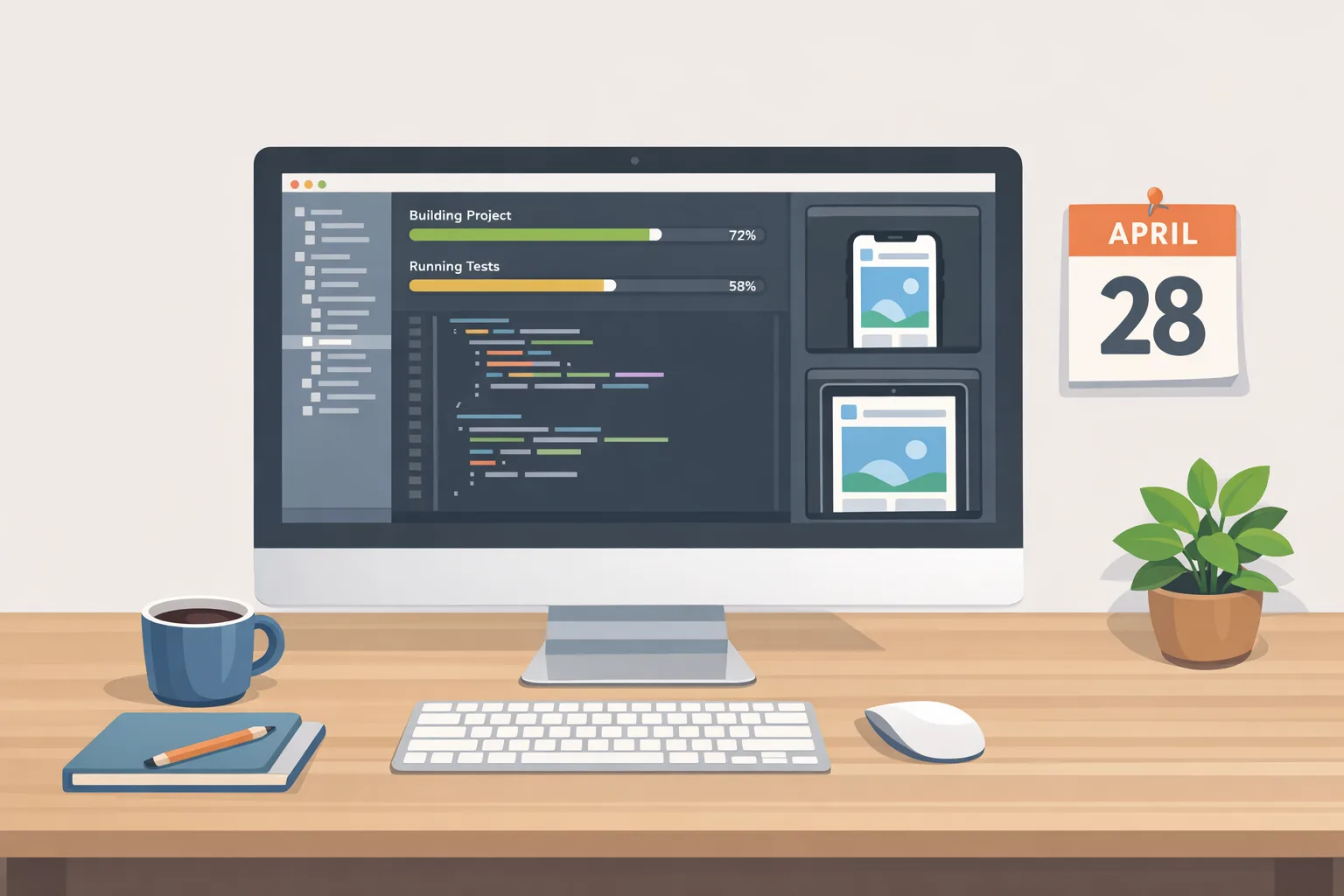
Beginning April 28, 2026, all new builds uploaded to App Store Connect must be compiled with Xcode 26 or later using the current 26‑series SDKs for iOS, iPadOS, watchOS, tvOS, and visionOS. Practically, this flips two switches for you: build toolchains must be updated across the board, and test matrices must cover the 26 SDK behaviors even if your app’s minimum deployment target stays lower.
Two timely extras matter this spring. First, Apple’s developer tooling cadence means Xcode 26.3 arrives with meaningful stability and performance fixes worth adopting before you freeze. Second, those 26 SDK defaults quietly reshape things like entitlements, privacy prompts, and background execution policies—areas that pass unit tests but fail in real‑world QA if you don’t look closely.
Xcode 26 requirement: what it means for your stack
This isn’t just an IDE upgrade. It’s an environment change, and environment changes ripple. Expect to touch:
Local machines. Standardize one Xcode 26.x build of record for your team. Lock the exact version in a dev‑container or script so “works on my machine” isn’t your Friday surprise.
CI and runners. Rebuild images with Xcode 26.x and the 26‑series simulators you’ll test against. Clear any cached toolchains, pre‑warm derived data, and pin fastlane/cocoapods/swift‑package‑manager versions. If you’re using custom runner fleets, verify your macOS minor version matches Xcode’s support matrix.
Signing and Notarization. Confirm API keys, certificates, and provisioning profiles after installing Xcode 26—keychain state and automatic signing toggles can drift. Re‑export the signing assets for your headless CI users.
Dependencies. The 26 SDKs may surface new warnings or stricter checks. Refresh binary frameworks, re‑resolve Swift Package Manager dependencies with exact versions, and bump pods to releases tested on 26. Hunt deprecated symbols with OTHER_SWIFT_FLAGS and GCC_TREAT_WARNINGS_AS_ERRORS toggled in a staging branch.
Crash tooling. Ensure symbol uploads still work after toolchain changes. If you ship dSYMs to third‑party crash platforms, re‑validate their new CLI and API tokens on fresh builds from Xcode 26.
A 10‑week cutover plan (Feb 19–Apr 28, 2026)
You’ve got roughly ten weeks. Here’s the plan I’ve used with product teams that ship weekly without burning out the people doing the work.
Week 1: Inventory and freeze the baseline
Pick a single Xcode 26.x version and pin it. Generate a bill of materials: macOS version, Xcode, CLI tools, Homebrew formulae, SPM and CocoaPods versions, simulators. Save as code in your repo (scripts or container files). Document current signing state and release branch cadence.
Week 2: CI image and simulator matrix
Build new CI images. Pre‑install the simulators you actually run (don’t install everything—startup time matters). Warm caches by performing a clean build and test run twice. Snapshot build timings and flake rates for later comparison.
Week 3: Dependency upgrades and warnings burn‑down
Update Swift packages and pods to the latest 26‑tested versions. Run a “warnings as errors” day: engineers tackle compiler, privacy manifest, and entitlement warnings while context is fresh. Capture any API migrations that need product sign‑off.
Week 4: E2E test rehearsal and feature freeze windowing
Run a full end‑to‑end build in the new toolchain, pushing to an internal TestFlight group. If you run weekly sprints, declare a brief feature‑freeze lane for the cutover branch; new work can land on trunk behind feature flags while the cutover stabilizes.
Week 5: Real‑device smoke on problematic OSes
Smoketest on devices that your crash logs say matter: older iPhones and Apple Watch models that users actually own. Pay attention to camera, notifications, background fetch, in‑app purchase flows, and sign‑in. These are the areas where SDK defaults bite.
Week 6: Payments, privacy, and deep links
Re‑validate StoreKit and sign‑in flows with fresh receipts and sandbox users. Confirm privacy prompts copy and timing match your UX. Click every universal link and URL scheme that marketing relies on. Update screenshots or instructions if the OS wording shifted.
Week 7: Performance and size guardrails
Measure launch time and binary size compared to last production build. If size grew, audit bitcode/strip settings, resource duplication, and image asset compression. If launch time slipped, capture os_signpost traces and review pre‑main work you’ve added since the last LTS toolchain.
Week 8: Localization and accessibility
Re‑cut strings and right‑to‑left layouts. SDK label changes can widen text or alter focus order. Do a VoiceOver pass and fix regressions now instead of discovering them during review.
Week 9: Beta to release rehearsal
Promote a build to external TestFlight users under the new toolchain. Dry‑run the entire release checklist including marketing, support macros, and staged rollout plan. Capture approval times and any review feedback that mentions toolchain artifacts.
Week 10: Finalize, tag, and cut over
Tag the shipping commit, re‑sign in a clean environment, and archive with Xcode 26. Push to App Store Connect with confidence. Keep a hotfix branch ready, but don’t change the toolchain again.
If you want a deeper, week‑by‑week playbook with reminders and cutover checklists, we published a companion guide here: 10‑Week Ship Plan for the April 28 change.
Agentic coding in Xcode 26.3: where it helps, where it hurts
Xcode 26.3 introduces agentic coding features that can inspect projects, run tests, and make changes using the Model Context Protocol (MCP). Used well, this reduces toil: setting up schemes, flipping build settings across targets, or generating snapshots and fixtures. Used poorly, it can churn diffs or hide sharp edges behind automation you haven’t audited.
Practical guidance from production use:
- Constrain scope. Ask the agent to change a single target or file set, not the whole workspace. Review diffs like you would a new teammate’s first PR.
- Protect secrets. Don’t pipe credentials, private API keys, or customer data into prompts. Keep agent work on redacted sample projects when possible.
- Lock config files. Set CODE_SIGNING_ALLOWED, entitlements, and privacy manifests under code review rules. If an agent tweaks those, require a senior reviewer.
- Use for scaffolding, not policy. Generating test doubles or localized strings is great; rewriting business logic or payment flows isn’t.
The bottom line: let agents accelerate setup and refactors you can fully review. Keep critical paths human‑owned until you’ve battle‑tested the patterns.
“People also ask” quick answers
Do I have to drop support for older iOS versions?
No. The requirement is about the toolchain and SDK you build with, not the minimum OS you support. Many teams will continue supporting users on older iOS versions while building against the 26 SDK. Still, QA those devices—defaults can change behavior.
Will App Store Connect reject Xcode 25 builds after April 28?
Yes—uploads built with older toolchains will be blocked. Expect failures at validation or processing time. Migrate earlier so you have room for a clean, reviewed handoff.
Can I keep shipping TestFlight builds with old toolchains?
Historically, TestFlight tracks the same upload rules. Plan as if both TestFlight and App Store builds require Xcode 26+ after April 28.
What about macOS and visionOS?
The same policy applies: your uploads must come from Xcode 26 and target the current SDKs for each platform. Test the platform‑specific bits—windowing and scene management on macOS; rendering and permission prompts on visionOS.
CI and signing checklist you can use today
Print this and check boxes as you go. It’s the fastest way to de‑risk the migration.
- Pin Xcode 26.x across dev and CI; store the installer checksum in your repo.
- Rebuild CI images; pre‑install the specific simulators you need.
- Clear derived data and caches; run two cold builds to warm them again.
- Update fastlane, SPM, CocoaPods; lock versions in files committed to source control.
- Re‑import signing assets to a fresh keychain; validate automatic signing switches.
- Run privacy prompt and entitlement audits on device (camera, photos, microphone, notifications).
- Re‑validate StoreKit purchase, restore, and subscription upgrade flows.
- Check universal links and URL schemes end‑to‑end, including email and ad landing pages.
- Upload dSYMs from a 26‑built binary; confirm symbolication on your crash platform.
- Measure launch time and app size deltas versus your last production build.
Common gotchas (and how to spot them early)
Background modes suddenly throttled. Run timeline profiles on devices with real network conditions. If background refresh seems lazier, double‑check background task APIs and entitlement visibility in the new SDK.
Notification permission friction. Updated prompts or defaults can crush opt‑in rates if they appear too early. Shift onboarding to after you show in‑app value, then request permissions.
Image pickers and camera. Privacy prompt texts and picker behavior evolve; ensure your UX still matches screenshots in help docs and app listings.
Linker and module clashes. Re‑order or remove duplicate binary frameworks; prefer SPM over nested CocoaPods when possible to avoid duplicate symbols.
Analytics and attribution. SDK updates can silently change event names or batching intervals. Freeze your analytics schema during the cutover and watch for unexpected drops.
Data points worth knowing right now
As of February 18, 2026, Xcode 26.3 is available to developers and is the most stable 26‑series release many teams will target for production. The April 28, 2026 enforcement date gives you around ten weeks to ship comfortably. If you’ve avoided intermediate SDK bumps since last year, test prompts, entitlement scopes, StoreKit, and background execution first—they’re the usual regression zones after a major toolchain change.
What to do next
Want a lightweight way to get your org unblocked? Start here:
- Adopt the 10‑week cutover above and schedule the Week 1 inventory today.
- Decide on an Xcode 26.x build of record and pin it across dev and CI by Friday.
- Ship your first internal TestFlight from the new toolchain within two weeks.
- Measure size and startup regressions; set hard thresholds your PRs must respect.
- Run a full permissions, payments, and deep link rehearsal on real devices.
For deeper guidance and daily checklists, see our field notes: App Store Connect 2026: Ship‑Ready Playbook, plus our focused runbooks to ship before April 28 and manage the cutover steps without breaking routine releases. If you’d like hands‑on help, our mobile CI modernization services can stabilize the pipeline, and you can reach the team via our contact page.
April 28 isn’t a crisis. It’s an opportunity to pay down build debt, remove flaky tests, and calibrate release discipline. Make the move to Xcode 26 deliberately, prove the app still performs where users live, and treat the new automation as a helper—not a driver. You’ll ship on time, and you’ll be faster next quarter because of it.





Comments
Be the first to comment.