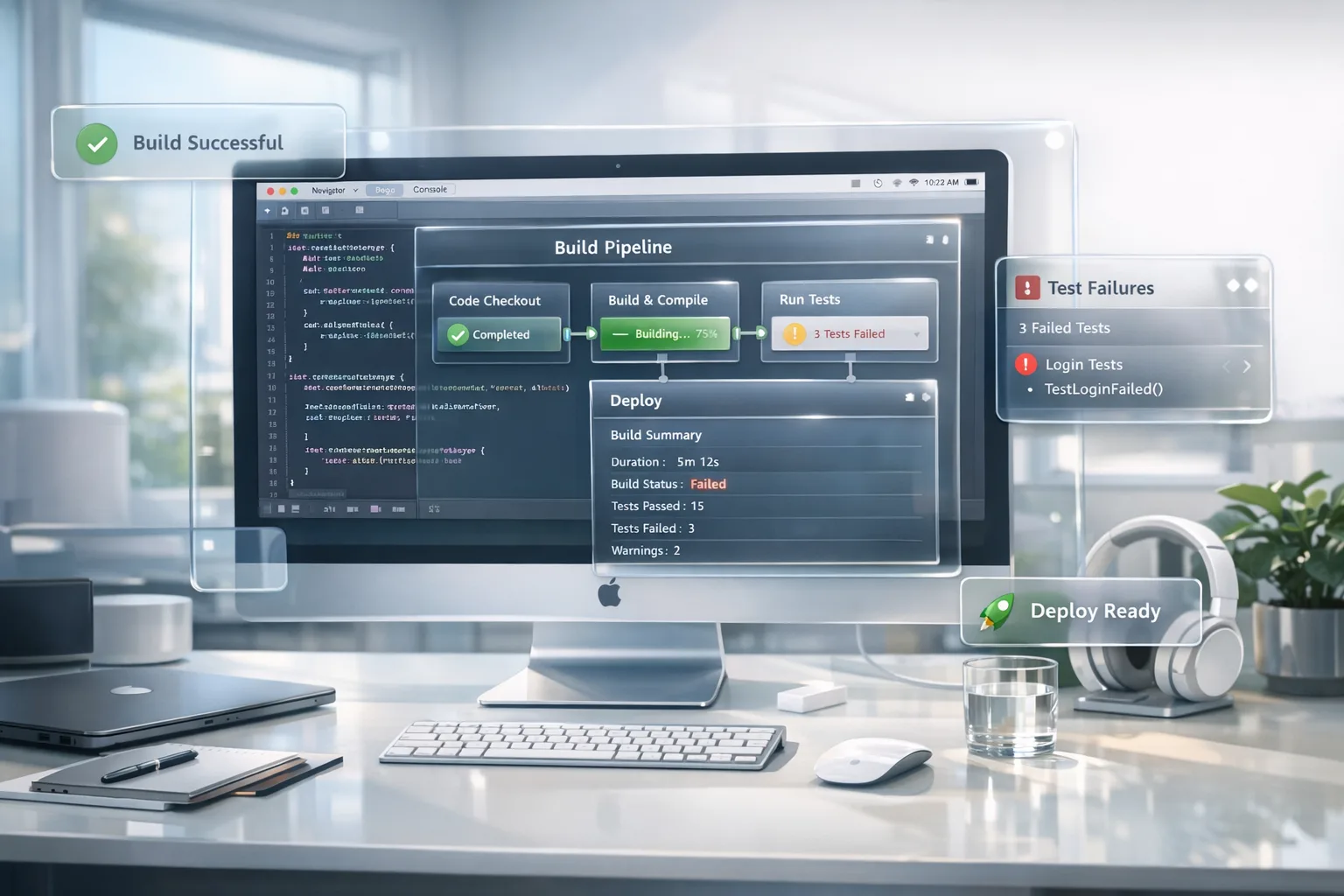
Xcode 26 Requirement: A No‑Drama 60‑Day Plan
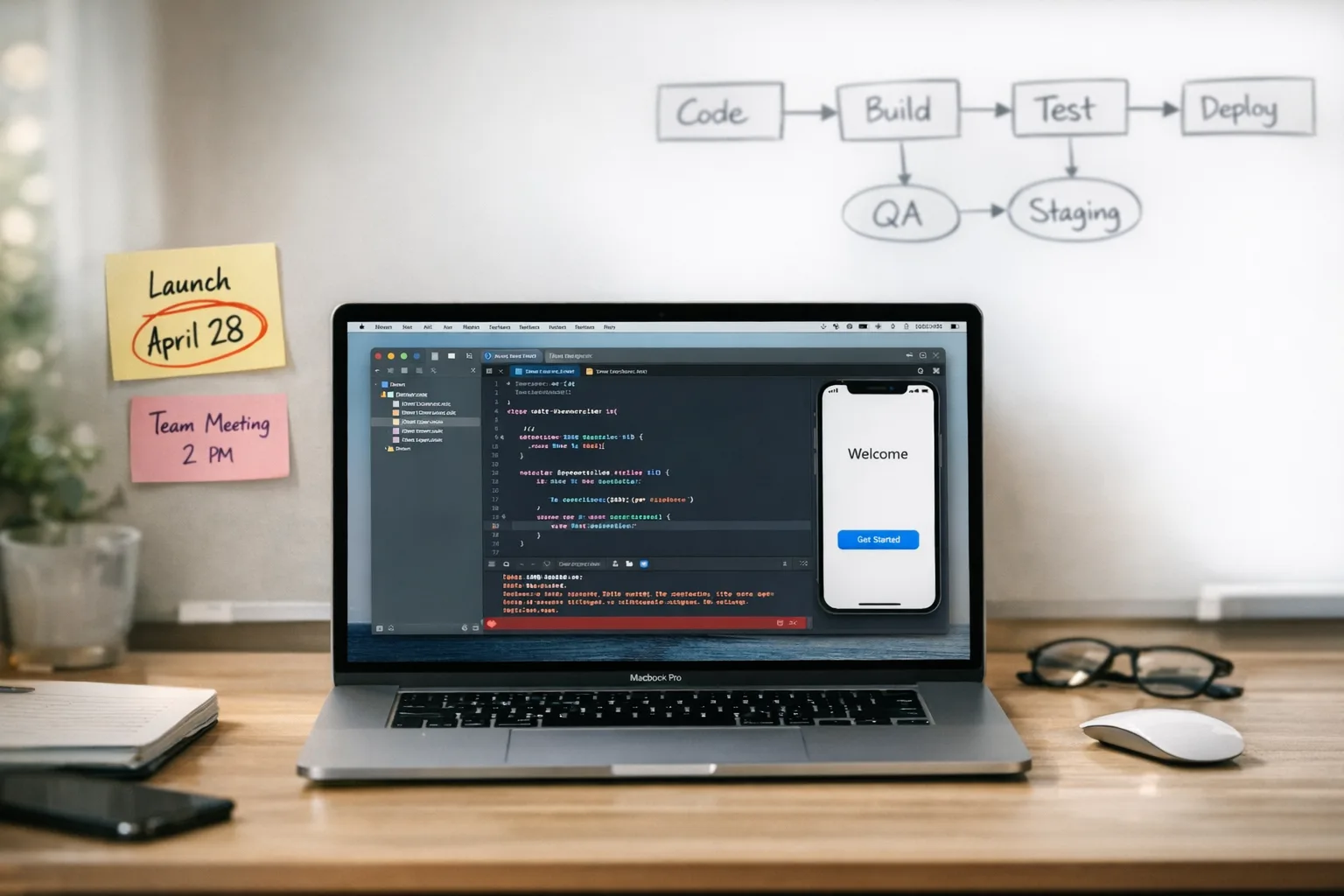
The Xcode 26 requirement becomes mandatory for App Store Connect uploads on April 28, 2026. That’s not a suggestion; it’s Apple’s enforcement date, and it applies to new apps and updates built after that day. If your team hasn’t switched, this piece gives you a lean, field‑tested plan to migrate your toolchain, steady CI, and get through review with minimal churn. (developer.apple.com)
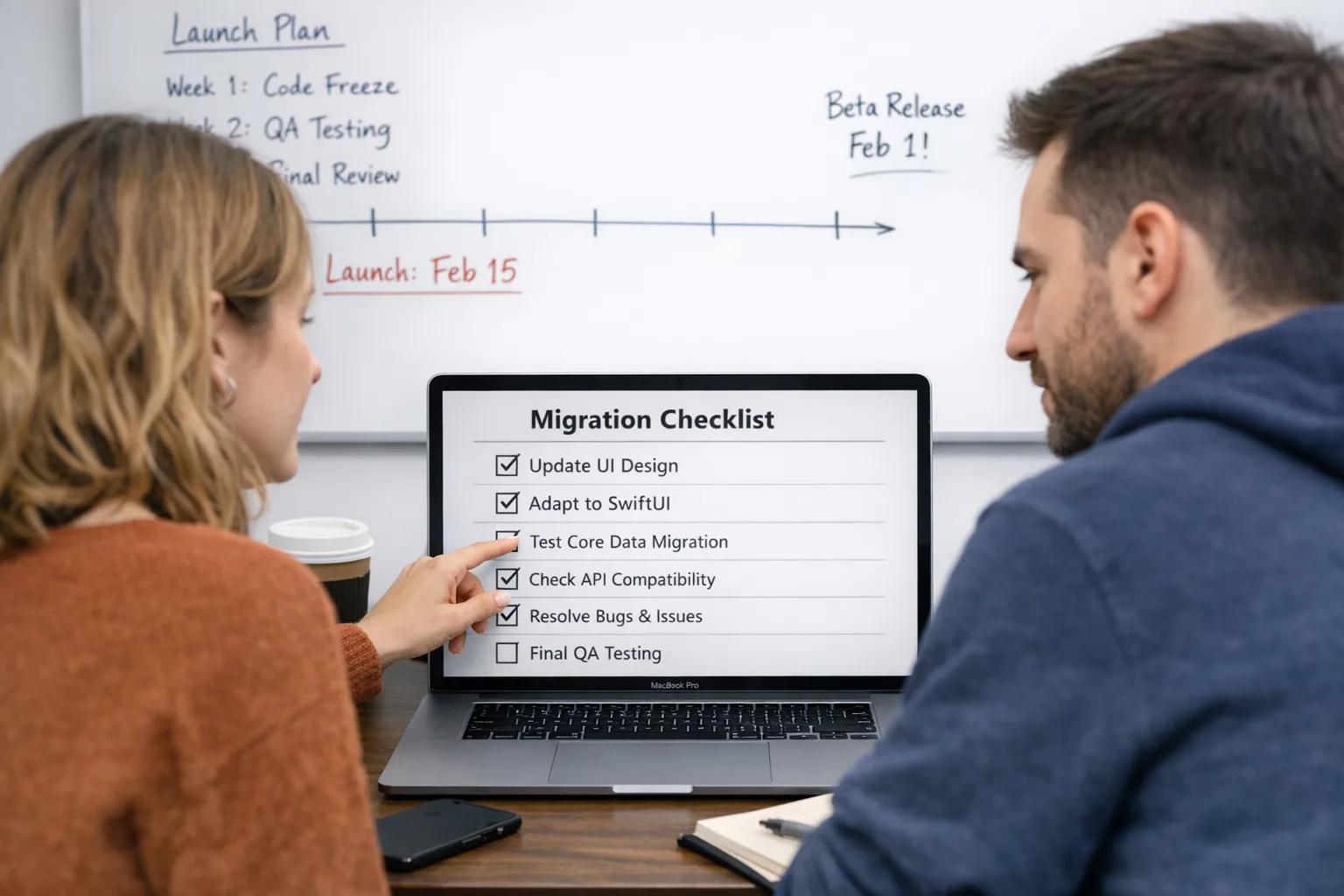
What actually changes on April 28 (and what doesn’t)
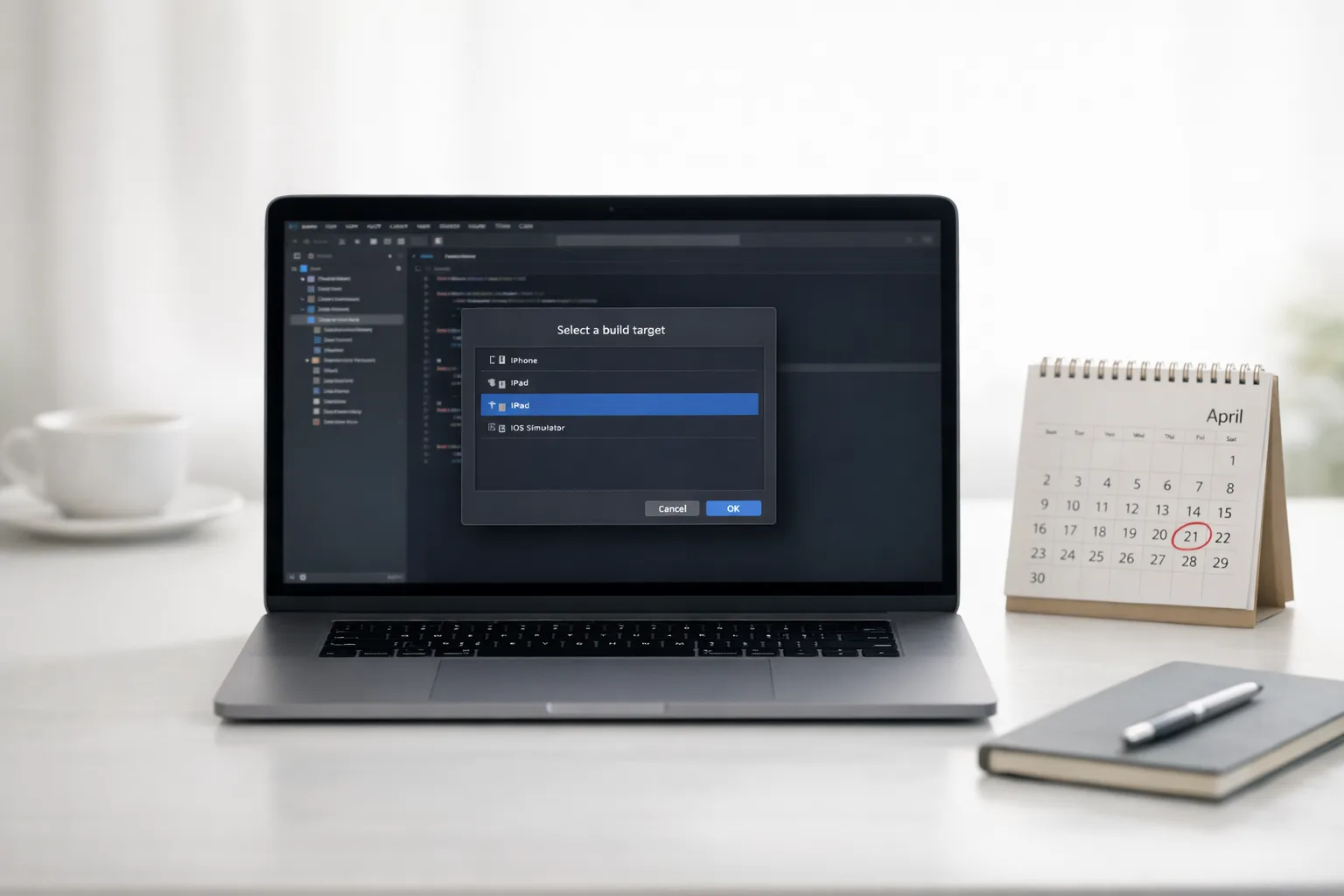
From April 28, 2026, apps uploaded to App Store Connect must be built with Xcode 26 or later using the iOS 26 (and sibling platform) SDKs. Your minimum deployment target doesn’t have to jump to iOS 26, but the build must come from the new toolchain. Practically, that means you’ll run Xcode 26 on macOS Sequoia 15.6 or later, and your CI runners need to match. (developer.apple.com)
Parallel to this, Apple’s expanded App Store age ratings (13+, 16+, 18+) went live on January 31, 2026. If you didn’t complete the updated questionnaire, your submissions will be interrupted until you do. It’s admin work, but it’s required. (developer.apple.com)
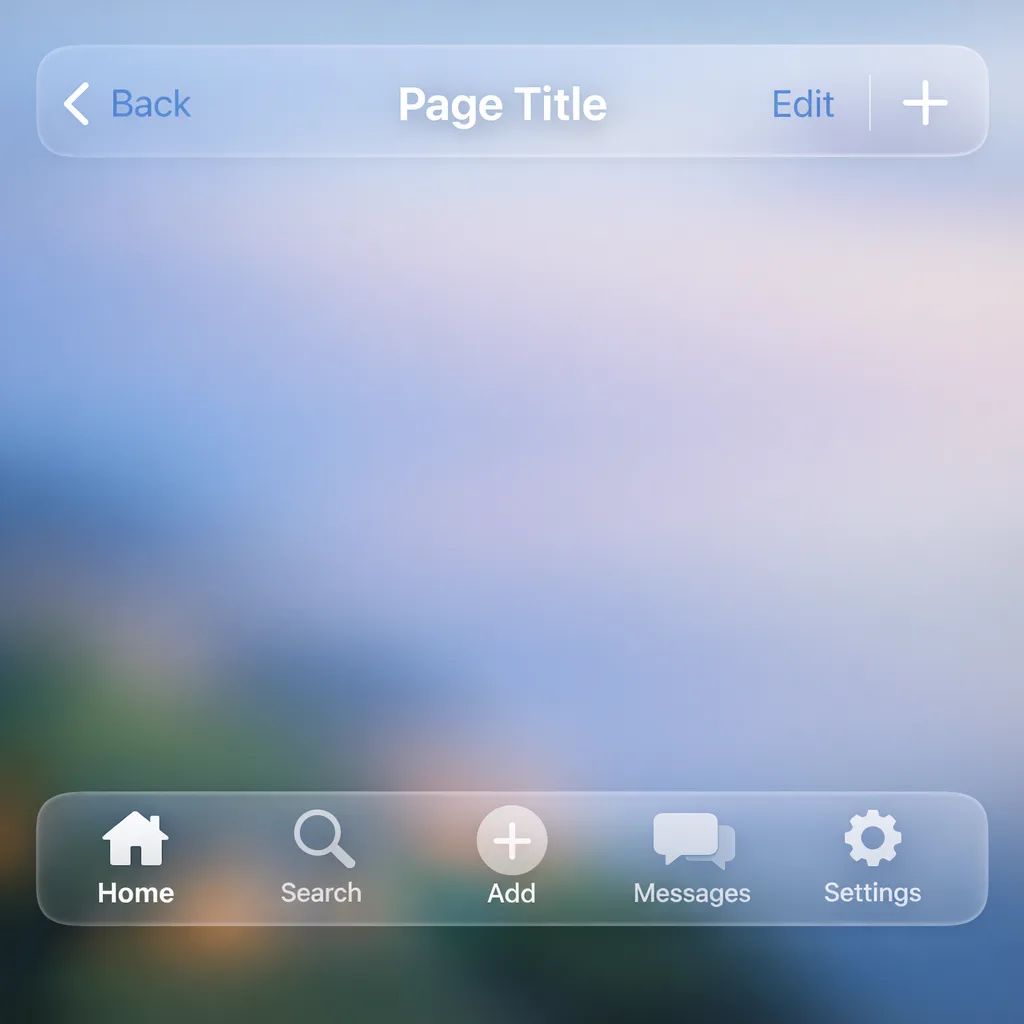
On the UX side, Apple’s Liquid Glass design is now the default visual language across platforms. Standard UI components pick it up automatically, and users can tint it for legibility in 26.1. If your app relies on tight layout assumptions, you’ll want to plan a pass for spacing and contrast. (developer.apple.com)
Xcode 26 requirement: what it means for CI/CD
Here’s the thing—most last‑minute issues aren’t Swift or UI; they’re infrastructure. Xcode 26 requires macOS Sequoia 15.6+ on Apple silicon. That means updating your Mac build fleet images, base AMIs, or hosted runners. If you cache tools, simulators, or Swift Package Manager artifacts, blow those caches when you switch major toolchains to avoid weird transitive failures. (developer.apple.com)
Tag a single branch as your “26 cutover,” pin your build to the exact Xcode version, and promote only after you’ve green‑lit unit, UI, and snapshot tests on device and simulator. Don’t mix Xcode 26 and older Xcode artifacts in the same pipeline—treat this like any major compiler upgrade.
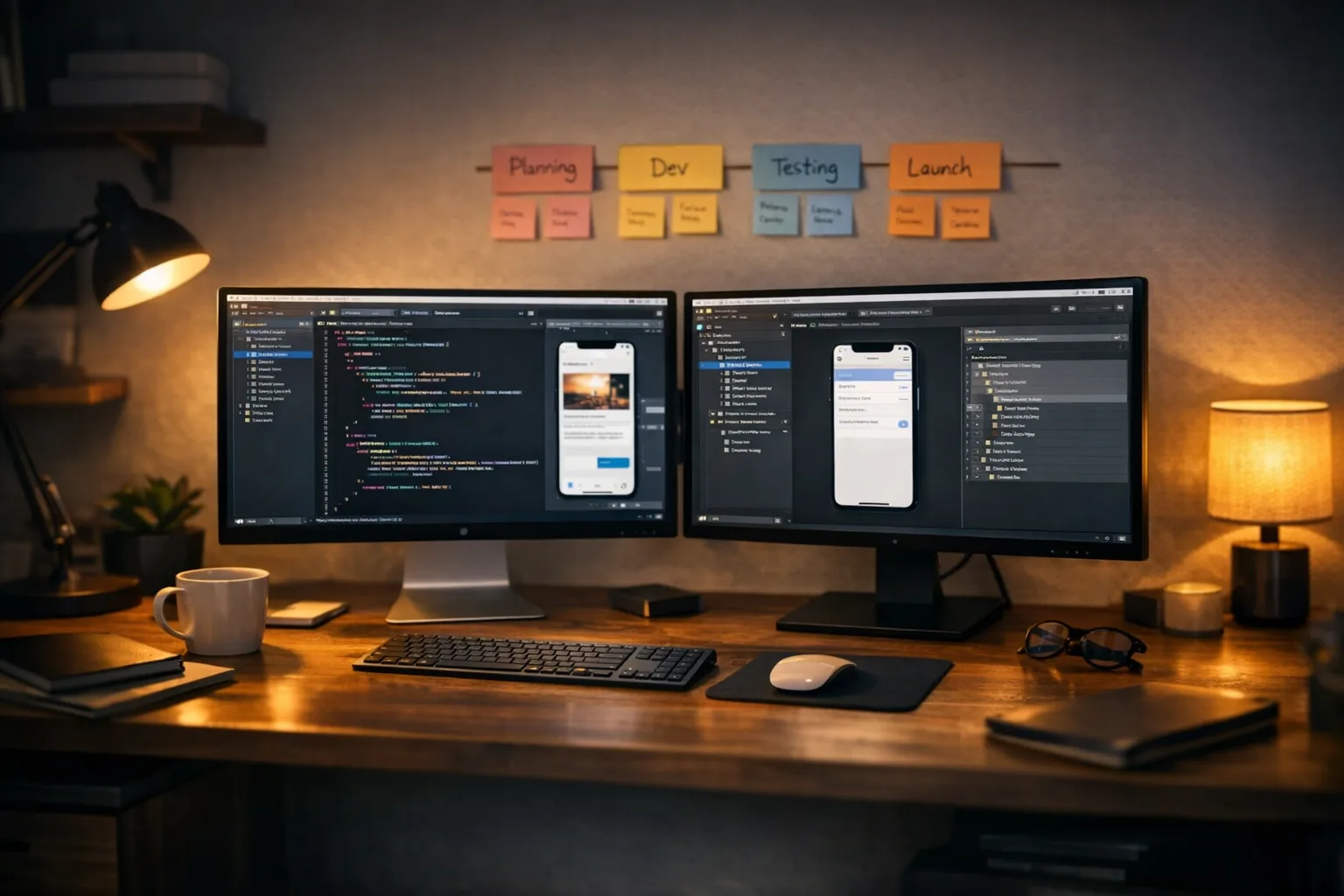
The fast path: a 60‑day, three‑sprint migration plan
Sprint 1 (Days 1–20): Stabilize the toolchain
• Install Xcode 26.x on a dedicated runner and verify macOS Sequoia 15.6+.
• Freeze dependency versions. Regenerate lockfiles in the new toolchain (SPM/CocoaPods/Carthage) and store them in source control.
• Compile with Swift 6 language mode off for now if you’re drowning in warnings; first get a clean build and green tests. Then create a second target that enables Swift 6 and strict concurrency to inventory warnings. (forums.swift.org)
• Smoke‑test on iOS 26.2 simulators and at least two real devices. If your CI provisions simulators dynamically, validate that 26.x images are actually available and mount correctly (teams have tripped over missing or “unavailable” 26.2 components). (reddit.com)
Sprint 2 (Days 21–40): Tackle Swift 6 and API surface
• Enable Swift 6 mode and turn on strict concurrency checking in a dedicated branch or target. Expect warnings from your code and sometimes from Apple’s frameworks; track them in a sheet and divide and conquer. Don’t flip “treat warnings as errors” until you’re below a manageable threshold. (github.com)
• Where appropriate, use migration levers: default actor isolation settings, selective @preconcurrency, or temporary @unchecked Sendable (with code reviews) to keep velocity while you refactor hot paths. Document every suppression so you can revert later. (donnywals.com)
• Audit third‑party SDKs. Some analytics/UX SDKs had breaking behavior when apps were rebuilt with Xcode 26 until they shipped compatible versions. If you embed such SDKs, pin to versions that explicitly list iOS 26/Xcode 26 support. (support.pendo.io)
Sprint 3 (Days 41–60): Liquid Glass and submission readiness
• Run a UI pass to confirm spacing, shadows, and translucency don’t obscure content. Apple’s guidance: standard components adopt Liquid Glass automatically; you refine only where needed. Users on 26.1 can choose a more opaque “Tinted” style globally, and your app should respect that preference. (developer.apple.com)
• If you need to defer the visual refresh for one more cycle, Apple provides a compatibility flag that keeps legacy appearance while you adopt incrementally. Teams have been using the UIDesignRequiresCompatibility Info.plist key for this, though you should test thoroughly—several developers reported quirks in legacy mode. Treat it as a bridge, not a permanent state. (developer.apple.com)
• Finish the App Store age‑rating questionnaire across all bundle IDs. It’s easy to forget watchOS/visionOS targets here. Verify the new ratings appear as expected in App Store Connect before you hit submit. (developer.apple.com)
People also ask: common deadline questions
Do I have to raise my minimum iOS version to 26?
No. The Xcode 26 requirement is about the toolchain and SDK used to build, not the minimum OS you support. You can still target older OSes while building with the latest SDKs. (developer.apple.com)
Will Apple remove my existing app if I miss April 28?
Existing live versions remain available. You just won’t be able to submit new builds until you comply with the Xcode 26 requirement and complete the age‑rating updates. That pause can wreck release calendars, so plan your buffer. (developer.apple.com)
Can I keep Swift 5 for now?
Yes, you can compile with the new toolchain while staying on Swift 5 language mode temporarily. Many teams enable Swift 6 and strict concurrency in a branch to burn down warnings without blocking feature work. (forums.swift.org)
Is Liquid Glass optional?
Standard components adopt it automatically, and Apple expects apps to align over time. Users can choose “Tinted” on iOS 26.1+, and developers can temporarily run in compatibility mode—but that path has quirks and shouldn’t be your long‑term plan. (techcrunch.com)
What’s different inside Xcode 26 (and why you’ll feel it)
• Tooling demands: Xcode 26.x requires macOS Sequoia 15.6+ and Apple silicon for some developer experiences (for example, visionOS). If your CI still uses older Intel hosts or outdated runners, it’s time to modernize. (developer.apple.com)
• Swift 6 migration pressure: stricter concurrency surfaces latent issues. Expect warnings around Sendable, nonisolated, and default actor isolation, and plan for incremental fixes. Turning on strict mode in a branch keeps you honest without derailing a release. (github.com)
• Design shift: Liquid Glass is the biggest visual update since iOS 7. If you’re relying on custom translucency hacks, now’s the time to delete code and adopt first‑party APIs. Less code, fewer bugs. (macrumors.com)
A pragmatic Liquid Glass adoption checklist
Use this checklist to keep the UI refresh scoped and safe.
1) Inventory where system bars/buttons exist: tab bars, navigation bars, toolbars, sheets, popovers.
2) Remove custom blur/tint layers and deprecated hacks; let system materials render first.
3) Validate contrast with dark wallpapers; test the 26.1 Tinted preference; fix any over‑translucent edges.
4) Re‑baseline snapshot tests; translucency can nudge pixel diffs.
5) Run on older OS targets to ensure fallbacks still look sane.
Apple’s design docs and samples demonstrate how system toolbars adopt Liquid Glass and how to refine it when needed—use that as the source of truth. (developer.apple.com)
The hidden risks: third‑party SDKs and analytics
Some SDKs changed behavior when apps were rebuilt with Xcode 26 because their view detection or rendering assumptions broke under the new layer model. If your analytics or in‑app guidance depends on view hierarchy inspection, confirm your vendor has shipped a “26‑ready” SDK and regression‑test before cutover. (support.pendo.io)
Pro tip: run a canary build in production with just the toolchain switch (no UI diffs, no Swift 6 toggles) and monitor crash‑free sessions, cold‑start times, and memory. If metrics hold for 48–72 hours, proceed with Liquid Glass refinements in the next release train.
Submission blockers you can clear this week
• Finish the new age‑rating questionnaire across all targets (iOS, iPadOS, watchOS, tvOS, visionOS). (developer.apple.com)
• Re‑sign and re‑archive with Xcode 26 on Sequoia 15.6+; confirm notarization and profiles are valid.
• Validate all Store assets (localized screenshots can shift with UI chrome changes).
• Verify background modes, push entitlements, and URL schemes on a device running iOS 26.2.
The “Ship‑Ready 26” framework (use it in your standups)
• Toolchain: Xcode 26.x installed on isolated runners; caches purged.
• Build: Swift 5 mode builds clean; Swift 6 warnings triaged and tracked.
• Test: UI and snapshot tests updated for translucency; device matrix covers small and large displays.
• UX: Liquid Glass baseline adopted; compatibility mode only if absolutely necessary.
• SDKs: Third‑party dependencies pinned to 26‑ready versions.
• Compliance: Age‑ratings updated; release notes and privacy labels re‑reviewed.
What to do next (today, not next week)
• Book a two‑hour “26 readiness” session. Assign owners for CI, Swift 6, and UI.
• Create a cutover branch and pin Xcode version in CI.
• Turn on strict concurrency in a separate target; start burning down the top five warning clusters.
• Ship a small canary built with Xcode 26 before March 31 to derisk the toolchain.
• Finish the age‑rating questionnaire across all targets.
When you need help
If you’re under a launch date or high‑risk dependency, bring in experienced help. Our team ships production apps under platform deadlines, from toolchain jumps to design migrations. See our mobile app services, browse a few representative wins in the portfolio, and—if you’re tackling a big cutover—use our No‑Panic Ship Playbook and the Android large‑screen checklist as patterns for your internal runbooks. For deadline‑driven teams, we also wrote a focused April 28 ship playbook you can adapt in a day.
Zooming out
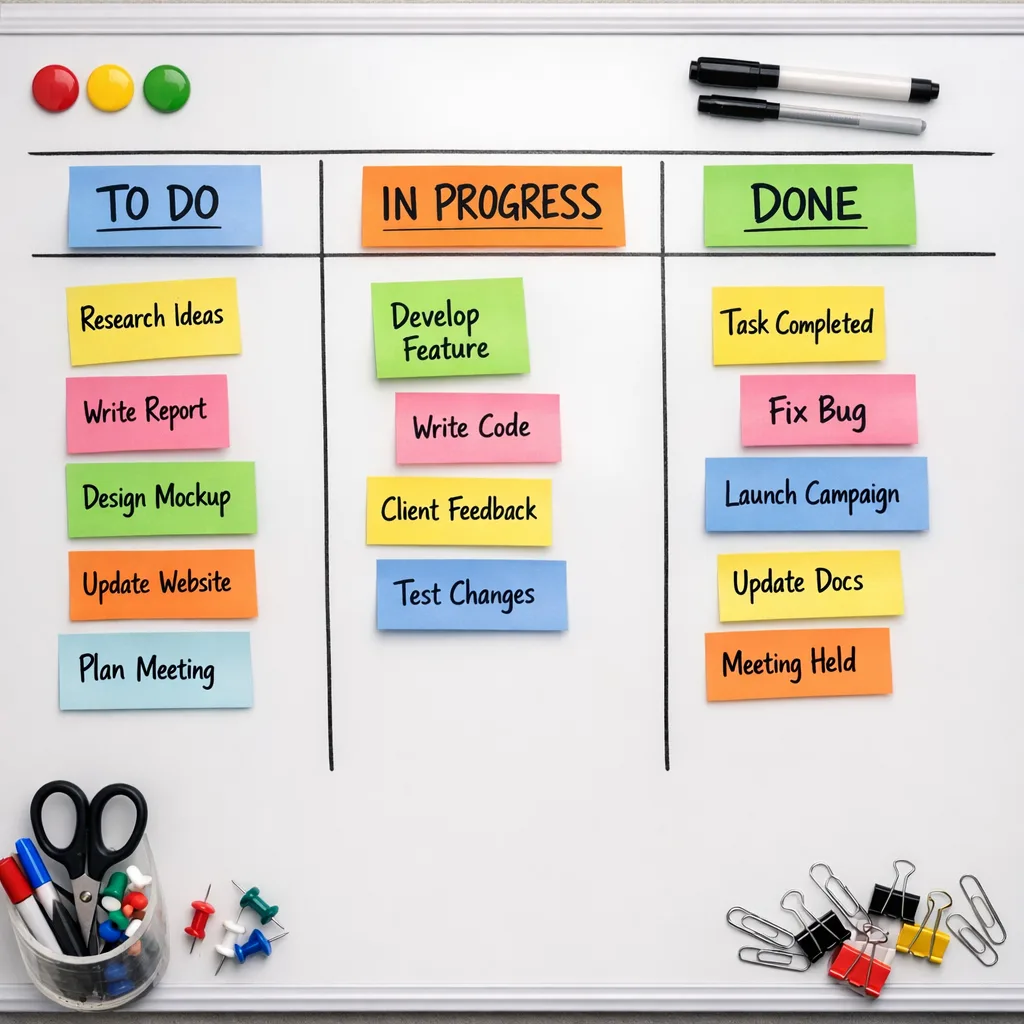
Apple’s schedule is predictable—yearly toolchain enforcements push the ecosystem forward. This one brings modern SDKs, stricter safety in Swift, and a UI system that reduces the need for homegrown translucency code. Treat the next 60 days as an investment: stabilize CI; make Swift 6 progress without destabilizing; adopt Liquid Glass where it’s free, and defer taste‑level tweaks to a later sprint. If you execute the plan above, April 28 will feel like just another Tuesday. (developer.apple.com)

Comments
Be the first to comment.