
Xcode 26 Requirement: Your No‑Panic Ship Playbook
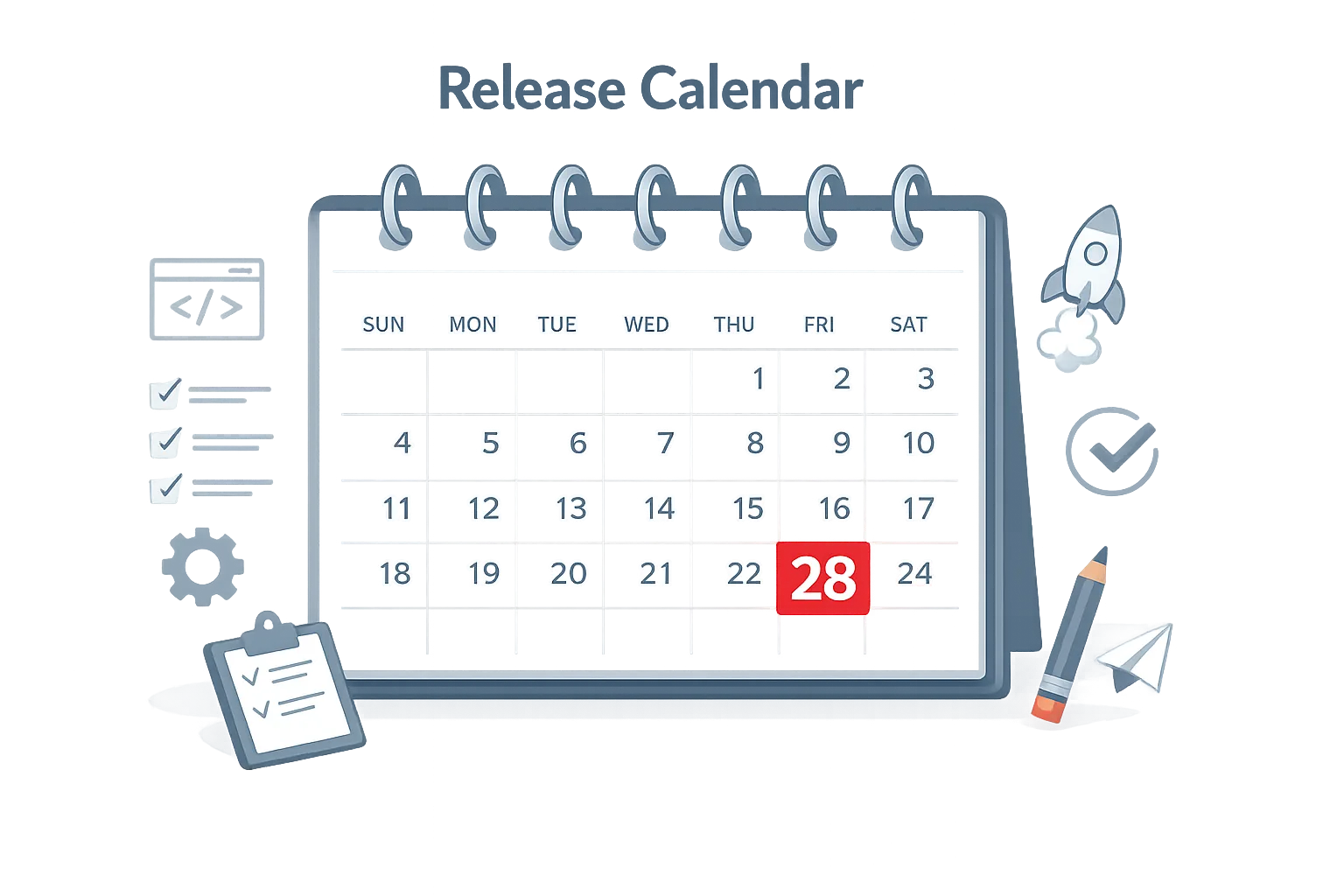
Apple’s Xcode 26 requirement lands on April 28, 2026. From that date, any new app or update you upload to App Store Connect must be built with Xcode 26 (or later) targeting the 26‑series SDKs across iOS, iPadOS, tvOS, visionOS, and watchOS. This is a build‑time rule, not a mandate to drop older OS support—but it will surface latent tech debt if you’ve postponed SDK migrations.
What the Xcode 26 requirement actually enforces
Starting April 28, 2026, binaries must be compiled with Xcode 26 using the 26‑series SDKs. You can still support earlier OS versions at runtime—say iOS 17 or iOS 18—so long as you guard new APIs and test behavior differences introduced by the 26 SDK defaults. The enforcement happens when you upload the build; mismatched toolchains will be rejected before review.
Apple also updated App Store age ratings on January 31, 2026, with new questions in App Store Connect. If you skipped those prompts, expect friction at submission time. Treat that questionnaire as part of your release checklist, not a postscript.
The practical impact on teams
Here’s the thing: migrating SDKs is where small assumptions break. You’ll often see edge cases in networking (ATS and TLS configurations), notification authorization flows, media capture permissions, and UI component defaults (spacing, contrast, and hit targets). If you maintain a multiplatform codebase—iOS + visionOS, for example—watch for compile‑time checks that tightened between 25.x and 26.x.
Another angle: dependency drift. Third‑party SDKs might release minor updates that quietly change behavior on the 26 SDKs—analytics session lifecycles, ad consent prompts, or background task scheduling. Lock versions, test incrementally, and don’t let your CI pull latest by accident.
Timeline you can paste into Jira
Working backward from Tuesday, April 28, 2026, here’s a no‑panic plan many teams can execute without overtime. Adjust dates for your sprint length and QA capacity.
T‑8 weeks (by March 3): inventory and freeze policy
Audit your toolchain and dependencies. Record your current Xcode version, Swift toolchain, CocoaPods/SPM versions, and every third‑party SDK (with commit or version). Define a dependency change window: only allow updates that directly support Xcode 26 or fix blockers.
- Decide minimum supported OS per platform and document API guards.
- List privacy‑sensitive APIs and ensure approved reasons and privacy manifests are up to date.
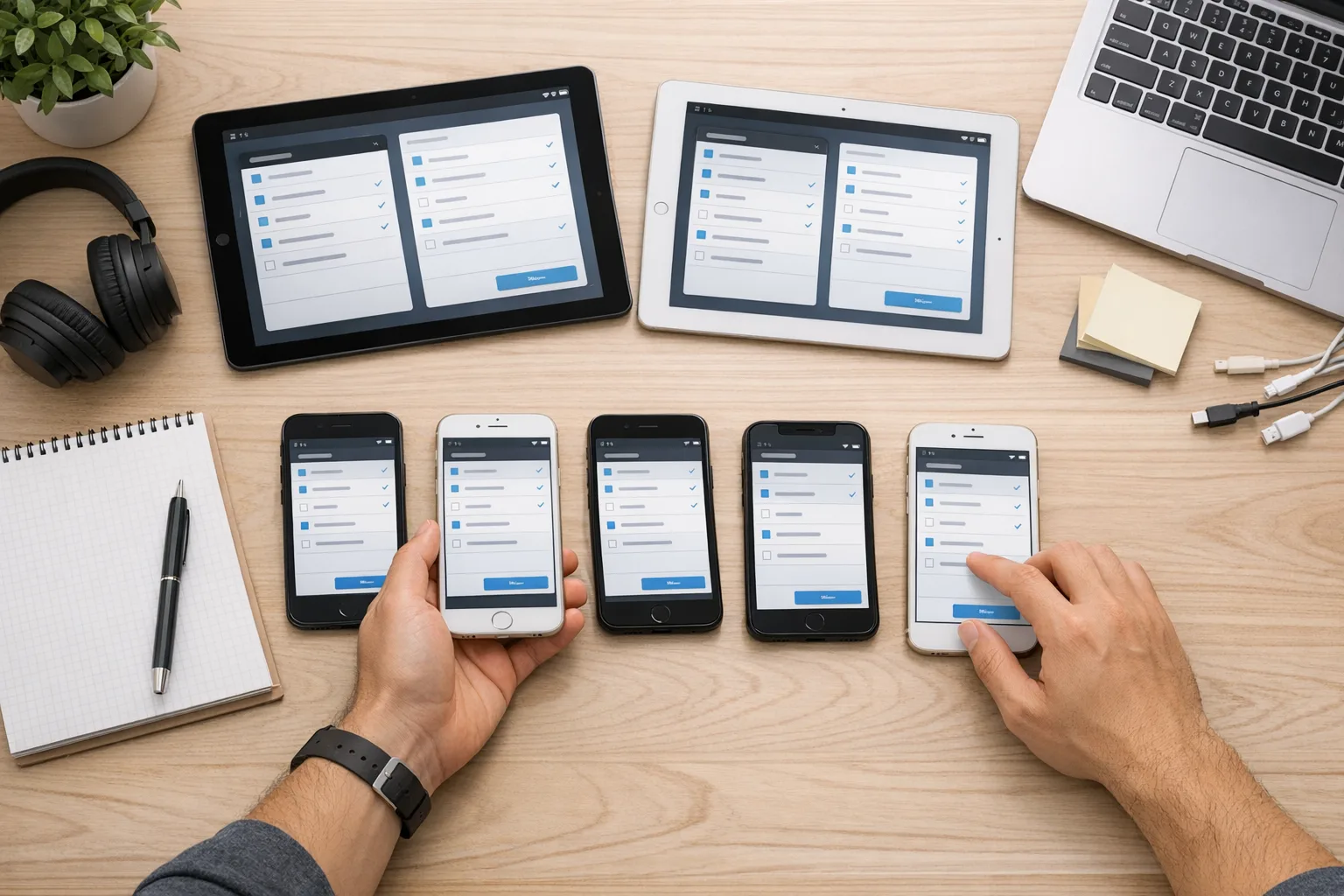
- Create a test matrix: devices, OS versions, locales, and account states (new user, returning, notifications off, etc.).
T‑6 weeks (by March 17): upgrade local dev + feature freeze gates
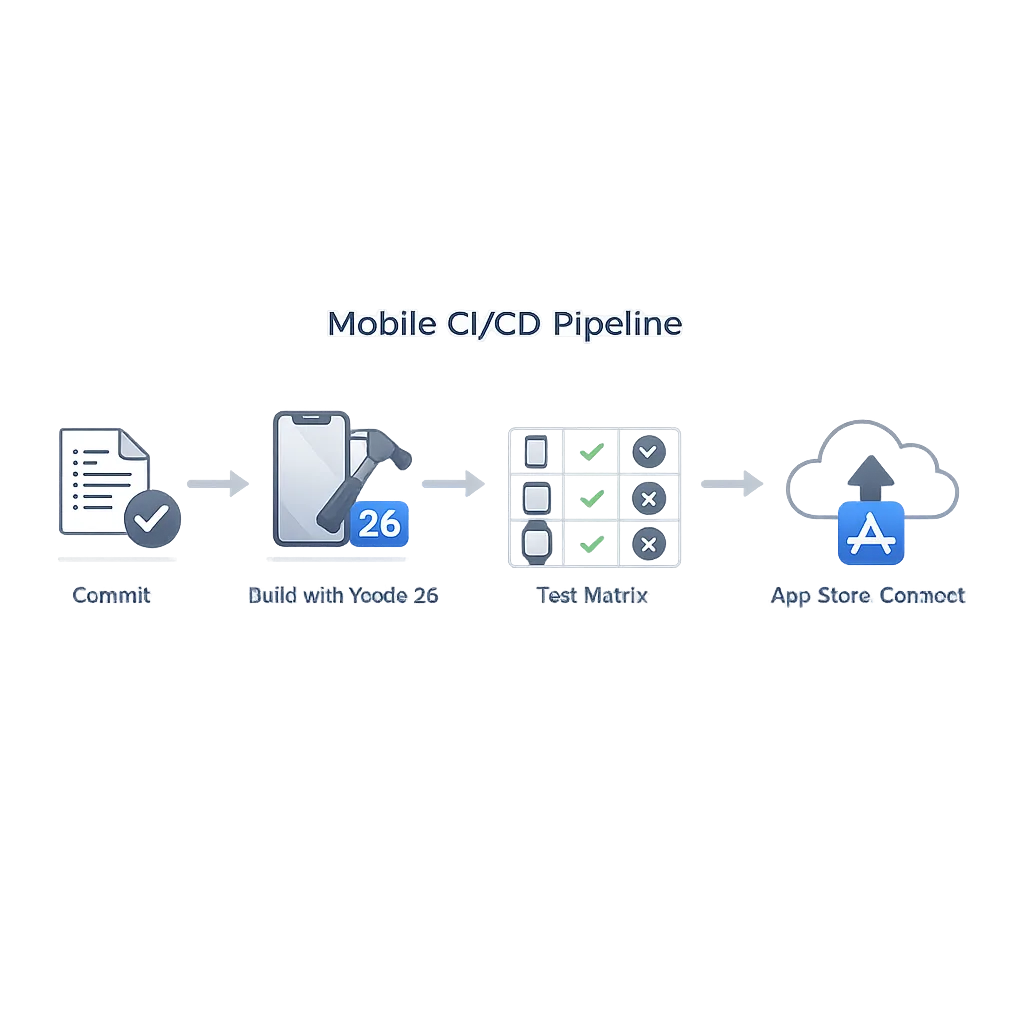
Install Xcode 26 on local machines and run a full build. Fix signing settings, Swift concurrency warnings, and deprecations that escalate to errors. Add a CI gate: new features must compile cleanly on Xcode 26 locally before merge. If you use Xcode Cloud, switch the workflow image to 26; if you run GitHub Actions, CircleCI, or Bitrise, pin the exact Xcode image.
Pro tip: keep Xcode 25.x around for bisecting regressions, but don’t ship with it. Document the fallback path if a library blocks you (temporary shim or vendor escalation).
T‑4 weeks (by March 31): CI/CD cutover and smoke tests
Flip your primary CI to Xcode 26 and run smoke tests on nightly builds against the 26 SDKs. Validate critical flows: sign‑in, purchase/restore, push notifications, media capture, and sharing sheets. Start updating screenshots if the 26‑series UI defaults change visible spacing or typography.
- Run lints and static analyzers on the new toolchain; pay attention to new warnings that indicate behavior changes.
- Re‑answer the age‑rating questions in App Store Connect to avoid last‑minute blockers.
T‑3 weeks (by April 7): regression pass + dependency bumps
Greenlight only targeted dependency updates that explicitly add Xcode 26 or iOS 26 support. Re‑run the full matrix. If you localize, check long strings against updated UI metrics; truncation shows up now.
T‑2 weeks (by April 14): release candidate 1
Cut RC1 from the Xcode 26 pipeline. Run manual exploratory testing on low‑memory devices and poor networks. Verify notification permission first run copy and deep links; mis‑ordered prompts kill activation. Prepare release notes that acknowledge any UI polish changes the 26 SDKs introduce.
T‑1 week (by April 21): RC2 + submission rehearsal
Produce RC2 if needed. Perform a dry‑run upload to App Store Connect and clear all validations. Confirm that offer codes, subscriptions, and server‑to‑server notifications still behave as expected in Sandbox.
Ship window (April 24–28): final submission
Submit by Friday, April 24 if you can; weekend and deadline waves cause queue volatility. If you must submit on April 28, do it early in the day with on‑call coverage.
Top 9 traps teams keep hitting
- CI silently using old images. Local builds pass on Xcode 26 but CI uploads with 25.x and fails late. Pin your CI image explicitly.
- Background modes permissions. The 26 SDKs can alter prompts or required keys. Re‑validate Info.plist entries and entitlement usage descriptions.
- Notification flows. Apps relying on legacy authorization paths see lower opt‑in. Test provisional and critical alerts logic on fresh installs.
- Analytics and consent timing. Some SDKs initialize earlier under the 26 toolchain. Make sure consent gating still runs before tracking.
- Multitasking and windows. On iPad and visionOS, windowing changes may surface hidden layout assumptions. Test split‑view and stage manager states.
- Offer codes vs. promo codes. If you still reference promo codes in help content, update to offer codes and verify redemption UX.
- Accessibility regressions. Updated UI components can shift hit targets and contrast. Re‑run VoiceOver and tap‑target audits.
- Bitcode/build settings cruft. Old settings in xcconfigs can conflict with 26 defaults. Clean them up.
- Rate‑limiting server calls. Faster startup on newer devices can spike early network calls. Stagger initialization or add back‑pressure.
“Do I need to drop older iOS versions?” and other FAQs
Can I still support iOS 17 or 18 after moving to Xcode 26?
Yes. The requirement is about how you build, not the minimum OS you support. Guard new APIs, keep your availability checks tidy, and QA on the oldest OS you claim.
Can I submit with Xcode 25 until the morning of April 28, 2026?
If your upload happens before enforcement flips, you may pass. But racing the clock is a bad bet. Submit a 26‑built RC several days early and keep a hotfix branch ready.
What about age‑rating changes—do they block my binary?
They can. If you haven’t answered the new questions introduced January 31, 2026, you’ll see submission warnings or blocks. Clear them alongside your binary checks.
Is there anything new in Xcode 26 that helps migrations?
Xcode 26.3 introduces deeper coding‑assistant integrations and workflow automations that can accelerate refactors and doc lookups. Use them for boilerplate and quick transformations, but keep code reviews strict.
A compact checklist for the Xcode 26 requirement
Copy this into your release wiki and check it off end‑to‑end:
- Pin Xcode 26 in CI/CD and document the runner image version.
- Compile, archive, and notarize locally with Xcode 26; fix warnings that become errors.
- Lock dependencies; update only those declaring 26‑series support.
- Re‑answer age‑rating questions in App Store Connect.
- Verify Info.plist keys and permission copy for notifications, camera, microphone, photo library, and location.
- Run test matrix: cold start, sign‑in, purchase, push, media capture, deep links, background refresh.
- Audit analytics/consent to ensure data collection only after consent under 26 behavior.
- Upload a dry‑run build to App Store Connect; clear all validations.
- Prepare fallback and hotfix plans; keep an engineer on call through approval.
Let’s get practical: CI/CD and tooling fixes
CI is where otherwise‑healthy migrations die. If you’re on Xcode Cloud, switch the workflow to a 26 image and rotate any IP allowlists your company uses for runners. If you’re on GitHub Actions, CircleCI, or Bitrise, pin the exact Xcode 26 image tag and invalidate caches that might hide old simulators or toolchains. Add a pre‑flight job that prints xcodebuild -version and the SDK list to your logs for every archive job.
Use fast, synthetic checks before full UI tests: compile modules, lint Swift, and run unit tests on PR. Reserve UI tests for nightly builds and RCs to keep cycle time reasonable. Gate merges on an upload‑eligible archive produced by the same CI that will ship.
QA that mirrors how App Review tests
Replicate new‑user flows on clean devices with no keychain or notification history. Trigger every permission in a realistic order. If you use sign in with Apple and third‑party logins, test both. For IAP, validate purchase, restore, refund edge cases, and grace periods. If you localize store metadata, ensure updated UI doesn’t wrap or truncate in your screenshots.
On iPad and visionOS, abuse windowing and orientation changes. App Review will. If your layout engine or navigation splits behave oddly with updated metrics, fix those before they become public bugs.
Data points and dates to post on the wall
• April 28, 2026: App Store uploads must be built with Xcode 26 using the 26‑series SDKs.
• January 31, 2026: Age‑rating questionnaire updates took effect; unanswered items can block submissions.
• April 24–28, 2026: High‑risk window for last‑minute submissions; expect longer queues.
Migration patterns that save time
When you hit a library that won’t move: isolate it behind a protocol and ship a shim. That keeps your app shipping while you replace the component. For networking, consolidate security settings in one place and verify ATS/TLS policies against your endpoints. For UI, script snapshot tests across your key flows to catch subtle spacing changes that humans miss in reviews.
And when you need an assist, lean on automation—but not blindly. Let assistants propose refactors and boilerplate, then run the diffs through code review like any other PR. Keep your architecture and dependency boundaries intact; dead‑simple seams reduce migration risk every year.
What to do next (developers and product leaders)
- Block two sprints for migration and QA if you haven’t started; put a calendar hold for a submission rehearsal a week early.
- Pin your CI to Xcode 26 and post the version in your engineering Slack topic so everyone sees it.
- Update help center content and emails to reflect offer codes and any UI tweaks in the 26‑series.
- Schedule device lab time, including one small‑screen device and one large‑screen device per platform.
- Set an on‑call rotation covering the 72 hours after submission—watch Sandbox and production metrics.
Where we can help
If your team needs a hand tightening this migration, our mobile CI/CD modernization services include Xcode image pinning, test matrix design, and App Store Connect automation. For a deeper planning guide across tooling and operations, read our App Store Connect 2026 playbook and this 10‑week ship plan. If you’re using Apple’s hosted pipelines, confirm network allowlists against recent changes noted in Xcode Cloud IP range updates. And if you want a second set of eyes on your RC, talk to us.
Zooming out
Apple’s yearly enforcement cycle isn’t going away. The best way to keep stress low is to keep your seams clean: dependency isolation, explicit CI images, snapshot tests for UI, and guardrails for privacy‑sensitive code paths. Treat the Xcode 26 requirement as a forcing function to sharpen those habits. You’ll feel the benefits in faster recovery, lower regression risk, and shorter time‑to‑submission—this quarter and the next.
Ship early. Sleep better.





Comments
Be the first to comment.