
Xcode 26 Requirement: The 30‑Day Migration Plan
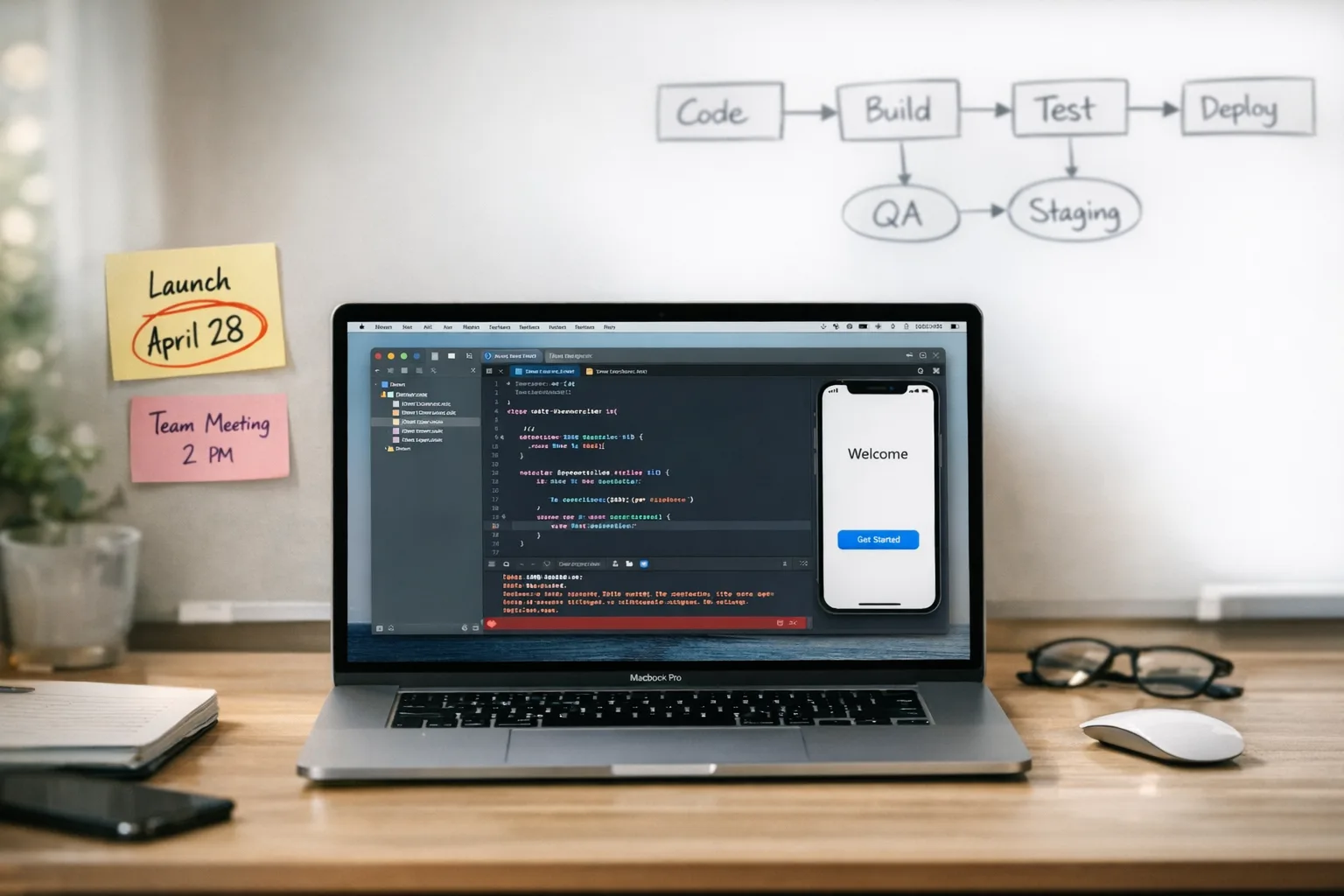
The Xcode 26 requirement hits on April 28, 2026. After that date, uploads to App Store Connect must be built with Xcode 26 (or later) against the latest iOS, iPadOS, tvOS, visionOS, and watchOS SDKs. If you’re still compiling with older toolchains, your next submission will fail. This piece gives you a tight, real‑world migration plan that keeps your release train on schedule. (developer.apple.com)
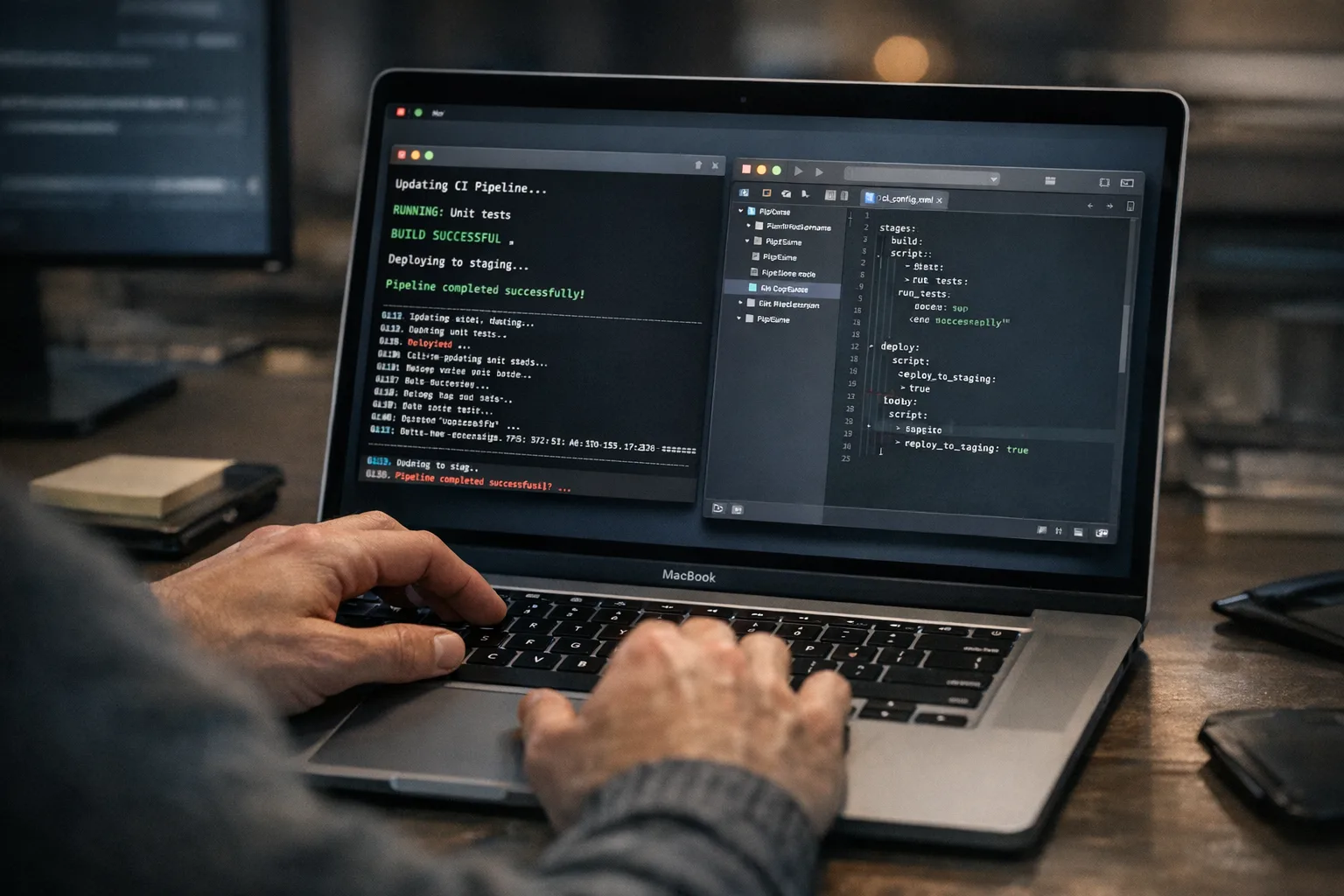
What exactly changes on April 28?
Apple’s upcoming requirements are explicit: starting April 28, 2026, submissions must be built with Xcode 26 or later using the current SDKs for iOS 26, iPadOS 26, tvOS 26, visionOS 26, and watchOS 26. Apple posts these policy dates on its Developer News page, and they’re enforced by App Store Connect. Treat this as a hard gate in your delivery pipeline, not a soft recommendation. (developer.apple.com)
There’s more happening around the same window. Apple updated App Store age ratings on January 31, 2026; if you haven’t answered the new questions in App Information, your next update may be blocked until you do. Put this in the same sprint as your Xcode upgrade. (developer.apple.com)
Why the urgency if our app “still works”?
Because App Store Connect will stop accepting binaries built with older Xcode versions. The upload step is where many teams discover the break. I’ve watched smooth internal builds turn into last‑minute fire drills when Transporter rejects an IPA solely due to the toolchain. Don’t let a policy gate become your production blocker.
Your 30‑day plan for the Xcode 26 requirement
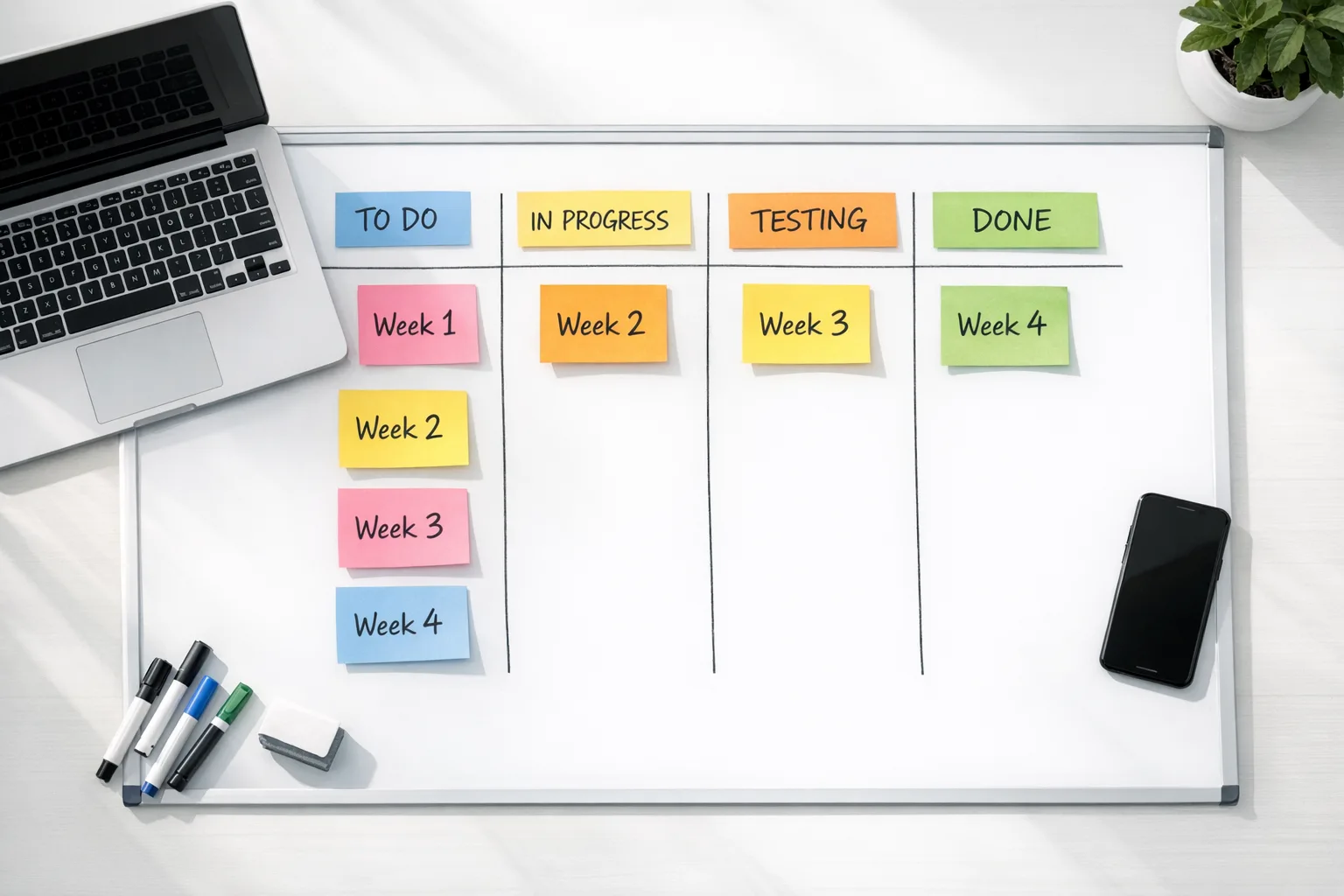
You don’t need a rewrite. You need sequencing, guardrails, and a few smart tradeoffs. Here’s a four‑week plan I use when leading migrations on active products.
Week 1 — Baseline and unblockers
Install Xcode 26 locally and on your CI worker images. Create a feature branch (e.g., toolchain/xcode26) and set build settings to the new SDKs. Get a clean compile with warnings on. Don’t chase every deprecation warning yet; prioritize code that fails to compile, Swift language mode mismatches, and build script errors.
Inventory third‑party dependencies. For Swift Package Manager, pin to versions that explicitly list Xcode 26 or iOS 26 compatibility. For CocoaPods or binary frameworks, check vendor release notes and last‑updated dates; flag any SDK that hasn’t shipped an update in 6–12 months for a contingency plan (shim layer, fork, or replacement).
Smoke test core flows on your oldest supported OS/device and your newest OS/device. Capture a baseline of startup time, cold/warm launch, and key screen render times so you can judge regressions later.
Week 2 — Dependency upgrades and API deltas
Upgrade the easy dependencies first (minor bumps that keep public APIs stable). Then tackle breaking changes. Expect changes around privacy declarations, notification permissions flows, Photos/Camera access, and background execution—areas Apple tends to evolve yearly.
Keep a migration ledger: every dependency you touch gets a one‑line entry with version, rationale, and a link to its release notes. You’ll thank yourself during review or postmortems. If a vendor isn’t Xcode‑26‑ready, sandbox their calls behind a protocol so you can switch implementations fast.
Week 3 — UI polish, test coverage, and device grid
Run accessibility sweeps (Dynamic Type, VoiceOver paths, contrast). Verify new UI component behaviors under the latest SDK—default paddings and animations shift slightly every major cycle and can trigger layout drift. Expand your test matrix to include larger iPads, notched iPhones, and at least one low‑memory device to shake out image caching or WebView leaks.
On visionOS and watchOS targets, re‑sign and rebuild complications/widgets with the new toolchain even if code changes are minimal. Small entitlement or provisioning drift can cause silent failures on device.
Week 4 — Release readiness
Cut a release candidate from your toolchain/xcode26 branch. Run TestFlight with staged rollouts. Update App Store metadata and ensure the updated age‑rating questionnaire is complete; that form can block your submission if left untouched. Lock your dependency graph and CI images to prevent last‑minute drift. (developer.apple.com)
CI/CD: avoid the hidden footguns
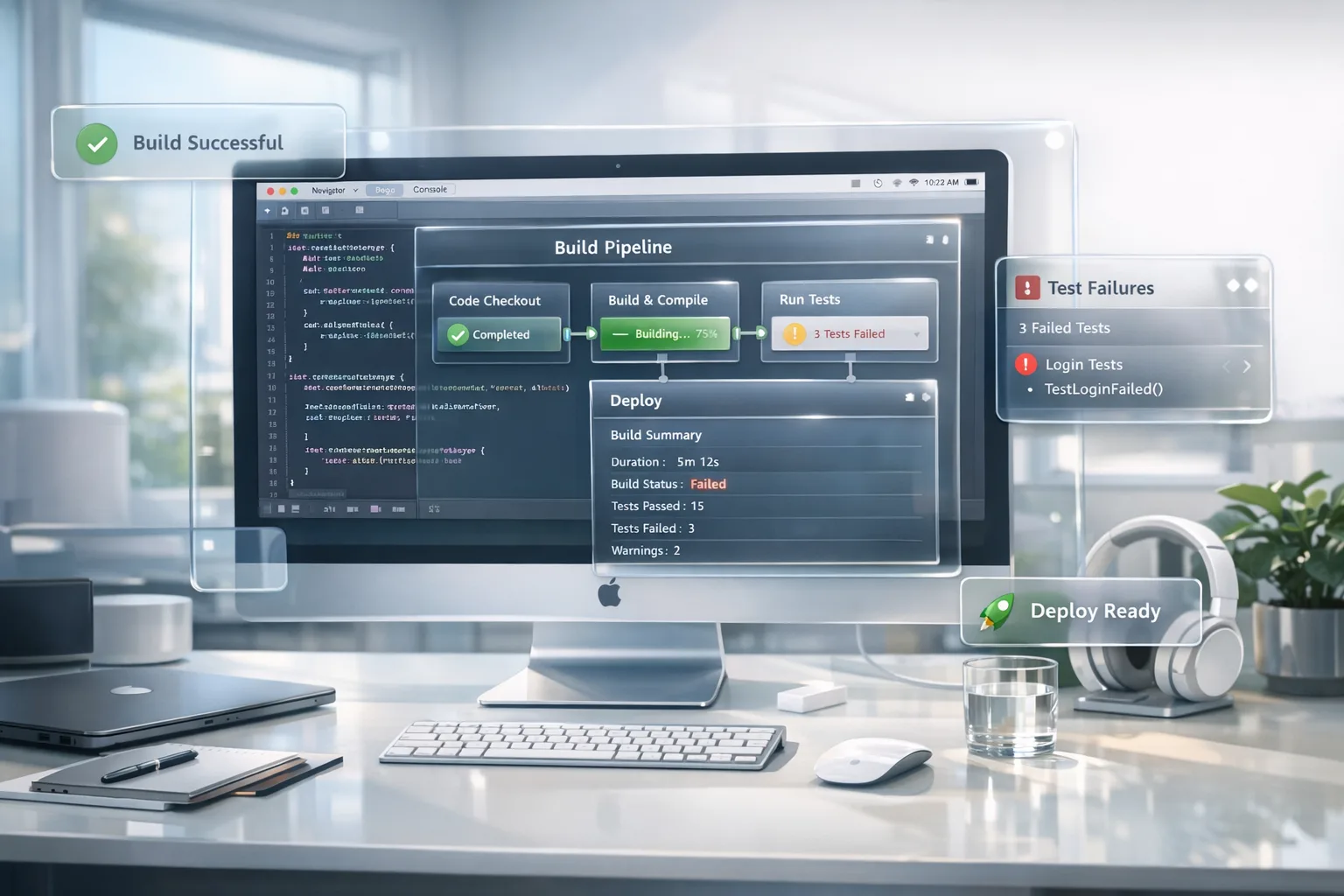
Most App Store rejections at this stage trace back to CI environments. Verify that your CI uses Xcode 26 for both archive and export. It’s common to archive with the new Xcode but still export with an older command‑line tools path, producing an IPA that App Store Connect rejects.
Regenerate signing assets if needed. If your exporter complains about missing WWDR certs or provisioning mismatches, nuke and repave: refresh the signing certificate, create a new App Store provisioning profile, and re‑download to CI. Keep an eye on embedded frameworks—each must be built with the same toolchain.
If you use Xcode Cloud, set the workflow’s Xcode version to 26 explicitly and freeze it during your migration window. A floating “latest” setting can bump you mid‑sprint.
Data you should pin to your wall
• April 28, 2026 — App Store submissions must be built with Xcode 26+ and current SDKs. Hard requirement. (developer.apple.com)
• January 31, 2026 — Apple updated age ratings across the store; developers must answer the new questions in App Information to avoid submission interruptions. (developer.apple.com)
• February 24, 2025 — APNs production server certificate change; if you still see push delivery anomalies on legacy clients, confirm the trust chain. (developer.apple.com)
But do we have to drop older iOS versions?
Usually, no. Building with the latest SDK doesn’t automatically force a higher minimum OS for your app; that’s controlled by your deployment target. The catch: when Apple modernizes APIs, you may need more availability checks or conditional paths to keep older OS versions stable. I recommend smoke testing your lowest‑supported OS on real hardware and tracking crash‑free sessions by OS version post‑release.
People also ask
Will Apple reject apps built with Xcode 25 after April 28, 2026?
Yes. App Store Connect enforces the toolchain requirement; submissions built with older Xcode versions are blocked at upload. Plan for at least one submission dry run the week before to validate your archive and export paths. (developer.apple.com)
What if a critical third‑party SDK isn’t Xcode‑26‑ready?
Create a feature flag to disable the affected module, or wrap the integration behind a protocol so you can ship a stub while negotiating an updated build from the vendor. For revenue‑impacting SDKs (ads, payments), line up a temporary alternative integration and measure the delta in a TestFlight cohort before flipping it to 100%.
Do we need to change our age rating answers, too?
Yes—revisit them. Apple updated ratings effective January 31, 2026 and expects developers to respond to the new questionnaire in App Information. If you ignore it, your submission can be interrupted. Align this housekeeping with your Xcode 26 cutover. (developer.apple.com)
Don’t ignore the new age‑verification APIs
Several state laws taking effect in 2026 push app stores and developers toward verified age ranges and, for minors, parental consent flows. Apple and Google have prepared APIs that communicate a user’s age category and supervision status to your app, with restrictions on how that data can be used and retained. If your product serves teens, you’ll need to ingest those signals and enforce policy‑driven guardrails. (loeb.com)
Practically, that means wiring your account creation, social features, and purchases to react to parental consent changes (including revocation) and deleting data where required. Don’t bolt this on at the UI layer—treat it as a first‑class identity attribute in your domain model. The legal analysis points to safe‑harbor benefits for apps that properly implement the app‑store‑provided APIs, which is a strong incentive to prioritize the work. (loeb.com)
Some of Apple’s tooling for compliance arrived in iOS 26.2 to support state law requirements, including developer‑facing features that help with account age handling and parental consent. If you haven’t tested those paths, add them to your Week 3 grid. (macobserver.com)
Gotchas I’ve seen in real migrations
• Swift and concurrency warnings turning into build failures when teams treat warnings as errors. Decide whether to temporarily relax that rule for the migration branch, then restore it post‑cutover.
• Mixed toolchains inside modular apps. If your app embeds extensions, widgets, or watch targets, ensure every target—and every embedded framework—is rebuilt with Xcode 26. One stale binary can cause cryptic runtime crashes.
• Post‑processing scripts that assume old bundle structures. Re‑test steps that unzip the IPA, patch Info.plist values, or re‑sign assets. Many of those brittle scripts date back to the bitcode era and break on modern packages.
• CI machines silently using old command‑line tools. Run xcodebuild -version and xcode-select -p inside your pipeline and log them with each build artifact.
A pragmatic migration checklist
Here’s the one‑pager I hand teams before we start. Copy it into your project wiki:
- CI images updated to Xcode 26; confirm with
xcodebuild -versionin logs. - Project builds cleanly in Xcode 26 with warnings tracked (ticketed) or resolved.
- All targets (app, extensions, widgets, watch, visionOS) rebuilt with the new toolchain.
- Dependencies audited; high‑risk SDKs flagged with fallbacks or feature flags.
- Privacy and permission flows re‑tested (Notifications, Photos, Camera, Bluetooth, Location).
- Age‑rating questionnaire answered; legal and product have signed off on changes. (developer.apple.com)
- Age‑verification signals (where applicable) consumed and enforced; parental consent revocation handled. (loeb.com)
- Device grid tested: oldest supported iPhone, newest iPhone, representative iPad(s), watch, and one low‑memory device.
- Crash‑free baseline established; performance checkpoints for launch and first paint recorded.
- Release notes drafted; screenshots verified; staged TestFlight rollout planned.
Strategy: move the bare minimum, then harden
There’s a temptation to “modernize everything” during an Xcode cutover. Resist it. Your immediate job is to satisfy the policy gate and preserve product velocity. Ship the smallest viable delta that compiles cleanly, passes QA, and withstands App Review. Then—once you’re through the gate—schedule follow‑ups to adopt new SDK features that actually move your metrics (retention, conversion, average order value).
Where this fits in your roadmap
If your Q2 roadmap assumes feature work in late April, add a buffer now. Slot the migration branch into your mainline early, not days before the deadline. Hold a cross‑team release rehearsal: practice archiving, exporting, and uploading a “dummy” build with Xcode 26 to catch environment drift. This turns a potential cliff into a speed bump.
What to do next
- Start the toolchain migration sprint today; cut a
toolchain/xcode26branch and lock CI images. - Dry‑run an App Store upload next week to confirm the pipeline hits Xcode 26 end‑to‑end.
- Finish the updated age‑rating Q&A in App Information and align policy text with product behavior.
- If you serve teens, prioritize integrating the new age‑verification signals and parental consent flows. (loeb.com)
- Use feature flags to isolate any SDK that lags and keep shipping.
Need a second set of eyes?
We’ve helped teams ship through Apple policy transitions for years—from toolchain gates to privacy changes. If you want an outside review of your CI logs, dependency graph, or App Review posture, talk to us. And if you’re juggling Android tablet work at the same time, we’ve covered the new large‑screen expectations as well—see our guide to Android’s large‑screen rules. For more ship‑focused tactics around this deadline, compare our No‑Panic Xcode 26 playbook and keep an eye on our blog for rolling updates.
Here’s the thing: the April 28 policy isn’t a surprise so much as it’s a forcing function. Treat it as a chance to tighten your release discipline, tame your dependency sprawl, and reduce CI drift. Do that, and you’ll cross the gate calmly—with a faster, cleaner pipeline waiting on the other side. (developer.apple.com)

Comments
Be the first to comment.