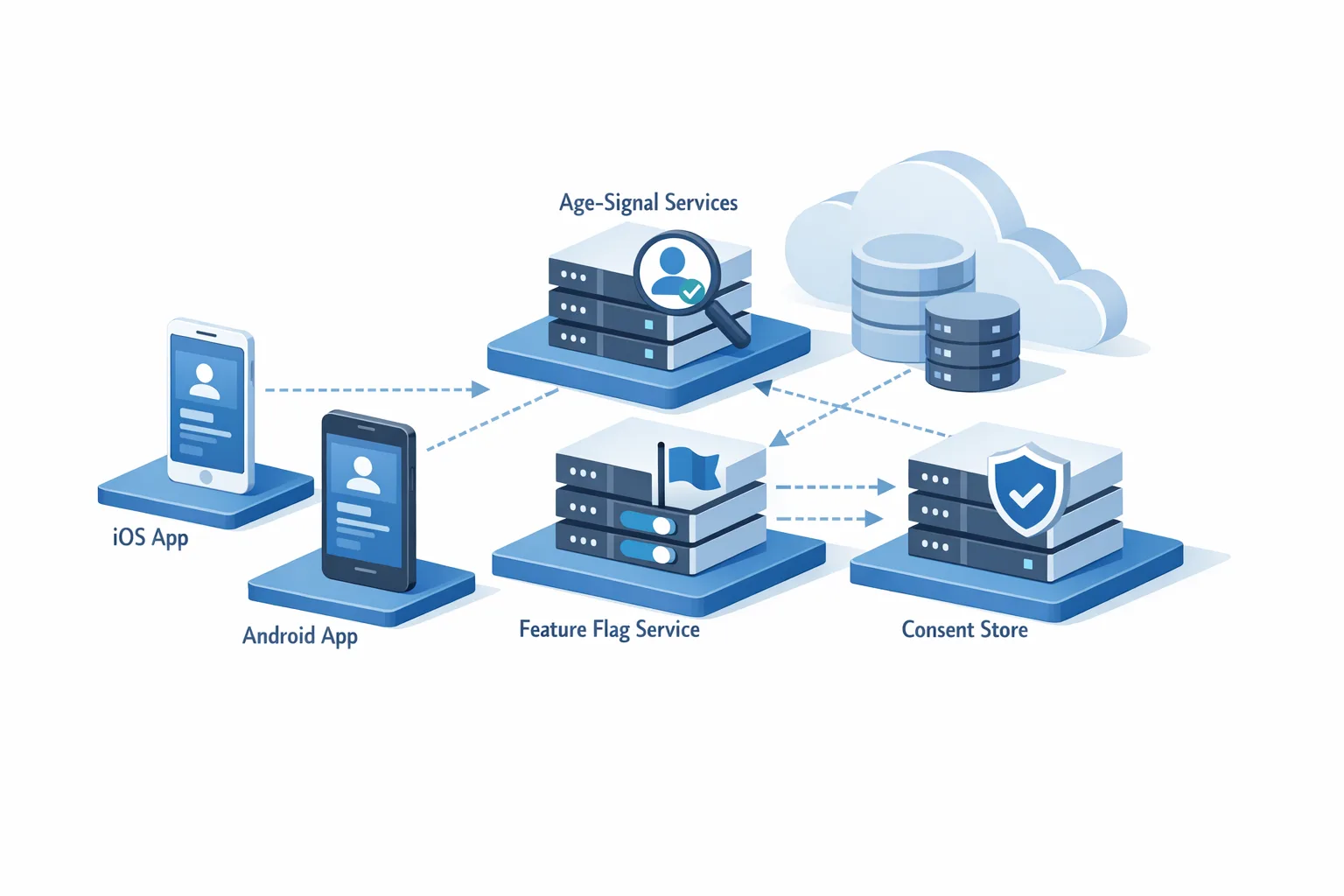
App Store Age Verification: A 2026 Dev Playbook
On February 24, 2026, Apple switched on regional checks that block 18+ app downloads in Australia, Brazil, and Singapore unless the user’s age is confirmed. That change, plus new signals and duties tied to Utah (May 6, 2026) and Louisiana (July 1, 2026), means App Store age verification just became a product and engineering priority—not a legal footnote. Here’s how to ship a compliant, low‑friction flow with Apple’s Declared Age Range API and keep your funnel intact.

What changed in App Store age verification—and where
Apple now blocks users in Australia, Brazil, and Singapore from downloading 18+ apps until adulthood is confirmed using “reasonable methods,” handled automatically by the App Store. In Brazil specifically, any game flagged with loot boxes is rated 18+ in the Brazil storefront. Meanwhile, age‑category sharing for new Apple Accounts is rolling out to support state laws in Utah (effective May 6, 2026) and Louisiana (effective July 1, 2026). In the UK, iOS 26.4 beta adds over‑18 prompts for purchases and downloads—a sign the net is widening.
Practically, developers are still on the hook. Apple’s platform‑level checks don’t replace your obligations to verify age, restrict features, and obtain parental acknowledgement where laws require it. That’s where the Declared Age Range API fits.
The dates and versions that matter
- Blocking of 18+ downloads: Australia, Brazil, Singapore—active since February 24, 2026.
- Utah App Store Accountability Act: signals and duties begin May 6, 2026 (new Apple Accounts).
- Louisiana HB 570: signals and duties begin July 1, 2026 (new Apple Accounts).
- OS and tooling: build with iOS/iPadOS 26.2 SDK or later using Xcode 26.2 (17C52) or later to access the full framework surface.
- iOS 26.4 beta: adds system sheets for “significant update” acknowledgements and expanded signals.
The Declared Age Range API—what it gives you and how to use it
Think of the API as a privacy‑preserving bridge. Instead of birthdates, you receive:
- An age category or range (depending on region and what the account holder or parent chooses to share).
- Signals about the assurance method (how age was confirmed), whether parental controls are enabled, and whether regional rules apply.
- System‑provided sheets to get a parent/guardian acknowledgement when your release qualifies as a “significant update” in regulated regions (26.4+).
In code, you’ll interact with an age‑range service to check eligibility for regulatory features and present the appropriate system UI. Your app still enforces the result: allow, restrict, or route to a parent‑consent flow.
Data model and storage decisions
Store only what you must: the age category and the timestamp of the decision, scoped to the Apple Account on that device. Don’t store birthdates. Don’t sync across users without a clear legal basis. Cache short‑term and re‑validate server‑side when risk is high (e.g., checkout, UGC posting, or any feature rated 18+ in one of the covered regions).
When the API isn’t available
Build for partial availability. Older OS versions, network failures, and users declining to share data all happen. Your fallback should be a minimal friction gate driven by platform signals and storefront region, with clear copy describing why access is limited and how to continue (e.g., have a parent approve, or try again after system verification completes).
A 14‑day implementation plan that actually ships
Here’s a no‑drama plan we’ve used on real projects to hit legal dates without stalling product velocity.
- Day 1: Map exposure. List all entry points that result in an 18+ capability (account sign‑up, purchase, live chat, UGC publishing, gambling‑adjacent mechanics, loot boxes in Brazil). Tag each with storefronts and risk level.
- Day 2: Upgrade tooling. Move CI to Xcode 26.2+, target iOS/iPadOS 26.2 SDK. Add a build flag to enable runtime checks and the new flows only on supported OSes.
- Day 3: Add a centralized AgeGate module. One API your app calls before any sensitive action. It queries Declared Age Range, interprets signals, applies region policy, and returns allow/deny/needs‑parent.
- Day 4: Design system sheets and fallbacks. Use the platform UI where available; for fallbacks, design a branded modal with one‑tap retry and a route to parental acknowledgement where required.
- Day 5: Write regional policies as code. Brazil: treat loot boxes as 18+. Australia/Singapore: block 18+ features without adult confirmation. Utah/Louisiana: enable age‑category checks and parent acknowledgement logic for new Apple Accounts on the relevant dates.
- Day 6: Instrument analytics. Track “age gate shown,” “parental flow started,” “parental flow completed,” and drop‑offs by storefront and OS.
- Day 7: Server hooks. On critical operations (checkout, wallet top‑up, content posting), re‑check the cached decision server‑side to mitigate tampering.
- Day 8: QA matrix. Test with device region + App Store country permutations; with/without Family Sharing; offline/limited connectivity; upgrade paths from 26.1 → 26.2 → 26.4 beta.
- Day 9–10: Copy and localization. Write plain‑language strings for why the check exists, what’s needed, and how long it takes. Localize especially for pt‑BR in Brazil.
- Day 11: Customer support macros. Short articles and canned replies for “Why can’t I download this?” and “How do I approve my child’s update?”
- Day 12: Legal review. Confirm your storage retention (keep it short), record keeping, and parental notice triggers align with counsel’s reading of each law.
- Day 13: Staged rollout with feature flags by storefront. Gradually scale to 100% while watching analytics.
- Day 14: Post‑release audit. Confirm crash‑free sessions, gate accuracy, and conversion impacts. Tune copy and retries.
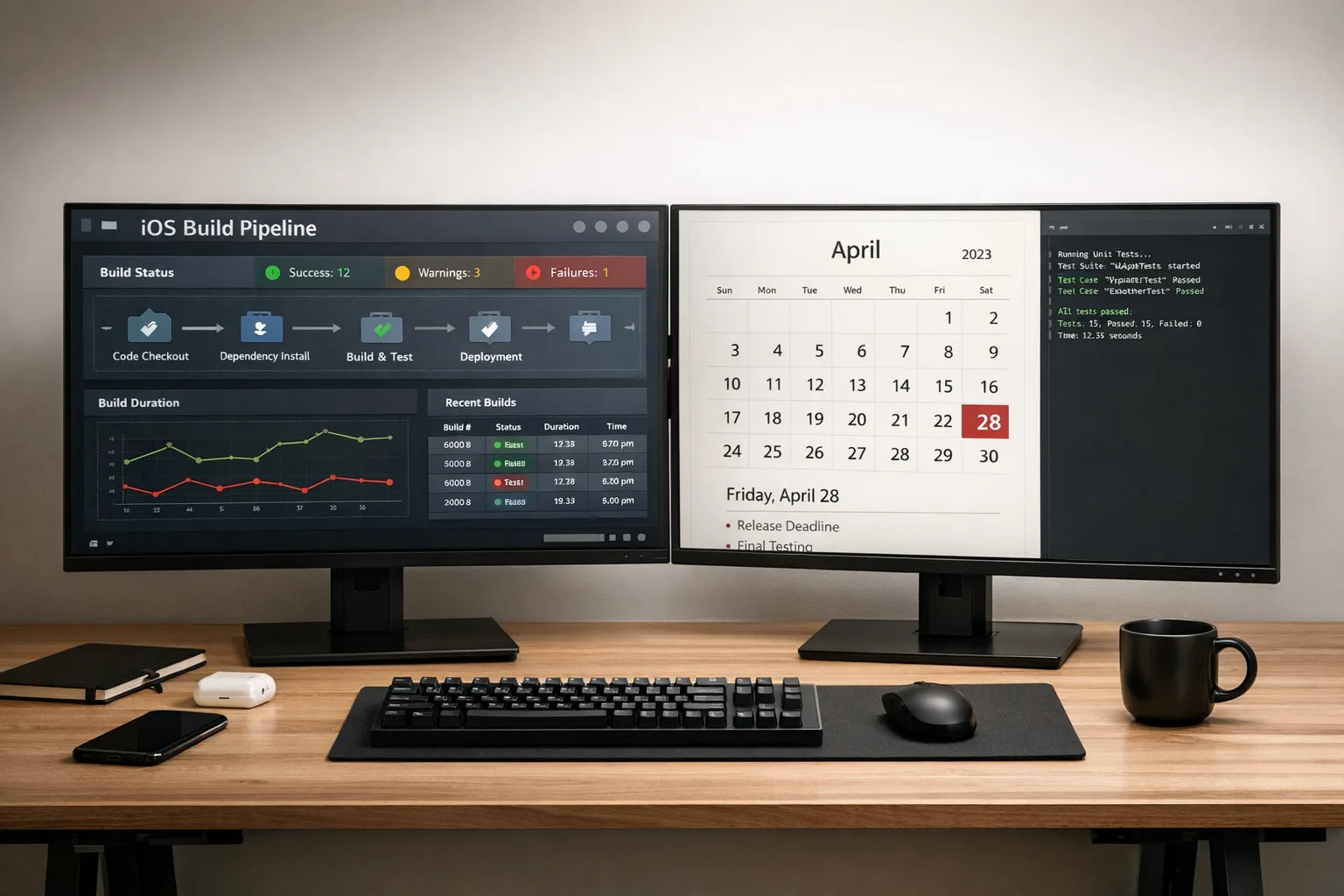
If you need a hand with the Xcode and release mechanics, our shipping checklist for major Apple requirements pairs well with this plan. See this April 28 ship checklist for the gotchas teams miss under deadline pressure.
UX that protects minors without destroying conversion
Here’s the thing: most drop‑off isn’t about users refusing checks—it’s confusion. The fastest fixes are copy, pacing, and sensible retries.
- Lead with the “why.” “Local laws require us to confirm your age for this content. We don’t store your birthday.”
- Use system UI first. Where the system provides an acknowledgement sheet, prefer it—users trust the platform.
- Gate at the moment of need, not at app launch. Show age flows only when users enter an 18+ path.
- Offer a single-tap retry. Many verifications complete after a short delay.
- For Brazil loot boxes: show a short pre‑purchase label—“Randomized rewards are for adults 18+ in Brazil.”
Copy blocks that work
Adult‑only feature, system‑supported: “We’ll ask Apple to confirm your age. No ID upload to us.”
Fallback flow: “We couldn’t confirm age automatically. If you’re over 18, try again or ask a parent/guardian to approve.”
Parent acknowledgement (significant update): “This update adds features that require your permission for your child to continue. Approve now to keep access.”
Policy traps and edge cases you should simulate
But there’s a catch: small misunderstandings create big compliance gaps. Pressure‑test these scenarios before launch.
- “We’re 18+ rated, so we’re done.” Wrong—regions that require developer checks still expect you to call the API and enforce results inside your app.
- Significant updates on 26.4+. If your release adds new risky capabilities for minors, you must block access until a parent acknowledges.
- Family Sharing changes. A child turning 18 or leaving a family group may change signals. Re‑evaluate on login and during high‑risk actions.
- Region mismatch. Device region, Apple Account country, and network location can diverge. Base enforcement on Apple Account storefront with sensible fallbacks.
- Offline access. Cache decisions briefly but expire on reconnect; re‑check before purchases or UGC posting.
- Server replay. Bind decisions to account + device + timestamp; reject stale proofs.
People also ask
Do I need the API if my app is already rated 18+?
Yes in covered regions. Age rating alone doesn’t satisfy developer‑side obligations where laws require verification and parental acknowledgements. Implement the API, gate risky features, and log decisions.
What if a user declines to share an age category?
Offer a minimal fallback: limit 18+ features until age is confirmed, keep essential non‑sensitive features open, and make the retry obvious. Don’t coerce; do explain the benefit and the law.
How should I handle loot boxes in Brazil?
If your title includes randomized rewards for purchase, expect an 18+ rating in the Brazil storefront. Treat crates, packs, and spins the same. Add a brief disclosure and route purchases through your age gate.
Will this expand beyond the listed regions?
Almost certainly. The iOS 26.4 beta behavior in the UK hints at broader application. Design your module to be region‑driven and remotely configurable, so policy adds are a config change—not a release fire drill.
Metrics to track after launch
Zooming out, product teams should watch:
- Age‑gate show rate and completion rate by storefront and OS.
- Parent acknowledgement start → complete funnel.
- Checkout/UGC conversions before vs. after the gate.
- Support ticket volume tagged “verification.”
- False negatives/positives from QA spot checks.
Healthy teams also run A/Bs on copy and retry timing. Small text changes routinely recover 5–10% of lost conversions without touching policy logic.
Engineering checklist you can paste into your tracker
- Upgrade to Xcode 26.2+ and target iOS/iPadOS 26.2 SDK.
- Central AgeGate module with allow/deny/needs‑parent result type.
- Runtime policy map for AU/BR/SG/UT/LA with effective dates.
- Server‑side re‑checks on purchases, wallet, and UGC endpoints.
- Short‑term cache + expiry; bind decisions to account/device.
- Analytics: gate shown, completion, parental flow states, drop‑offs.
- Localization for legal copy; special attention to pt‑BR.
- Feature flags for staged rollout by storefront. If you need robust flags, consider shipping with a platform that supports safe experiments; we outlined a fast approach in our feature flags playbook.
- QA: region permutations, Family Sharing, offline, upgrades (26.1 → 26.2 → 26.4), and idempotent retries.

What this means for your roadmap
If you publish to any covered region—and realistically, most consumer apps do—treat age assurance as a core platform capability, like sign‑in or payments. Make it a shared service, not a feature buried in one screen. The work you do now will compound as more regions adopt similar rules.
Need outside help to audit, implement, or load‑test the flows? Our team ships high‑stakes releases for regulated products. See our services overview and browse relevant work on the portfolio page. We also publish migration playbooks—our Xcode 26 real‑world upgrade guide pairs nicely with this topic.
What to do next
- Decide scope today: list every 18+ feature and touchpoint. Flag Brazil loot boxes if applicable.
- Upgrade to Xcode 26.2+ and roll the age‑gate module behind a remote flag.
- Ship the module in a point release to collect telemetry even before enforcement dates, then tighten rules on schedule.
- Draft support content and store listing notes that explain the checks clearly.
- Run a tiny 5% storefront rollout and watch analytics; tune copy and retry timing, then scale.
If you want more hands‑on, subscribe to the ByBowu blog for implementation notes and rollout lessons as new regions go live. And if deadlines are tight, reach out via our contact page; we can help you ship without drama.




Comments
Be the first to comment.