
Android 17 Beta: The Canary Era, Fix It Now
Android 17 Beta isn’t just another spring preview; it’s a process change. The primary keyword here—Android 17 Beta—arrived in February 2026 with a continuous Canary channel that replaces the old Developer Preview cadence. Combine that with resizability and orientation rules that tighten for tablets and foldables when you target the new SDK, and you’ve got both an opportunity and a deadline. If your app’s UI, CI, and release planning still assume phone‑only and quarterly drops, this cycle will expose that fast.
I’ve spent the last few years coaching teams through Android’s large‑screen push, performance regressions, and build pipeline tangles. The fastest movers treat these Betas as integration sprints, not curiosities. Here’s the playbook I’m using with clients right now to make the most of Canary, avoid breakage, and ship on time.
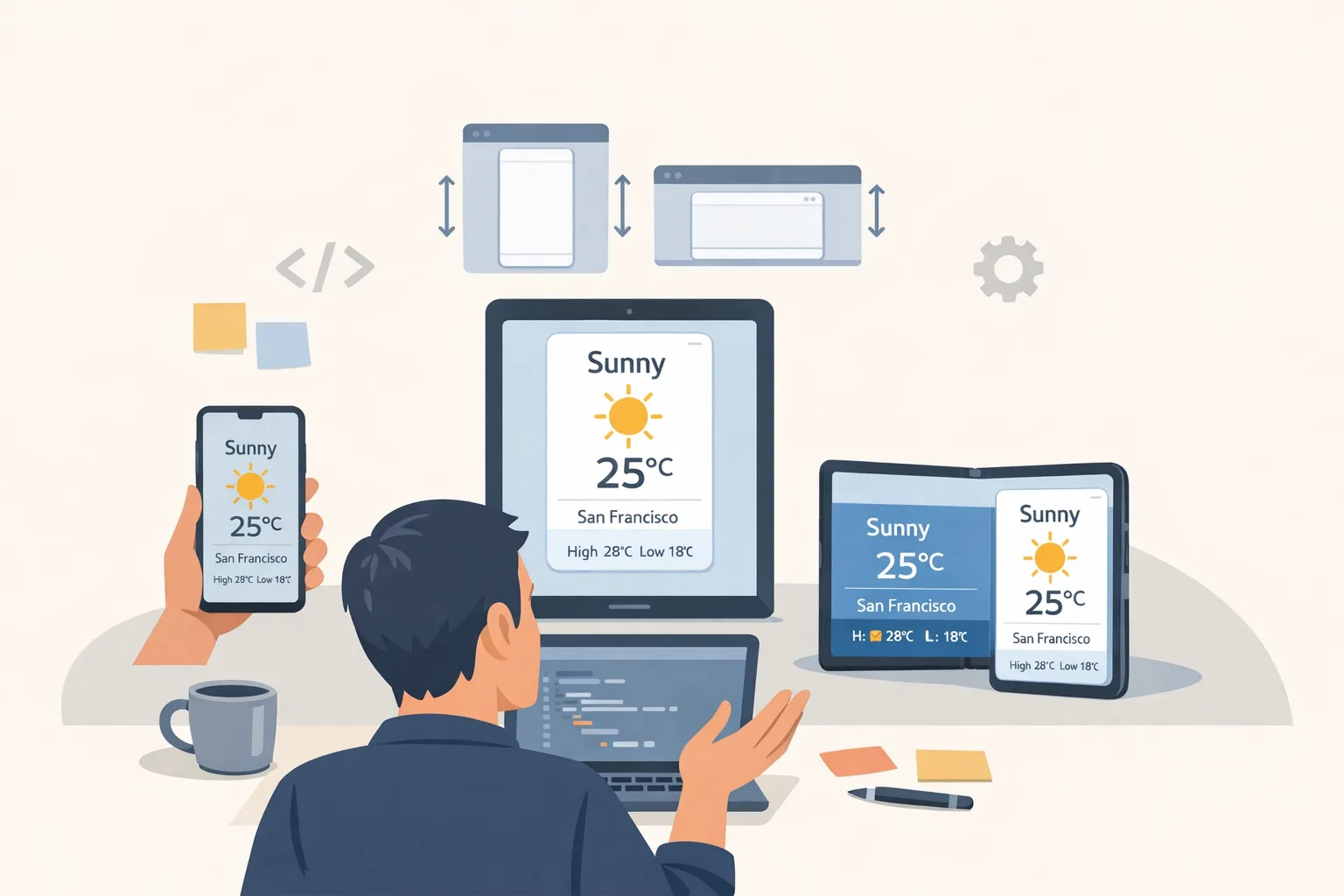
What changed in Android 17 Beta, exactly?
Google announced the first Android 17 Beta on February 13, 2026, and with it a new delivery model: a continuous Android Canary channel that ships features and APIs as soon as they clear internal testing. Over‑the‑air updates apply directly to enrolled devices and emulators, which reduces friction for day‑to‑day testing and CI automation. Platform Stability is targeted for March 2026, with the final public release planned for Q2 and a smaller SDK update slated for Q4.
Feature‑wise, the headline for most teams isn’t a flashy API, it’s policy: when you target Android 17’s SDK (API level 37), the opt‑out for large‑screen resizability and certain orientation behaviors is removed. On the media and performance side, Google highlights smoother camera transitions, support for the VVC (H.266) video codec, more consistent perceived loudness across apps, ART improvements (including generational GC), and a new lock‑free MessageQueue implementation that reduces frame misses but may bite code that reflects into private fields.
Why the new Android Canary channel matters
The Canary track makes Android more like modern browser development: features land incrementally and your window to react opens earlier. Practically, that means fewer “big bang” surprises at Beta milestones—but also less excuse to wait. If you’re serious about quality, wire Canary builds into your CI and treat them as an early warning system. The value isn’t just finding crashes; it’s catching UI behavior changes, media pipeline quirks, and permission prompt flows while there’s still time to influence them.
Here’s the thing: Canary doesn’t mean chaos. The public Beta still exists, and Platform Stability still locks the public SDK surface. Canary is for discovery and early adaptation; Beta and Platform Stability are for hardening and release planning.
Android 17 Beta and large‑screen mandates: what breaks?
Android has signposted adaptive design for years, but Android 17 Beta moves from encouragement to enforcement when you target SDK 37. Apps that once relied on forced portrait or phone‑sized layouts on tablets and foldables now have to play by the rules. Expect issues like:
• Composable layouts that assume a single column blowing out on wide displays.
• Fragments or activities that pin orientation but now rotate, triggering lifecycle edges.
• Camera and media UIs that don’t survive multi‑window or fold transitions.
• Input bugs from keyboards, styluses, and mice that your QA never exercised.
If this sounds familiar, it’s because many teams still optimize for a 360–411 dp width phone and hand‑wave everything larger. Android 17 Beta is your forcing function to adopt window size classes, constraint‑aware grids, and posture‑aware navigation.
Hands‑on: a frictionless adaptation checklist
Let’s get practical. Use this five‑step checklist to bring your app in line without derailing your roadmap.
1) Map reality with window size classes
Audit your top five screens across compact, medium, and expanded classes. On a foldable, test both folded and unfolded postures. Your acceptance criteria: zero clipped content, zero unreachable actions, and density‑aware hit targets. If you use Jetpack Compose, define breakpoints in one place and route all layouts through them.
2) Orient for use, not for comfort
Remove hard orientation locks that aren’t essential to the experience. If you must constrain orientation (e.g., a specific game or scanner), document why and implement graceful fallbacks for multi‑window. Test rotations mid‑flow: capture screens, checkout, camera capture. No ANRs, no state loss.
3) Make navigation posture‑aware
On expanded screens, your bottom nav may want to grow up—literally. Swap to a rail or list when width allows, and persist selection state on fold/unfold events. If you’re using Navigation Compose, keep destinations idempotent so you can reconstruct the stack after a posture change without weird back behavior.
4) Treat media pipelines as brittle until proven otherwise
With VVC support and audio loudness normalization improvements in play, assume regressions on edge devices and peripherals. Build a focused media test matrix: Bluetooth headsets, wired mics, screen record on/off, camera surface rebinds during multitasking. Capture frame drop and audio clipping metrics as first‑class failures.
5) Kill reflection on framework internals
If your code pokes into private fields on core Android classes like MessageQueue, rip it out now. The lock‑free implementation improves jank, but anything relying on reflection or side effects will regress unpredictably. Replace hacks with supported callbacks, tracing, or stable APIs.
CI that actually benefits from Canary
Most teams say they want early signal, then gate on the wrong things. Here’s a minimal, durable CI blueprint for the Android 17 Beta cycle and Canary drops.
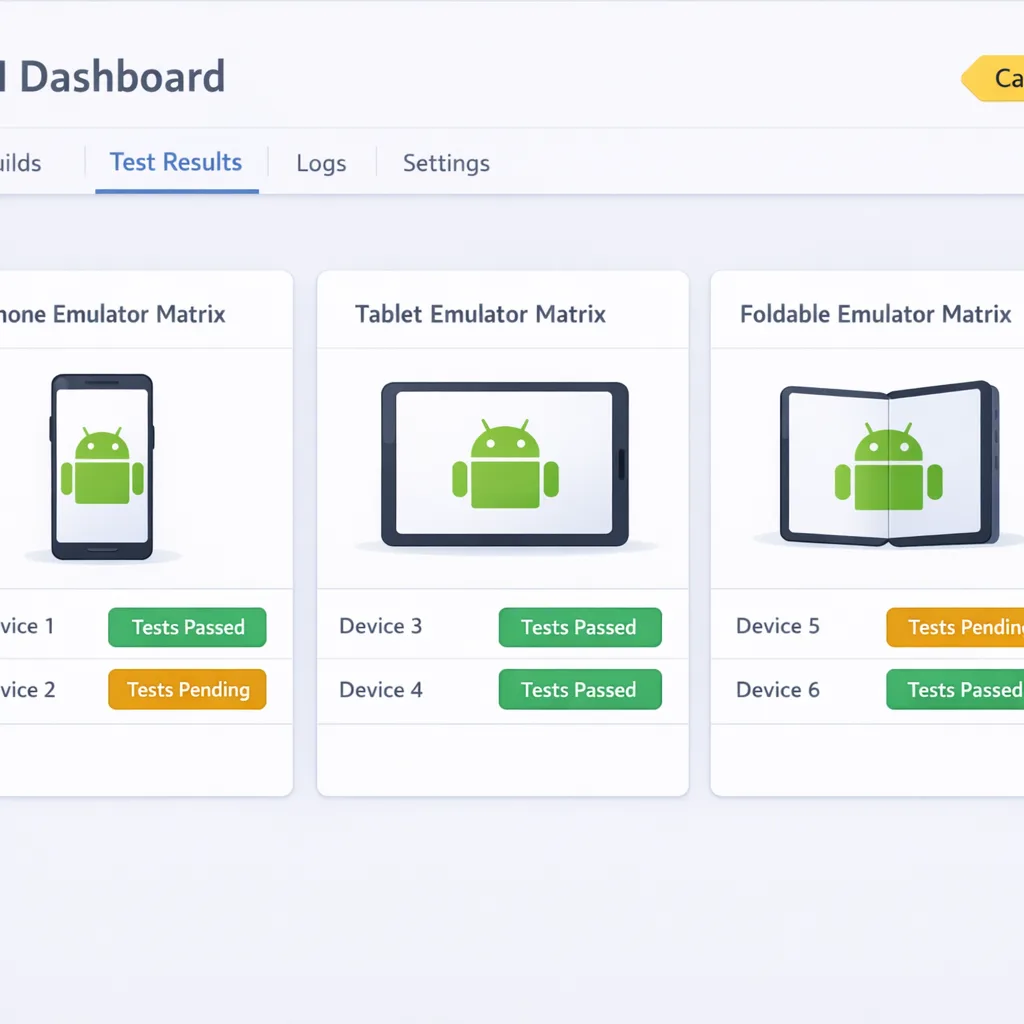
• Nightly emulator runs on the latest Canary image: start with smoke tests (cold start, login, checkout, camera open, media play).
• Weekly device lab: one foldable, one 11‑inch tablet, one mid‑range phone. Run performance baselines (TTID, 95th percentile frame time, and CPU while scrolling long lists).
• Canary‑only alerts: don’t page the team for Canary flakes. Route to a platform channel and triage twice a week. Promote to a blocking issue only if reproduced on Beta or Platform Stability images.
• Contract tests for permissions and intents: verify Nearby, camera, media, and background audio behaviors with explicit assertions. Canary often shifts prompt timing and flags first.
If you’re standing up this rig from scratch and want a partner, our team can help with test strategy and instrumentation. See how we approach mobile velocity in what we do for product teams and our recent client outcomes in the portfolio.
People also ask: Can we stay on Android 16 and wait?
Short answer: for a bit, yes. Long answer: don’t. Google is targeting Platform Stability for March 2026. That gives you a comfortable window through Q2 to finish compatibility and ship an SDK‑37‑targeted build. But if you wait until Stability to begin, you’ll crunch. Even if you don’t target SDK 37 immediately, your users on tablets and foldables will still encounter more aggressive resizing behavior over time. Starting now turns a fire drill into routine maintenance.
What about Gemini and Assistant changes—do they affect us here?
Indirectly. Android 17’s cycle runs in parallel with Google’s migration toward Gemini across experiences. If your app exposes intents to assistants, expects old Assistant behaviors, or integrates with voice shortcuts, include those paths in your Canary runs. It won’t block most teams from adopting Android 17 Beta, but it’s a good time to verify.
A pragmatic large‑screen design kit
Stop guessing how your UI should scale. Use this compact kit and share it with design and QA.
• Slots, not assumptions: define header, primary content, secondary pane, and action rail slots. On compact, collapse to one column; on expanded, promote the secondary pane instead of spawning modals.
• Density by token: drive spacing and typography from tokens keyed to window size class. Designers change tokens; engineers don’t refactor every composable.
• Input is plural: hit targets ≥48 dp, hover transitions for mouse/trackpad, and visible focus rings for keyboard users.
• Remember posture: on foldables, treat the hinge as a first‑class constraint—don’t bury critical controls under the crease.
• Lifecycles as UX: verify back behavior and state continuity first; pretty comes after “doesn’t lose my cart.”
Performance: new wins, old traps
Android 17 Beta’s ART upgrades and lock‑free MessageQueue reduce jank, especially during list scrolling and animation‑heavy screens. Treat this as “free” headroom you can squander with careless work on the main thread. Use trace sections around database, JSON, and image decode hotspots; your future self will thank you when Canary moves and numbers drift.
Beware three traps we keep seeing:
• Reflection and shaded internals: you’ll lose. Replace with supported APIs or isolate behind feature flags for fast rollback.
• Over‑eager recomposition: in Compose, prefer state hoisting and snapshot‑aware collections; audit unstable parameters that cause useless re‑draws.
• Blocking I/O during camera transitions: move heavy work to a background dispatcher and pre‑warm where possible. Test transitions in multi‑window—it’s where edge cases hide.
Media: VVC, loudness, and camera transitions
VVC (H.266) support improves compression efficiency, but your users won’t thank you if playback stutters on older hardware. Gate enablement behind a codec capability probe and keep H.264 and HEVC fallbacks. For audio, loudness consistency across apps is improving; that exposes overly hot mixes in your content. Run mixes through standardized loudness targets and verify with multiple output devices during Canary testing.
Camera transitions should be smoother with the new APIs, but treat them like animation systems: predictable, frame‑budgeted, and cancel‑safe. If your pipeline swaps surfaces or toggles features mid‑capture, test that flow during rotations and resizes.
The “Beta-to-Release” operating rhythm
Here’s an operating rhythm we’ve used on real teams to survive spring Betas without thrash:
Week 1–2 (now): Enroll two devices and one emulator in Canary. Stand up smoke tests and large‑screen audits for your top five screens. Open issues and label them “A17‑layout,” “A17‑media,” or “A17‑perf.”
Week 3–4 (Platform Stability target): Freeze new UI features. Focus on compatibility, performance budgets, and permission flow verification. Transition device lab focus from Canary to Beta images.
Week 5–6 (pre‑final): Cut a release candidate targeting SDK 37. Hold back risky feature flags. Run a staged rollout with tablet and foldable cohorts prioritized.
Need a deeper breakdown of risks and wins for this Android cycle? We cover rollout tactics and opportunity areas in Android 17 Beta: What Changed, What Breaks and competitive positioning in What Changed, What Breaks, What Wins. For large‑screen specifics, see The Large‑Screen Rules That Stick.
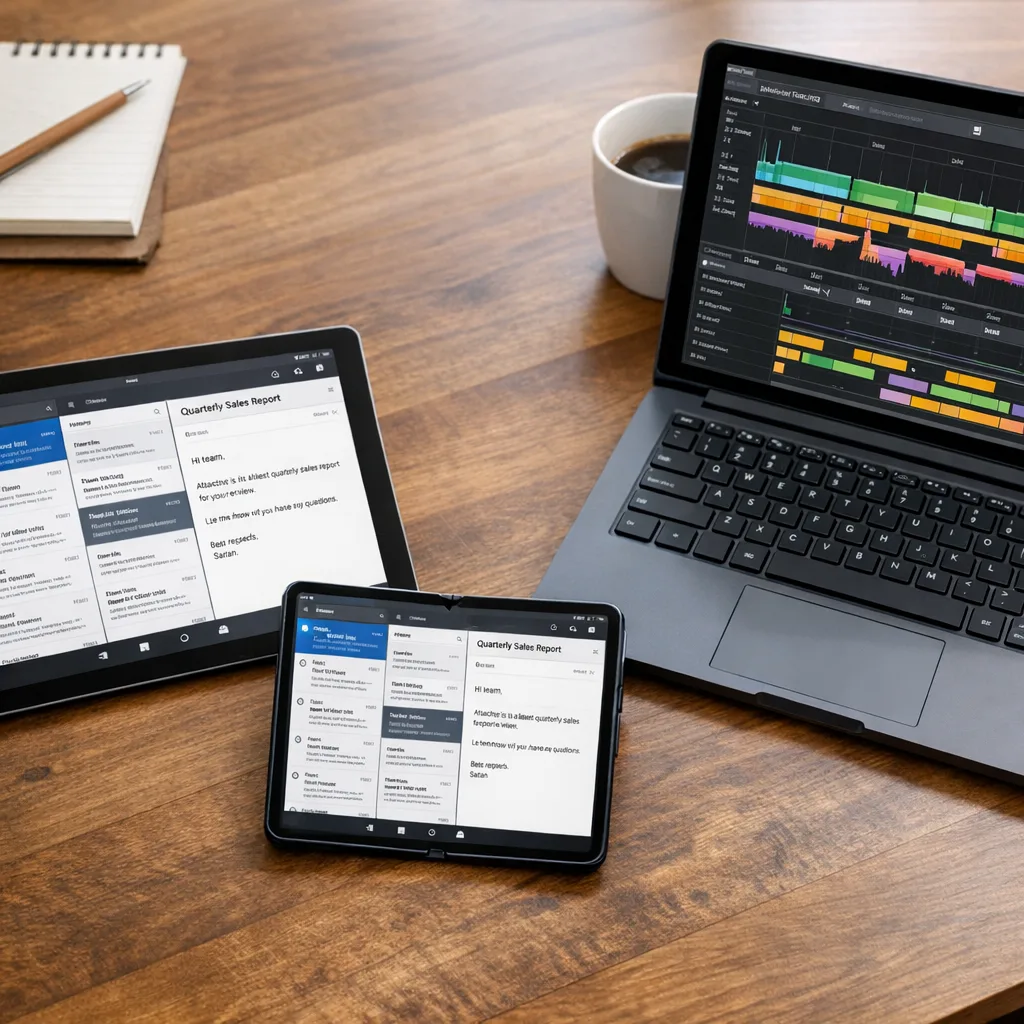
FAQ: Do we have to retarget SDK 37 immediately?
No, you can update your app to run on Android 17 without immediately targeting the SDK. But the longer you wait, the harder the jump. Most teams benefit from dual‑track releases: ship a compatibility update now, then a targeted update after your layout and behavior fixes harden.
FAQ: How risky is the lock‑free MessageQueue?
For well‑behaved apps, it’s a performance win. The risk concentrates in test utilities, legacy analytics beacons, and libraries that rely on internal reflection. Run your test suite with strict mode enabled and turn on extra logging around Looper and MessageQueue boundaries to smoke out offenders early.
What this means for product and business leaders
If you manage a roadmap or a budget, treat Android 17 Beta as a predictable seasonal cost. The Canary channel makes that cost smoother and earlier in the quarter. The large‑screen enforcement, however, is a strategy choice: lean in and you unlock tablet and foldable revenue; defer and you accept degraded UX for a growing segment. Resourcing one designer and one engineer for four weeks now is cheaper than firefighting a rejection or a one‑star wave later.
A short migration framework you can start today
Use the RAMP framework—Review, Adapt, Measure, Promote.
• Review: inventory screens against window size classes and posture. Flag scroll jank and clipped components.
• Adapt: implement slot‑based layouts, tokenized spacing, and posture‑aware nav. Remove hard orientation locks where possible.
• Measure: baseline startup, scroll, and media KPIs on Beta images and one Canary drop each week.
• Promote: when Platform Stability lands in March 2026, cut a feature‑frozen branch that targets SDK 37 and promote with staged rollout gates.
What to do next
• Enroll a foldable and a tablet in Canary today; run your smoke tests.
• Stand up an emulator matrix with compact, medium, and expanded sizes.
• Kill reflection into framework classes; replace with supported hooks.
• Add media capability probes before enabling VVC.
• Lock a Platform Stability hardening sprint in March 2026.
• If you need a sparring partner on test strategy or UI refactors, talk to us via Bybowu contacts.
Android 17 Beta shifts the ground under our feet in a good way: earlier signal, firmer large‑screen expectations, and real performance headroom. Teams that wire Canary into CI, fix UI assumptions, and treat Platform Stability as their ship target will come out of Q2 with less risk and a better product. Your future self—and your tablet users—will thank you.
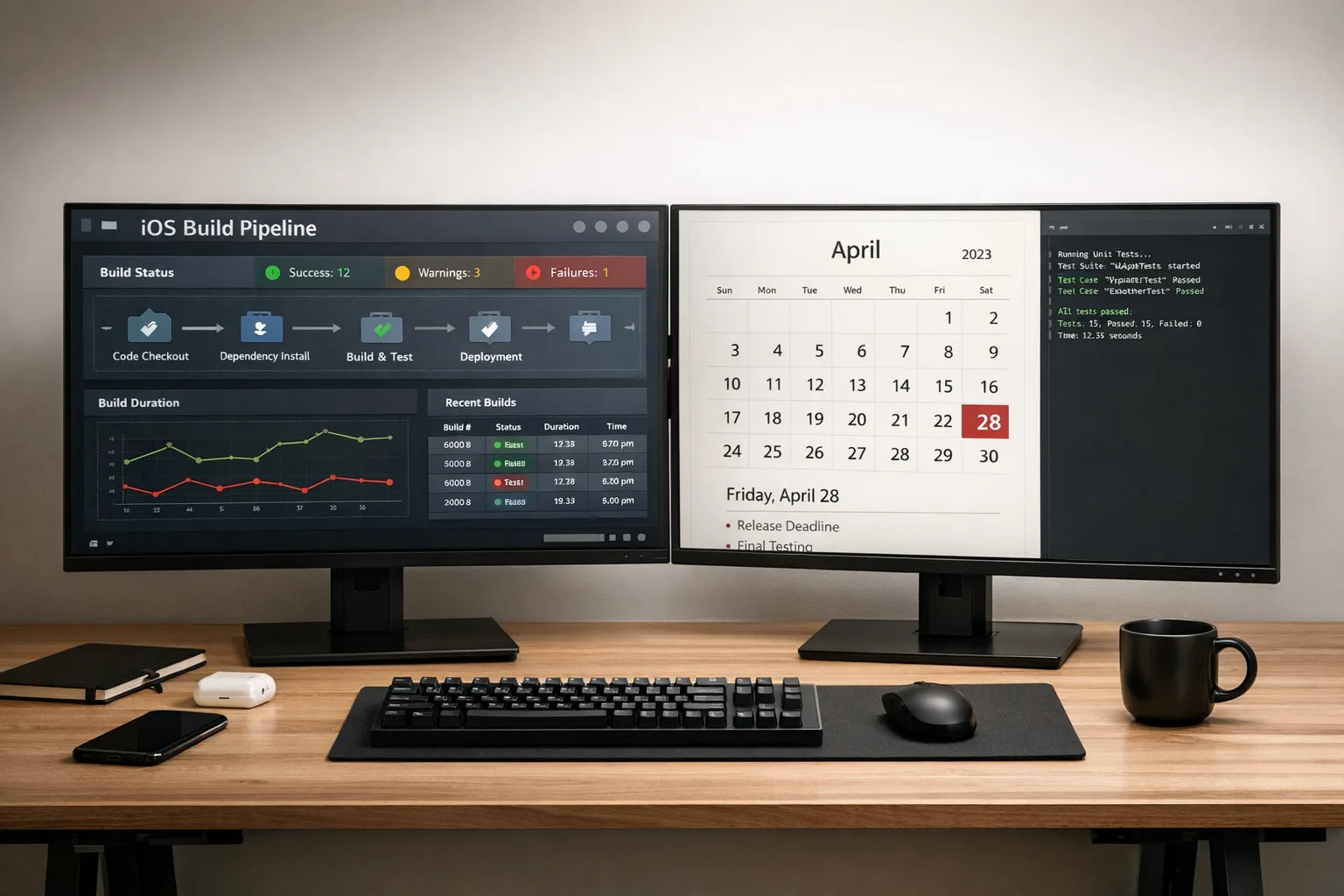



Comments
Be the first to comment.