App Store Age Rating 2026: Ship‑Ready Checklist
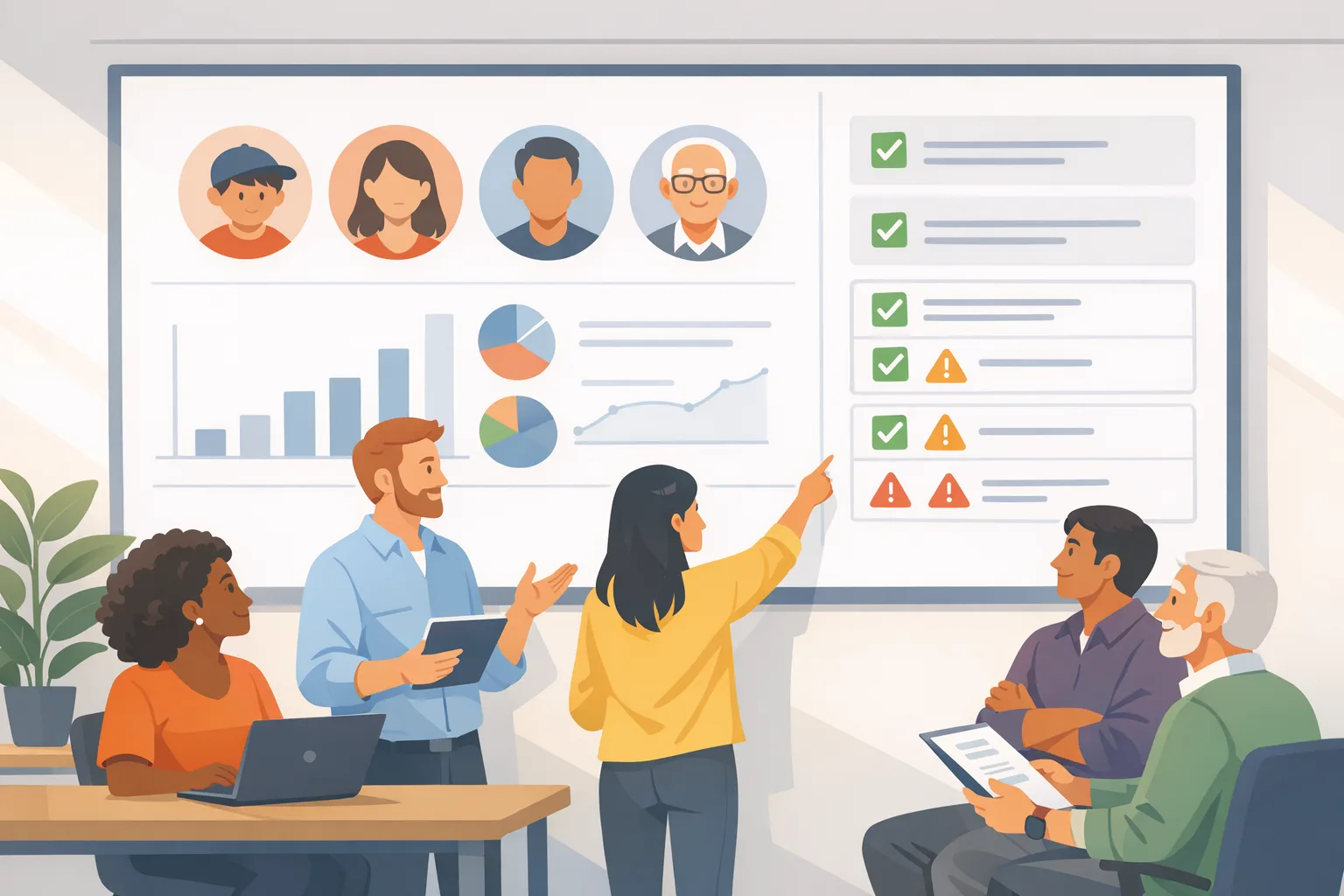
The App Store age rating 2026 update isn’t a marketing tweak; it’s a shipment gate. By January 31, 2026, Apple expects updated answers to a new age-rating questionnaire in App Store Connect, or your updates pause until you comply. Ratings have also been auto-adjusted under Apple’s new system and appear on devices running the 2026 OS releases. (developer.apple.com)
What actually changed in Apple’s age ratings?
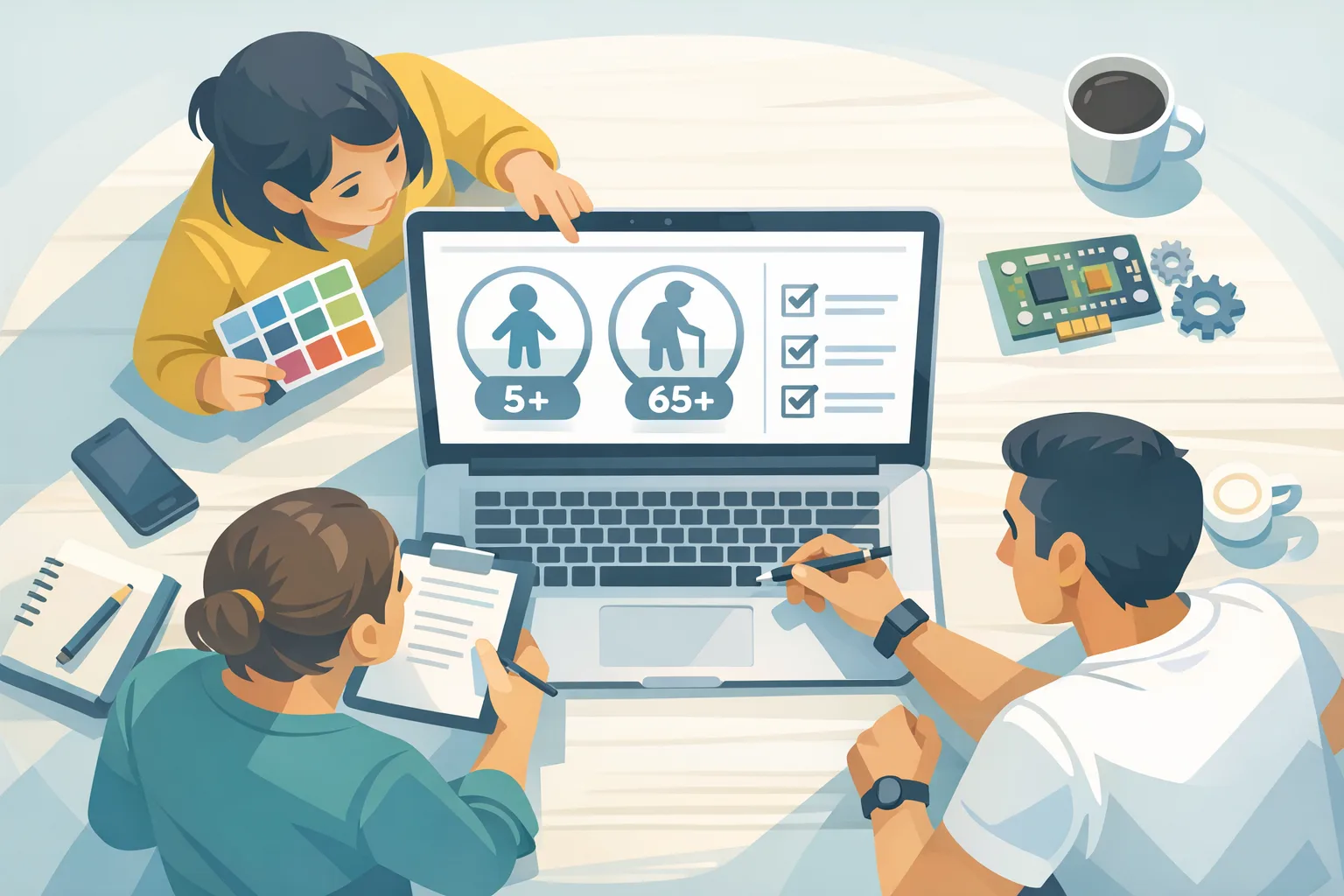
Apple added new 13+, 16+, and 18+ tiers and retired the old 12+ and 17+ categories. Apple also re-rated existing apps automatically based on each app’s previous questionnaire responses, and developers must now complete an expanded set of questions to confirm or adjust. (macrumors.com)
These new ratings and the auto-updates are visible on devices running iOS 26, iPadOS 26, macOS Tahoe 26, tvOS 26, visionOS 26, and watchOS 26. Developers must submit updated answers in App Store Connect by January 31, 2026 to avoid an interruption to submitting app updates. (developer.apple.com)
Here’s the thing: Apple’s move isn’t just renaming tiers. The questionnaire digs deeper into app behavior—how often certain content appears, what you gate behind parental controls, and whether features like chatbots or user-generated content can produce mature themes. Apple’s notice (and developer reporting) highlight new, mandatory questions covering in‑app controls, app capabilities, medical/wellness topics, and violent themes. (9to5mac.com)
Do I need a new binary to change my rating?
Usually, no. Age rating answers live in App Information in App Store Connect; you update the questionnaire and submit for review. If you’re also changing features that affect the rating (for example, enabling unfiltered UGC or adding a chatbot that can generate mature content), you’ll ship a new build with those changes locked behind gates that match your new rating. The key is aligning the metadata with the actual behavior users will experience.
The ship‑ready checklist for January
Let’s get practical. This is the checklist we use with clients to move fast without creating compliance debt.
1) Map feature‑to‑rating signals
Inventory every surface that could influence a rating: chats, comments, UGC galleries, livestreams, feed content, web views, ads, community guidelines, links to external content, and any AI‑generated output. For each, note whether it’s user‑controlled, moderated, or filtered and how frequency and severity are limited. This becomes your single source of truth when answering Apple’s questions.
2) Define your default gate
If you operate in teen‑friendly territory, configure “default gate” settings—e.g., restrict unsolicited DMs, blur sensitive images by default, and require an interstitial to view 16+/18+ material. Document these controls in a privacy/parental section of your in‑app settings so reviewers can find them. Those controls directly support your chosen tier.
3) Tune AI and UGC pathways
For LLM or image‑gen features, turn on filtered models or prompt‑safe layers, cap output length, and block risky genres by design (self‑harm, explicit sexual content, realistic violence). For UGC, expand your policy to cover “AI‑assisted” content and clarify what’s removed vs. shadow‑limited. Reviewers will look for intent plus enforcement.
4) Instrument the gates
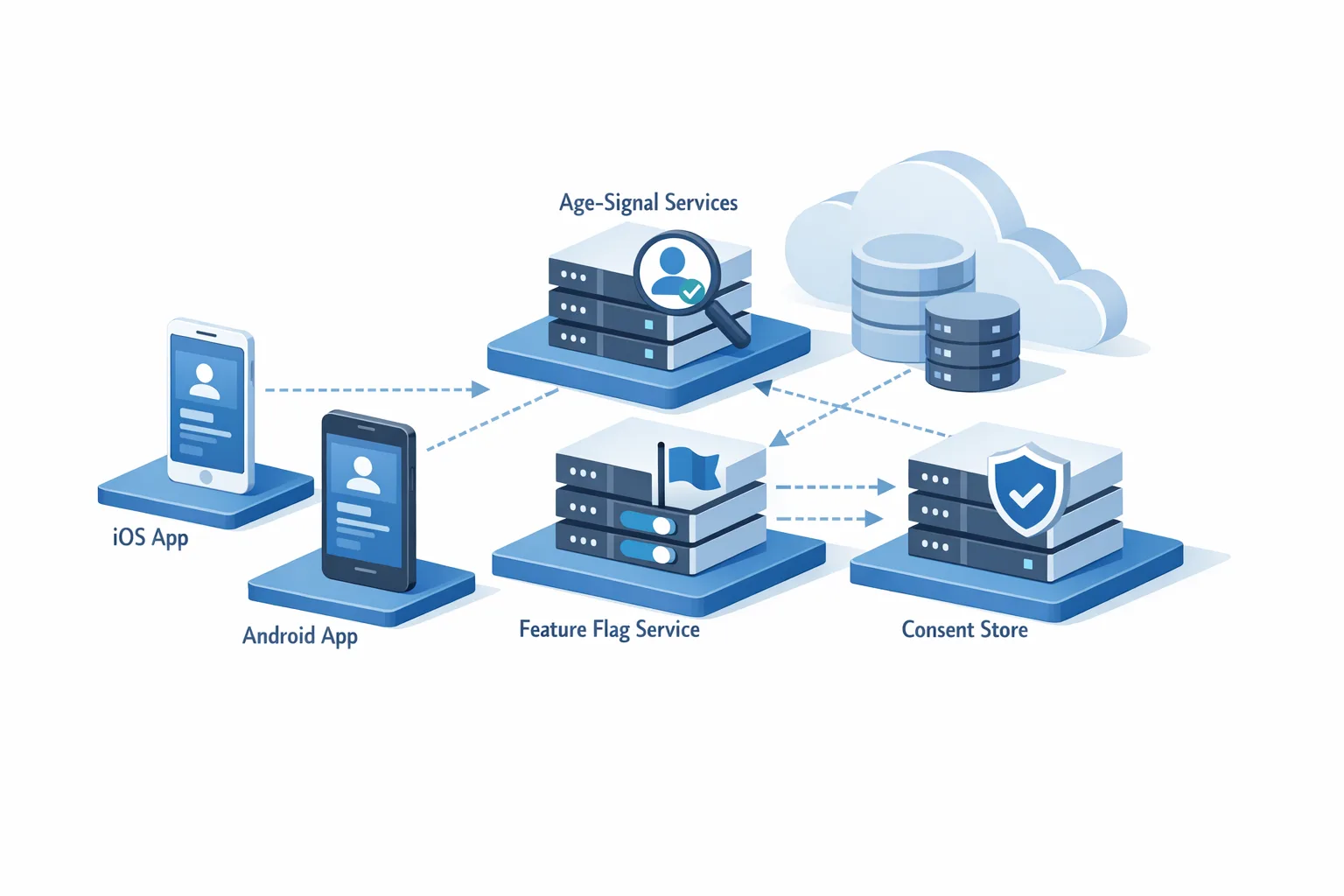
Add feature flags and server‑driven configs for sensitive features so you can raise or lower exposure without a new binary. Create a “compliance dashboard” metric: the percent of sessions eligible to see 16+ or 18+ content. If that spikes, you can toggle stricter defaults over the air.
5) Update parental controls and Help/FAQ
Add a help article that explains opt‑in flows for mature content and how parents can disable or PIN‑protect features. Link to it from your settings. If you serve families, the absence of visible controls is a fast path to a rating mismatch.
6) Answer the questionnaire with evidence
When you fill App Store Connect answers, keep a one‑page evidence log: screenshots of settings, moderation dashboards, the policy page URL, and a short note on default behaviors. If you get a follow‑up from App Review, you can paste proof instead of scrambling.
7) Localize your risk
Age ratings vary by region. If your content’s borderline (e.g., frequent fantasy violence), pre‑plan stricter defaults for markets with tighter norms and document the difference in your evidence log. Don’t over‑generalize; Apple allows regional ratings.
8) Stage a reviewer‑path build
Set a test account with elevated permissions to traverse every risky path quickly. Make a “review playlist” document: deep links, test data, and toggles to reproduce worst‑case content in under five minutes. That reduces ambiguity with App Review.
9) Run a red‑team content review
Schedule a 60‑minute cross‑functional “try to break our rating” session. The goal: produce content that barely passes the chosen tier. Capture screenshots and decisions. This ritual surfaces gaps before reviewers do.
10) Lock it in your release checklist
Add an “age‑rating delta” step to every release: did anything change that alters the questionnaire answers? If so, update App Information and your evidence log in the same PR that toggles features.
People also ask: fast answers
Will my app’s rating change without me doing anything?
Apple has already recalculated ratings based on your prior answers. You still need to complete the new questions to keep shipping updates. (macrumors.com)
What happens if I miss January 31, 2026?
Apple says you won’t be able to submit new updates until you complete the updated questionnaire. Plan buffer time for legal/product review in case your answers require new controls. (developer.apple.com)
Can I lower my assigned rating?
If the automatic reassignment overshoots because your defaults are stricter than Apple inferred, you can request a change by updating the questionnaire and explaining your controls. If your app exposes mature content, expect Apple to enforce the higher tier unless you gate convincingly. (appleinsider.com)
Do I need to pause releases?
No, if you can complete the questionnaire and your app behavior matches your answers. If your answers imply features you haven’t built yet (e.g., a 16+ gate you don’t have), pause and ship the gate first. Mismatches cause delays.
Edge cases most teams miss
AI features with unpredictable output
Generative features can escalate a rating if users can produce mature content at will. Use server‑side filters, blocklists, and content classifiers, and add “Report output” affordances adjacent to the generation surface. When in doubt, bias toward the higher tier until you’ve measured the guardrails’ real‑world effect.
Embedded web content
Web views that display external sites, feeds, or forums can drag your rating upward. If you must show them, use an allowlist, strip scripts, and add toggles to hide preview thumbnails. Your app is still responsible for what’s visible inside it.
Cross‑promotions and ads
Ad networks can inject creatives that clash with your chosen tier. Lock your ad partners to category filters aligned with your rating, require human review for image ads in family surfaces, and throttle frequency in teen environments.
Regional norms and legal overlays
Maintain a “market matrix” for sensitive content so your defaults match local expectations. If you’re in regulated verticals (social, health, finance), get legal review on wording and gating since those choices double as policy commitments.
How this overlaps with Google Play right now
While you’re updating Apple metadata, watch the Android side. Google’s U.S. programs for alternative billing and external content links set a January 28, 2026 compliance date for developers who link users outside Play or use alternative billing. If you plan to route users to the web for purchases or downloads, model the fees and required instrumentation before you commit the UX. (support.google.com)
For a deeper breakdown of fee scenarios and flow design on Android, we’ve unpacked the trade‑offs in our guide to the Google Play external links program. If your team needs a parallel track to hit both store deadlines, our mobile compliance and release ser

Comments
Be the first to comment.