
App Store Age Rating 2026: The Last‑Mile Playbook
The App Store age rating change is real, dated, and unforgiving: if you haven’t answered Apple’s updated questionnaire in App Store Connect by January 31, 2026, you can’t submit updates. That’s not a theoretical risk; it’s an operational outage for your release train. Below is a practical, product‑first playbook to pass the new system, keep velocity, and avoid cross‑store mismatches with Google Play’s rules.
What changed—and what the dates mean
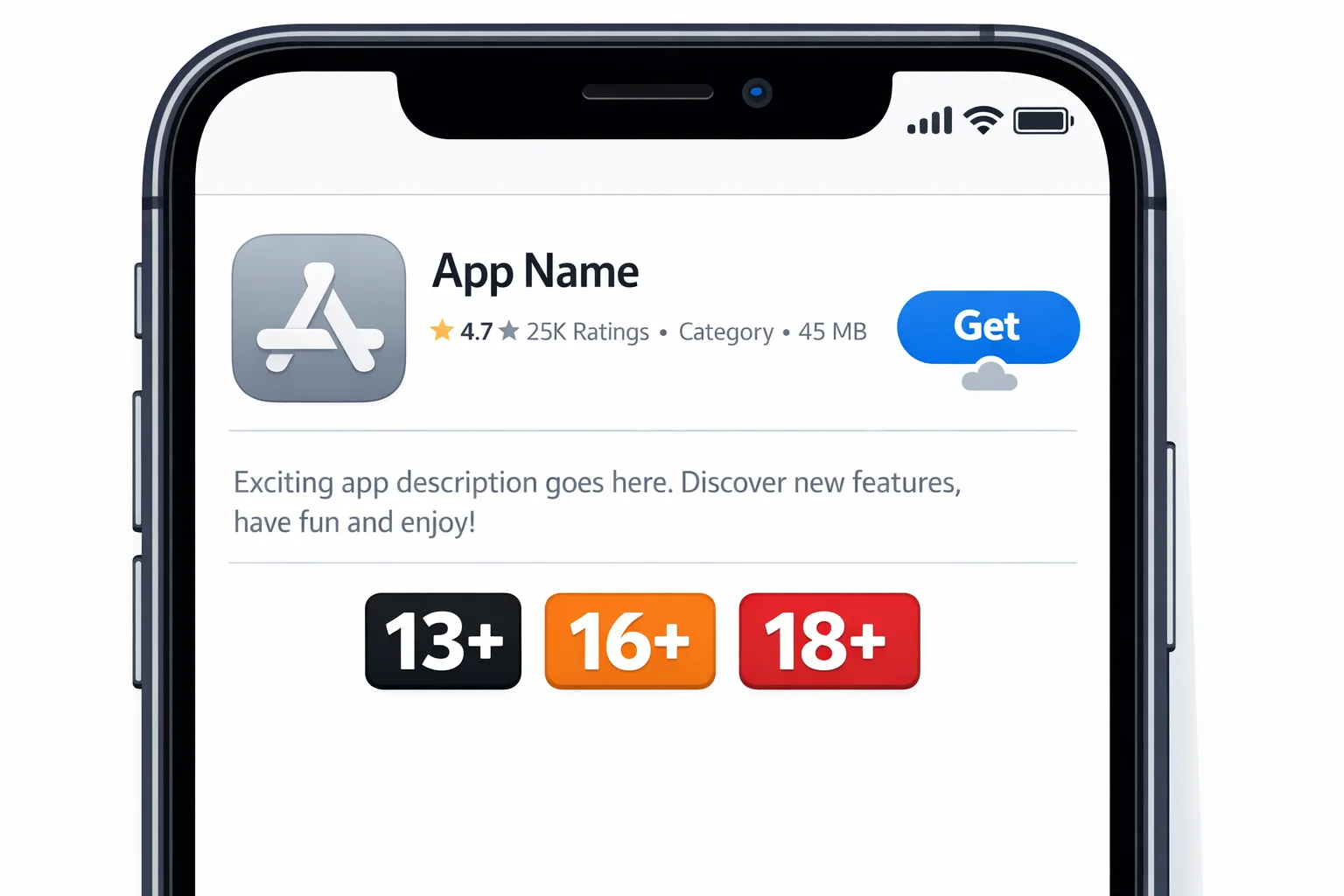
Apple’s new system adds 13+, 16+, and 18+ tiers and retires old labels like 12+ and 17+, with ratings now more tightly bound to your questionnaire answers about in‑app controls, capabilities (like UGC, messaging, advertising), wellness or medical content, and violent themes. You must review and resubmit those answers per app; automatic reassignment isn’t a free pass if it doesn’t reflect what you ship.
Key dates you should have on a wall:
- January 31, 2026 — Answer the updated App Store age rating questionnaire for each app or lose the ability to submit updates.
- January 28, 2026 — Google Play compliance date for external content links and alternative billing programs in the U.S. If you link out, read the new rules and confirm your implementation.
- January 1, 2026 — Google Play guidance narrows how its Age Signals data can be used, and some age‑signal responses may be limited pending legal outcomes in certain U.S. states. Treat Age Signals as an in‑app experience input, not a universal identity layer.
One more wrinkle: Apple shows age ratings differently on devices running OS versions earlier than 26. Translation: QA the storefront and in‑app logic across multiple OS baselines so your parental controls and disclosures aren’t inconsistent by device.
Who needs to act? Short answer: almost everyone
If your app has user‑generated content, messaging, ads, medical or wellness topics, or any violence descriptors, you need to revisit your answers. Even utility and productivity apps should still verify the new questions; it’s common to forget a small chat, community, or embedded ad SDK that changes the computed rating.
Kids apps and mixed‑audience apps obviously must react, but so do social, fitness, learning, streaming, dating, marketplaces, and games. A surprising group that’s getting caught: B2B SaaS with community or AI‑assisted chat—those features can flip a rating tier.
Let’s get practical: a 45‑minute compliance sprint
Block one hour with a PM, an engineer, and someone who knows your ad stack. Use this to remove ambiguity and unblock the questionnaire.
1) App Store Connect: answer with precision
Open App Information → Age Ratings. Walk the questions line by line and map each to a product artifact (feature flag, screen, SDK, endpoint). Where the question asks “frequency,” only choose higher intensity if it’s actually accessible in the current version—not a future experiment.
Tips that save cycles:
- User‑generated content: If you have UGC but enforce pre‑moderation, filters, or reporting tools, reflect that. Moderate‑first systems can reduce risk compared to post‑moderation only.
- Messaging and chat: If messaging is 1:1 and opt‑in for verified adults only, note it. If minors could access it, you’ll likely land at a higher tier.
- Advertising: Declare ads, then ensure your mediation setups respect age limitations and content filters. A single misconfigured placement can undermine your declared rating.
- Medical or wellness: Be honest about claims and the presence of sensitive topics. Link to your safety pages if you maintain an age suitability URL.
2) Decide on overrides intentionally
Apple lets you override upward. When should you? If your EULA or community policy enforces 18+, override to 18+ globally to avoid conflict between legal terms and the storefront rating. If you distribute in alternative marketplaces in the EU and consider your build Unrated there, understand the tradeoffs: discoverability vs compliance obligations. Don’t play whack‑a‑mole—document the rationale.
3) Update product pages and in‑app signals
Your App Store product page should reflect content controls, UGC, and messaging capabilities—not buried in fine print. If you gate mature content behind an age gate or logged‑in state, state that clearly. In‑app, surface a parental controls link and make reporting frictionless (two taps, not five).
4) Align ad tech and analytics
Confirm that your ad networks, A/B tools, and analytics honor age‑based restrictions. If you run a single experimentation pipeline for all ages, add audience guards so minors never see age‑inappropriate creatives or prompts. Document which SDKs are disabled for child profiles.
5) Regression QA across OS versions
Because rating displays differ on OS earlier than 26, run storefront checks on at least two OS generations and validate your in‑app experiences (age gates, parental links, content filters) still align. Screenshot and archive these checks; it’s cheap insurance for audits and store questions.
People also ask: the policy edition
Do I need to rate my app 18+ if it has UGC?
No, not automatically. UGC increases scrutiny, but pre‑moderation, filtering, and strict reporting flows can keep you at 13+ or 16+ depending on the content. The questionnaire outcome and your actual controls should match reality; don’t claim filters you haven’t shipped.
Our app was 12+. Will we be removed?
No. Apple migrated legacy ratings to the new tiers. But if the new computed rating is higher than you expected, revisit the answers and your in‑app controls. You can also override to a higher rating if your legal terms require it.
What happens if we miss January 31, 2026?
You won’t be able to submit updates until the questionnaire is completed for each app. Existing binaries remain live, but your release train stalls. For teams with security or regulatory hotfix SLAs, this is a real risk—do it now.
Does this affect alternative app marketplaces in the EU?
Yes in practice. Apple’s age rating field still exists for your app metadata, and Apple notes how Unrated apps may be handled outside the App Store. If you plan to distribute via marketplaces or the web, ensure your declared rating and in‑app controls are coherent across channels.
Google Play cross‑check: Age Signals, Families, and external links
While you’re in compliance mode, tighten up on Android. Three areas to re‑evaluate:
- Age Signals and declared minors: Treat Google’s age‑signal inputs as guardrails for in‑app experiences (e.g., hide mature content, disable certain ads). Don’t rely on them as universal identity; availability and permitted use are narrower than many teams assume.
- Target audience and Families policy: Confirm your target audience selection and content disclosures are accurate. If your app might unintentionally appeal to kids (mascots, “learn” copy, school alignment), scrub your listing and UX accordingly.
- External content links and alternative billing (U.S.): If you link out (news sites, creator hubs, subscriptions), validate your disclosures, purchase flow, and fee calculations under Play’s programs. Missing a fine‑print requirement here creates costly rejections.
If you need a deeper dive on Play’s link programs and fees, we broke down the moving parts and timelines in our Google Play External Links in 2026: Fees, APIs, Plan guide. For a shipping‑focused walkthrough, see External Links: Ship the 2026 Playbook.
Designing age‑appropriate experiences without breaking growth
Let’s call out the tension: growth loves virality, social proof, and frictionless onboarding; age appropriateness often adds gates and friction. You can still win on both if you design the friction well.
- Progressive disclosure: Hide sensitive features until the user intentionally opts in behind an age gate and clear expectations.
- Scoped social: Offer read‑only or limited social for younger audiences, and graduate to full messaging once verified adult status is met.
- Ads that don’t ruin trust: Keep ad frequency low and predictable, and pre‑screen creatives for age fit. If an ad network can’t guarantee controls, drop it for child profiles.
- Wellness content framing: If you surface health or mental‑wellness topics, add clear disclaimers and link to professional resources. Be mindful of push notification tone and timing.
Engineering gotchas we keep seeing
We’ve helped teams ship this cycle. Here are the repeat offenders:
- Feature flags drifting from policy: PMs change flags; the questionnaire doesn’t get updated. Fix by tying a questionnaire checklist to your release PR template.
- Ad mediation defaults: One network mis‑tags a creative and it leaks into a teen cohort. Hard‑block adult categories for minors at the mediation layer, not just per network.
- UGC filters after the fact: Post‑moderation only is not enough for lower tiers. Add pre‑publish checks for image/video uploads and automate takedown queues.
- Copy dissonance: Store listing says “teen‑friendly,” but onboarding shows mature themes. Review your creative system (emails, pushes, screenshots) for age alignment.
- OS version mismatches: QA on the latest OS only. Validate rating display and parental controls across earlier OS versions where rating text differs.
A simple framework: RATE before you rate
Use this four‑step loop whenever you add or change features that touch content, community, or commerce:
- Review the feature for age‑relevant surfaces (UGC, messaging, ads, wellness, violence themes).
- Assign clear controls (pre‑moderation, filters, reporting, parental links, ad category blocks).
- Trace to metadata (update App Store age rating answers, Google Play target audience, Data safety fields).
- Exercise with QA (baseline on current and earlier OS versions; screenshots + checklist archived).
Make RATE a pre‑merge gate for features touching community or monetization.
Case snippet: when to choose 16+ vs 18+
Suppose you run a fan community app with UGC, emoji reactions, and occasional spicy memes. You actively filter nudity and hate speech, and you block DMs for unverified minors. If your public rooms remain general‑audience, you may compute to 13+ or 16+. However, if you operate 18+ rooms (opt‑in, age‑gated) or allow explicit content in any context, an 18+ override is cleaner and keeps your legal terms aligned with the storefront.
Risks, limitations, and edge cases
Age ratings aren’t a substitute for real safety. They don’t verify identity, and they don’t excuse harmful design patterns. If your app uses AI to synthesize content, treat it like UGC for moderation purposes. If you localize into markets with regional boards (e.g., specific classifications in certain countries), double‑check your computed rating per region in App Store Connect and your IARC distribution on Google Play.
Be careful with “mixed audience” experiences. If you claim “all ages,” your ad and data practices must fit the youngest audience. When in doubt, narrow your audience and build a graduated path for older users.
Where this touches your roadmap
Expect a few roadmap nudges in Q1:
- Ad stack refactor to enforce age rules centrally.
- UGC tooling investment (pre‑publish checks, automated queues, better reporting UX).
- Storefront copy and screenshot refresh to reflect accurate audience signals.
- Platform divergence testing for iOS 26 vs earlier, and Android age‑signal fallbacks.
What to ship this week
- Fill the App Store age rating questionnaire for every live app and document evidence (screens, flags, policies).
- Add a parental controls link and a two‑tap reporting flow if you don’t have one.
- Hard‑block adult ad categories for under‑18 cohorts; verify at the mediation layer.
- Review your Google Play Target Audience settings; enable “restrict declared minors” if your content is not for under‑18s.
- Confirm your external links implementation on Android meets the January 28, 2026 requirements.
Deeper reading and help
If you need a shipping‑focused walkthrough for iOS teams, read our playbook: App Store Age Ratings 2026: Ship Without Blockers. To see how age ratings intersect with Android policy shifts, use our field guide: App Store Age Rating 2026, Play Age Signals: Ship Now. For Android monetization and link logic in the U.S., start here: Google Play External Links: 2026 Field Guide. And if you want hands‑on help mapping features to ratings across stores, our team explains how we ship at what we do.

Bottom line
Compliance doesn’t have to torpedo product velocity. Treat the App Store age rating questionnaire like any other shippable artifact: tie it to real features, back it with in‑app controls, and verify it in QA. Cross‑check Android the same week so you don’t end up with mismatched experiences or last‑minute rejections. Do the work now and your February releases will go out the door on time—no emergency threads, no weekend fire drills.





Comments
Be the first to comment.