App Store Age Rating 2026, Play Age Signals: Ship Now
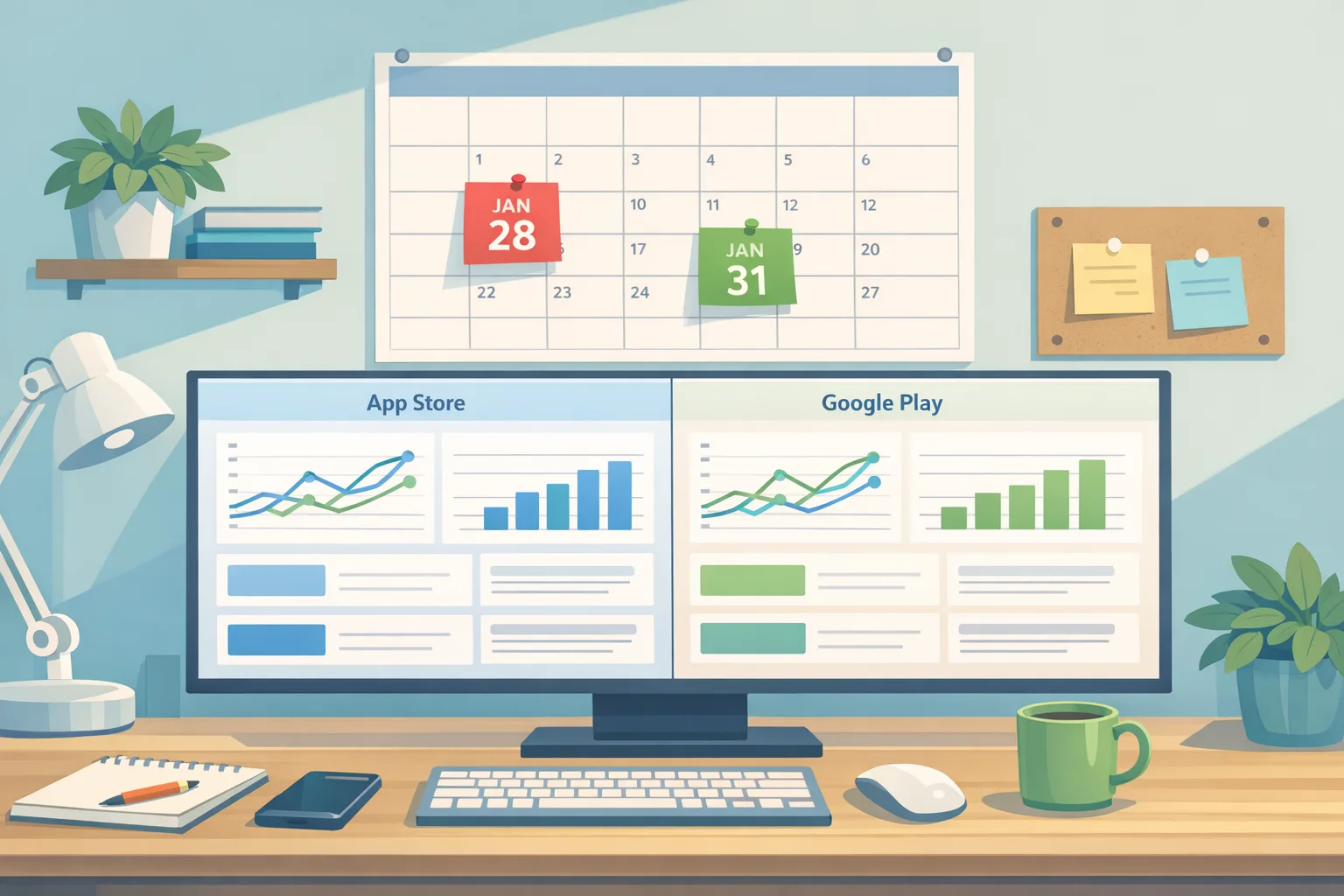
If you publish on mobile in the U.S. or Europe, January is not optional. App Store age rating 2026 requirements lock on January 31, 2026, Google Play’s Age Signals usage limits started January 1, and U.S. external links/alternative billing compliance hits January 28. The good news: you can ship a clean, auditable build in two sprints if you focus on the right APIs, screens, and server hooks.
What changed—and the dates you must anchor
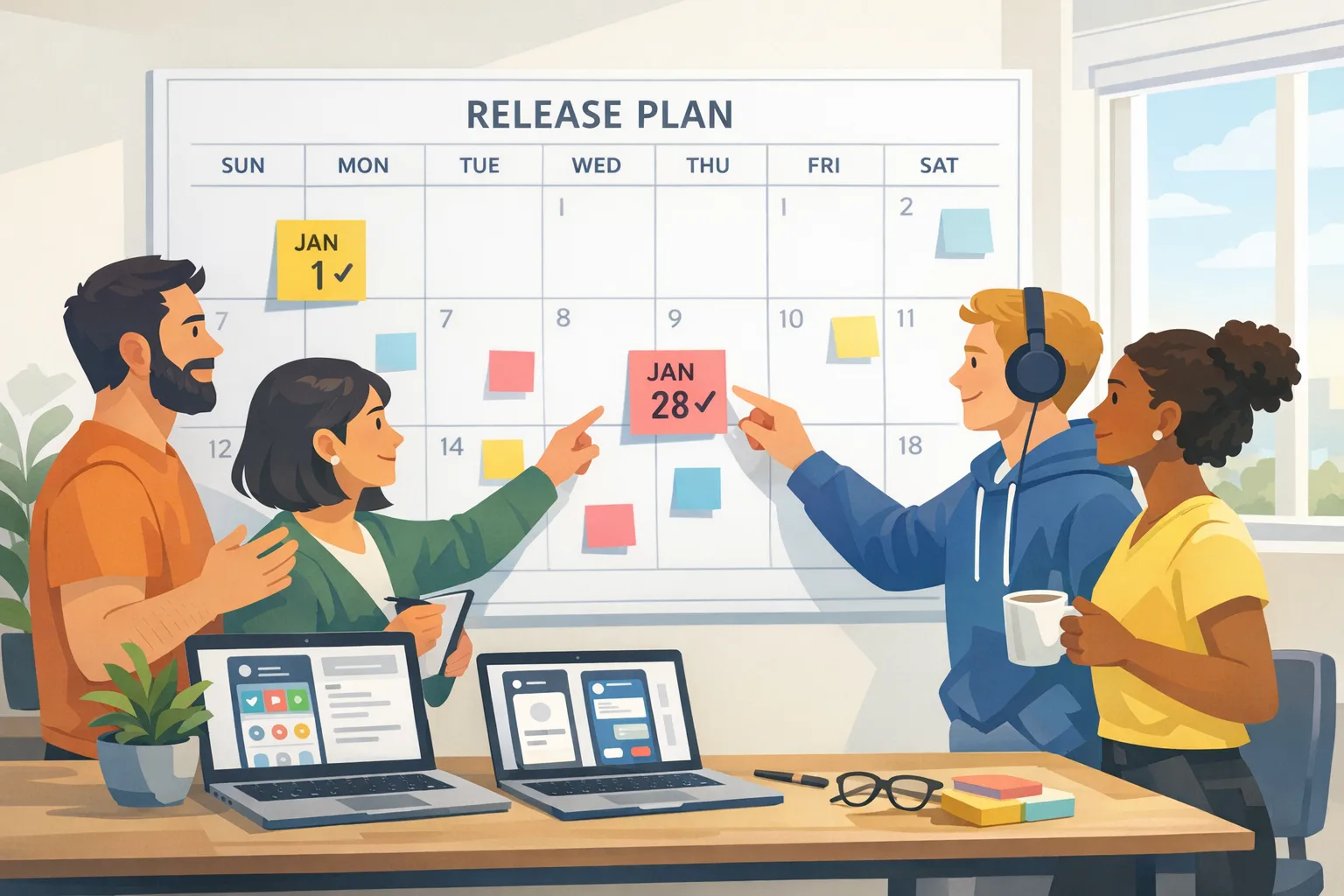
Three deadlines bracket your month:
• January 1, 2026: Play Age Signals data may only be used to deliver age‑appropriate experiences inside the app that receives it. No exporting for ads, analytics, user profiling, or data lakes. Period.
• January 28, 2026 (U.S.): If you link out from a Play‑distributed app—to web checkout or to external app downloads—or if you offer alternative billing inside the app, you must enroll in Google’s programs and integrate the required screens, tokens, and reporting by this date.
• January 31, 2026: Apple’s updated age rating system becomes a gate for shipping updates. Your ratings were auto‑migrated, but you must answer the new questions in App Store Connect to keep submitting.
There’s also the policy cross‑wind: several state‑level youth safety and app store rules are winding through courts; don’t hardcode assumptions. Keep flags for market‑specific UX and pricing.
The 2026 compliance stack: one picture
Think in layers that map to your app’s lifecycle:
• Store metadata & policy: App Store age rating Q&A; Play Console program enrollment and link registration.
• In‑app UX: Apple content disclosures if applicable; Play information screens for external flows.
• Native SDKs: Play Billing Library (PBL) for external links/payments and reporting; Age Signals client; integrity checks.
• Server layer: token receipt, external transaction reporting, refund/reversal hooks, compliance audit logs.
• Experimentation: feature flags for fees, link destinations, dialog copy, and fallback paths.
“App Store age rating 2026”—what to change in your build
Here’s the thing: Apple already updated ratings across the store, but your team still needs to complete the new questionnaire by January 31, 2026 or your next submission stalls. Treat it like a ship‑blocker.
Practical flow:
• Inventory content flags: user‑generated content, simulated gambling, sexual content, substances, and medical/financial claims.
• Map to runtime gates: if a rating shift would lock features for a subset of users (e.g., kids mode), confirm your on‑device toggles behave as expected on iOS, iPadOS, tvOS, macOS, watchOS, and visionOS where relevant.
• Update your metadata and support macros. You’ll get fewer "Why did my feature disappear?" tickets if the release notes and in‑app help align with the new rating language.
If you want a heads‑down checklist with screenshots, use our Ship‑Ready Checklist for Apple’s new age rating and knock this out before your next TestFlight or phased release.
People also ask: Do I need to update if Apple auto‑updated my rating?
Yes. Apple’s system update didn’t answer the new questions for your specific app. Until you submit those responses, App Store Connect will block future updates. Handle it once, document your rationale, and add it to your release template.
People also ask: Will this hurt discoverability?
Not if you’re accurate. Misstated ratings can suppress distribution or trigger rejections later. If content is borderline, implement a clear age gate and content filter toggles so your rating reflects the "strictest" path but the product remains usable for the right audience.
Google Play Age Signals: integrate it, then draw a hard line
Age Signals is not a growth API; it’s a safety signal. Integration is straightforward:
• Client: add com.google.android.play:age-signals to your app. It supports Android 6.0 (API 23)+. Request the signal at launch or on first use of sensitive features.
• Default age bands: 0–12, 13–15, 16–17, and 18+. You can define custom bands in Play Console (minimum ages must be 2 years apart, adjustable once annually) if your content thresholds differ.
• Fields: you’ll see a verification status (e.g., VERIFIED, SUPERVISED, SUPERVISED_APPROVAL_PENDING/DENIED), optional ageLower, ageUpper, and a mostRecentApprovalDate for significant changes. You may also receive an installId for supervised users.
• Guardrails: combine the call with Play Integrity to reduce spoofing. Cache carefully; Google updates cached age data for supervised accounts within weeks after birthdays.
Usage boundaries are strict. As of January 1, 2026, you cannot use Age Signals data for advertising, marketing, analytics, or profiling. Keep it inside the app that made the request. Don’t forward to your data warehouse, CDP, or A/B platform. If your analytics SDK logs every field by default, redact or disable before you ship.
People also ask: Can I use Age Signals to tune offers?
You can use it to make experiences age‑appropriate (e.g., hide social features for <18), but you can’t segment promotions, LTV forecasts, or retargeting audiences with this data. If it’s used outside in‑app safety, it’s out of bounds.
People also ask: What if the user is “UNKNOWN”?
Design a soft gate. If the status is UNKNOWN, nudge the user to resolve in Play, and default to your safest experience for features with elevated risk (chat, payments, public profiles). Don’t block the app unless a law or store policy requires it.
External links and alternative billing on Google Play: the API reality
For U.S. users, Google now offers two formal paths. Both demand real integration—not just adding a button.
External Content Links:
• Eligibility: mobile/tablet apps serving U.S. users.
• SDK: integrate Play Billing Library 8.2.1+.
• Flow: present Google’s information screen, generate an external transaction token immediately before linking out, never cache it, and report qualifying external transactions server‑side.
External Payments (linking to web checkout for digital items):
• SDK: Play Billing Library 8.3+.
• Flow: similar pattern—info screen, per‑visit token, server‑side reporting. Ensure your web checkout maps the token through to completion so you can report outcomes and refunds.
Alternative Billing (processing inside your app with a third‑party PSP):
• SDK: Play Billing Library 5.2+ and the alternative billing APIs. You can offer it alongside Play Billing (user choice) or, where eligible, without Play Billing.
• Flow: show the Google‑provided information dialog before every off‑Play checkout, then report transactions with the provided identifiers.
Compliance date to keep these capabilities: January 28, 2026. Enroll in Play Console, register your link destinations, wire the APIs, and stand up server reporting. If you want fee modeling, we broke down the scenarios in Google Play external links: fees and plan and a companion build guide in Ship the flow, model the fees.
Will this crush conversion?
Short term, interstitials and handoffs add friction. But you can claw back performance by tuning your copy, deferring the handoff until intent is high, and using deep links that land the user exactly on the cart or download—no extra taps. Track abandonment at the info screen separately from checkout failure so you know where to experiment.
The practical framework: SIGNALS, not vibes
Use this six‑step framework to ship in two sprints without breaking growth:
• Scope: inventory any feature touching age‑gated content, payments, downloads, social, or UGC. Mark where Age Signals or ratings affect the UX.
• Integrate: add Age Signals, required PBL versions (8.2.1+ for external content links, 8.3+ for external payments, and 5.2+ for alternative billing), and Play Integrity. Add Apple’s rating metadata updates.
• Gate: build runtime checks to toggle features by age band and jurisdiction. Don’t forget enterprise profiles and supervised accounts.
• Notify: implement Google’s information screens, log consent outcomes, and update support macros and store listing disclosures.
• Audit: capture server logs for token generation, report receipts, and record rating decisions with timestamps and commit hashes. You’ll thank yourself during reviews.
• Launch: ship behind flags; start with a 5% staged rollout, then 25%, watching info‑screen drop‑off, checkout success, refund rates, and support volume.
Data you can trust when planning
• Age Signals returns four default bands (0–12, 13–15, 16–17, 18+) with optional custom bands you define in Play Console (changed annually, ≥2 years apart).
• Supervised account birthdays propagate to apps within a few weeks; don’t assume day‑of changes.
• External flows require a fresh token per attempt—generated just before linking or launching the flow—and must be reported server‑side. Never cache tokens.
• Apple’s age rating update is a hard submission gate on January 31, 2026 across iOS, iPadOS, macOS, tvOS, watchOS, and visionOS.
Edge cases we’ve seen in reviews
• Analytics exhaust: a popular analytics SDK auto‑logs every bundle extra. If your Age Signals object leaks into logs, you’re violating policy. Add an allowlist scrubber in your telemetry pipeline.
• Enterprise and work profiles: corporate devices can suppress certain Play flows. Test external links on work profiles and supervised family accounts.
• iOS feature parity: if age‑gated features disappear on Android but not on iOS, reviewers ask questions. Keep parity where sensible, or note the difference in your review notes.
• Refund mismatches: if you support external payments, sync refund status back to your app and support tooling. Don’t make users swap channels to fix a failed purchase.
How to keep ads and measurement stable
Age Signals can’t power targeting or LTV models. If your growth team leans on teen cohorts, pivot to consented first‑party events and store‑compliant signals. For web retargeting and measurement strategy through 2026, our explainer on why third‑party cookies aren’t dead (and what to do now) covers practical paths: server‑side events, clean rooms, and user‑choice prompts that won’t backfire.
What to do next (two‑week build plan)
• Day 1–2: File Apple’s age rating questionnaire. In Play Console, enroll in external links/alternative billing (if you need them) and register link destinations.
• Day 3–5: Upgrade to the required Play Billing Library versions. Add Age Signals and Play Integrity. Build the info screen and token handoff. Stand up server endpoints for external transaction reporting and token receipt.
• Day 6–7: Wire age‑gated feature flags and supervised account behavior. Update store listing disclosures and support macros.
• Day 8–10: QA on child accounts, work profiles, and different Android API levels; test iOS platforms for rating‑gated features. Validate refunds, reversals, and error paths.
• Day 11–14: Staged rollout at 5% then 25%. Monitor abandonment, checkout success, and support tickets. Tune copy; ship to 100% before January 28/31.
People also ask: quick answers
• Can I use my own PSP for in‑app payments? Yes, via alternative billing—show Google’s dialog every time and report the transaction.
• Do external links cover app downloads outside Play? Yes, but you must enroll, show the information screen, generate a fresh token per attempt, and report qualifying outcomes.
• Do I need to change my iOS code for Apple’s rating update? Often, no. But if your app exposes content that would push you into a higher rating, add runtime filters so you can honestly answer the new questions without sacrificing usability.
• Does Age Signals replace my own age gate? No. It augments it. Keep your existing gates where policy or law requires them.
Zooming out: org moves that make this painless
Make compliance an engineering capability, not a scramble. Add a “policy feature flag” module to your design system; keep the information screen copy and link registries in admin tools your PMs can manage; and write post‑release audits that attach commit hashes to store policy decisions. If you haven’t refreshed your account identity in a while, read Android Developer Verification 2026: What to Do Now and get ahead of any verification hiccups before peak release weeks.

Need a sanity check?
If your roadmap is already full, you don’t have to choose between growth and compliance. Our team ships these flows weekly across gaming, fintech, and marketplaces. See how we execute in our portfolio, or get a scoped plan on services and a kickoff inside 48 hours.
January’s deadlines are real and tight. Ship the minimum viable compliance, keep prices and fees behind flags, and be ready to flip the toggles as courts and platforms iron out the details. If you do the boring parts now—tokens, dialogs, reporting, and audit logs—you’ll keep shipping while everyone else scrambles.








Comments
Be the first to comment.