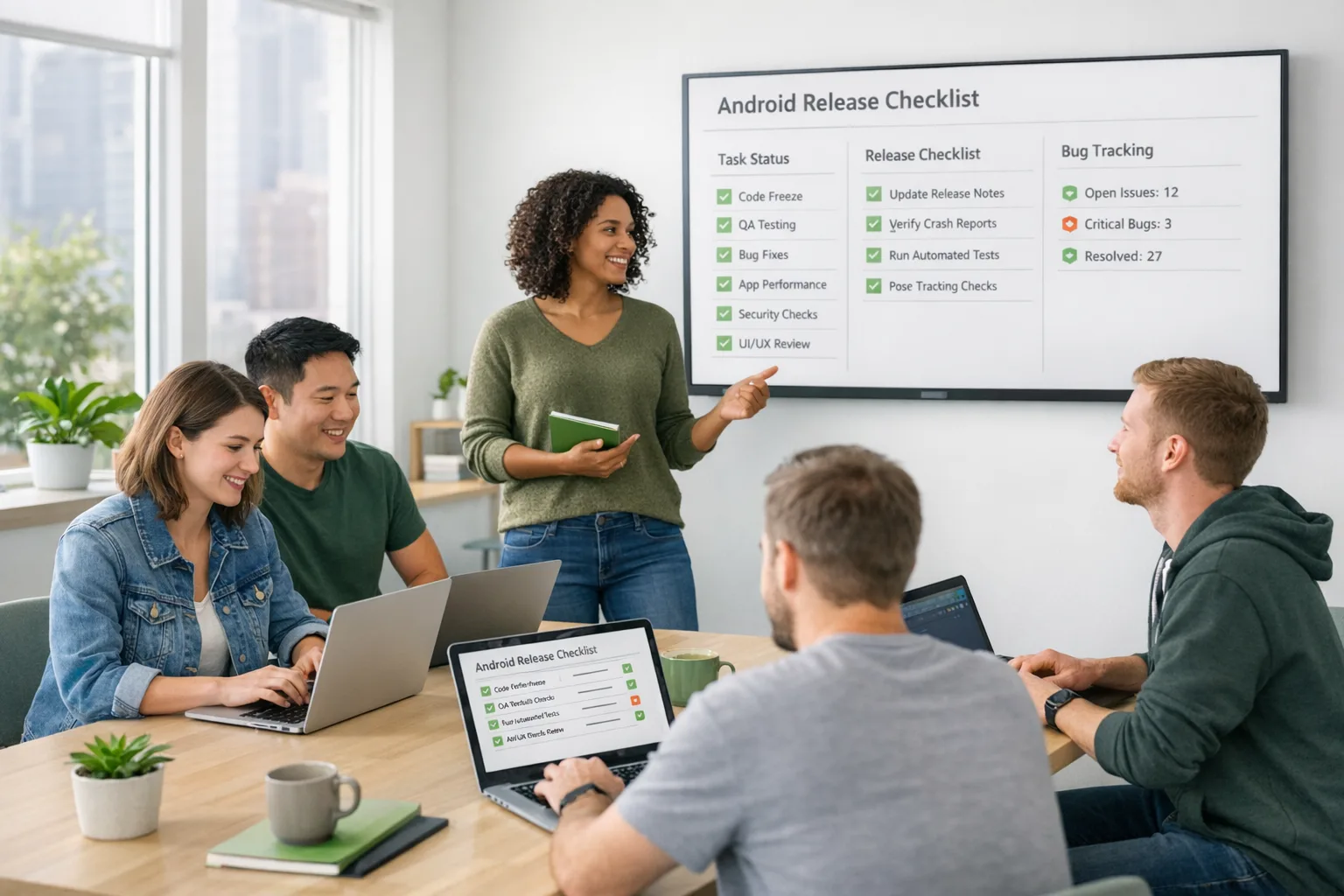
Android Developer Verification: March 2026 Action Plan
Android developer verification goes wide in March 2026, and it’s not optional if you want your apps to remain installable on certified Android devices. The requirement ties your real‑world identity (person or organization) to your package names and signing keys. If you distribute via Google Play, third‑party stores, or direct APKs, you’re in scope. Here’s the thing: the process is straightforward, but the operational ripple effects—keys, pipelines, and ownership—can trip teams that treat it as a simple form fill. Let’s make sure you’re ready.

What changed in March 2026—and what’s next
Starting March 2026, verification opens to all developers. You’ll complete two steps: verify identity and register package names (linking them to your signing keys). If you already use Play Console, Google will attempt to auto‑register most of your Play apps in March so you only need to handle any stragglers and your off‑Play titles. (developer.android.com)
Regional enforcement begins in September 2026—Brazil, Indonesia, Singapore, and Thailand are first. From that point, apps on certified devices in those regions must come from verified developers. Google plans a broader rollout in 2027 and beyond. (developer.android.com)
Why the push? Google says its defenses blocked over 1.75 million policy‑violating apps and banned more than 80,000 bad developer accounts in 2025, and malware rates are dramatically higher from internet sideloading compared to Google Play. Verification is meant to raise accountability without banning sideloading. (security.googleblog.com)
Who’s affected—and who’s exempt right now?
If your apps install on certified Android devices, you’re affected—whether you publish on Play, ship via an alternative store, or distribute APKs directly. You’ll verify your identity (individual or organization) and register package names against the keys you control. (developer.android.com)
But there’s a catch (a good one). Several flows aren’t subject to install blocks:
- Local development remains untouched: ADB installs for your own builds are still fine. (bayton.org)
- Enterprise carve‑outs: apps installed by an EMM Device Policy Controller (DPC) and private apps in Managed Google Play are exempt indefinitely; fully managed devices and Work Profiles get an extension until September 2027 for Play‑installed apps. (androidenterprise.community)
Translation: consumer distribution and broad sideloading need verification; controlled enterprise channels keep working while IT catches up.
Android developer verification timeline at a glance
Here are the dates you’ll be quoting to leadership this quarter:
- March 2026: Verification opens to all developers; Play attempts to auto‑register most Play apps. (developer.android.com)
- September 2026: Enforcement in Brazil, Indonesia, Singapore, Thailand. (developer.android.com)
- 2027 and beyond: Global rollout continues; enterprise extension through September 2027 for certain managed device scenarios. (developer.android.com)
The practical framework: verify once, bake it into release ops
Let’s get practical. Treat verification like you treat code signing and privacy disclosures: a release‑blocking control with clear owners.
1) Pick the right console (and owner)
If you distribute on Play (only or plus off‑Play), use your existing Play Console. If you distribute only outside Play, create an Android Developer Console (ADC) account. App ops anti‑pattern: spinning up ad‑hoc personal accounts. Choose a single, durable organizational owner with legal authority. (developer.android.com)
2) Prepare identity artifacts
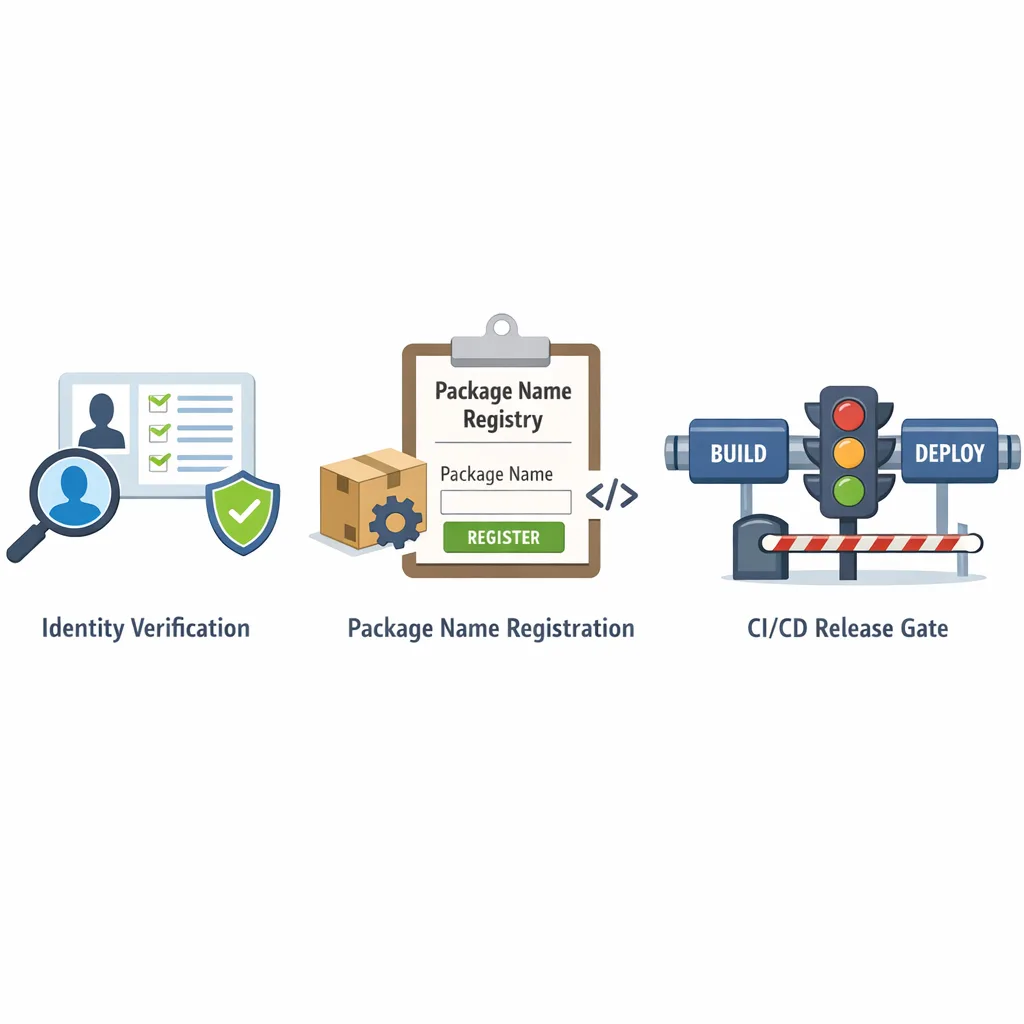
For individuals: legal name, address, phone, and email verification. For organizations: D‑U‑N‑S number, legal name/address matching your D‑U‑N‑S profile, a verified website (via Google Search Console), and government ID for the account creator. The fee is the familiar one‑time $25. Build a checklist, then gather once and reuse. (developer.android.com)
3) Map package names to key ownership
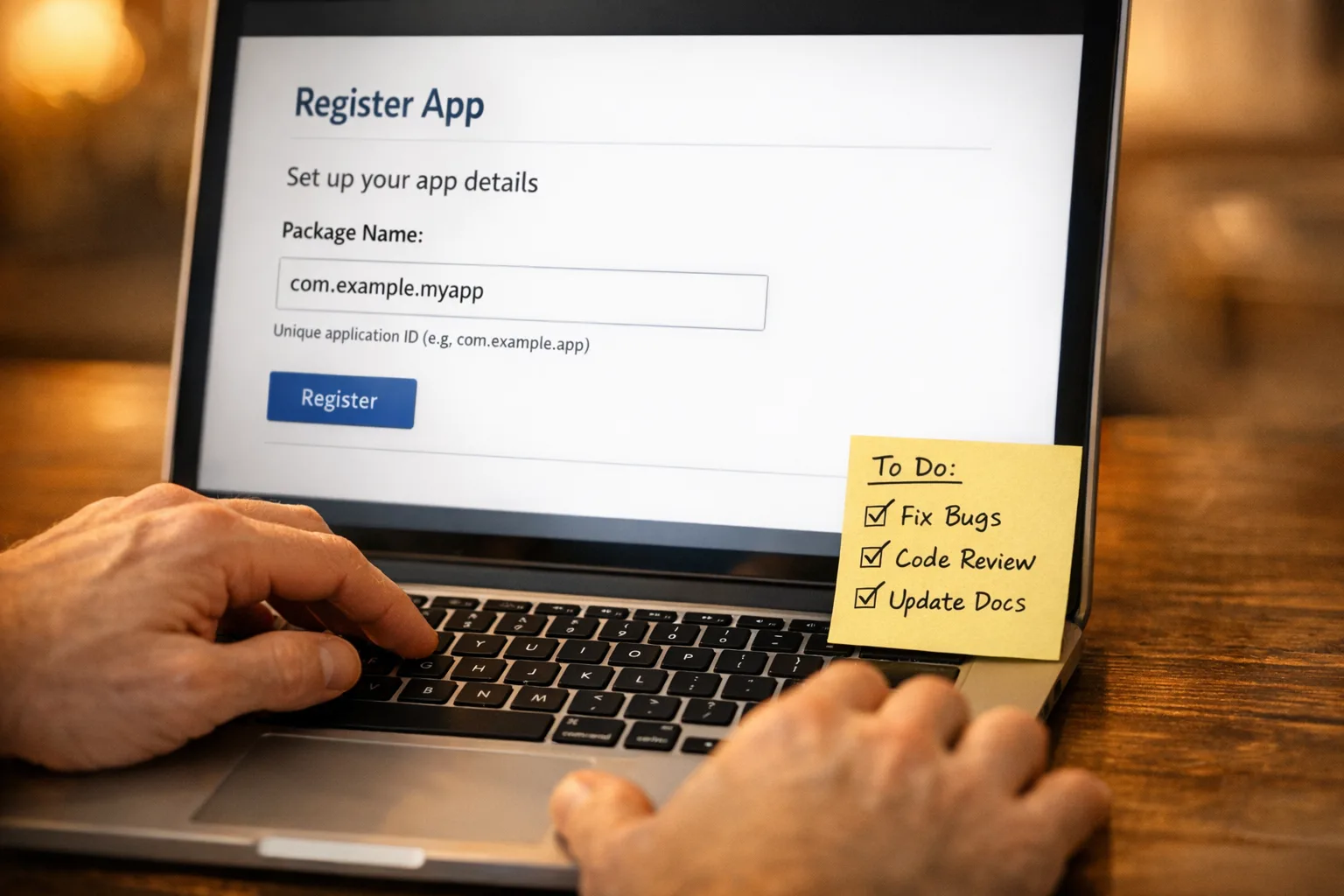
Inventory every Android package you ship anywhere—Play, partner stores, enterprise catalogs, OEM preload lists, and direct APKs. For each package, document which signing key is in use, who controls it, and where that key lives (HSM, CI secret store, or Play App Signing). Register packages accordingly. This is where most teams burn time: mismatched keys and unclear ownership.
4) Decide your signing strategy
Many Play apps already use Play App Signing, which simplifies ownership proof for Play titles. For off‑Play distribution, you’ll still need to prove ownership of the private key used to sign. If you rotated keys, ensure your registration reflects the current signing cert fingerprint your APKs ship with. Don’t wait—registration gates installs later. (developer.android.com)
5) Wire verification into CI/CD
Add pre‑release gates: a step that compares the app’s package name and signing key to the verified registry. Fail the pipeline if the combo isn’t registered under your organization. Include a machine‑readable manifest of registered package names per environment (prod, beta, internal) so release managers can sanity‑check before cut.
6) Update third‑party distribution contracts
If you work with OEMs, alternate app stores, or partners who mirror your APKs, align on who registers which packages and keys. Document the process for key rollovers and app transfers so distribution doesn’t break during M&A or vendor changes.
7) Communicate to testers and power users
Power users who sideload nightly builds from your site may see new install warnings later this year if they aren’t using test channels tied to your verified identity. Educate them now and offer verified beta channels to ease the switch. Verification isn’t a code review; it’s identity and package registration. (developer.android.com)
Data points you can use in stakeholder decks
Security leadership will ask if this is just more overhead. Share two facts: in 2025, Google blocked 1.75M+ policy‑violating apps and banned 80,000+ bad developer accounts; malware rates are vastly higher from internet sideloading versus Google Play, where identity checks already exist. That’s the risk surface this is targeting. (security.googleblog.com)
Gotchas and edge cases most teams miss
“We only ship internally—do we need this?”
If installs happen via an EMM DPC or your app is published privately in Managed Google Play, you’re exempt; ADB installs for local dev are fine. If users sideload from a website or file share onto certified devices, you must verify and register. Don’t assume “internal” means exempt outside of those channels. (androidenterprise.community)
Multi‑brand or white‑label portfolios
White‑label vendors often juggle dozens of package names and keys. Create a registration matrix per client. If a client owns their signing key, they must be a verified developer of record or you’ll need a contract change to sign and register on their behalf. Build this into your SOWs.
Key rotation and historical builds
Registration is tied to the signing key for each package. If you rotated keys (say, when adopting Play App Signing), make sure the “current production” cert fingerprint you ship off‑Play matches your registration. Keep an archive of cert fingerprints for audit and forensics. (developer.android.com)
Third‑party app stores
Alternative stores aren’t blocked, but installs on certified devices must map to a verified developer. Align on who handles registration for mirrored packages. Expect stores to ask for your verified developer details during submission. (developer.android.com)
Students and hobbyists
Google’s working on a lighter account type so small‑audience distribution doesn’t carry enterprise‑grade overhead. Great for learning; not a shield for commercial distribution. (developer.android.com)
Step‑by‑step: a one‑week sprint to clear the bar
If you can carve out a focused week, you can de‑risk most of this before enforcement even starts.
- Day 1: Decide the account owner. Centralize under a single organizational Play Console or create your Android Developer Console (ADC) if you’re off‑Play only. (developer.android.com)
- Day 2: Gather identity artifacts (D‑U‑N‑S, legal docs, website Search Console verification, contact verification, and the $25 fee). (developer.android.com)
- Day 3: Inventory package names and map signing keys. Export SHA‑256 cert fingerprints from your CI or keystore; confirm current prod keys for each channel.
- Day 4: Register packages. Let Play auto‑register your Play titles; manually register any that don’t match and all off‑Play apps. (developer.android.com)
- Day 5: Add pipeline gates. Block builds if the package/key combo isn’t in your registry manifest.
- Day 6: Update partner contracts and run a transfer drill (simulate an app ownership transfer and key rollover on a non‑critical package).
- Day 7: Communicate. Publish a short FAQ for your testers and support team; document the escalation path if installs start failing in September in the first‑wave regions. (developer.android.com)
People also ask
Does Android developer verification ban sideloading?
No. Sideloading remains part of Android; verification adds accountability by requiring a traceable developer identity for apps installed on certified devices. (bayton.org)
What happens if we don’t verify by September 2026?
In Brazil, Indonesia, Singapore, and Thailand, installs on certified devices will be blocked for unregistered packages. Users elsewhere may still install until the global rollout progresses in 2027 and beyond. Plan for a staggered impact across markets. (developer.android.com)
How does this affect enterprise fleets?
DPC‑installed apps and Managed Google Play private apps are exempt indefinitely, and there’s an extension through September 2027 for fully managed/Work Profile devices installing from Play. If you sideload directly outside those channels, you still need verification. (androidenterprise.community)
Pricing, effort, and resourcing
Budget for the one‑time $25 registration fee for ADC accounts (most Play developers have already paid this). The real cost is time: 1–2 days to gather identity artifacts, 1–3 days to inventory packages and keys, and a few hours to add CI/CD checks. Multibrand portfolios or M&A scenarios take longer—treat them like a mini migration.
If you want an outside team to quarterback the work and close your edge cases, our engineers at Bybowu’s mobile release operations services can help you standardize keys, register packages, and codify your gates so you don’t regress.
What to do next
- Start verification this week—don’t wait for the September enforcement wave.
- Consolidate signing keys; retire any one‑off personal keystores.
- Register every package you distribute anywhere, including partner and OEM channels.
- Gate releases on “verified package + key” in CI/CD.
- Brief support and regional leads for the first‑wave countries.
Need a deeper walkthrough? Read our hands‑on March 2026 Android developer verification guide for screenshots, roles, and a printable checklist. If Play billing or regional fees are also on your plate, our briefing on Google Play fee changes can help you avoid surprises. Or, if you’d like a short assessment and a concrete plan, talk to us.
Release‑ready checklist (copy/paste)
Before your next Android cut, confirm these are true:
- We chose the correct console (Play or ADC) and completed identity verification for the correct legal entity. (developer.android.com)
- Every package name we distribute is registered, and its current signing key fingerprint matches what we ship. (developer.android.com)
- Our CI/CD blocks unregistered package/key combos.
- Our alternative store and OEM agreements specify who owns registration and how rotations/transfers work.
- We’ve documented enterprise exemptions and communicated guidance to IT (DPC / Managed Play) and to internal testers (use verified channels or ADB). (androidenterprise.community)
Zooming out
The aim here isn’t red tape; it’s trust. Android remains open; you can still ship outside Play, and you can still sideload for development and testing. But on consumer devices, the era of anonymous APKs is closing. If you treat Android developer verification like you treat code signing and privacy policy reviews—documented, automated, and audited—you’ll glide through the 2026–2027 transition while others scramble in support queues. That’s the quiet advantage.
If you’d like an experienced partner to audit your current setup, align keys to packages, and wire verification checks into your CI/CD, explore what we do and reach out. We’ve shipped this playbook across startups and enterprises; we’ll help you ship it, too.








Comments
Be the first to comment.