
Android Developer Verification: Ship by March 2026
Android developer verification becomes broadly available in March 2026, and it will impact how apps are installed on certified Android devices—even when you don’t use Google Play. If you ship consumer apps, distribute private B2B APKs, or publish through third‑party stores, you’ll soon need a verified developer identity linked to the apps you sign. The goal: make sure every installable app traces back to a real, accountable entity.
What exactly is Android developer verification?
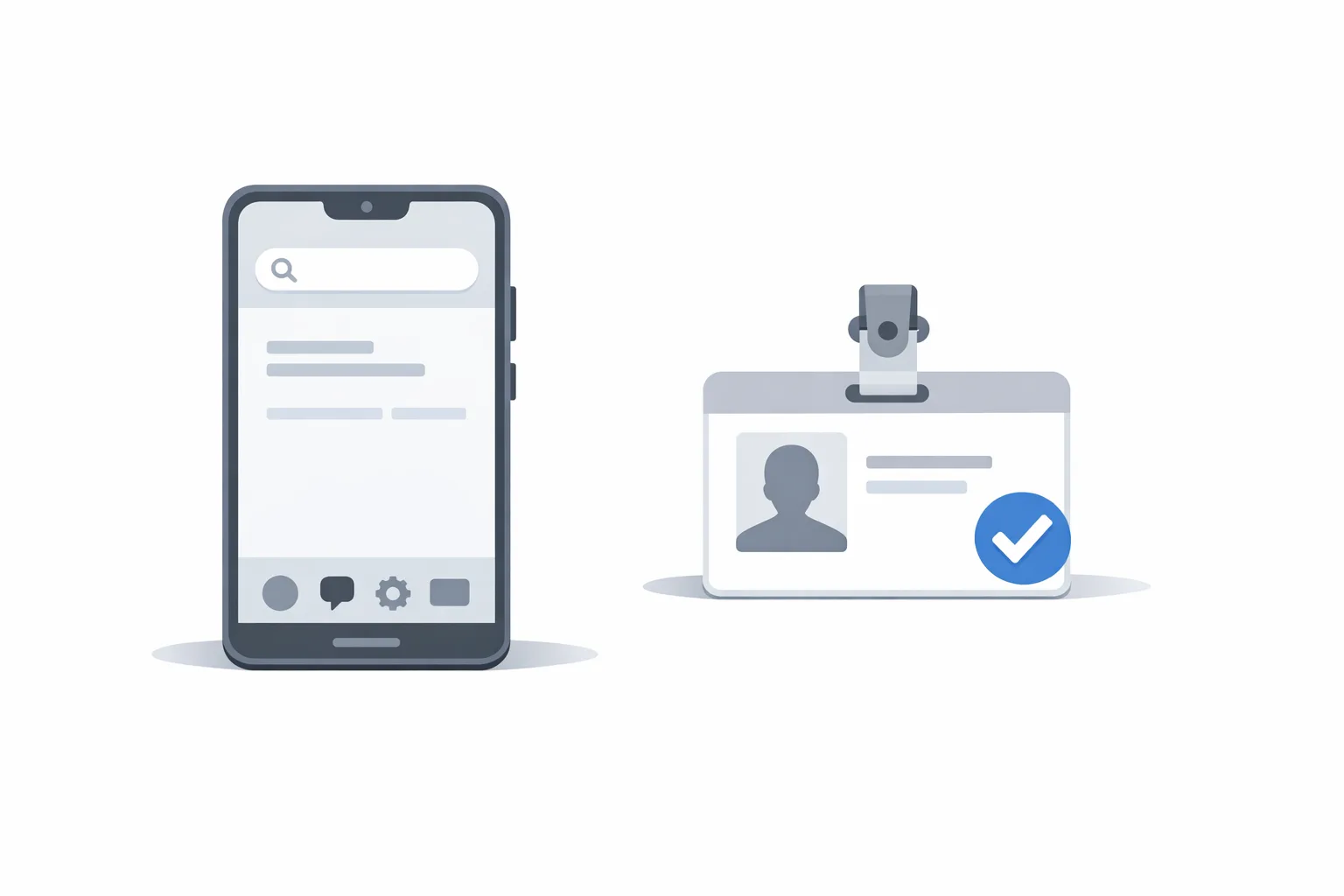
Think of it as a system‑level identity layer for app publishers. Each app that installs on a certified Android device must be associated with a verified developer account. For teams already on Google Play, much of this happens inside Play Console. For teams distributing off‑Play (direct downloads, enterprise portals, or third‑party app stores), there’s a new Android Developer Console to handle identity checks and app registration.
Verification ties your legal identity (individual or company) and your signing keys to the apps you want installable on devices that ship with Google services. It doesn’t review off‑Play content the way Play policy enforcement does; it links apps to real developers so end users and the platform can trust who’s behind the software.
Key dates, scope, and who’s affected
Here’s the timeline you should plan around:
March 2026: Enrollment opens broadly. Play developers can complete all required steps in Play Console; off‑Play developers use Android Developer Console to verify their identity and register apps.
September 2026 (initial enforcement regions): Google begins requiring apps installed on certified devices in select countries to come from verified developers. Expect expansion in additional regions after that window.
“Certified devices” means phones and tablets that pass Google’s compatibility tests and ship with Google Play services—i.e., what most customers buy. If you only install via USB with developer options on in a lab, your day‑to‑day debugging isn’t the point here; at issue is production distribution to real users.
Why this matters now (and not “later”)
If you wait until an enforcement window lands in your primary market, you’ll be compressing identity paperwork, key mapping, metadata audits, and distribution changes into a single emergency sprint. That’s how outages happen. The smarter play is to verify early, map every signing key, and test your off‑Play flows so nothing breaks when regions flip the switch.
There’s also a reputational angle. Once users start seeing clearer signals about verified developers behind apps, being unverified—even if technically still installable in your geography—will look sloppy. Procurement teams will flag it. Enterprise security reviews will slow down. Trust signals are part of the product now.
How Android developer verification actually works
From an engineering and operations perspective, expect three buckets of work:
1) Identity verification—Your organization (or you, if you’re an individual publisher) submits legal details and proofs. Keep your business registration, tax ID, and official address consistent with what you use elsewhere (banking, billing, Play Console). Consistency avoids manual review loops.
2) App registration—You declare every app you want installable on certified devices and associate it with your verified account. If you publish on Play, this mapping happens in Play Console. If you publish off‑Play, you’ll use Android Developer Console to list the package names you sign and link them to your identity.
3) Signing key mapping—You provide SHA‑256 certificate fingerprints for each signing certificate in use (or rely on Play App Signing if Play manages the key). This is the glue that ties binaries in the wild to the entity that verified.
The sideloading and third‑party store catch
Here’s the thing: historically, APKs could be installed from “unknown sources” if a user toggled a setting. With verification in effect, toggling isn’t enough for most users on certified devices; the app also needs to come from a verified developer. Third‑party stores can continue to exist, and direct downloads can continue, but the developer behind those apps must be verified and registered for the installs to proceed smoothly on mainstream devices.
For companies running private distribution portals or device fleets with managed app catalogs, plan to verify the publishing entity and make sure your MDM/EMM packaging scripts reflect the correct, verified package identities.
A practical framework: ATLAS
Use this five‑step framework to prep without thrash:
A — Audit your app surface. Inventory every Android package you sign: production, internal, white‑label variants, regionals, OEM builds, and abandoned pilots still installed on customers’ devices. Capture package name, versioning scheme, and who owns the signing key.
T — Tie apps to a single legal entity. Reduce fragmentation. If multiple subsidiaries or contractors sign apps, decide which legal entity will verify and publish going forward. For M&A or white‑label, document how you’ll grant publishing rights without sharing private keys.
L — Lock down signing keys. Centralize secure storage, rotate weak keys, and document SHA‑256 fingerprints. If Play manages the production key, confirm which track uses which key. Keep one “golden” source of truth.
A — Adapt your installers. Update third‑party store manifests and private download flows to clearly attribute the verified developer. For enterprise portals, display the verified entity name so procurement and security teams see the trust signal.
S — Set up monitoring. Alert on failed installs by region/version, signature mismatches, or sudden drops in activation funnels. You want a 24–48 hour feedback loop when regional enforcement starts.
Engineering checklist you can run in 90 minutes
Block the time, grab a terminal, and start a living doc your team can reuse.
1) Capture fingerprints
# Replace with your keystore and alias
keytool -list -v -keystore app-release.jks -alias app-release | grep -A1 'SHA-256'
Copy the SHA‑256 fingerprint into your inventory sheet. Repeat for all keystores and for any legacy keys still used to update older apps in the field.
2) Inventory Play‑managed keys
In Play Console, note which apps use Play App Signing. Export the certificate fingerprints for those keys. Mark them “Play‑managed” in your inventory to avoid double‑counting or accidental rotation planning.
3) Map off‑Play packages
List every package you distribute outside Play (direct APKs, enterprise catalogs, third‑party stores). Confirm the signing key and who on the team owns it. If a contractor signs, plan to migrate ownership or have them verify under your legal entity with appropriate contracts.
4) Align legal details
Check that your D‑U‑N‑S/registration/tax IDs and addresses match across invoices, banking, and your developer accounts. Mismatches can trigger manual reviews that delay verification.
5) Dry‑run install telemetry
Instrument a simple “install succeeded/failed” ping on first launch (with privacy guardrails). If enforcement in your region causes install failures, you’ll see it immediately rather than discovering it via support tickets.
“People also ask”
Will my app stop installing in March 2026?
No. March 2026 is when verification opens to everyone. The first enforcement windows begin later in specific countries; more regions follow. Use March to get verified and map keys so there’s zero scramble when your market flips on enforcement.
Do I need Android developer verification if I only publish on Google Play?
Yes—Play developers complete verification and app registration inside Play Console. The good news is you’re already inside the ecosystem designed to handle this flow, and if you use Play App Signing your key mapping is largely handled. Still audit your historical keys and white‑label variants.
What if I only distribute via direct APK downloads?
You’ll still need verification if you expect installs on certified devices. Plan to register your apps and link your signing keys in the Android Developer Console, and update your distribution site to clearly reflect the verified entity behind the download.
Does this “ban” sideloading?
No. Sideloading remains possible, but the developer distributing the app must be verified for installs to proceed on certified devices. The intent is to reduce anonymous malware, not to remove alternative stores or private distribution entirely.
Team and process implications
Security: Treat signing keys as crown jewels. If you haven’t already, migrate keystores to a hardware‑backed vault, tighten access policies, and require code‑reviewed pipelines for signing and release. Verification doesn’t remove your responsibility; it makes your identity a first‑class signal across the ecosystem.
Legal and procurement: Decide which entity owns publishing. Consolidate where possible. If you license white‑label builds to partners, add contract language requiring verified developer status, safe key custody, and incident notification timelines.
Support and comms: Prepare a short FAQ for users and B2B customers explaining verification and how to confirm your verified identity. Consider updating your in‑app “About” screen and download pages with the verified entity name.
Edge cases and gotchas
Multiple brands under one key. If you used a shared signing key for convenience, plan to separate where practical. At minimum, document exactly which packages tie back to which legal entity—and whether any will move to Play App Signing.
Legacy devices without Google services. Non‑certified devices (custom AOSP builds, some IoT, or restricted enterprise images) may not follow the same install rules. If those are your primary audience, verification is still a trust signal, but your distribution constraints differ. Keep your fleet documentation crisp.
Contractor‑signed builds. If agencies or freelancers sign your binaries, you need an ownership plan. Either migrate keys to your custody or make sure their verified publisher account reflects your legal authority to distribute.
Policy, pricing, and the business view
Verification doesn’t add a per‑install tax; the operational cost is time and rigor—collecting documents, mapping keys, updating distribution, proving who you are. That’s a trade most businesses should welcome. Fraud is expensive. So are customer‑trust headwinds and incident response.
If you want help turning this into a tidy, time‑boxed sprint, our team has shipped verification checklists alongside pricing and compliance remodels for app businesses. See how we scope and execute on mobile app compliance and distribution services, and browse practical upgrades on our engineering blog.

Migration scenarios to plan for
Direct‑to‑consumer off‑Play downloads. Add clear publisher identity on your site, verify your developer account, and ensure your package is correctly registered. Run install tests on retail devices from the initial enforcement countries.
Third‑party app stores. Coordinate with the store to ensure your developer identity is reflected accurately and that your registered package names and signing keys match what the store distributes.
Enterprise B2B distribution. Verify the publishing entity. Update procurement packs and IT runbooks to reference your verified status. If you use a private catalog, make the verified entity visible so admins can quickly approve updates.
White‑label/partner ecosystems. Negotiate whether the OEM/partner verifies and publishes or whether you do. Avoid scenarios where two verified entities claim the same package. The owner of the signing key should be the one verifying and attesting.
Data you should capture today
To avoid a chaotic month later this year, capture:
- Every Android package name you own (production and archival).
- Signing key custody (where stored, who can access, SHA‑256 fingerprint).
- Distribution channels (Play, third‑party store names, private portal URLs).
- Legal entity details (registration number, tax ID, billing address).
- Regional exposure (where users install from; identify overlaps with early enforcement regions).
Put those into a single sheet, stored alongside your release engineering docs. Treat it as part of your software bill of materials (SBOM) for mobile.
What to do next (this week)
Here’s a tight plan you can run without derailing your sprint:
- Book two hours for identity paperwork with legal/finance. Make sure the org details match what’s in Play Console billing.
- Complete your app/key inventory. Paste SHA‑256 fingerprints and package names into your sheet.
- Enroll early. If you receive an invite or see enrollment open, start the flow—there’s no prize for being the last verified developer.
- Test installs on retail devices. Buy a mid‑range phone from one of the early enforcement countries and validate installs through your real distribution paths.
- Publish a brief FAQ. Add a page explaining your verified developer identity and how customers can confirm it.
Need a hand?
If you’d like a partner to run the inventory and enrollment sprint with your team, we’ve done this alongside other time‑bound changes—like new Play fees and CI/CD cost shifts. Review our recent engagements, and if your org is juggling parallel upgrades (pricing, cloud, or runtime), our field guides can help—start with navigating Google Play fee changes and planning major runtime moves like Node.js 20 EOL by April 30. For a step‑by‑step companion focused only on this topic, read our Android Developer Verification: March 2026 Guide.

Bottom line
Android developer verification is the new table stakes for shipping Android software to real users on mainstream devices. The sooner you verify, map keys, and rehearse installs through your true distribution paths, the less likely you’ll be surprised when enforcement lands in your market. This isn’t busywork—it’s a durable trust signal, and getting it right now will save you late‑year fire drills.







Comments
Be the first to comment.