
Android Developer Verification: March 2026 Playbook
Android developer verification is now opening up to all developers in March 2026. If you publish on Google Play—or distribute APKs outside the store—you’ll need a verified identity and your package names registered so your apps continue to install on certified Android devices. Pair that with Google Play’s wake lock technical quality enforcement rolling out from March 1, 2026, and you’ve got two policy waves that can quietly break installs and bury your rankings if you’re not ready.

What changed—and why it matters now
Google is formalizing who can ship installable Android apps on certified devices. Beginning March 2026, identity verification and package name registration open to everyone, with enforcement ramping later in 2026 starting in selected regions. If you only ship on Play, most apps will be auto-registered; if you also ship off-Play, you’ll register those packages and prove key ownership. For organizations with older keys, multi-key histories, or parallel app stores, this is operational work you can’t hand-wave.
At the same time, Google Play began rolling out wake lock technical quality treatments on March 1, 2026. If your app holds non-exempt partial wake locks too long while the screen is off (on enough sessions), you can see a warning label on your listing and reduced discovery surfaces. Translation: your acquisition funnel takes a hit until you fix battery behavior.
Quick definitions (so we’re speaking the same language)
• Android developer verification: A process that ties installable apps on certified Android devices to a verified developer identity. For Play developers, it lives in Play Console; for off‑Play distribution, there’s a new Android Developer Console. You’ll register package names and, when needed, prove you control the app’s signing key by uploading a verification APK.
• Certified Android device: A device that passes Google’s compatibility tests and ships with Play services; the requirements primarily affect installs on these devices.
• Registered App Stores program: A program for third‑party Android app stores that meet quality and safety criteria, offering users a simpler install flow and, potentially, broader catalog access. Expect initial international availability, with regional timelines depending on approvals.
Does Android developer verification kill sideloading?
No—but it ends anonymous distribution on certified devices. Sideloading continues, provided the app comes from a verified developer and its package name is registered. For hobby projects, you can still build and install locally on your own devices; the new rules address distribution at scale on certified hardware.
Where teams will stumble (and how to avoid it)
Here’s the thing: the mechanics are simple, but the edge cases aren’t. Based on how real Android orgs work, these are the hot spots.
1) Key ownership and history
If your package has been signed by different keys over time (legacy vendors, separate regions, or a migration to Play App Signing), you may need to prove ownership. Google expects to auto‑register roughly the vast majority of Play apps, but a small percentage won’t qualify automatically—often due to policy history or unknown/less‑prevalent keys. Be ready to sign a one‑off verification APK with the right private key and upload it.
2) Package name collisions
Package names that exist outside Play can collide. Registration priority follows concrete install data—not who emails fastest. If another key holds the majority of known installs, they may have priority to register. If no majority exists, keys with at least a modest install threshold are eligible. The rest must request access or pick a new package name. Don’t wait to discover a collision in late summer.
3) Off‑Play distribution blind spots
Enterprise or regional APK mirrors, OEM preload partnerships, and “soft” distribution via websites all count. If those installs land on certified devices, users will eventually need your verified identity tied to the package. Inventory these channels and get ahead of the paperwork.
4) Battery wake locks tanking visibility
Holding a partial wake lock while the screen is off isn’t automatically bad—but doing it too long, too often, without an exempt reason is. If you cross the threshold in a meaningful share of sessions over the last month, Play can slap a warning badge on your listing and pull you from recommendations. If you rely on organic discovery, that’s revenue‑impacting.
The 30‑day readiness plan (start this week)
Week 1 — Inventory and assign owners
- List every shipping Android app and all package names, including variants and regional SKUs.
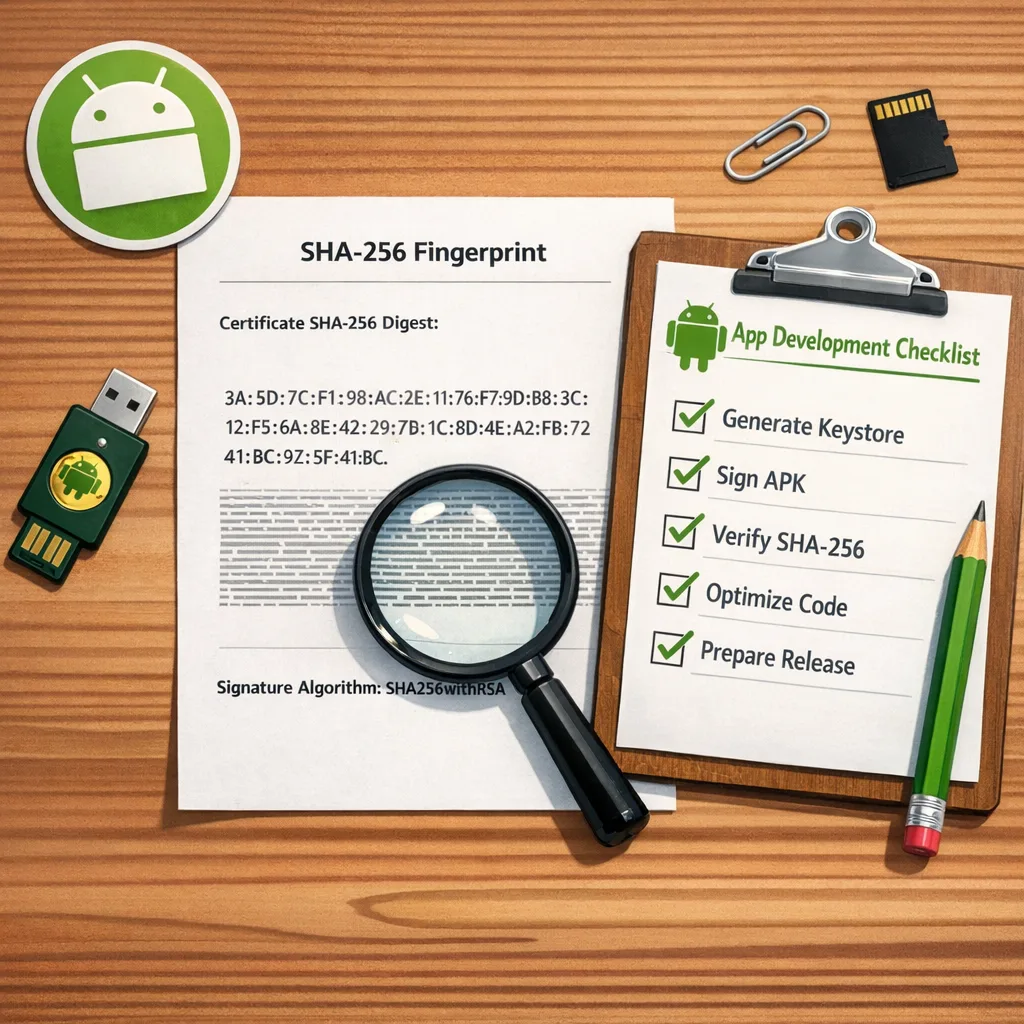
- Map each package to current signing key(s). Extract SHA‑256 fingerprints for every key you still control. Tip: run
keytool -list -v -keystore your.keystore -alias your_aliasand save the fingerprint in source control docs. - Document distribution channels: Play, enterprise, OEM, website, partner stores.
- Assign a single DRI (directly responsible individual) per package.
Week 2 — Verification posture
- In Play Console, confirm your developer verification status and organization details are current (legal entity name, address, D‑U‑N‑S if applicable).
- For off‑Play distribution, prep identity artifacts (government ID for individuals; org documents, D‑U‑N‑S, and site verification for companies). Budget the nominal registration fee.
- Decide how you’ll handle keys you no longer control. If you’ve lost a historical key, plan a package rename and user migration story now.
Week 3 — Package name registration dry‑run
- Use Play Console’s Android developer verification page to check auto‑registration status for Play apps once surfaced.
- For off‑Play packages, practice the verification flow on a low‑risk app. Generate the verification APK as instructed and upload to validate the end‑to‑end path.
- Document a runbook: which key, which fingerprint, who signs, and where the verification APK artifact is archived.
Week 4 — CI/CD and policy hygiene
- Add a pre‑release gate: block production if a package name is not registered or shows pending verification.
- Rotate to Play App Signing for new Play‑distributed apps to simplify future key management, while retaining secure backups of legacy keys for verification steps.
- Run an audit of wake locks. Use Android vitals and traces to find the top offenders; set internal budgets per feature (e.g., a sync job shouldn’t hold a wake lock longer than a minute without a user‑visible reason).
How to prove you own a package (without leaking secrets)
You never upload your private key. You upload a small, purpose‑built APK signed with your private key that contains a snippet Google provides. That proves ownership. Keep these practices tight:
- Sign on a hardened runner with restricted secrets. If your team is modernizing CI isolation, our GitHub Actions self‑hosted runner guide can help.
- Store keystores in an HSM or a vaulted KMS with role‑based access, short‑lived credentials, and dual control for destructive actions.
- Write a disposal policy for verification APKs; they’re sensitive artifacts even if they reveal nothing by themselves.
Wake lock enforcement: the fast fix sheet
From March 1, 2026, Google Play can show a “may use more battery than expected” warning and reduce discovery if your app exceeds the excessive partial wake lock threshold in a meaningful portion of user sessions over a rolling 28‑day window.
Practical steps to get under the line fast:
- Replace manual wake locks with platform‑sanctioned flows: use WorkManager for periodic syncs; use the User‑Initiated Data Transfer API for big uploads/downloads triggered by the user; lean on FCM for server‑triggered work.
- For Bluetooth and sensors, batch events and piggyback on system wake‑ups rather than keeping the CPU awake continuously.
- Audit third‑party SDKs. If a dependency is the offender and can’t be tuned, replace it.
If you ship companion hardware or long‑running background features, include a user‑visible control and a foreground service only when truly needed. Foreground service ≠ permission to hold a wake lock indefinitely.
People also ask
Do I have to give Google my app signing keys?
No. For verification outside of automated cases, you prove ownership by signing a special APK with your existing key and uploading it. For Play App Signing, Google manages distribution keys for Play builds, but you still control your local upload key.
What if I share a package name with a legacy partner?
Registration follows install reality. If another developer’s key has the majority of known installs, they have priority. If neither party has a majority and several have material installs, multiple keys can qualify. Otherwise it’s first‑come, first‑served within the rules. Consider a rename if you don’t meet eligibility.
Does this apply to internal enterprise apps?
If they’re installed on certified devices at scale, yes—particularly as enforcement expands regionally. Private distribution still benefits from verified identity and registered packages to avoid user‑side failures.
Will the Registered App Stores program make third‑party stores mainstream?
Potentially. It lowers friction for compliant stores and may broaden catalog access. But stores will still need to meet quality bars, and regional approvals gate timing. If you operate a store, start your compliance planning now.
A lightweight governance model that actually works
Growing mobile orgs can handle this with a two‑meeting cadence:
- Weekly “Package & Keys” standup: ten minutes to review registration status, pending verifications, and any collisions.
- Monthly “Vitals & Policy” review: battery wake locks, crash/ANR budget, and policy watch items. Use a written one‑pager with action owners and dates.
Keep a single spreadsheet (or internal dashboard) with package → key fingerprint(s) → DRI → distribution channels → verification status. Tie it to your release checklist. It’s boring; it’s gold.
Red flags that deserve executive attention
• Lost signing keys: If you can’t locate a legacy key and the app still has live installs, expect a rename. That’s roadmap‑impacting and may require customer communications.
• High background power on your flagship SKU: A warning badge on your top app’s listing can erase months of ASO work. Treat it like a Sev‑1 bug.
• Fragmented distribution: If you rely on multiple partner sites or OEM placements, assign a single owner to consolidate verification tasks and relationships.
What good looks like (a simple maturity ladder)
Level 1 — Reactive: Keys live on laptops, no inventory, last‑minute verification, and recurring policy surprises.
Level 2 — Managed: Keys in a vault, package inventory exists, verification runbook tested, wake lock budgets defined per feature.
Level 3 — Proactive: CI blocks unregistered packages, scheduled vitals reviews, SDK battery SLAs in vendor contracts, and a quarterly policy scan baked into product planning.
Implementation checklist you can copy today
- Verify Play Console account identity and org details.
- Create an Android Developer Console account if you only distribute off‑Play.
- Export and store SHA‑256 fingerprints for all active signing keys.
- Register package names for off‑Play apps; prep verification APK flow.
- Confirm Play‑distributed apps’ auto‑registration status when available.
- Add CI gate for “registered package” and “policy checks pass.”
- Replace long‑running wake locks with WorkManager or user‑initiated flows.
- Audit third‑party SDKs for wake lock behavior.
Want help pressure‑testing your plan?
If you need a second set of eyes on keys, packages, or policy traps, our mobile team does this weekly. See how we work on mobile app services, browse recent playbooks on the Bowu blog, or tap our Android 17 Beta “canary era” checklist to align platform upgrades with verification workstreams. If you’re retooling CI for secure signing, start with our March 2026 runner hardening plan. Shipping in regulated markets? Our age verification playbook pairs well with Android’s identity shift.
What to do next (this week)
- Book a 45‑minute session to inventory packages and keys; write owners’ names next to each.
- Confirm your Play Console verification status and prep off‑Play identity docs.
- Pick one off‑Play app and run the verification APK flow end‑to‑end.
- Open Android vitals; identify your worst wake lock offender and assign a fix owner.
- Add a CI check to fail builds when package registration is missing.
Zooming out, Android is getting stricter about who can publish and how responsibly apps behave in the background. That’s good for users and fine for healthy teams—but it punishes drift. Treat verification and wake locks like foundational engineering work, not chores, and you’ll ship with confidence through 2026.









Comments
Be the first to comment.