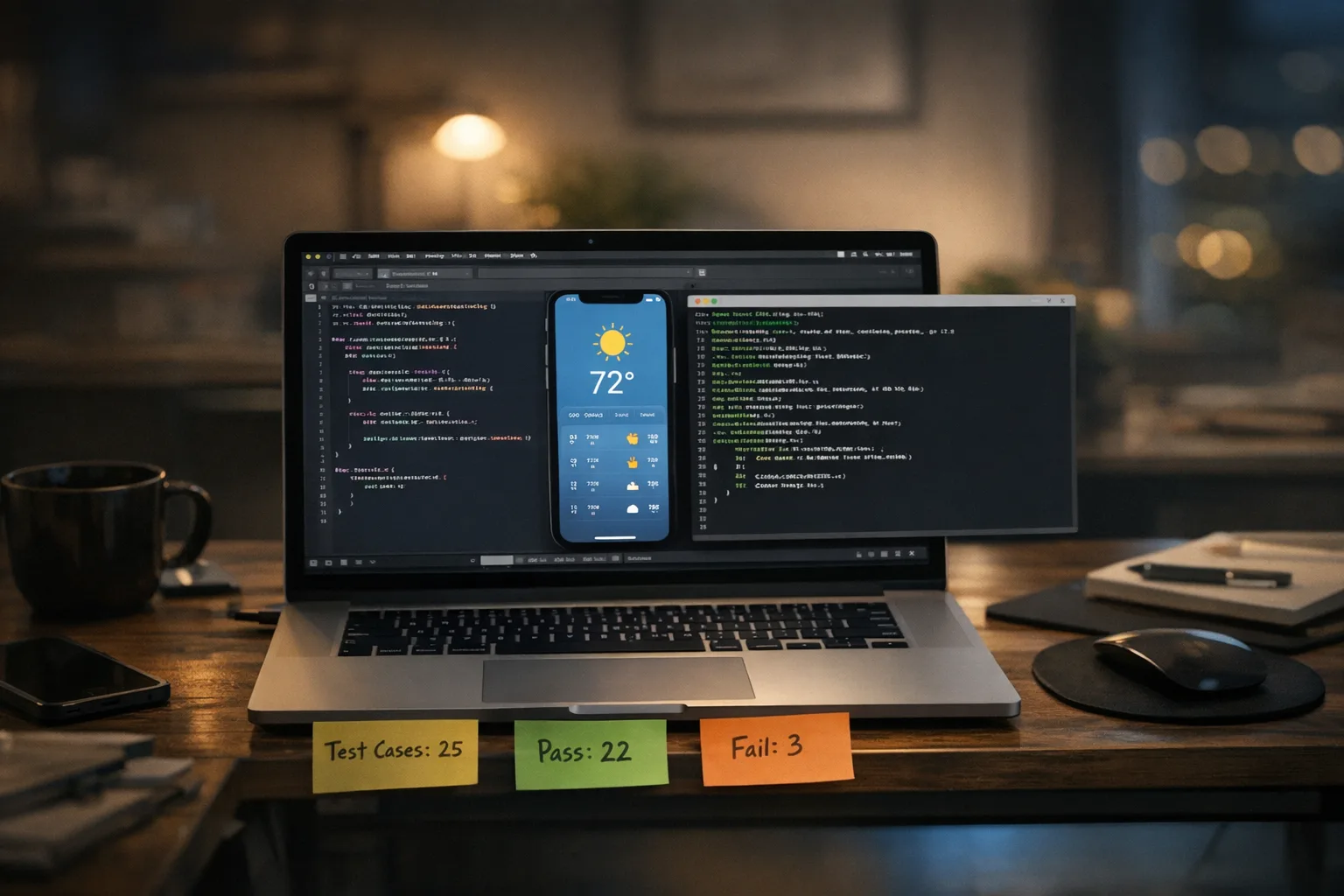
Foundation Models framework 26.4: What to Test Now
Apple’s latest updates—iOS 26.4 and macOS 26.4—ship a refreshed on‑device model behind Apple Intelligence and the Foundation Models framework. Translation: your prompts, tool‑calling flows, and guardrails may behave differently as soon as users update their devices. If your app leans on on‑device generation for summaries, classification, drafting, or agentic workflows, you’ve got real testing to do this week. And with the App Store’s Xcode 26 submission requirement landing on April 28, 2026, the timing isn’t optional—you’ll be touching builds anyway, so fold AI validation into that release train.

What changed in 26.4—and why it matters
Apple highlights two material shifts: stronger instruction‑following and improved tool‑calling behavior. In practice, that nudges outputs closer to your requested format and increases the likelihood the model selects (or asks to call) your app‑provided tools when the task needs grounding.
There’s also a workflow enabler on macOS: new Python bindings that let you drive the on‑device model directly from scripts. That’s gold for building local evaluation harnesses, CI checks on Apple Silicon build agents, and quick‑and‑dirty experiments without opening Xcode. If you’ve been manually spot‑checking responses, this is your chance to get quantitative.
Here’s the catch: the model version a user runs depends on the OS point release they’ve installed. So behavior can diverge across your audience on March 4, 2026 and beyond. If you hard‑coded brittle prompts or strictly validated JSON formats, even subtle improvements can break assumptions. Plan for it.
Foundation Models framework: a quick refresher
The Foundation Models framework exposes Apple’s on‑device LLM to your app with guided generation (think constrained formats), function/tool calling (your APIs as callable tools), and tight Swift integration. Key upsides are privacy (no data leaves device), predictable latency, and no inference bill. The tradeoffs: limited context windows relative to big server models, stricter token budgets, and the need to design for offline operation—even when you’d prefer to fetch a cloud answer.
Since iOS 26 launched, teams have used it for: on‑device summarization of notes, extracting structured data from receipts and photos with Vision hand‑offs, composing short replies, and routing tasks to app APIs via tool calls. 26.4 tweaks will mostly help formatting‑sensitive features and agentic paths—but only if you test and recalibrate.
What’s new you can use—today
- Instruction‑following gains: Better adherence to schema‑like instructions (e.g., “Always return {title, tags[], confidence}”). Expect fewer stray sentences polluting JSON.
- Tool‑calling alignment: More reliable “call_tool” decisions if you supply clear, well‑named tools with concise descriptions. You’ll see fewer hallucinated fields when the model elects not to call a tool.
- Python bindings on macOS: Scripted prompt runs, batch evaluation, and quick regression testing—without wiring a UI harness.
None of this is automatic value. If your prompts are vague, tool descriptions too long, or you rely on silent coercion of malformed output, you’ll miss the gains—or ship regressions.
Ship‑ready in a week: an evaluation plan you can copy
Here’s a tight, production‑minded test plan we use with client teams. Adapt to your app, but keep the structure—especially the pass/fail gates.
1) Inventory and freeze your "contract"
List every place the model touches product logic: summaries that gate UI, classification feeding analytics, structured JSON consumed by your code, and any tool‑call path that triggers side effects. For each, write down the input constraints, the expected output format, and the downstream consumer. That’s your contract.
Then, pick 20–50 representative prompts per feature from real anonymized data. If you don’t have examples, synthesize carefully: cover short/long inputs, edge punctuation, multiple languages, and known tricky patterns (emoji, bullet lists, misspellings).
2) Build a guided generation harness
Use guided generation wherever your code expects structure. Your harness should:
- Define a JSON schema (or BNF‑like grammar) and pass it with the request.
- Capture raw text, the parsed structure, and any validator errors.
- Measure token usage and latency to compare 26.3 vs 26.4 behavior.
Run each prompt set against devices or simulators on iOS 26.3 and 26.4. Count strict parse success rates. If you live‑parse into Swift structs today, add a test that mutates output slightly to confirm your parser rejects non‑compliant shapes.
3) Exercise tool‑calling like a real user journey
Mock your tool layer so you can simulate latency and error codes. Evaluate:
- Tool selection rate: how often the model elects to call the right tool vs. none.
- Argument quality: schema conformity and presence of required fields.
- Recovery: behavior when the tool returns 404, 429, or 500. Does the model try a fallback tool? Does your UI handle it gracefully?
Rename tools with action‑verbs and domain nouns (“search_products”, “create_task”, “fetch_glucose_readings”) and keep descriptions under ~100 characters, emphasizing inputs and outputs. This alone can move success rates.
4) Add safety and grounding tests
Even on‑device, guardrails matter. Add adversarial prompts that try to elicit unsafe content, instructions to ignore rules, or to fabricate citations. Verify your safety policy routes to a canned response or forces a tool call that grounds the answer. If your app shows generated content to minors or has region‑based restrictions, confirm your gating logic still applies when the model “wants” to answer directly.
5) Define hard pass/fail gates
Pick three go/no‑go metrics per feature. Example:
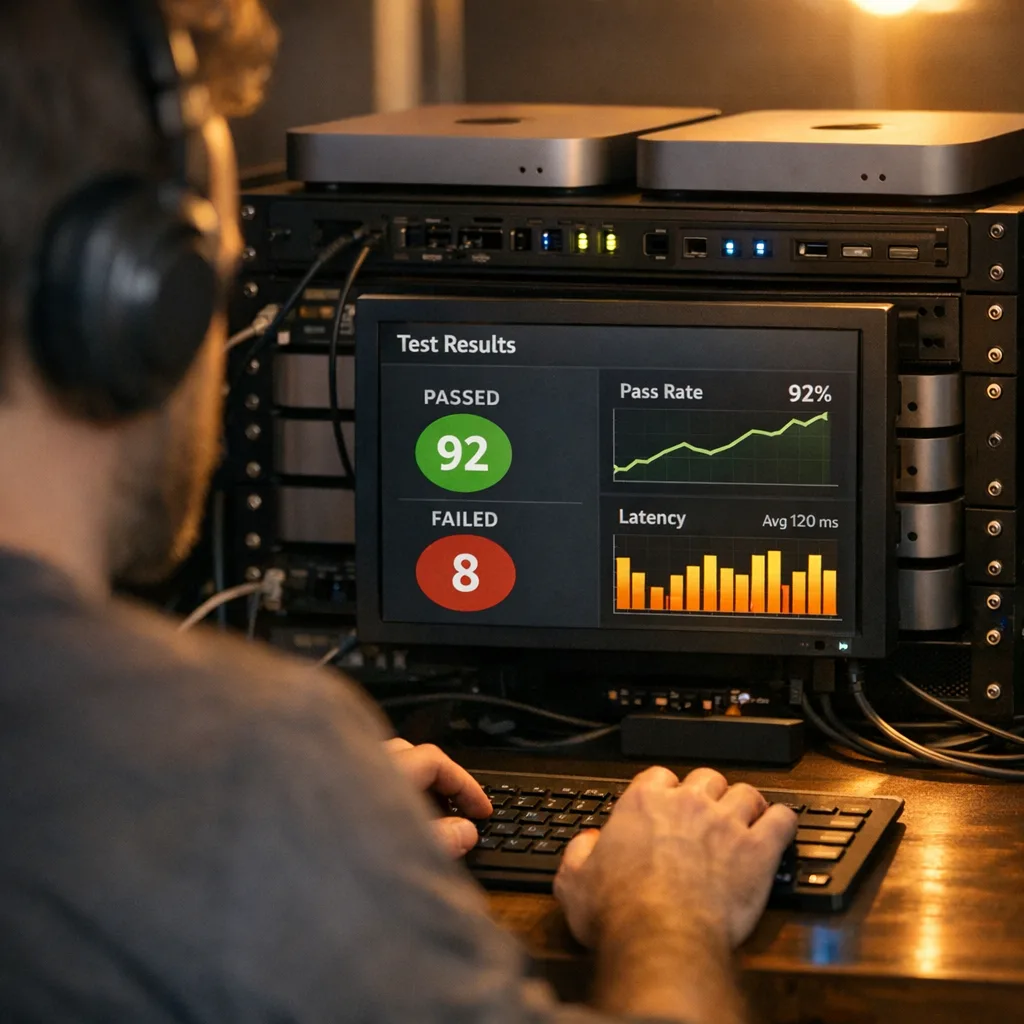
- Structured output pass rate ≥ 97% (up from 94% on 26.3).
- Tool argument validity ≥ 95% across the test set.
- Latency p95 ≤ 800 ms on A17+ devices for prompts under 500 tokens.
If any gate fails on 26.4, fix prompts or tool metadata before you ship.
People also ask
Do I need to update if I don’t use Apple Intelligence yet?
If you don’t call the framework, 26.4 model shifts won’t affect your app’s logic. But April 28, 2026 still forces your hand for submissions: you must build with Xcode 26 and current SDKs. Use that build cycle to stage future AI features and lay evaluation plumbing now.
Will model behavior be consistent across users?
No. It keys off the OS point release. Some users will stay on 26.3 for weeks; others jump to 26.4 on day one. Your evaluation should verify both, and your telemetry should tag responses with OS version so you can correlate anomalies.
How do Python bindings help if my app is Swift?
They make offline benchmarking easy. You can run nightly Python‑driven evals on a Mac mini build agent, compare distributions over time, and only touch the Swift code if a metric drifts. It’s a clean separation between evaluation and app UI.
Can I fall back to a server model when 26.4 underperforms?
Yes, if your privacy posture allows it. A common pattern is: try on‑device first for latency and privacy; if confidence is low or output fails schema validation twice, call a server model with stricter grounding. Log both for audits.
Edge cases and how to defuse them
Offline ambiguity. On‑device models shine offline, but your tool calls may not. If a tool needs network, tell the model in the tool description and detect airplane mode. Offer a pure local path with reduced answers rather than failing silently.
Hallucinated structure. Even with guided generation, the model may invent optional fields. Strictly validate and ignore unknowns—or you’ll crash on unrecognized keys. Consider versioning your schema so clients and prompts evolve together.
Memory budgets on older devices. Watch for OOM in heavy multi‑tool flows. Cap input size, chunk long documents, and prefer retrieval‑augmented snippets over dumping entire blobs into context.
Unsafe outputs for protected audiences. If you enforce age gating or region‑specific content, keep model responses behind the same gates. Your business logic—not the model—decides what to show. If your team is formalizing agent safety and egress rules, our practical guide on egress firewalls for AI agents lays out patterns we’ve deployed successfully.
Prompt engineering that survives updates
Stop relying on prose‑only prompts. Treat them like code. A durable pattern for 26.4 and later:
- System role: Precise intent, audience, and constraints. Declare format and refusal rules here.
- Few‑shot examples: 3–5 compact examples showing perfect output. Keep them fresh—rotate quarterly.
- Schema or grammar: Use guided generation to force structure. Do not “hope” JSON arrives clean.
- Tool catalog: Short, purposeful names and 1–2 sentence descriptions. Include examples of typical arguments.
- Self‑check instruction: Ask the model to re‑emit a confidence score or to verify schema compliance before returning.
When you update prompts, bump a version in your app config. Log version + OS + device class for every invocation. That makes rollbacks and A/Bs boring and safe.
Tie‑in: the April 28 Xcode 26 deadline
On April 28, 2026, App Store submissions must be built with Xcode 26 and the current SDKs. If your team is still splitting attention between reactive hotfixes and this migration, combine efforts: adopt the 26.4 testing plan above, ship a small AI‑focused improvement, and meet the build requirement in one move. If you need a crisp, tactical checklist for that submission cutoff, start with our guide Xcode 26 Requirement: What Teams Must Do Now and follow with the deeper April plans linked there.
While you’re refreshing your CI to build with the new toolchain, it’s a good moment to shore up release hygiene across the board. Our March playbook on GitHub Actions self‑hosted runner upgrades shows how to keep your pipeline green as vendors enforce minimums. Treat your AI evaluation harness like any other CI job: pinned versions, checksums, and weekly runs.
A lightweight scoring rubric you can automate
Use this 10‑point rubric to decide if a feature is “good enough” on 26.4 to ship broadly:
- Accuracy (3 pts): Meets acceptance criteria on the eval set (≥ 95% pass for structured tasks; human‑rated 4/5 for summaries).
- Safety (2 pts): Rejects adversarial prompts; no policy violations in 200 randomized tests.
- Reliability (2 pts): Tool call success ≥ 95%; retries handled without duplicate side effects.
- Latency (1 pt): p95 under your SLO on target devices.
- Observability (1 pt): Logs contain prompt version, OS, device class, and outcome.
- Rollback (1 pt): Feature flag or server‑side config to disable or switch to a fallback path.
Score ≥ 8/10 ships to 100%. Score 6–7 ships to 10–25% with monitoring. Below 6, keep iterating.
DevEx: use Python bindings to speed up iteration
The macOS Python bindings unlock a quick loop: load your prompt set, run batches locally on Apple Silicon, and export structured results (CSV/JSONL). You can spin this into a nightly job on a Mac mini. Pair it with a small dashboard that tracks schema pass rate, tool argument validity, and median latency by OS version. When numbers drift after a point‑release, you’ll know within 24 hours.
If you’re building agent touches that read or write to third‑party services, combine this with strong egress controls and audit trails. We wrote a practical primer here: Egress Firewalls for AI Agents. It’s about reducing blast radius when models surprise you.
Content quality that AI can read, too
One more tactical win while you’re in there: author your help docs and “what’s new” pages in a format that both humans and agents parse cleanly. If your app relies on on‑device AI to surface snippets, a consistent structure helps. Our walkthrough on Markdown for Agents shows patterns for headings, callouts, and definitions that improve both search and AI consumption.
What to do next (this week)
- Today: Freeze your contracts. Pull 50 real prompts per feature and write down expected outputs.
- Tomorrow: Wire guided generation schemas and tool descriptions. Stand up the Python evaluation harness on a Mac dev machine.
- Day 3: Run 26.3 vs 26.4 side‑by‑side. Set pass/fail gates and fix any prompt or tool metadata that misses.
- Day 4: Add telemetry tags (prompt version, OS, device class) and a feature flag for rollbacks.
- Day 5: Cut an Xcode 26 build, run your AI regression suite in CI, and stage for release ahead of April 28.
Common mistakes I keep seeing
- Vague tool docs: If your tool description reads like marketing, the model won’t pick it. Write it like an API doc.
- Trusting free‑text: Without schemas, you’ll chase tail on bracket placement and stray prose. Use guided generation.
- No adversarial tests: Your happy paths will pass. The unsafe ones will bite you in production.
- Zero observability: If you can’t answer “What changed on March 4?” within minutes, add logging now.
Zooming out
This cycle is a preview of life with on‑device AI: frequent, silent upgrades that tilt behavior a few degrees. Teams that treat prompts, tool catalogs, and schemas as code—and evaluate them like code—will move faster with fewer incidents. You don’t need a lab; you need a harness, a rubric, and a weekly habit.
If you want an experienced partner to stand this up while your team keeps shipping, our engineering services cover rapid AI feature prototyping, evaluation pipelines, and App Store‑ready build systems. We’ve done this across consumer and regulated apps. Bring us the hard parts.








Comments
Be the first to comment.