
Xcode 26 Requirement: The April 28 Ship Checklist
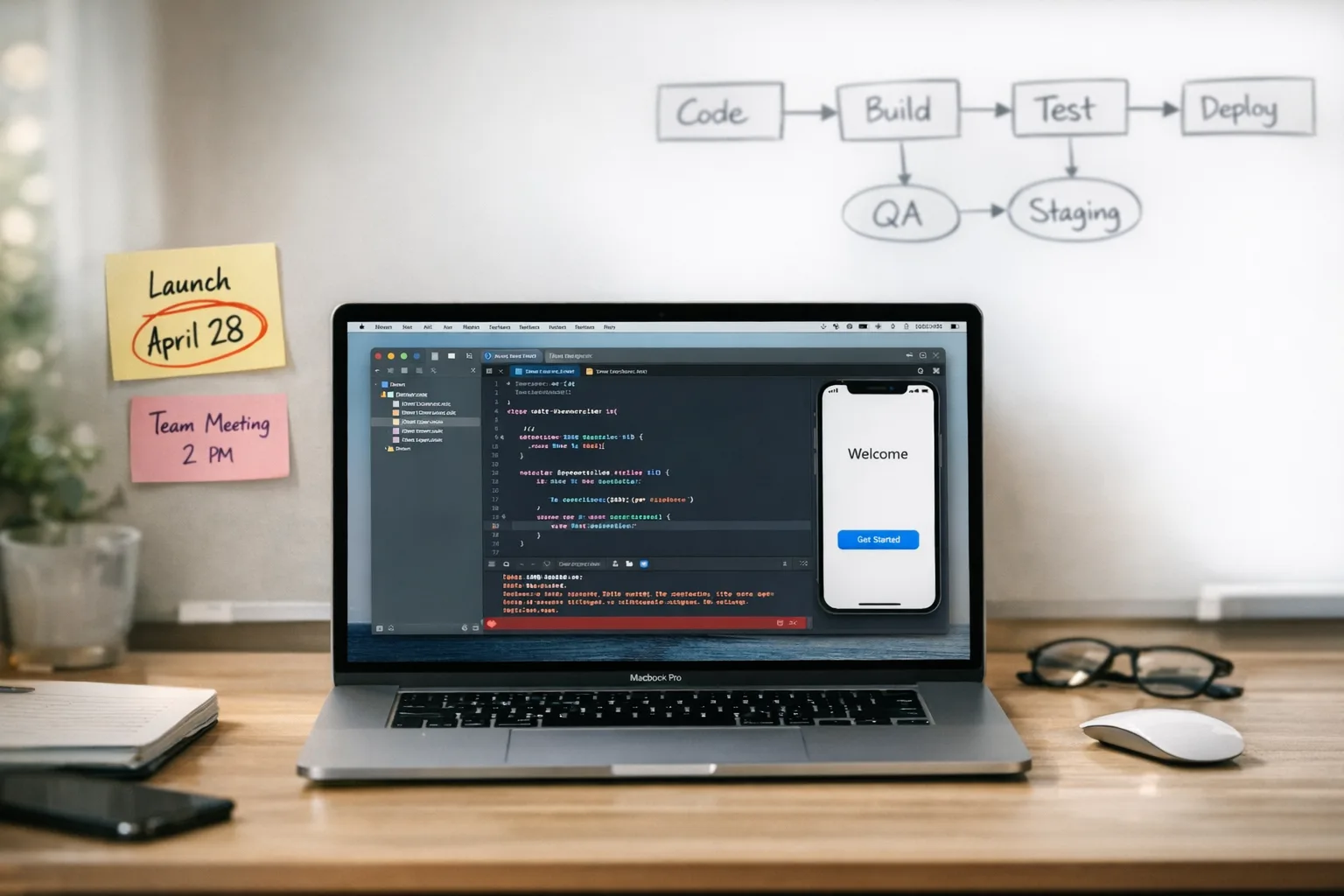
The Xcode 26 requirement is now official: starting April 28, 2026, apps uploaded to App Store Connect must be built with Xcode 26 or later using the iOS 26 family of SDKs. That’s a hard gate—your pipeline won’t clear review without it. Here’s how to meet the deadline without lighting your roadmap on fire. (developer.apple.com)
What exactly changes on April 28, 2026?
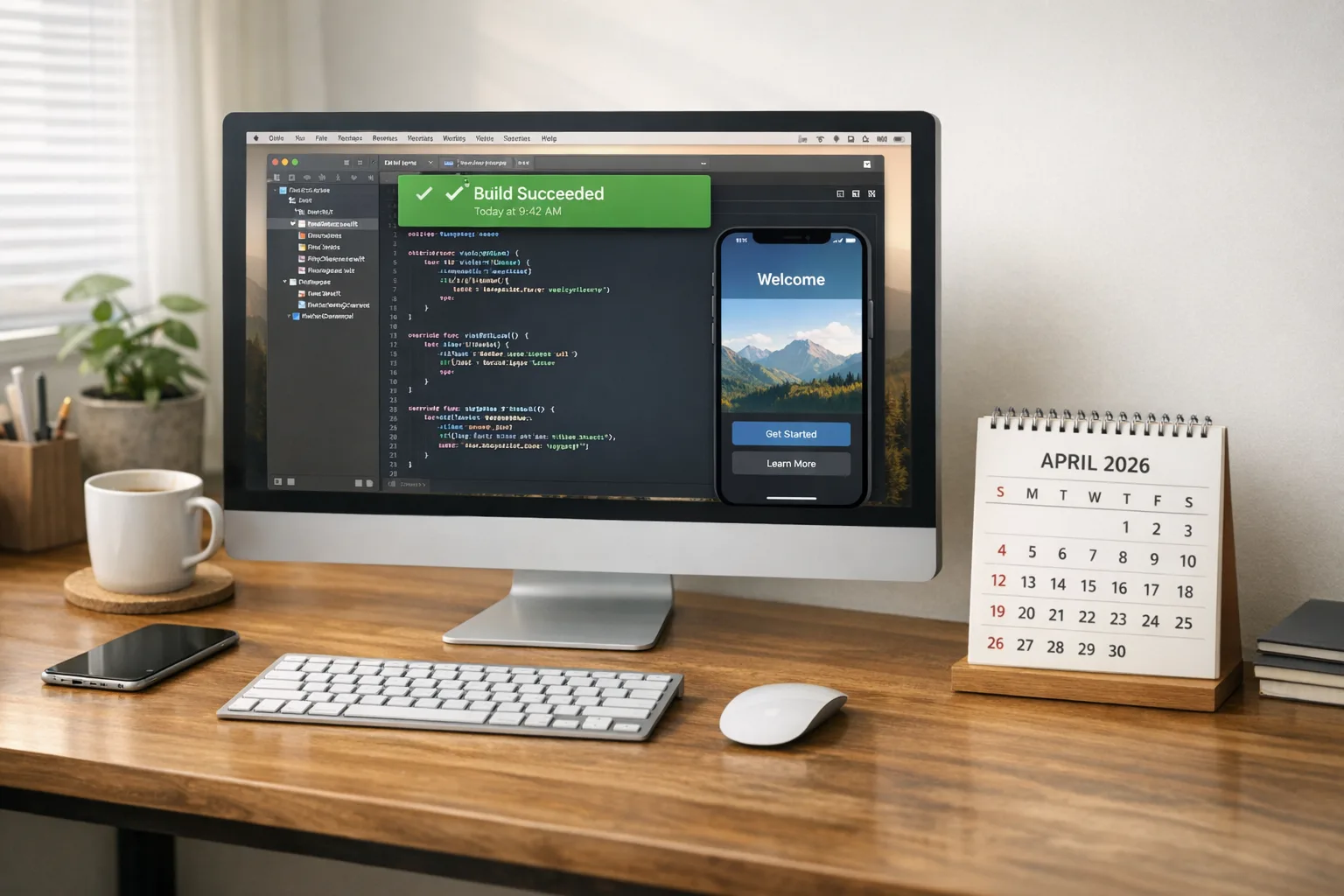
Apple’s policy flips on Tuesday, April 28, 2026 (Pacific time). From that date forward, binaries uploaded to App Store Connect must be compiled with Xcode 26+ and the iOS 26/iPadOS 26/tvOS 26/visionOS 26/watchOS 26 SDKs. If your CI still signs with older toolchains, the upload will fail compliance before human review even starts. (developer.apple.com)
Two side notes worth your attention. First, age ratings have already been updated across the store as of January 31, 2026, which can affect your store listing and submission questionnaire flows. Second, if you maintain legacy push integrations, Apple rotated the APNs production server certificate in 2025—verify your trust store is current if you run on older macOS builder images. (developer.apple.com)
The Xcode 26 requirement in plain English
Think of this as a toolchain migration with product impact. You’ll: (1) upgrade local and CI builds to Xcode 26, (2) rebuild the app and extensions with the iOS 26 SDK, (3) validate runtime behavior across your supported OS matrix, and (4) resubmit via Transporter or Xcode with the new toolchain. The trick isn’t the click to install; it’s surfacing dependency and code‑path changes the newer SDK exposes.
Why this matters now (and not the Friday before)
New toolchains surface idle dragons: deprecated APIs compiled out, hardened entitlements, signing pipeline drift, Swift toolchain quirks, and changes in compile-time defaults. You can fix any one of those in a day. You can’t fix all of them the day before a payroll‑driven release.
Data corner: dates, versions, and cross‑platform signals
Here are the immovable pieces you should plan around:
• April 28, 2026: Xcode 26+ and iOS 26 SDK mandatory for App Store uploads. Apple publicly lists this on its Upcoming Requirements page. (developer.apple.com)
• February 13, 2026: First public beta of Android 17 (SDK 37) shipped, with large‑screen enforcement that ignores orientation and resizability directives on sw600dp+ devices—meaning badly‑behaved layouts will be forced to adapt. If you’re cross‑platform, you can’t punt on tablet/foldable QA anymore. (android-developers.googleblog.com)
• Target API policy: since August 31, 2025, new apps and updates on Google Play must target API 35 (Android 15) or higher; extensions were available to November 1, 2025, but that window has long closed. If your Android CI still ships 34 or lower, adjust immediately. (developer.android.com)
• iOS 26.4 betas (mid‑February 2026): Apple began testing end‑to‑end encrypted RCS in Messages. Not production yet, but it changes how some carriers and devices present encryption status—and it’s a hint that messaging and OTP edges could behave differently in coming updates. (macrumors.com)
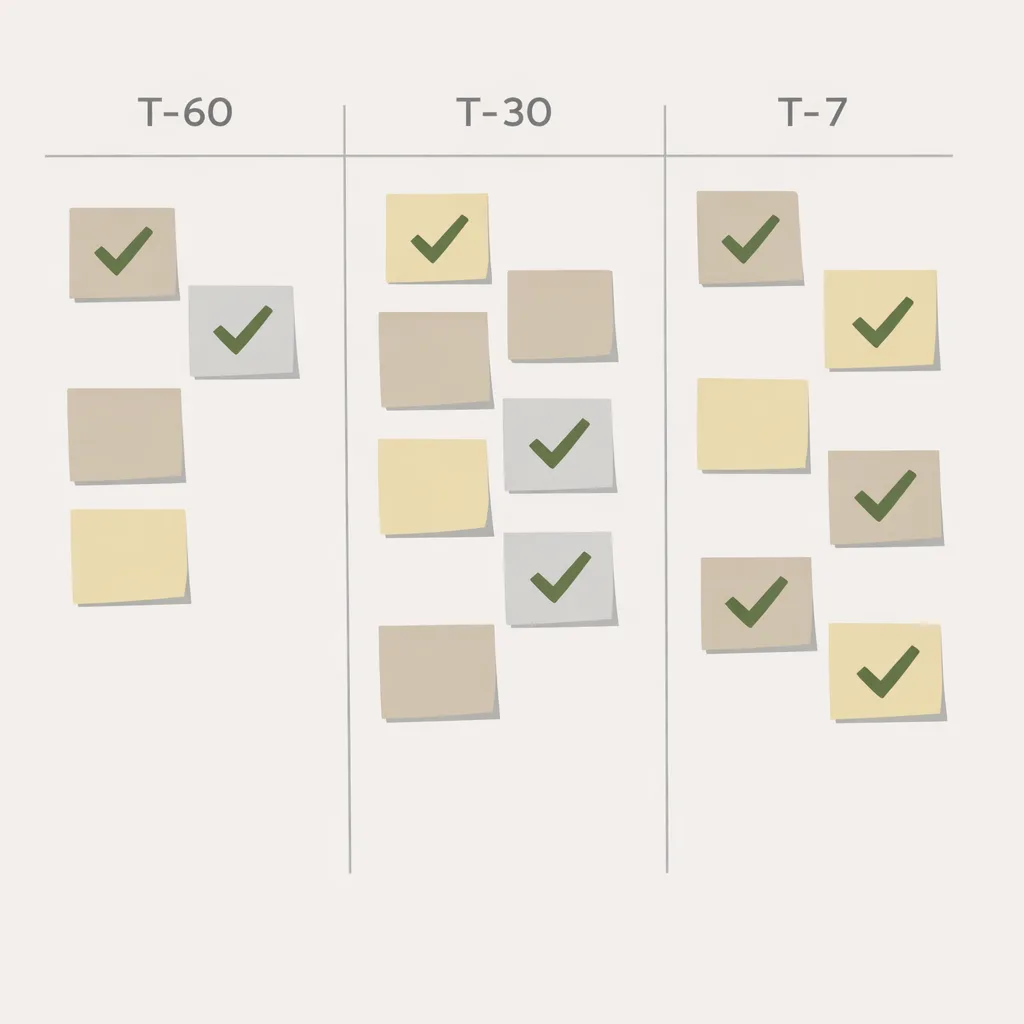
Ship plan: a T‑60 / T‑30 / T‑7 framework
Use this timeline whether you’re a startup with a single app or a portfolio team with regulated releases. Adjust the dates relative to today—February 20, 2026—and your own sprint cadence.
T‑60 to T‑45: Establish the migration contract
• Freeze the toolchain target: Xcode 26 on macOS builder images matched to Apple’s notarized CLT. Pin your Xcode path in CI and auto‑validate via a prebuild script that prints xcodebuild -version into build logs.
• Dependency inventory: Export your SwiftPM, CocoaPods, Carthage, and binary SDK versions to a machine‑readable bill of materials. Expect at least one library to require a minor bump for iOS 26 SDK compatibility.
• Define your risk budget: list 3–5 features most likely to regress (push auth, camera, background tasks, payments, HealthKit). Assign owners and acceptance tests now.
• Prepare the parallel lane: Keep your production submissions on the current toolchain while a feature branch upgrades to Xcode 26. If you’re release‑train based, treat the Xcode 26 branch like a feature with its own Definition of Done.
T‑30 to T‑14: Cut over builds and kill red tests
• Flip CI to Xcode 26 in the migration branch and enable bitcode‑free settings if legacy scripts assumed it. Update signing assets (profiles, keychains) on new runner images.
• Replace deprecated entitlements and APIs that start erroring under the new SDK. Run static analysis in Xcode 26 and fix warnings with a severity threshold—don’t ship with fresh yellow flags.
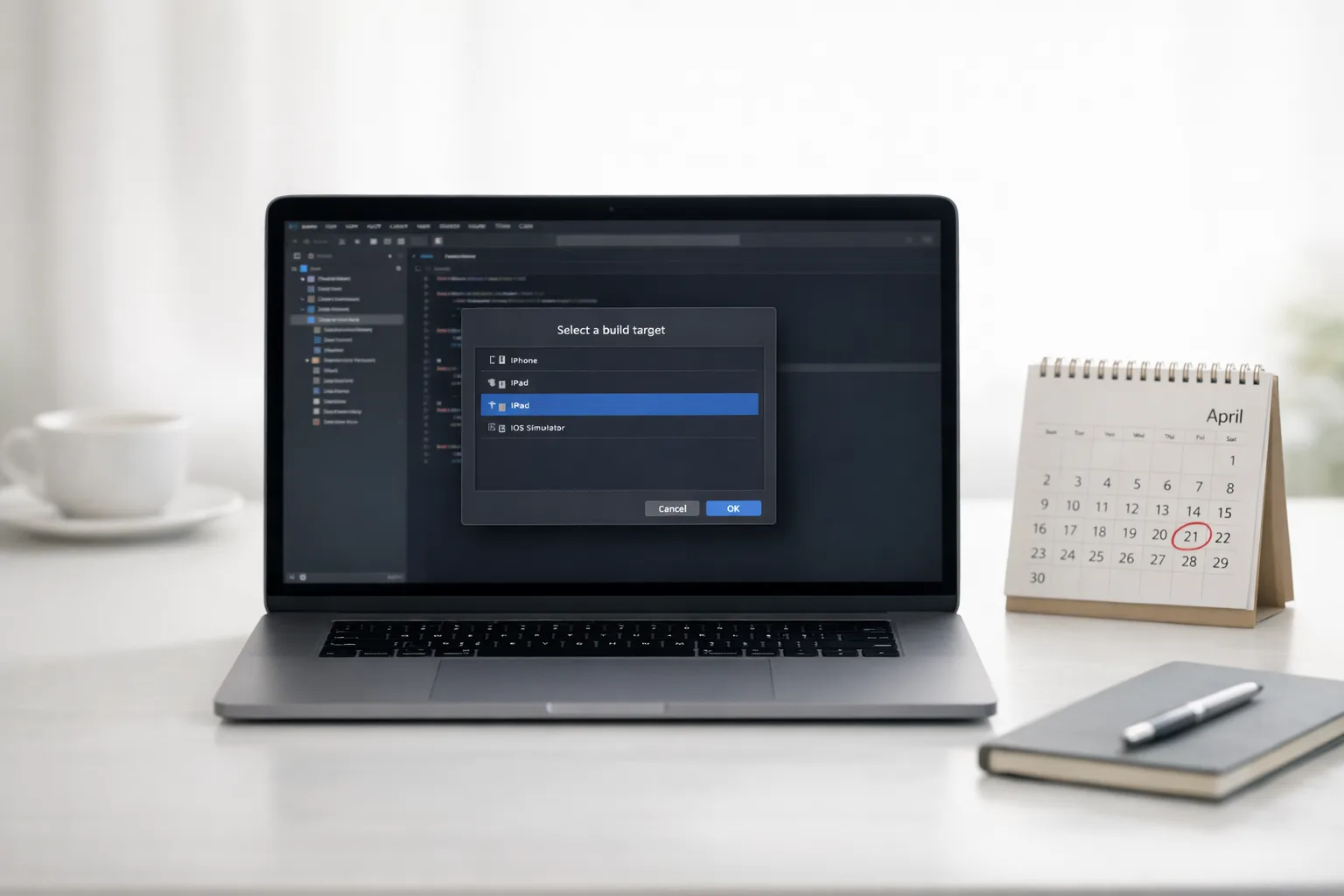
• Expand your device matrix: Add at least one sw600dp Android device (a foldable in landscape is ideal) and an iPad on iOS 26 for side‑by‑side layout checks. Android 17’s large‑screen enforcement will ignore your old orientation tricks on big screens, so find broken panes now. (android-developers.googleblog.com)
• Validate store metadata: New age rating prompts rolled out in January—confirm your answers still reflect current features to avoid review friction on your first Xcode 26 upload. (developer.apple.com)
T‑7 to T‑0: Submit with headroom
• Produce your release candidate from the Xcode 26 lane and submit at least 3 business days before April 28. If your business needs the post‑deadline features, ship even earlier; review lines get longer near policy flips.
• Monitor Transporter and App Store Connect red flags: If notarization, entitlements, or provisioning errors pop, re‑cut immediately. Keep a hotfix branch ready.
• Communicate the blast radius: Tell support and marketing exactly what changed in the submission pipeline and what runtime changes were validated, so they’re ready for edge‑case tickets.
Build pipeline upgrades that pay for themselves
Here’s the thing—most Xcode deadline pain comes from stale CI and snowflake Macs. You can cut failure rates in half with three pragmatic moves:
• Hermetic runners: Prebake macOS builder images with Xcode 26, CLT, Ruby toolchain (if you use fastlane), Homebrew taps, and cached pods/SPM artifacts. Stamp the image with a version label you echo in logs.
• One command to rule them all: Wrap builds in a deterministic script that sets DEVELOPER_DIR, runs clean builds, and exports XCResult bundles for analysis.
• Golden signing: Store signing identities in secure CI secrets, rotate access tokens, and lint provisioning profiles against the app ID before each upload.
Common traps we still see (and how to avoid them)
• Changed defaults surprise: Compiler or linker flags that default differently in Xcode 26 (e.g., warnings as errors in some targets) can turn a green build red. Diff your project.pbxproj before and after opening in Xcode 26.
• Swift, ABI, and module mix: If you link prebuilt binaries, verify they were built with a compatible Swift toolchain. A single outdated binary framework can crash on launch only on certain OS versions.
• Entitlement drift: Hardened runtime, push/VoIP entitlements, Health and Wallet scopes sometimes change review expectations. Re‑download profiles after you finalize capabilities.
• Extensions and widgets: Today View is gone, but other extension points evolve. Test share extensions and widgets across light/dark modes and different dynamic type settings.
People Also Ask: fast answers to real concerns
Do I need to raise my minimum iOS version to meet the Xcode 26 requirement?
No. The mandate is about the toolchain and SDK used to build. You can keep your minimum deployment target the same and still compile against the iOS 26 SDK. Of course, test older devices thoroughly.
We use Unity/Flutter/React Native—does anything change?
Yes and no. Your Apple‑side build still runs through Xcode, so you must upgrade the macOS build environment and ensure your framework’s iOS tooling supports Xcode 26. Update pods, plugins, and native modules, then validate with a simple native feature (like camera) to catch bridging problems early.
Will Apple reject us if we don’t use new iOS 26 features?
No. There’s no feature adoption requirement—only the toolchain rule. That said, accessibility, privacy, and permissions copy must remain current, and the new age‑rating flow needs accurate answers. (developer.apple.com)
Is encrypted RCS on iPhone going to break our OTP flows?
Probably not in the short term, but watch it. Apple’s testing E2EE RCS in iOS 26.4 betas; cross‑platform behavior and carrier toggles will evolve. If your app relies on SMS parsing, verify fallback logic and experiment with RCS‑aware parsing libraries as updates roll out. (macrumors.com)
Let’s get practical: a submission‑day checklist
Keep this page open when you cut the release:
• Confirm Xcode: xcodebuild -version prints 26.x on both local and CI.
• Confirm SDK: xcodebuild -showsdks lists iOS 26; the target’s Base SDK points to it.
• Clean signing: Profiles re‑downloaded after capability changes; keychain unlocked in CI; API key or App‑Specific Password valid.
• Assets validated: App icon, notification icon, and screenshots updated; marketing page and age rating answers reviewed. (developer.apple.com)
• Test flight: A build made it to TestFlight from the Xcode 26 lane; smoke tests passed on iPhone and iPad.
• Release notes: Call out any permission copy changes and any third‑party SDK bumps users might notice (analytics dialogs, login UI).
Android cross‑winds you shouldn’t ignore
Even if you’re iOS‑first, keep an eye on two Android items that can create product parity problems or support tickets next quarter:
• Large‑screen enforcement in Android 17 beta: On tablets and foldables (sw600dp+), Android now ignores your attempts to lock orientation or avoid resizability. If your layouts assume portrait iPhone‑style UX, update your Compose/Views to responsive patterns before this bites you on Pixel tablets or Galaxy Folds. (android-developers.googleblog.com)
• Play target API policy: Since August 2025, new apps and updates must target API 35+. If your Android releases trail behind your iOS cadence, expect compliance churn and user reach penalties. Align your trains. (developer.android.com)
For a deeper dive on large‑screen readiness, we’ve already published an engineer’s checklist you can crib from when pairing this iOS work with Android: the developer checklist that matters for Android 17.
CI/CD template you can copy
Adapt this logic to your runner of choice:
1) Validate environment: echo Xcode version and macOS build number; fail if Xcode < 26.
2) Bootstrap dependencies: bundle install or brew bundle; swift package resolve; pod install if present.
3) Build deterministic: set DEVELOPER_DIR to Xcode 26; run xcodebuild clean build with explicit workspace/scheme, derived data path, and a release configuration.
4) Archive and export: produce .xcarchive, export with the correct provisioning profile mapping and method.
5) Upload and verify: Transporter CLI or xcrun altool equivalent; parse output and fail on any warning you consider a release blocker.
6) Post‑build probes: scrape the .xcresult for warnings; upload dSYMs to crash tooling; publish the build scan to your team chat.
Risk scoreboard: where migrations blow up
• Payment and sign‑in SDKs: Apple Pay, Sign in with Apple, and social login SDKs often pin older APIs. Upgrade early and retest fallback paths (e.g., guest checkout).
• Background location and Bluetooth: Changes in privacy prompts or entitlement expectations can throttle permissions if your copy is stale or you rely on legacy permission categories.
• Media/camera: New encoders/decoders or capture session defaults can surface in video features. Keep one test device per major chipset generation.
• WebViews: WKWebView quirk changes show up with new OS SDKs—cross‑check cookie policies, input focus, and postMessage handling in hybrid screens.
What to do next (developers)
• Schedule the Xcode 26 cutover branch this sprint and create tasks for dependency bumps, CI image updates, and signing re‑provisioning.
• Add one iPad and one foldable tablet to your automated smoke runs; flag any layout that relies on a fixed orientation. (android-developers.googleblog.com)
• Spin a TestFlight from the new lane by next week to de‑risk review timing before April 28. (developer.apple.com)
What to do next (product owners and CTOs)
• Protect a buffer week in April for one re‑submission; don’t anchor critical marketing to a zero‑slack date.
• Ask for a one‑page risk register from engineering by the end of the week. If the top risk is “third‑party SDK compliance,” fund those updates now.
• Align Android and iOS trains: confirm Play target API level and Android large‑screen QA are in the plan so feature parity doesn’t slip. (developer.android.com)
Related deep dives from our team
If you need more tactical guidance, we’ve published hands‑on playbooks you can swipe:
• A steady, stress‑free migration path: our no‑panic Xcode 26 ship playbook.
• A concise, PM‑friendly plan you can circulate: the no‑drama April 28 plan.
• Android tablet and foldable readiness: a ship‑ready guide to large screens.
Final thoughts
Zooming out, this Xcode 26 requirement isn’t just Apple housekeeping; it’s a forcing function to modernize your pipeline, clean up dependencies, and harden release discipline. Treat it like a small platform migration with business risk, not a checkbox. If you want help turning this checklist into a repeatable playbook, see how we partner with product teams on complex releases on our services page or reach out via our contact form. When April 28 hits, the teams that planned two weeks ahead will be shipping; the teams that didn’t will be troubleshooting CI logs.



Comments
Be the first to comment.