Google Play External Links: Fees, APIs, and a Plan
Google Play external links are here for real products with real revenue on the line. If your Android app serves users in the United States and you want to keep linking out—to your web checkout or to an app download outside Play—you’ve got a near-term date circled: January 28, 2026. Google’s programs require enrollment, API integration, disclosures, and reporting. They also come with a new economics model: per‑install link fees for external downloads and 10–20% commissions on external payments. Here’s how to ship a plan your finance team and your engineers can both live with.
What exactly are Google Play external links?
Two programs matter in the U.S. right now:
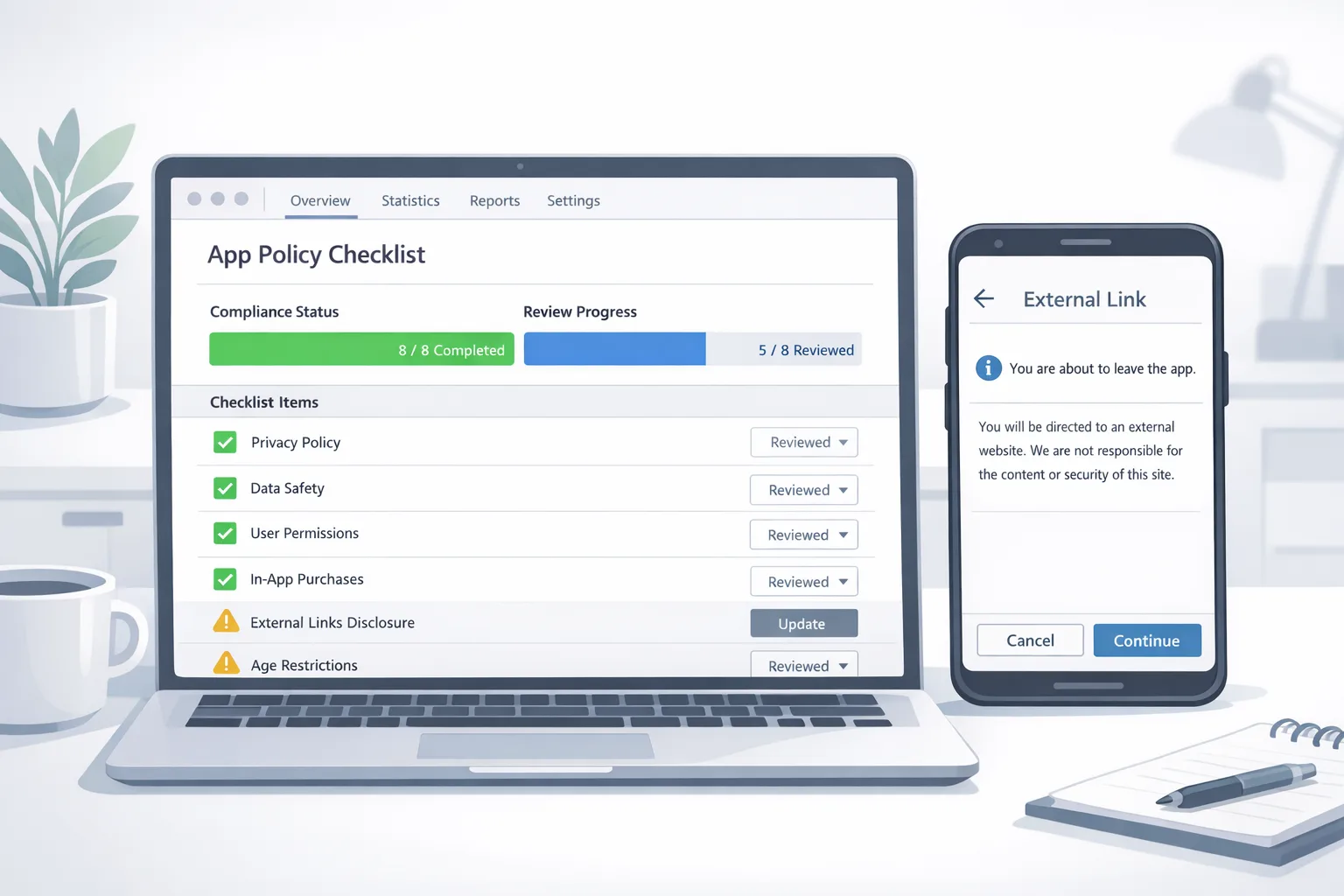
External content links let you send users from your Play-distributed app to a web page or another app store page to buy digital content or download an app. Google requires an in-app information screen before the jump, registration/approval of the destination for app downloads, and integration with new Play APIs to open the link and emit the right signals.
External payments (external payment links) let you direct users from your app to your own website or a payment app to complete a digital purchase. You’ll still show Google’s information screen and report transactions within the program’s time window so Google can compute service fees.
Practically, you’ll integrate updated Play libraries, add the information screen flow, and use tokens to report successful external transactions. If you link to app downloads, you’ll also register the external app and its landing pages for review so Google can validate what users are being sent to.
What changes on January 28, 2026?
Google’s December policy update set January 28, 2026 as the day U.S. apps must be enrolled and compliant to continue linking to external content or offering external payments. Translation: if you’re already linking out, you need to migrate to the new program requirements and APIs by that date; if you plan to start linking, you need to ship the official implementation before you roll it out broadly.
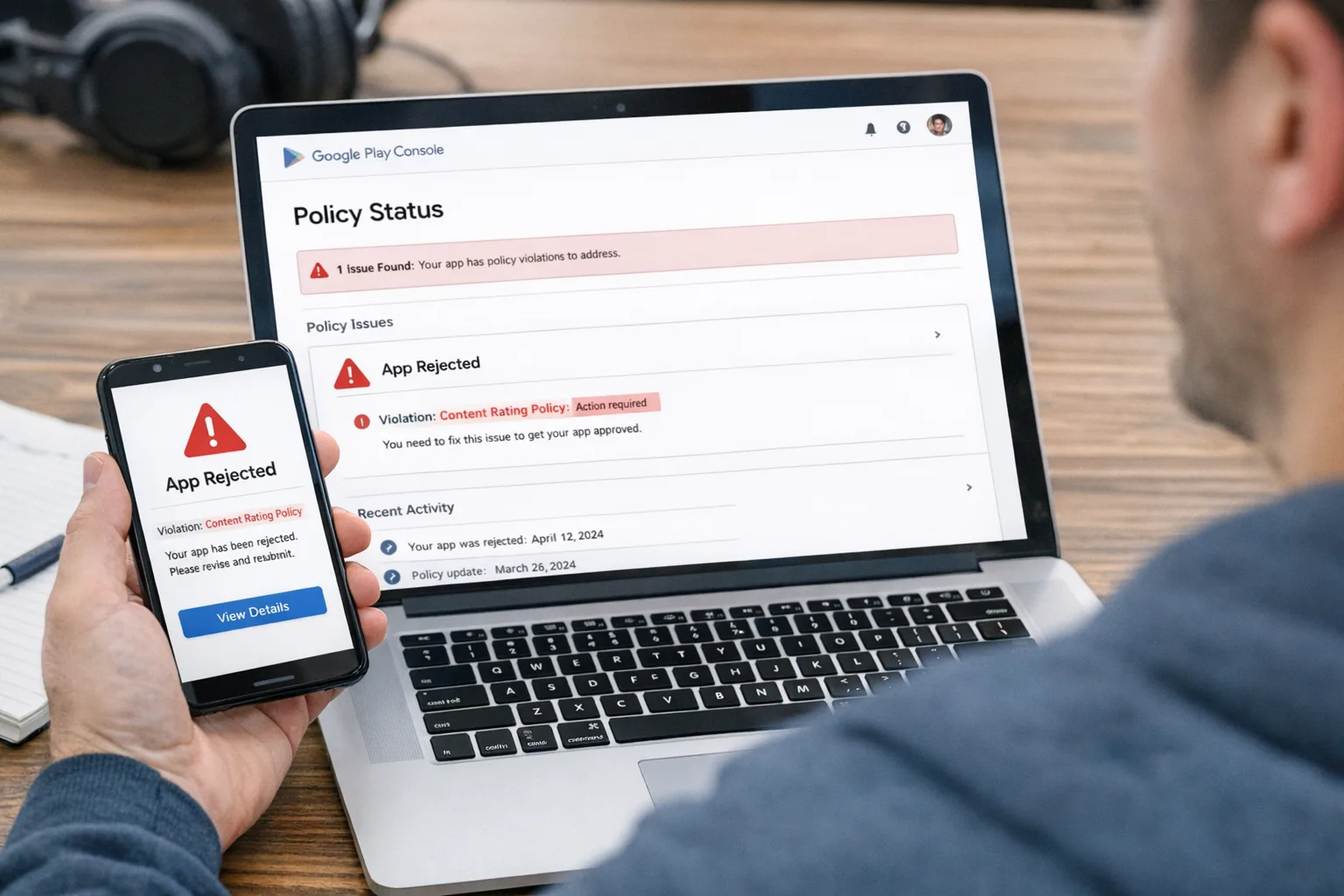
There are two key scope constraints to plan for: this U.S. program applies to users in the United States, and compliance includes both policy and technical work. For external downloads, you can’t just paste a link—you have to register external apps, landing URLs, and actual download links in Play Console, and pass review. For external payments, you must use the designated APIs that show Google’s info screen and generate tokens for attribution and reporting.
Google Play external links: how the fees work
Let’s get concrete about money. For external payments completed after a user taps your link, Google’s service fee is:
• 10% on auto-renewing subscriptions.
• 20% on other digital purchases (with a reduced 10% tier on the first $1M/year for eligible smaller developers).
• The fee applies when the purchase is completed within the specified attribution window after the user follows your external payment link.
For external app downloads from your link, Google has outlined a per‑install charge that kicks in if the user installs within roughly a day of clicking that link. The current U.S. figures publicly discussed are $2.85 per app install and $3.65 per game install. Google also requires the integration that triggers the standard information screen and provides the attribution signals, so you can expect to wire both client and server parts before you can rely on those installs.
Here’s the thing: these per‑install fees apply to installs attributable to the Play-surfaced link, not to every install you get from SEO, direct mail, or QR codes. That nuance matters for marketing math—and it’s why you should separate “Play-linked” cohorts from every other channel in your analytics.
Example scenarios (numbers you can run today)
• Non-game app with direct download links. You place an external download link in your Play app. 5,000 users click and 3,000 install within 24 hours. At $2.85 per attributed install, your fee is $8,550. If your average Day‑30 payer rate is 2.0% and ARPPU in the first 30 days is $40 via your web checkout, you gross ~$2,400, and you’ll also owe 20% fees on that external revenue (another ~$480). Your near-term cash flow is negative unless your LTV stretches beyond 90 days or you have other monetization (ads, partnerships) to close the gap.
• Subscription app linking to web checkout. You send 10,000 users to your web checkout, 6% convert to a $9.99 monthly plan, and churn at 4% monthly. On 600 conversions, the external payment fee is 10% of subscription revenue. Month‑1 net after fees is roughly $5,394 (600 × $9.99 × 0.90). The absence of a per‑install fee here is a big deal: subscription apps often prefer external payments over external downloads because the fee mechanics favor recurring revenue.
• Midcore game driving players to a website shop for currency bundles will face the 20% external payment fee and, if you also link to a downloadable build, the $3.65 install fee on attributed installs. If your LTV is powered by LiveOps, cosmetics, and battle passes, your margin math likely beats 30% platform fees—but you still need to bake in the new Google share.
Implementation: a two‑sprint build plan
You can ship compliance and protect revenue in two sprints if you sequence it cleanly. Use this as your playbook.
Sprint 1: enroll, instrument, and gate
1) Enroll the right programs. In Play Console, enroll apps in external content links and/or external payments for U.S. users.
2) Pin your libraries. Upgrade to Play Billing Library 8.2.1+ (or current) and integrate the external links APIs that handle the info screen and token generation.
3) Register external apps and URLs. If you link to an app download, register the external app package and landing pages for review. Expect up to a week for approval, longer at peak times.
4) Create a server endpoint for tokens. Capture external transaction/install tokens and store them with user/session metadata (no PII in URLs). You’ll need this for reporting and reconciliation.
5) Feature-flag the flows. Ship behind flags by geography so you can light up U.S. users first, then expand.
Sprint 2: UX, reporting, and risk controls
6) Design the pre‑link info screen path. Keep the disclosure clear, keep the exit to your link obvious, and offer a graceful “stay in app” route.
7) Add attribution parameters. Use lightweight, privacy‑safe parameters for cohorting. Do not include PII in external URLs.
8) Report within the required time window. Wire daily jobs to report successful external transactions and link‑attributed installs back to Play. Keep clear logs for auditability.
9) QA with real payments and downloads. Validate the entire flow on clean devices: info screen → browser/app store → checkout or download → success callback/tokens.
10) Stand up support and refunds. External purchases mean you own CS. Publish clear refund policies and a contact path. Train your frontline team before launch.
People also ask: common questions teams raise
Do external links replace User Choice Billing?
No. User Choice Billing is still Google’s in‑app alternative billing option; external payments take the purchase fully outside the app. External content links, meanwhile, can send people to a web shop or to an external download page. Each program has different fee mechanics and API expectations. Many teams will run both: keep in‑app billing for convenience, but add external links for price- or tax‑sensitive offers.
Are the per‑install link fees automatic for every install?
No. They apply to installs attributable to a user who clicked your approved external link and installed within the defined attribution window (think roughly 24 hours). Organic installs or installs from other channels aren’t counted in this bucket. Accuracy depends on your correct integration and Google’s attribution, so QA it like your NRR depends on it—because it does.
Will these U.S. rules change after court reviews?
Possibly. A federal court hearing scheduled in January 2026 could affect timing and the exact fee schedule Google ultimately charges. Build for the current programs so you’re compliant by January 28, but don’t hard‑code assumptions you can’t unwind. Keep your flags, service‑side mappings, and fee calculators configurable.
Designing a margin‑positive strategy
Here’s the practical approach we’re shipping with clients.
• Split flows by intent. External payments for high‑intent subscribers and annual plans; keep in‑app billing for casual, impulse, and gifting. For web shops, lead with bundles that make the 10%/20% fee pencil out versus 15% subscriptions inside Play.
• Use external downloads selectively. It’s tempting to link out for every SKU, but the per‑install fee adds a customer acquisition cost you must recoup. Gate that link behind strong purchase or community intent, like a beta sign‑up or modding community, rather than spraying it to everyone.
• Harden your supply chain. If you serve downloadable APKs, lock your signing keys, set up reproducible builds, and publish SBOMs. Our software supply chain security playbook for 2026 has a 30‑day hardening plan your DevOps team can run.
• Measure the right cohorts. Break out “Play‑linked” users in your data warehouse and track their LTV separately from organic and paid channels. Tie reporting to the tokens you emit in the external link flows so Finance can reconcile Google’s invoices versus your revenue.
• Get ahead of tax and refunds. Your web checkout needs the right sales tax/VAT logic for U.S. jurisdictions, plus a refund policy that doesn’t contradict the disclosures users saw in‑app.
Compliance gotchas we keep seeing
• Unapproved destinations. For download links, Google expects approved landing pages and APK sources. Don’t auto‑redirect to unreviewed URLs or mirror sites.
• PII in URLs. Never include email or other identifiers in query strings. Use tokens mapped server‑side instead.
• Missing disclosures. The info screen is not optional and must fire before any external hop.
• Late reporting. Report external transactions promptly to avoid reconciliation issues or program violations.
• Friction overload. Keep the disclosure copy concise and your call‑to‑action obvious. Every extra word costs click‑through rate.
How to model the business with honest numbers
Run an incremental model, not a blended one. For external downloads, treat the per‑install fee as CAC and demand that incremental LTV from that cohort clears your hurdle rate. For external payments, bake in the 10% or 20% fee and consider payment processor costs you now shoulder (typically 2–3% + per‑txn). If you’re moving spend from Play to web, redirect a slice of your platform fee savings to fraud prevention and CS headcount; they’re now your surface area.
Subscription teams should simulate a downgrade path: if you pull annual offers to web only, what happens to monthly take rate inside the app? Conversely, games teams should A/B bundle design so cosmetics and non‑progression items don’t end up subsidizing the wrong fee tier.
Cross‑platform watch: what Apple’s Brazil settlement signals
While you’re shipping Android changes, keep an eye on iOS. In late December 2025, Apple agreed with Brazil’s antitrust regulator to allow third‑party app stores and alternative payments in Brazil within roughly 105 days. Different jurisdiction, different timelines—but the pattern is consistent: platform openness is expanding, and fees are shifting, not disappearing. If you operate in Latin America, start mapping your iOS compliance and store strategy now so you can reuse your Android tooling where it fits.
A quick checklist you can paste into your tracker
• Confirm program enrollment for each app serving U.S. users.
• Upgrade to the required Play libraries; integrate external link and payment APIs.
• Register external apps, landing pages, and APK links; pass review.
• Implement the information screen and token capture; store server‑side.
• Report transactions and attributed installs within the required window.
• Add analytics for Play‑linked cohorts; reconcile against Google invoices.
• Publish refund policy and CS contact; train support.
• Run performance, fraud, and abuse tests (chargebacks, replay attempts).
• Keep the fee model configurable; don’t ship hard‑coded rates.
• Feature‑flag by geo; be ready to pivot after court updates.
Where to go deeper
If you’re racing the calendar, start with our focused briefs on timelines and pricing. We’ve outlined a ship‑by‑date plan in Google Play External Links: Ship by Jan 28, 2026, and we break down cross‑platform fees and Brazil’s iOS changes in Google Play Link Fees + iOS Brazil: Ship by Jan 28. For broader privacy and monetization shifts that affect retention and ad ROAS, see our analysis on cookies and targeting in Chrome Third‑Party Cookies Are Staying. Now What?
What to do next (this week)
1) Book a 60‑minute working session with product, engineering, finance, and support. Decide where you’ll use external payments versus in‑app billing, and where you’ll expose external downloads.
2) Create a feature flag keyed by U.S. users; start the library upgrades and API wiring immediately.
3) Register any external apps and landing pages you’ll use and submit for review now to avoid a queue.
4) Ship the disclosure UX behind the flag, wire reporting jobs, and run a closed beta to validate attribution and fee calculations.
5) Publish your refund policy and CS contact path. Send a heads‑up to existing subscribers if you plan to migrate them to web billing for renewals.
If you want an experienced partner to run point on the integration, fees modeling, and reviews, our team can help—from API wiring to the dashboards Finance needs. Start the conversation on our services page or get in touch via Contacts.





Comments
Be the first to comment.