App Store Policy Changes 2026: January Ship List
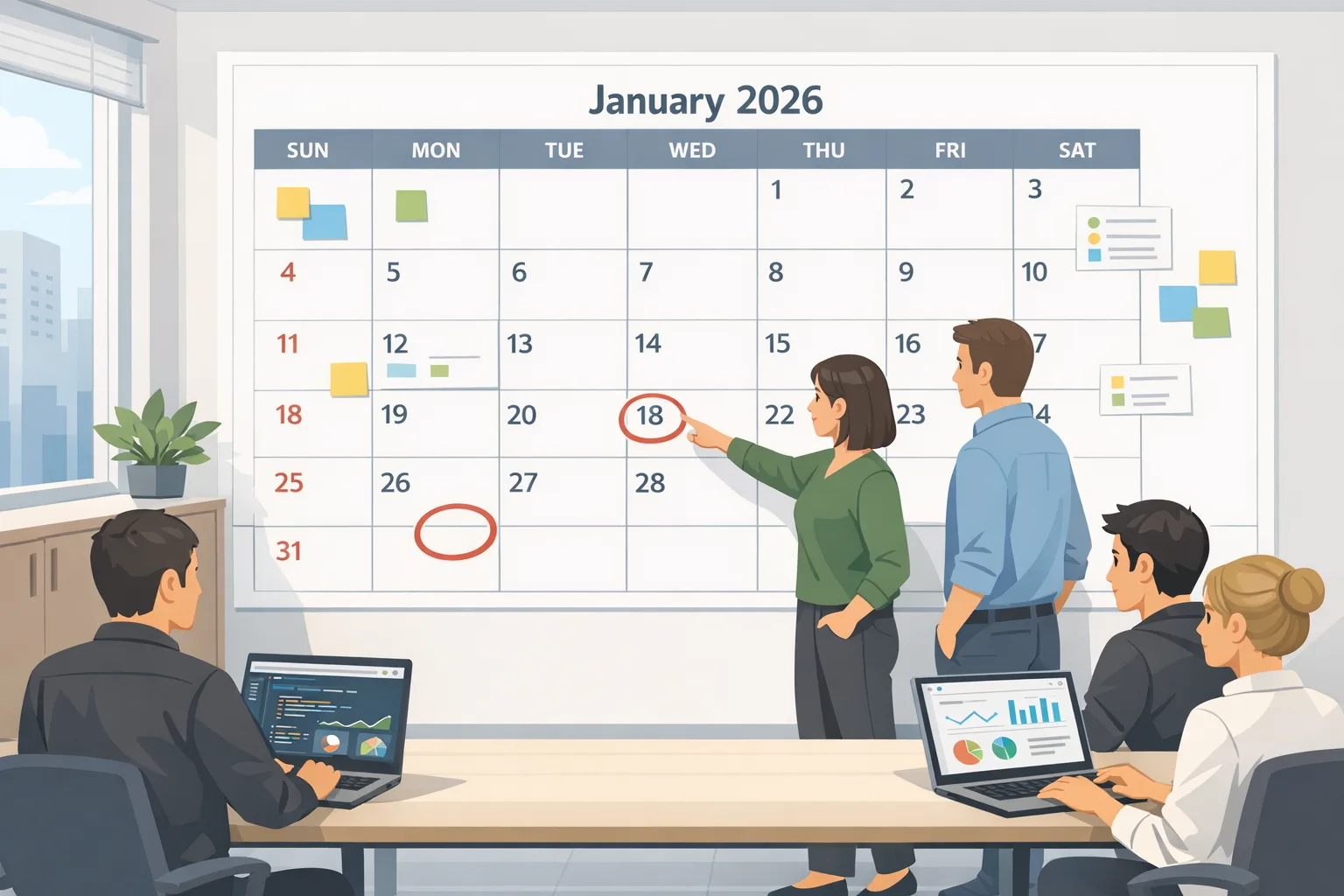
Let’s get straight to it: App Store policy changes 2026 aren’t abstract anymore—they’re shipping now. Apple’s age rating update hits on January 31, 2026. Google Play’s U.S. external links and alternative billing programs require enrollment and technical integration by January 28, and the Play Age Signals usage rules already started on January 1. If you’re running a product line or carrying an on-call phone, this piece gives you the exact dates, decisions, and minimum engineering work so you can stay compliant without tanking conversion or revenue.
What changed, and when
Here are the dates that matter in one place—and why each one affects your roadmap.
• January 1, 2026: Google Play Age Signals usage restriction kicks in. You may only use Age Signals data to deliver age-appropriate experiences inside the receiving app. If you’re piping that signal anywhere else (analytics lake, marketing systems), shut that off and scope a fix now.
• January 28, 2026 (U.S.): Google Play’s external content links and alternative billing programs require enrollment and integration. That means the standardized information screen, external transaction token, server-side reporting, and registered domains. The business model and fees for off‑Play transactions and external downloads are real considerations—more on cost modeling below.
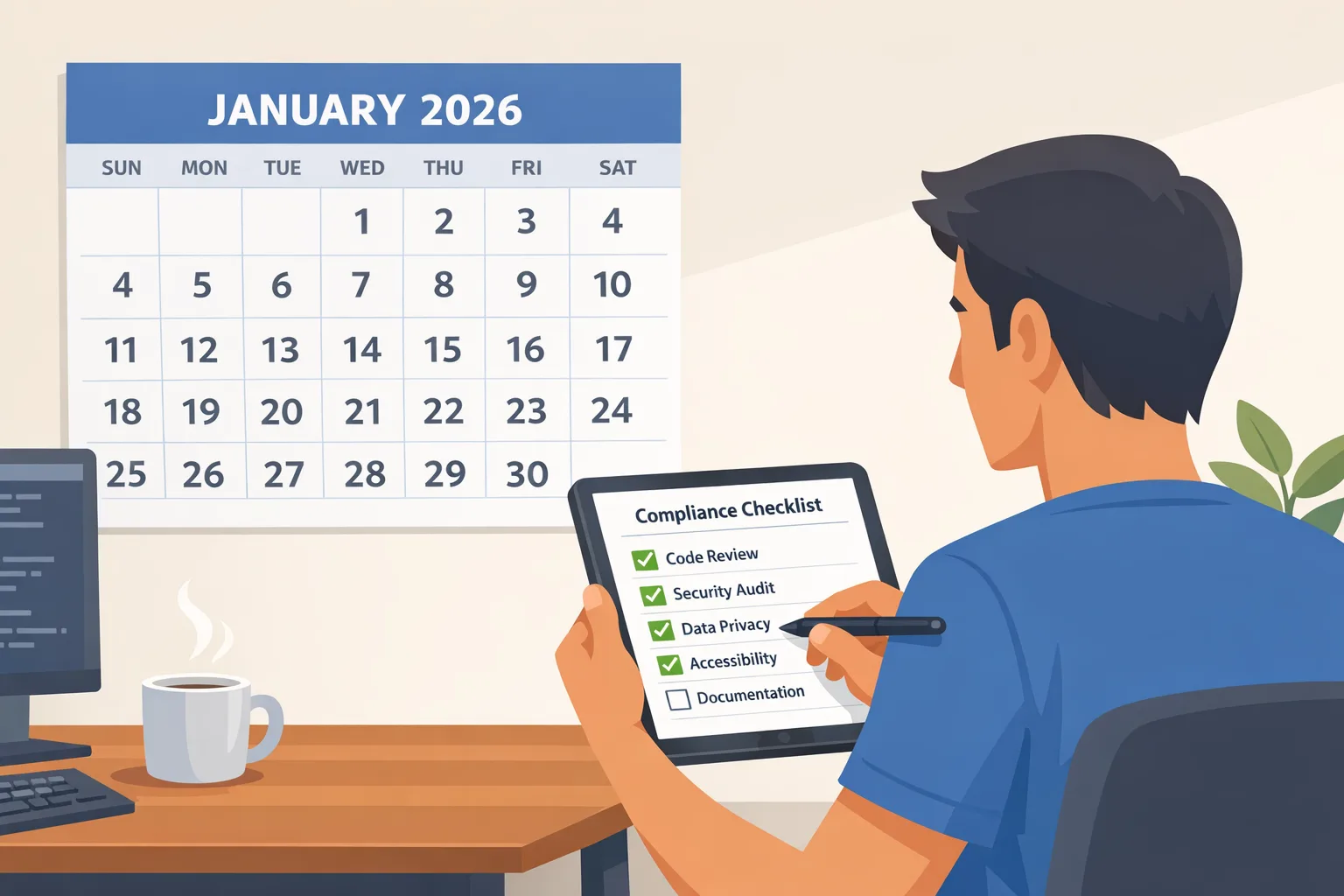
• January 31, 2026: Apple’s new age rating system becomes the gating factor for shipping updates. Apple auto‑updated ratings, but you must answer the new App Store Connect questionnaire to continue submitting updates. Miss the date, and your updates get blocked until you comply.
• January 1, 2026 (EU developers): Apple has begun transitioning to its Core Technology Commission model in the EU. If you operate under the EU’s alternative business terms or sell outside the App Store, your financials change; align Finance and Legal on the new fee mechanics.
App Store policy changes 2026: the Apple age rating update
Apple added 13+, 16+, and 18+ tiers (and retired 12+ and 17+) and expanded the required questions in App Store Connect. The big shift isn’t just labels; it’s the coverage. You’ll see more explicit questions around in‑app controls, capabilities (e.g., user‑generated content, chat), medical/wellness content, and depictions of violence. Apple also expects you to consider features powered by AI assistants or chatbots in your answers.
Ship steps (Apple)
1) Audit features by content risk. List anything that can surface unpredictable content: UGC, live chat, external webviews, LLM‑powered assistants, link sharing, and imported media. If your app routes to a browser for support or FAQs, that counts.
2) Map each feature to in‑app controls. Do you have block/mute/report? Word filters? Link whitelists? Per‑feature age gates? Temporary bans? Note what’s server‑enforced versus client‑hinted.
3) Answer the new questionnaire per app. In App Store Connect, open App Information → Age Rating. Don’t paper over gray areas—if a feature exists behind a flag, Apple expects your answer to reflect potential exposure, not just default settings.
4) Validate copy and screenshots. Your App Store product page shouldn’t contradict your rating. If marketing calls a feature “uncensored community chat” and you selected 13+, that’s an obvious mismatch.
5) Rehearse family scenarios. On iOS 26 and related platforms, ratings show up more visibly in parental controls. Test supervised accounts and Family Sharing. It’s embarrassing when your own parental gating breaks core flows.
Apple PAA: short answers you can act on
• Do existing ratings auto‑update? Yes, but they’re based on your old responses. You still need to answer the new questions by January 31 to keep shipping updates.
• What happens if we miss the deadline? App updates are blocked until you complete the questionnaire. Prepare to explain this to business stakeholders now so you’re not negotiating production hotfixes with no runway.
• Kids apps and COPPA? Your App Store rating doesn’t replace privacy law. Treat the rating as the presentation layer; compliance remains a separate obligation with your own age gate and data handling.
If you want a deeper walkthrough, our team’s Apple age rating update guide shows the exact Connect screens and a sample worksheet you can duplicate for each app SKU.
Google Play on January 28: external links and alternative billing
On Android in the U.S., you can now drive users to external checkouts and even external app downloads from inside your Play‑distributed app—if you enroll and integrate the required APIs. You also have the option to run alternative billing inside your app, with Play Billing still permitted as a parallel choice. The compliance work here isn’t conceptual; it’s specific code and console configuration.
Ship steps (Play external links + alternative billing)
1) Update to Play Billing Library 8.2.1 or newer. Version 8.2.x introduced the external link APIs and reporting hooks; 8.3.0 extends support for external payments. Pin a patch release; don’t cut it too close to the deadline with a major library jump and no stabilization window.
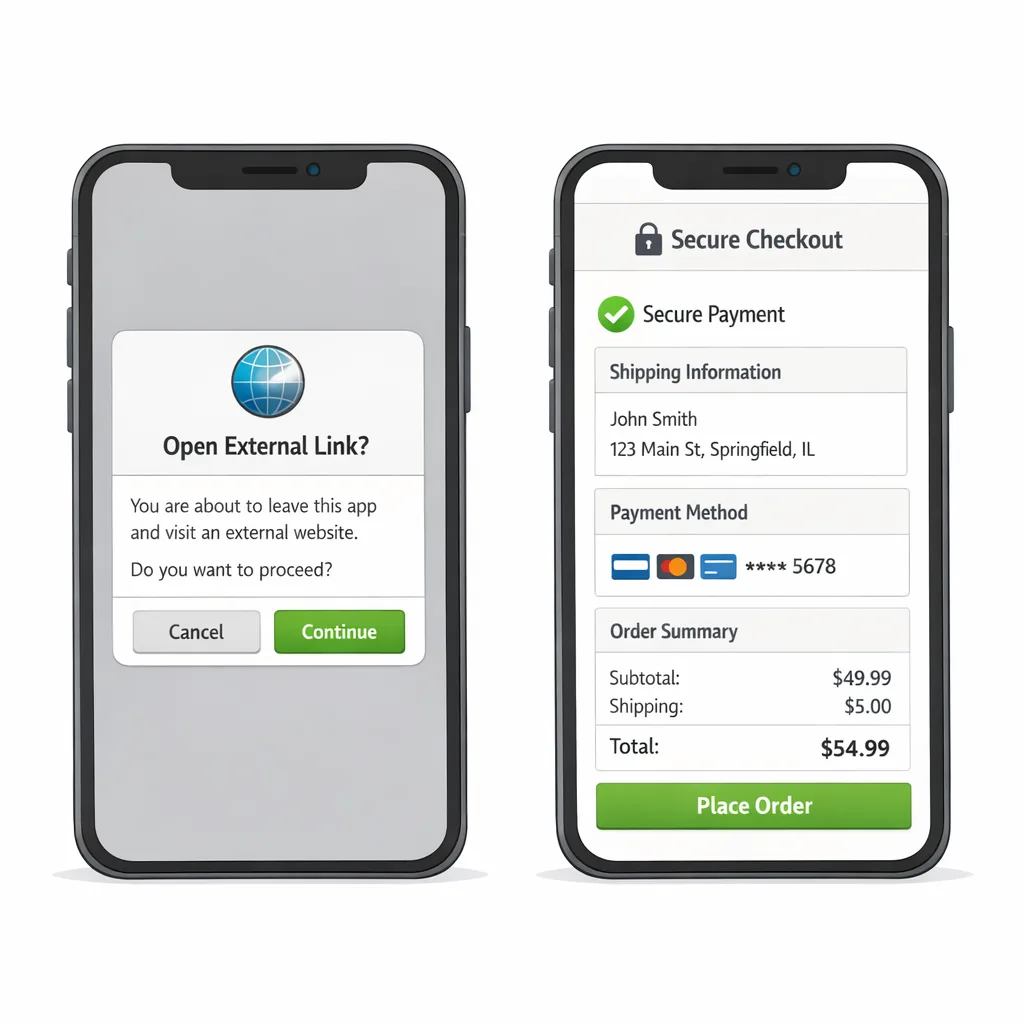
2) Implement the standardized information screen. Before you deep‑link a user out of your app, Play shows a standardized interstitial explaining they’re leaving Play and how refunds/support work. You trigger it via the Billing Client, not a custom dialog.
3) Generate and post the external transaction token. On each link‑out, request a fresh token and send it back to Google after the user completes a qualifying purchase or install outside Play. This token is how Google attributes the off‑Play event to your app journey. Don’t cache the token; generate one per link event.
4) Register domains and packages in Play Console. Any destination domains for digital offers must be approved, and if you link to a page that lets users install another app, those app packages need approval too. Keep a registry of approved links per build channel.
5) Build the kill switch. Add remote config to disable external links by market, surface, or campaign. You may need to pause a flow during review or if fees or legal terms change.
6) Support and refunds. If you accept payment outside Play, your support load shifts. Update macros and train your agents to handle receipt lookups, chargebacks, and mixed refunds (Play vs your PSP).
Fees and uncertainty: how to budget without guesswork
Google has published fee intent for off‑Play transactions and external downloads linked from Play in the U.S., including a proposed 20% on most off‑Play digital purchases (10% for auto‑renewing subscriptions) and fixed per‑install fees when a user downloads an external app within a short window after clicking your in‑app link. Industry reporting pegs those per‑install figures around $2.85 for apps and $3.65 for games. There’s a late‑January court milestone that could alter timing and details, but your engineering obligations remain the same: enroll, integrate, and report by January 28.
How to model today: for a $50 one‑time external purchase within six months of a Play install, set a base assumption of roughly low‑teens percentage in combined acquisition and ongoing service fees; for subscriptions, assume around 10% ongoing on off‑Play renewals. Run sensitivity at 10k, 50k, and 200k monthly external installs with those $2–$4 per‑install figures so Finance can see break‑evens. Update the model after the late‑January hearing without changing code.
Want the deeper engineering plan? See our Google Play external links build checklist—it covers the interstitial, token handoff, server reporting, and QA rails with examples.
Age Signals is live: use it correctly
The Play Age Signals API is now constrained to a single purpose: tailoring age‑appropriate experiences in the app that receives the signal. That’s sensible from a user trust perspective, but it impacts analytics and experimentation habits. If you copied the signal into a central data store, revisit those pipelines immediately.
Ship steps (Play Age Signals)
1) Confirm scope and storage. Ensure the signal isn’t exported to marketing systems or data warehouses. Catalog every consumer of the signal (SDKs included) and remove non‑compliant uses.
2) Implement “significant change” notifications. When you add or materially alter a sensitive feature (say, enabling UGC replies or adding web uploads), file the change in Play Console with an effective date. Parents will see and approve these changes for supervised users.
3) Handle statuses in code. You’ll see whether a supervised user is fully approved, pending, or denied for new sensitive features. Respect those states across all entry points—not just one button.
4) Test family and EDU device modes. Run real‑device QA for supervised accounts, enterprise‑managed profiles, and devices with restricted profiles. These modes find edge‑case crashes faster than any lab script.
We’ve posted a focused walkthrough with code paths in Google Play Age Signals: 2026 Ship Guide.
EU‑specific but time‑sensitive: Apple’s Core Technology Commission
If you distribute in the EU, Apple’s business terms are changing around a percentage‑based Core Technology Commission for apps using certain alternative distribution or payment options. The pivot began January 1, 2026, and interacts with anti‑steering allowances and external link rules. The bottom line: update P&L models for EU storefronts and get Legal to confirm which term set you’re on today. This won’t block your January releases in the U.S., but it can surprise your finance team at quarter‑close if you ignore it.
A realistic two‑week plan to land the deadlines
Here’s a plan I’d hand to a product‑engineering triad on January 7, 2026.
Week 1
• Apple: Complete the age rating questionnaire for top 3 SKUs. Lock answers and have Legal sanity‑check anything touching medical/wellness, UGC, or gambling‑adjacent mechanics.
• Play (external links/ABO): Upgrade to Play Billing Library 8.3.0 (or latest 8.x) in a dedicated branch. Implement the interstitial trigger and the external transaction token flow end‑to‑end. Register your domains and any external app packages in Play Console.
• Play (Age Signals): Remove non‑compliant data exports and set up a “significant change” template your PMs can file with clear effective dates.
Week 2
• QA matrices: iOS 26 family setups, Android supervised accounts, enterprise profiles, Chromebook builds if you ship PWAs. Include spot checks on low‑RAM devices.
• Support + Fraud: Update help center copy and macros explaining off‑Play refunds vs Play Billing refunds. Add chargeback monitoring on your PSP with filters for “external link” flows.
• Monitoring: Instrument funnels around the Play information screen (abandonment after interstitial, link‑out success, return rate). Set Slack alerts for token mismatches and reporting errors.
• Rollout plan: Stage to 5% → 25% → 100% for the Android build; on iOS, submit early to buffer app review. Keep the kill switch within arm’s reach in case conversion dips at the interstitial.
Conversion and revenue: guardrails that work
• Pre‑qualify link eligibility. Don’t show the “external checkout” button if the user’s device or account isn’t eligible; avoid dead‑end dialogs.
• Content parity. If your external checkout has better prices or bundles, explain the benefit before the interstitial so the user expects the hop.
• Receipt reliability. For off‑Play purchases, issue receipts that include your external transaction ID and the Play external token reference. Your support team will thank you.
• Budget for per‑install fees. If you’re linking to external downloads, know your CPI and LTV. A $2–$4 fee can be fine for high‑LTV SKUs and brutal for low‑margin utilities. Test small and measure.
Risks, edge cases, and how we’ve seen them resolved
• Conflicting ratings vs content: If your marketing site shows intense content that your app rating suggests is teen‑friendly, expect questions in review. Align the story across surfaces.
• Token lifecycle bugs: Caching the external token, or forgetting to regenerate on repeated link‑outs, is a classic rejection or reporting‑gap trigger. Treat tokens as single‑use.
• Mixed checkout confusion: When you keep Play Billing and external checkout side‑by‑side, label clearly and default to the option that maximizes user trust on that screen. A/B test which comes first.
• Missed “significant change” filings: Product teams often ship sensitive features behind a server flag and forget to file. Bake the console filing into your feature launch checklist with an effective date.
A quick framework you can copy
Use this 3x3 to force crisp decisions fast:
• Scope: Which flows link out? Which items move to external checkout? Which markets are included on day one?
• Safety: What approvals are needed (age, parent, enterprise admin)? What content filters run client‑side vs server‑side?
• Settlement: What fees apply per flow (percentage, fixed per‑install)? Where do refunds route? Who owns chargebacks?
• Signals: What Age Signals states block/allow this feature? Do you send a "significant change" before the flag flip?
• Screens: What does the pre‑interstitial copy say? Where is the toggle if you need to pause?
• Support: Macros, SLAs, and escalation for off‑Play receipts; how do you verify purchase without Play?
• Security: Token misuse detection; origin domain allowlists; fraud rules tuned for external flows.
• Stats: What’s the KPI target after the interstitial? What’s acceptable abandonment?
• Sequencing: Which app updates submit first, and which can slip without business damage?
What to do next
• Today: File your Apple age rating questionnaire answers for at least your top 3 revenue apps. Open a Play branch on Billing 8.x and implement the interstitial + token loop.
• This week: Register external domains and any linked app packages in Play Console. Kill non‑compliant Age Signals exports. Draft support macros for off‑Play refunds.
• Next week: Run supervised‑account QA, stage rollout for Android, and submit iOS. Run a finance model with low/medium/high fee scenarios so you’re not surprised after the late‑January court milestone.
Need a hand or a second set of eyes? Our team ships this kind of work for a living. Start with the deeper platform guides—App Store policy changes 2026: what to ship now, the Age Signals 2026 ship guide, and the Play external links checklist—or talk to us about an accelerated engagement via our mobile compliance and monetization services.
January is always busy. This year it’s also decisive. Do the unglamorous work—answer the Apple questionnaire with care, wire the Play interstitial and token correctly, and model fees with sober assumptions—and you’ll clear review queues while your competitors are still arguing about wording in Slack. See you on the other side of the month.





Comments
Be the first to comment.